In this edition: Meet the 2024 Apple Design Award winners and get ready for WWDC24.
|
|||||||||||||||||||||||||||||||||||||||||||||||||||||||||||
Apple Developer News and Updates feed provided by Apple, Inc.
In this edition: Meet the 2024 Apple Design Award winners and get ready for WWDC24.
|
|||||||||||||||||||||||||||||||||||||||||||||||||||||||||||
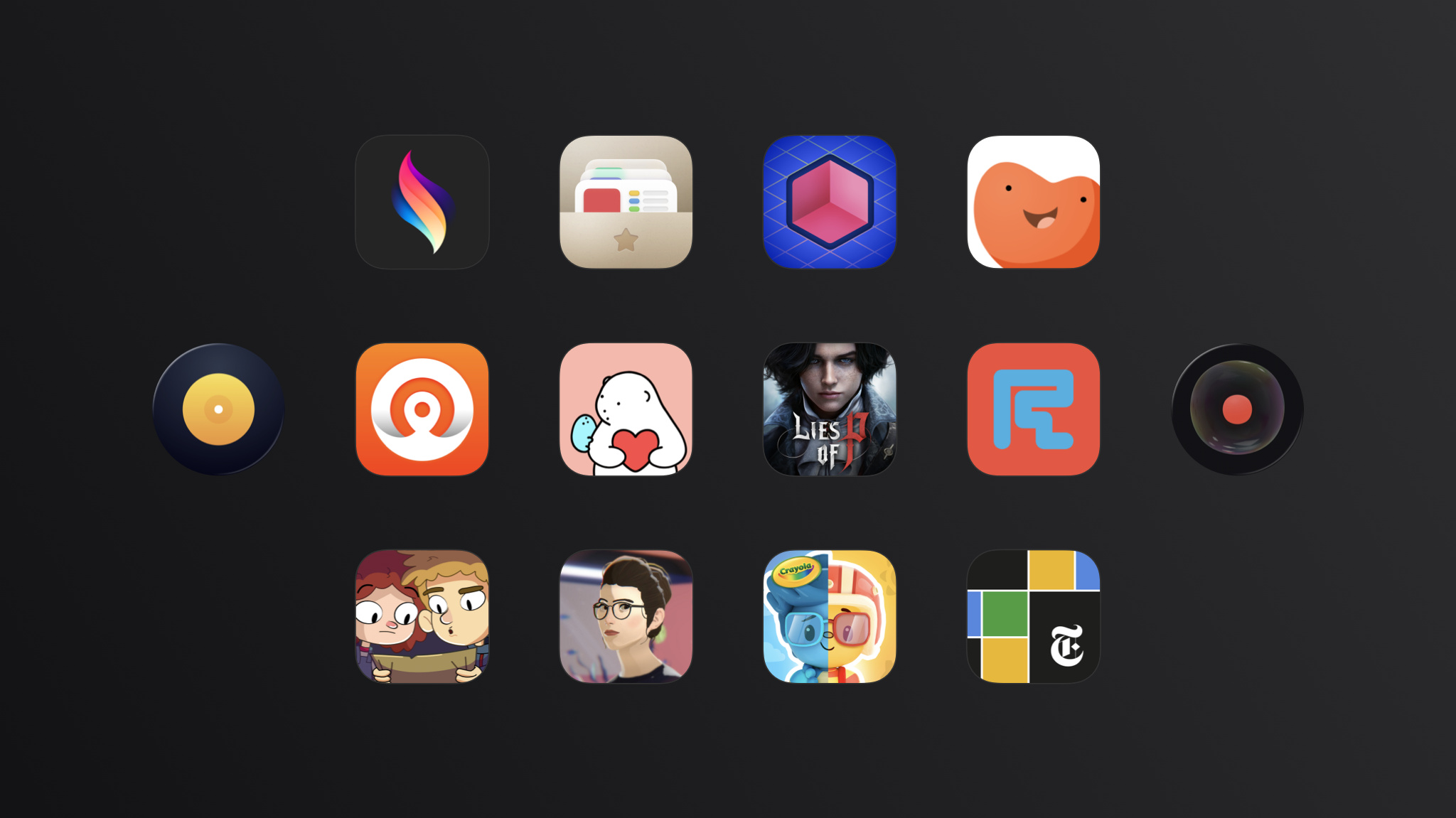
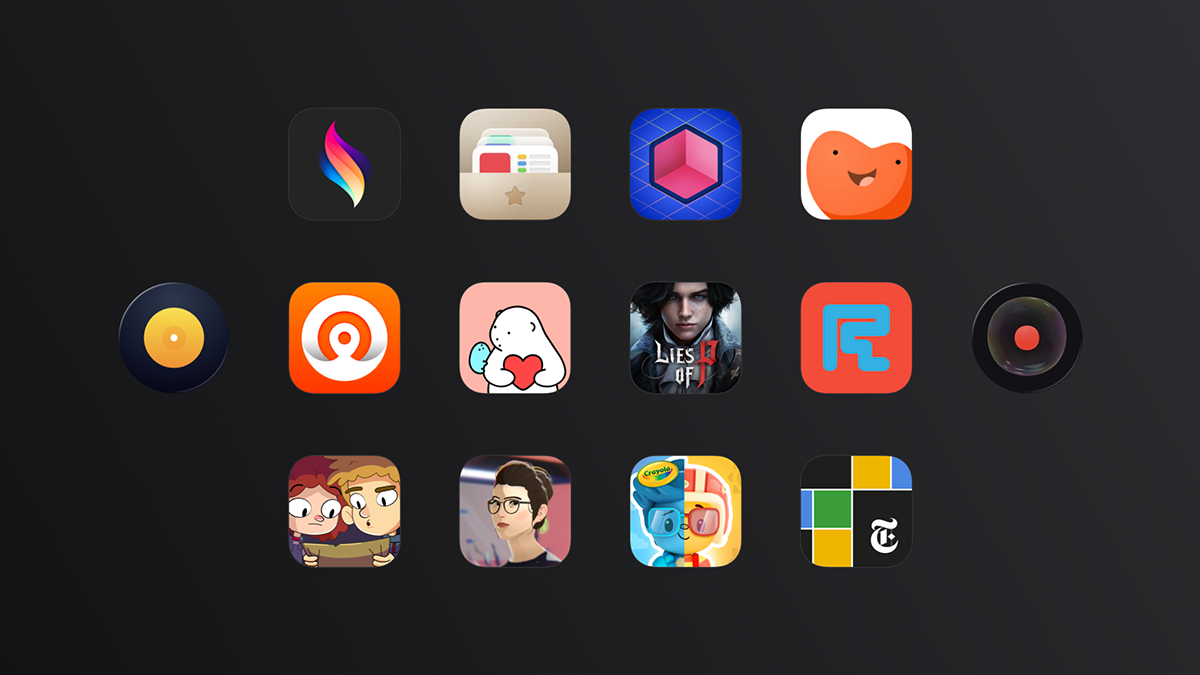
Every year, the Apple Design Awards recognize innovation, ingenuity, and technical achievement in app and game design.
The incredible developers behind this year’s finalists have shown what can be possible on Apple platforms — and helped lay the foundation for what’s to come.
We’re thrilled to present the winners of the 2024 Apple Design Awards.
One week to go. Don’t miss the exciting reveal of the latest Apple software and technologies.
Keynote kicks off at 10 a.m. PT on June 10.
Join us for the Platforms State of the Union at 1 p.m. PT on June 10.
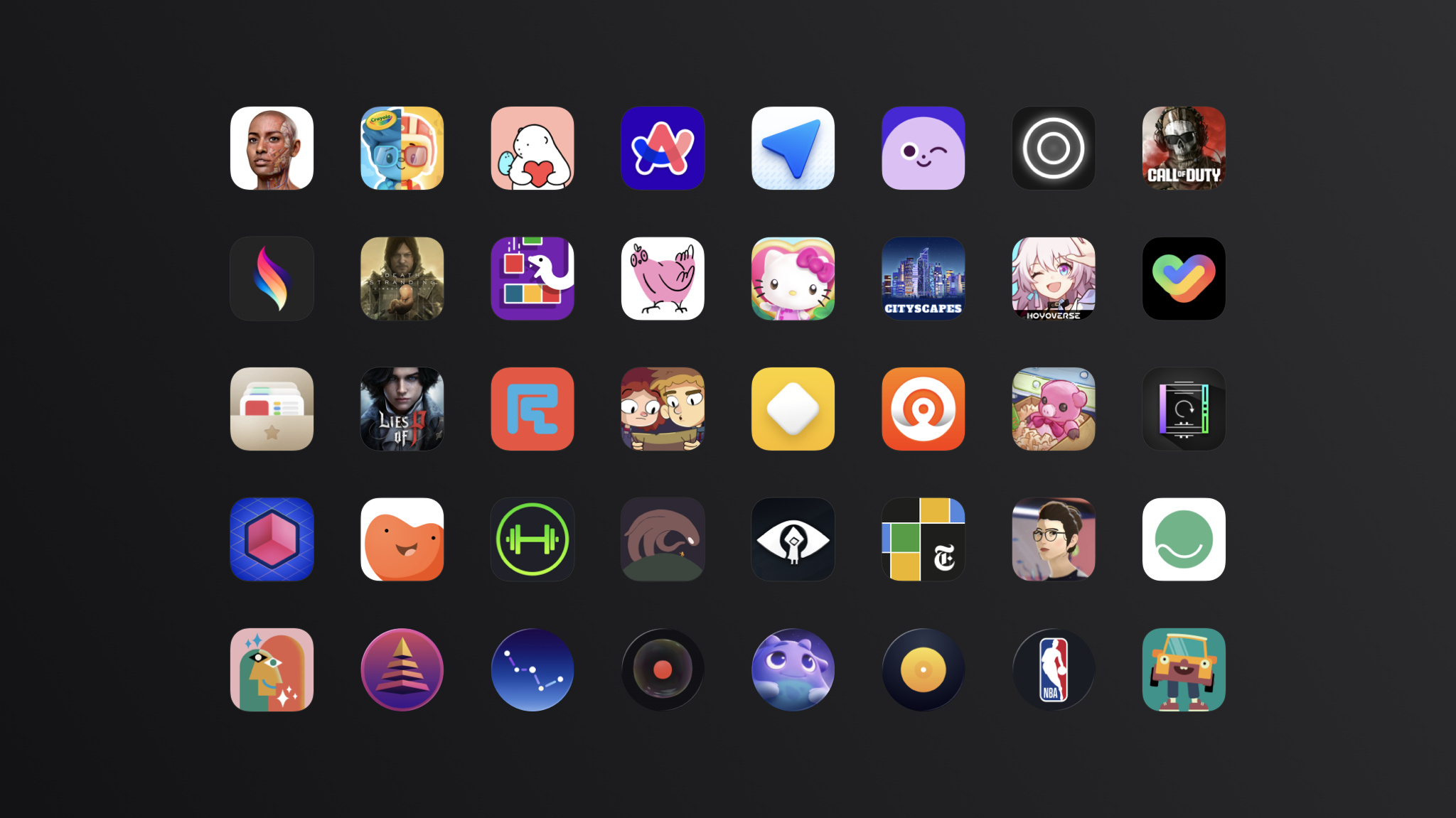
Every year, the Apple Design Awards recognize innovation, ingenuity, and technical achievement in app and game design.
But they’ve also become something more: A moment to step back and celebrate the Apple developer community in all its many forms.

The Apple Developer Forums have been redesigned for WWDC24 to help developers connect with Apple experts, engineers, and each other to find answers and get advice.
Apple Developer Relations and Apple engineering are joining forces to field your questions and work to solve your technical issues. You’ll have access to an expanded knowledge base and enjoy quick response times — so you can get back to creating and enhancing your app or game. Plus, Apple Developer Program members now have priority access to expert advice on the forums.

It won’t be long now! WWDC24 takes place online from June 10 through 14, and we’re here to help you get ready for the biggest developer event of the year. In this edition:
WWDC24
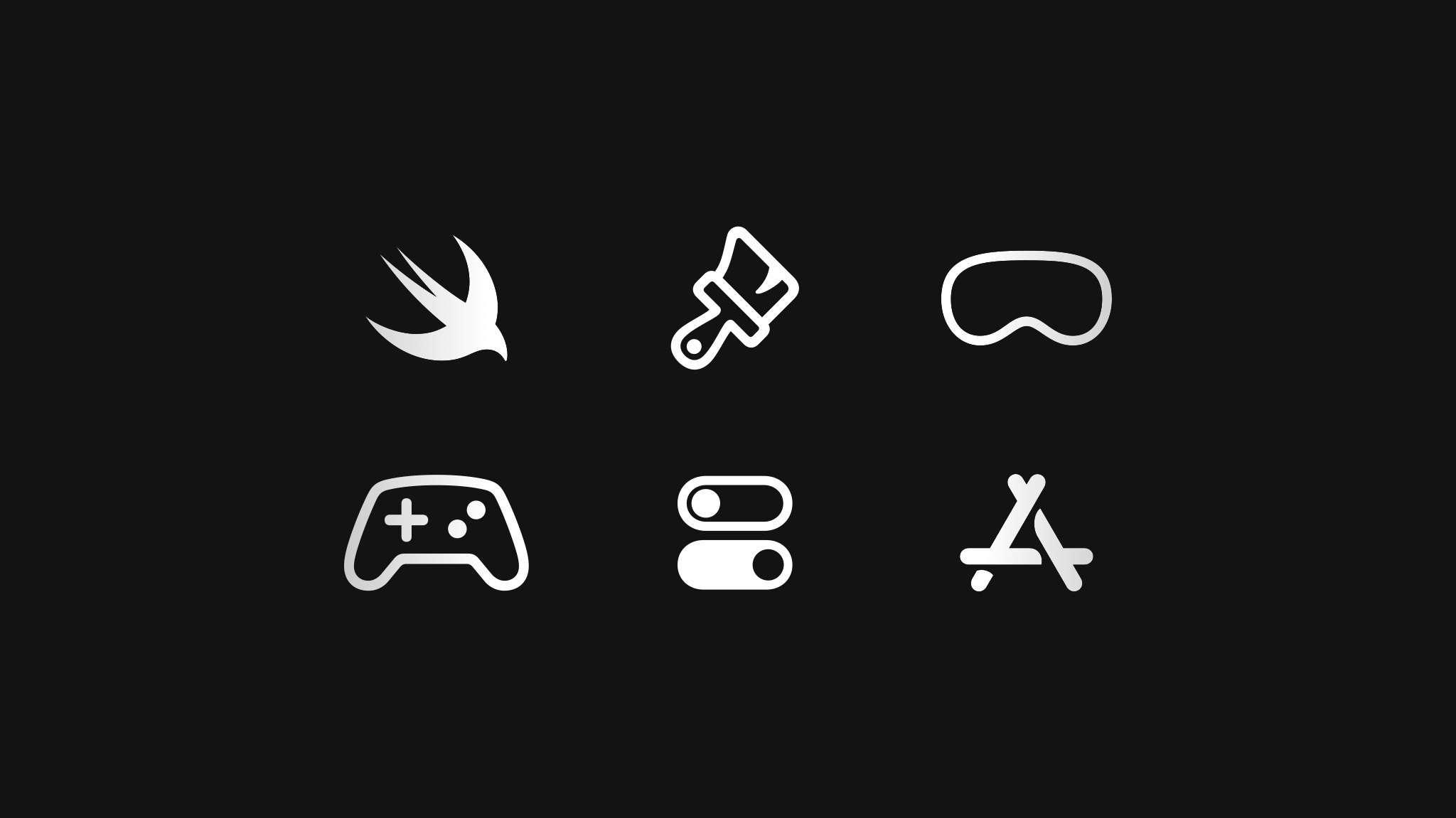
If you’re new to developing for Apple platforms, we’ve got an exciting announcement. Pathways are simple and easy-to-navigate collections of the videos, documentation, and resources you’ll need to start building great apps and games. Because Pathways are self-directed and can be followed at your own pace, they’re the perfect place to begin your journey.
Explore Pathways for Swift, SwiftUI, design, games, visionOS, App Store distribution, and getting started as an Apple developer.
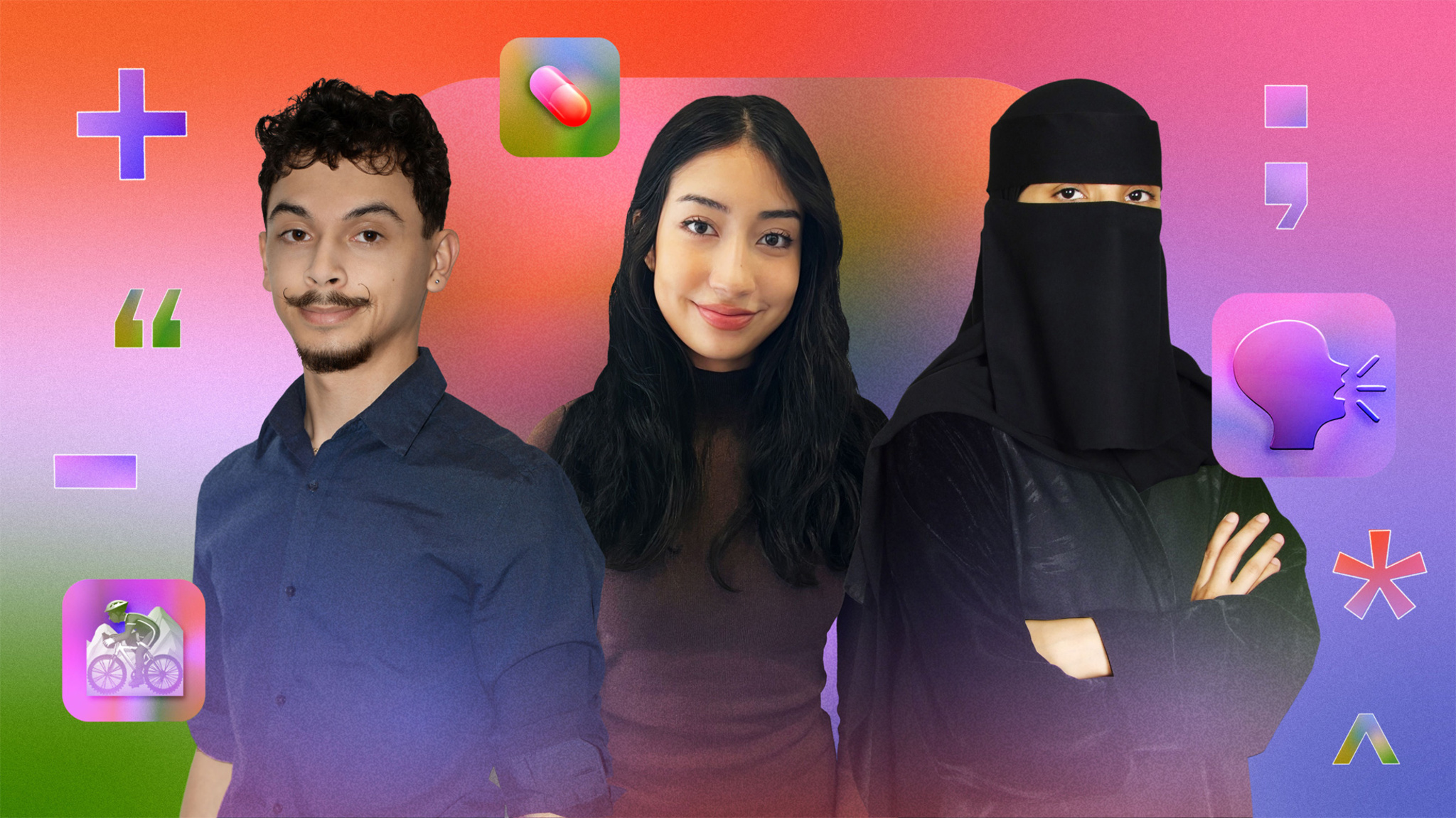
Elena Galluzzo, Dezmond Blair, and Jawaher Shaman all drew inspiration from their families to create their winning app playgrounds. Now, they share the hope that their apps can make an impact on others as well.
Meet Elena, Dezmond, and Jawaher >
MEET WITH APPLE EXPERTS

Browse the full schedule of activities >
NEWS

Bring even richer and more immersive interactions to your iPad app with new features, like squeeze gestures, haptic feedback, and barrel-roll angle tracking.
BEHIND THE DESIGN
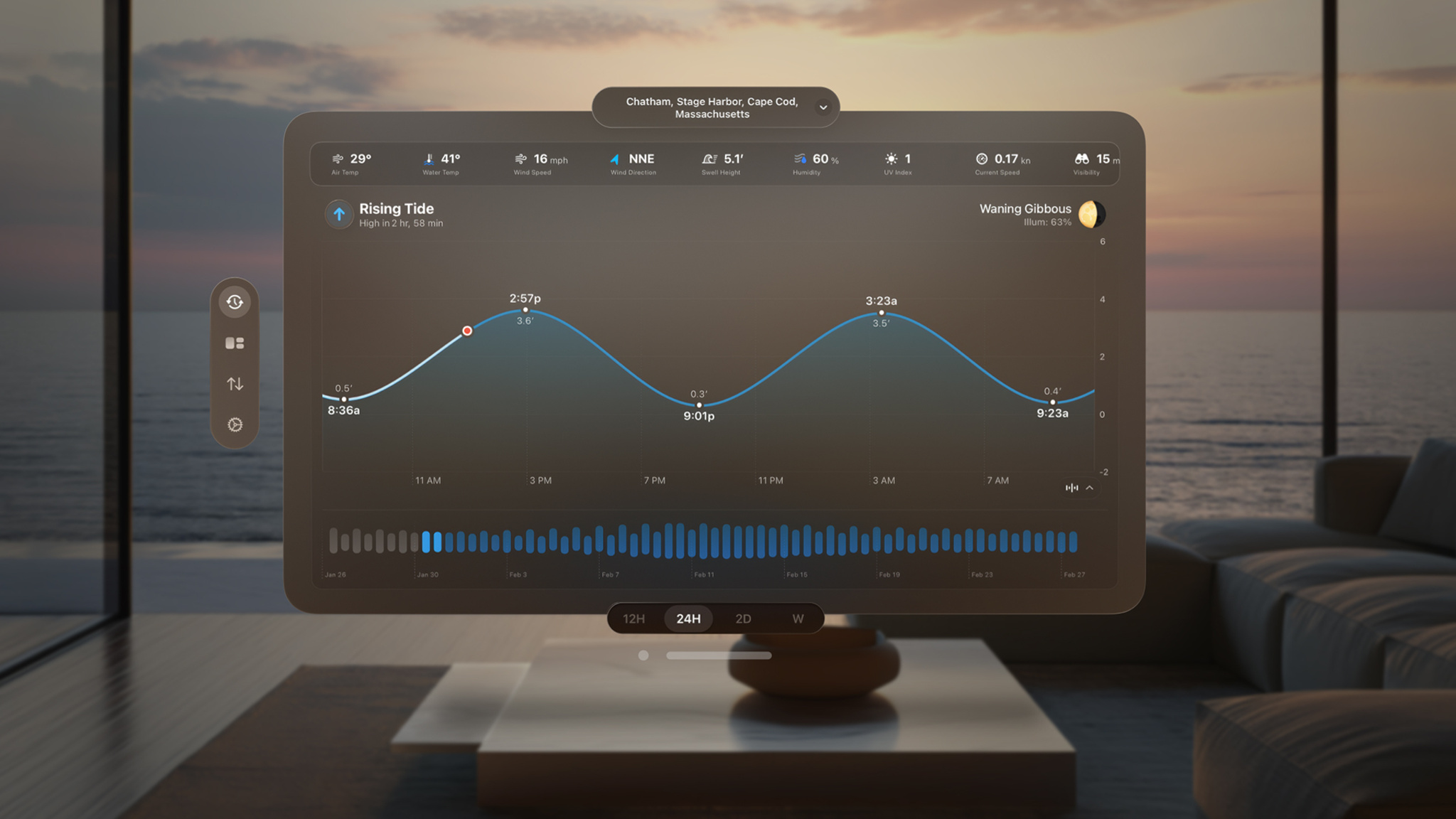
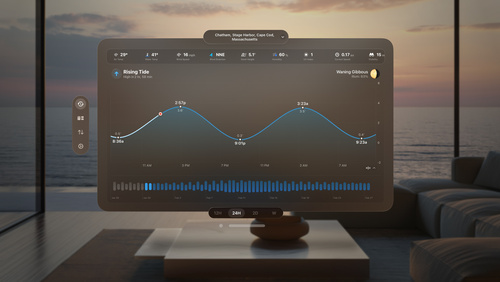
Here’s the swell story of how fishing with his grandfather got Tucker MacDonald hooked into creating his tide-predicting app.
GROW YOUR BUSINESS
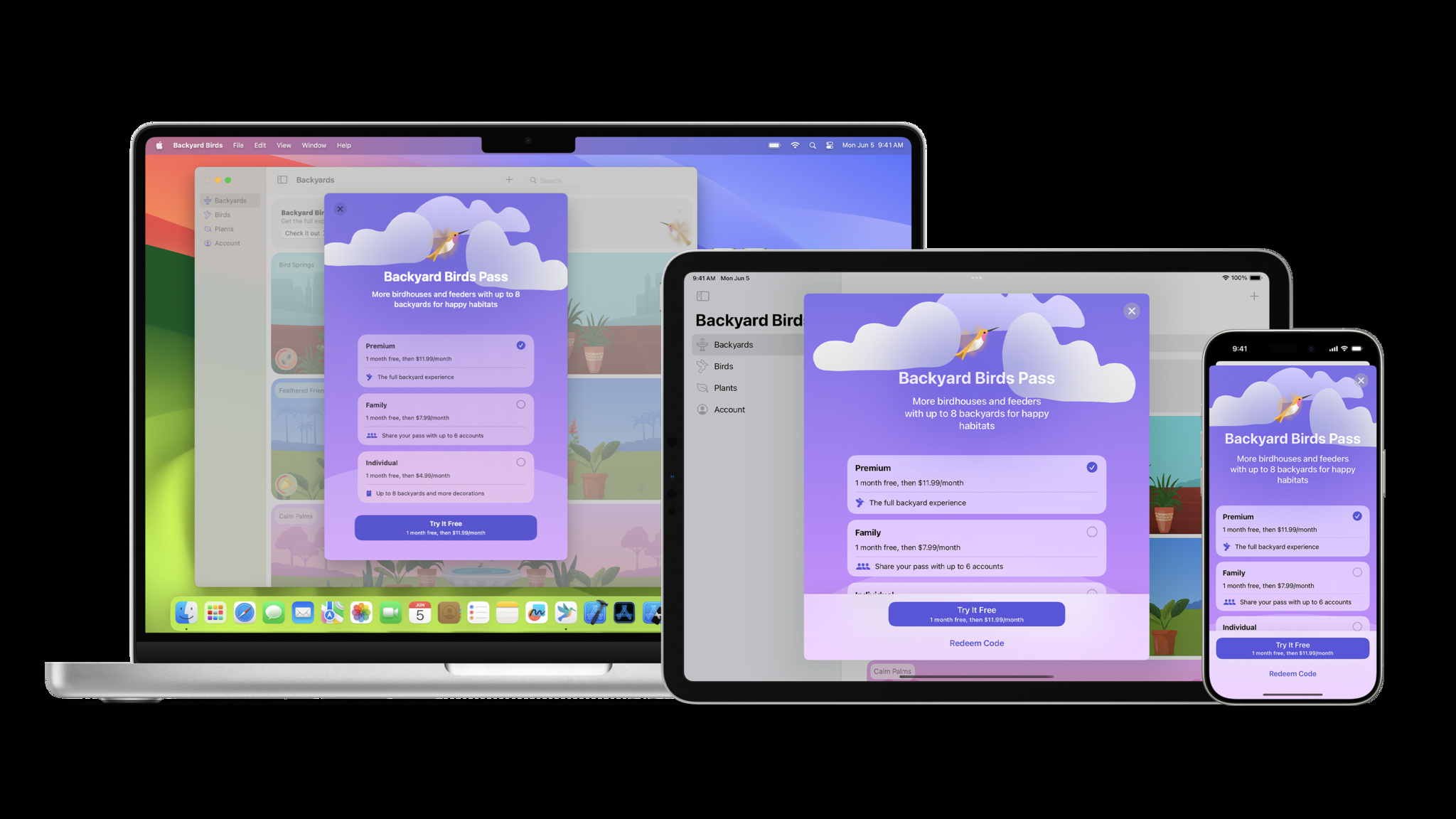
Take advantage of powerful global pricing tools, promotional features, analytics only available from Apple, built-in customer support, and fraud detection.
Q&A
Learn about shared experiences, spatial Personas, that magic “shockwave” effect, and more.
DOCUMENTATION
Want to get Hello Developer in your inbox? Make sure you’ve opted in to receive emails about developer news and events by updating your email preferences in your developer account.
We’d love to hear from you. If you have suggestions for our activities or stories, please let us know.
SharePlay is all about creating meaningful shared experiences in your app. By taking advantage of SharePlay, your app can provide a real-time connection that synchronizes everything from media playback to 3D models to collaborative tools across iPhone, iPad, Mac, Apple TV, and Apple Vision Pro. We caught up with the SharePlay team to ask about creating great SharePlay experiences, spatial Personas, that magic “shockwave” effect, and more.
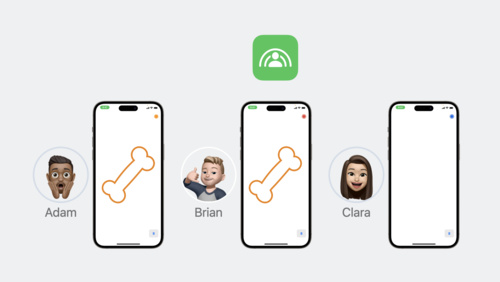
Anyone can begin a group activity by starting a FaceTime call and then launching a SharePlay-supported app. When they do, a notification about the group activity will appear on all participants’ screens. From there, participants can join — and come and go — as they like. You can also start a group activity from your app, from the share sheet, or by adding a SharePlay button to your app.
SharePlay supports coordinated media playback using AVKit. You can use the system coordinator to synchronize your own player across multiple participants. If you have an ad-supported app, you can synchronize both playback and ad breaks. SharePlay also provides the GroupSessionMessenger API, which lets participants communicate in near-real time.
SharePlay allows people to share rich experiences with each other. Shared with You helps make app content that people are sharing in Messages available to your app. For example, if a group chat is discussing a funny meme video from your app, adopting Shared with You would allow your app to highlight that content in the app. And if your app supports SharePlay, you can surface that relevant content as an option for watching together.
Separately, Shared with You offers ways to initiate collaboration on shared, persisted content (such as documents) over Messages and FaceTime. You can choose to support SharePlay on that collaborative content, but if you do, consider the ephemerality of a SharePlay experience compared to the persistence of collaboration. For example, if your document is a presentation, you may wish to leverage Shared with You to get editors into the space while using SharePlay to launch an interactive presentation mode that just isn’t possible with screen sharing alone.
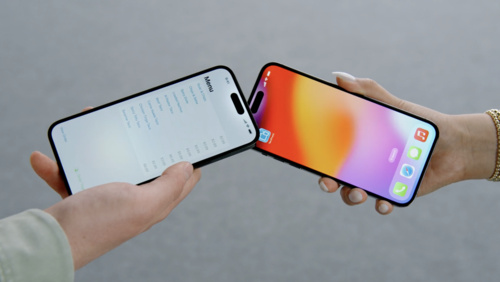
When your app lets your system know that your current view has shareable content on screen, people who bring their devices together can seamlessly share that content — much like NameDrop, which presents a brief “shockwave” animation when they do. This method supports the discrete actions of sharing documents, initiating SharePlay, and starting a collaboration. This can also connect your content to the system share sheet and help you expose shareable content to the Share menu in visionOS.
Yes! SharePlay is supported across iOS, iPadOS, macOS, tvOS, and visionOS. That means people can watch a show together on Apple TV+ and keep their playback synchronized across all platforms. To support a similar playback situation in your app, watch Coordinate media playback in Safari with Group Activities. If you’re looking to maintain your app’s visual consistency across platforms, check out the Group Session Messenger and DrawTogether sample project. Remember: SharePlay keeps things synchronized, but your UI is up to you.
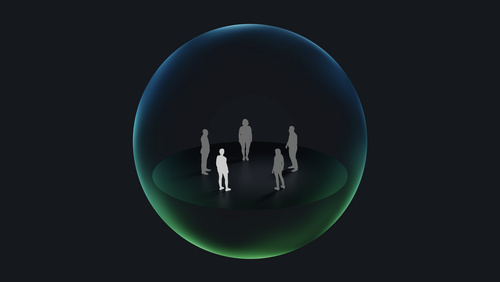
When you add Group Activities to your app, people can share in that activity over FaceTime while appearing windowed — essentially the same SharePlay experience they’d see on other platforms. In visionOS, you have the ability to create a shared spatial experience using spatial Personas in which participants are placed according to a template. For example:
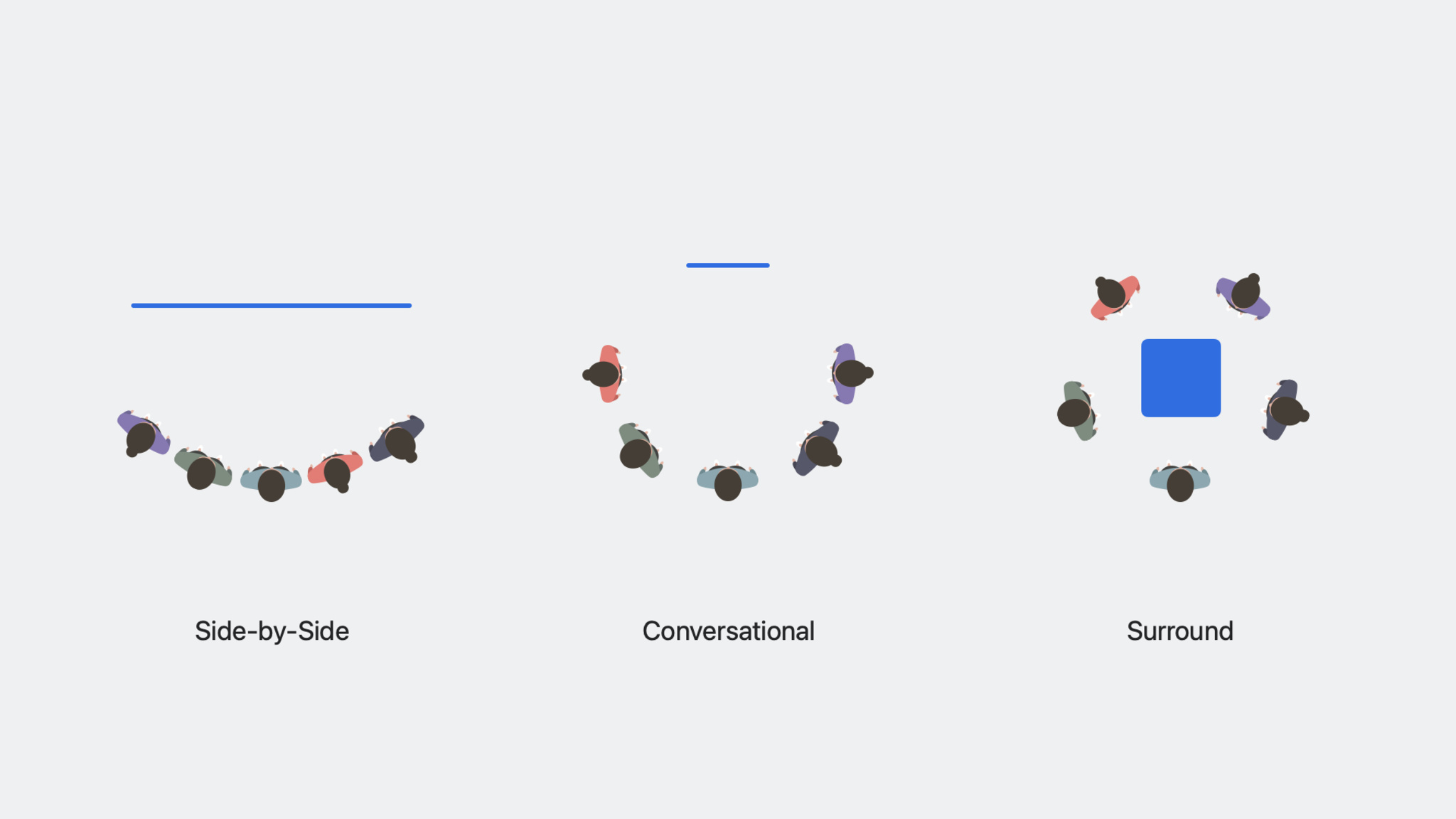
Using spatial Personas, the environment is kept consistent and participants can see each others’ facial expressions in real time.
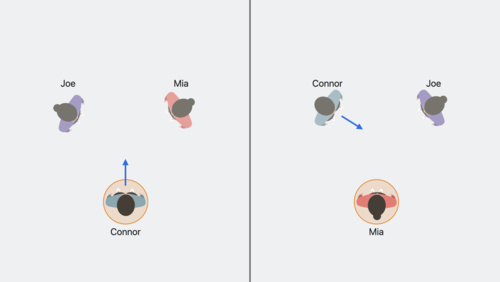
FaceTime in visionOS provides a shared spatial context by placing spatial Personas in a consistent way around your app. This is what we refer to as “visual consistency.” You can use SharePlay to maintain the same content in your app for all participants.
No. Only one window or volume can be associated with a SharePlay session, but you can help the system choose the proper window or volume.
SharePlay supports 33 total participants, including yourself. Group activities on visionOS involving spatial Personas support five participants at a time.
Yes. During a FaceTime call, your app will appear in a window, and participants in the FaceTime call will appear next to it.