Posted on Leave a comment

Stunning Cinematic Platformer ‘Planet Of Lana 2’ Leaps Onto Switch 1 & 2 Next Month

Wishfully Studios and Thunderful’s cinematic puzzle/platforming sequel, Planet of Lana II: Children of the Leaf, has looked more stunning with every gameplay reveal. Its latest trailer is no exception, of course, but this one comes with a bonus bit of info: a release date.

Yes, it has been revealed that Children of the Leaf will leap onto Switch and Switch 2 on 5th March 2026 — that’s just one month away! What’s more, the developer has confirmed that a free demo is in the pipeline too, arriving on PC, PlayStation and Xbox on 11th Feb, and on Switch and Switch 2 at a “later date”.

The release date trailer showcases even more puzzle platforming in action, with those visuals once again being the star of the show. Previous gameplay showcases have highlighted Lana’s cute companion, Mui, and its transforming abilities, and we get to see a little more here, with the little guy taking on the form of a fish and a flying insect, piloting robots, and channelling electrical currents — way to go, Mui!

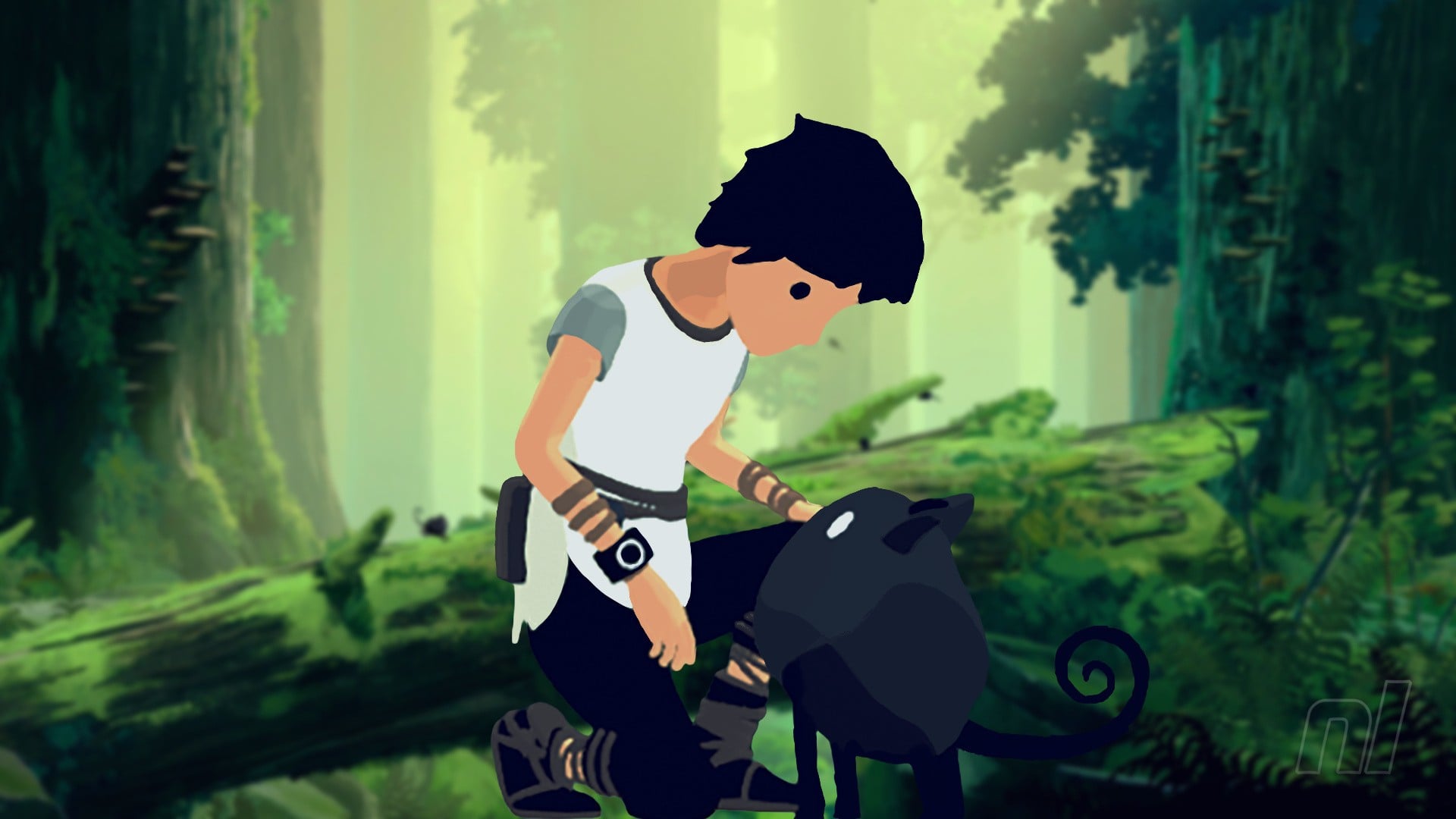
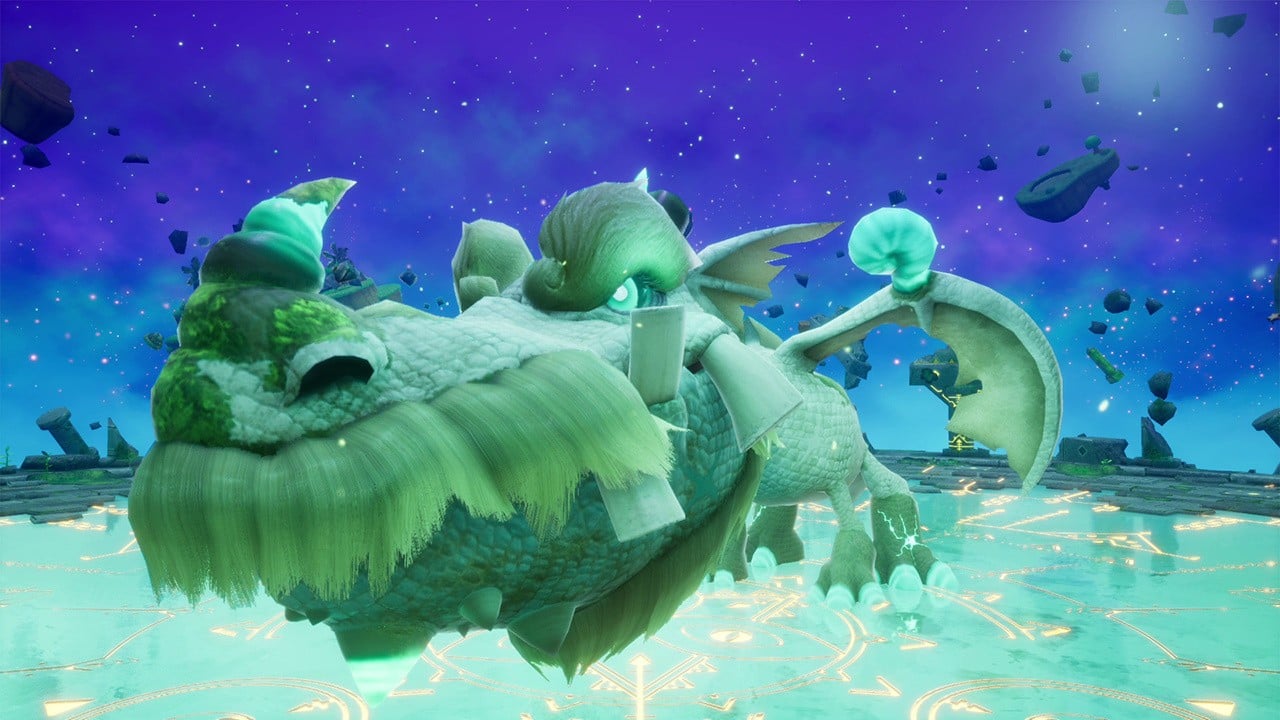
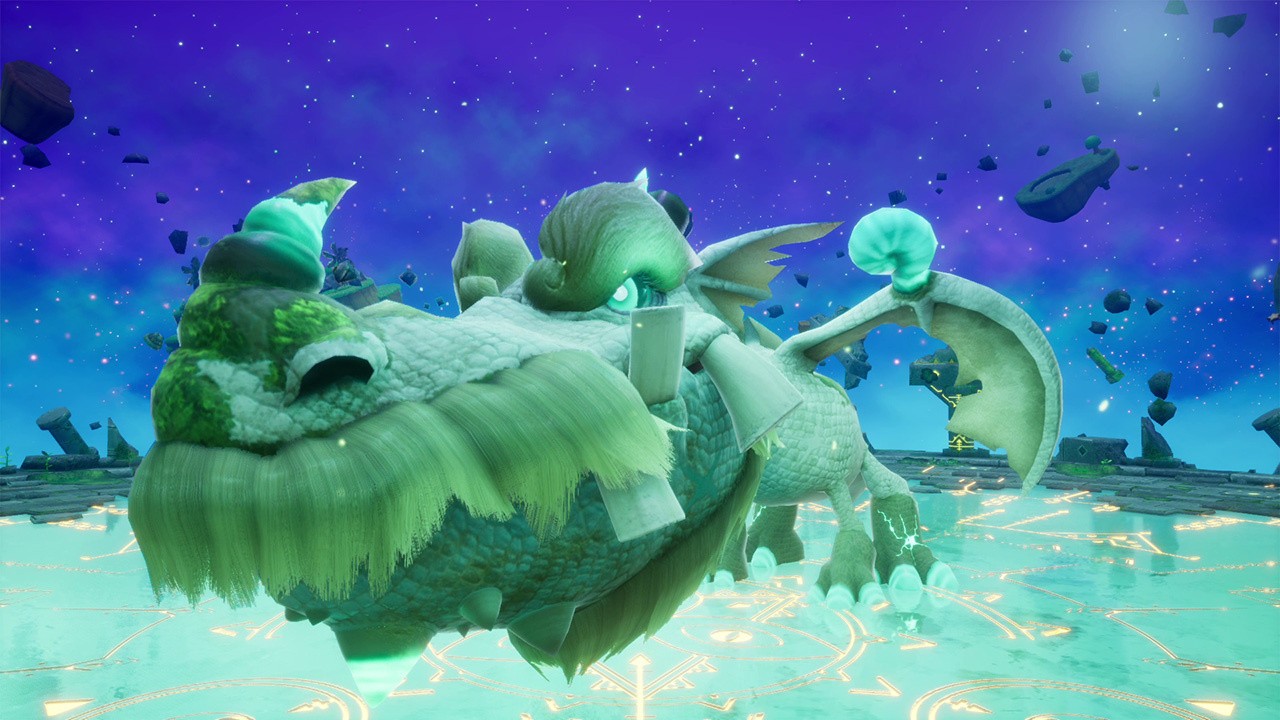
Here’s a brief rundown of the game’s setup and a handful of screenshots:

As greed and power divide the tribes of their home planet, Lana and her loyal companion Mui must stand together against the forces reshaping their world – struggling not just for survival, but for the very soul of their home. Embark on an unforgettable cinematic puzzle journey across Novo, where ancient mysteries and new threats will test your wits, challenge Lana’s unbreakable bond with Mui, and guide her toward her destiny.
Prepare to explore an expanded story, tackle challenging new puzzles, and master evolved companion mechanics – all brought to life by breathtaking hand-painted environments and a sweeping orchestral soundtrack.

We’ll be excited to see what this one holds when it arrives on Switch and Switch 2 next month — hopefully we don’t have to wait too long for the demo, either. We had a great time with its predecessor back in 2024, calling it “a treat for the long-suffering cinematic platforming fan” in our review.

Will you be picking up Planet of Lana 2 next month? Let us know in the comments.

Posted on Leave a comment

Splatoon 3’s New Job Scenarios Are Wrapping Up With The Next Eggstra Work Event

Splatoon 3
Image: Nintendo

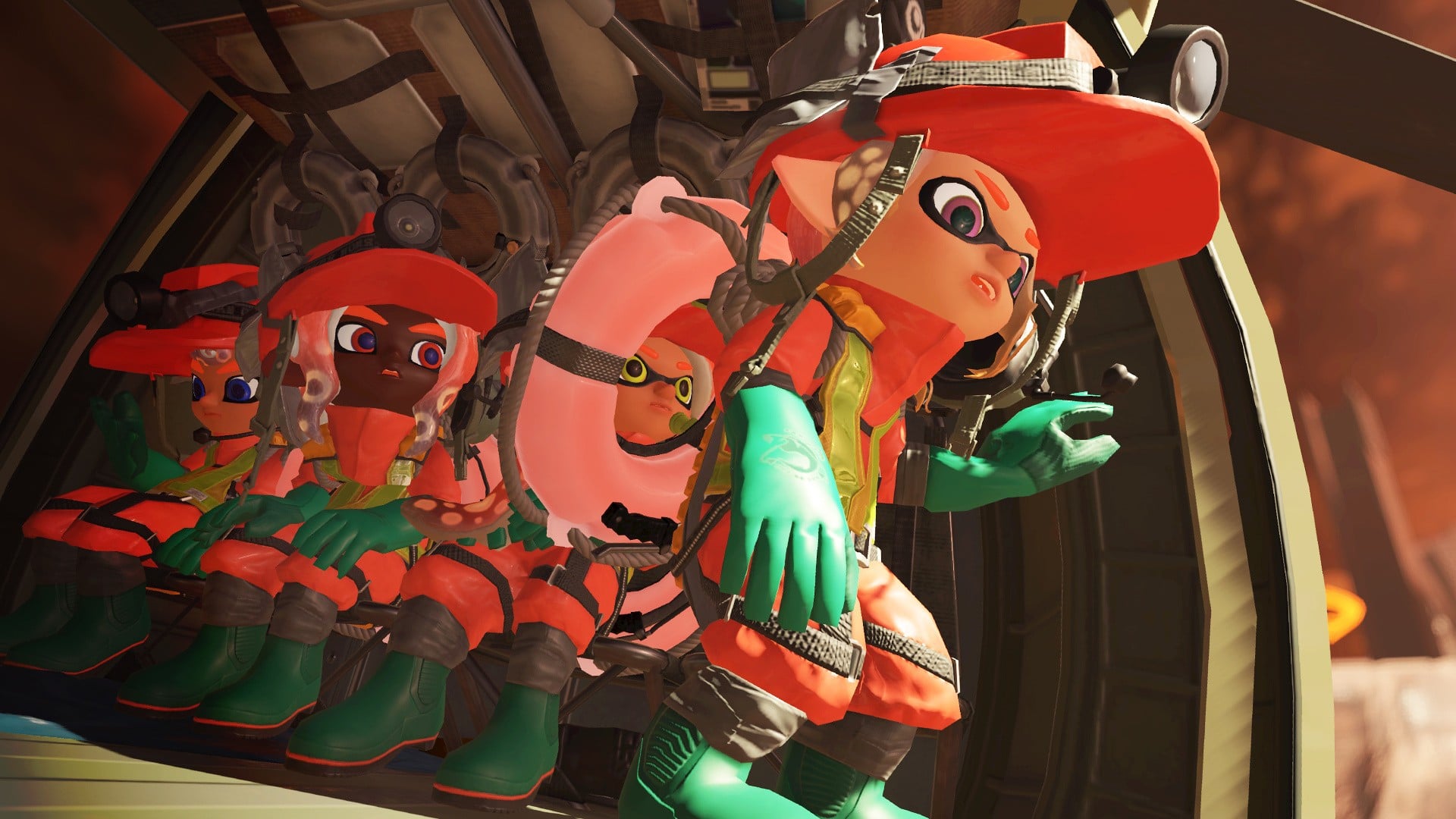
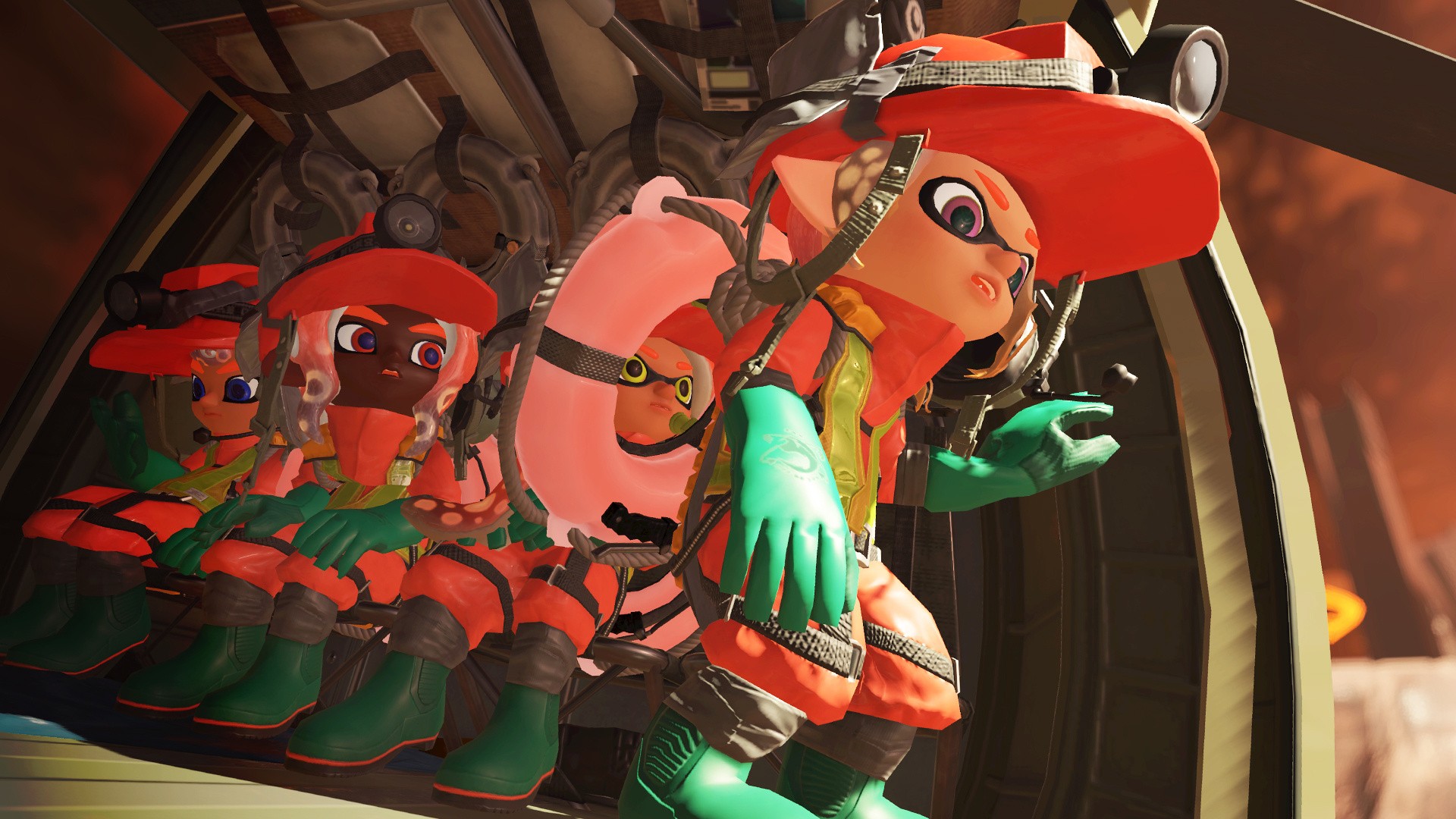
Splatoon 3‘s “regular updates” came to a close back in September 2024, but the recurring Eggstra Work events have continued to land new job scenarios (the predetermined shift conditions) in the years since. That is until this month, when they, too, are wrapping up.

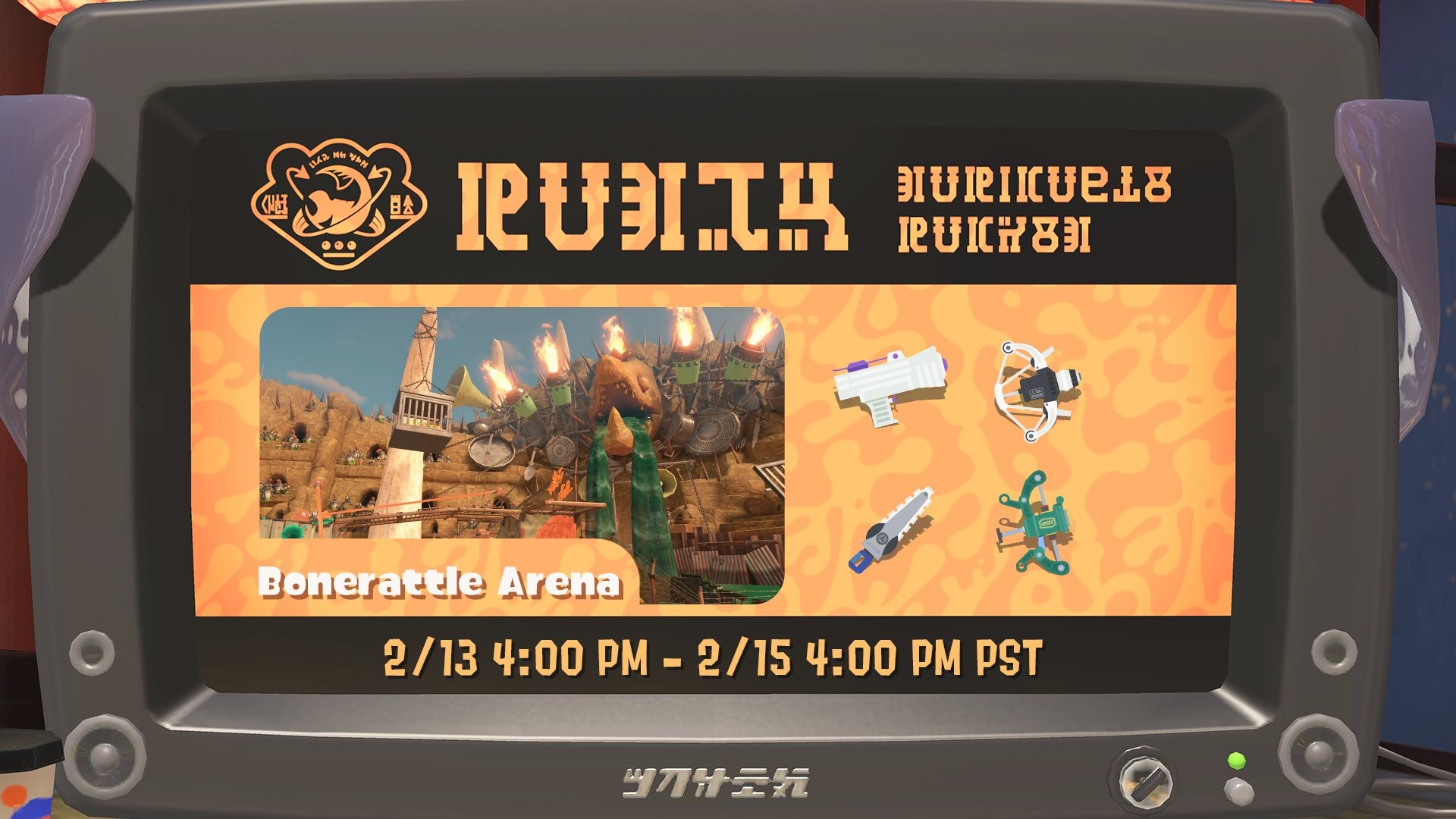
Shared in a post by the official @SplatoonJP X account (via @Oatmealdome on Bluesky), Nintendo confirmed that the next Eggstra Work will be the last to feature new job scenarios. While more Eggstra Work shifts will crop up in the future, they will use previous scenarios instead — which should make planning a little easier, at least.

As a reminder, the next event runs from 14th-15th February, and will be held in the Bonerattle Arena.

Splatoon 3 Eggstra Work
Image: Nintendo

While Splatoon 3’s seasonal Splatfests are still alive and well, even these special events have started reusing old themes from Splatoons past. With Eggstra Work following suit, we guess things really are coming to an end.

We still don’t have word of any ‘Splatoon 4’ just yet. Last year, Nintendo revealed the story-focused spin-off, Splatoon Raiders, though news on this front has been quiet ever since. Then, late last month, an age rating for Splatoon 3 on Switch 2 appeared on the PEGI website, prompting rumours that the series’ 2022 entry might be getting the ‘Switch 2 Edition’ treatment down the line.

Will you be taking part in this final new job scenario Eggstra Work event? Let us know in the comments.

Posted on Leave a comment

Swift Student Challenge submissions are now open

Swift programming language logo (orange bird icon) inside a colorful gradient orb, with the number 26 in the background, representing Swift in 2026.

The Swift Student Challenge is here! Submissions are now open through February 28, and students from all over the world are invited to submit their app playgrounds.

Learn more about the Challenge

Key things to know

  • No prior experience is needed. The Challenge is open to students of all levels who meet the eligibility requirements.
  • The Challenge is free to enter — all you need is access to a Mac or iPad with Xcode or Swift Playground.
  • Your app playground can be on any topic of your choice. The best app ideas come from subjects or experiences that you’re passionate about.
  • Your app playground should be experienced within 3 minutes or less.
  • The Swift Student Challenge is a great opportunity for students to build their skills and create something great.

Learn more

Posted on Leave a comment

Fantasy Life i’s Latest Update Is Now Available On Switch 1 & 2, Here Are The Full Patch Notes

Fantasy Life i: The Girl Who Steals Time
Image: Level-5

Level-5 is showing no signs of slowing down the Fantasy Life i: The Girl Who Steals Time updates, and the latest patch has gone live today.

The ver. 2.1.0 update is now available on Switch and Switch 2. This one includes a new “high-difficulty” boss battle, bonus Dream Quests, fresh items and much more. Naturally, there’s a bunch of balance adjustments and bug fixes, too.

Level-5 has since updated things further to ver. 2.1.1 on PlayStation, Xbox and Steam, and it has confirmed that this follow-up patch will arrive on Switch systems “at a later date”.

But back to what’s new on Switch. The full ver. 2.1.0 patch notes were shared on the Fantasy Life website, and we have gathered them together for you to check out below.

Fantasy Life i: The Girl Who Steals Time Ver. 2.1.0 (6th Feb 2026)

Feature Additions / Adjustments

Added Dream Challenge (High-difficulty Boss Battle)

  • Added new content: Dream Challenge.
    It becomes available after talking to Dark Don at the Base Camp once Don’s Dreamy Deals in Snoozaland reaches Shop Rank 3 or higher.

Added New Dream Quests in Snoozaland

  • Added the following quests to the dream content in Snoozaland:
    • Despair Showtime
    • Prism Burst!
    • Heaven Piercing Wings
    • Absolute Badness
    • *These quests unlock when Don’s Dreamy Deals reaches Shop Rank 5.

Improved UI in Snoozaland

  • Adjusted the layout of the equipment change screen displayed when acquiring new gear.
  • Added title displays to the results screen in multiplayer mode.

Adjusted the Bag Menu UI

  • Added effect icons to each item in the Bag.

Increased Recipe Cap from Islanders

  • Increased the daily limit on recipes received from island residents. You can now obtain up to 3 recipes per real-world day.

Added New Items

  • Added the following items:

[Weapons / Life Tools]

Dark Dragon Sword Dark Dragon Shield
Dark Dragon Buster Dark Dragon Bow
Dark Dragon Staff Dark Dragon Pickaxe
Dark Dragon Axe Dark Dragon Fishing Rod
Dark Dragon Hoe Dark Dragon Hammer
Dark Dragon Saw Dark Dragon Needle
Dark Dragon Flask Dark Dragon Frying Pan
Dark Dragon Brush

and more…

[Armor]

Shiba Inu White Series Shiba Inu Black Series
Black Dragon Whelp Series Marching Band Series
Moonbeam Series Moon Series
Skull Eyepatch

[Craftable Objects]

Patchwork Series Rose
Pearldrops Clover
Bonbelle Nightmare Series
Mr. Hammer #1 Replica Chef Piggy Replica
Chomp Leafe Replica Monziger Z Replica
King Tweet Tweet Replica

and more…

[Facility Appearance Options]

Patchwork Bridge Patchwork Stairs
Patchwork Road Patchwork Square
Thatched House – Color 4
(Your House / Islanders’ House Design)
Big Thatched House – Color 4
(Your House Design)

[Mounts]

Delivery Robot 2 Genbu
Greater Sea Beetle Ball

and more (6 total)

Added New Recipes

  • Added new recipes to Don’s Dreamy Deals.
  • *Don’s Dreamy Deals is accessible through Snoozaland gameplay.

Added New Emote

  • Added the emote LEVEL5! to Don’s Dreamy Deals.

Adjusted the Size of the Blue Flower Painting

  • Adjusted the craftable object Blue Flower Painting to 1×1 tiles to match its listed size.

Adjusted the Mystery Box at the Celestia Exchange

  • Made the following adjustments to the Mystery Box at the Celestia Exchange:
    • Added the Artisan King, Forager King, and Hero armor sets to the lineup.
      The Artisan King set can be obtained from the Surprise Box, the Forager King set from the Happy Box, and the Hero set from the Dreamy Box.
      • *These items will be added to the lineup once you obtain the corresponding armor through Colosseum quests.
    • Added Goddess Fruit, Cashnut, Exp. Sphere, and Redux Stone to the lineup.
    • Removed consumable items such as HP Potions from the lineup.
    • Adjusted the appearance rates for each item.

Adjusted the Damage Popup UI

  • Adjusted damage popups during battles and gathering minigames so that damage from your attacks is easier to see when multiple players attack at the same time.
  • Adjusted damage popups when attacking a Sweet Spot to make it easier to distinguish your damage from other players’ damage.

Adjusted the Item Acquisition Notification UI

  • Adjusted item acquisition notifications to display a NEW! icon when newly obtained items appear on the left side of the screen.

Balance Adjustments

Enhanced Charge Attacks and Special Skills

  • Buffed the following Charge Attacks, including damage increases:
Paladin Sonic Blade III
Mercenary Dragon Claw III
Magician Mystic Punishment III
Healing Forest III
  • Buffed the following Special Skills, including damage increases:
Paladin Elemental Edge
Mercenary Meteor Crash
Hunter Hurricane Shot
Magician Collapsing Star

Adjusted Buddy Behavior

  • Adjusted the in-battle behavior of Buddies with Combat Lives:
    • Increased the usage frequency of Special Skills.
    • Increased evasion rate.

Enhanced Buddy Skills

  • Enhanced the Unique Skills of some Buddies, including increased buff and healing effects, as well as damage boosts.
Odin Dark Fortress
The Sultan’s Shield
Hilda Nature’s Protection
Rouge Invigorating War Cry
Adrenaline Junkie
Jerry Coddled Baby
Cliff Absolute Zero
Sloane Rejuvenating Wind
Energizing Magic

Adjusted the Treasure Grove

  • Adjusted the appearance rates for Monster Floors in the Treasure Grove so that the “Defeat all monsters” objective appears less frequently than the “Defeat a specific number of monsters” objective.

Bug Fixes

  • Fixed an issue in Snoozaland where monsters and gatherable items would fail to appear.

  • Fixed an issue in Snoozaland multiplayer where the remaining time would not display correctly if a guest moved to the boss room immediately after being knocked out in the One Punch Death Battle Dream.

  • Fixed an issue in Snoozaland where flying with Skelegon would remove the effect of a Drowsy Mimic.
    After flying with Skelegon, the effects of Happy Angel, Dejected Devil, and Bombs-A-Plenty will now remain active.

    • *The effect of Bam Headbang will still be removed after flying with Skelegon, as this is intended behavior.
  • Fixed an issue in Snoozaland where the effect of Bam Headbang remained active after moving to the boss room.

  • Fixed an issue where acquisition methods for mounts at Don’s Dreamy Deals were not displayed correctly.

  • Fixed an issue in Snoozaland multiplayer where treasure chests would not drop correctly when a guest used an Alchemy Robot while the host was in a Treasure Trove room or the One Punch Death Battle room.

  • Fixed an issue in Snoozaland where obtaining armor in the Legs category would forcibly change your equipped gear while wearing armor in the Dress category.

  • Fixed an issue where using the Berserk Potion and Power Spray together could cause the +20% attack boost to persist after the effect expired.

  • Fixed an issue where it was possible to collect more than 50 Golden Celestia’s Gifts. If you had 51 or more, the quantity has been adjusted to 50.

  • Fixed an issue in Snoozaland where a Buddy could appear from a treasure chest even if you already had three Phantom Buddies in your party.

  • Fixed an issue where watered Base Camp farm plots would still appear watered after harvesting crops.

  • Fixed an issue in Pettlewing Woods in Ginormosia that prevented Area Challenges from occurring.

Only for Switch 2 / Switch


What do you make of this latest update? Is there anything you’re particularly pleased to see? Let us know in the comments.

Posted on Leave a comment

Japanese Charts: Mario Kart World Can’t Keep Code Vein II From The Top Spot

Code Vein 2 / Mario Kart World
Image: Nintendo Life

Yesterday’s Direct shenanigans meant that we were a little too busy to get to the Japanese charts, but worry not, we’ve got them for you now!

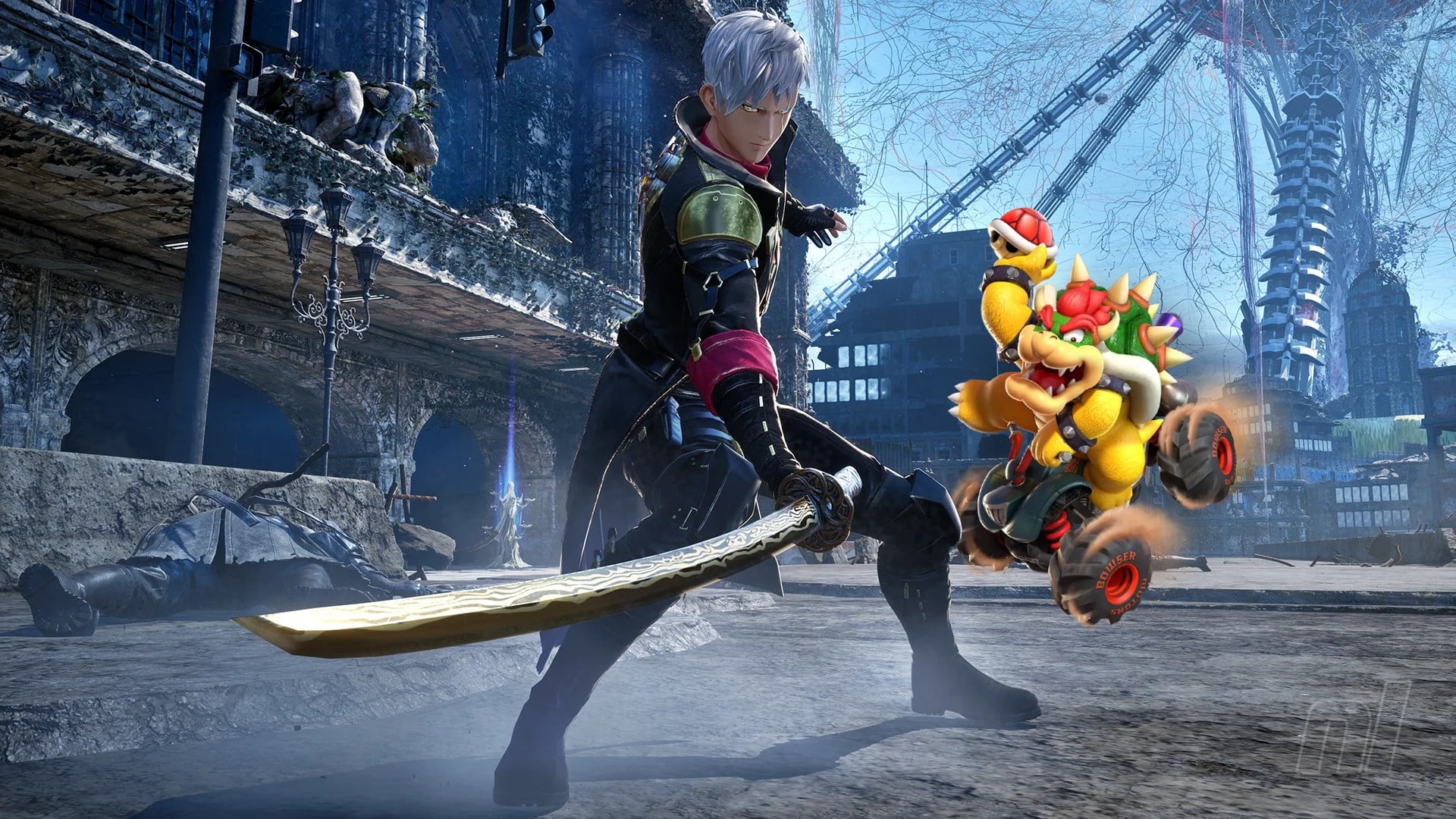
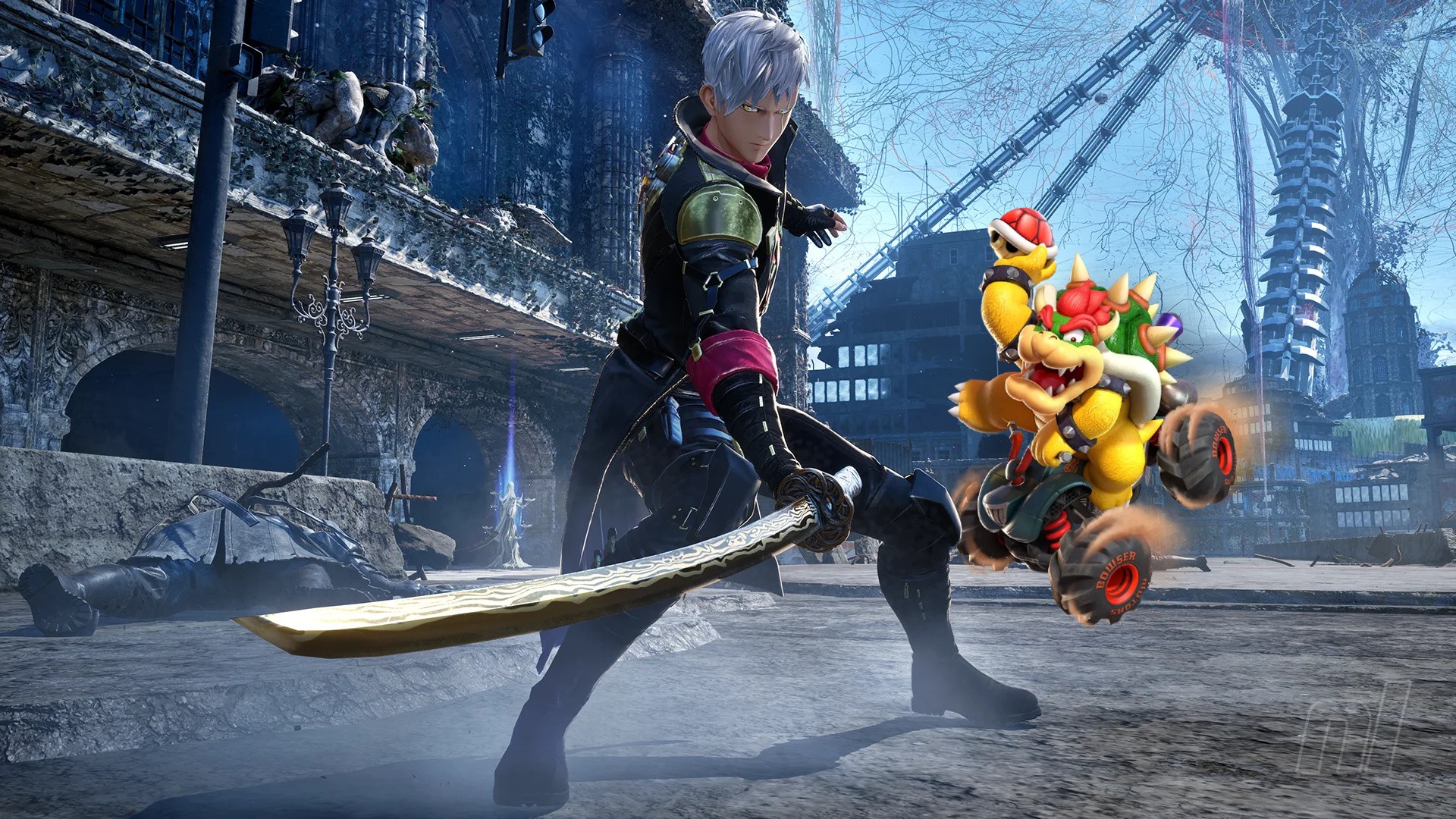
Famitsu‘s latest numbers paint another picture of sleepy sales numbers this week, with nothing exceeding 15,000 copies sold. Bandai Namco’s Code Vein II on PS5 emerged at the top of the pile with 14,452 debut sales to its name, narrowly beating Mario Kart World, which still hangs around in second.

Much like we saw in the UK charts, Final Fantasy VII Remake Intergrade has taken a bit of a tumble since grabbing the gold medal last week, and now finds itself in ninth. Meanwhile, three titles take up a whopping six spots in the top ten, with both their Switch 1 and Switch 2 editions making it into the upper reaches of the charts.

Here’s the latest top ten physical sales in Japan:

Position Game Platform Unit Sales (26th Jan – 1st Feb) Total Unit Sales
1

Code Vein II

PS5

14,452 NEW
2

Mario Kart World

Switch 2

12,445

2,805,146

3

Animal Crossing: New Horizons – Nintendo Switch 2 Edition

Switch 2

9,941 52,918
4

Animal Crossing: New Horizons

Switch

9,042

8,362,221
5

Pokémon Legends: Z-A

Switch

6,744

1,601,782

6

Momotaro Dentetsu 2: Anata no Machi mo Kitto Aru – Higashi Nihon Hen + Nishi Nihon Hen – Nintendo Switch 2 Edition

Switch 2

6,203 262,314
7

Pokémon Legends: Z-A – Nintendo Switch 2 Edition

Switch 2

5,875 1,078,445
8

Kirby Air Riders

Switch 2

5,324 491,424
9

Final Fantasy VII Remake Intergrade

Switch 2

5,289

28,717

10

Momotaro Dentetsu 2: Anata no Machi mo Kitto Aru – Higashi Nihon Hen + Nishi Nihon Hen

Switch

5,243

313,300


Things were similarly sluggish on the hardware side of things. Switch 2 continued to put up some solid numbers, with an additional ~69,000 units to its name, but it was ghostly quiet from everything else across the board.

Combining the three SKUs for Switch and PS5 leans things in Sony’s favour this week, with the Switch 1 models totalling in at 10,678, and the PS5 trio reaching 10,949.

Here’s a look at the week’s full hardware charts:

Position Console Unit Sales (26th Jan – 1st Feb) Lifetime Unit Sales
1 Switch 2 69,586 4,307,086
2

PlayStation 5 Digital Edition

5,803

1,172,069

3

Switch OLED

4,526 9,431,437
4 Switch Lite 4,462 6,848,650
5

PlayStation 5

3,575

5,884,066
6

Switch

1,690 20,237,843
7

PlayStation 5 Pro

1,571 319,526
8

Xbox Series X Digital Edition

389 26,110
9

Xbox Series S

119

340,676

10

Xbox Series X

19

323,926
11 PlayStation 4

13

7,930,217

< Previous charts

What are your thoughts on this week’s Japanese charts? Let us know down below.

Posted on Leave a comment

Super Bomberman Collection Out Now On eShop, Full Cart Release Coming In August

Konami has stepped out from the shadows to gift us with a rather lovely shadow drop on Switch and Switch 2. Yes, Super Bomberman Collection is out digitally today for both consoles and will feature a total of 7 unique games.

So we’ve got Super Bomberman 1 through 5 along with the original Famicom versions of Bomberman 1 and 2. A new Boss Rush mode has also been added, while GameShare is available for those who want to dive into multiplayer.

As is customary with modern collections, a whole bunch of artwork and music from the series is also available via the main menu. Here’s a look at the official list of key features:

– All versions of Super Bomberman 1-5 included
Super Bomberman 4 & 5 playable in English for the very first time

– Famicom versions of Bomberman 1 & 2 included
– Brand new Boss Rush Mode
– Local multiplayer (maximum number of players varies depending on the game mode and the platform)
– GameShare and GameChat support (Nintendo Switch 2 Edition only)
– Quality of Life improvements (save states, rewind, ect.)
– Gallery Mode
– Music Player
– Virtual unboxing

But while the digital edition is indeed out now, there’s also a physical release coming later on 25th August 2026 in the US and 28th August 2026 in the UK. Those on Switch can grab a collector’s edition at €69.99, while Switch 2 seems to be limited to a deluxe edition at €49.99 containing the game, an exclusive sleeve, a manual, and a stress ball (okay..?!).

That said, the Switch 2 release will be a full game cart requiring no initial download to play – yay!

So there you go! Pretty decent shadow drop from Konami there, and one we’re definitely eager to dive into as soon as possible.

What do you make of the Super Bomberman Collection from Konami? Will you be getting it digitally now, or are you happy to wait for the physical release? Let us know.

Posted on Leave a comment

How to make a local open source AI chatbot who has access to Fedora documentation

If you followed along with my blog, you’d have a chatbot running on your local Fedora machine. (And if not, no worries as the scripts below implement this chatbot!) Our chatbot talks, and has a refined personality, but does it know anything about the topics we’re interested in? Unless it has been trained on those topics, the answer is “no”.

I think it would be great if our chatbot could answer questions about Fedora. I’d like to give it access to all of the Fedora documentation.

How does an AI know things it wasn’t trained on?

A powerful and popular technique to give a body of knowledge to an AI is known as RAG, Retrieval Augmented Generation. It works like this:

If you just ask an AI “what color is my ball?” it will hallucinate an answer. But instead if you say “I have a green box with a red ball in it. What color is my ball?” it will answer that your ball is red. RAG is about using a system external to the LLM to insert that “I have a green box with a red ball in it” part into the question you are asking the LLM. We do this with a special database of knowledge that takes a prompt like “what color is my ball?”, and finds records that match that query. If the database contains a document with the text “I have a green box with a red ball in it”, it will return that text, which can then be included along with your original question. This technique is called RAG, Retrieval Augmented Generation.

ex:

“What color is my ball?”

“Your ball is the color of a sunny day, perhaps yellow? Does that sound right to you?”

“I have a green box with a red ball in it. What color is my ball?”

“Your ball is red. Would you like to know more about it?”

The question we’ll ask for this demonstration is “What is the recommended tool for upgrading between major releases on Fedora Silverblue”

The answer I’d be looking for is “ostree”, but when I ask this of our chatbot now, I get answers like:

Red Hat Subscription Manager (RHSM) is recommended for managing subscriptions and upgrades between major Fedora releases.

You can use the Fedora Silver Blue Upgrade Tool for a smooth transition between major releases.

You can use the `dnf distro-sync` command to upgrade between major releases in Fedora Silver Blue. This command compares your installed packages to the latest packages from the Fedora Silver Blue repository and updates them as needed.

These answers are all very wrong, and spoken with great confidence. Here’s hoping our RAG upgrade fixes this!

Docs2DB – An open source tool for RAG

We are going to use the Docs2DB RAG database application to give our AI knowledge. (note, I am the creator of Docs2DB!)

A RAG tool consists of three main parts. There is the part that creates the database, ingesting the source data that the database holds. There is the database itself, it holds the data. And there is the part that queries the database, finding the text that is relevant to the query at hand. Docs2DB addresses all of these needs.

Gathering source data

This section describes how to use Docs2DB to build a RAG database from Fedora Documentation. If you would like to skip this section and just download a pre-built database, here is how you do it:

cd ~/chatbot
curl -LO https://github.com/Lifto/FedoraDocsRAG/releases/download/v1.1.1/fedora-docs.sql
sudo dnf install -y uv podman podman-compose postgresql
uv python install 3.12
uvx --python 3.12 docs2db db-start
uvx --python 3.12 docs2db db-restore fedora-docs.sql

If you do download the pre-made database then skip ahead to the next section.

Now we are going to see how to make a RAG database from source documentation. Note that the pre-built database, downloaded in the curl command above, uses all of the Fedora documentation, whereas in this example we only ingest the “quick docs” portion. FedoraDocsRag, from github, is the project that builds the complete database.

To populate its database, Docs2DB ingests a folder of documents. Let’s get that folder together.

There are about twenty different Fedora document repositories, but we will only be using the “quick docs” for this demo. Get the repo:

git clone https://pagure.io/fedora-docs/quick-docs.git

Fedora docs are written in AsciiDoc. Docs2DB can’t read AcsciiDoc, but it can read HTML. (The convert.sh script is available at the end of this article). Just copy the convert.sh script into the quick-docs repo and run it and it makes an adjacent quick-docs-html folder.

sudo dnf install podman podman-compose
cd quick-docs
curl -LO https://gist.githubusercontent.com/Lifto/73d3cf4bfc22ac4d9e493ac44fe97402/raw/convert.sh
chmod +x convert.sh
./convert.sh
cd ..

Now let’s ingest the folder with Docs2DB. The common way to use Docs2DB is to install it from PyPi and use it as a command line tool.

A word about uv

For this demo we’re going to use uv for our Python environment. The use of uv has been catching on, but because not everybody I know has heard of it, I want to introduce it. Think of uv as a replacement for venv and pip. When you use venv you first create a new virtual environment. Then, and on subsequent uses, you “activate” that virtual environment so that magically, when you call Python, you get the Python that is installed in the virtual environment you activated and not the system Python. The difference with uv is that you call uv explicitly each time. There is no “magic”. We use uv here in a way that uses a temporary environment for each invocation.

Install uv and Podman on your system:

sudo dnf install -y uv podman podman-compose
# These examples require the more robust Python 3.12
uv python install 3.12
# This will run Docs2DB without making a permanent installation on your system
uvx --python 3.12 docs2db ingest quick-docs-html/

Only if you are curious! What Docs2DB is doing

If you are curious, you may note that Docs2DB made a docs2db_content folder. In there you will find json files of the ingested source documents. To build the database, Docs2DB ingests the source data using Docling, which generates json files from the text it reads in. The files are then “chunked” into the small pieces that can be inserted into an LLM prompt. The chunks then have “embeddings” calculated for them so that during the query phase the chunks can be looked up by “semantic similarity” (e.g.: “computer”, “laptop” and “cloud instance” can all map to a related concept even if their exact words don’t match). Finally, the chunks and embeddings are loaded into the database.

Build the database

The following commands complete the database build process:

uv tool run --python 3.12 docs2db chunk --skip-context
uv tool run --python 3.12 docs2db embed
uv tool run --python 3.12 docs2db db-start
uv tool run --python 3.12 docs2db load

Now let’s do a test query and see what we get back

uvx --python 3.12 docs2db-api query "What is the recommended tool for upgrading between major releases on Fedora Silverblue" --format text --max-chars 2000 --no-refine

On my terminal I see several chunks of text, separated by lines of —. One of those chunks says:

“Silverblue can be upgraded between major versions using the ostree command.”

Note that this is not an answer to our question yet! This is just a quote from the Fedora docs. And this is precisely the sort of quote we want to supply to the LLM so that it can answer our question. Recall the example above about “I have green box with a red ball in it”? The statement the RAG engine found about ostree is the equivalent for this question about upgrading Fedora Silverblue. We must now pass it on to the LLM so the LLM can use it to answer our question.

Hooking it in: Connecting the RAG database to the AI

Later in this article you’ll find talk.sh. talk.sh is our local, open source, LLM-based verbally communicating AI; and it is just a bash script. To run it yourself you need to install a few components, this blog walks you through the whole process. The talk.sh script gets voice input, turns that into text, splices that text into a prompt which is then sent to the LLM, and finally speaks back the response.

To plug the RAG results into the LLM we edit the prompt. Look at step 3 in talk.sh and you see we are injecting the RAG results using the variable $CONTEXT. This way when we ask the LLM a question, it will respond to a prompt that basically says “You are a helper. The Fedora Docs says ostree is how you upgrade Fedora Silverblue. Answer this question: How do you upgrade Fedora Silverblue?”

Note: talk.sh is also available here:
https://gist.github.com/Lifto/2fcaa2d0ebbd8d5c681ab33e7c7a6239

Testing it

Run talk.sh and ask:

“What is the recommended tool for upgrading between major releases on Fedora Silverblue”

And we get:

“Ostree command is recommended for upgrading Fedora Silver Blue between major releases. Do you need guidance on using it?”

Sounds good to me!

Knowing things

Our AI can now know the knowledge contained in documents. This particular technique, RAG (Retrieval Augmented Generation), adds relevant data from an ingested source to a prompt before sending that prompt to the LLM. The result of this is that the LLM generates its response in consideration of this data.

Try it yourself! Ingest a library of documents and have your AI answer questions with its new found knowledge!


AI Attribution: The convert.sh and talk.sh scripts in this article were written by ChatGPT 5.2 under my direction and review. The featured image was generated using Google Gemini.

convert.sh

OUT_DIR="$PWD/../quick-docs-html"
mkdir -p "$OUT_DIR" podman run --rm \ -v "$PWD:/work:Z" \ -v "$OUT_DIR:/out:Z" \ -w /work \ docker.io/asciidoctor/docker-asciidoctor \ bash -lc ' set -u ok=0 fail=0 while IFS= read -r -d "" f; do rel="${f#./}" out="/out/${rel%.adoc}.html" mkdir -p "$(dirname "$out")" echo "Converting: $rel" if asciidoctor -o "$out" "$rel"; then ok=$((ok+1)) else echo "FAILED: $rel" >&2 fail=$((fail+1)) fi done < <(find modules -type f -path "*/pages/*.adoc" -print0) echo echo "Done. OK=$ok FAIL=$fail" '

talk.sh

#!/usr/bin/env bash set -e # Path to audio input
AUDIO=input.wav # Step 1: Record from mic
echo "🎙 Speak now..."
arecord -f S16_LE -r 16000 -d 5 -q "$AUDIO" # Step 2: Transcribe using whisper.cpp
TRANSCRIPT=$(./whisper.cpp/build/bin/whisper-cli \ -m ./whisper.cpp/models/ggml-base.en.bin \ -f "$AUDIO" \ | grep '^\[' \ | sed -E 's/^\[[^]]+\][[:space:]]*//' \ | tr -d '\n')
echo "🗣 $TRANSCRIPT" # Step 3: Get relevant context from RAG database
echo "📚 Searching documentation..."
CONTEXT=$(uv tool run --python 3.12 docs2db-api query "$TRANSCRIPT" \ --format text \ --max-chars 2000 \ --no-refine \ 2>/dev/null || echo "") if [ -n "$CONTEXT" ]; then echo "📄 Found relevant documentation:" echo "- - - - - - - - - - - - - - - - - - - - - - - - - - - - - - - - - - - - - - - - -" echo "$CONTEXT" echo "- - - - - - - - - - - - - - - - - - - - - - - - - - - - - - - - - - - - - - - - -"
else echo "📄 No relevant documentation found"
fi # Step 4: Build prompt with RAG context
PROMPT="You are Brim, a steadfast butler-like advisor created by Ellis. Your pronouns are they/them. You are deeply caring, supportive, and empathetic, but never effusive. You speak in a calm, friendly, casual tone suitable for text-to-speech. Rules: - Reply with only ONE short message directly to Ellis. - Do not write any dialogue labels (User:, Assistant:, Q:, A:), or invent more turns.
- ≤100 words.
- If the documentation below is relevant, use it to inform your answer.
- End with a gentle question, then write <eor> and stop.
Relevant Fedora Documentation:
$CONTEXT
User: $TRANSCRIPT
Assistant:" # Step 5: Get LLM response using llama.cpp
RESPONSE=$( LLAMA_LOG_VERBOSITY=1 ./llama.cpp/build/bin/llama-completion \ -m ./llama.cpp/models/microsoft_Phi-4-mini-instruct-Q4_K_M.gguf \ -p "$PROMPT" \ -n 150 \ -c 4096 \ -no-cnv \ -r "<eor>" \ --simple-io \ --color off \ --no-display-prompt
) # Step 6: Clean up response
RESPONSE_CLEAN=$(echo "$RESPONSE" | sed -E 's/<eor>.*//I')
RESPONSE_CLEAN=$(echo "$RESPONSE_CLEAN" | sed -E 's/^[[:space:]]*Assistant:[[:space:]]*//I') echo ""
echo "🤖 $RESPONSE_CLEAN" # Step 7: Speak the response
echo "$RESPONSE_CLEAN" | espeak

Posted on Leave a comment

PSA: Monster Hunter Stories 3 Switch 2 Trial Demo Now Available, Save Data Carries Over

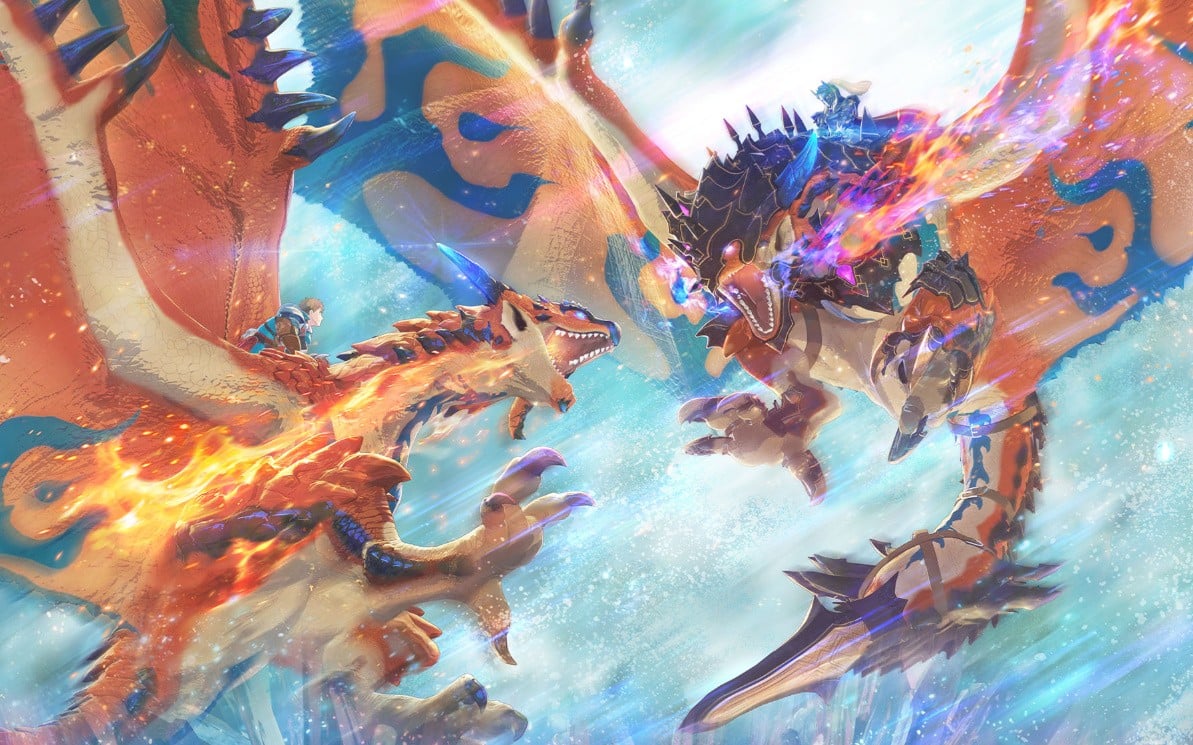
Capcom featured throughout the latest Nintendo Direct Partner Showcase, and apart from updates on Pragmata and Resident Evil Requiem, it also gave Monster Hunter fans another look at the upcoming Switch 2 release Monster Hunter Stories 3: Twisted Reflections.

If you’re eager to jump into the action ahead of the game’s March 2026 release, the good news is a “trial version” is now available on the eShop. Capcom notes how you can start your adventure right now, and you’ll even be able to transfer your save data over to the full game on release.

And if you’re already sold, you can pre-order Monster Hunter Stories 3: Twisted Reflection from the eShop right now. It’ll set you back $69.99 / £54.99 and comes with bonus DLC (Layer Armor for Eleanor – Skyscale Queen). You can get a look at what to expect from this upcoming release in the demo trailer above.

In some related news, Capcom has also released a demo for Pragmata, which you can try out now on the Switch 2.

Have you tried out this Monster Hunter demo on Switch 2 yet? How are you finding it so far? Let us know in the comments.

Posted on Leave a comment

Digimon Story Time Stranger Switch Version Includes Free Switch 2 Update

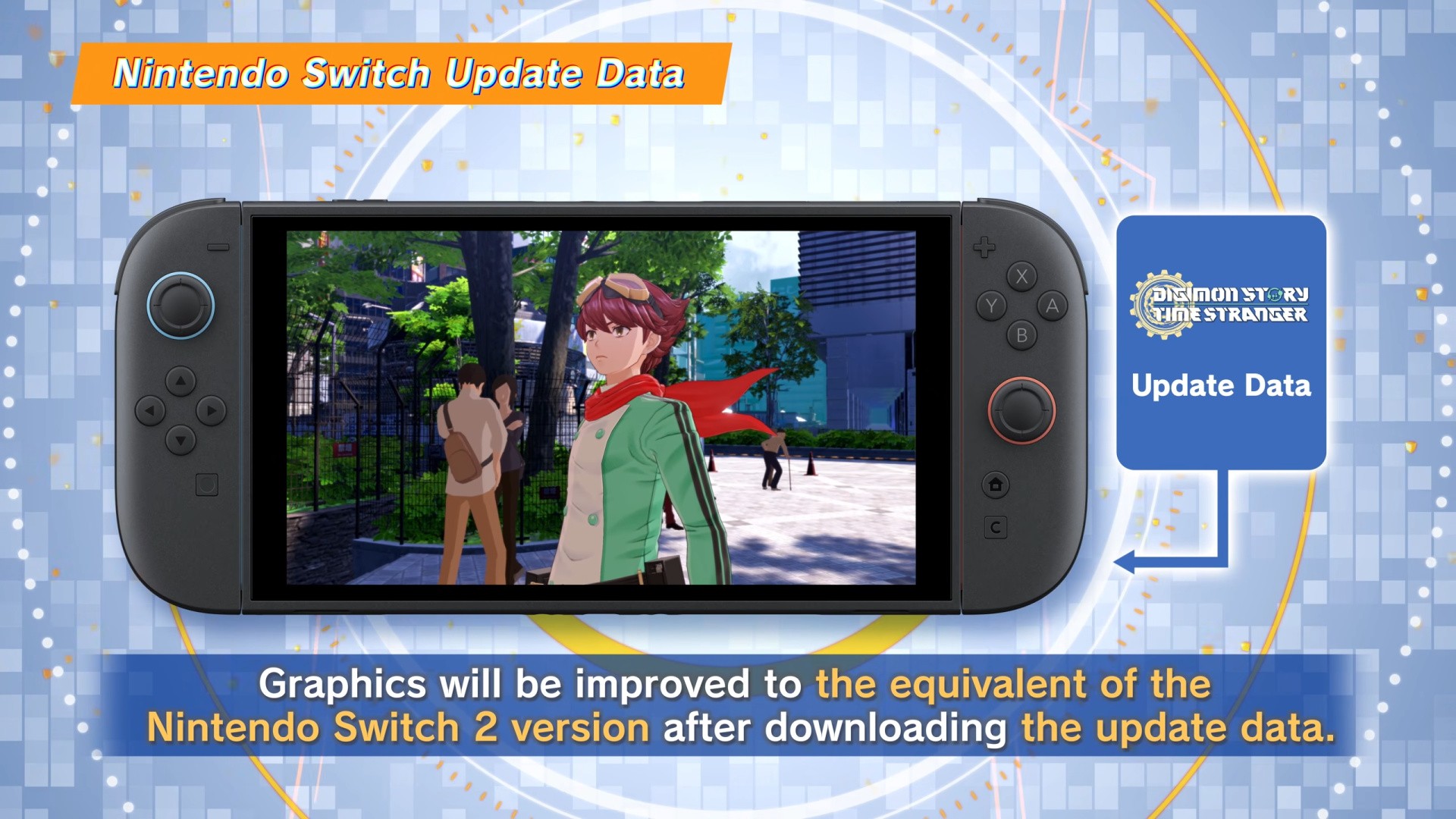
If you’re planning on getting Digimon Story Time Stranger for the original Switch, in case you missed it, there’ll be an upgrade similar to what Bandai Namco offered with Dragon Ball Z: Sparking! ZERO.

If you boot up the Switch version of the title on the Switch 2, you’ll be able to download a free update that will give you graphical improvements, which are the equivalent of the Switch 2 version. Here’s the rundown:

“When playing the Nintendo Switch version of Digimon Story Time Stranger on the Nintendo Switch 2 version…Graphics will be improved to the equivalent of the Nintendo Switch 2 version after downloading the update data.”

Digimon Story Time Stranger
Image: Bandai Namco

As previously noted, on Switch 2, you’ll have access to ‘Performance’ and ‘Quality’ mode options, and if you return to the Switch version, the “graphics will revert” and these options will not be available. Here are the resolution and performance specs once again:

“On Nintendo Switch 2, players will have the option of playing in Quality Mode (4K HDR, up to 30FPS docked; Full HD, up to 30FPS handheld) or Performance Mode (Full HD, up to 60FPS docked and handheld).”

According to online listings, the Switch 2 version of this title is a Game-Key Card while the original Switch version is a full physical release. So if you’re a collector, the Switch release might be your best option when the game launches on these platforms in July.

In some other Bandai Namco news from the latest Partner Showcase, the company announced Tales of Arise is on the way to the Switch 2 this May.

Will you be getting this game on the Switch or Switch 2? Let us know in the comments.

Posted on Leave a comment

Turok Is Back, And It’s Bringing The Hunt To Switch 2 Later This Year

Last year, during The Game Awards, it was announced the talented team at Saber Interactive would be reviving the Turok IP with a new game known as Turok: Origins.

Now, in an update during Nintendo’s latest Partner Showcase, it’s been revealed the new sci-fi shooter (featuring both first and third-person perspectives) will be releasing on the Switch 2 later this year.

Here’s some information about the intergalactic story, which will see you fighting for survival against a terrifying alien threat:

“In Turok: Origins, players will take on the mantle of the ancient Order of the Turok, heroic guardians of unimaginable power locked in a battle for survival against ferocious creatures and a terrifying alien threat that seeks to destroy all human life in the galaxy.”

Guardians will be able to fight solo or in online co-op as they take on a variety of creatures, dinosaurs and bosses across a range of environments. There will also be the ability to unlock and upgrade advanced weaponry and DNA Powers.

Saber is the same team that worked on and helped out with multiple ports during the Switch generation including titles such as World War Z, The Witcher 3: Wild Hunt – Complete Edition and Crysis Remastered.

Would you be interested in this game on the Switch 2? Let us know in the comments.