Posted on Leave a comment

What’s coming in Fedora 29 Anaconda?

Last week, the Fedora Magazine covered the new features and improvements in the Fedora 28 Installer. The Fedora installer team is already hard at work adding new features for Fedora 29. This article covers some of these improvements.

Progress hub

The progress hub is mostly empty (on Fedora Workstation) after moving the user creation step to GNOME Initial Setup.

"<yoastmark

Discussions are on going with the Fedora Workstation working group  about re-working the progress hub. Hit the comments with suggestions on how you think this could be improved.

More Anaconda on DBus

Fedora 28 was the start of the ultimate goal of modularizing Anaconda. The main idea is to split the code into several modules that will communicate over DBus. Ultimately, this will enable a UI-less installation process.

The goal in Fedora 29 is to move all the storage-related code to the storage module.   Additionally, plans are in place to extend some of the other modules and introduce installation tasks, so you can monitor the installation steps.

Supporting Fedora Modularity

Fedora Modularity was introduced in Fedora 28 for the Server variant. This effort is still expanding, adding more modules, features and bug fixes. The Anaconda team is  working on module installation support for Anaconda.

First of all, the new kickstart command, called “module”, is used to enable modules. Additionally, support for installing modules via the %packages section in kickstart.

There are already patches for Anaconda, DNF, Pykickstart and libdnf that make module installation from kickstart possible.

Reducing Initial Setup dependencies even more

Fedora 28 reduced Initial Setup dependencies from Anaconda and the compose tools greatly. Next on the list is to do the same with Blivet.

Currently, the python-blivet package has hard dependencies on many storage handling tools. The current plan is to introduce a blivet-minimal package to just provide the bare minimum of Blivet functionality, such as architecture detection and device-tree based storage modeling. The current python-blivet package will maintain its current dependencies. Consequently, Initial Setup won’t drag in unnecessary dependencies, making packaging more flexible.

LUKS2 as default

LUKS2 is the new generation of the Linux storage encryption workhorse, bringing various improvements and new features. Work has started adding support for creating LUKS2-based encrypted storage volumes during installation.

Posted on Leave a comment

Anaconda improvements in Fedora 28

Fedora 28 was released last month, and the major update brought with it a raft of new features for the Fedora Installer (Anaconda).  Like Fedora, Anaconda is a dynamic software project with new features and updates every release. Some changes are user visible, while others happen under the hood — making Anaconda more robust and prepared for future improvements.

User & Root configuration on Fedora Workstation

When installing Fedora Workstation from the Live media, the user and root configuration screens are no longer in the installer. Setting up users is now only done in the Initial Setup screens after installation.

The progress hub on a Fedora 28 Workstation live installation.

The progress hub on a Fedora 28 Workstation live installation.

The back story is that the Fedora Workstation working group aimed to reduce the number of screens users see during installation.  Primarily, this included screens that let a user set option twice: both Anaconda and the Gnome Initial Setup tool upon first boot. The working group considered various options, such as Anaconda reporting which screens have been visited by the user and then hiding them in Gnome Initial Setup. In the end they opted for just always skipping the user and root configuration screens in Anaconda and just configuring a user with sudo rights in Gnome Initial Setup.

Because of this the respective screen (user creation) shows up just once (in Gnome Initial Setup), making the installation experience more consistent.

It’s also worth noting that this change only affects the Fedora Workstation live image. All other images, including the Fedora Workstation netinst image and other live images, are unaffected.

Anaconda on DBus

Last year we announced the commencement of our next major initiative — modularizing Anaconda. The main idea is to split the code into several modules that will communicate over DBus. This will provide better stability, extensibility and testability of Anaconda.

Fedora 28 is the first release where Anaconda operates via DBus. At startup, Anaconda starts its private message bus and ten simple modules. For now, the modules just hold data that are provided by a kickstart file and modified by the UI. The UI uses the data to drive installation. This means that you can use DBus to monitor current settings, but you should use the UI to change them.

You can easily explore the current Anaconda DBus API with the live version of Fedora Workstation 28. Just keep in mind that the API is still unstable, so it might change in the future.

To do so, boot the live image and install the D-Feet application:

sudo dnf install d-feet

Start the installer and get an address of the Anaconda message bus:

cat /var/run/anaconda/bus.address

Start D-Feet, choose the option ‘Connect to other Bus’ and copy the first part of the Anaconda bus address to the text field (see the picture below). Click on the ‘Connect’ button. The application will open a new tab and show you a list of available DBus services. Now you can view the interfaces, methods, signals and properties of Anaconda DBus modules and interact with them.

Connecting to the Anaconda DBUS session.

Connecting to the Anaconda DBUS session.

The Anaconda DBUS API as visible in D-Feet.

The Anaconda DBUS API as visible in D-Feet.

Blivet 3.0 and Pykickstart 3.0

Fedora 28 provides version 3 of blivet and Pykickstart, and Anaconda uses the updated versions too.  While this is not really visible from end user perspective, changes like this are important to assure a robust and maintainable future for the Anaconda installer.

The main change in Pykickstart 3 is the switch from the deprecated optparse module to argparse for kickstart parsing. This not only brings all the features argparse has, it was also one of the prerequisites for having automatically generated kickstart documentation on Read the Docs.

Blivet 3 is less radical  update, but includes significant API improvements and cleanups. Some installer-related code still sitting in Blivet was finally moved to Anaconda.

Migrating from authconfig to authselect

The authconfig tool is deprecated and replaced with authselect in Fedora 28, so Anaconda deprecated the kickstart command authconfig and introduced a new command: authselect. You can still use the authconfig command, but Anaconda will install and run the authselect-compat tool instead.

Enabled hibernation

Previously, Hibernation didn’t work after installation because of a missing kernel option, so it had to be set up manually. Starting with Fedora 28, Anaconda adds the kernel option ‘resume’ with a path to the largest available swap device by default on x86 architectures.

Reducing Initial Setup dependencies

The Initial Setup tool is basically a lightweight launcher for arbitrary configuration screens from Anaconda. And while Anaconda often runs from a dedicated installation image, Initial Setup always runs directly on the installed system. This also means all the dependencies of Initial Setup will end up on users system, and unless they are uninstalled, they will take up space more or less forever.

The situation is even more dire on ARM, where users generally just dd a Fedora image to memory card or internal storage on the ARM board and Initial Setup basically acts as the installer, customizing the otherwise identical image for the given user. In this case Initial Setup dependencies directly dictate how small the Fedora image can be.

In Fedora 28, the new anaconda-install-env-deps metapackage  depends on all installation-time-only dependencies. The anaconda-install-env-deps package is always installed on installation images (netinst, live), but is not an Initial Setup dependency and should thus prevent all the unnecessary packages from being pulled in to the installed system. There is also a nice side effect of finally consolidating all the install-time-only dependencies in the Anaconda spec file.


Posted on Leave a comment

Fractal: a GNOME Matrix chat client

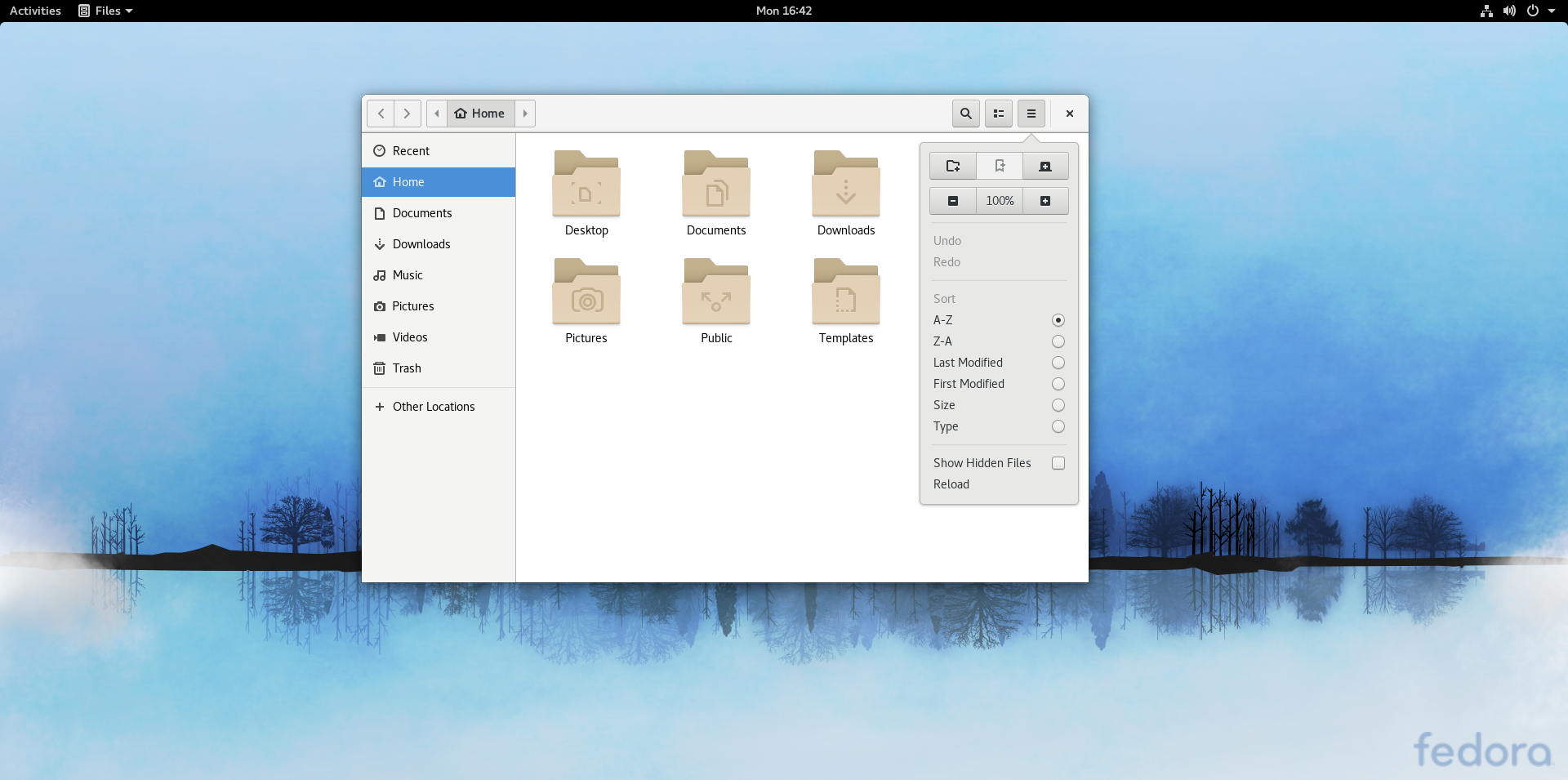
Matrix is a protocol for decentralized instant messaging that has recently grown in popularity. Matrix can be used for a wide range of communication tasks, such as group chats, video chats, sharing files, and bridging to existing IRC rooms. One of the easiest ways to use Matrix is the RiotIM web client or desktop application. However, Fractal is a Matrix desktop application designed for GNOME, so it arguably feels a lot more at home on Fedora Workstation, as seen here:

Fractal is a new project, and currently doesn’t support some Matrix functionality, including video chats. However, the core functionality of a basic text chat / messaging client works well. Additionally, it is clear that a lot of thought has been put into the user interface.  The UI is clean, neat, and easy to navigate.

Support in Matrix for end-to-end encryption is in beta. However, Fractal currently does not support encryption.

Installing Fractal

The easiest way to install Fractal on Fedora is from  Flathub. First, follow the directions in this article to set up Flathub as a third party software source.

Once Flathub is enabled as a third-party source, simply search and install Fractal from the Software app in Fedora Workstation.


Posted on Leave a comment

Fedora 26 end of life approaching

UPDATE: Date corrected to May 29.

As readers may be aware, Fedora 28 recently released to great acclaim. That means Fedora 26 hits its End of Life (EOL) status on May 29, 2018. Read more here about what this means, and what steps you can take with your older Fedora systems.

After May 29, packages in the Fedora 26 repositories no longer receive any security, bugfix, or enhancement updates. Furthermore, at that point the community adds no new packages to the F26 collection.

The Fedora Project highly recommends you upgrade all systems to Fedora 28 or Fedora 27 before the EOL date. Upgrades are an easy way to keep your system setup while you move to the latest technology.

Looking back at Fedora 26

Fedora 26 was released in July 2017. During its lifetime, the Fedora community published nearly 10,000 updates to the F26 repositories. Fedora 26 Workstation featured version 3.24 of GNOME. The release also carried numerous improvements and highlights:

  • A new partitioning tool in Anaconda for expert setup
  • DNF 2.5 with new software management capabilities
  •  The Python Classroom Lab which helps educators introduce students to the latest technology

About the Fedora Release Cycle

The Fedora Project provides updates for a particular release until a month after the second subsequent version of Fedora is released. For example, updates for Fedora 26 continue until one month after the release of Fedora 28. Fedora 27 continues to be supported up until one month after the release of Fedora 29.

Since Fedora 28 released on time on May 1, 2018, Fedora 26 reaches EOL even though it’s been around less than 11 months. So if that lifecycle seems shorter than usual to you, you’re right!

The Fedora Project wiki contains more detailed information about the entire Fedora Release lifecycle. The lifecycle includes milestones from development to release, and the post-release support period.