

Browse new and updated documentation and sample code to learn about the latest technologies, frameworks, and APIs introduced at WWDC23. You’ll find new ways to enhance your apps targeting the latest platform releases.
Apple Developer News and Updates feed provided by Apple, Inc.
Browse new and updated documentation and sample code to learn about the latest technologies, frameworks, and APIs introduced at WWDC23. You’ll find new ways to enhance your apps targeting the latest platform releases.


Two days are in the books — and there’s so much more to come. Get ready for another big day at WWDC.
Start off in Slack, where you can connect with Apple engineers and designers on spatial design, WidgetKit, machine learning, 3D content, and much more.

Join the Apple Design team in this 1 hour text-based Q&A on spatial design. Bring your questions about UI and UX best practices for creating a great experience on visionOS.

Ask Apple engineers about the latest tools, technologies, and frameworks during this 2 hour text-based Q&A. Stop in to request guidance on a code-level question, ask for clarifications, or learn from others.

Join us for an open forum to discuss anything related to machine learning in your app during this 1 hour text-based Q&A. Topics include Core ML, Create ML, Vision, Natural Language, Speech, Sound Analysis, TensorFlow and PyTorch model conversion, model compression, and more. Stop in to request…

Ask Apple engineers about using Reality Composer Pro, Object Capture, Reality Converter, and leveraging the USD file format for your 3D content during this hour long text-based Q&A. Stop in to request guidance on a code-level question, ask for clarifications, or learn from others.
We’ve also posted new sessions on topics like SwiftUI, widgets, SwiftData, and Xcode test reports.

Discover how SwiftUI can help you quickly iterate and explore design ideas. Learn from Apple designers as they share how working with SwiftUI influenced the design of the Maps app in watchOS 10 and other elements of their work, and find out how you can incorporate these workflows in your own…

Learn how to make animated and interactive widgets for your apps and games. We’ll show you how to tweak animations for entry transitions and add interactivity using SwiftUI Button and Toggle so that you can create powerful moments right from the Home Screen and Lock Screen.

Discover how SwiftData can help you persist data in your app. Code along with us as we bring SwiftData to a multi-platform SwiftUI app. Learn how to convert existing model classes into SwiftData models, set up the environment, reflect model layer changes in UI, and build document-based applications…

Discover how you can find, debug, and fix test failures faster with the test report in Xcode and Xcode Cloud. Learn how Xcode identifies failure patterns to help you find the right place to start investigating. We’ll also show you how to use the UI automation explorer and video recordings to…
Test your knowledge in Dev Tools Trivia Time, WWDC’s fiercest competition! And come hang out with the SwiftUI team and chat about sessions, meet other members of the community, and share tips and tricks.

Trivia Night returns to the Developer Tools channel! Test your trivia knowledge with multiple-choice questions on WWDC23 sessions, tools, frameworks, and Apple history.

Come hang out with the SwiftUI team for an hour of fun! Enjoy a text-based chat about your favorite sessions, meet other members of the SwiftUI community, share tips and tricks, and more.
There’s still time to request lab appointments to meet one-on-one with experts about technology, design, app review, the App Store, and more. To make a request, visit the WWDC tab in the Apple Developer app or the go to the WWDC labs webpage.
Learn more about labs at WWDC23
Developers attending the special event at Apple Park visited the Apple Developer Center on Tuesday to learn more about building apps for Apple’s new spatial operating system. “Going in, I was under the impression it was going to be tricky, or hard, or ‘where do I start?’” says Paul Hudson, iOS developer and founder of Hacking with Swift. “But actually — if you take what you know and add a little bit, you can make something good and then increment from there. It doesn’t take much to get something great. That’s my main takeaway.”
Find out how developers of apps like djay, Blackbox, JigSpace, and XRHealth are starting to build for spatial computing.
Learn more about developing for visionOS

Learn how the developers behind djay, Blackbox, JigSpace, and XRHealth started designing and building apps for Apple Vision Pro.

The Human Interface Guidelines are now available in Chinese and Japanese! And you can check out updated design recommendations for watchOS, App Shortcuts, widgets, and all the latest platform releases.
Enjoy your day and we’ll catch you tomorrow for day four!

Welcome to day two of WWDC! There’s more than ever to explore this week: Xcode is getting updated, SwiftUI is getting animated, and — did we mention? — apps are getting a lot more spatial. Here’s a guide to what happened yesterday and what’s on tap today.
For the second year in a row, we welcomed more than 1,000 developers to Apple Park for the WWDC keynote and Platforms State of the Union to learn about the future of Apple platforms.
With new frameworks, a new spatial operating system, and new hardware designed for developers, there’s an incredible amount to dig into this year. Catch up quickly with this recap of the most important big (and little!) moments from the keynote:
Here’s your guide to some of the big (and little) things announced on the first day of WWDC.
Want the complete experience? Here are the full replays for each event.

The Apple Worldwide Developers Conference kicks off with exciting news, inspiration, and new opportunities. Join the worldwide developer community for an in-depth look at the future of Apple platforms, directly from Apple Park.

Learn about the latest tools, technologies, and advancements to help you create even better apps across Apple platforms, including the all-new visionOS.
On day one of WWDC, you got a peek at visionOS, Apple’s new spatial operating system — and that was just the beginning. There are familiar and new frameworks to learn, new tools like Reality Composer Pro to explore, and new in-person programs coming soon.
Learn more about developing for visionOS
Prepare your apps for visionOS
Explore sessions about visionOS
We’re off and running with with more than 60 sessions, 100 online activities, and the opportunity to schedule one-on-one lab appointments with Apple experts. Here’s a quick look at all we’ve got in store:

There’s never been a better time to create for Apple platforms — including iOS, iPadOS, macOS, tvOS, and all-new visionOS. Get insights from Apple engineers and designers with over 175 brand-new instructional video sessions covering the latest in hardware and software. All to help bring your…
Need a place to start? Check out the latest updates to watchOS 10, an introduction to SwiftData, and the principles of spatial design.
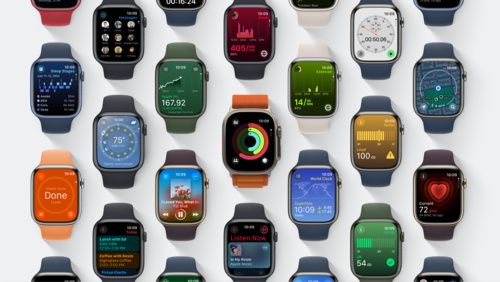
Discover some of the most significant changes to Apple Watch since its introduction as we tour the redesigned user interface and the new Smart Stack. Learn how Apple designers approached the design of watchOS 10 as we explore layout, navigation, and visual style, and find out how you can apply them…
SwiftData is a powerful and expressive persistence framework built for Swift. We’ll show you how you can model your data directly from Swift code, use SwiftData to work with your models, and integrate with SwiftUI.

Discover the fundamentals of spatial design. Learn how to design with depth, scale, windows, and immersion, and apply best practices for creating comfortable, human-centered experiences that transform reality. Find out how you can use these spatial design principles to extend your existing app or…
New this year: Many session videos now offer chapter markers, so you can skip right to the content you’re looking for. (You’ll find chapter markers for the keynote, as well.)
Join us in Slack to connect with the presenters of sessions like “Meet SwiftUI for spatial computing” and “What’s new in SwiftUI” and join Q&As about game design, Xcode 15, and much more.

Meet the team behind “Meet SwiftUI for spatial computing” and join a text-based watch party followed by a short Q&A. The watch party begins 5 minutes after the start of this activity — so don’t be late!
Meet the team behind “What’s new in SwiftUI” and join a text-based watch party followed by a short Q&A. The watch party begins 5 minutes after the start of this activity — so don’t be late!

Ask Apple game technology engineers about the latest tools, technologies, and frameworks during this 1 hour text-based Q&A. We would love to brainstorm, answer questions, and meet folks that are excited to build and bring games to Apple platforms. Stop in to request guidance on a code-level…

Ask Apple engineers about the latest tools, technologies, and frameworks during this 2 hour text-based Q&A. Stop in to request guidance on a code-level question, ask for clarifications, or learn from others.
Dev Tools Trivia Time is bigger and better than ever — test your knowledge in WWDC’s fiercest competition!

Trivia Night returns to the Developer Tools channel! Test your trivia knowledge with multiple-choice questions on WWDC23 sessions, tools, frameworks, and Apple history.
And connect with Apple experts directly by requesting one-on-one lab appointments for answers to your questions about technology, design, and maximizing your App Store presence. To make a request, visit the WWDC tab in the Apple Developer app or go to the WWDC labs webpage.
Learn more about labs at WWDC23
Yesterday, we handed out the 2023 Apple Design Awards and added 12 new titles to the list of the greatest apps and games ever created for Apple platforms. Check out the complete list of 2023 winners and finalists below. Then, get up close and personal with the winning developers, designers, and teams in our Behind the Design series.
Discover the 2023 Apple Design Award winners
Meet 12 incredible teams from around the world and learn how they brought their winning ideas to life.
Lastly, here’s an audio gift for you! Spin up our official playlists — the perfect soundtrack to an incredible week.
Playlist: WWDC23 Coding Energy
That’s it for now. Have a great day, and we’ll see you tomorrow!
Online labs and activities are a great way to connect with Apple engineers, designers, and experts all week long.
Get personalized guidance about development basics, complex concepts, and everything in between. Learn how to implement new Apple technologies, explore UI design principles, improve your App Store presence, and much more.
There are plenty of exciting activities happening daily on Slack.
Labs and activities are open to all members of the Apple Developer Program and Apple Developer Enterprise Program, as well as 2023 Swift Student Challenge applicants.

Every year, the Behind the Design series takes a special look at the remarkable teams behind the Apple Design Award-winning apps and games. Read on to meet 12 incredible teams from around the world and learn how they brought their winning ideas to life.
Winners in the category provide a great experience for all by supporting people from a diversity of backgrounds, abilites, and languages.
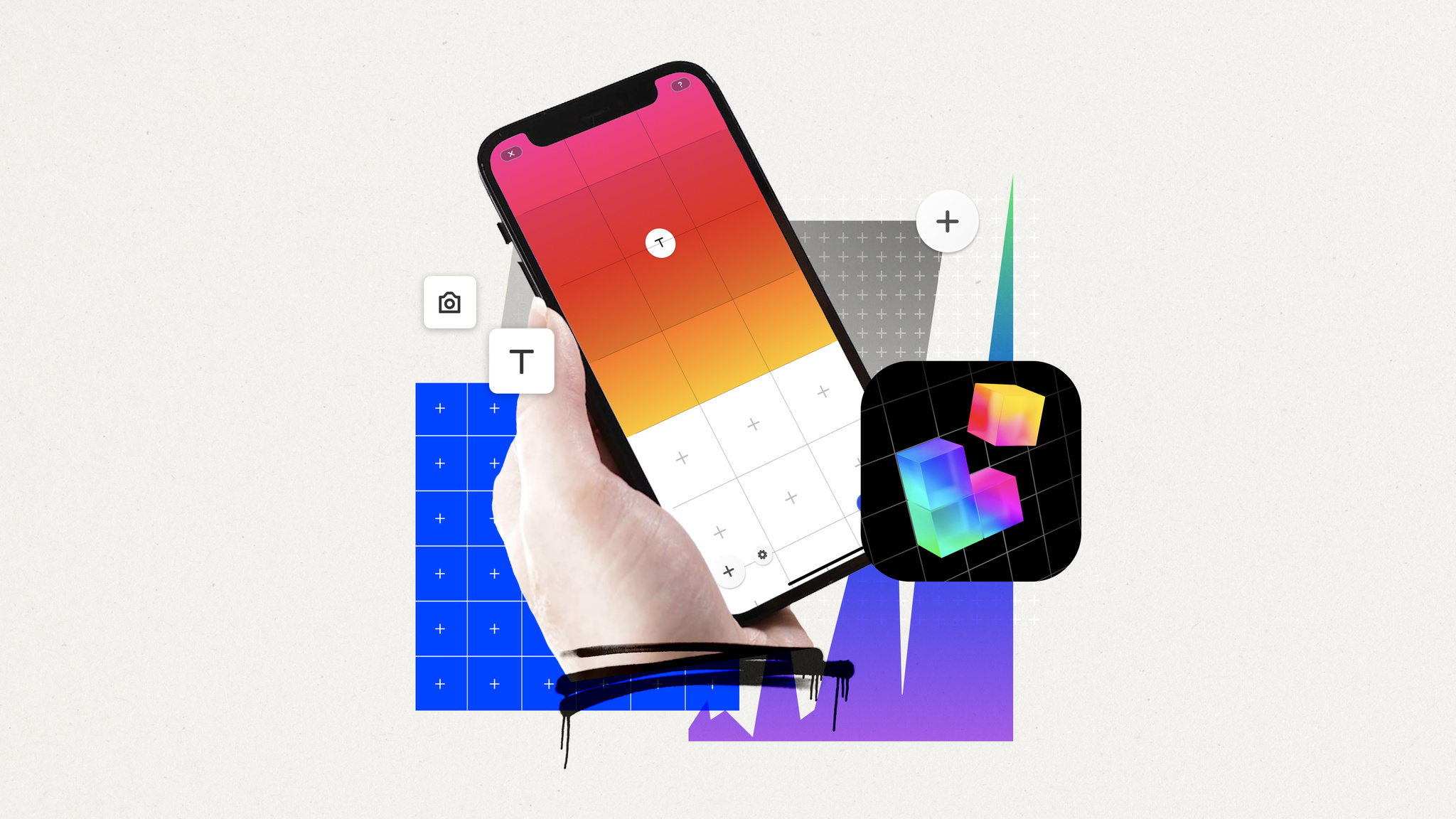
Launched in 2017, the powerful, versatile, and almost unbelievably simple Universe makes creating a website as easy as building with blocks. The app operates on a grid system. To create a site, add blocks to the grid, and to edit a site, move those blocks around. The app doesn’t just remove barriers, it bulldozes them. “Our goal is making this technology available to everybody,” says founder Joseph Cohen.
Discover how Universe makes creating a website as easy as building with blocks.
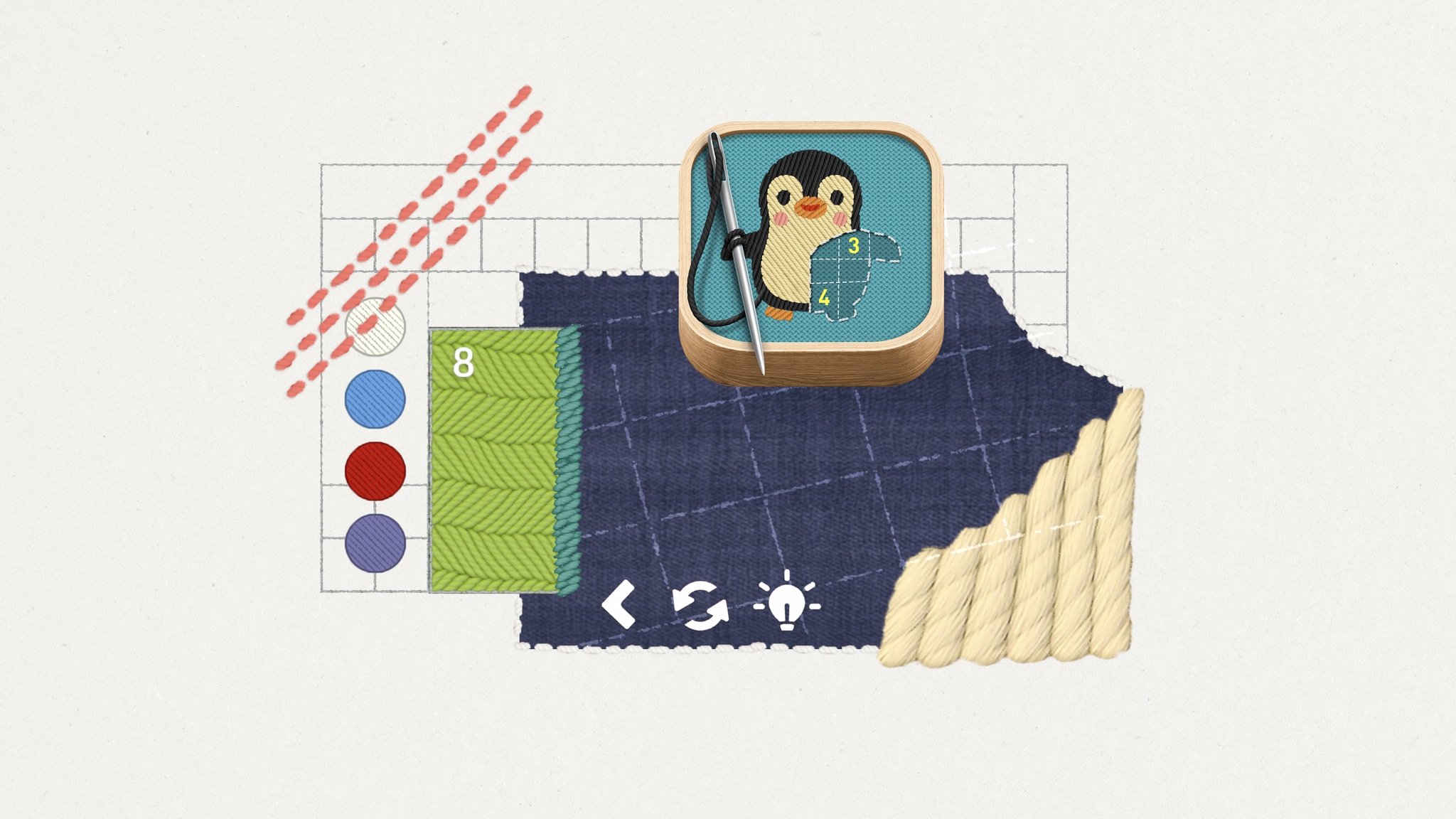
For all its many genres and styles, the gaming world has been awfully threadbare when it comes to experiences about embroidery. That all changes with stitch., a charming cross between casual puzzler, meditative exercise, and afternoon craft project — and as cross-generational a game as you’re likely to find. “We pride ourselves on making games that anyone can play,” says Jakob Lykkegaard, founder of Lykke Studios, the team behind stitch. “It’s important to spend the time to make them available for everyone.”

Find out how Lykke Studios sewed up its embroidery-themed puzzle game.
Winners in this category provide memorable, engaging, and satisfying experiences that are enhanced by Apple technologies.
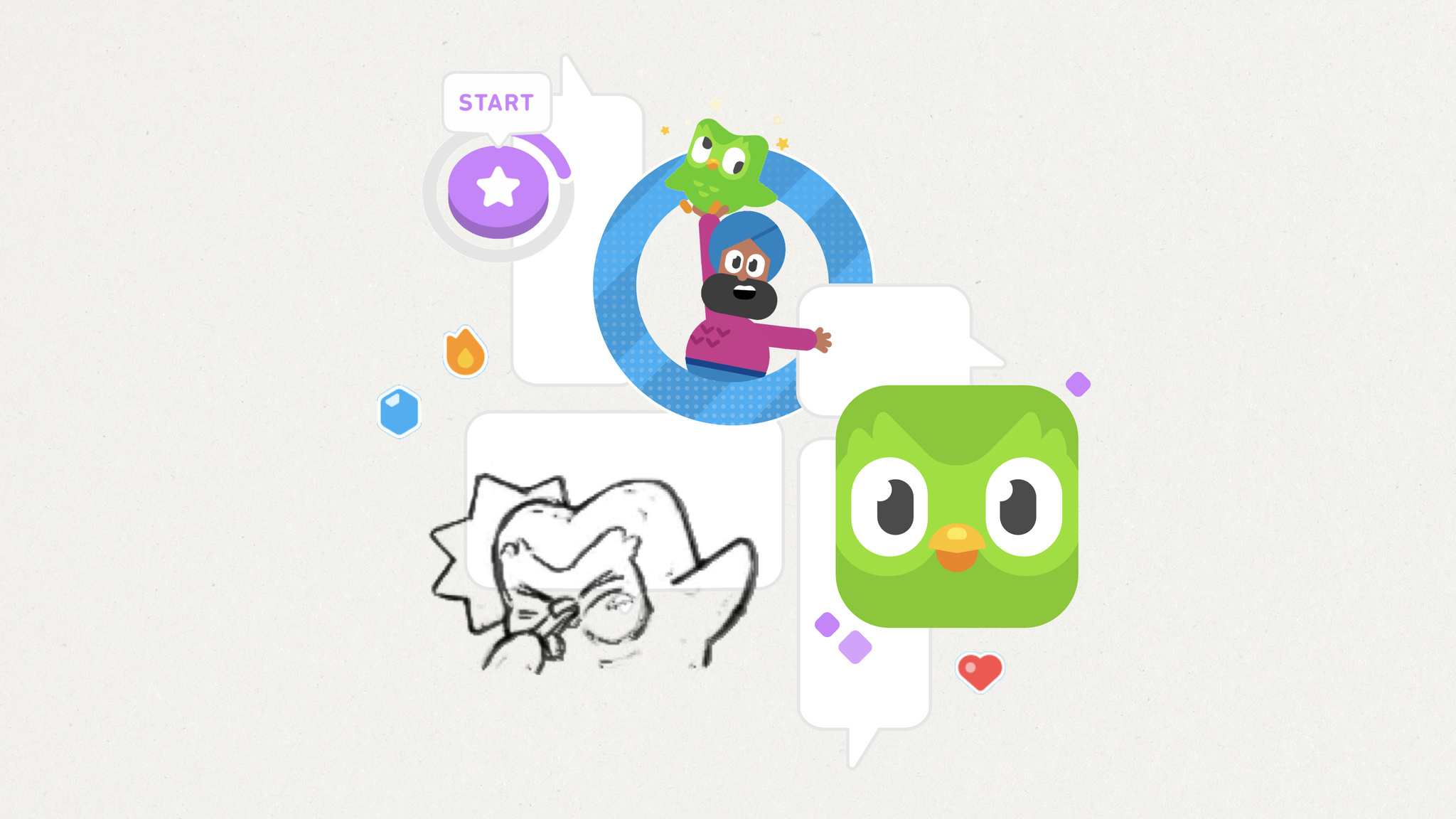
What makes Duolingo such an engaging way to learn a language? The answer is hiding in plain sight. “The secret to Duolingo is that we’re not an education company. We’re a fun and motivation company,” says Ryan Sims, VP of design. “Fun is the most important part of the work we do.”

Learn the design strategies behind the language app’s incredible success.

At first glance, Evan Kice’s Afterplace appears to have time-traveled from the late 1980s. But it’s a decidedly modern game too — fast, fluid, and incredibly easy to pick up. Enemies lurk everywhere and levels stretch out in all directions; what looks like a humble library is secretly a multilevel maze. “I always loved it when a game just kept going,” says Kice. “I was fascinated by the idea that a game could hold an entire country.”

Find out how Evan Kice created the throwback pixelated adventure game Afterplace.
Winners in this category deliver intuitive interfaces and effortless controls that are perfectly tailored to their platform.

Flighty might be the easiest thing travelers navigate on their entire trip. “Travel can be a high-stress situation,” says Ryan Jones, the Austin-based developer who founded the app in 2019. “We want Flighty to work so well that it feels almost boringly obvious.”

Find out how Ryan Jones created this best-in-class travel app.
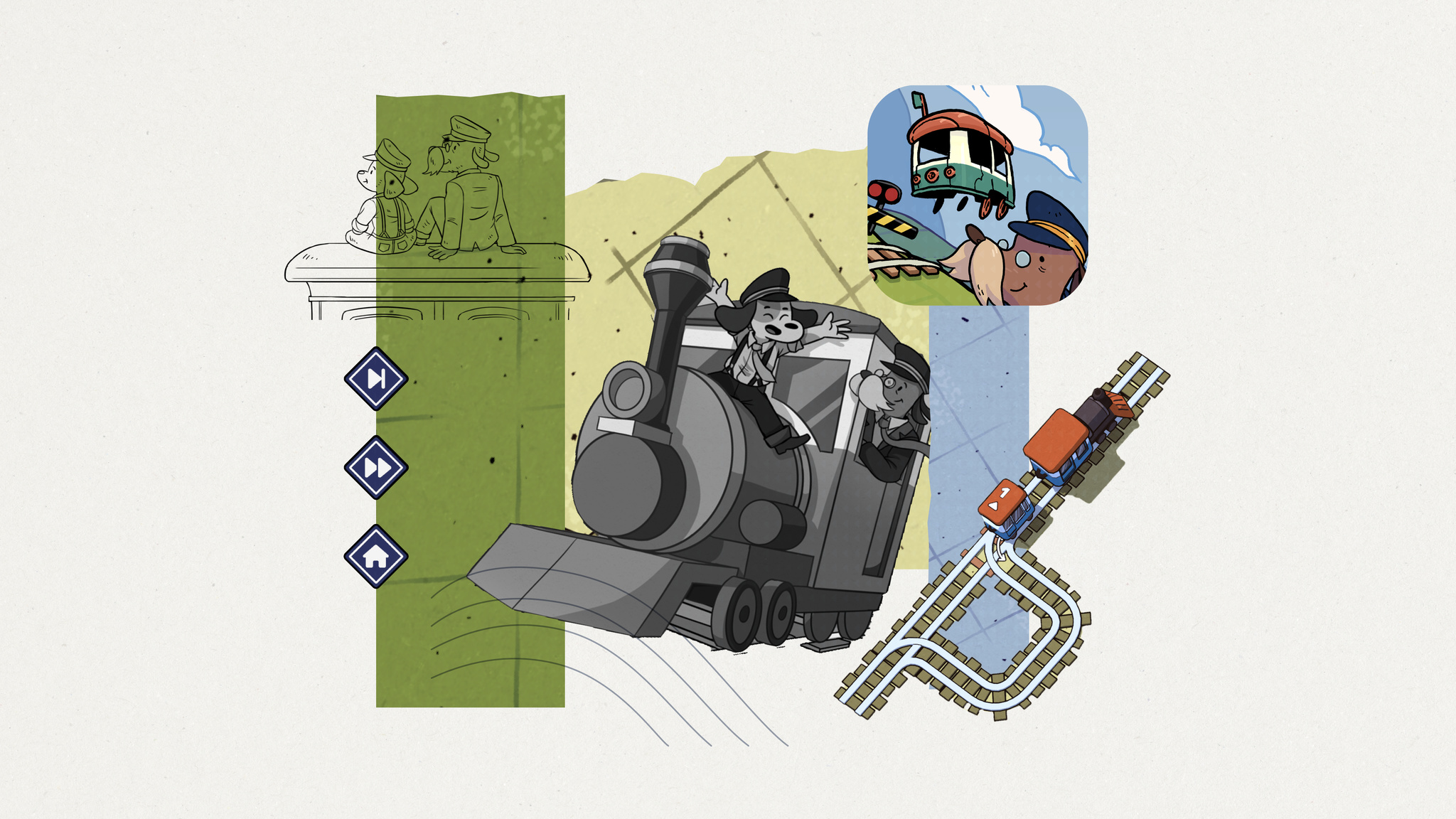
In Railbound, players are challenged to link train cars in proper order by laying down track through a mechanic that’s as simple as finger painting. “I pay a lot of attention to input,” says Luke Spierewka of the game’s Afterburn studio. “For Railbound, I wanted a system where you basically paint rail tiles with one finger.”

Learn how the Afterburn game studio created this tricky track puzzler.
Winners in this category improve lives in a meaningful way and shine a light on crucial issues.

Few apps have made mindfulness as accessible as Headspace. More than a decade since its launch, the app continues to set the standard for mental health apps. “Mindfulness, meditation, mental health — none of these are easy to navigate,” says Jeff Birkeland, senior vice president for member products. “An app that feels warm, friendly, and easy to use can provide approachable support for tough issues.”

Find out how the Headspace team made its app “approachable and friendly.”

Endling is a 3D adventure in which you play as a fox navigating a land charred by environmental disaster and human impact. It’s also a powerful mix of medium and message. “It’s a survival game, but a simplified one that focuses more on telling a story,” says Philipp Nägelsbach, game designer and producer at HandyGames.

How the HandyGames team created this powerful mix of medium and message.
Winners in this category feature stunning imagery, skillfully drawn interfaces, and high-quality animations that lend to a distinctive and cohesive theme.

Luke Beard, the Atlanta-based designer who created Any Distance with engineer Daniel Kuntz, says the app is “for everyone, not just athletes.” Their app is a design-forward fitness tracker and social network that delivers workout stats in beautiful and shareable formats — dynamic charts and graphs, animated 3D maps, AR experiences, and gorgeous cards — that can integrate photos. And its name is also its philosophy: Any distance counts, not just a swim or bike ride, but a walking meeting, stroller run, or its most popular option, a dog walk.

Learn how Luke Beard and Daniel Kuntz created the design-forward fitness tracker Any Distance.

The horror adventure comes to Mac with Apple silicon, with all the visual achievements fans of the long-running series could hope for. From its creepy castle to its decrepit factories to its magnificently hideous villains, Resident Evil Village offers some of the most realistic graphics ever seen on Apple devices. “The concept was a horror theme park with unique characters that stand out against a beautiful environment,” says producer Tsuyohi Kanda.

Learn how the stunningly beautiful horror adventure came to life on Mac.
Winners in this category provide a state-of-the-art experience through novel use of Apple technologies that set them apart in their genre.

When Swupnil Sahai started creating SwingVision, he had no app-building experience — but he’d played a lot of tennis. “The initial idea was, ‘Maybe we can use the accelerometer and gyroscope on Apple Watch to figure out how fast I’m swinging, and maybe we can use the [Apple Watch] screen to keep score,’” says Sahai. “That was really it.” Today, SwingVision has become an integral part of the tennis community.

Discover how the SwingVision team served up the definitive tennis app.

MARVEL SNAP reboots the collectible card game genre with brisk gameplay, a wild cast of superheroes, and its “snap” mechanic, a double-or-nothing bet that adds whole new layers of strategy-slash-psychological warfare. “Our goal as designers is to maximize that ratio of complexity and depth,” says Ben Brode, chief development officer for Second Dinner.

Find out how the SNAP team rebooted the entire collectible-card game universe.
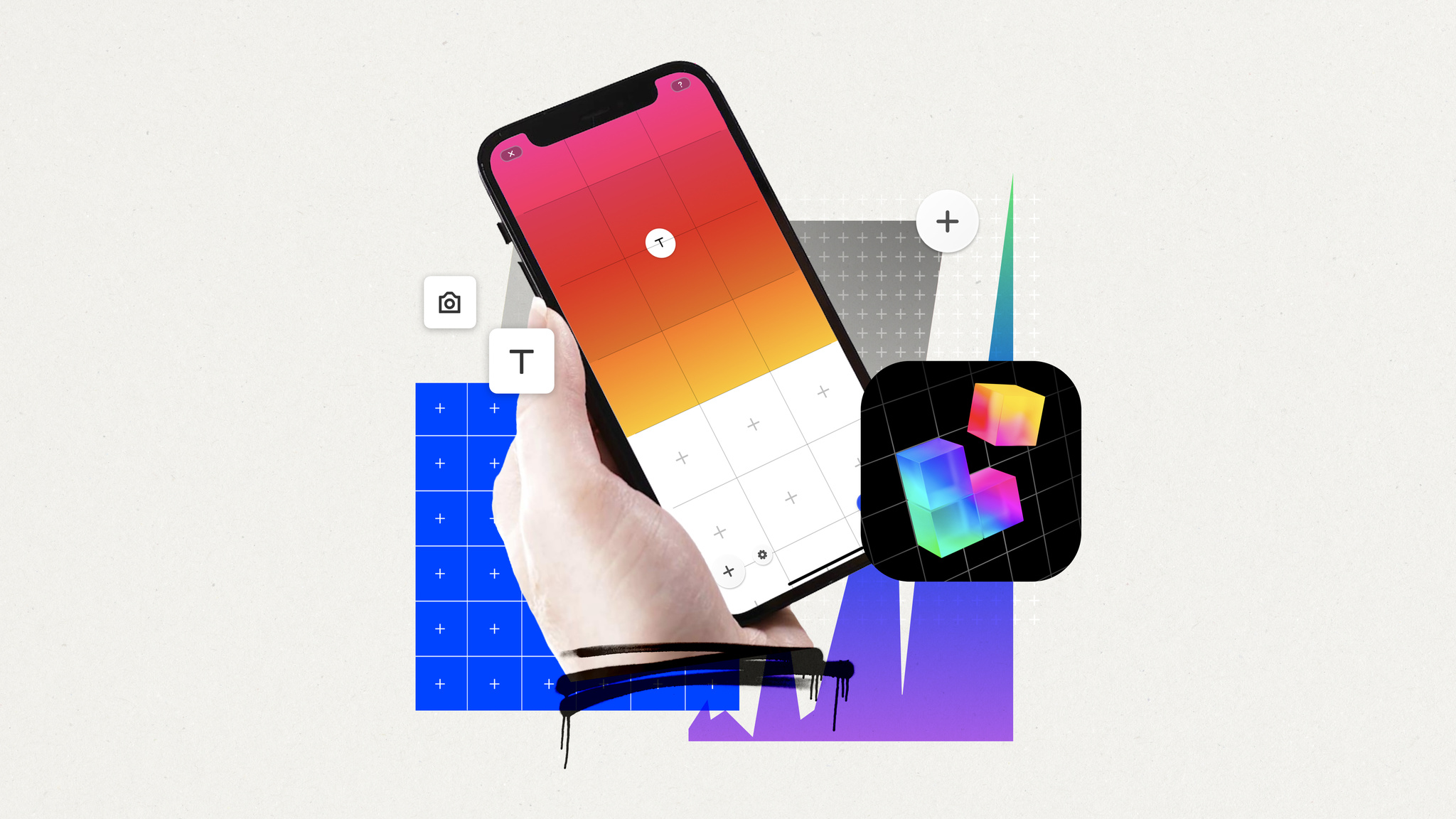

As a kid, Universe founder Joseph Cohen loved nearly everything about the internet: how it brought people together, created avenues for his twin passions of creativity and commerce, and democratized the flow of information. “I grew up in New York,” Cohen says, “but I like to say that I really grew up on the internet.”
Today, Cohen’s passion is still the internet — but he’s no longer just living in it. He’s striving to improve it. “Our goal is making this technology available to everybody,” he says.

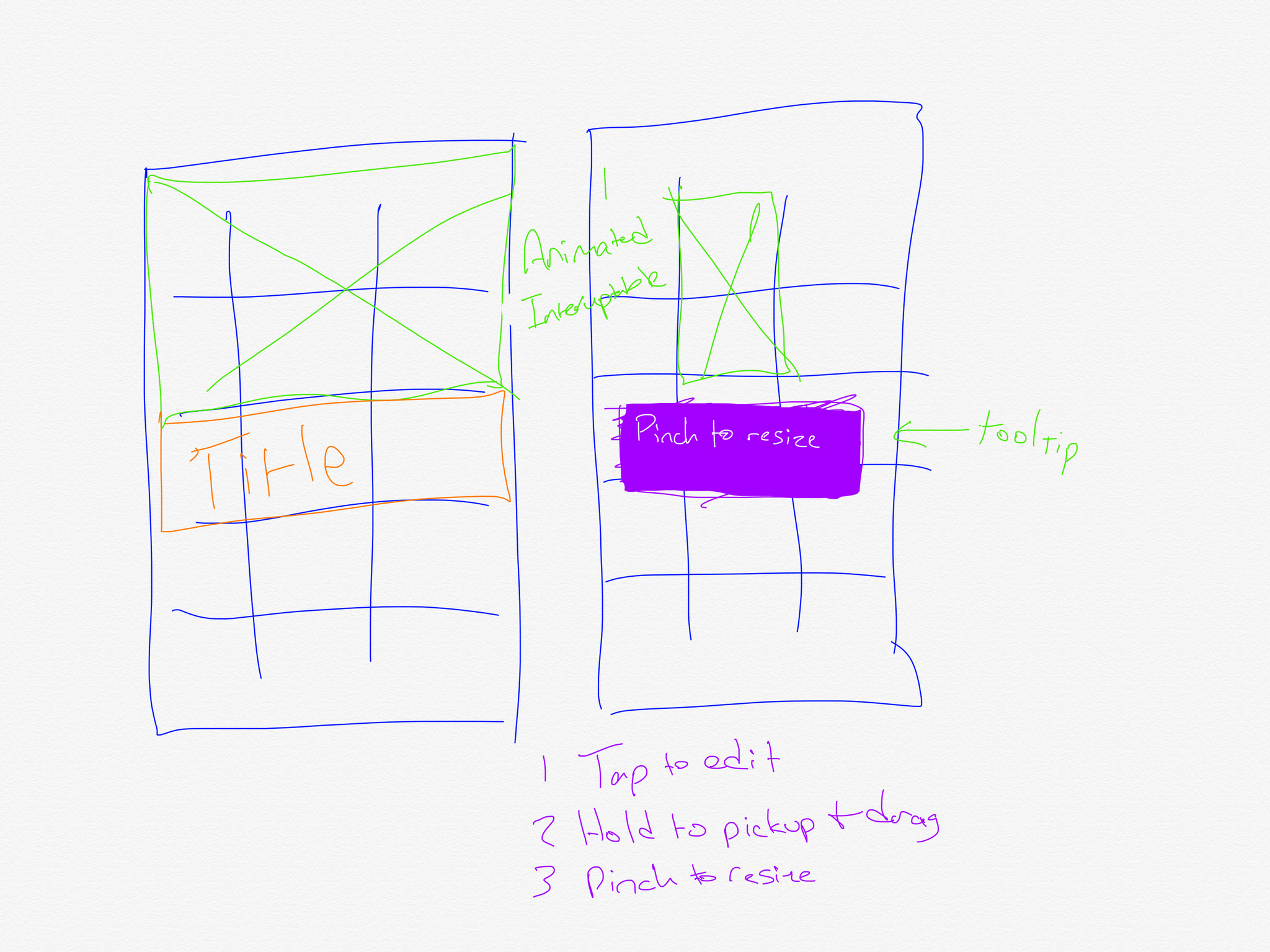
Launched in 2017, the powerful, versatile, and almost unbelievably simple Universe makes creating a website as easy as building with blocks. The app operates on a grid system. To create a site, add blocks to the grid, and to edit a site, move those blocks around. No knowledge of coding, design, or publishing is necessary — Universe even handles the process of acquiring and publishing to specific domain names. The app doesn’t just remove barriers, it bulldozes them. And today, Universe currently powers storefronts, artist portfolios, musician pages, community group hubs, personal web presences, and everything in between.
In the past year, Universe empowered more people than ever with a series of accessibility upgrades directly inspired by people’s feedback. In one example, a high-school student in California who is blind reached out to ask for better VoiceOver support — and the Universe team quickly came up with an elegant idea.
“We learned that the grid system we designed is perfectly fitted to screen readers,” he says. “VoiceOver works by reading from the top left of the page, so when you have a grid-based coordinate system, it will walk right through what’s on the screen. It’ll say, ‘OK, in position one and two, you have an image of flowers,’ and so forth.”
The team refined the feature by working closely with a number of people who are blind or have low vision — many of whom have Universe-created sites online right now. And they kept going, adding Dynamic Type to scale text as well as accessibility upgrades to the app’s general navigation, settings, audience metrics, and more.
The team’s latest project aims to make it even easier for anyone to get started with web design. Cohen and team are working on an AI feature that will instantly generate or refine a custom website based on natural language descriptions. Tell Universe, “Make a pink site with sparkles for my custom nail business in Chicago,” and the results will appear in seconds.
Our goal is making this technology available to everybody.
Joseph Cohen, Universe founder
“It’ll be a dialogue; it’s not a one-way street,” says Cohen. “You can still edit your site manually, or you can ask it to change the theme or background color.” (The AI designer is named GUS, both because it stands for “generative Universe sites” and because Universe employs a very skilled designer named Gus. “We have to call him Human Gus now,” laughs Cohen.)
Cohen plans to build the AI feature “in public,” releasing regular video updates about the team’s progress as part of a way to garner people’s feedback on the fly. It’s another example of his drive to make the app — and the internet — more open to everyone. “I still live in New York, and the best part of New York is that it’s incredibly diverse,” he says. “It’s gritty and organic and very human. I think the internet can look like that — but you need great tools to enable it.”
Download Universe – Website Builder from the App Store
Behind the Design is a series that explores design practices and philosophies from each of the winners of the Apple Design Awards. In each story, we go behind the screens with the developers and designers of these award-winning apps and games to discover how they brought their remarkable creations to life.


MARVEL SNAP reboots the entire collectible card game universe.
The game is stacked with incredible visuals, a multiverse of gameplay variations, and a “snap” mechanic — a double-or-nothing bet — that’s as simple as it is revolutionary. It’s got an encyclopedic collection of iconic and deep-cut Marvel characters, but players don’t need a background in comic-book lore or collectible card games in order to participate. And with brilliantly intuitive touch controls and speedy gameplay, it’s perfect for mobile devices.

MARVEL SNAP is the brainchild of Ben Brode and Hamilton Chu, the masterminds behind Hearthstone, which itself redefined the collectible card genre upon its 2014 release. In 2018, the duo launched their own studio, Second Dinner, with big aspirations and an even bigger problem: “We didn’t have any ideas,” laughs Brode, the studio’s chief development officer. “It’s a little terrifying to sit down at your new job and think, ‘OK, we have to come up with a game, and we have nothing.’”

To break their creative block, Brode and Chu started playing every board game they could get their hands on. “That’s the soup that SNAP arose from,” Brode explains. It also led them to the early breakthrough — what Brode calls Chu’s genius idea — that would define the game. “He said, ‘You know what would be really fun? Incorporating the doubling cube from backgammon,’” says Brode. “We tried it and immediately realized we were onto something.”
From there, things moved fast. The pair had inked a deal with Marvel, so they sat down to think about what made Marvel special. “It’s the conflict between heroes and villains, right?” he continues. “It’s not about mowing down enemies, it’s about that heroic 1v1 standoff. So we said, ‘That’s it. Let’s try a card game.’” The pair played the earliest rounds of SNAP on the back of business cards and the game’s foundations were established in all of two days.

While the core game was built fast, the iterations took much longer. Over the next four years, Second Dinner played, refined, and simplified — to a degree. “It was honestly less about making the game simple and more about maximizing the depth of the complexity we chose to add,” Brode says.
On one hand, SNAP is an incredibly simple game with one card type, three locations, and six turns. Rules for those card types and locations are easy to follow. Battles last a matter of minutes.
But those basic components combine for a game of near-infinite complexity — and perfectly calibrated balance. “Most people misunderstand randomness by thinking of it as a scale,” Brode says. “That absolutely is not how randomness works. While no two games of SNAP are alike, in every game you have to think: ‘How can I win this time?’ It’s about the intersection between randomness and skill. And if you lose, you always have an opportunity to reflect on how you could have done something differently.”
While no two games of SNAP are alike, in every game you have to think: ‘How can I win this time?’ It’s about the intersection between randomness and skill.
Ben Brode, MARVEL SNAP creator
Even the game’s language keeps players engaged. For instance, retreating in SNAP isn’t necessarily an admission of defeat; it might be a considered decision to minimize loss. “If you decide to leave because it’s strategically correct, that’s not losing!” says Brode. As such, players who retreat get a screen that says “Escaped!” — a much more palatable outcome than losing. “‘Escaped’ zeroes out the emotional negativity,” Brode notes.
As befitting its comic-book origins, SNAP is a visual feast. Characters have their own unique animations, like Ghost Rider using his chain to yank a discarded card back into the match or Devil Dinosaur unleashing a board-rattling roar. Players can even enable a 60 fps setting to make a Hulk smash look truly incredible. Even “snapping” an opponent triggers a dramatic light show and haptic feedback.

While SNAP certainly includes top-line Avengers, they’re by no means the game’s heaviest hitters. Big wins can come courtesy of characters like Blue Marvel, Mister Fantastic, Misty Knight, and Enchantress — names you’ve maybe not heard in a while, if you’ve heard them at all. Brode says showcasing lesser-known characters was part of the strategy to appeal to a wider audience, but also a nod to his own comic-book past. (Naturally, those who worked on the game also have their favorites — art director Jomaro Kindred is a big Black Panther fan, while producer Gareth Ackerman is really into Armor.)
It’s a comic-book game for non-comic-book people, a collectible card battler for those who’ve never heard the phrase, and an incredible achievement that appeals to players of all ages. “I got a suggestion this week from a 5-year-old in Wales who had an idea for a new location,” says Brode. “His parents forwarded it to me with a note that said, ‘We play this together as a family, and he’s learning numbers and math through this game and these characters.’ That’s incredibly rewarding, and it feels awesome.”
Download MARVEL SNAP from the App Store
Behind the Design is a series that explores design practices and philosophies from each of the winners of the Apple Design Awards. In each story, we go behind the screens with the developers and designers of these award-winning apps and games to discover how they brought their remarkable creations to life.
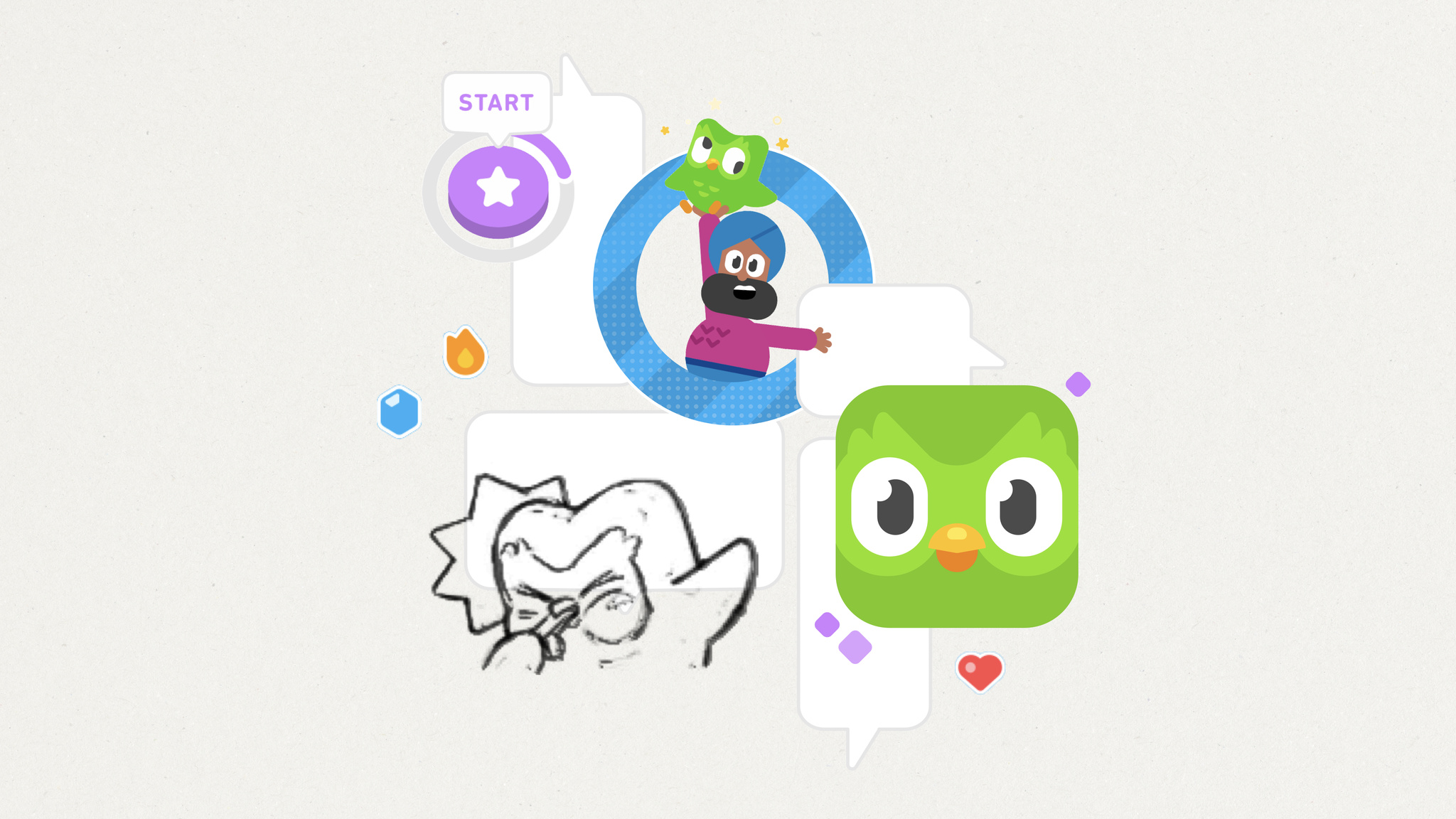
What makes Duolingo such an engaging way to learn a language? The answer is hiding in plain sight. “The secret to Duolingo is that we’re not an education company. We’re a fun and motivation company,” says Ryan Sims, VP of design. “Fun is the most important part of the work we do.”
More than a decade since its launch, Duolingo continues to boast best-in-class design, great interactions, and an easy-to-follow UI. It’s filled with fun touches, like gamified lessons, hilarious characters, and a learning path that leans on actual conversations. And then there’s Duo, the famously tenacious owl mascot who achieved viral notoriety for his skill at encouraging people to extend their learning streaks. The app has figured out how to make a daily language lesson feel not like classwork but a joy.
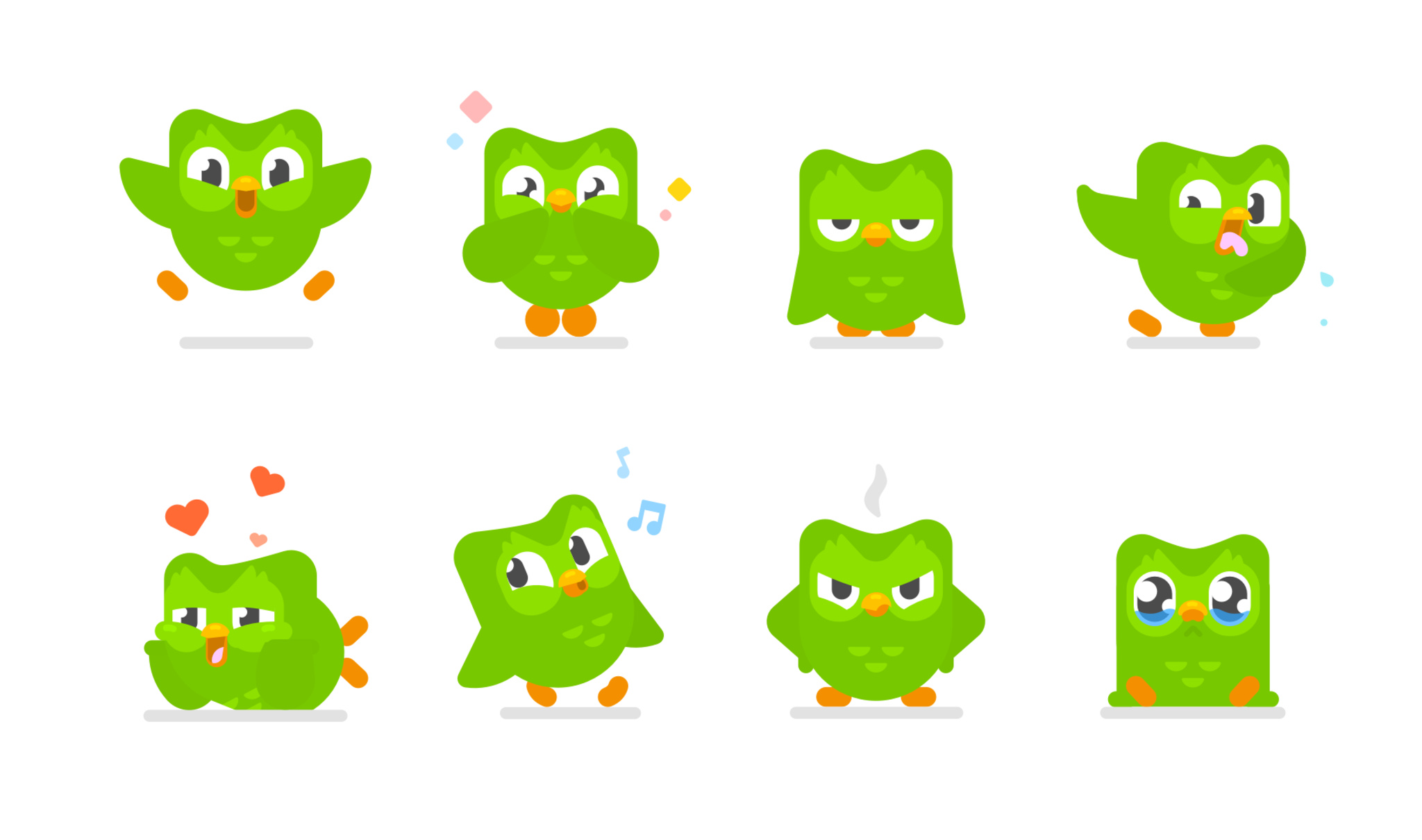
This past year, Duolingo launched a major learning path redesign. In previous versions, it focused on a main screen — known as “the tree” — that let people explore numerous routes. “Two people could spend the same number of hours doing the same number of lessons, but end up in different places,” says Sims. Today, all Duolingo users follow a single route. “We call it ‘the path,’” says Sims. “It was a complete reboot of our product strategy.”
The path redesign coincided with another important update: animations for Duolingo’s wonderful cast of characters. There’s Lily, a perpetually unimpressed teen with a dismissive slow-clap; Oscar, a dramatic teacher who takes his job very seriously; and Eddy, a fitness buff with an enthusiasm for just about everything. Their subtle animations when people get something right are a reward in themselves. “A lot of that character interaction was informed by seeing how people connected with Duo,” says Sims.
The secret to Duolingo is that we’re not an education company. We’re a fun and motivation company.
Ryan Sims, Duolingo VP of design
Filling the app with memorable personalities required world-building — a process not often found in language apps. “It’s such a gigantic task,” says Sims, “and it really just started with our head of art, Greg Hartman, who began drawing characters and saying, ‘Wouldn’t it be cool if you encountered the same people through the entire experience?’” And of course, there’s a team of experts on hand to make sure every character’s story is consistent. “There are quite a few people whose job is to help write these stories and make sure they don’t contradict each other,” says Sims, with a laugh.
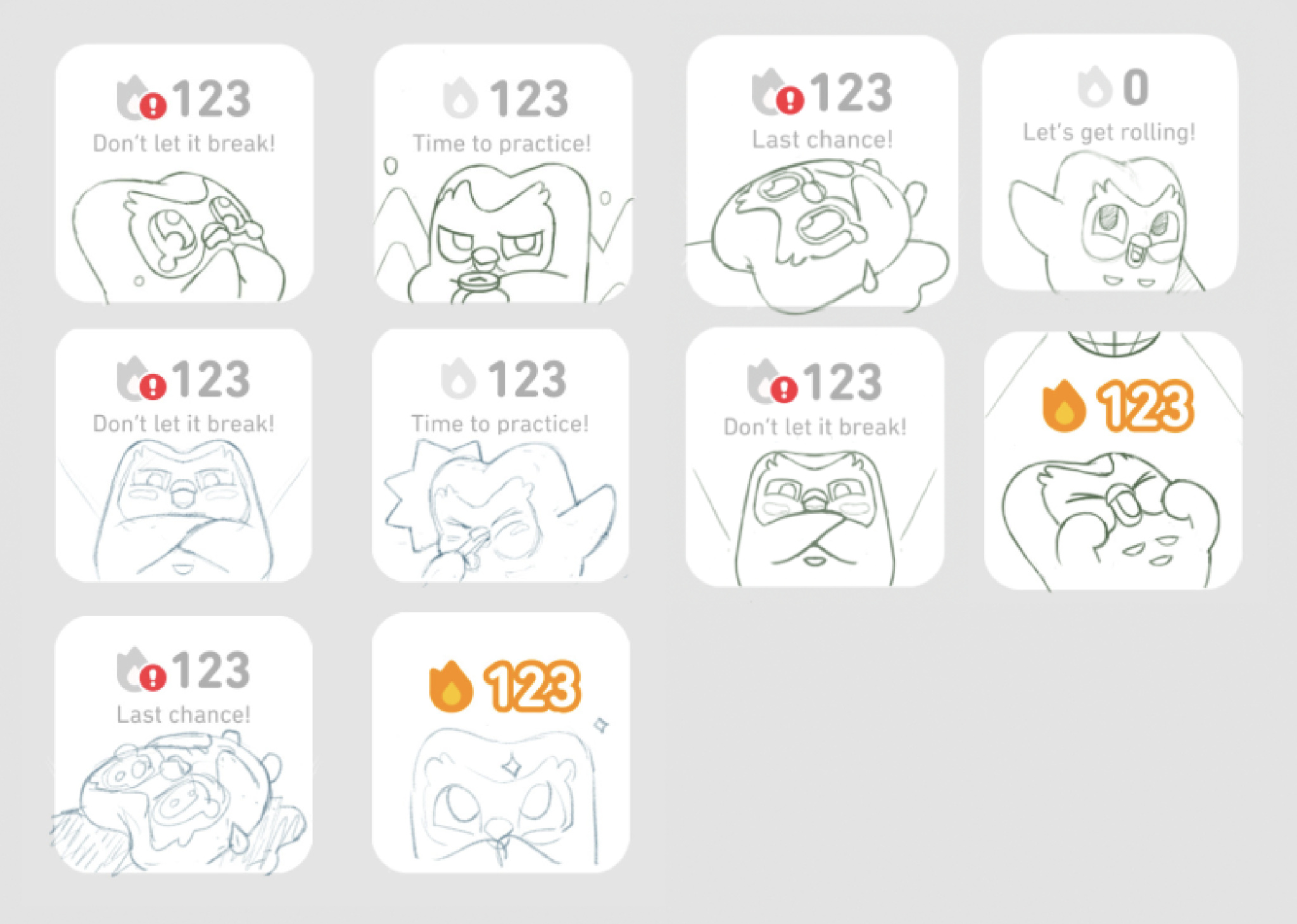
Duolingo’s approach under the hood may have changed, but the sense of fun is still front and center.
The lessons are brisk and breezy, emphasizing the building blocks of language through repeated phrases and sentences. And it’s all designed not just to attract learners, but to get them to stick around through quick lessons, compelling rewards, and unapologetic encouragement to keep their streaks alive. “You learn a language to connect to another human. That’s all it comes down to,” says Sims. “That’s why we’re passionate about teaching folks to speak new languages — because it brings everyone together.”
Download Duolingo from the App Store
Behind the Design is a series that explores design practices and philosophies from each of the winners of the Apple Design Awards. In each story, we go behind the screens with the developers and designers of these award-winning apps and games to discover how they brought their remarkable creations to life.
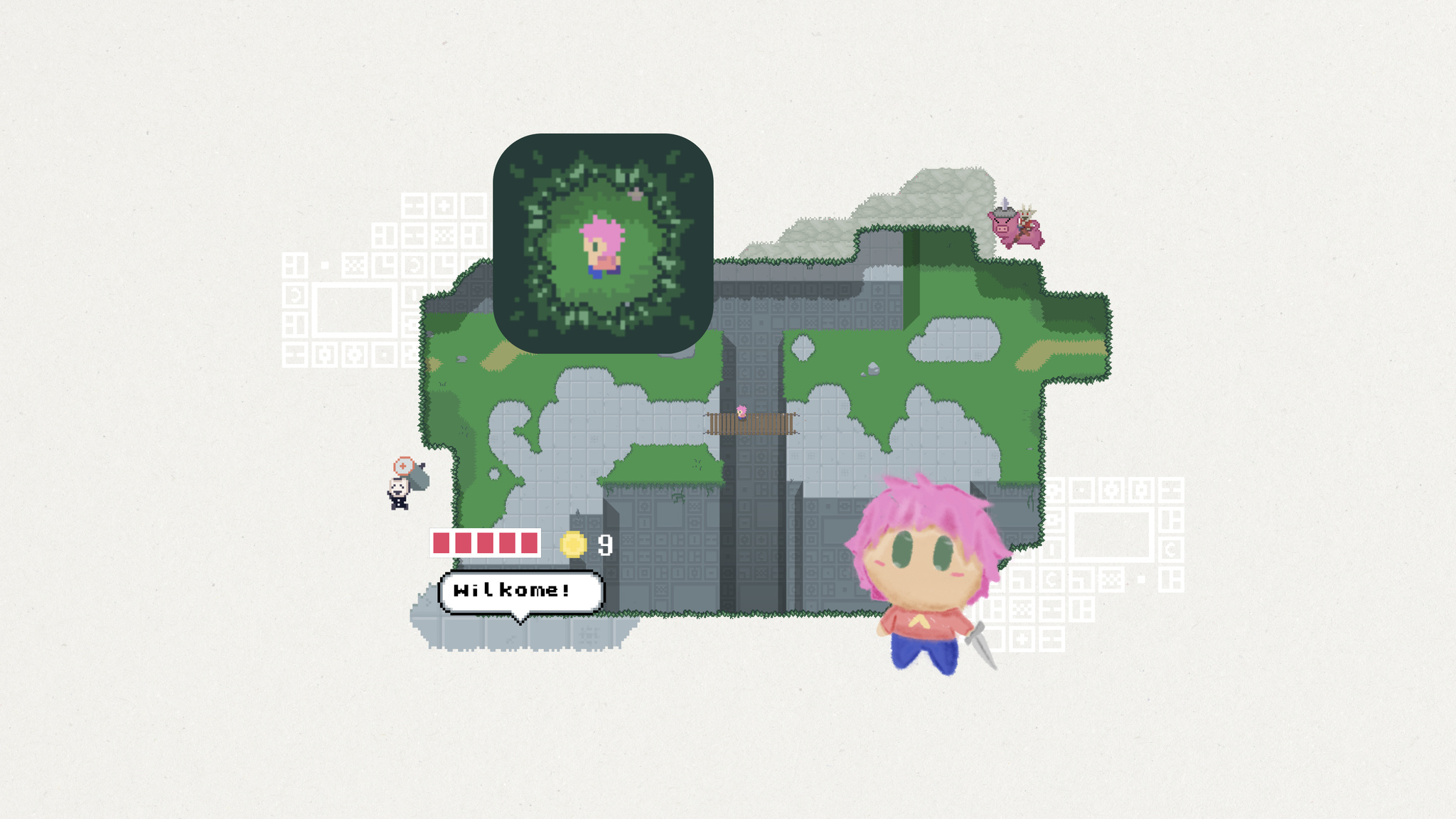
At first glance, Evan Kice’s Afterplace appears to have time-traveled from the late 1980s. It’s a 2D top-down pixelated adventure game full of blocky characters, blippy music, and retro typefaces. If you were ever into the games of the era — and Kice very much was — it feels like a delightful visit from an old friend.
“I grew up on those games,” says Kice. “I was always carrying them around. And I was also the kind of kid who’d look at a manhole cover and think, ‘That is definitely the entrance to a dungeon.’”
Yet for all its nostalgia, Afterplace is a decidedly modern game too. It’s fast, fluid, incredibly easy to pick up, and features a surprisingly huge map. Its characters look like 1989 but talk like 2023, especially the sarcastic vending machine that dispenses random jokes and the friendly rabbit that provides advice. (For instance: “If you think something’s going to attack you, don’t be there anymore. Like, move away.”)
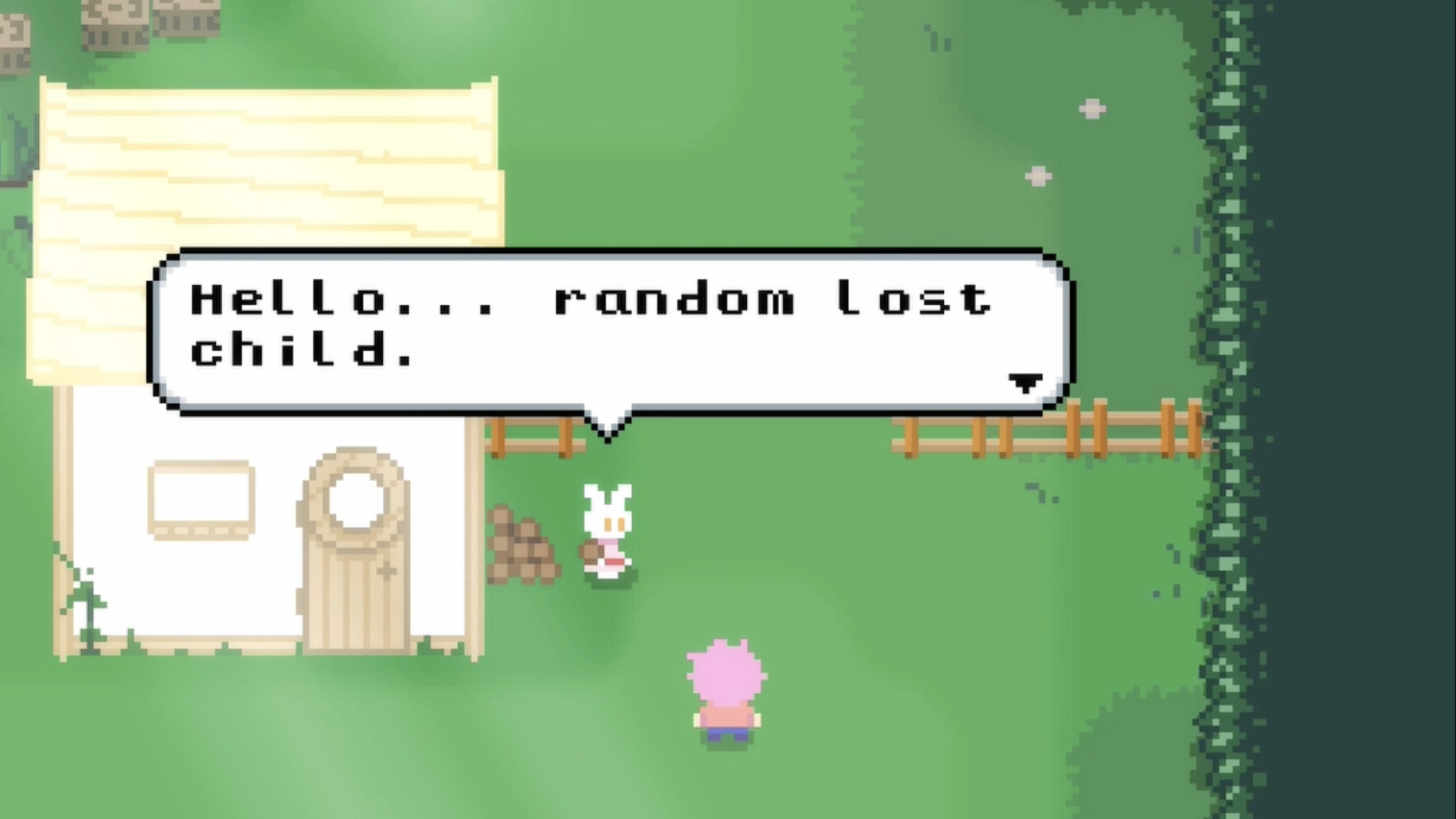
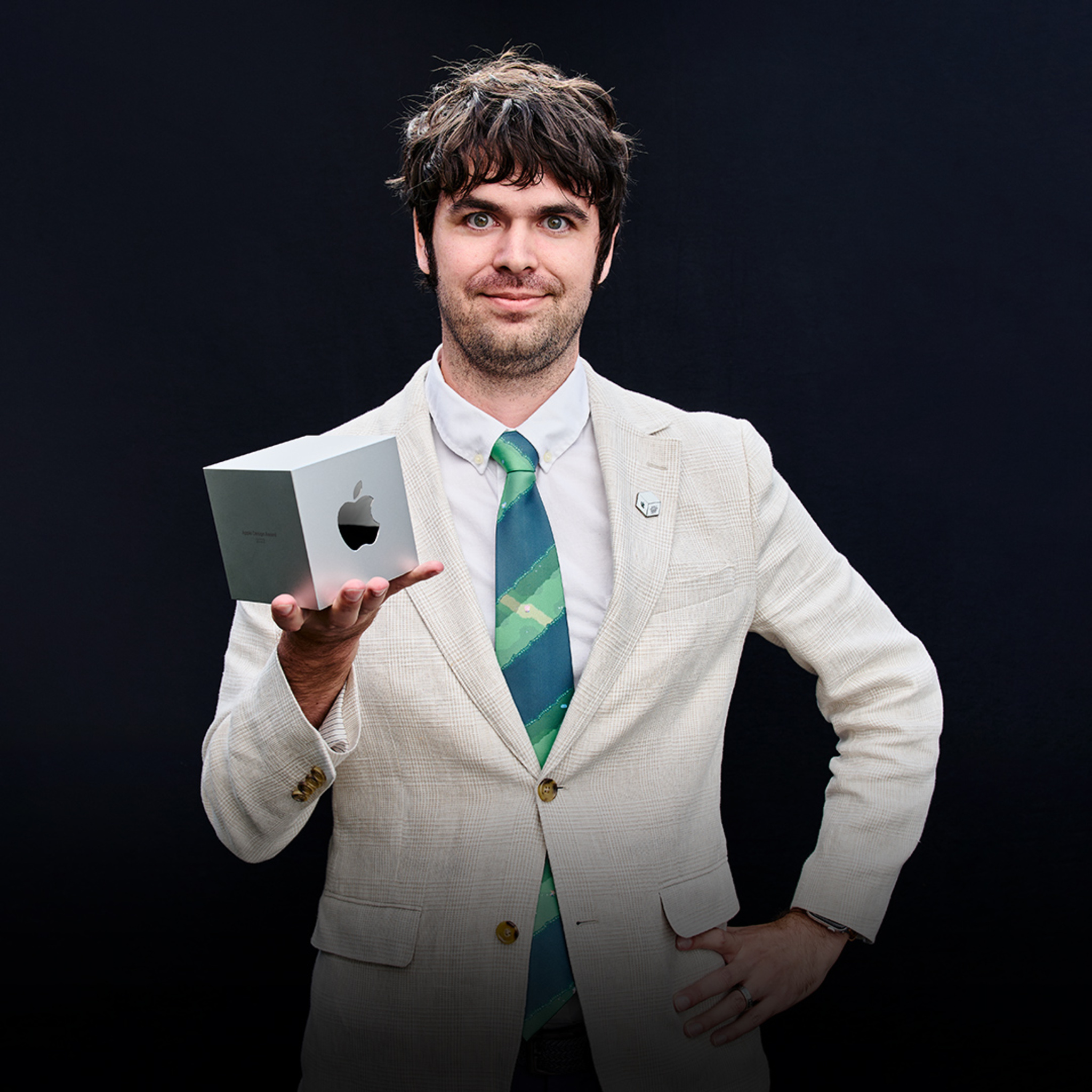
It’s especially impressive when you realize that Kice is the game’s sole designer, developer, and artist. He began making video games at age 11, studied software engineering in college, and took a few game design courses. But mostly, he taught himself along the way. “Honestly, I just watched a lot of tutorials,” he says. “YouTube is how I learned art, sound, music, and basically everything that wasn’t programming or game design.”
The game is also brilliantly designed for mobile, with one-finger controls that make it easy to explore. Tap to interact with an object or slash your way out of trouble. Or tap and drag anywhere on the screen to move around. In fact, one of Kice’s earliest design decisions was to lean on touch screen interaction paradigms instead of drawing controls on screen. “I was never a fan of virtual buttons or d-pads,” says Kice. “I’ve played a lot of those kinds of games, and often ended up going a direction I didn’t want to go. And I personally enjoyed being able to play with one thumb while standing in line somewhere.”
That drive for simplicity also informed the interactions between hero and enemy. “Some games have simple enemies but a complex you,” he says. “Afterplace has a simple you but complex enemies. Whenever you walk up to something, you have to say, ‘What is this guy gonna do? I gotta figure this out.’ That’s your whole job. You’re not worried about doing double backflips because you’re too busy trying not to get smashed in the face.”
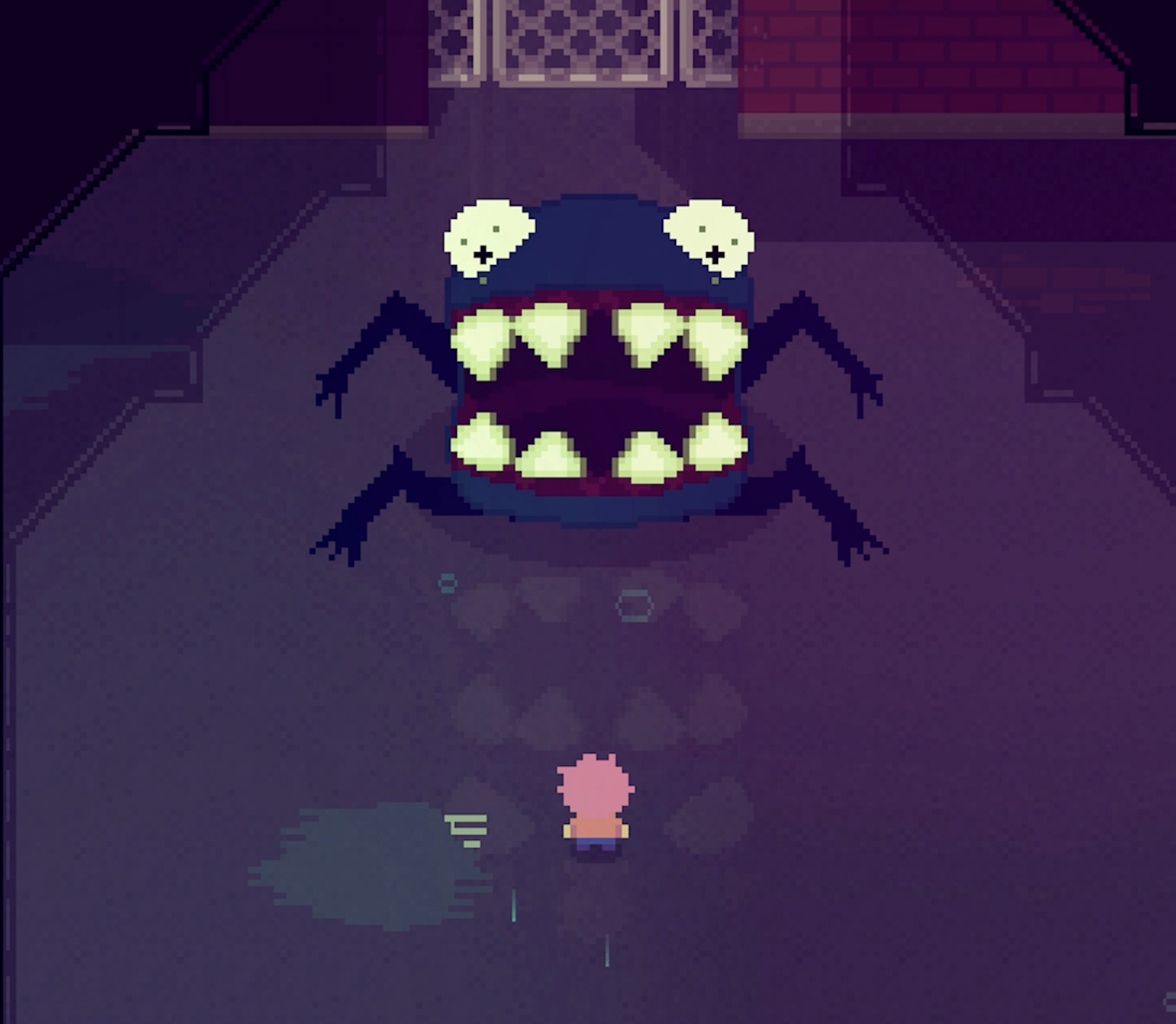
Enemies lurk everywhere in Afterplace’s massive worlds. Levels stretch out in all directions; what looks like a humble library is secretly a multilevel maze. “I always loved it when a game just kept going,” says Kice. “I was fascinated by the idea that a game could hold an entire country.”
I was never a fan of virtual buttons or d-pads. And I personally enjoyed being able to play with one thumb while standing in line somewhere.
Evan Kice, Afterplace creator
He was also fascinated by vintage heroes and villains. “All the characters in Afterplace are the same resolution as the characters in my favorite childhood games,” he says. “I really, really loved those characters. But they were just static images; they faced four directions and had a blank stare on them. As a kid, I would think, ‘I would love it if they did anything more than stand in place and say one line of dialogue.” Inspired, he challenged himself on Afterplace to see how expressive that vintage resolution could be. “Turns out they’re pretty expressive!” he laughs.
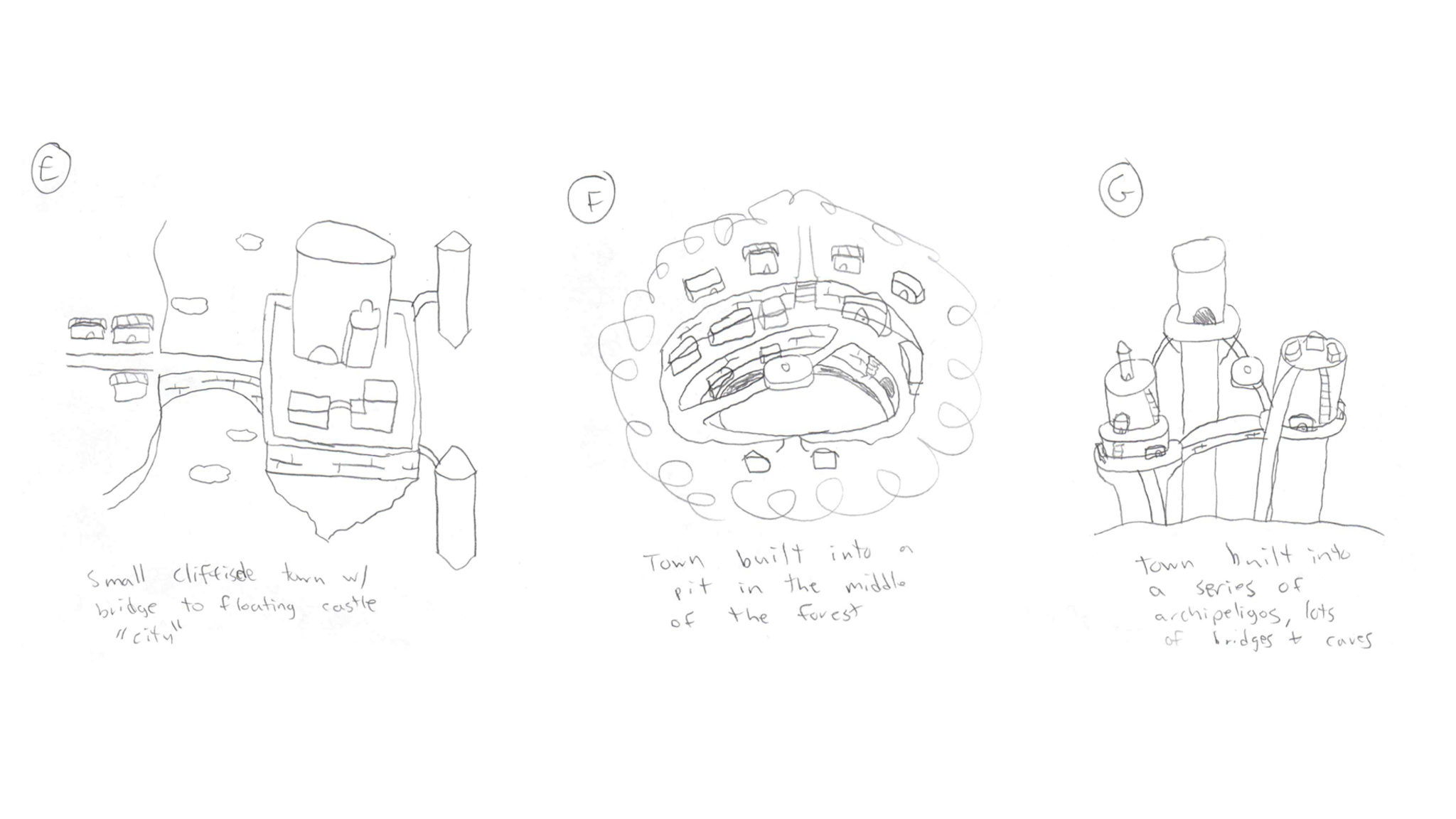
Afterplace’s expressiveness comes through in its clever dialogue, like the character who encourages players to be more strategic in their attacks by saying, “You wouldn’t imagine how many dunderheads just keep swingin’ away at a monster.” The game’s music — which Kice wrote and performed — starts in an 8-bit style but expands to become more orchestral later on, a trick he picked up from the game Undertale. “If you start out the game with a retro sound, then later break out the string quartet or horror violins, it has a lot more impact,” he says. “The rest of the game has maybe three melodies in it. I’ll pretend that’s because I’m a cool designer using leitmotifs, but it’s actually the maximum number of melodies I could think of.”

Never a fan of intro cutscenes, Kice designed Afterplace’s onboarding to get players right into the action. “I love story in games, but I almost always skip those introductions. I’m just not invested yet,” he says.
Afterplace also features a bevy of accessibility options that let players adjust text scaling, camera shake amount, contrast, and more. There’s even an invincibility mode, if players are really having trouble with those monsters. It’s all part of a strategy to appeal to anyone, regardless of their video game history — if they have one at all.
I love story in games, but I almost always skip those introductions.
Evan Kice, Afterplace creator
“Afterplace is very niche,” he says. It’s for people who maybe don’t play games on mobile. But if it helps bring more people into gaming, I think that’s great.”
Download Afterplace from the App Store
Behind the Design is a series that explores design practices and philosophies from each of the winners of the Apple Design Awards. In each story, we go behind the screens with the developers and designers of these award-winning apps and games to discover how they brought their remarkable creations to life.


When Swupnil Sahai started creating SwingVision, he had no app-building experience — but he’d played a lot of tennis.
“The initial idea was, ‘Maybe we can use the accelerometer and gyroscope on Apple Watch to figure out how fast I’m swinging, and maybe we can use the [Apple Watch] screen to keep score,’” says Sahai from his workspace in the Bay Area. “That was really it.”
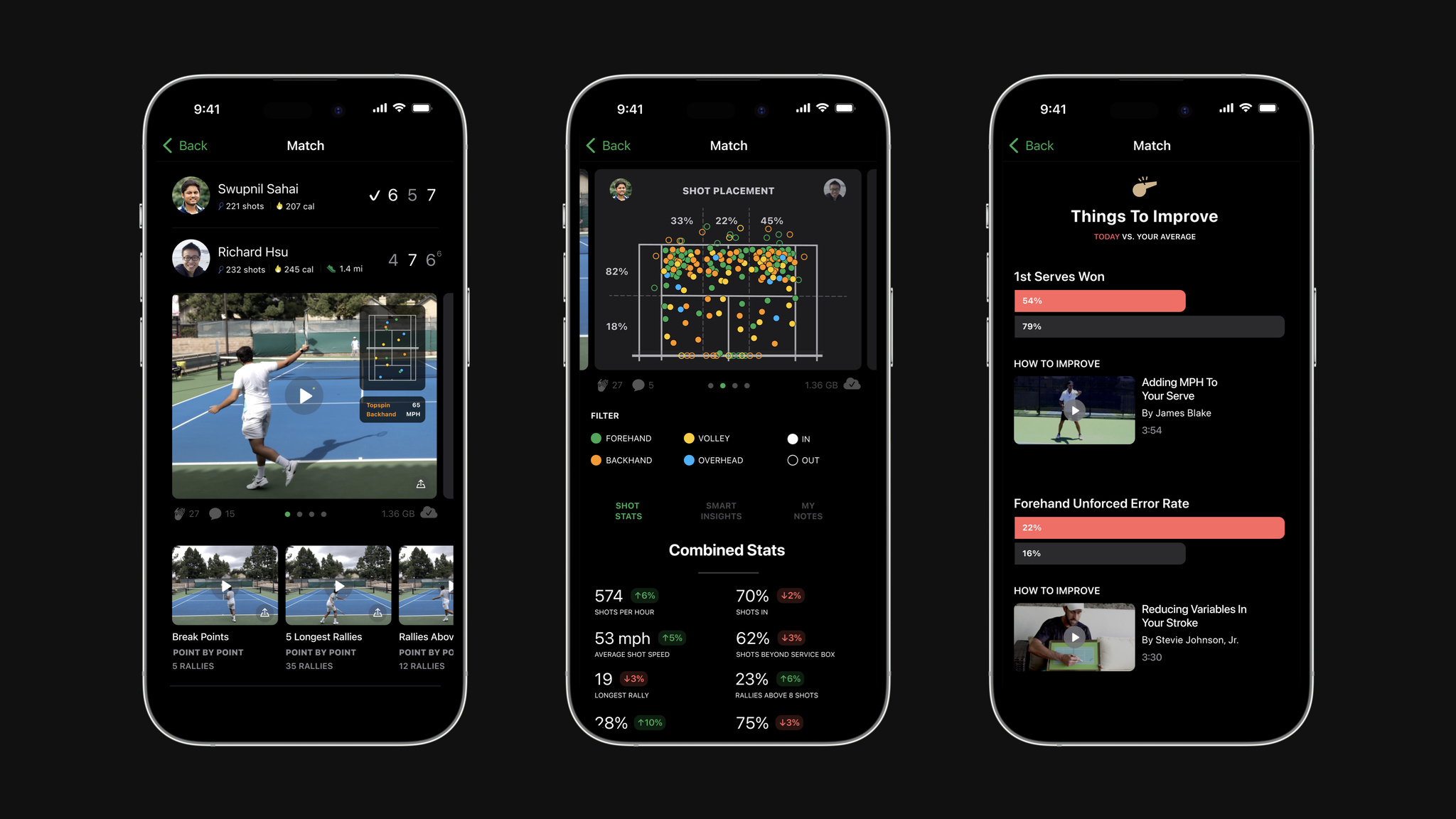
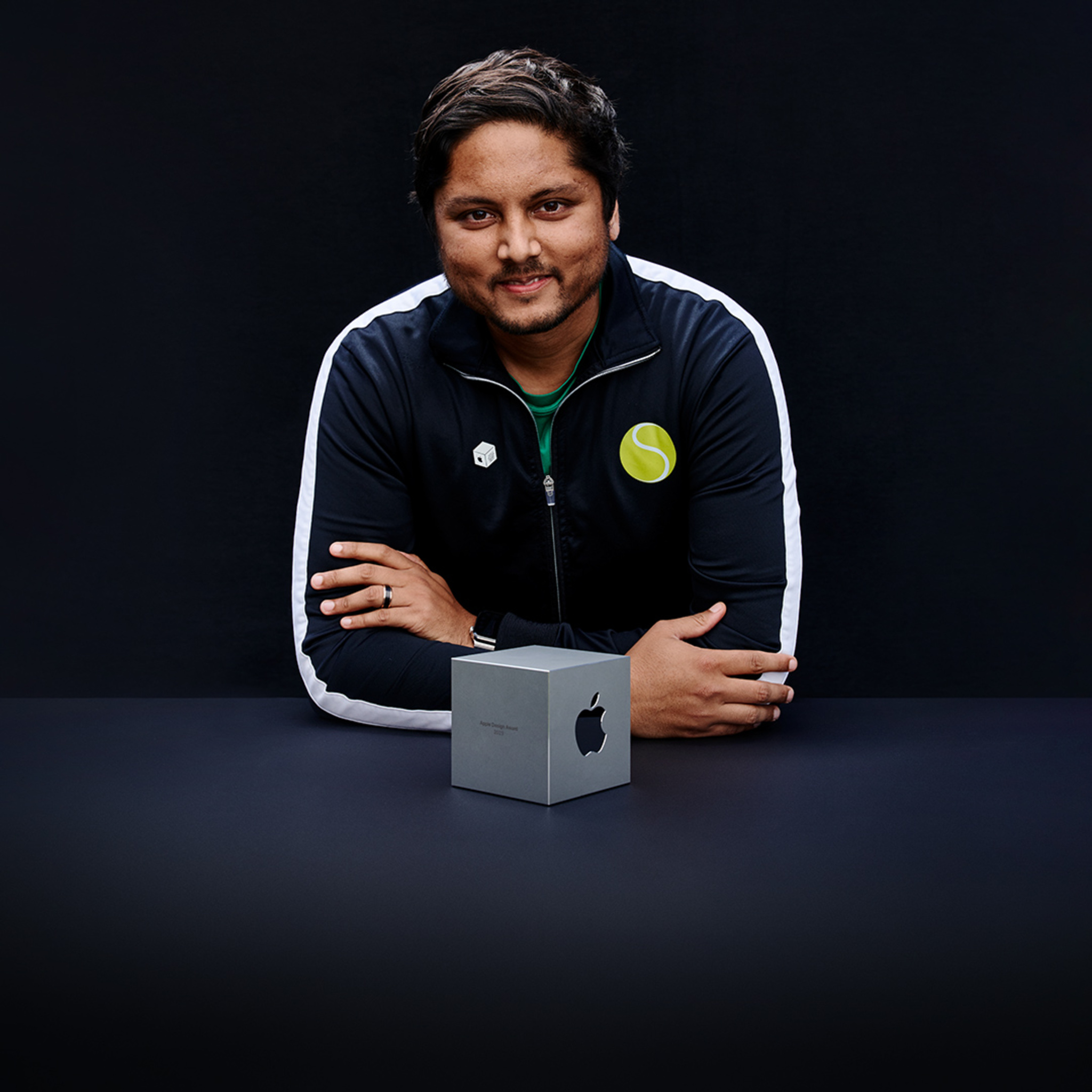
The app was a true passion project for Sahai, who jumped into SwingVision pretty much cold. “Although I’d programmed in other languages, Swift seemed much more approachable, so I thought ‘Maybe I can pick this up on my own.’” He not only picked it up, he found the learning curve so speedy and enjoyable that he was staying up later and later to plunge into SwingVision and Swift. “I was building in Xcode on day one,” he says. “I don’t think I’ve ever had so much fun working.”
Today, SwingVision has become the definitive tennis app, and an incredible example of the combined power of cameras, machine learning, and the concept of filling a need. It’s beautifully and exclusively designed for iOS, with an easy-to-navigate UI that makes it accessible to both officially sanctioned matches and people practicing on the weekends.
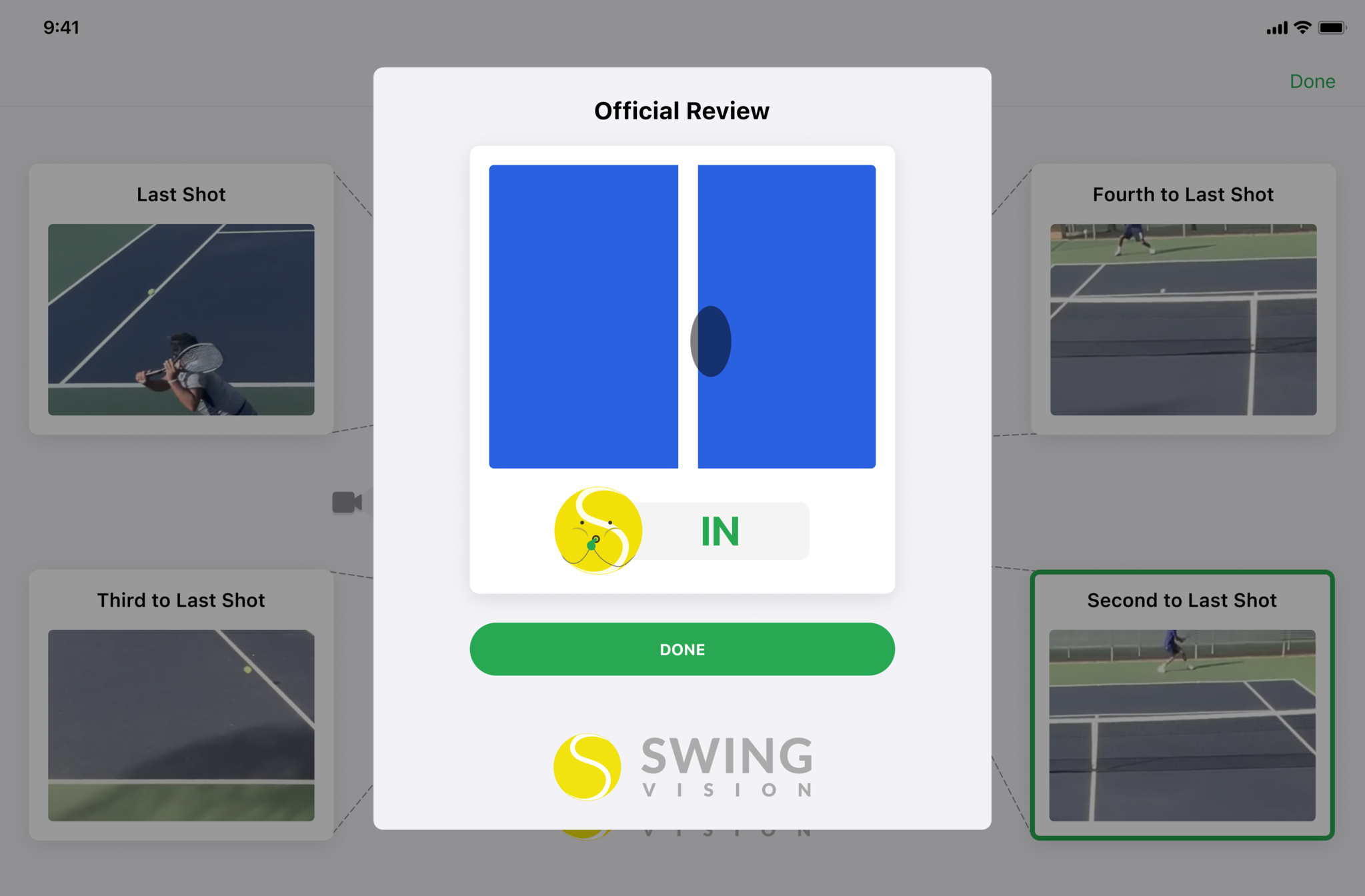
It’s also become an integral part of the tennis community. SwingVision is now used for line calling, the definitive say on whether a ball is in or out — a call that’s still left to players themselves. “It’s rare to have judges on the court in tennis,” says Sahai. “In baseball, you have umpires. Even middle-school basketball has referees. Somehow in tennis you have to do everything yourself.”
I was building in Xcode on day one. I don’t think I’ve ever had so much fun working.
Swupnil Sahai, SwingVision founder
Founded in 2015 by Sahai, along with close friend and current CTO Richard Hsu, the app couldn’t be simpler. Point your iPhone or iPad camera at the court and SwingVision tells you how fast you’re serving, the consistency of your shots, and how to shape up your posture and footwork. It does so by using advanced machine learning to track shots (a pretty intensive process). “It allows you to call lines more accurately than you could with your own eyes. But if you don’t record at 60 fps, you won’t even see the ball bounce — it just moves too fast,” he says. “Of course, 1080p video is very, very high resolution. It’s something like 2 million pixels that all have to be processed 60 times a second. We had to innovate a lot to make these models as lean as possible. This app is basically not possible without Neural Engine.”
SwingVision, now powered by a team of 23, has evolved quite a bit. Players can now stream matches live — both the video and the on-screen data — and afterward, the app creates an easily shareable highlight reel. One of its latest features sets up “target zones” on the court to help players practice their serves — a great example of how the video-centric app integrates tightly with Apple Watch. “Serving is traditionally the most boring thing to practice,” laughs Sahai. “So we gamified it with different sound effects and a progress monitor on Apple Watch. Even with all our video, Apple Watch is still critical because it elevates the experience.”
In addition to driving the success of his app, Sahai shares his development expertise by continuing to teach a UC Berkeley course called Data 8: Foundations of Data Science — currently the largest class on campus. He’s known as “the SwingVision guy.” “Sometimes I’ll see a post from a student that says, ‘Wait, you made that?’” he laughs. “The community there is very supportive.”
Download SwingVision from the App Store
Behind the Design is a series that explores design practices and philosophies from each of the winners of the Apple Design Awards. In each story, we go behind the screens with the developers and designers of these award-winning apps and games to discover how they brought their remarkable creations to life.