Posted on Leave a comment

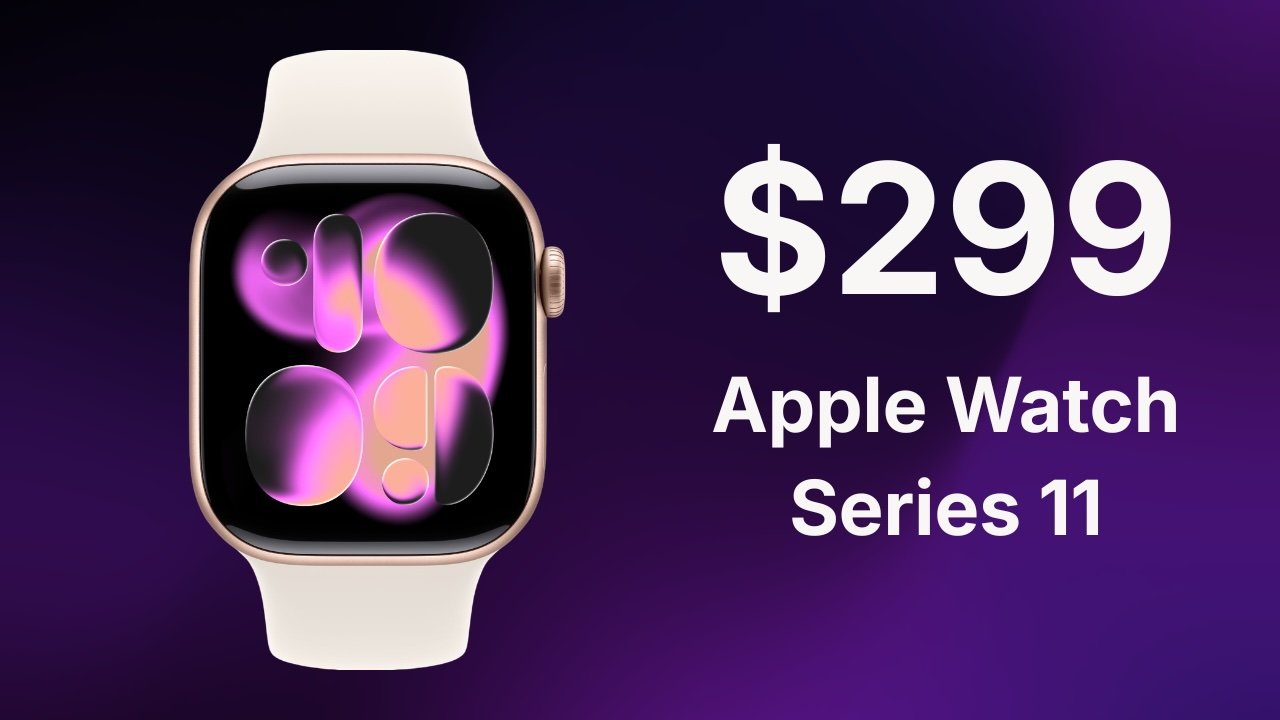
Apple Watch Series 11 drops to $299 with Amazon deal, save $100

Amazon has brought the 42mm Apple Watch Series 11 back down to $299 for the weekend, offering $100 off its regular price. The sale also includes discounts on larger 46mm models and premium titanium styles.

Weekend Apple Watch shoppers have plenty of reasons to take a look at Amazon, where Apple Watch Series 11 models are $100 off across multiple configurations. The standout offer drops the 42mm GPS model to $299, within $20 of the lowest price on record.

The sale extends beyond the entry-level model, with discounts on larger 46mm versions as well as premium titanium configurations. Whether you’re looking for GPS or GPS + Cellular connectivity, the models below are $70 to $130 off while supplies last.

42mm Apple Watch Series 11 deals

  • 42mm Apple Watch Series 11 GPS (Aluminum Case, Sport Band): $299 ($100 off)
  • 42mm Apple Watch Series 11 GPS + Cellular (Aluminum Case, Sport Band): $399 ($100 off)
  • 42mm Apple Watch Series 11 GPS + Cellular (Titanium Case, Sport Band): $629 ($70 off)
  • 42mm Apple Watch Series 11 GPS + Cellular (Titanium Case, Milanese Loop): $649 ($100 off)

46mm Apple Watch Series 11 deals

  • 46mm Apple Watch Series 11 GPS (Aluminum Case, Sport Band): $329 ($100 off)
  • 46mm Apple Watch Series 11 GPS + Cellular (Aluminum Case, Sport Band): $399 ($130 off)
  • 46mm Apple Watch Series 11 GPS + Cellular (Titanium Case, Milanese Loop Band): $729 ($70 off)

Our Apple Watch Price Guide offers a comprehensive breakdown of the deals across retailers and styles.

Posted on Leave a comment

Now Available on Steam – Angels Fall First, 10% off!

Angels Fall First is Now Available on Steam and is 10% off!*

From commanding the battle standing on the bridge of your flagship all the way down to tactical infantry firefights – AFF brings together all the combat you ever loved in a rich science fiction setting. Boarding, pilotable capital ships, deep weapon customization and full Bot support included!

*Offer ends July 18 at 10AM Pacific Time

Posted on Leave a comment

Apple’s 100% tariff exemption may have been helped by Intel supply deal

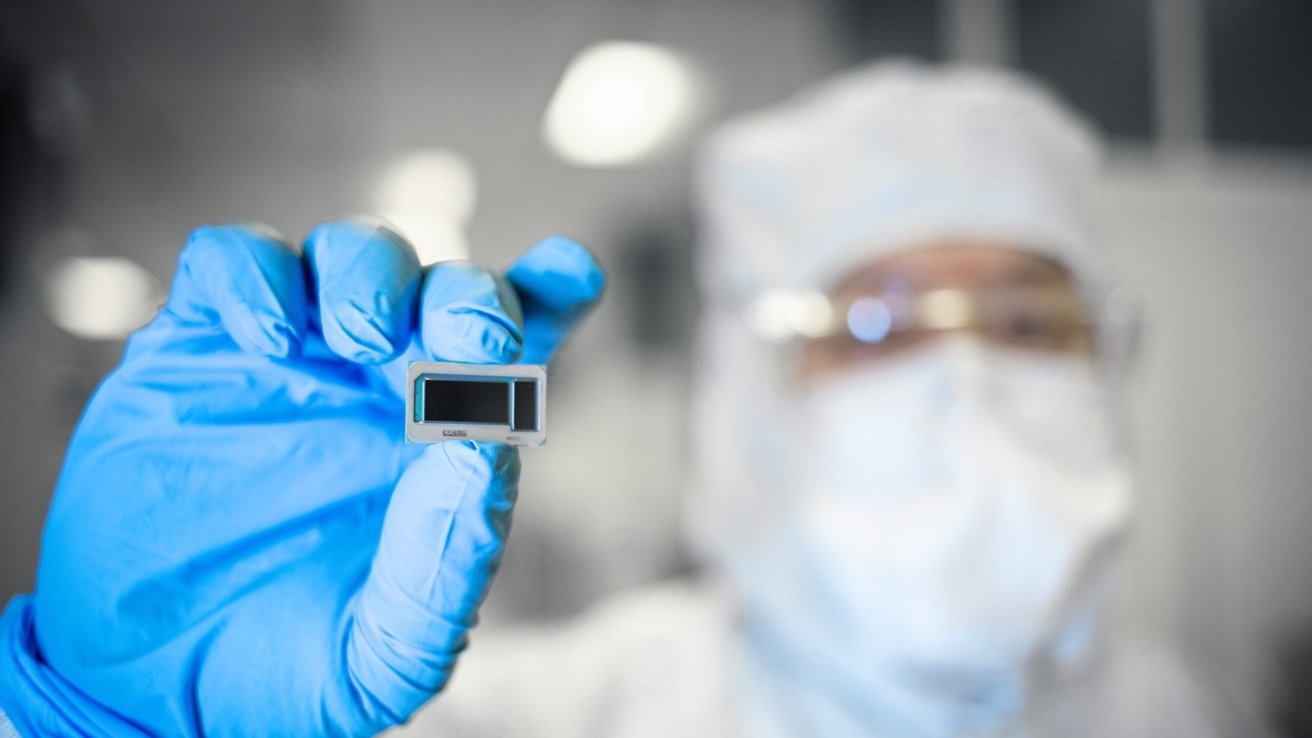
Apple may have been pushed into a deal to contract Intel for chip production, with it claimed to have persuaded President Trump into giving it an exemption from 100% semiconductor tariffs.

In August 2025, facing the prospect of semiconductor tariffs at 100%, Apple managed to secure an exemption from the massive import fees.

It appeared at the time to have been avoided thanks to a major investment in U.S. manufacturing efforts. But it may also have been an Intel deal that helped grease the wheels.

According to sources of the Wall Street Journal on Friday, the series of meetings was chiefly about the hundreds of billions of dollars in investment. Something that received a lot of Trump-based promotion at the time.

However, those talks between Commerce Secretary Howard Lutnick, President Trump, and current CEO Tim Cook also involved Intel. Government officials claim that Apple was urged to make use of Intel’s manufacturing facilities for some of Apple’s chips.

Curious timing

This deal happens to take place at around the same time that the U.S. government announced a $9 billion investment in Intel common stock. This gave the U.S. government a 10% stake in the chip maker.

The investment means the White House had an incentive to secure a major deal from Apple to make it a good deal.

A year later, Trump took to Truth Social to confirm there was a deal, that Apple would source Intel chips for some products. Trump also declared “I decided to help Intel” due to a need to design and build chips in the United States.

The investment and the Apple deal announcement are good news for Intel investors, as each instance saw the stock price rise. For Trump, securing Apple made the government’s investment seem like a good deal.

Especially for a president obsessed with making deals.

Questionable importance

While the investment deal is big news, it’s not really that massive in the overall landscape.

Remember that Apple has pledged hundreds of billions of dollars to improve the U.S. manufacturing landscape. Buying chips from Intel is a very small piece of that pie.

As for what chips are being made by Intel, the speculation is that Intel will be making some chips for Macs. This could be Apple Silicon, but there are so many other chips in use in Apple products that it could be ordering items that aren’t processors.

That said, one Ming-Chi Kup report from May claimed Intel had started testing the production of Apple chips, with a view to shipping them in 2027.

With the mass absorption of memory and chips by AI infrastructure being a continuing problem, Apple does have an incentive to secure capacity. With TSMC being in high demand by multiple clients, getting access to Intel fabs could help ease constraints for some semiconductor-based components.

It may be an arrangement that benefits the U.S. government and Trump’s image as the dealmaker-in-chief. But in the current climate, it may also be one that ultimately helps Apple.

Posted on Leave a comment

Apple sues OpenAI & previous VP of product design over mass IP theft

In what will be a blockbuster suit, Apple is suing OpenAI, alleging that two ex-employees, one of whom was Apple’s previous Vice President of Product Design for iPhone and Apple Watch, maintained an ongoing and successful effort in stealing intellectual property to enrich OpenAI’s development efforts.

In the suit, filed on Friday, Apple goes into some detail about what two named defendants, Chang Liu and previous Vice President of Product Design for iPhone and Apple Watch Tang Yew Tan have done to draw the company’s ire. Specifically, the suit claims that for months after leaving Apple, they stole and used Apple intellectual property to advance OpenAI’s goals.

And, OpenAI didn’t do anything about it, nor did they respond to Apple asking questions about the hires, the data, and what was being done with it.

Reportedly, Liu failed to return Apple-issued hardware, that was still authenticated to access Apple’s networks. Apple alleges that Liu told a colleague still at Apple that he was planning to access Apple information.

And in doing so, Liu exploited an authentication bug to access Apple’s shared network folders. He then bragged to his colleague that it was “so funny” that this bug existed.

That employee departed Apple in April, after pointing out to Liu that they should communicate over a different secure platform. Specifically, the pair used Line Messenger.

She was hired by OpenAI in April. She is not being sued at the moment.

The filing goes on to claim that over weeks while developing hardware for OpenAI, Liu downloaded what the filing calls “dozens” of files. Specifically:

  • Information about unreleased products
  • Engineering presentations
  • Technical specifications
  • Proprietary project data.

Apple’s internal investigations found out that Tan was doing the same after departing Apple, following a 24-year career.

The suit alleges that in the months before Tan left Apple to serve as OpenAI’s Chief Hardware Officer, Tan began emailing himself information about Apple suppliers. He also allegedly directed candidates to bring unreleased hardware components from Apple to their interviews with OpenAI to spill more information that’s more current than what Tan supplied himself.

In those interviews, OpenAI is said to instruct new hires on how to avoid scrutiny when leaving Apple. Specifically, Tan has warned potential hires to not tell Apple that they are headed to OpenAI, and stay at Apple as long as they can before onboarding.

Apple says this, because they say that Tan has sent messages to Apple-issued work devices, and shared a stolen procedural document, detailing Apple’s security policies.

During investigation, Apple said that it reached out to OpenAI to discuss what precautions the AI firm was taking to combat the leak and use of information. OpenAI reportedly did not respond to the inquiry.

While the suit claims that Apple “lacks visibility” on what’s going on, the allegations are detailed. Clearly, Apple is looking for discovery to further emphasize their points, and see how far the issue goes.

“Only OpenAI and Mr. Liu know all the ways they have been exploiting the trove of Apple confidential information he stole, and to the extent they have not concealed or destroyed the evidence of these misappropriations, it will be investigated thoroughly in discovery.”

Apple believes that this is all part of a concerted effort to take and use confidential information.

An Apple spokesperson went on the record about the suit.

“At Apple, our teams are constantly developing breakthrough technologies to create the best products and services in the world, and protecting their work and intellectual property is something we take very seriously. Recently, significant evidence has emerged suggesting individuals employed by OpenAI wrongfully took Apple’s secret and confidential information regarding our unreleased technologies, processes, and products. We will always defend our teams’ hard work and innovations, and we are taking all appropriate steps to do so.”

Apple is obviously seeking judgement, an injunction against use and possession of Apple intellectual property, a demand of a return of Apple’s property, damages, and royalties for use of Apple’s intellectual property.

The suit was filed in the US District Court, San Jose Division.

Posted on Leave a comment

Age rating questionnaire now includes social media questions

As announced in June, new Time Allowances in iOS 27, iPadOS 27, and macOS 27, or later, give parents more flexible ways to manage the time their kids spend in apps across categories, including Entertainment, Games, and Social Media.

To support this, the age rating questionnaire in App Store Connect now includes questions about your app’s social media capabilities. A social media capability is defined as the ability to redistribute, amplify, or interact with user-generated content through a social feed or similar discovery method. The Time Allowance category for Social Media is based on whether your app or game offers social media capabilities, regardless of the app category selected in App Store Connect. Apps with these capabilities will display a new Social Media content descriptor on their App Store product page. If you indicate that your app or game includes social media capabilities but they are disabled for anyone under 13, it won’t be included in the Time Allowance category for Social Media for users under 13. For more details, refer to Introducing Time Allowances.

You can review and answer these questions starting today. As previously shared, beginning in September 2026, responses will be required when submitting new apps or updates to the App Store, or when submitting apps for notarization for alternative distribution.

Set an app age rating

Age rating values and definitions

Posted on Leave a comment

Apple going big at Comic Con with a 2-hour panel and show preview

Apple TV is going to be a big presence at Comic Con 2026, with the company set to host a two-hour panel and share a first-look preview for the second season of “Dark Matter.”

Comic Con, which gets underway on July 23 and runs through July 26, will be held in San Diego and will no doubt be as popular as ever. And Apple TV will back up its recent collection of 89 Emmy nominations with a strong showing.

Not only will Apple be present, but it will go so far as to set up a “Silo” multi-sensory installation that will help give Comic Con attendees a feel for life underground.

Apple TV goes big

Deadline reports that the hit show “Widow’s Bay” will be part of a two-hour panel starting at 2 p.m. on Saturday, July 25. The move marks the first time that Apple has taken over Hall H, giving it a stronger presence at the event than in previous years.

While panelists for the “Widow’s Bay” discussion have yet to be confirmed, the show is sure to be a popular addition to the event. Its first season has proven hugely popular with viewers and accounts for a 19 of Apple’s total Emmy nominations.

The discussion will also take in Matchbox, a new action movie starring John Cena. Cena will be in attendance, as will co-star Jessica Biel.

The movie is inspired by Mattel toys and will premiere on October 9 for Apple TV subscribers.

Separately, Apple will also offer a preview of the first episode of the second season of “Dark Matter.” The second season of the sci-fi show will premiere on Apple TV on August 28.

Attendees will be able to check out the special sneak preview in Room 6DE at 10 p.m. on Friday, July 24.

Executive producer Joel Edgerton, cast member Dayo Okeniyi, and the writer of the novel the show is based on, Black Crouch, will all attend the screening.

If “Silo” is more your jam, “The Silo Experience” will be found at The Lot at 1st & J, 450 2nd Ave. It’ll be free for all attendees and the public between 11 a.m. and 7 p.m.

Posted on Leave a comment

Encrypted HFS+ drive support dies in macOS 28

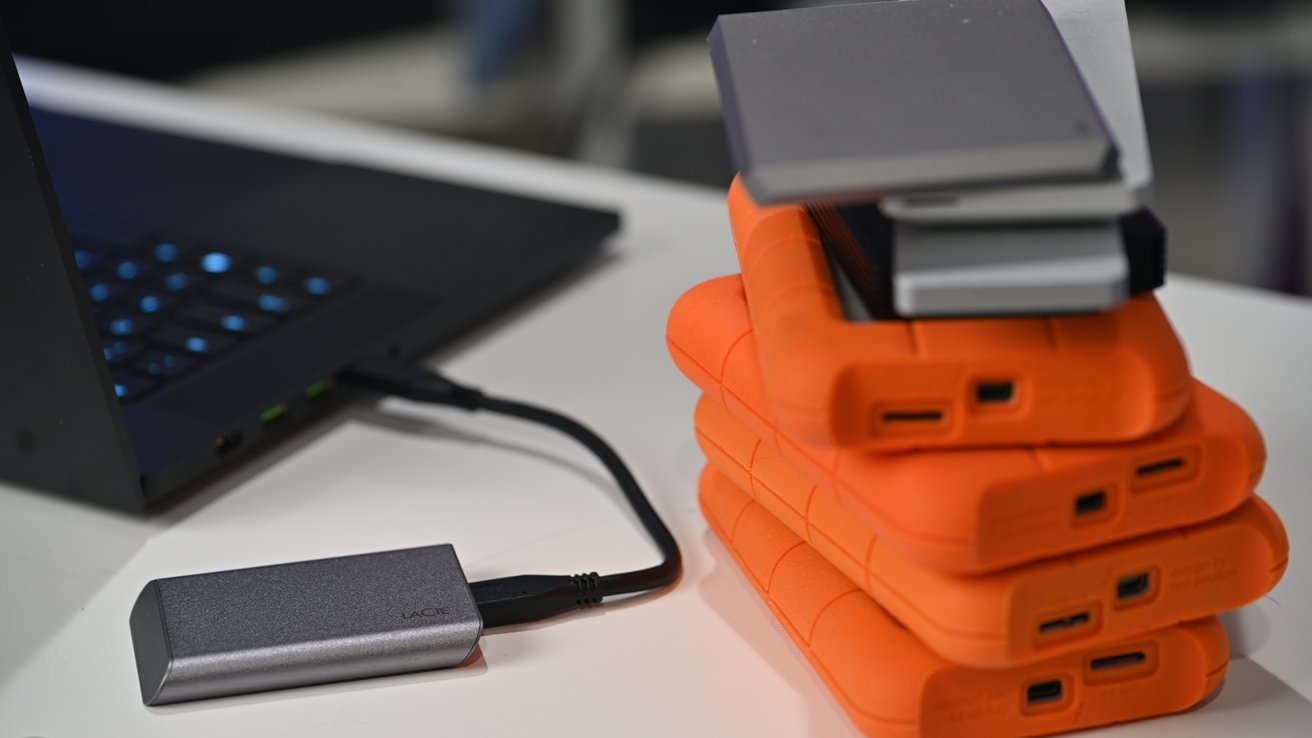
Apple will be cutting support for encrypted Mac OS Extended drives from macOS 28 onwards, but HFS+ will still function — for now. Here’s what you can do about it.

As time rolls on, technologies used to power operating systems like macOS are deprecated in favor of newer versions. While most users will embrace the newer ways of working, users of older installations can sometimes do with a nudge in the right direction.

On Tuesday, Apple’s support pages were updated with a warning affecting Mac users with encrypted MacOS Extended drives, also known as encrypted HFS+ drives. Apple confirmed that support for encrypted Mac OS Extended drives will end in macOS 28, and won’t be supported at all in the future.

While the support page doesn’t explain why Apple is making the change, it does advise that users should do something about it. Specifically, to check their volume’s format and encryption, to see if they need to fix the problem.

This is something that Apple has been warning about since macOS 26, if you happen to be using an affected drive.

To be clear, this is an issue affecting Mac OS Extended disks that are encrypted. Unencrypted HFS+ or MacOS Extended format volumes will continue to work just fine. The writing is on the wall, though.

How to check your drives to see if they are HFS+ and encrypted

Aside from the warning in macOS 26, you can also check if a drive is affected by using Disk Utility.

  1. Open Disk Utility.
  2. Under View in the Menu Bar, select Show Only Volumes.
  3. Select the name of the volume in the sidebar.
  4. Check the details under the name of the volume on the right. If both “Mac OS Extended” and “Encrypted” are visible, then your drive is affected.

Be aware that only drives that are encrypted and using Mac OS Extended are at issue. If you have one but not the other, the drive is fine.

Solutions: Reformatting and Decryption

To get the drive supported in macOS 28, you will have to modify the drive’s formatting, one way or another. You have two real options: reformat it or decrypt it.

Reformatting

Reformatting deletes all data from the drive, and then formats it. This is a good way to ensure the data is readable in the future, since you can use either APFS or APFS (Encrypted).

Make sure you have sufficient backups of the stored data if you go down this route.

  1. Open Disk Utility.
  2. Select the name of the volume in the sidebar. Then click the drive icon with an X on it.
  3. On the Scheme pop-up, choose a GUID Partition Map.
  4. Click Format, then select a file system. Apple recommends either APFS or APFS (Encrypted).
  5. Enter a name, then click Erase and Done.

Decryption

If you want to retain the data without deleting it, you can remove the encryption, converting it into non-encrypted Mac OS Extended or HFS+. Afterwards, you can convert the volume to APFS without erasing it.

Apple warns that this won’t work for encrypted Time Machine backup disks.

  1. Connect the drive and enter your encryption password to unlock the volume.
  2. Control-click the drive’s icon on the desktop, then select Decrypt.
  3. Enter the encryption password again.

You will be left with the drive intact, but with the encryption removed.

At this point, you can use Disk Utility to convert the volume to APFS, keeping the data intact.

  1. Open Disk Utility.
  2. Under View in the Menu Bar, select Show Only Volumes
  3. Select the name of the volume in the side bar.
  4. Select the Edit menu in the Menu, then Convert to APFS. Click Convert to confirm.
  5. After conversion ends, exit Disk Utility.
  6. If you want to encrypt the new APFS volume, control-click the drive icon on the desktop, then choose Encrypt. Follow the onscreen instructions.

An Apple format history lesson

Mac OS Extended was introduced as a replacement of HFS, the Hierarchical FIle System, in 1998 as part of Mac OS 8.1. This is why Mac OS Extended is referred to as HFS+.

Since introduction, Apple bolted on multiple changes, including the ever handy file system journaling. However, you can only bolt so many updates to a core technology before the cracks start to show. At some point, it’s better to simply start again from a base point, incorporating everything you added in the previous version to be the default in the new one.

Apple File System (APFS) was introduced in 2016, with it becoming the default drive format in 2017. It improved on Mac OS Extended, as well as adding new features, and it continues to be used until this day.

While today’s news chiefly affects users of encrypted Mac OS Extended volumes, this should serve as a reminder to unencrypted volume users that they should consider moving to APFS sooner rather than later.

At some point, Apple will come for you too.

Posted on Leave a comment

AirPods firmware beta lets developers use new iOS 27 features

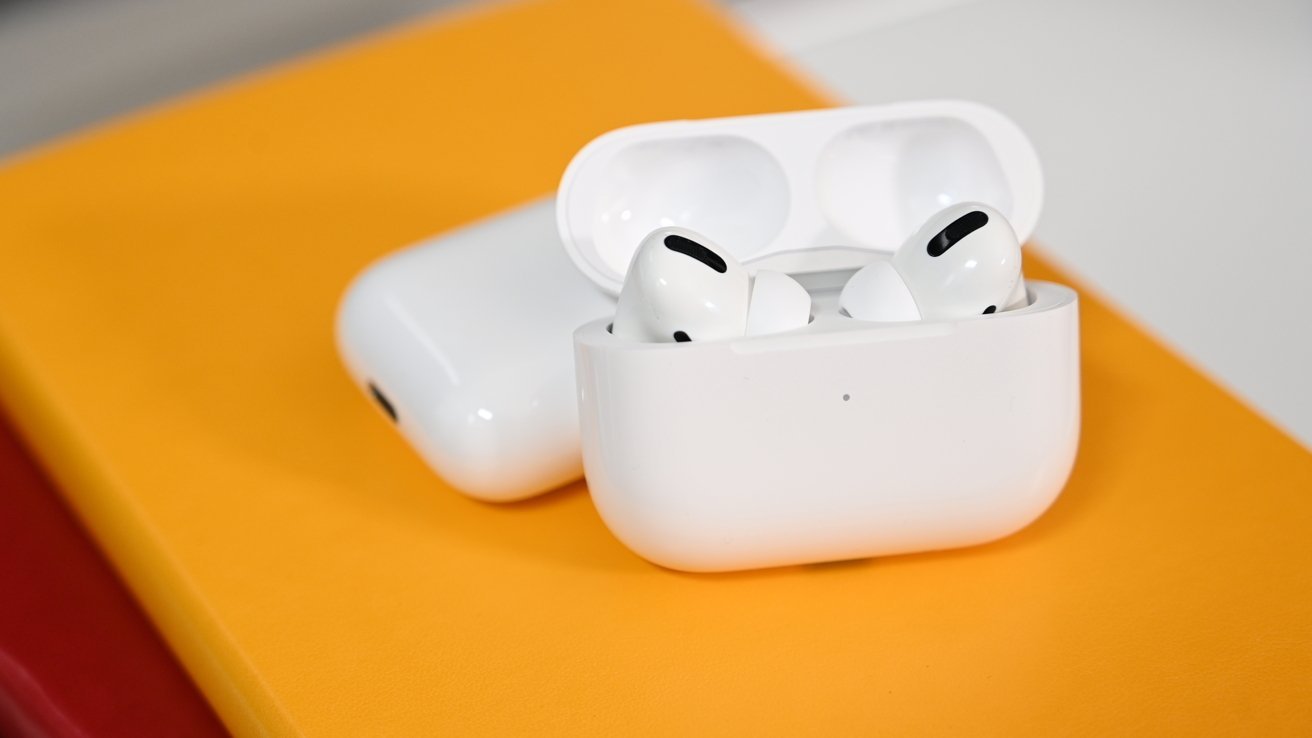
Apple has released a new firmware developer beta build for AirPods and AirPods Pro, preparing the personal audio devices for upcoming iOS 27 changes.

Apple periodically updates the firmware of its accessories and peripherals to account for new features being added to its operating systems. With iOS 27, macOS 27, and others undergoing testing, that same process also happens for firmware updates.

Tuesday’s new firmware, build 9A5314b, is for the AirPods 4, AirPods Pro 3, and AirPods Max 2. The firmware is only available to developers, not to the general public.

The firmware can be downloaded by using the AirPods with an Apple device running iOS 26 or later, iPadOS 26 or later, or macOS 26 or later. There is an option under the AirPods settings interface to enable beta firmware installation.

After enabling it, the update process happens automatically, while recharging and within range of the host device.

Audio changes

While Apple doesn’t state what the firmware is for, it is almost certainly going to enable Apple’s personal audio devices to work properly with changes in its 27-generation operating systems.

Those changes include a redesign of the AirPods settings submenu, including easy-to-read labels and groupings similar to other Settings elements.

A new customizable EQ is also on the way, found under Settings, AirPods, Audio and Routing, then Equalizer.

Apple Watch users will also be able to use Find My to track down a pair of missing AirPods Pro. Lastly, for AirPods Pro 3, the heart rate tracking will now sync with GymKit on supportive exercise equipment.

Posted on Leave a comment

Hello Developer: July 2026

Hello Developer: July 2026 – Discover – Apple Developer

<!–

–>

Hello Developer: July 2026

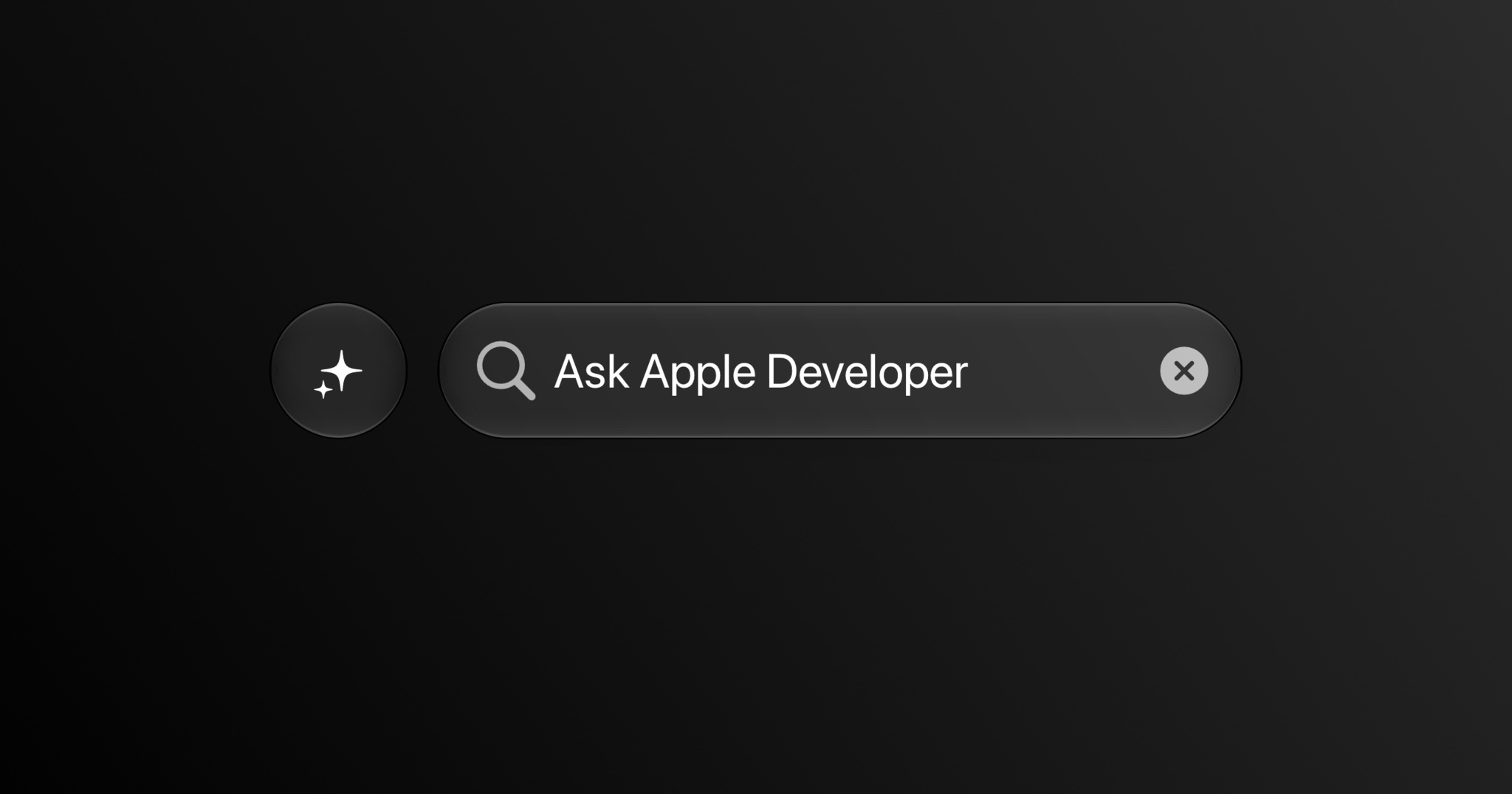
A minimalist dark mode user interface features a pill-shaped search bar containing the placeholder text "Ask Apple Developer" alongside a magnifying glass icon and a circular close button. To its left sits a circular action button containing a white multi-point sparkle icon, signifying an AI or generative search feature. The entire interface is centered against a clean, dark charcoal gradient background.

In this edition:

  • Try an all-new search tool on the Apple Developer website.
  • Download design kits for Figma and Sketch.
  • Explore the biggest updates from WWDC26 in new activities around the world and online.
  • Read about Apple Design Award winners grug and Cyberpunk 2077.
  • Browse the latest updates to the 27 platform releases, documentation, sample code, and release notes.

Read now

Posted on Leave a comment

watchOS 27 beta 3 brings Siri AI to the Apple Watch

Apple Watch owners can now finally use the new-and-improved Siri AI, thanks to watchOS 27 beta 3.

At WWDC 2026, Apple’s virtual assistant received a long-overdue upgrade. Siri AI, available on iOS 27 beta, supports contextual awareness and understands natural language, effectively making it an Apple-designed chatbot.

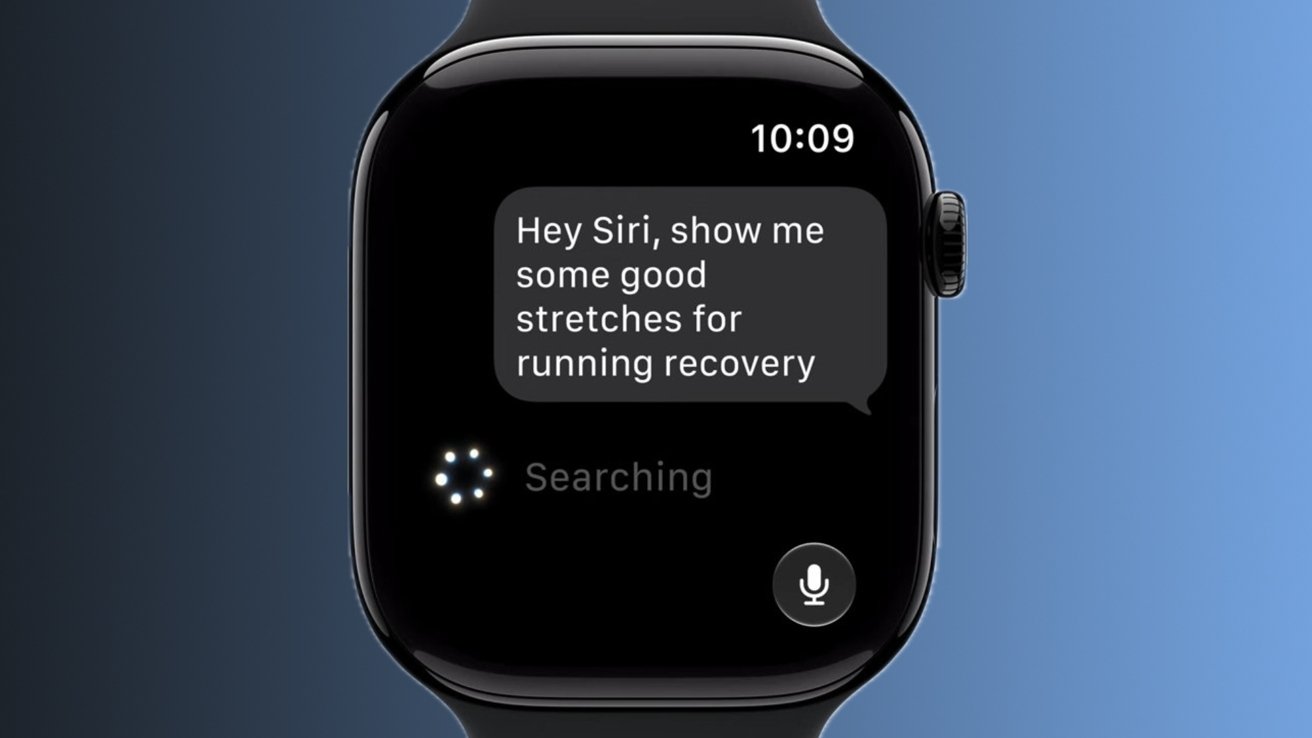
Initially, Siri AI was made available to developers with an iPhone, iPad, Mac, or Apple Vision Pro. With Monday’s watchOS 27 developer beta, however, the revamped digital assistant has made its way to the Apple Watch, in the form of a dedicated Siri app.

Siri AI conversations held on one Apple device will appear across all linked and compatible products. This means that, even though Siri AI is new to the Apple Watch, developers can still pick up where they left off on their iPhone or iPad.

With watchOS 27 beta 3, the Siri app can be launched from the Dynamic App Grid, which acts as the default Home Screen. The Siri app is now front and center, with five surrounding context-aware applications chosen based on the wearer’s routines.

Monday’s developer beta, and watchOS 27, controversially require an Apple Watch Series 9, Apple Watch Ultra 2, Apple Watch SE 3, or newer. Essentially, the operating system only supports six Apple Watch models, as Apple says newer hardware works best with Siri AI.