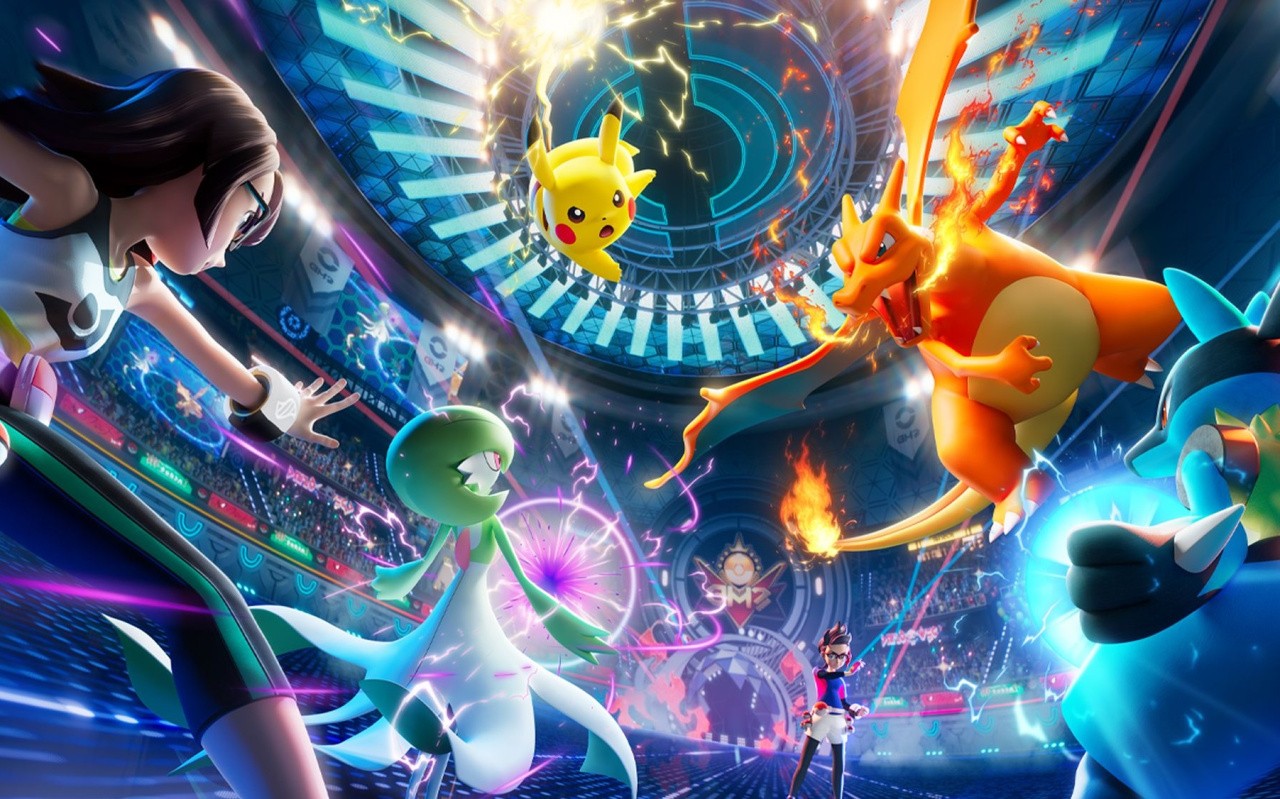
Pokémon Champions arrives on mobile devices today, and alongside this, the Switch version of the game has been updated.
This bumps the battle title up to Version 1.1.0 and adds Pokémon and held items for Regulation Set M-B. It also includes some other fixes on Switch platforms tied to visual and network issues. Here are the official patch notes via Nintendo’s support page:
Pokémon Champions: Ver. 1.1.0 (16th June 2026)
The following updates have been made to the game.
Pokémon and held items added for Regulation Set M-B.
Other fixes to the visuals during battles and certain network-related issues.
For now, you can check out the new usable Pokémon and items on Serebii.net. It was previously mentioned how the plan was to expand the Pokémon roster in Pokémon Champions over time.
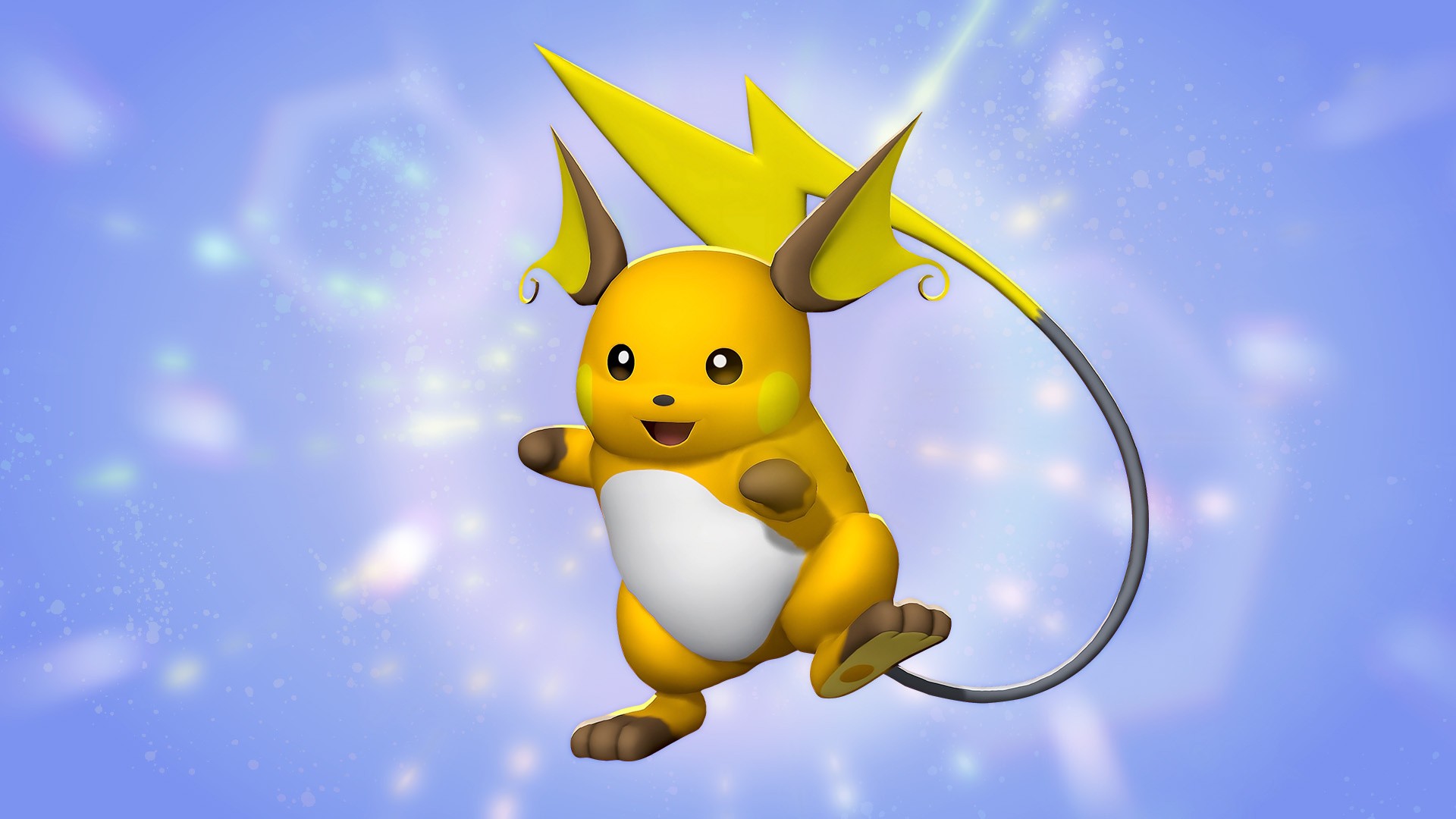
As part of the launch on iOS and Android devices today, there’s a special gift in the form of a Raichu and the Raichunite X and Y Mega Stones. You can find all of this in the game’s mailbox when you log in during the event period.
Image: The Pokémon Company
The mobile version includes cross-save support as well. So if you’ve been playing on the Switch or Switch 2, you can continue battling on your mobile device. And if you haven’t already tried out this title, check out our Switch review of the game:
Will you be checking out Pokémon Champions on mobile? How about this new game update? Let us know in the comments.
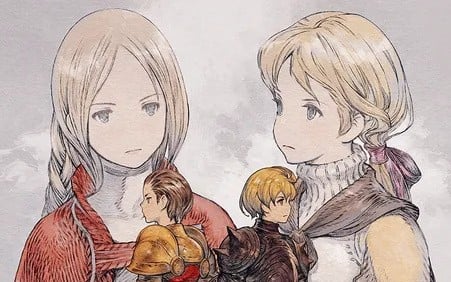
It adds New Game+, which allows you to carry over your levels, item data and more from the previously completed playthrough.
In addition to this, it’s now got a Zodiac Compatibility function. There are also improvements to the game’s stability, new language support and more settings to enhance the overall experience. Here’s exactly what you can expect via the game’s official Steam post:
Final Fantasy Tactics: The Ivalice Chronicles – Version 1.5.0 (17th June 2026)
Update Announcement (v1.5.0) An update featuring various improvements is now available
The game will be updated to version 1.5.0. The version number can be viewed in game from the version selection screen or the enhanced version title screen.
Enhanced
New Features
New Game + has been added. This feature allows you to start a new game with unit levels, item data, and more carried over from a previously completed playthrough.
The Zodiac Compatibility function has been added. You may now check a unit’s zodiac sign and compatibility from its status screen.
Adjustments
When selecting a tile to move to or target with an ability, you may now check the status of a unit under the selection cursor.
“Remove All Equipment” has been added to the Equipment & Abilities section of the unit status screen.
Job unlock conditions are now displayed more clearly for those currently locked, via the Job section of the unit status screen.
During battle, the camera angle and zoom settings are now retained for the entirety of that battle.
New Settings
The “Maintain Auto-proceed” setting for cutscenes has been added. To activate it, go to the main menu’s Options tab, followed by Settings, then Gameplay, and use the “Maintain Auto-proceed” toggle.
The “Ability Incantations Guaranteed” setting has been added, which ensures that dialogue spoken when using certain abilities is always performed. To activate it, go to the main menu’s Options tab, followed by Settings, then Gameplay, and use the “Ability Incantations Guaranteed” toggle.
The “Ability Cursor Memory” setting has been added, which retains the cursor position in the Abilities section of the battle menu. To activate it, go to the main menu’s Options tab, followed by Settings, then Gameplay, and use the “Ability Cursor Memory” toggle.
Minor text changes have been made in all languages.
Certain sound effects have been adjusted.
Overall stability has been improved.
Other minor issues have been resolved.
New Languages
The enhanced version now includes text support for Simplified Chinese, Traditional Chinese, and Korean.
To change the enhanced version text language, go to the General Settings menu’s Language tab and select a language from “”Text Language (Enhanced).””
If you haven’t already played this title on the Switch 1 or 2, be sure to check out our review here on Nintendo Life. Here’s how we summed it up:
“Yes, Final Fantasy Tactics: The Ivalice Chronicles cuts content from the War of the Lions version, and it’s a shame. However, put this one issue aside, if you can, and you’ve got a fantastic — and fantastically thoughtful — revamp otherwise. Meaningful QoL changes meld with delicate gameplay nips and tucks, CPU enemy tune-ups, and a smoother-flowing experience overall to deliver a game that’s pretty much impossible to knock.”
Have you downloaded this update yet? How are you finding it so far? Let us know in the comments.
Ahead of the release of Minecraft on the Switch 2 later this year, Mojang has this week released the new update Chaos Cubed.
This exciting new game drop brings chaos in the form of sulfur cubes, a new cave biome to explore, new blocks and much more. The new mob is described as a “source of endless experimentation and possibility”.
Here’s a bit about this block, which can absorb everything from TNT to magma:
“That’s because the sulfur cube’s physical properties will change depending on what sort of block it has absorbed. Different blocks will change the sulfur cube’s speed, its bounciness, and its overall chaos levels, so there’s a perfect cube combo for every situation — and countless more waiting to be discovered.”
As for the new sulfur cave biome, it’s filled with Geysers, which can send you skywards, as well as sulfur pools and spikes.
“Those bubbling waters will actually leave you with a spot of the Nausea effect thanks to the potent sulfur blocks. Oh, and while you’re exploring the sulfur caves, watch out for sulfur spikes! These form on cave ceilings and floors like stalactites and stalagmites, and they can also fall randomly from the sky, and cause damage!”
Image: Mojang
There’s much more detailed about this new update in the patch notes below. Once again, Minecraft will release on the Switch 2 later this year. Switch 2 players will also be able to enjoy the new vibrant visuals update, featuring enhanced lighting and shadow effects. There’ll also be the ability to carry over existing worlds from the Switch version of Minecraft
Here are the patch notes for Chaos Cubed. You can find out more about what’s included in the latest game update on the official Minecraft website.
Need an easy way of getting your new Sulfur Cube friend from the Sulfur caves to your base? Sure, you could experiment with blocks to make the Sulfur Cube bounce, slide, or traverse long distances – or you can just scoop it up with a bucket and tuck it safely away in your inventory.
Sulfur Cubes
Sulfur Cubes are a new mob coming to Minecraft with a curious appetite for… blocks! Found in Sulfur caves, this curious mob transforms depending on which block the player feeds it. Experiment and discover how to send Sulfur Cubes bouncing, sliding, and more!
Sulfur springs
Found across the Overworld, you’ll know if you’ve spotted a Sulfur pool thanks to its Sulfur and Cinnabar blocks – and the noxious gas coming from it! But dig beneath these and you’ll discover a Sulfur cave, filled with new blocks to mine and a new mob to meet!
Potent Sulfur
The new potent Sulfur block is the reason why Sulfur springs are so bubbly – and a bit nauseating. You can also create hot bubbling pools by placing potent Sulfur beneath water! You’ll soon spy bubble columns, as well as puffs of noxious gas. Build with caution, because noxious gas will trigger nausea in players and nearby mobs!
Sulfur caves
Discover this new cave type, with shallow pools of water and glow lichen. Sulfur caves are filled with yellow blocks of Sulfur, red blocks of Cinnabar, Sulfur spikes, and a curious mob called the Sulfur Cube!
New block sets
You’ll find two new block sets in Sulfur caves – Cinnabar and Sulfur! These new blocks allow you to add rich reds and yellows into your builds, and each comes with its own full block set. Cobble them, craft with them, turn them into stairs or bricks – the choice is yours!
Sulfur Spikes
Sulfur Spikes grow on Cinnabar and Sulfur blocks, giving Sulfur caves a distinctive look. Unlike Pointed Dripstone, stepping on Sulfur Spikes is harmless, but they can still fall and hurt you – it’s just a pretty rare occurrence.
Geysers
Watch your step or you’ll go flying! Geysers form when a Magma block is generated or placed underneath a potent Sulfur block that’s submerged underneath 1 to 4 blocks of water. Use them for a vertical boost or a dramatic landscaping element!
Special block: TNT
Why would anyone feed a TNT block to a Sulfur Cube? To see what happens, of course! Try it out for yourself, ignite it, and enjoy (or deeply regret) the explosive results.
Special block: Magma
Play hot potato by having a Sulfur Cube absorb a Magma block.
Music
Added new music by composer fingerspit (Paula Ruiz) to the game
Added a new music disc with the song “Bounce” that may be found inside Minecarts with Chests in abandoned mineshaft structures within Sulfur Caves
Added new music tracks Ebb, Home, Memories, Nightly, and Shores to the main Menu music, Creative Mode music, and several biomes
The new music tracks will play in the following biomes:
Mesa
Bamboo Jungle
Cherry Grove
Desert
Dripstone Caves
Flower Forest
Forest
Frozen Peaks
Grove
Jagged Peaks
Jungle
Lush Caves
Meadow
Old Growth Spruce Taiga
Old Growth Pine Taiga
Snowy Slopes
Sparse Jungle
Snowy Peaks
Swamp
Sulfur Caves
Features and Bug Fixes
Accessibility Features
Added a Panorama Scroll Speed slider to Video settings that controls the rotation speed of the main menu background (MCPE-180178)
Fixed a bug where animations always generated closed captions regardless of distance (MCPE-238088)
“Hide Sky Flashes” setting now also suppresses lightning sky flashes in the Overworld, matching Java Edition behavior (MCPE-180737)
Text to speech (TTS) will now read the character ‘&’ as ‘and’ instead of ‘ampersand’
Biomes
Fixed a bug that caused custom Nether biomes to generate with a repeating tiling pattern across chunk boundaries
Blocks
Fixed Command Block Hover Note text not updating after changing it until the world is reloaded (MCPE-236701)
Iron doors and stone buttons now generate in strongholds (MCPE-11765)
Fixed wooden doors in strongholds being placed with the wrong orientation
Fixed Java parity issue where Cauldron/Composter blocks pulled by sticky pistons can pull player through walls (MCPE-181221)
Using Bone Meal on Dirt in shallow water will now correctly create Seagrass or Coral (MCPE-91152)
Fixed a client-side display issue that caused falling blocks (such as Sand, Gravel, and Anvils) to appear to pass through Cobwebs without slowing down and to lose their collision after landing
TNT blocks now have smoke particles when ignited (MCPE-238488)
Character Creator
Improved character load time on the main menu
Fixed error message displayed when importing a custom skin on Android without enough device space (MCPE-231262)
Gameplay
Fixed items being duplicated when crossing chunk borders in The End (MCPE-233883)
Fixed a bug that caused entities on the edge of less-than full-height water and lava to still be affected by the liquid. (MCPE-45633 ) (MCPE-183531)
Fixed a bug where bees don’t pollinate Spore Blossoms and Chorus Flowers (MCPE-174401)
Fixed a bug where Strider’s loot was not affected by Looting Enchantment (MCPE-112761)
Fixed Experience Orbs spawning at an incorrect position after killing a Bee, Phantom, or Vex (MCPE-61885) (MCPE-49418)
Bees now follow players holding Chorus Flowers or Spore Blossoms
Bees can now be bred and aged by Chorus Flowers and Spore Blossoms
Fixed a bug where trees growing next to Spore Blossoms and Chorus Flowers did not have a chance to generate beehives.
Fixed an issue where dimensions with large sections of air blocks could degrade performance during initial load
Fixed a bug where vehicles with a non-zero lock_rider_rotation value would continuously rotate when a player was riding them without giving any movement input
Removed warning text that “you can’t earn achievements” when creating a world with Add-ons enabled.
General
Fixed the rest of the cases where offline multiplayer would load infinitely (MCPE-173418)
Fixed bug where boat would jitter when switching from one to the other.
Connections from players with names that could interfere with game functions are now rejected (MCPE-233682)
Fixed an issue where players could not join another player’s game session when launching the game from an external invitation
Dedicated servers now have the allow list enabled by default in the server.properties, and will display a warning on server startup if the allow list is enabled but contains no entries
Party chat now appears in the world, and you can respond from world chat with the /party command
Fixed a crash that could occur when loading behavior packs with multiple custom dimension definitions (MCPE-238456)
Updated the game credits
Updated the Cubemap
Fixed an issue where accepting a game invite while the game was loading could fail due to skins not yet being loaded
Fixed placement of Lakes where they would not break above the surface
Fixed a scenario where the game would send excessive web requests.
Graphical
Texture streaming is now enabled by default on supported platforms and can be disabled in Video settings. Texture streaming is currently only available to PC and mobile devices and will be expanded to other platforms in the future
Fixed some blocks appearing as semi-transparent in the inventory when Texture Streaming is enabled (MCPE-235799)
Streamed textures are no longer completely invisible after being off-screen for a while.
Fixed an issue where dithered objects would flicker in split-screen.
Fixed an issue where item-in-hand was clipping when inside a block in Vibrant Visuals
Fixed an issue for certain item-in-hand not rendering when inside a block in Fancy
Snow golem heads no longer render as completely black with Vibrant Visuals enabled
Added fog in the End Dimension while the Ender Dragon is alive.
Fixed some animations not working correctly on certain Android devices (MCPE-235729)
Fixed an issue that caused dropped items to sometimes appear behind other objects in Ray Tracing graphics mode
Fixed snow golem heads disappearing in Ray Tracing mode when the player is too close
Fixed z-fighting on scaffolding top face.
Fixed an issue where loading in some Marketplace worlds would result in all white screen in Vibrant Visuals.
Updated the fog JSON schemas to allow keyframes for the following volumetric fog data members. JSONs must target the 1.26.20 schema version to use this new capability :
Max Density: Maximum fog density (0.0–1.0)
Zero Density Height: Y level with maximum density
Max Density Height: Y level where density reaches 0
Scattering: RGB scattering coefficients (light bouncing in fog)
Absorption: RGB absorption coefficients (light absorbed by fog)
Fixed bug with the sky Cubemap and volumetrics not updating after teleport in Vibrant Visuals.
Fixed incorrect tile border seam for tiles with heightmaps in Vibrant Visuals.
Fixed Snow Golem heads being sometimes incorrectly lit in Vibrant Visuals
Fixed an issue where emissive parts of Eyeblossom and Firefly Bush were affected by Dithering. (MCPE-225919)
Fixed issue causing textures to appear broken when Ray Tracing is enabled.
Fixed issue causing name tags to not appear when Ray Tracing is enabled.
Fixed a bug where Boats and Chest Boats would visually fill with water when the player was seated inside them near the water surface
Re-enabled texture streaming in PC and mobile previews after fixing a bug with blank textures
Fixed shulker boxes appearing as semi-transparent in the inventory when Texture Streaming is enabled (MCPE-235799)
Fishing line no longer disconnects from the bobber in split-screen mode (MCPE-230910)
Clouds no longer jitter when upscaling is enabled in Vibrant Visuals.
Armor attached to player no longer flickers when upscaling is enabled in Vibrant Visuals.
Atlas composited textures for in-hand items now render correctly (JIRA (MCPE-223126)
Fixed Vibrant Visuals shadows and reflections not rendering on PlayStation 4
Fixed a crash that could occur on Windows when resizing the game window during initial loading
Fixed corrupted visuals on mobs when using Vibrant Visuals with PBR resource packs that include heightmap textures for actors
Input
Fixed a crash that can occur when prompted about extra Joy-Con controllers that are connected
Loot Tables
Fixed loot table container filling so that when trying to insert a new item, existing partial stacks will be merged to open up slots for new additions (MCPE-233039)
Marketplace
Fixed instances where open color picker button appeared on pages with no color picker (MCPE-229764)
Fixed flickering crosshair in split screen (MCPE-123918)
Mobs
Skeletons, Strays, Bogged, and Parched now shoot arrows at the same rate as Java Edition, with difficulty-based attack intervals instead of distance-scaled intervals (MCPE-61036)
Fixed issue where Villager farmers get stuck nodding while planting crops (MCPE-237708)
Fixed a bug where Ghasts could get stuck in the preparing-to-fire animation pose after the player walks out of attack range
Fixed an issue where mob audio could switch to underwater sound variants while the mob was still above the visible water surface
Sulfur Cubes can now receive angled knockback when hit using weapons enchanted with Knockback and when the attacker is sprinting or swimming (MCPE-238284)
Realms
Fixed a bug in the Realms saves screen where the “Save to storage” button on an automatic save displayed the active world’s size instead of the selected save’s size, and the “Free up space” dialog was not shown when the selected automatic save was too large to fit in the Realm’s storage
Fixed an issue where two states could be presented in the moderate feed screen
Added information surrounding resource packs download progress to join Realm progress message
Fixed number of online players not showing on chosen Realm screen
Added achievements disabled warning modal to Realms Edit World
Fixed an issue where clearing Realm members via “Clear All Members” resulted in a crash
Realms Hub
Realms Hub added to In-game pause screen, replacing the Realms Stories button.
Server Settings added for Render distance, Simulation distance and Max player count.
“No Members Found” modal no longer briefly shows up before loading members in Realms Stories and Realms Hub
Fixed Realms Hub settings screens not exiting properly after saving changes made on the screens.
Disable clear all members button for admin roles to avoid confusion, since admins cannot remove other admins or owners
Adding in a hardcore heart and border in the Realms Hub Slots section
“No Members Found” empty state no longer briefly shows up before loading members in the Realms Hub Members tab
Social Drawer
Fixed a crash that could occur when trying to search for players without signing in (MCPE-235488)
Sounds
Tune trumpet sound assets for Copper variants Note Block interaction so that they are in tune with other Note Block variants (MCPE-237578)
Stability and Performance
Fixed a crash related to the data-driven renderer when an entity’s geometry expression was unable to be resolved
Fixed crash when using a structure block that contains a glow stone in Ray Tracing graphics mode . (MCPE-236402)
Fixed constant hard drive activity caused by the texture cache flushing to disk every frame (MCPE-238187)
Fixed a crash that could occur when loading recipes with invalid result counts from behavior packs during server initialization
Fixed a crash that could occur on world exit or join when texture streaming is enabled
Reduced unnecessary copies in atmospheric scattering keyframe lookups to improve frame time when Vibrant Visuals are enabled
Fixed a crash that could occur when initializing a dimension on the client side if the spawn dimension was set to a non-Overworld dimension
Fix a crash that could occur when a player takes too long to join local multiplayer on XBOX
User Interface
Text fields can now be navigated using the Tab key, which enters editing mode with all text selected. Pressing Tab while editing moves to the next field
Fixed an issue that caused the Default Game Mode and the Activate Cheats settings to appear editable to players that don’t have operator permissions. (MCPE-237784)
Fixed the on-screen keyboard not dismissing after submitting text in JSON UI text fields on iOS and Android
Fixed Banner message for graphics mode settings option (MCPE-231879)
Storage indicator now is taller and has a square action button. Copy has been updated from “Go to storage settings” to “Settings”.
Enabled add-ons in the create from template screen for preview (MCPE-232902)
Narrate chat text if UI or Char narration is enabled
Stop narration of typed letters when the message is sent
Narrate chat input text when it’s auto-completed or taken from history
Updated Recipe unlocked tooltip design
Fixed issue on the idle device screen on Switch, which could result in the text showing incorrectly. The image has been updated also.
Fixes buttons sometimes becoming unselectable at the bottom of a scroll panel while using a controller (
Crafting preview now shows the correct wood material variants.
Recipes containing different wood materials now show the variants related to the materials you own.
Fixed a bug where resource packs with subpacks would not correctly save to new worlds when they were added automatically by activating a corresponding behavior pack.
Fixed a bug where resource packs with subpacks would not display the valid default settings when they were added automatically by activating a corresponding behavior pack.
Fixed format for number percentage strings in Turkish language
Fixed the profile picture on the start screen showing a blank space instead of the default Alex icon while loading
Fixed the profile picture not updating after signing in due to the refresh window closing prematurely
Ctrl + Left/Right Arrow now correctly moves the cursor by word in Ore UI text fields on Windows
Ctrl + Backspace and Ctrl + Delete now correctly delete an entire word in Ore UI text fields on Windows (MCPE-237189)
Fixed sorting by Installed state in player library not working on Switch
Players are now informed when their skin is not compatible with cross-platform multiplayer and can choose to proceed when creating or starting a world
Double tap or click now selects a word, and triple selects all text in Ore UI text fields
Tap and drag now moves the cursor in Ore UI text fields
Tap and hold now allows selecting text in Ore UI text fields
Added ContentCard component to display marketplace items with pricing, ratings, and content badges
Furnace recipe book was moved from experiments to the common game
Fixed Fullscreen mode to remember which screen it was last on.
Added a new color formatting code (§w) for the shade of blue used by party chat
Added Wishlist grid component to display marketplace wishlist items with responsive column layout
Prevent game freezing when loading a world if a specific resource pack is enabled – Fixed a bug that could cause the game to freeze when loading a world with a specific resource pack applied (MCPE-237537)
Fixed a bug where the emote wheel could be opened while riding a mob or Minecart, causing the player to crouch instead of dismounting
Added Marketplace Error component to display marketplace errors
Non-gameplay related toast notifications (e.g. Minecraft Live reminders) will no longer be able to show during gameplay
Added ability to access Marketplace for Preview
Fixed an issue that caused the framerate limit option under Vibrant Visual Options to behave differently from the other quality options
Improved the furnace recipe book UI
Fixed a freeze when opening a furnace without recipes
Replaced the Locator Bar toggle in the Multiplayer tab of the Create New World and Edit World screens with a Player Waypoints setting, allowing players to choose between “Off” (no players shown on the locator bar) and “Everyone” (all players shown on the locator bar)
Added support for new Marketplace Content Cards
Updated skin info panel in dressing room to remove duplicate author label
World Storage
Added OREUI Storage Settings: Storage Status and Management
Added cloud backup of Windows worlds as an early preview
Please share your feedback at feedback.minecraft.net and report any bugs you find at bugs.mojang.com to help inform next our steps
Increased Windows Preview cloud backup storage capacity to 4GB
Will you be checking out this new Minecraft update? Let us know in the comments.
If you’re looking to get a little extra out of the Switch Online + Expansion Pack service, Nintendo is currently offering a free bonus month. This offer applies to Switch 1 & 2 users in the US when purchasing or redeeming a 12-month individual or family membership of the premium tier before 28th July 2026.
Existing Switch Online + Expansion Pack members can also redeem this bonus month by renewing their membership or adding another year. Switch Online members can also upgrade to the Expansion Pack tier to unlock this offer.
Once you’ve activated it, the bonus month will automatically be added to your account within 3 business days. Certain other locations and countries, such as Australia, are also currently offering an extra two months when you buy or renew a 12-month membership.
Apart from the ability to play games online and communicate with friends and family via GameChat, the Switch Online + Expansion service also allows members to acces multiple retro video game libraries. Most recently it added Donkey Kong 64 to the Nintendo 64 library. Switch Online also offers access to other services such as Nintendo Music.
Have you got a Switch Online + Expansion Pack membership? Will you be renewing while this offer is available? Let us know in the comments.
A new report claims that Apple is preparing multiple new releases for late 2027, including a 20th-anniversary iPhone, and AirPods with cameras. Though, there’s enough hedging here to be skeptical.
It’s long been presumed that Apple will release an iPhone 20 to mark the anniversary of the original iPhone, and that it may have a bezel-free display. Similarly, a second generation folding iPhone, and AirPods with cameras have been repeatedly rumored before.
But now Bloombergclaims that all of these are being prepared for a late 2027 launch. Unspecified sources say that Apple intends to launch its greatest number of products yet.
The report also claims that each of these devices is already being tested, alongside the more predictable testing of iOS 28.
AI AirPods
As previously rumored, the report suggests that the purpose of cameras in AirPods is not to take photos or replace users’ iPhones. Instead, the example quoted again here is that via their AirPods, a user could ask Siri to suggest a meal based on what is in their fridge.
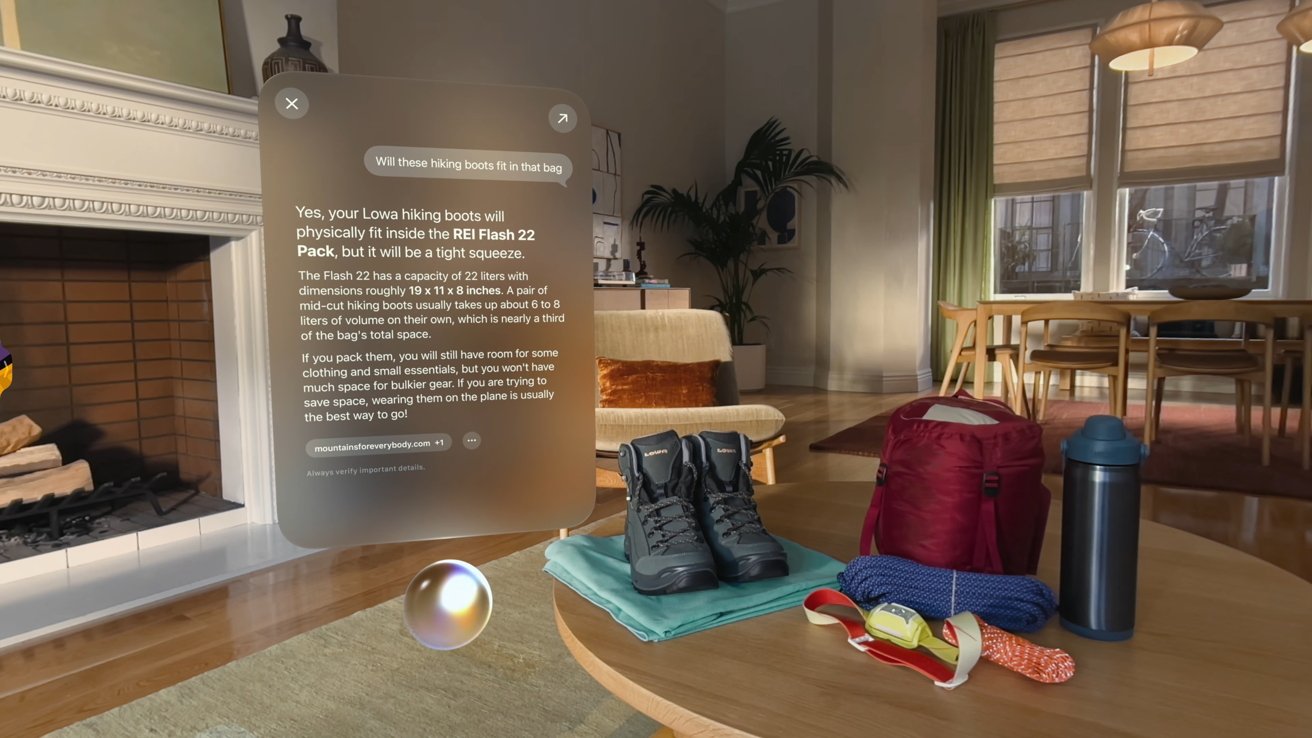
Apple already showed how Visual Intelligence can work in an AR space
For all that it is repeatedly cited, that’s not a very clear example. A user could presumably verbally tell Siri what’s left in the fridge, for example.
There are now Apple Intelligence tools that recognize food types. So it could be that the AirPods cameras would do that too.
The new report claims that the cameras will be in the stems, so it’s possible that they will be forward-facing. Otherwise, a user would have to take the AirPods out to point the cameras, and that seems no benefit over pulling out an iPhone.
Reportedly these AirPods were intended to be released in 2026. It appears that they were held up as Apple worked on developing Apple Intelligence models that could identify objects.
It’s previously been reported that these AirPods are in Apple’s design validation testing (DVT), which should mean they are close to being released. This new report adds that the cameras will include lights to show when they are active.
AirPods with cameras will need to see in front of the user to be useful
Bloomberg does seem to be the main source for claims regarding AirPods with cameras, but there have been others. In June 2024, analyst Ming-Chi Kuo surmised that they would come as an accessory for the Apple Vision Pro.
Then in February 2026, there was a sketchy leak that claimed that cameras would not add to the cost of future AirPods.
As well as being the latest in a series of rumors regarding AirPods with cameras, this report also follows the granting of a patent for the technology.
While the report tries to blame the AirPods with cameras release window on the new Siri release, the reality of the situation isn’t clear. No reliable previous reporting provided a release window, and this report today even says they’re still in validation testing.
While the new Siri AI is important to the product, its release in 2026 likely has nothing to do with products arriving in 2027. The publication’s need to drive some kind of negative angle with everything Apple is on clear display here.
New iPhones
It’s not a stretch to imagine that Apple will mark the 20th anniversary of the original iPhone with a new model. That’s what it did in 2017 with the iPhone X, and Tim Cook said at the time that this design would define the next ten years of smartphones.
iPhone Fold is expected in 2026 and the latest rumor suggests an immediate successor in 2027
What’s perhaps less certain, despite Bloomberg‘s insistence, is that there will be a second-generation folding iPhone. At present, despite multiple leaks claiming the first iPhone Fold will be announced in September 2026, various reports say that there are delays.
A lot will depend on how September goes for Apple. If the first-generation iPhone Fold is truly ready to be revealed and launched in 2026, a second-generation could arrive in 2027.
The report, of course, suggests that all rumors provided today are subject to change and are merely goals Apple has internally. Even with that hedge to cover the publication’s reputation in case of incorrect rumors, it’ll no doubt be happy to call any internal delay yet another failure.
Sitting in our Monday meeting, a theme emerged when answering the standard question, “Play any games over the weekend?”
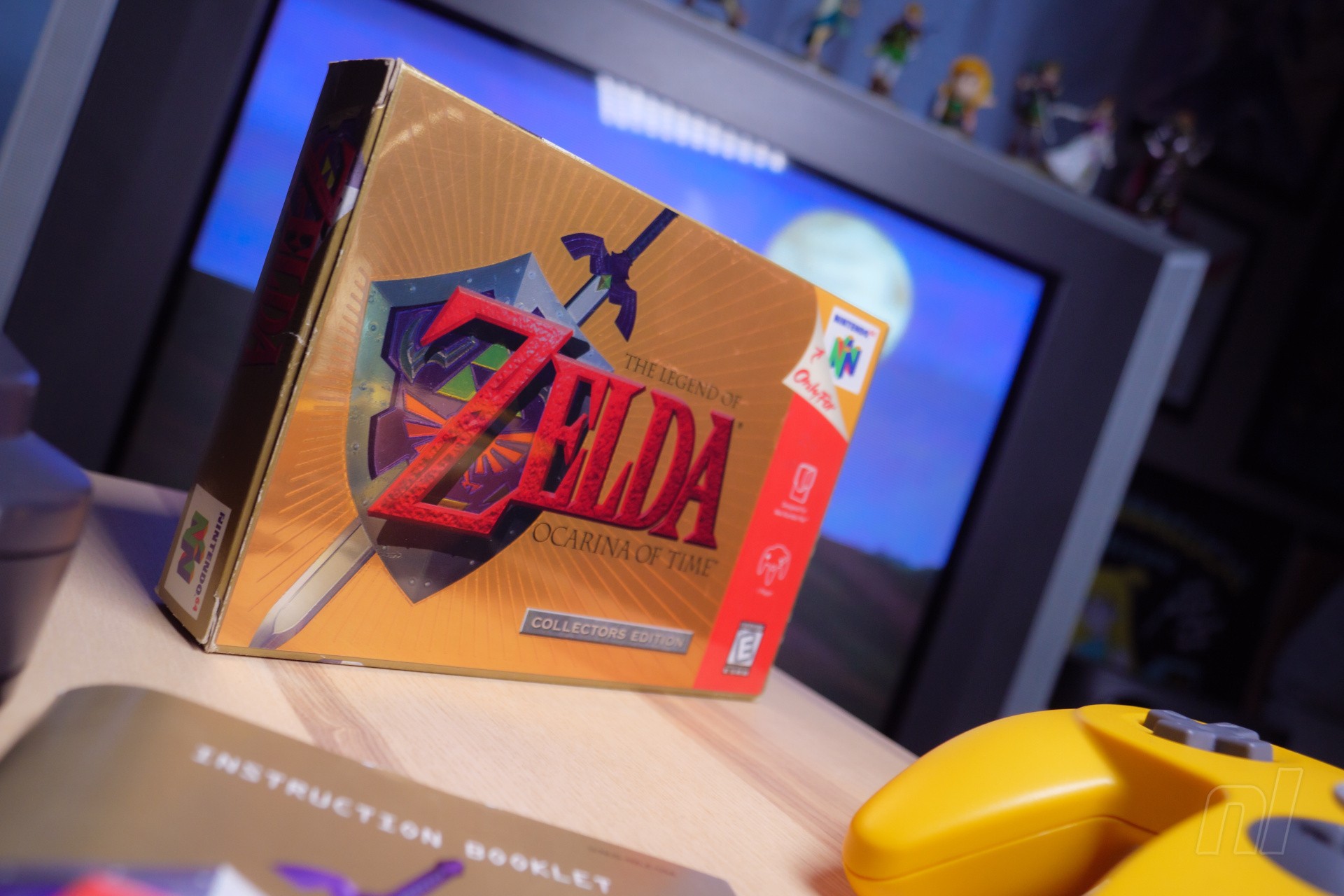
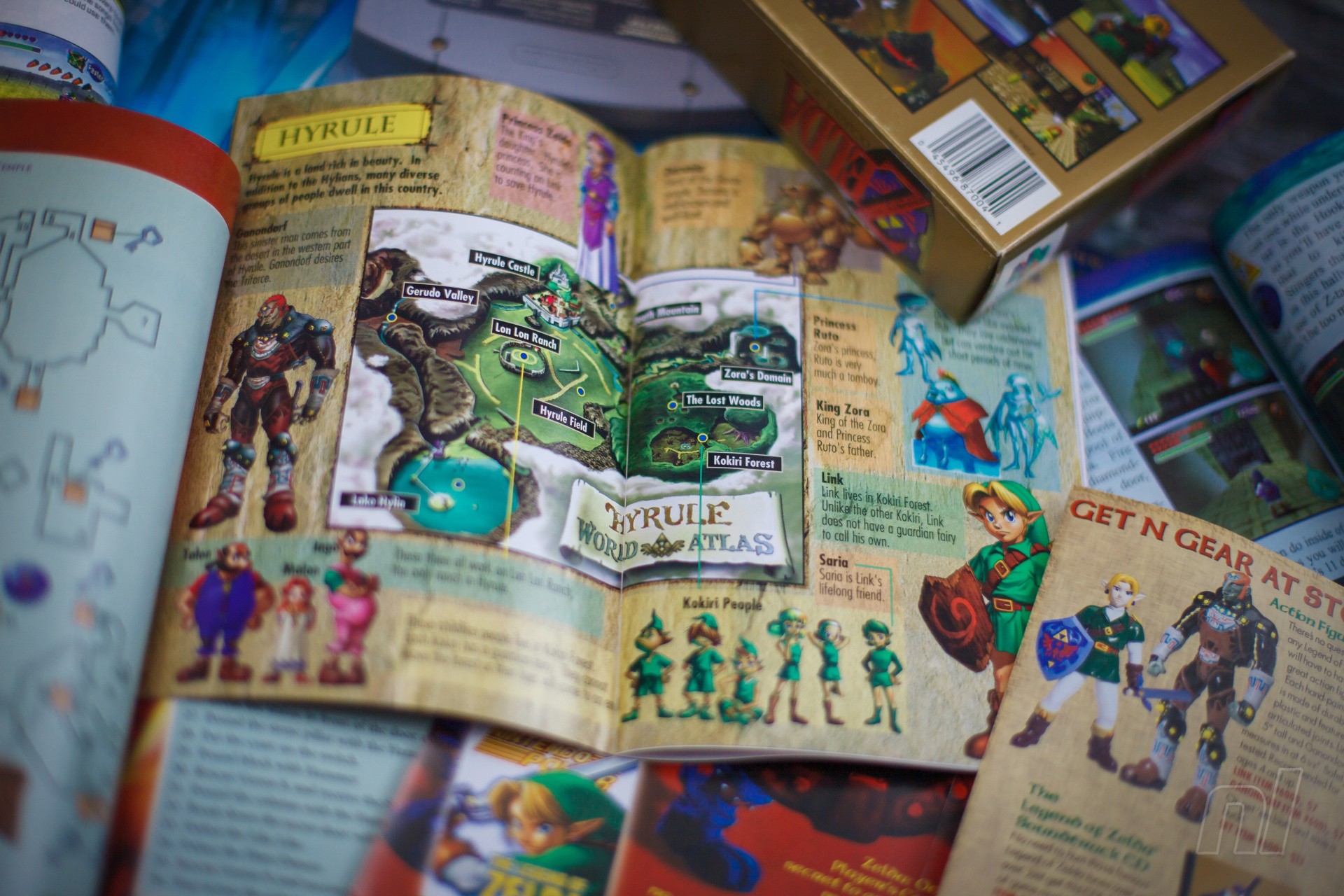
Following on from last week’s announcement (and months of rumours), we’ve all got Ocarina of Time on the brain. Jim and Ollie have been replaying via NSO, and the rest of us have only resisted the urge thanks to other games on the docket or life getting in the way.
It’s the same whenever a new Zelda is announced. I remember how the upcoming release of Tears of the Kingdomsent us back into the cellars to quench our thirst on a previous vintage. I never finished that Skyward Sword HD playthrough, but I put a good 20 hours into it, and it got me in the mood. It’s only natural!
And yet, without knowing the exact form the upcoming Ocarina remake will take, it presents a poser: To replay or not replay? Despite our natural urges for a draught of Hyrule’s finest, we’re split on our replay plans over at Nintendo Life Towers.
For some of us (well, for me, at least), a Zelda game is such an event that we tend not to replay them often. Over the years, I’ve gone back and run through the Young Link section in Ocarina several times — just to revisit Lake Hylia in the morning, for instance — but my only 100% replay came with the 3DS remaster in 2011. For whatever reason, these games stand apart from others for me, feeling more like historic moments I don’t want to relive ad nauseam. I treasure them and then file them away in the memory banks.
But for others, these are comfort games like any other, as approachable and replayable on any given Sunday as a Jurassic Park rewatch or taking a favourite book from the shelf. Jim replays Ocarina every year.
Image: Zion Grassl / Nintendo Life
This topic bleeds into previous discussions about what we all want from a (now-not-hypothetical) Ocarina remake. I would far prefer a total, REmake-style overhaul, myself. A paintover might work for Star Fox, but Ocarina? That deserves the most premium of premium treatment.
Then again, past evidence suggests something much more faithful than Capcom’s reimaginings; when it comes to remakes, Nintendo tends to follow the original blueprint closely. And murmurs based on NOA’s website blurb, which described the upcoming remake as “Ocarina of Time with stunning visuals, updated designs, and timeless gameplay”, also suggest a more straightforward, 1:1 reworking.
At this stage, with so little revealed, it’s impossible to have an informed opinion – we’ll just have to wait until Nintendo pulls back the curtain and gives us more than a glimpse of the boy without a fairy.
And let’s be absolutely clear: I will be playing this regardless. The opportunity to show my kids an updated Ocarina, possibly even recapturing some of that wonder from 1998, will be an experience to treasure, whatever its form. With that in mind, I won’t be replaying any old versions beforehand.
But what about you? Have you already started a playthrough? Are you saving yourself until the looking-at-the-slate-probably-November release? Have you, in fact, never played Ocarina of Time? Let us know in the poll and comments.
Will you be playing Ocarina of Time before the Switch 2 remake comes out? (982 votes)
Yes! I will (re)play the N64 original15%
Yes! I will (re)play the 3DS remake7%
Yes! I, a connoisseur, will (re)play the Master Quest GameCube version2%
Maybe – I haven’t decided yet14%
Noooo, I want to go in totally fresh55%
Noooo, I have zero interest in Ocarina of Time6%
And speaking of never having played Ocarina, former NL video producer and fine fellow Felix Sanchez played Ocarina for the first time just a few years ago and chronicled his NSO journey in a series of live streams. Check them out below if you fancy dipping back in but can’t commit to a full run yourself:
At the Flock 2026 Birds of a Feather session, poetically named FFFwF (or, for us lazy people, Forging Fedora’s Future with Forgejo), we discussed the current state of our migration effort to the new forge. I asked the obligatory question: Who still has things on pagure.io?!
A few brave contributors raised their hands, some with an uneasy look in their eyes. Miro swiftly pointed out that everybody is affected by one particular repository; looking at you, `fedora-scm-requests`. Luckily, the RelEng folks have it in their sights. Sure, there are a few other repos lying around the old faithful, but it is time for the Fedora Project to move on and embrace the Forge.
Our new home is currently running on the LTS branch in v15.0.2. We are going to stick with it in production, and our next LTS upgrade will be to v19.
What is going to happen next?
Pagure itself as a project is hosted on pagure.io, and that service is going to be decommissioned at the end of July 2026. What does that mean for you? Well, that depends on when you are reading this.
If you just came back from Flock 2026 and you still have active repositories on pagure.io, here is what you need to do:
Check out the existing organizations in the Forge. If your project fits into any of the existing ones, ask its owners for a migration.
If it doesn’t fit, open a ticket with the forge team, and we will help you decide the best path forward.
Some of us have commits in projects that point back to pagure.io. Don’t worry, we are not going to break your links, for foreseeable future. We will explore options for implementing redirects so your historical links successfully point to their current locations.
The best way to handle the transition after your move, right now, is to inform your users about your new home. Add a BIG BOLD ANNOUNCEMENT to your README, close all open issues, and create a single pinned issue with your migration announcement.
Note: Do not expect to be able to log in to pagure.io after July 2026.
Wait… and what about `dist-git`?
Well, that is the next target in the scopes of the Forge team. As I showed you in the room, we have 11 Features that define the transition. The biggest task at hand is a bit more sneaky. We are missing multiple enhancements to the upstream project that will require a lot of coordination and Go code. So, if you find yourself in possession of spare cycles and a particular need to help us make it better and faster, Forgejo is waiting for you!
A road-map with all the tasks for the move will land in the Forge soon. (See resource list below.)
Important Links & Resources
Check out the new home: Browse existing organizations on the new Fedora Forge
Want to write some Go? Contribute to the upstream Forgejo project.
Track our progress: Migration roadmap will be posted here soon
AI Disclaimer: Grammar and formatting were done with the help of robots; all the original brain-farts are my own.
A dystopian cyberpunk future bombarded with rain? Check. Working-class people turning to body augmentations and drugs? Check. Rutger Hauer? Also check. Yeah, so far, so Blade Runner. Observer: System Redux isn’t shy about its influences, nor should it be, as this short-but-sweet homage to sci-fi murder mystery films delivers a thrilling ride and a knowing celebration of the genre.
Developed by Bloober Team, the Polish developer now possibly best known for the Silent Hill 2 remake, Observer is a contained, linear, narrative-heavy title set in a cyberpunk version of Krakow in the year 2084. The late, great Rutger Hauer stars as Daniel Lazarski, a world-weary detective searching for his son, and one of many ‘Observers’ that use hacking technology to enter people’s minds and relive their memories.
That hook right there is a great jumping-off point for a sci-fi story, but Observer pumps so much more into its 8-10 hour playtime thanks to impressive attention to detail and a heartfelt commitment to the futuristic mise-en-scène. Lazarski’s search for his son leads him to a rundown apartment complex, and you use both Bio Vision and Electromagnetic Vision to find clues ranging from blood spatters to hidden technology. Occasionally the story’s next objective isn’t obvious, but optional side challenges mean there’s plenty to do even when lost.
Solving this mystery takes time, and here gameplay serves this speed well, as even the admittedly simple mechanics are elevated thanks to the gritty realism of each apartment and the impressive graphical fidelity.
Don’t get too comfortable, though, as Observer’s horror moments keep you on your toes. Long reality-warping sequences use both gorgeous contrasting visuals and stunning sound design to make you feel like you’re sinking further into someone’s mind, with a couple of well-timed jumpscares shattering the tension. As a massive sci-fi fan, it’s fun to see the body-augmenting ideas of titles like Ghost in the Shell exaggerated with actual body horror.
An upgrade to 2017’s original version (which came to Switch 1 in 2019), Switch 2 performance feels consistently impressive outside of occasional pop-in, with sharp visuals and a steady frame rate. In particular, the title’s deep blacks and contrasting flares of Matrix-esque greens and noir mood lighting look great in handheld’s HDR mode (though don’t expect Observer’s stygian darkness to pop when playing in a park).
Controls also fare well, whether you’re using a Pro Controller or hopping into Mouse Mode. The latter in particular is a really satisfying way to explore this world, though occasionally I wish interactive elements were either larger or more obvious, as I frequently found myself flailing the Joy-Con in attempts to select the right option.
Observer: System Redux is an excellent sci-fi murder mystery that packs a lot of detail into a tight narrative package, bursting with reverence for the genre but adding a dark horror twist that offers a compelling exploration of well-trodden themes. Thankfully, the Switch 2 keeps the graphical fidelity intact, and Mouse Mode offers a great way to interact with such a rich cyberpunk world. If you don’t mind some minor graphical compromises, this might be the best way to play Observer yet.
Capcom has recently confirmed the launch of Devil May Cry 5: Devil Hunter Edition for the Switch 2, bringing one of the finest entries in the action series to Nintendo’s console more than seven years after its initial launch.
You’d think that being on the market for that long would result in gradually diminishing sales, but according to the latest figures from Capcom (thanks, VGC), Devil May Cry 5 has enjoyed record sales during FY2026, shifting a total of 2.7 million copies.
When we say “record sales”, we really mean it. The 2.7 million figure is actually higher than DMC5’s launch year performance, during which it managed to sell 2.1 million. Annual sales then declined until FY2023 in which it matched the launch figure with another 2.1 million. Sales then began to decline again until FY2026 when it shifted record units.
Capcom tends to discount its games pretty heavily after a certain amount of time, and a quick glance at Deku Deals shows that Devil May Cry 5: Special Edition for the PS5 often drops as low as £8.74 on the PlayStation Store, while retail copies have previously dropped as low as £12.99.
This, along with the release of the Devil May Cry anime on Netflix – which recently added Season Two in its entirety – has likely contributed greatly to overall sales in recent months. Now that the game is heading for the Switch 2, we reckon Capcom can probably enjoy even more sales in the months and years ahead.
Resident Evil 4 also came close to matching its launch year sales in FY2026 by shifting another 3.6 million units, while Street Fighter 6 also saw year-on-year improvements by shifting a total of 2 million copies during FY2026.
Devil May Cry 5: Devil Hunter Edition will launch for the Switch 2 on 23rd June 2026.
Have you played DMC5 before, or are you waiting to experience it on the Switch 2? Let us know with a comment.
In 2025, Aspyr surprised players with a shadow drop of the 2013 Tomb Raider reboot on Switch 1 & 2, with the latter port especially showcasing the power of Nintendo’s new handheld. This sudden release naturally spurred discussion over whether there would be ports of the latter two games in the Survivor Trilogy.
While the more advanced graphics of the sequel contribute to a slight hit to performance, this is an overall solid port of arguably the best entry of the Survivor Trilogy. Lara’s sophomore outing feels like a refinement of the strengths in its predecessor, combining big set-piece action sequences with more pensive puzzle-solving in the eponymous tombs. Tie it all together with Metroidvania-esque exploration, gorgeous graphics, and all the original DLC bundled in, and you’ve got a great package that offers a lot of bang for your buck.
Captured on Nintendo Switch 2 (Docked)
Rise of the Tomb Raider is set about a year after Tomb Raider (2013), following Lara’s adventures in Siberia pursuing a mysterious MacGuffin called the Divine Source, which supposedly holds the key to eternal life. But Lara isn’t alone in this pursuit: an ancient shadowy organisation called Trinity wants the Divine Source for its own purposes and will stop at nothing to find it first.
Luckily for Lara, they don’t have the same expertise in ancient history as she does, and as she races against them to uncover its location, her search is aided as she learns more about the life of an ancient messiah figure named The Prophet, whose history is inextricably linked with the Divine Source.
It’s not exactly the most memorable narrative, yet the plot does a great job of giving you the ‘summer blockbuster’ feel as our intrepid heroine overcomes impossible odds and show-stopping set-piece moments. Lara isn’t the most charismatic character, but she goes through some satisfying character development throughout her journey to becoming the titular adventurer we all know and love.
Captured on Nintendo Switch 2 (Handheld/Undocked)
Meanwhile, a cruel Trinity leader named Constantine plays the role of the main villain, stealing many of the scenes he shows up in with his cold demeanour and unrelenting commitment to his goal. He’s easily the most punchable person in the game and is a highlight of the story; a rather simple and irredeemable villain such as him feels like the perfect foil for Lara.
Falling in line with series expectations, the main gameplay loop here ultimately focuses on heavy exploration with some combat encounters peppered in to mix up the pace and put some pressure on the player. It’s not exactly an open-world game, but the game world features a couple of expansive hubs that you frequently return to after finishing side content, and these hubs feature plenty of secrets and collectibles to snap up between missions.
As you complete tombs, gather collectibles, and kill enemies by the dozens, you also gather experience points and resources you can then use to upgrade Lara and her gear back at a camp.
Captured on Nintendo Switch 2 (Handheld/Undocked)
The highlight of the experience here is easily the optional challenge tombs, which are both more frequent and more interesting than those found in this game’s predecessor. Each of these tombs is designed somewhat like a miniature dungeon from the older Zelda games, built around a central gimmick or puzzle element that you need to decipher to get to a treasure at the end. One of my favourites — the Ancient Cistern — is built around a high central tower surrounded by water, and Lara needs to puzzle out how to gradually raise the water level so she can reach the treasure at the top.
Not only is each tomb memorable and distinct, but they all largely manage to hit that fine balancing point between challenge and simplicity. When you finally figure out what’s needed to solve the puzzle, there’s a wonderful sense of satisfaction that comes from finally reaching the end, and this is reinforced by you also being given some sort of new skill or ability.
Even when not exploring a tomb, exploration feels rewarding given that each hub exchanges sheer size for content density. There are hidden relics, treasure maps, caches, and huntable animals seemingly every few feet, routinely rewarding the player for scouring every corner.
Captured on Nintendo Switch 2 (Handheld/Undocked)
There are also some side quests from NPCs that usually prompt you to return to previously completed areas, giving you new challenges to overcome while granting an opportunity to mop up any collectibles you may have missed the first time around. This is the sort of well-paced game that does a great job of both giving you lots of rewarding things to explore and uncover while also not hosing you down with meaningless content bloat and empty activities.
Combat, on the other hand, doesn’t fare nearly as well. While stealth sections are satisfyingly tense and give you plenty of options for distracting and taking down foes, enemy encounters tend to fall apart when the bullets start flying. Though Lara has a solidly versatile and growing arsenal of weapons to respond with, the shooting controls feel too stiff and are rather unsatisfying to navigate using the Joy-Con.
This is something that would hopefully be solved with the newly added gyro controls, but they maddeningly only work when examining relics in Lara’s inventory – gyro controls seemingly don’t apply at all to shooting sections.
Captured on Nintendo Switch 2 (Handheld/Undocked)
You can somewhat get around the control issue by enabling mouse mode, but this itself proves to be awkward due to how the Joy-Con simply doesn’t feel great in the hand as a mouse and still requires you to utilise the face buttons even when held on its side.
The good news is that combat encounters are only maybe 30% of the total experience—they’re a core part of the gameplay loop, but you’ll spend the vast majority of your time crawling around tombs and digging up relics. And while the shooting controls are disappointing, fights usually don’t last long enough to overstay their welcome and really highlight the deficiencies.
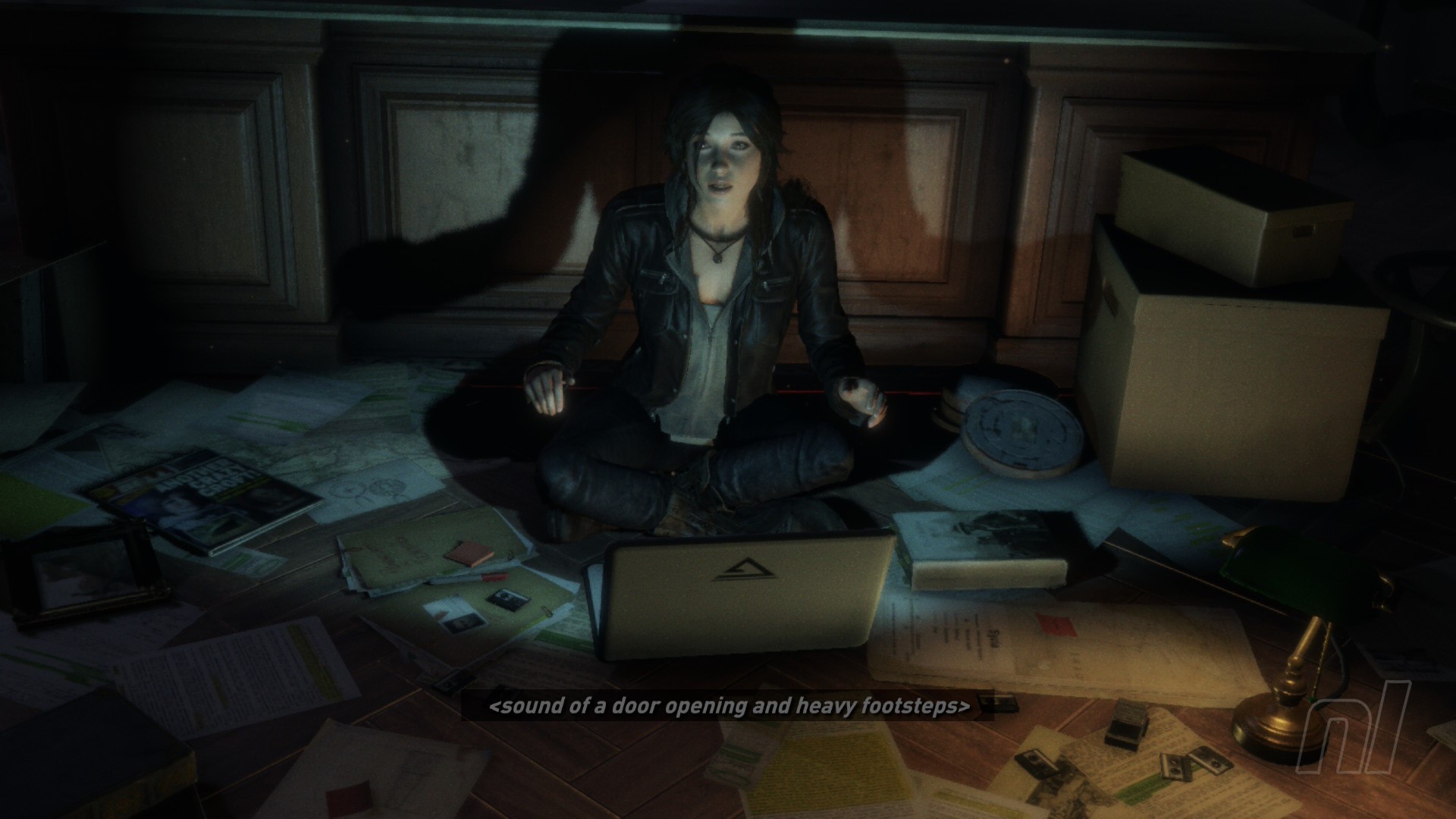
This being the ‘complete edition’ of a decade-old game, there’s a decent amount of additional content from later DLC additions that’s been seamlessly integrated into the core game. The highlights are some story-focused quest chains that task you with exploring the famed Croft Manor and with tracking down the Baba Yaga witch in a new tomb, both of which feel like a natural extension of the best parts of the original campaign.
Captured on Nintendo Switch 2 (Handheld/Undocked)
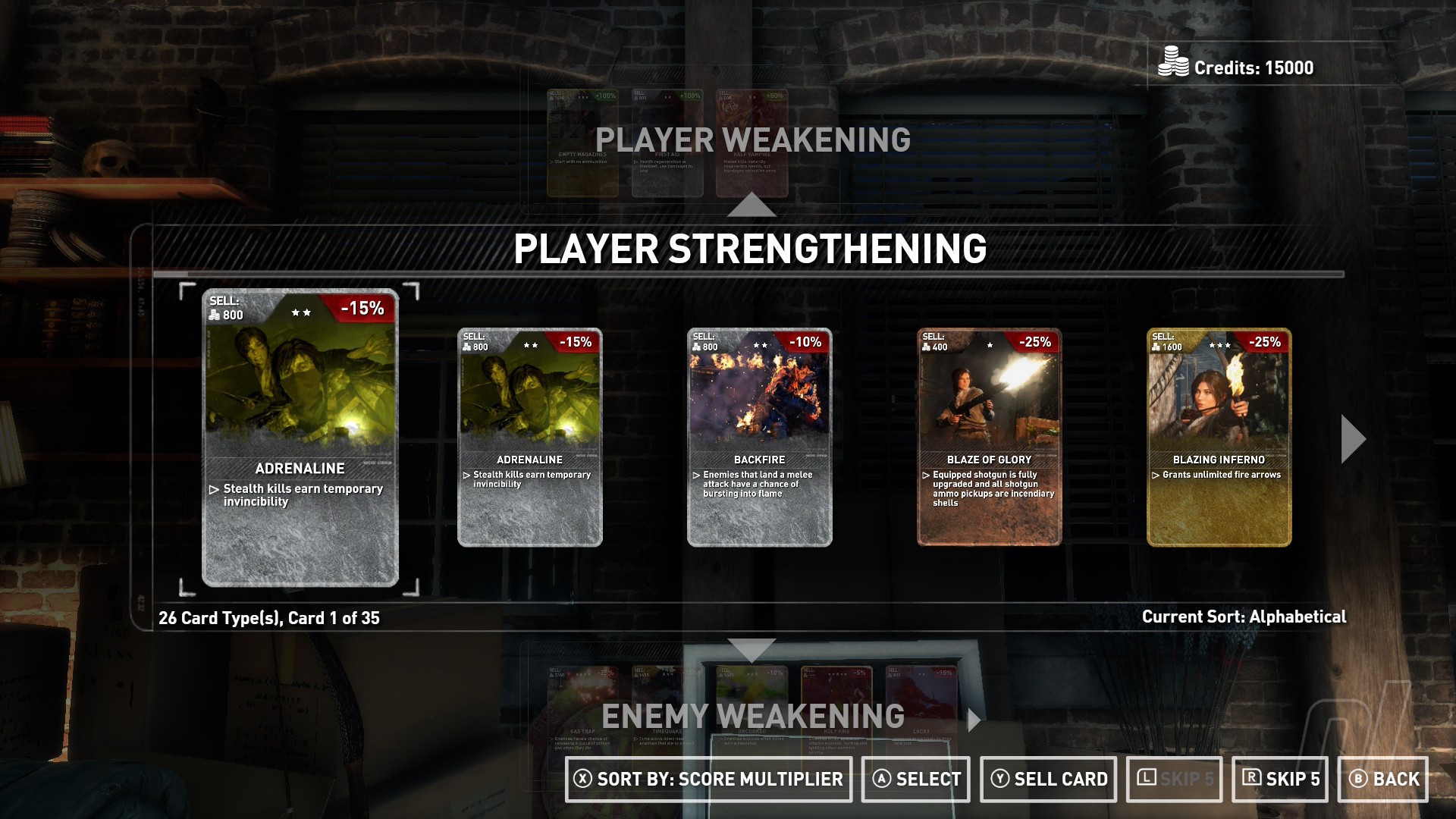
Additionally, there are some more arcade-like additions such as a roguelite mode and a zombie survival mode, both of which help to remix existing content and give you a bit more to chew on once you’ve hit 100% completion.
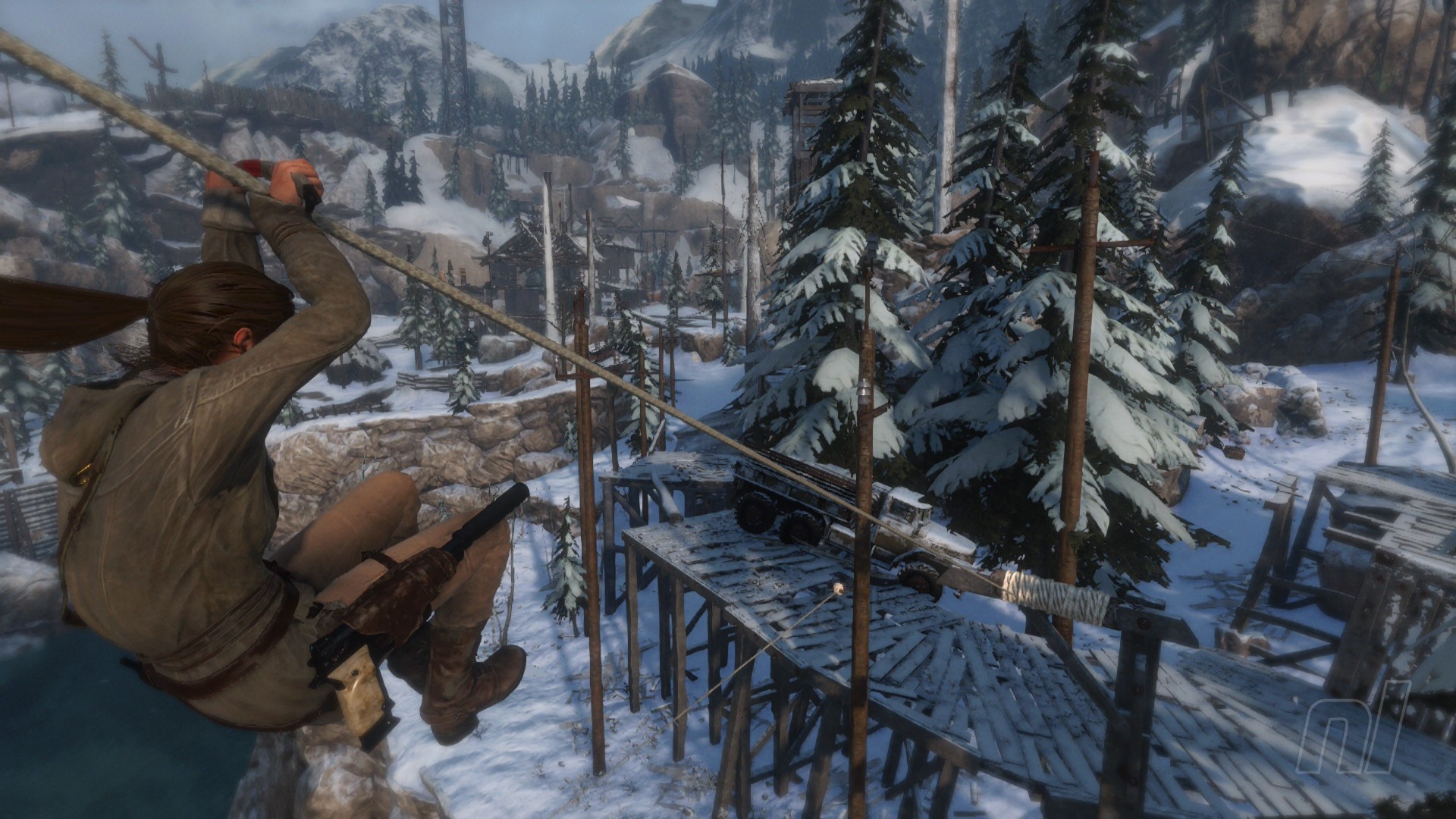
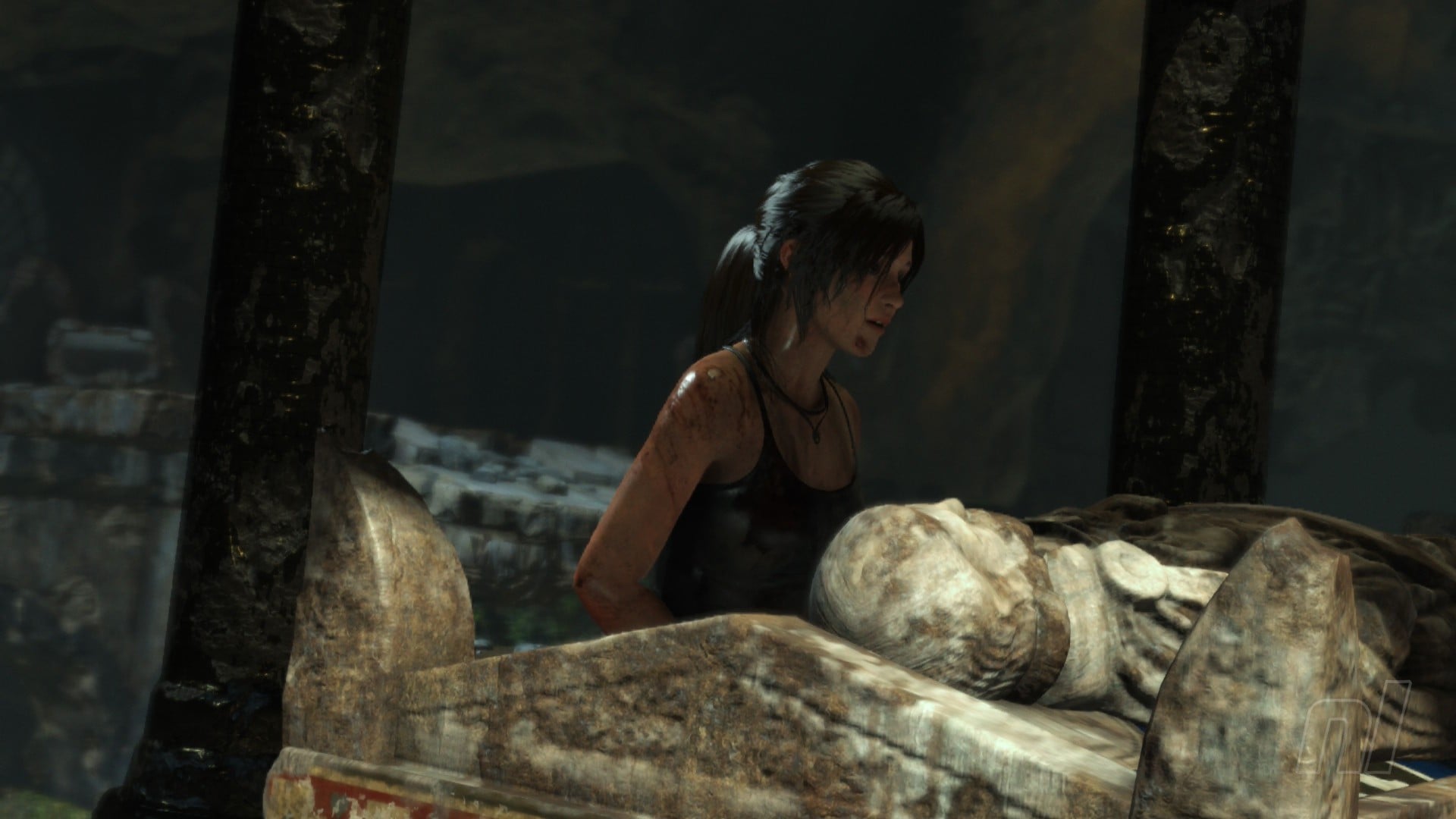
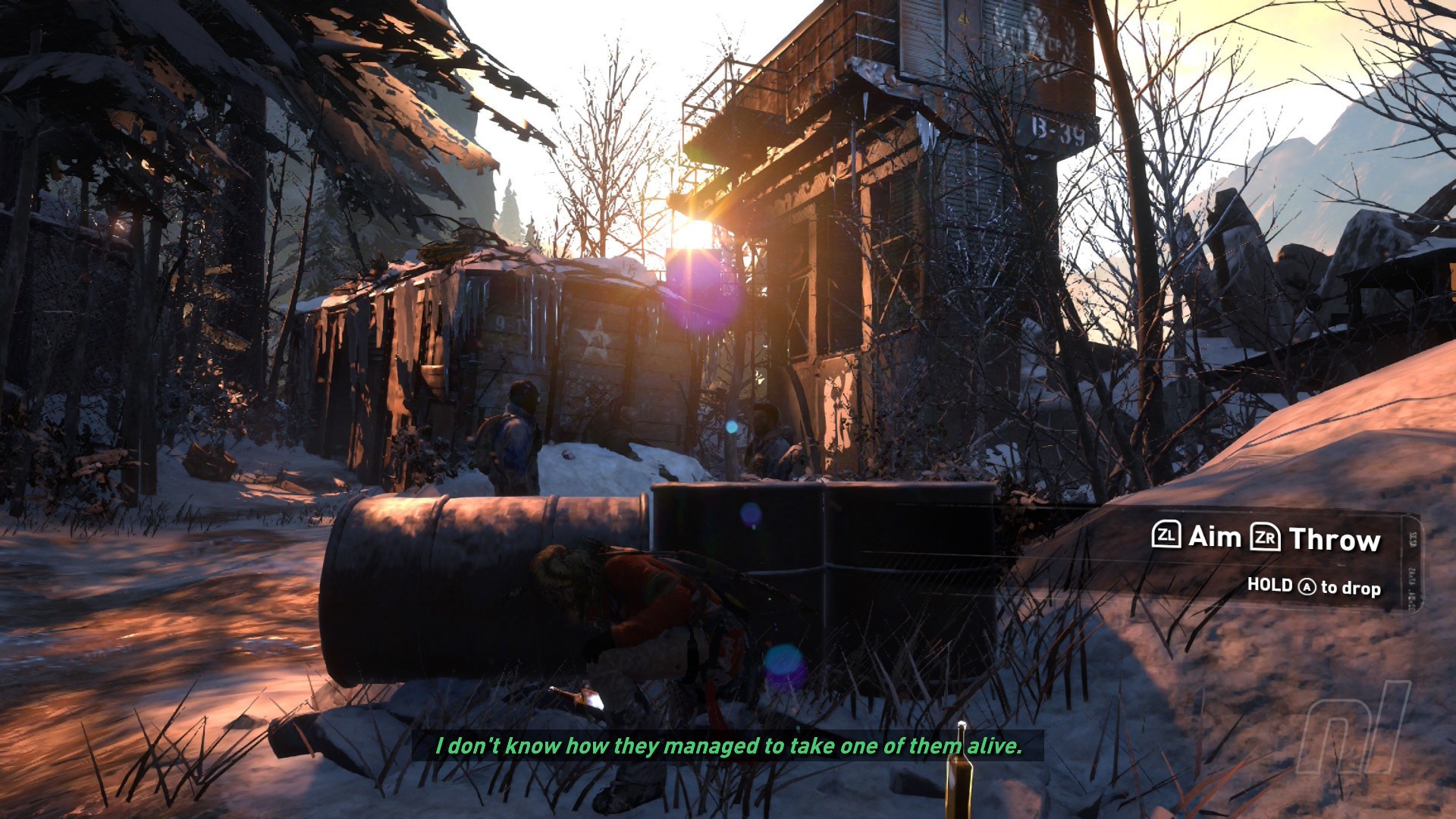
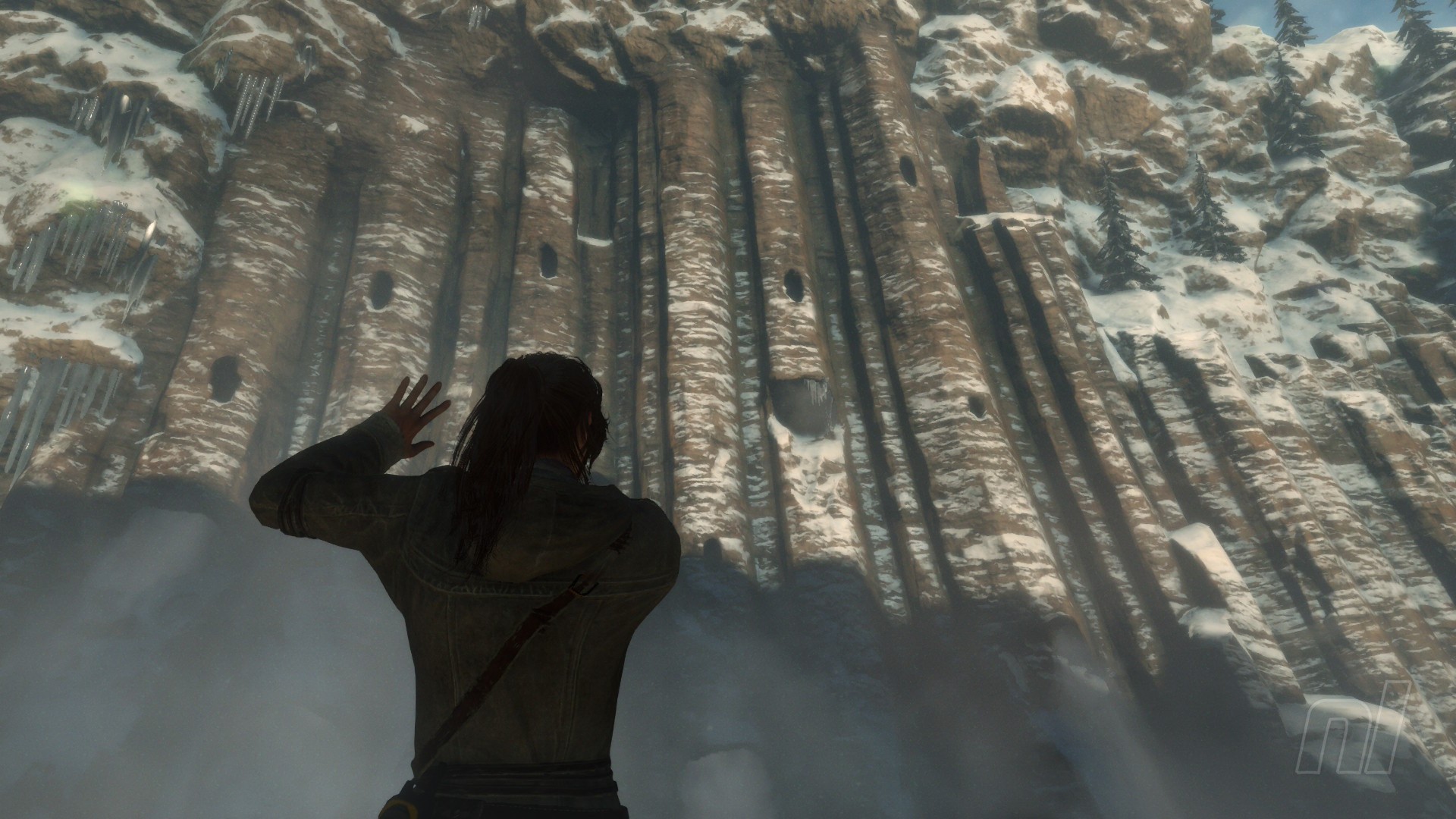
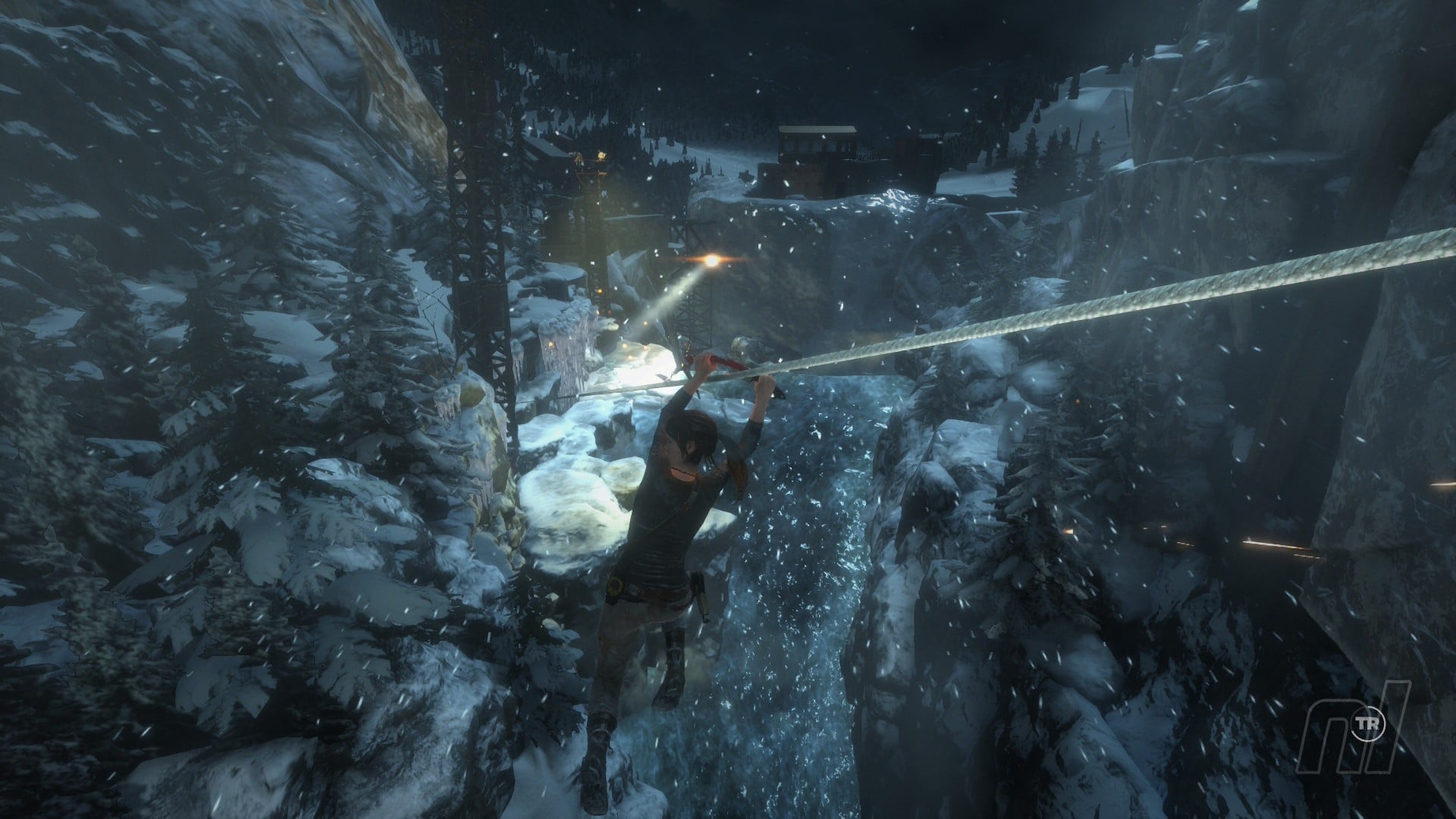
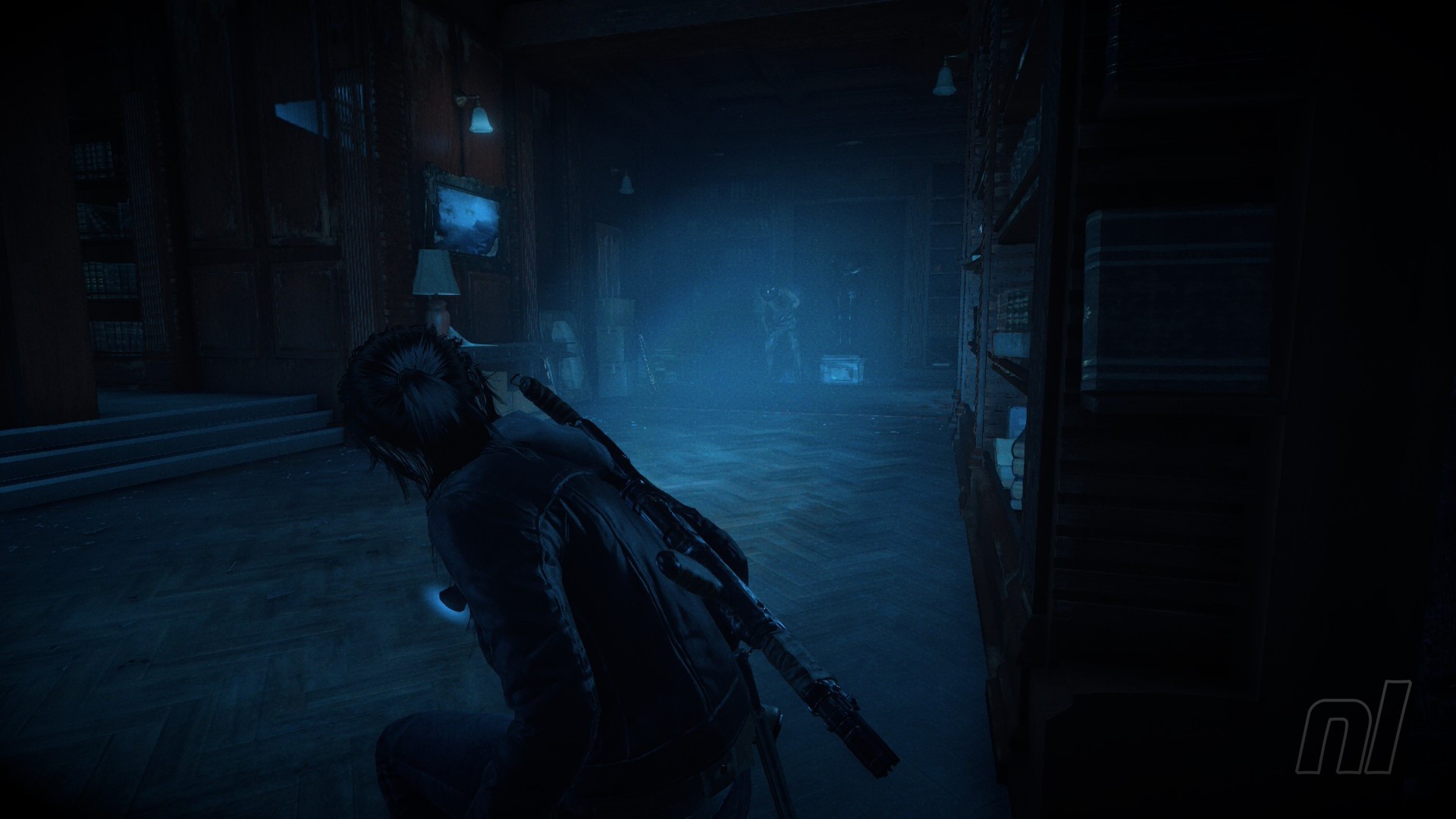
Regarding the graphical presentation, Rise of the Tomb Raider showcases the strengths of the Switch 2 hardware through the stunning visuals on display here. The grimy, crumbling environments of the tombs are fully realised with impressive detail, as features like cobwebs hanging off skeletons and the soft light emanating from Lara’s glow stick help to give the environments meaningful texture and contribute lots to the immersion. Character models are also well-detailed and animated, with the much-touted TressFX hair making an appearance here for realistic motion as Lara’s ponytail sways with the action.
Captured on Nintendo Switch 2 (Docked)
All this runs at a smooth 1080p and 30fps in both docked and handheld, with no significant drops to be found even in the busier sections. Granted, it’s a little disappointing Aspyr couldn’t get this one to 60fps (even in docked mode) to match its predecessor, but this game was a notable visual step-up when it first launched back in the day and a stable 30fps still feels adequate for the gameplay. As is often the case for these kinds of ports, the absolute best performance and presentation is traded for the ability to play the game portably with no content cuts.
Conclusion
Rise of the Tomb Raider is a great addition to the Switch 2 library, standing as a strong example of the vision of the platform offering full-fat home console gaming on the go. Satisfying exploration, incredible visuals, and loads of content all running at a smooth 30fps combine to make this a must-have buy for your personal library, even if a forgettable story and some occasionally wonky controls hold this one back from perfection.
I’d suggest you pick this one up at the next available opportunity – it’ll keep you busy for a while and is especially the kind of game that really shines in handheld.