Posted on Leave a comment

Fedora 28 End of Life

With the recent release of Fedora 30Fedora 28 officially enters End Of Life (EOL) status effective May 28, 2019. This impacts any systems still on Fedora 28. If you’re not sure what that means to you, read more below.

At this point, packages in the Fedora 28 repositories no longer receive security, bugfix, or enhancement updates. Furthermore, the community adds no new packages to the Fedora 28 collection starting at End of Life. Essentially, the Fedora 28 release will not change again, meaning users no longer receive the normal benefits of this leading-edge operating system.

There’s an easy, free way to keep those benefits. If you’re still running an End of Life version such as Fedora 28, now is the perfect time to upgrade to Fedora 29 or to Fedora 30. Upgrading gives you access to all the community-provided software in Fedora.

Looking back at Fedora 28

Fedora 28 was released on May 1, 2018. As part of their commitment to users, Fedora community members released over 9,700 updates.

This release featured, among many other improvements and upgrades:

  • GNOME 3.28
  • Easier options for third-party repositories
  • Automatic updates for the Fedora Atomic Host
  • The new Modular repository, allowing you to select from different versions of software for your system
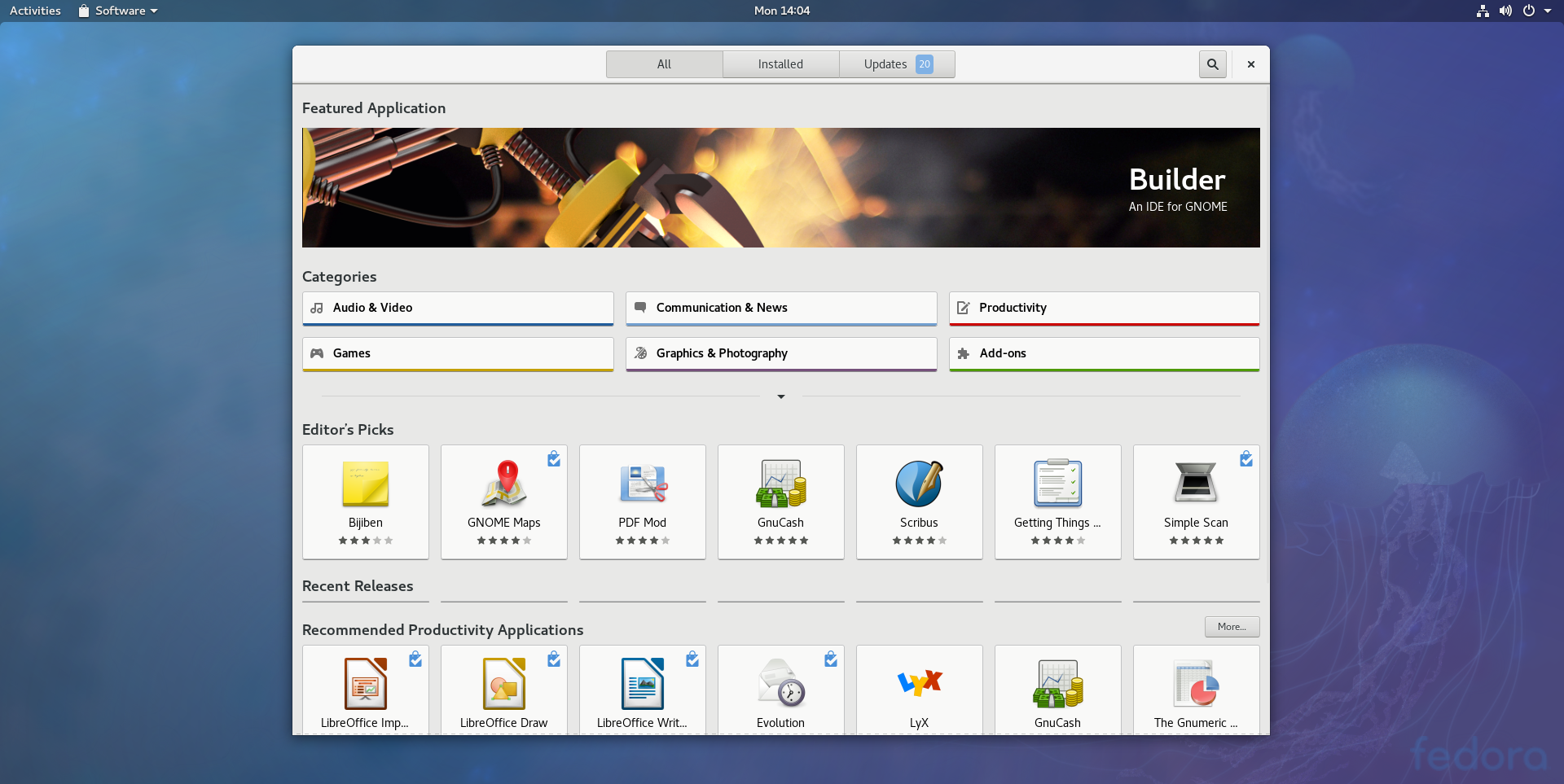
Of course, the Project also offered numerous alternative spins of Fedora, and support for multiple architectures.

About the Fedora release cycle

The Fedora Project offers updates for a Fedora release until a month after the second subsequent version releases. For example, updates for Fedora 29 continue until one month after the release of Fedora 31. Fedora 30 continues to be supported up until one month after the release of Fedora 32.

The Fedora Project wiki contains more detailed information about the entire Fedora Release Life Cycle. The lifecycle includes milestones from development to release, and the post-release support period.

Posted on Leave a comment

Fedora 30 supplemental wallpapers

Each release, the Fedora Design team works with the community on a set of 16 additional wallpapers. Users can install and use these to supplement the standard wallpaper. The Fedora Design team encourages submissions from the whole community. Contributors then use the Nuancier app to vote on the top 16 to include.

Voting has closed on the extra wallpapers for Fedora 30. Voters chose from among 56 submissions. A total of 128 Fedora contributors voted, choosing the following 16 backgrounds to include in Fedora 30:

(Editors’ note: Thank you to Sirko Kemter, who authored this article and conducted the voting process.)

Posted on Leave a comment

Fedora Classrooms: Silverblue and Badge Design

Fedora Classroom sessions continue with two introductory sessions, on using Fedora Silverblue (February 7), and creating Fedora badges designs (February 10). The general schedule for sessions is availble on the wiki, along with resources and recordings from previous sessions. Details on both these upcoming sessions follow.

Topic: Fedora Silverblue

Fedora Silverblue is a variant of Fedora Workstation that is composed and delivered using ostree technology. It uses some of the same RPMs found in Fedora Workstation but delivers them in a way that produces an “immutable host” for the end user.  This provides atomic upgrades for end users and allows users to move to a fully containerized environment using traditional containers and flatpaks.

This session is aimed at users who want to learn more about Fedora Silverblue,
ostree, rpm-ostree, containers, and Flatpaks.  It is expected that attendees have some basic Linux knowledge.

The following topics will be covered:

  • What’s an immutable host?
  • How is Fedora Silverblue different from Fedora Workstation?
  • What is ostree and rpm-ostree?
  • Upgrading, rollbacks, and rebasing your host.
  • Package layering with rpm-ostree.
  • Using containers and container tools (podman, buildah).
  • Using Flatpaks for GUI applications

When and where

Instructor

Micah Abbott is a Principal Quality Engineer working for Red Hat. He remembers his first introduction to Linux was during university when someone showed him Red Hat Linux running on a DEC Alpha Workstation.  He’s dabbled with  various distributions in the following years, but has always had a soft spot for  Fedora. Micah has recently been contributing towards the development  of  Fedora/Red Hat CoreOS and before that Project Atomic.  He enjoys engaging with the community to help solve problems that users are facing and has most recently been spending a lot of time involved with the Fedora Silverblue community.

Topic: Creating Fedora Badges Designs

Fedora Badges is a gamification system created around the hard work of the Fedora community on the various aspects of the Fedora Project. The Badges project helps to drive and motivate Fedora contributors to participate in all different parts of Fedora development, quality, content, events, and stay active in community initiatives. This classroom will explain the process of creating a design for a Fedora Badge.

Here is the agenda for the classroom session:

  • What makes a Fedora Badge?
  • Overview of resources, website, and tickets.
  • Step by step tutorial to design a badge.

Resources needed:

  • Inkscape.
  • Comfortaa typeface.
  • Fedora badges resources (colour palettes, graphics, templates).

On Fedora, inkscape and comfortaa can be installed using dnf:

sudo dnf install inkscape aajohan-comfortaa-fonts

When and where

Instructor

Marie Nordin is a graphic designer and fine artist, with a day job as a Assistant Purchasing Manager in Rochester, NY. Marie began working on the Fedora Badges project and the Fedora Design Team in 2013 through an internship with the Outreachy program. She has maintained the design side of the Fedora Badges project for four years, as well as running workshops and teaching others how to  contribute designs to Badges.