Update []: IO Interactive has now shared the official title sequence for 007 First Light, featuring the song “First Light” written and composed by Lana Del Rey and David Arnold.
Original Story:
The talented American singer and songwriter Lana Del Rey has today released her theme song for 007 First Light.
As highlighted by Rolling Stone, First Light is a “grand and orchestral affair, embellished with motifs from the James Bond theme song”. The track has been composed and co-written by David Arnold, who has previously scored 007 movies such as Casino Royale and Tomorrow Never Dies.
David Arnold: “Having been part of that musical lineage, I understand how important it is to honor its heritage while allowing it to evolve. Lana brought an elegance and atmosphere to the song that felt perfectly suited to continuing that tradition while introducing something fresh for a new era.”
Lana Del Rey apparently wrote a song intended for Spectre, but it was British singer Sam Smith who went on to perform “Writing’s On The Wall” for this movie.
The theme song announcement follows news earlier this month that 007 First Light had been delayed for the Switch 2. Instead of launching on 27th May 2026 alongside other platforms, the Nintendo version is now scheduled for “later this summer”. Earlier this week, spoilers related to First Light also reportedly surfaced in a classification board leak.
Apart from Lana’s involvement in the theme song, the singer and musician Lenny Kravitz will appear in 007 First Light as a black-market dealer named Bawma.
So, what do you think of the theme song for 007 First Light? Let us know in the comments.
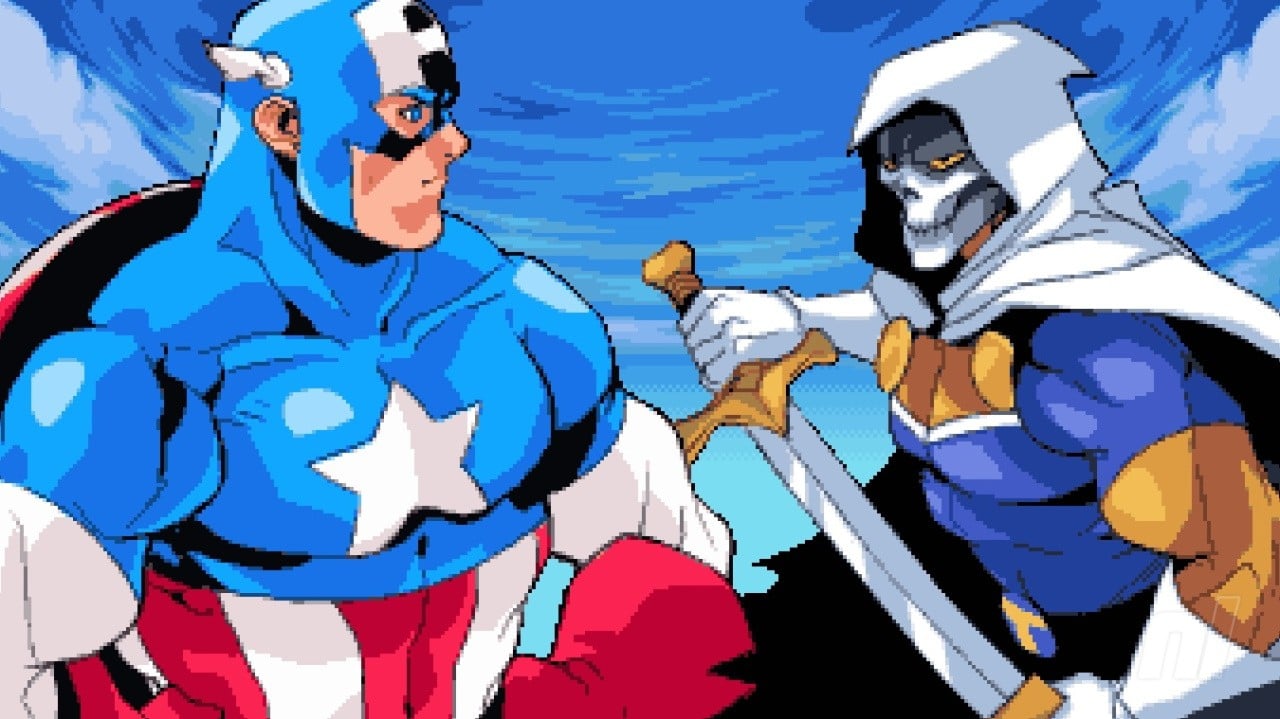
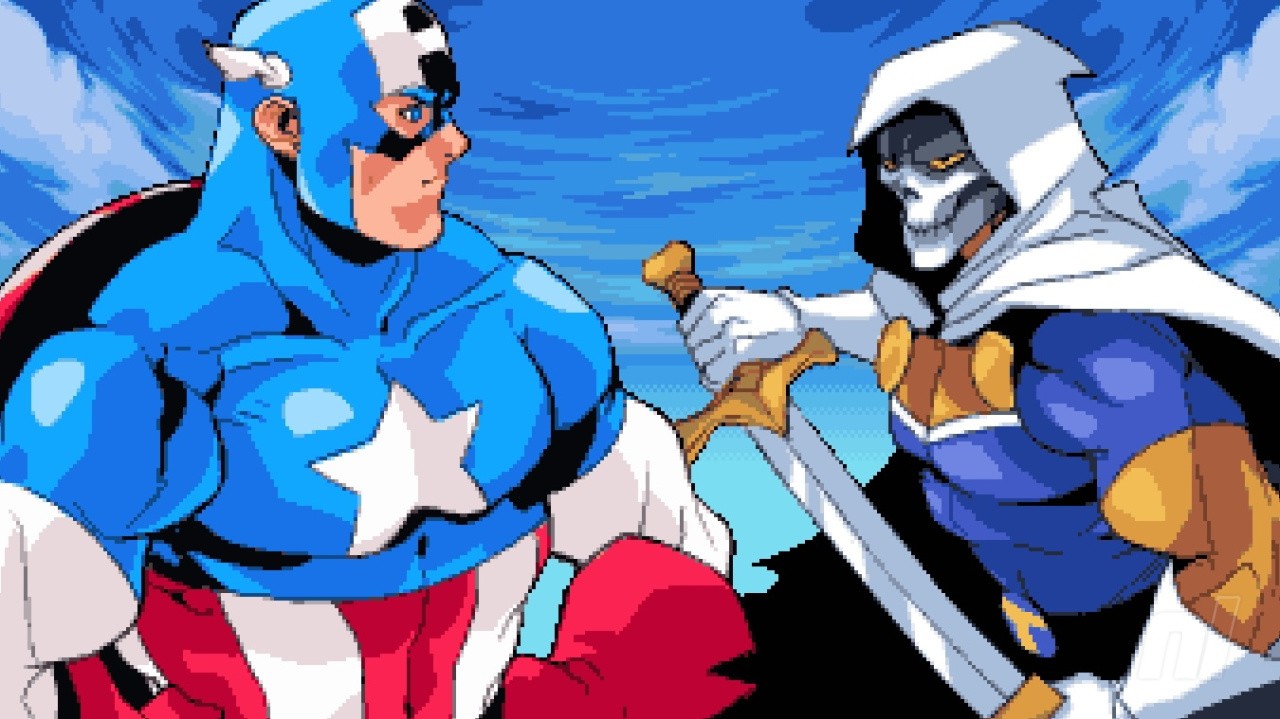
Following on from its launch late last year, Marvel Cosmic Invasion has today landed a sweet free demo on Switch 1 and 2.
You’ll find the demo on the eShop right now, letting you get a taste for the throwback fighter and all of its nostalgic charms. As a reminder, this is the latest beat ’em up from Tribute and Dotemu (the team that previously brought us Teenage Mutant Ninja Turtles: Shredder’s Revenge), so you know you’re in safe hands.
Naturally, the demo only gives you a taste of the full experience. If you like what you see, you can pick up the full game for £26.99 / $22.49 (note the discount in North America).
Despite some small issues, we had a great time with Cosmic Invasion on Switch last year, calling it “one of the best arcade Marvel games ever made” in our review.
Will you be checking out the Cosmic Invasion demo on Switch (2)? Let us know in the comments.
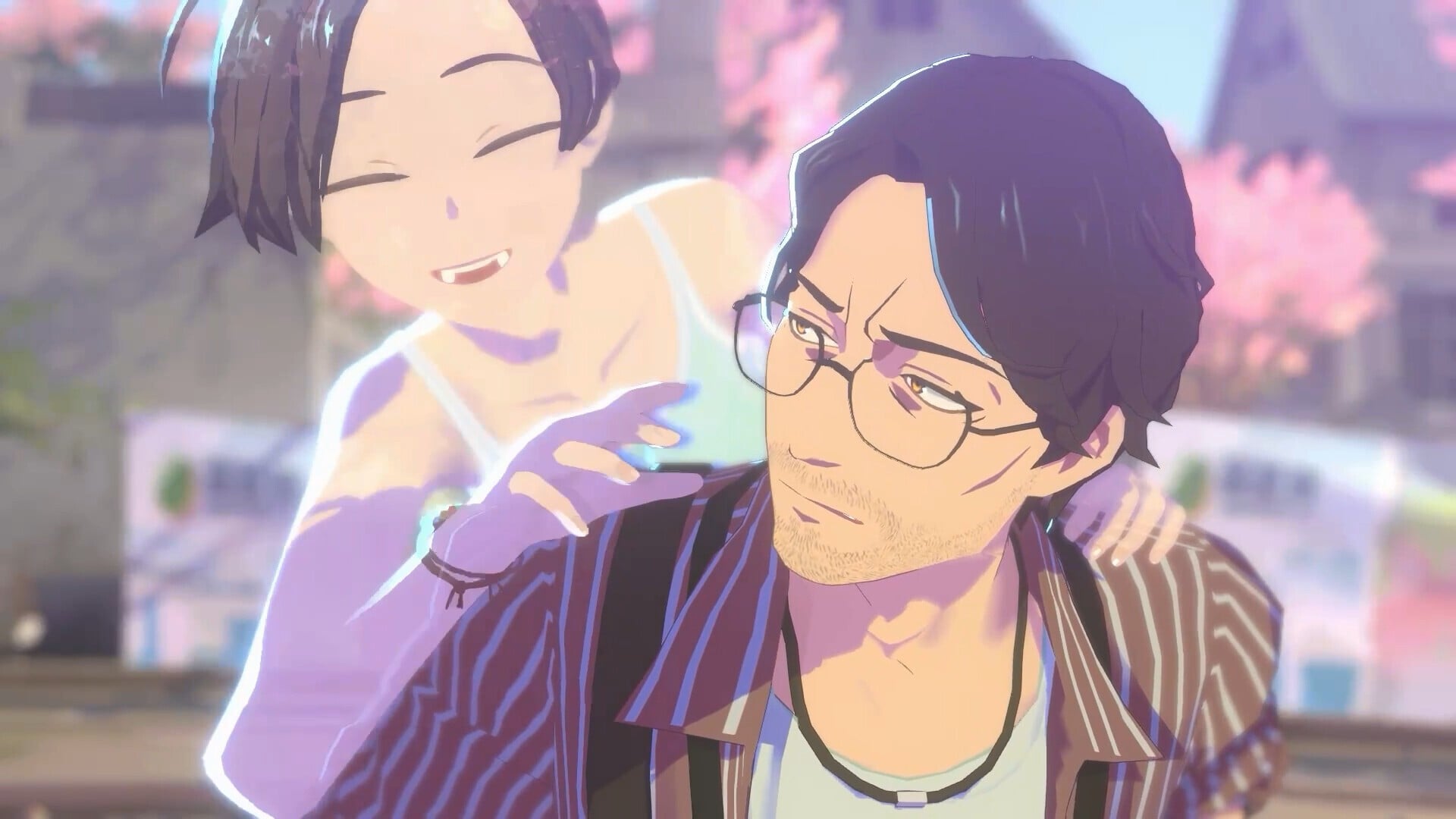
Sigono’s latest narrative adventure, OPUS: Prism Peak, arrived on Switch 1 and Switch 2 yesterday. And a quick look at the reviews show that this might just be one of the best games of 2026.
That should be no surprise to anyone who’s played any of the OPUS games, as these are beautifully written tales with an emotive core at the centre. And it sounds like Prism Peak continues that tradition. It’s currently sitting on 86 on Metacritic on PC with 15 reviews, and a staggering 91 on OpenCritic from 16 reviews, making it the highest-rated game of the year on the latter aggregate platform.
So, what exactly are people saying? Azario Lopez over at Noisy Pixel reflects on his own adulthood via Prism Peak’s protagonist and the in-game photography, praising everything about the visuals, mechanics, and story, The score? A 9.5/10:
“Through Eugene’s story, Sigono builds an adventure that feels personal in a way games rarely do, especially when it comes to adulthood and the quiet mess of trying to make sense of your past.”
Writing for CGMagazine, Hayes Madsen is equally emphatic about the emotional core, saying “it’s like taking the narrative-adventure style of Life is Strange and smashing it together with a Studio Ghibli or Mamoru Hosoda film.” He also awarded the game a 9.5/10:
“[Opus: Prism Peak is] one of the most remarkable games I’ve played in years, and the exact example of why this kind of narrative adventure experience continues to be something special in video games.”
And even though Checkpoint Gaming’s Hayley Louise scored the game slightly lower at 8/10, they still adore the narrative, music, and the presentation, with slight criticisms aimed and the camera mechanics. Though they do warn that this one’s a bit of a tearjerker:
“OPUS: Prism Peaks is a heartfelt journey about the human condition and the importance of friends and family. While this is a slower-paced experience, focused on imagery and storytelling, every aspect felt engaging and enjoyable.”
So it’s another winner for Sigono, and you can grab the game on the eShop right now.
It costs $24.99 in the US on both Switch 1 and 2, or £21.99 on Switch 2 and £22.09 on Switch 1 in the UK, but there’s currently a 10% launch discount until the end of the month. So snap it up now if you’re interested.
Are you playing Opus: Prism Peak on Switch 1 or 2 today? Share your thoughts on the game in the comments.
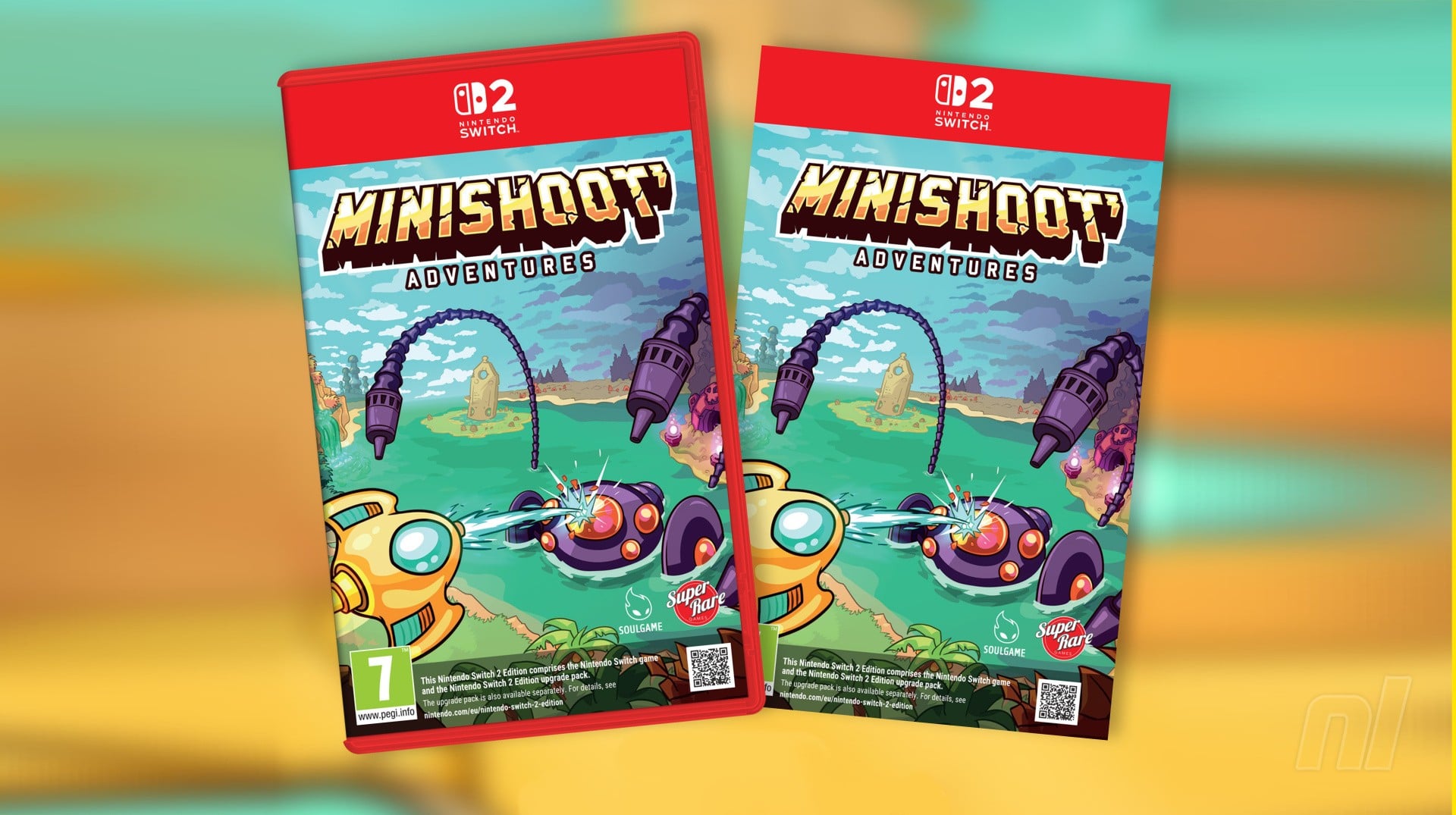
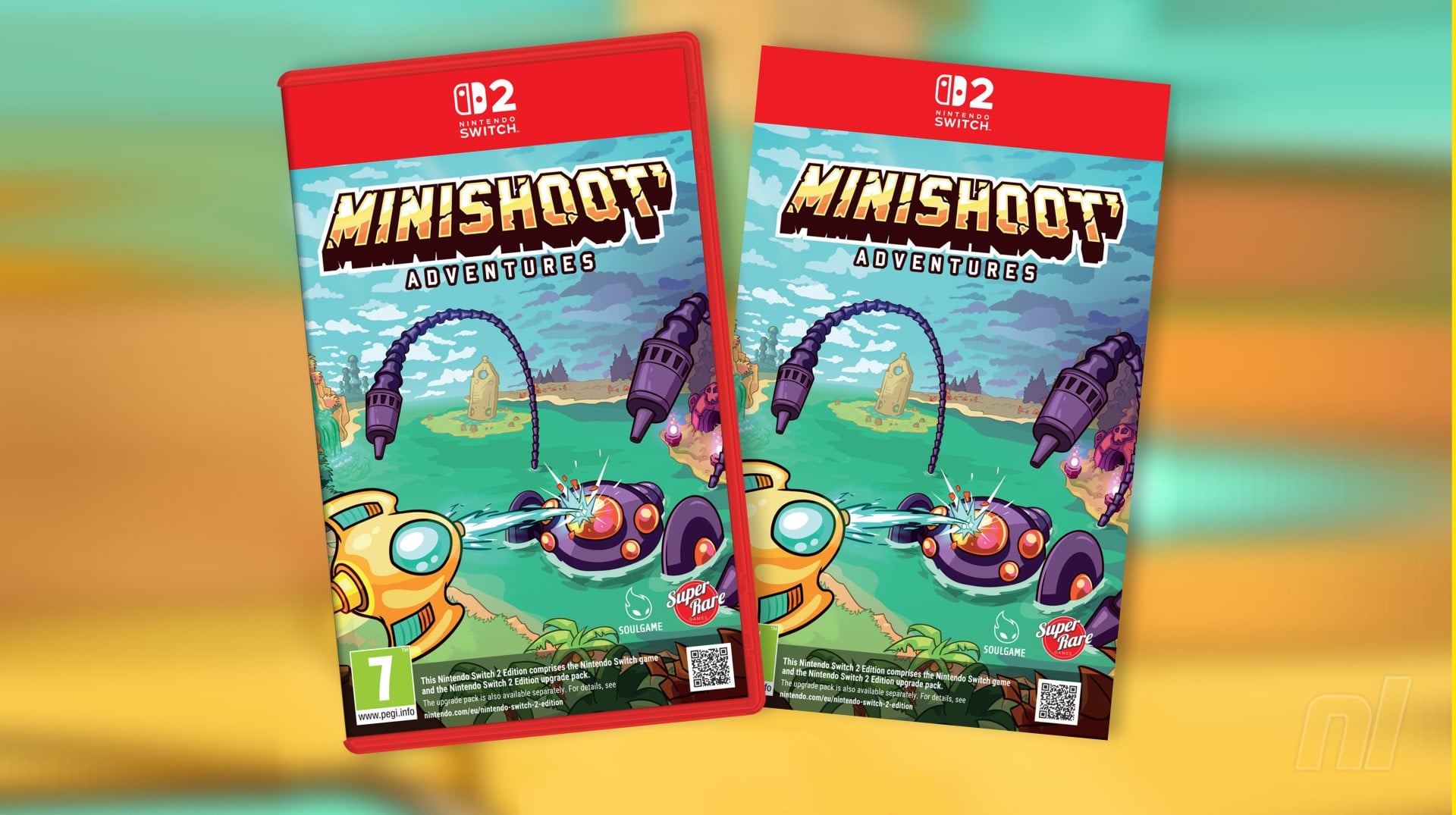
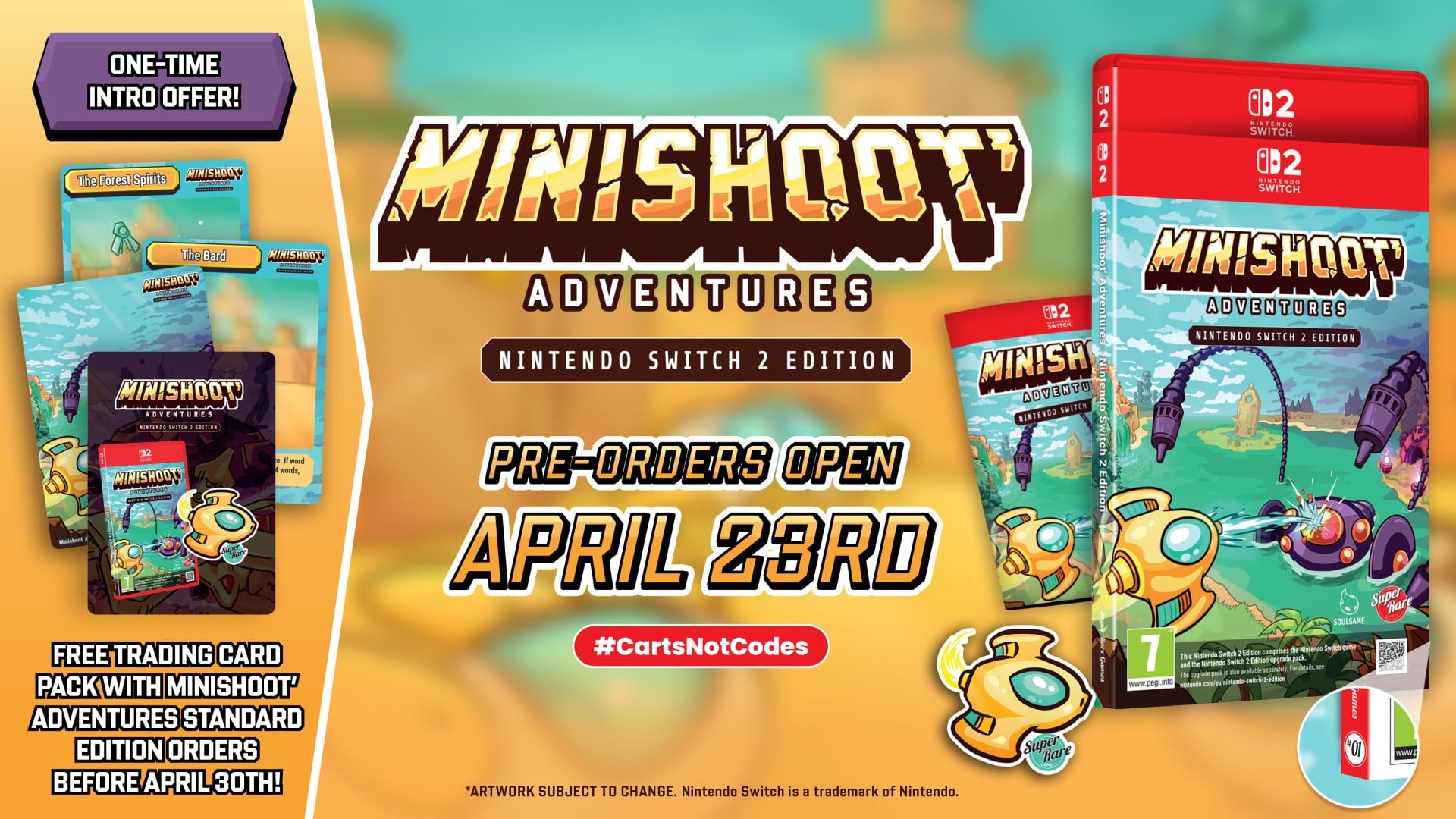
Boutique physical publisher Super Rare Games was revealed its first Switch 2 release: SoulGame Studio’s Minishoot’ Adventures.
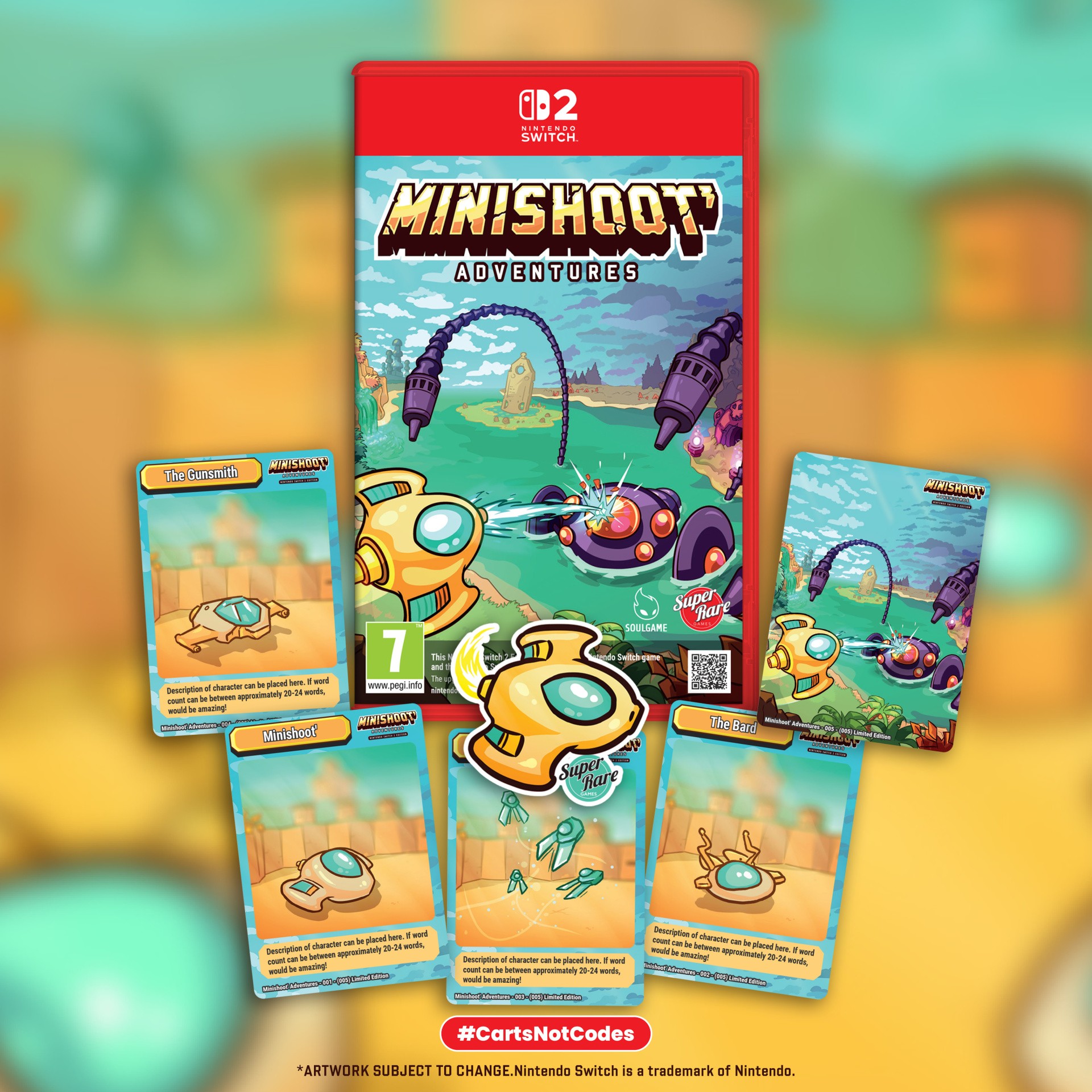
This will be Super Rare’s first game for the platform since Switch 2 launched back in June 2025, and they’ll be offering two versions of the game: a Standard Edition for £38.50 (which includes a manual, slipcover, and sticker) and a Special Edition for £53.50 that adds a keychain, soundtrack CD, a clamshell box, and trading cards.
Pre-orders for game #01 in this new line go live next week on 23rd April, with estimated shipping in July. We’ve also confirmed that this Nintendo Switch 2 Edition will play on Switch 1, too, just like other NS2 Ed. physical releases.
Minishoot is great, as you’ll know if you read our Mini Review back in March – a twin-stick shooter with a Zelda flavour. “It just felt like a prime example of what we look for in a Super Rare release with the blend of nostalgia and modern indie design,” CEO George Perkins told us when asked what it was about this game in particular that made him go, ‘That’s it, that’s our first Switch 2 physical!’
“It takes that classic Zelda style formula and mixes it with bullet-hell and top-down shooter elements, all presented with modernised graphics. So for us, it really represents what a Super Rare game should be.”
Image: Super Rare Games
In terms of quantity, SRG’s Switch 2 games will move to “limited quantities” after open pre-orders launch – essentially, they’ll be using early interest to gauge demand before locking in run numbers.
Looking at the industry landscape right now — specifically the difficulties around global distribution and rising costs over the last year or so — we wondered how Super Rare is coping. “We’ve been holding up really well,” George said, “we’ve had consistent year-on-year growth, even with everything happening globally. Each year has been bigger for us in terms of the volume, variety, and diversity of games we work on, as well as overall sales, which shows there’s still a strong demand for physical games.”
Has the firm had to make any changes to its approach to adapt? “Our direct to consumer model helps a lot, as we’re not relying on lots of third parties. Most of the adaptations we’ve made have been around distribution, especially with things like COVID and other global conflicts.”
Image: Super Rare Games
One change with SRG’s Switch 2 line is that trading cards won’t be included in the Standard Editions, but will be an optional add-on (although all pre-orders before 30th April will also come with the trading cards in this instance). The company says they’ll continue putting out Switch 1 games as well, although they won’t be duplicating releases across the Nintendo platforms.
Naturally, we asked about the size of the Switch 2 cart they were using, although we weren’t able to get gigabyte confirmation besides the full game being on the cart “with no additional download required or game key cards.”
Given Super Rare’s history of Switch 1 releases, you’d assume that this is just the beginning. Do they have future S2 releases in the pipeline already, or are they on the lookout for the next game? “A bit of both,” says Perkins. “We’ve already signed a number of future projects, some of which are released and some unreleased, covering a diverse mixture of genres.”
With four or five S2 releases planned for this year, Perkins teases that “The next game release is expected to arrive faster than people might think…”
Head over to SRG’s website if you’re interested in their Switch 2 offerings, and let us know below if you’ll be picking up the physical version of Minishoot.
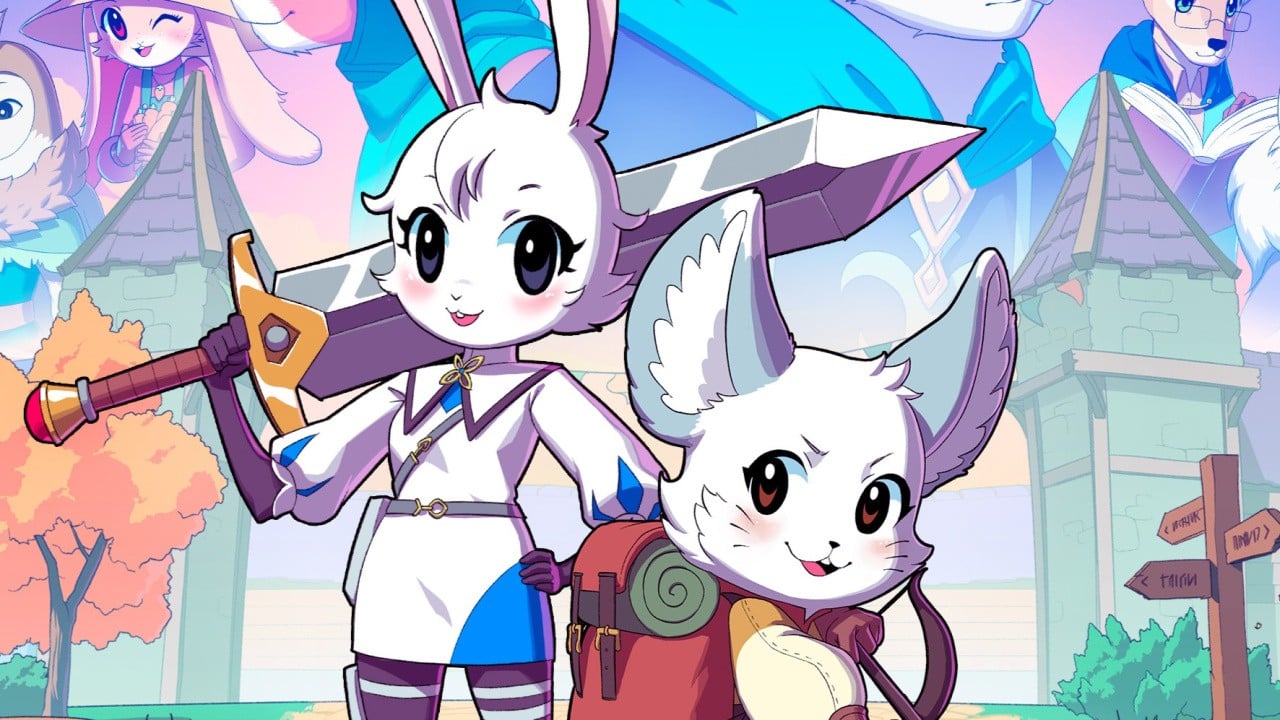
Twin Hearts is bringing back its adorable, anthropomorphic action RPG with a sequel, and the developer is teaming up with Secret Level Studio to bring it to PC and consoles, including Switch 2.
This time, you’ll be exploring the Arkadera wilderness, a forested area in the world of Kitaria. You’ll also be playing as new characters — Alice Skylar, a Royal Army ‘Pathfinder’, and Dusty Tuftkin, a local guide. Both characters play very differently, and you can play alone or co-op with a friend, both local and online.
While all of those hybrid farming elements and farm rebuilding sections return, the biggest changes in Kitaria Fables 2 are an unfixed camera, larger environments, experienced-based levelling system, and improved fast travel.
If the trailer has you hooked, then here are the details you need to know from publisher PQube:
Key Features
– Into the wilds – Explore the uncharted Arkadera wilderness and repair the outposts scattered across its deep forests, boggy marshes, rugged highlands and snow-capped mountains.
– New heroes rise – Play as Royal Army ‘Pathfinder’ Alice Skylar, and enthusiastic local guide Dusty Tuftkin, each with their own playstyle to enjoy, skill tree to develop, and story to share.
– Official business – Assist the Royal Academy Expedition Team while getting to know your neighbours. Complete fun side quests and seek out remote settlements to earn rare rewards.
– Spells and swords – Collect and spend skill points to unlock powerful special attacks and elemental spells. Unleash Alice’s and Dusty’s full potential with devastating ultimate abilities!
– Getting crafty – Gather valuable materials in the wilds, and visit Whitewall Town’s skilled artisans to craft and upgrade new equipment, blend potions, or rustle up delicious treats.
– The simple life – Help Aunt Kiki restore her dishevelled farmstead to its former glory. Search for rare plant seeds and cultivate nutritious crops before expanding your facilities to turn a profit.
– Play together – Recruit a friend in local or online co-op, and play through the entire story with both heroes at the same time. Work together with your partner to overcome the toughest challenges!
We’ll have to wait to hear more about the game, but more action RPGs on Switch 2 is a good thing, in our book. We’re already hopping up and down to give this one a go.
Don’t forget to check out our review of the original if you haven’t played it before — it’s worth checking out!
Are you excited for Kitaria Fables 2? Played the original? Let us know in the comments.
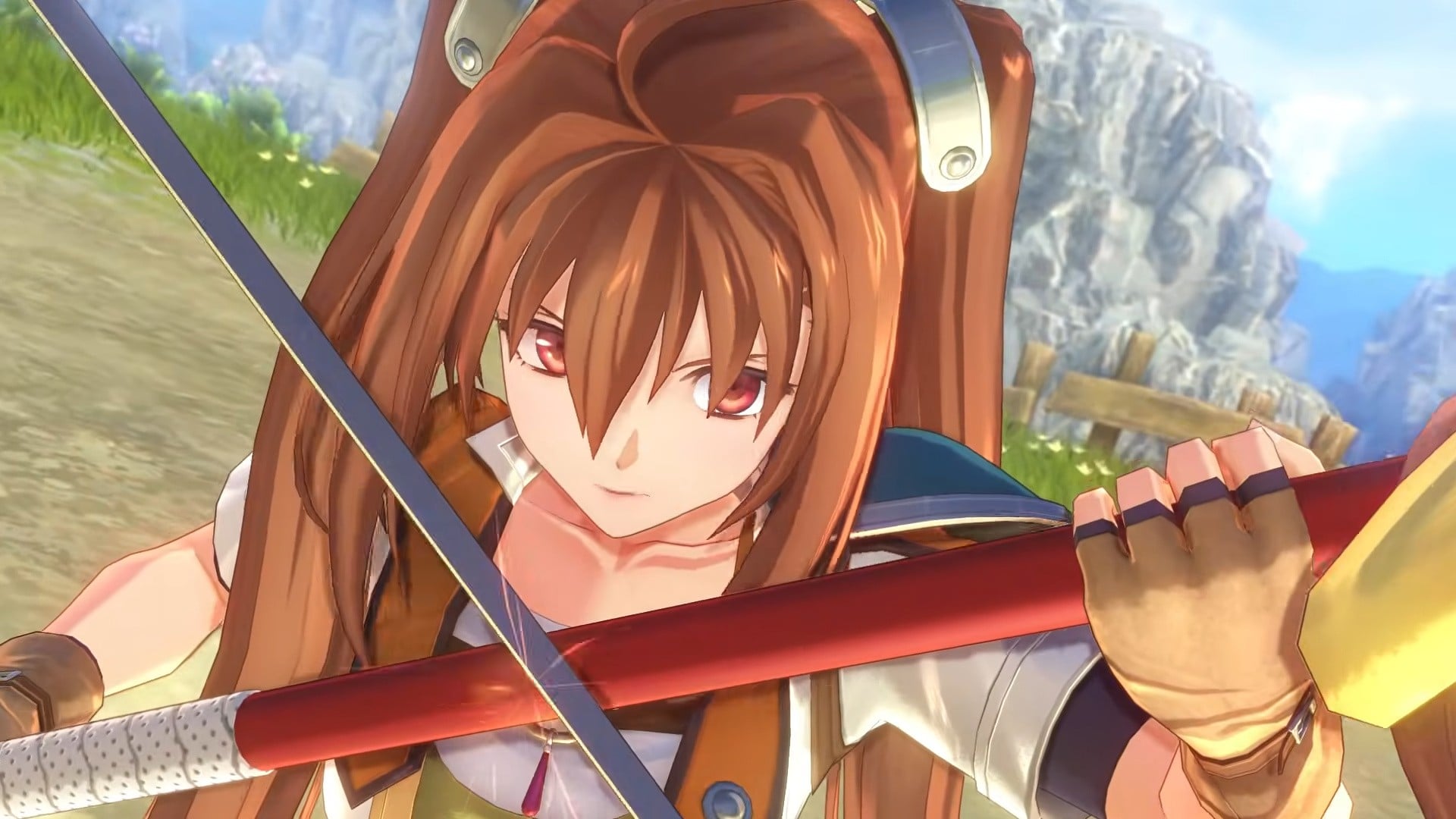
Those of you who’ve played (and beaten) Trails in the Sky 1st Chapter are likely scrambling to know what happens next in Estelle and Joshua’s journey. Luckily, we won’t have too long, as GungHo has announced that the sequel will be coming to Switch 1 and Switch 2 on 17th September 2026.
As you might imagine for a spoiler-filled sequel, the trailer up top doesn’t give much away. But be prepared for an emotional adventure as Estelle traverses Liberl to reunite with Joshua and discover the secrets behind the organisation of Ouroboros. Estelle will be joined by friends old and new alike, so expect more drama, tension, and action in this follow-up.
And, as Gematsu reports, Japanese pre-orders will include a digital copy of the original Trails in the Sky. This hasn’t been announced in the West yet, but it may prove tricky, as GungHo does not own the rights to the original English translation.
It’d be great to get the OG on Switch 1 & 2, but the remakes alone are more than enough for us.
Will you be joining Estelle for the continuation of her journey in 2nd Chapter? Sound your harmonica in the comments.
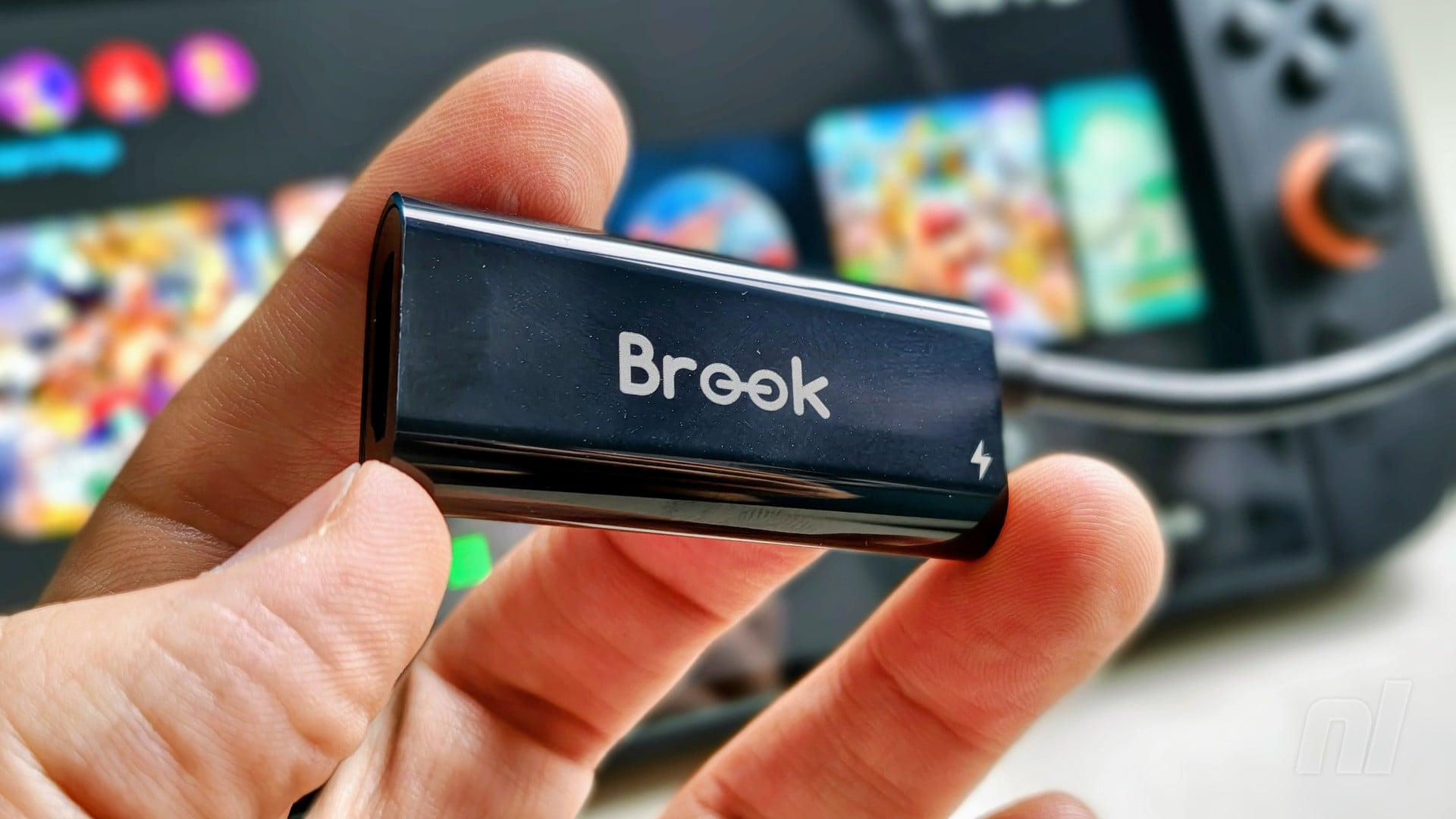
If you’re someone who happens to travel a lot for work but you’re not keen on packing your Switch 2 dock wherever you go, accessory manufacturer Brook may have the answer.
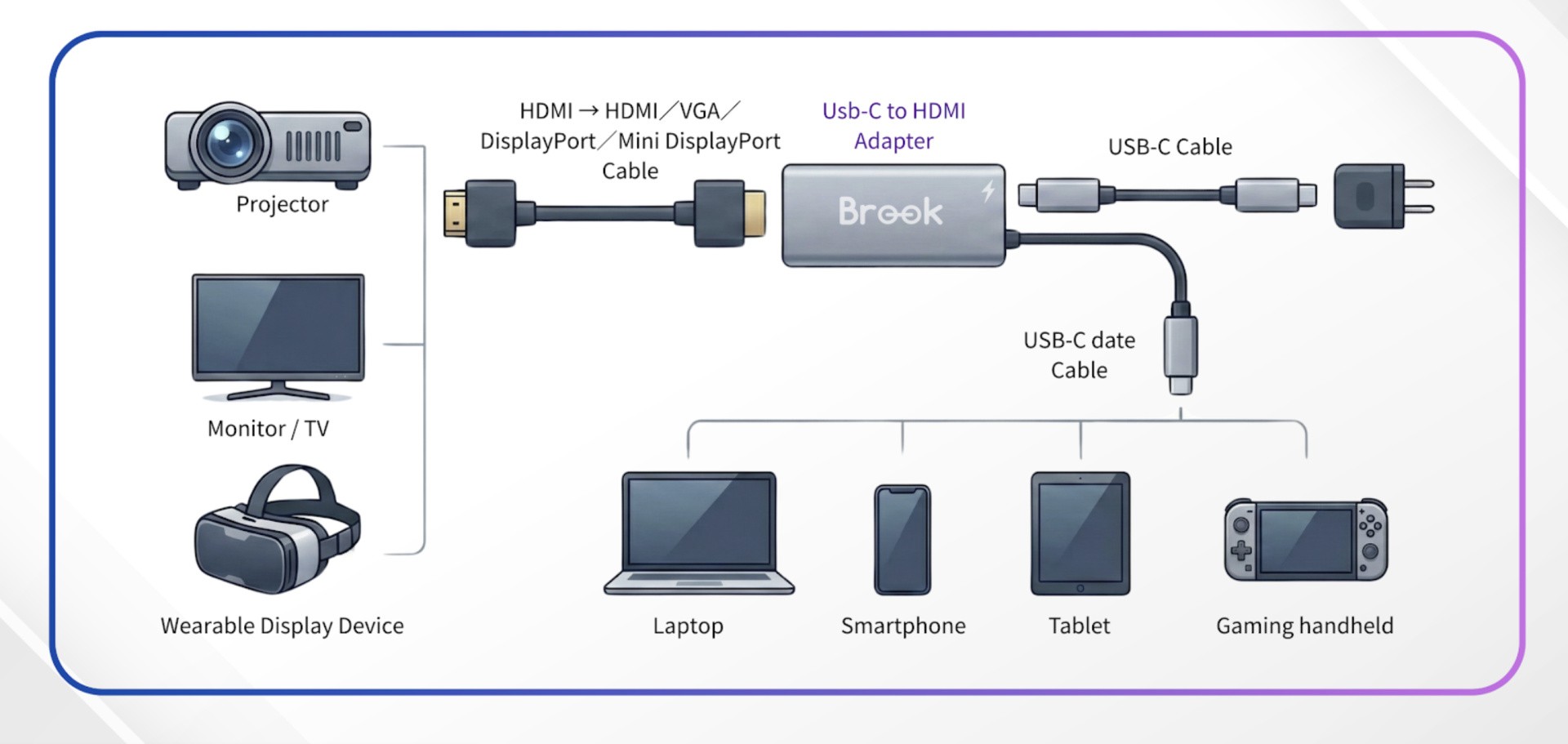
The company has just launched a USB-C to HDMI adapter for $24 over on Amazon that’s compatible with a wide range of devices. Now, the crucial part here is that the vast majority of HDMI converters are simply not compatible with the Switch 2 – this one is.
We’ve tested it out ourselves and can confirm that it hooks up to a 4K LG TV with no issues, but it will also work on devices like projectors. It goes without saying that you’ll need to make sure you have an HDMI cable handy, while Brook also recommends you use the original Switch 2 AC adapter for power.
It’s also worth noting that, in our experience at least, it seems to only connect up if you use the USB-C port on the bottom of the Switch 2, i.e. the one that plugs into the dock. If you try and use the port on the top, it’s likely you won’t get any kind of signal.
Image: Brook
Regardless, it’s a solid option to free up some space in your rucksack or suitcase if you’re holed up in a hotel somewhere and fancy some ‘docked’ gaming. Or, of course, it could work wonders if you have multiple TVs in your house, but only one dock.
Please note that some external links on this page are affiliate links, which means if you click them and make a purchase we may receive a small percentage of the sale. Please read our FTC Disclosure for more information.
Is this something you’re likely to make use of? Let us know your thoughts with a comment down below.
Yes, Nintendo is back with another wave of discounts on its North American storefront in the all-new ‘Spotlight Sale‘. This one is live right now, and it will be running through until 29th April at 11:59pm PT, so you only have a little while to get in and nab the reduced goods.
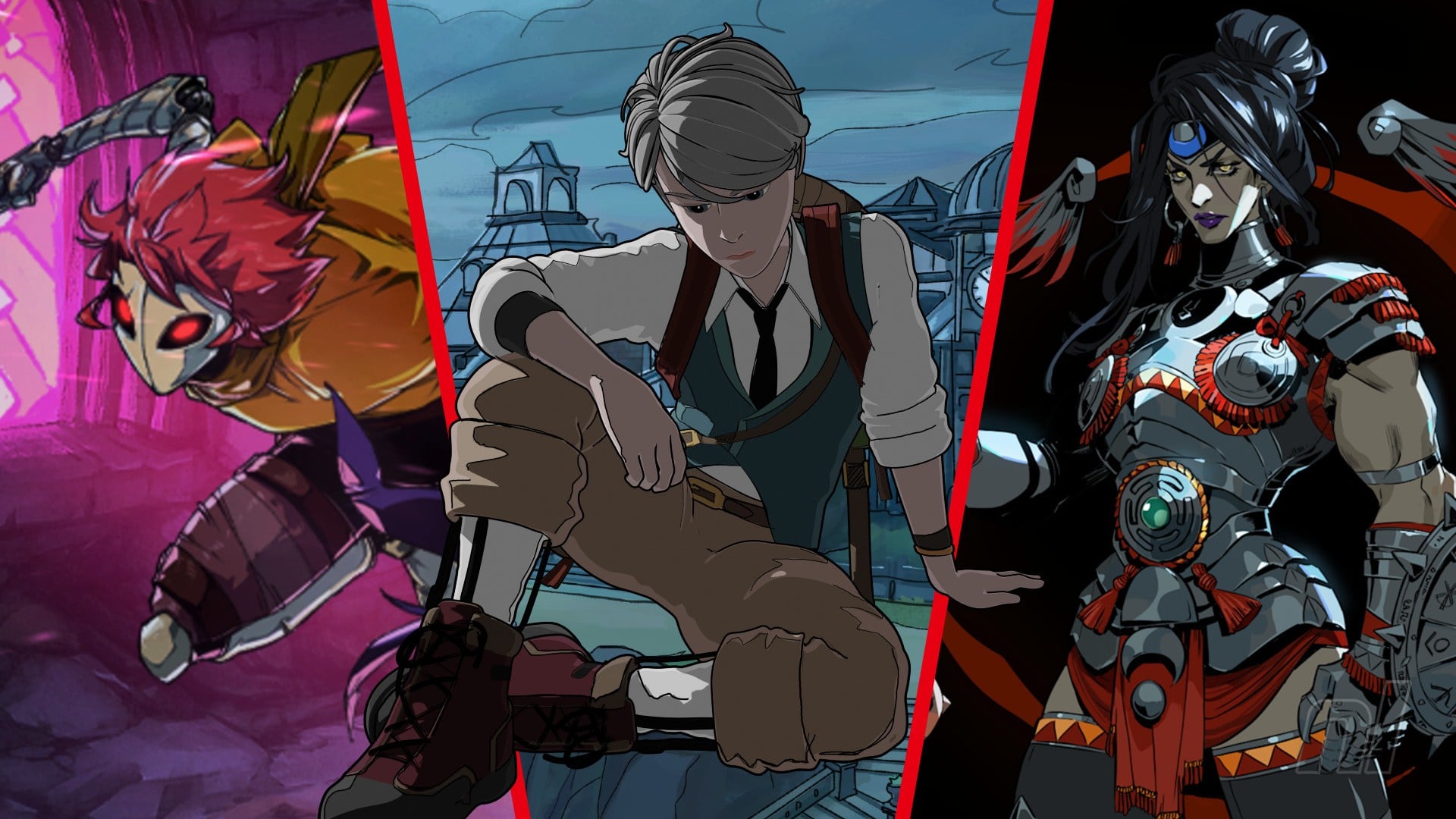
As ever, it’s a biggie, so we’ve assembled the following guide to help you see the cream of the crop. Below, we’ve listed every game in the Spotlight Sale that we scored a 9/10 or higher, and we’ve even thrown in a personal pick from the swathes of titles outside that review range at the end.
As ever, if you’re looking to grab some eShop credit before diving in, we’ve got you covered with the following links from our store.
$18.74/$24.99
Absolum is an on-par experience to Vanillaware’s Dragon’s Crown, but a superior game in terms of its key metrics. Its combat, collectible augmentations, and planning are exceptionally well-formulated, ensuring no run is ever quite the same, and its strategic options and play-styles are ever-deepening. It’s incredibly impressive in its reconstitution of arcade, role-playing, and roguelike formats, evolving them into something fresh and exciting.
To that end, it’s one of the best of its kind, whatever that kind may be. If you don’t enjoy the idea of repetition and grind, you may not fall in love with its initial five hours, but the momentum for one-more-go becomes so compelling after a while that it’s impossible to relinquish the pad.
Please note that some external links on this page are affiliate links, which means if you click them and make a purchase we may receive a small percentage of the sale. Please read our FTC Disclosure for more information.
$29.99/$59.99
Ace Combat 7: Skies Unknown is the absolute pinnacle of the series and despite coming to Switch over five years after other platforms, this ‘impossible’ Switch conversion does very little to degrade the experience. Long-time franchise players and military aviation enthusiasts will be overwhelmed by the fan service at every turn, from craters on the ground to airplanes, liveries, callsigns, and emblems shouting out to previous entries.
We understand the genre is uniquely niche, but if this is your first foray into the franchise, this conversion is a perfect gateway into this rich, revered series. You get tons of content and an epic single-player campaign wrapped up in triple-A presentation that delivers the most comprehensive portable experience ever from Project Aces.
$14.99/$19.99
Alien: Isolation is a survival horror masterpiece and straight-up one of the very best horror video games ever released.
It’s a nerve-wracking affair — a slow, methodical game of cat and mouse against a brilliantly clever recreation of one of cinema’s most infamous killers — but if you’re up to the task you’ll find one of the most satisfying gameplay experiences in the genre; a brilliant and beautiful homage to one of the greatest sci-fi movies of all time.
Feral Interactive has done a stellar job with this Switch port and the excellent motion controls and inclusion of all previously-released DLC only go to sweeten the deal. This is essential stuff for survival horror fans.
$6.29/17.99
Alwa’s Legacy is an excellent example of how to do a proper sequel; it takes everything that Alwa’s Awakening did well and builds on it, adds in a few new ideas of its own, and corrects the issues that were previously present.
It may be a little on the short side, but Alwa’s Legacy is the special sort of game that only comes around once in a great while, reminding you of the kind of quality that’s possible when a dedicated crew puts in the time to make a polished and tightly designed final product.
$2.99/$14.99
A slice of Viking strategic combat right out of the heart of Scandinavia’s indie development scene, Bad North was at the vanguard of a wave of smart yet intrinsically accessible real-time strategy titles.
Swedish developer Plausible Concept calls it ‘micro-strategy’ and it’s the perfect encapsulation of a minimalist approach that covers everything from unit management to the Monument Valley-style isometric art style.
With enough enemy variance to convince you you’re playing an interactive episode of the Vikings TV show, this endlessly entertaining sea of bitesize battles will teach you to fear — and love — the sound of the oncoming horde.
$8.99/17.99
Beyond Galaxyland is a well-written, artistically diverse space adventure which mixes several different flavours of RPG with puzzling and semi-open exploration. The story is filled with well-rounded characters and emotional narrative payoffs and, as much as Enright’s galactic adventure is a collection of stylistic and mechanical homages, it doesn’t feel like a patchwork of fan service.
For all its influences and adherence to specific genre execution, Doug’s journey through multiple worlds is still very much its own thing.
$9.99/49.99
BioShock: The Collection combines three excellent, iconic games and all their DLC into one convincing package. Stable performance, engrossing narratives, fun gameplay, and lots of content make this one an easy recommendation, even if these releases show their age from time to time.
If you’re looking for a series of strong single-player shooters to pick up for your Switch, it’s tough to go wrong here.
$4.24/16.99
For those longing for a time when side-scrolling shooters ruled the roost, Blazing Chrome is exactly what you’re looking for. Perfect for short sessions, its slick gameplay and old-school art direction make for an astonishingly fun game full of explosions, epic set pieces and spectacular boss battles. Its brutal difficulty may not be for everyone, but if you’re up for the challenge, then get ready for one of the most accomplished 2D action titles in years.
$19.79/29.99
If Blue Prince were only about finding Room 46 and nabbing your inheritance, it would be a neat little puzzler with some fun twists along the way. For those who dive in headfirst and keep track of everything else it throws at you, however, it is so much more than that.
Rarely has a game made us feel more clever, more lost, and more elated the deeper into it we ventured, and still some question marks remain over its deeper mysteries. Minor technical drops and a lack of cross-save aside, this remains a superb achievement and one of the finest head scratchers we’ve had the pleasure of playing.
$17.49/24.99
It looks like The Witness and it plays a bit like StreetPass Garden, but Botany Manor blooms into something that’s not only entirely its own, but also something quite special. Don’t let its cosy aesthetics fool you — Botany Manor is packed with nicely challenging, well-designed puzzles, and isn’t afraid to tackle heavy subjects, too.
$10.49/14.99
The title says it all for this sedate little catch-’em-all fishing game. Also available on Switch 1, Cast n Chill is easily one of the nicest-looking games on either console, and one of the most effective uses of this retro pixel art style we’ve yet encountered.
The devs have nailed little details such as the plop and pull of your float, the gentle rumble of your controller as you rake a spinner across a shoal of fish to attract them, and the weight and heft of everything, really. Oh, and you’ve got a dog with you to pet.
With only two buttons controlling everything you do (and even an idle mode, if that’s your thing), there’s even a local co-op mode for a friend to join you in the same boat, so you can cast and chill together. Blissful.
$7.99/19.99
While it’s a shame that there are fewer games here than in other Konami collections — we’d have loved to have seen NES title Contra Force or the now-extinct WiiWare title Contra ReBirth — the ones included in the Contra Anniversary Collection are universally brilliant. The 8-bit and 16-bit Contra games are among the finest examples of the run ‘n gun genre, and to have almost all of them included in a single release and emulated flawlessly is an absolute treat.
Whether you’re a fan of the series or a curious onlooker who’s always wanted to see what the fuss was all about, this is essential.
$39.99/69.99
Cyberpunk 2077: Ultimate Edition was a remarkable launch-day port for Switch 2. CD Projekt Red’s deep, diverse, and tangible world is fully realised with impressive performance for such a low-powered device.
If you’ve not taken your first steps into Night City already, or you’re a long-time player with a portable-play itch that needs scratching, you’re in for a serious treat, choom.
$11.99/19.99
In 2023, a year dominated by titanic, big-budget releases like Tears of the Kingdom and Mario Wonder, off-the-wall roguelike Dave The Diver stepped up to the plate and knocked the ball clear of the park with a heaving swing.
Its charming animations and writing supplement a mechanically dense experience that never stops dangling a new carrot to chase. You owe it to yourself to pick up this outstandingly funny, enthralling, and weird gem.
$4.99/19.99
Death’s Door is a modern classic, utilising old gameplay ideas in a new setting to make for a short and sweet experience you won’t want to miss. The snappy combat, rewarding exploration, and relaxing music will stick with you once you’ve finished, and while it may not have anything ‘new’ to offer, Death’s Door is so high quality that you’ll hardly have time to think about its lack of innovation.
Any fans of Zelda or Soulslike games will adore this – Acid Nerve has crafted an experience that’s absolutely worth your time and money.
$7.49/14.99
An attractive art style, strong combat system, and meaningful player choices make Dicefolk a brilliant addition to the library, as it manages to feel fresh without getting too far away from the core ideas that make these sorts of games so addictive and popular.
Dicefolk is a good entry point to the genre, in fact; approachable without being patronising and it’s tons of fun once you get a grasp of its various quirks.
$9.59/59.99
Dragon Ball FighterZ on the Switch is, simply put, one of the best fighting games we’ve seen on the system. Arc System Works went the extra mile in capturing the essence of the source material and distilled it into an incredible brawler that has lost nothing in the transition to Nintendo’s hybrid console.
The stunning visuals, intense action, and easy-to-master controls make FighterZ a game all fans of the genre should have in their library. If you only play this kind of game casually, it remains a must-own.
$2.49/9.99
A masterpiece to this day, Duke Nukem 3D is done proud by this Switch conversion. It looks and runs brilliantly, the online options are a welcome inclusion and it’s not compromised in any way from its earlier console release
It’s a shame that a handful of previously available expansion packs are missing, but given the low price of World Tour Edition, it feels churlish to complain. In the words of the Duke himself, come get some.
$2.99/19.99
Full Metal Furies is an impressive fusion of genres from Cellar Door Games, the makers of Rogue Legacy. A beat ‘em up brawler at heart, we wish more developers would invest such considerable effort into this sort of puzzle design in action games, and coupling that with the deep RPG systems, punchy co-op gameplay, and memorable writing makes for an experience that no Switch owner will want to be without.
We can’t recommend this release enough; put in the time to explore the different tactics required with each character and you’ll find a much deeper, more replayable experience than a typical brawler.
$2.99/16.99
We’re very careful when we use this word, but Grisis a masterpiece. Its jaw-dropping visual style and heart-wrenching score combine for one of the most emotional pieces of interactive art you’ll ever play.
It may be too short for some, its puzzles may be on the simple side and the lack of any real challenge may not be to everyone’s taste, but this is a game focused more on fragility than ability and as long as you’re willing to go along for the ride, it’s one that will stick with you for a very long time indeed.
$23.99/29.99
“Can time not be stopped?” That’s the question Hades II asks you every time you clear a run.
We’re not sure about time, but it’s clear that developer Supergiant Games is unstoppable; the studio is five-for-five with this huge, triumphant sequel that manages to diverge mechanically and offer more challenges and variety than its predecessor. It helps that it’s nearly faultless on Switch 2 in particular.
Sometimes there’s a bit too much going on, and in shooting for a bigger, more tragic story, it’s lost a bit of heart. But, quite frankly, we don’t want time to stop because if it does, we won’t be able to play Hades II anymore.
$10.04/14.99
Heretic + Hexen is yet another slam dunk for Nightdive Studios. This new release revamps both titles with modern controls, bonus content, and thoughtful changes to the core design that make each game a delight to play.
Granted, these are still FPS titles from the mid-’90s, so your mileage will definitely vary, but for returning fans and those with a particular fondness for old-school ‘boomer shooters’, you really can’t go wrong. Now let’s get a native Switch 2 port with 120fps please, Nightdive.
$4.99/19.99
Huntdown is a delightfully detailed and expertly crafted throwback to old-school run ‘n’ gun arcade shooters.
The 16-bit graphical style is immaculately recreated whilst adding lots of modern bells and whistles to proceedings, including a fantastic soundtrack and audio design, optional CRT filter, and an arsenal of heavy-duty weapons that chew scenery and enemies to pieces as your bounty hunter makes their way from boss fight to excellent boss fight.
The flow of levels may be quite repetitive but the moment-to-moment gameplay, overall sense of fun that comes from the level of carnage you can dish out, surprising amount of hammy spoken dialogue, and constant pop-culture references all combine to make this one an easy recommendation, and another excellent addition to the Switch’s action catalogue.
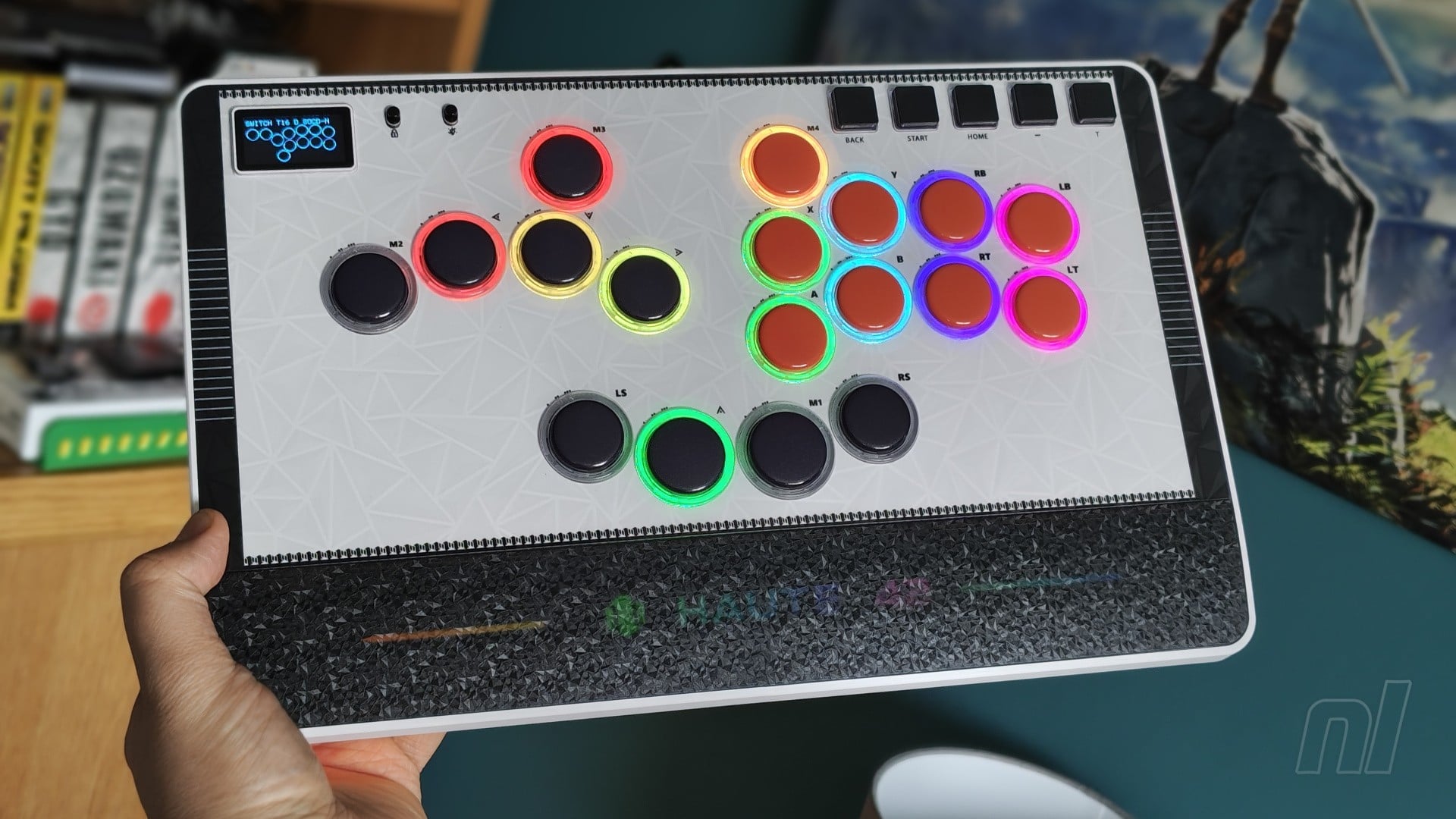
Following the release of the more budget-friendly Hautepad C16 / C16-S, Cosmox Gaming is back with another iteration, one that’s perhaps its most interesting design yet.
The Hautepad C-AT keeps things on the more affordable end of the scale with its lightweight design and reliance on plastic materials, priced at £90. However, the new functionality introduced here can theoretically put it side-by-side with the significantly more premium Hit Box Ultra.
Just as the Ultra allows you to swap out its ‘optimisers’ to change the travel distance of its buttons, the C-AT allows you to instantly lower or raise the height of the buttons by turning an outer ring surrounding each input. As such, the ‘AT’ in the name stands for ‘adjustable travel’. Don’t ask me what the ‘C’ means, I still don’t know.
Each input has three levels of travel distance, and so you simply insert the included tool into the two holes in the ring, then twist to raise or lower the height. The difference between each level is subtle, but you really feel the impact when you start breaking out the combos in Virtua Fighter 5 or Guilty Gear -Strive-. Naturally, since each button is customisable, you can have them all set to the same height, or perhaps experiment by having the directional inputs at one level, and the attack buttons at a different one.
Considering the fact that you have to completely remove the buttons from the Hit Box Ultra to change the travel distance, being able to instantly alter the inputs on the C-AT is remarkably straightforward by comparison. That said, unlike the optimisers in the Ultra, there’s nothing to cushion the buttons on the C-AT, and given the almost hollow build of the plastic casing, they’re quite loud as a result.
Connecting the C-AT to the Switch 1 or 2 is exactly the same as Cosmox’s previous models – just hold down the right button while plugging the device in to set it to the right mode. The braided cable is pleasingly lengthy and strong, while the C-AT itself takes inspiration from the M-Ultra Gen2 by including a lockable USB-C port at the top, helping to prevent instances in which the cable is accidentally removed.
An extra USB-C port is included on the left if you need it, while a USB-A port can be found on the right for those all-important authenticators for PS5 users. Don’t worry about that if you’re on Switch, though.
As for the button layout, the C-AT includes a total of 18 inputs, which is two more than those found on the M-Ultra. The extra inputs allow for some neat customisation, however, and by connecting the C-AT to a PC and accessing the web configurator, you can remap inputs and find the perfect layout that suits your needs. Naturally, if you’re entering into any official tournaments with the C-AT, you’ll likely be restricted in some ways, but for just playing locally or online, go nuts.
The main directional and attack buttons come with Wind Engine switches, which feel good and actuate with swift immediacy. They’re not quite as low-profile as the Shadow Hunting switches found in the M-Ultra, but by altering the travel distance to its lowest setting, you can pretty much emulate the same feeling. Meanwhile, the function buttons on the top right now come rocking Hide Mountain switches, which deliver a nice, satisfying clicking sound when pressed.
The function buttons actually feel similar to the inputs found on 8BitDo’s Arcade Controller. While I had an issue with having such loud, clicky buttons for the main inputs, limiting them to the function buttons works really well, and they feel wonderful. All of the button caps feel great, too, including a slightly rough texture that’s presumably designed to prevent your fingers from slipping and to stop them being worn down over time.
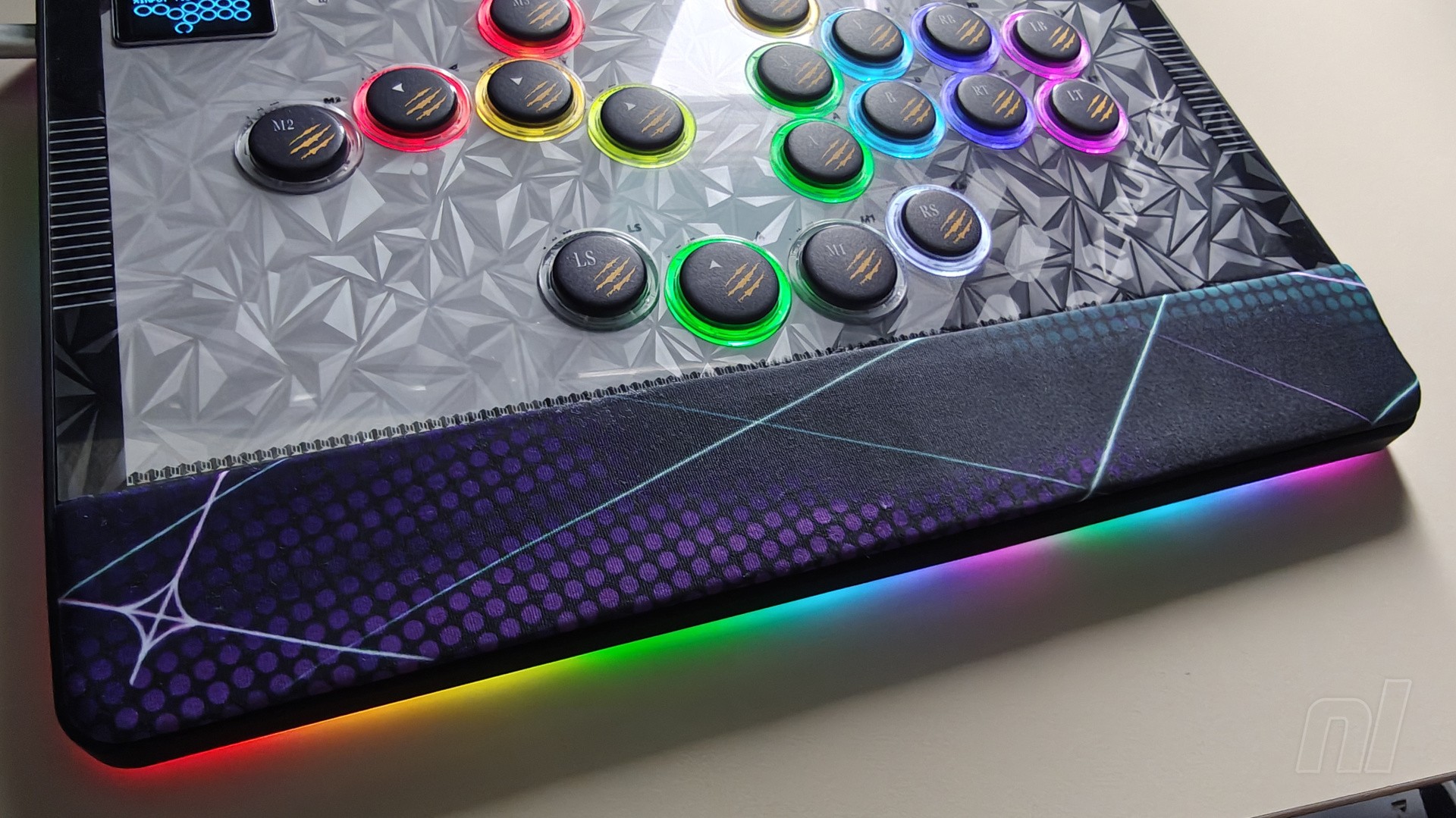
As for the overall presentation, the C-AT is slightly larger than anything I’ve got my hands on so far from Cosmox, likely to accommodate the extra buttons. You’ve got RGB lighting for the inputs as well on the outer rim, while some extra lighting can be seen at the bottom, shining out from beneath the translucent plastic cover. Each model also comes with a magnetic wrist rest, which covers up those pretty RGB lights, but it’s definitely nice to have if you suffer from pain every now and then (though it’s always good practice to keep your wrists off the device whenever possible).
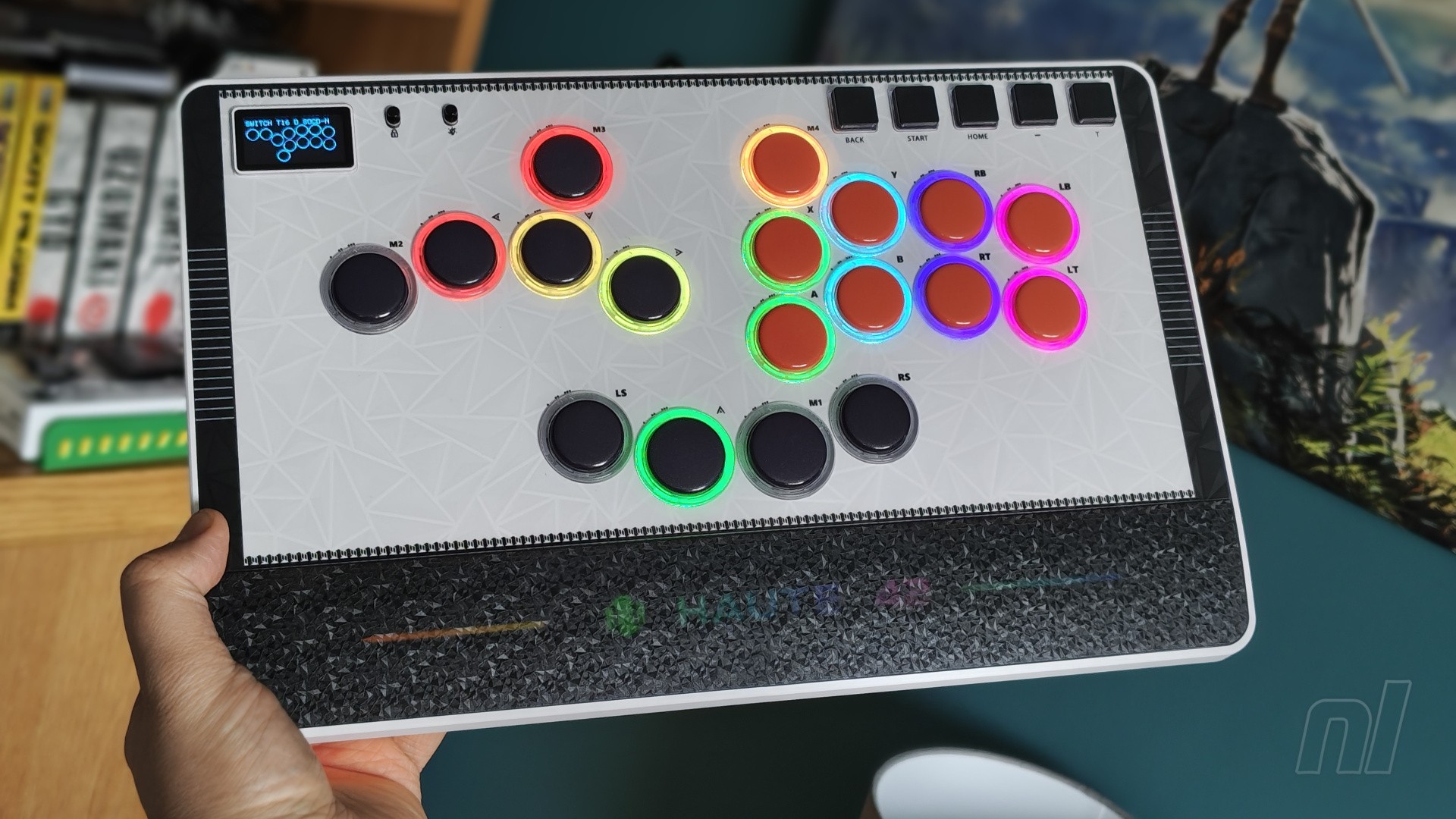
The two available designs are pretty distinct, with one boasting some retro-inspired black and red buttons against a lighter background, and the other taking on a more ‘edgy’ approach with cat-like claw marks on each button, plus a darker aesthetic on the background. Like the C16 models, you can push the acrylic cover out from the back and replace the included artwork with some custom designs if you wish.
One thing I have to keep calling out with these controllers, however, is the labelling. The input labels are always included on the acrylic cover, and they’re always aligned with the Xbox/PC layout. This means that when you’re in Switch mode, the actual inputs don’t match with the labels, and there’s little you can do about it. The darker variant with the claw marks do include labelling on the buttons too, but this really needs to be the standard. Label the buttons and let us switch them around to our liking – please. If that’s not possible, then take a leaf out of Mayflash’s book and add in multiple platform labels in one go.
Final points to note are that the C-AT has the same OLED screen that you might be used to from Cosmox’s products, so you can keep an eye on your real-time inputs or even add in some custom pixel artwork via the web configurator. You’ve also got two switches next to the screen: one to toggle tournament mode and lock all function buttons, and the other to turn the RGB lighting on and off.
Image: Ollie Reynolds / Nintendo Life
Conclusion
Cosmox Gaming manages to offer something new and interesting with pretty much every product it puts out. With the C-AT, the ability to alter the height of your inputs with a simple tool puts it right alongside the more premium Hit Box Ultra in terms of unique functionality. This, added with the 18-button layout, makes the C-AT one of the most versatile leverless controllers on the market.
Its overall build quality could be better; as someone who values weighty devices that feel premium, this one is a bit too light and hollow for my liking – though if you value lightweight peripherals, this might be a positive for you. I’m also getting a bit miffed at the labelling situation – just label the buttons and let us swap them around to match the Switch layout. It’s not a dealbreaker, but it feels like an easy issue to fix.
Thanks to Cosmox Gaming for providing the sample used in this review.
Pickmos (which, until recently, was called Pickmon) has been unceremoniously removed from Steam following an intervention from its publisher, Networkgo (thanks, PC Gamer).
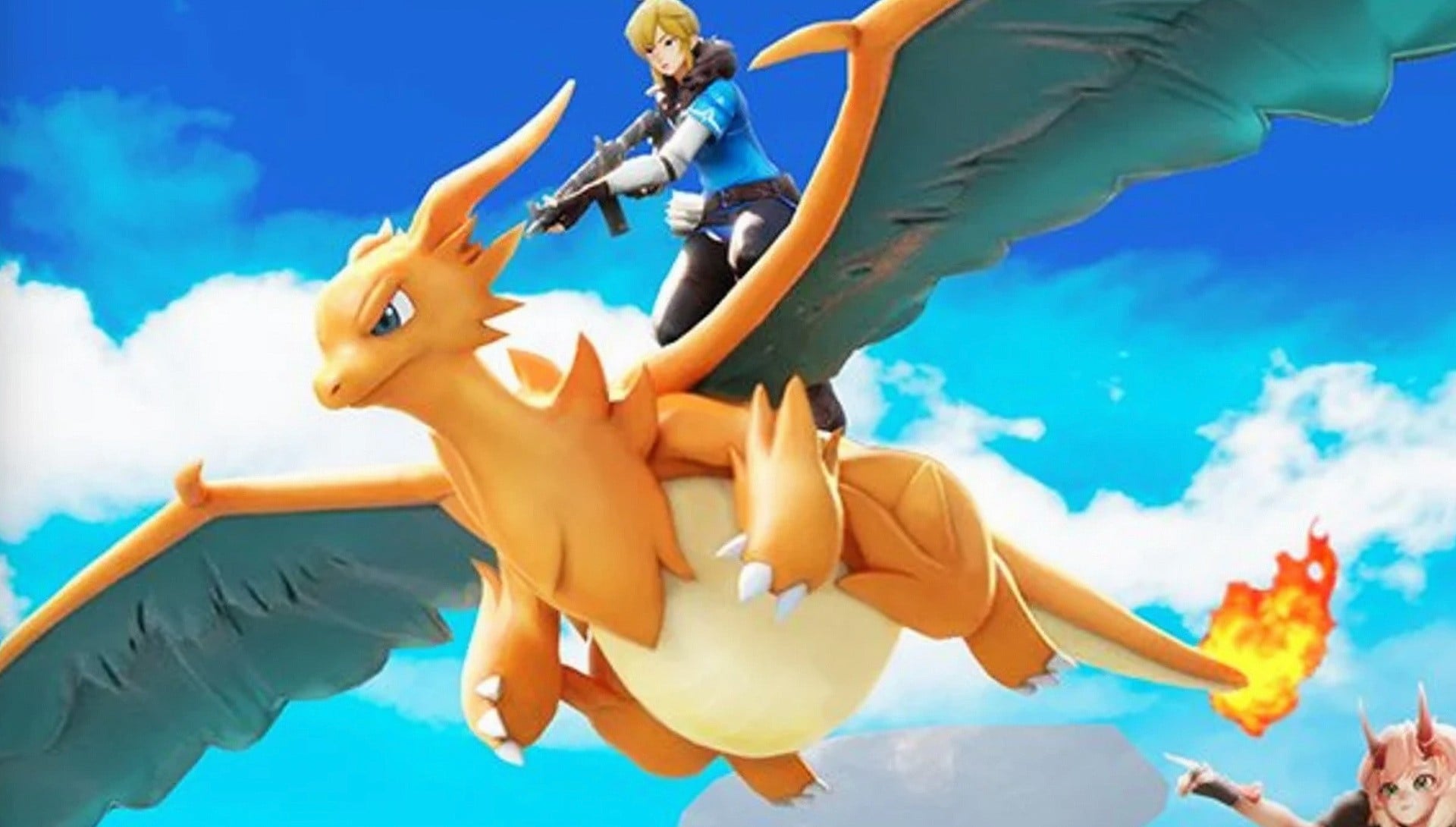
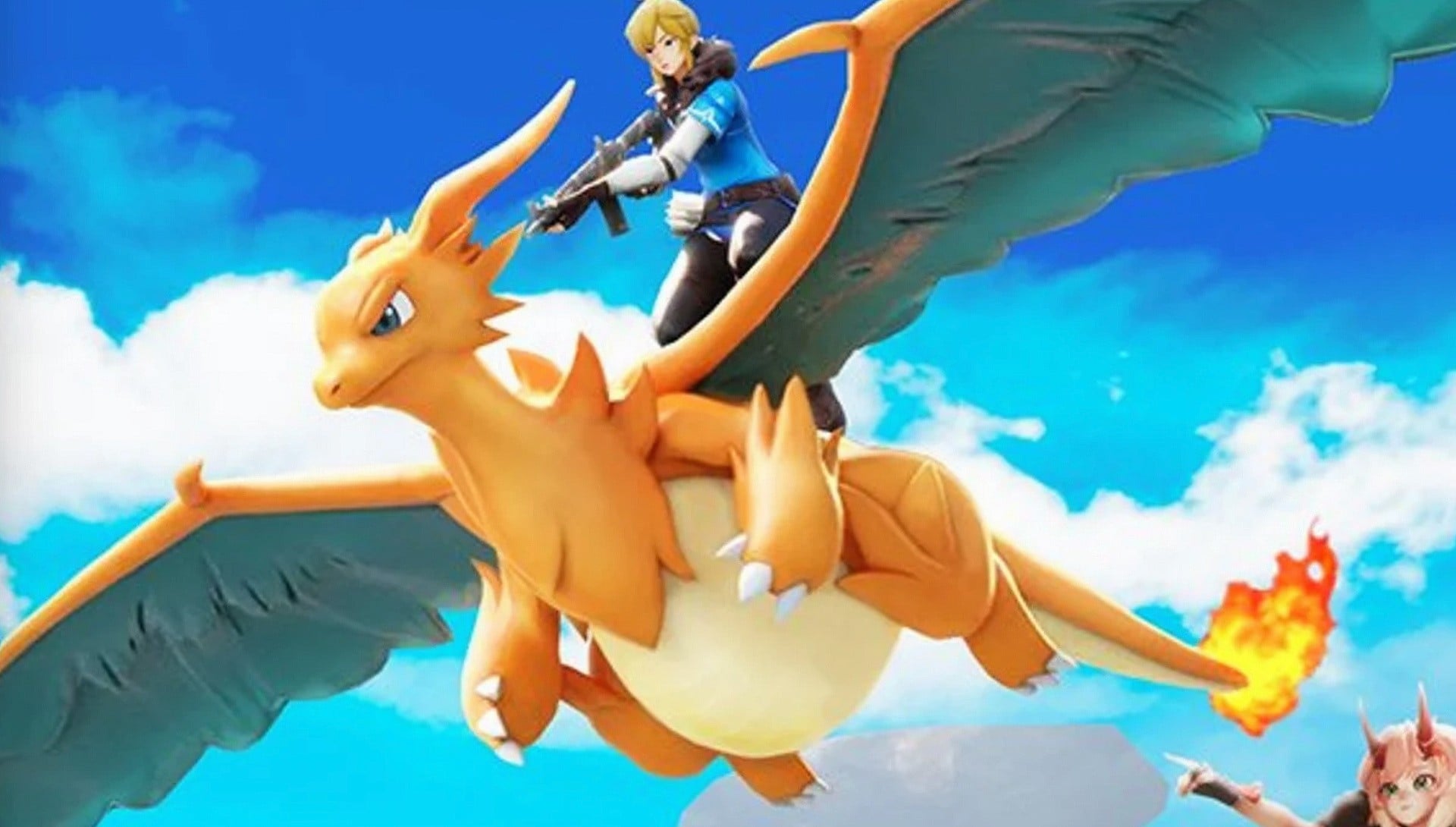
Developed by PocketGame, Pickmos is a blatant rip-off title, copying character designs from the likes of Palworld (which itself is hardly a paragon of originality), Pokémon, and The Legend of Zelda: Breath of the Wild. Creature designs in particular look remarkably similar to iconic Pokémon, while the protagonist is the spitting image of Link from BotW.
So it seems Networkgo has had quite enough of the controversy, confirming the removal from Steam over on X with the following message:
“Hello players, this is the publisher, Networkgo. We’ve heard your feedback regarding the removal of our Steam store page and want to clear things up. Networkgo has officially intervened in the development of PocketGame.
“We will be supervising the Pickmos team from a player’s perspective to ensure the game keeps getting better. Thank you for your support.”
Naturally, Networkgo doesn’t outright state that the reasoning behind the removal is due to the controversy, instead claiming that it’s helping to ensure “the game keeps getting better”. It seems clear to us, however, that the publisher wants to get ahead of any potential lawsuits from the likes of Nintendo.
To back this up, a second message that’s seemingly directly from PocketGame confirms that it’s looking to ensure a “controversy-free experience”, stating:
“We are revising the game to ensure a controversy-free experience. It will be re-released once our publisher gives the final approval.”
So, we’ll have to wait and see what happens with this one. Given how shameless some of the imagery is in the game, we’d wager PocketGame will need to make some pretty extensive changes, so we’re not expecting to see this one again for quite some time.
Are you surprised by this turn of events? Do you think we’ll see Pickmos again soon? Let us know your thoughts with a comment in the usual place.