Nintendo has expanded its ‘My Mario’ range in Japan with a selection of adorable apparel for youngsters (thanks, Go Nintendo).
The new items include two dresses designed after Peach and Rosalina, a peach-coloured t-shirt featuring the princess herself, a blue t-shirt featuring Roslina, two additional t-shirts featuring Bowser and Bowser Jr. (the former of which is designed for adults, i.e. parents), and finally, a reversible Bowser Jr. bib.
It’s all lovely, though we daresay the Bowser t-shirts are a tad underwhelming. That bib though? Make that in an adult size, Nintendo! We’re proper mucky pups over here.
Prices range from 1,650 JYP for the reversible bib to 4,290 JYP for the adult t-shirt, the maximum of which equates to around £20 / $26.
So let’s take a look at the newbies, hm?
We’ll let you know if and when the new apparel comes to the west.
What do you make of these? Do you have little ones that would absolutely jump (or at least wriggle) for joy at the sight of these new items? Let us know with a comment.
The Granblue Fantasy series has never particularly appealed to me. Perhaps the likes of Persona, Xenoblade, and Fire Emblem are to blame — my ‘beautiful anime people in big fights’ cup overfloweth — making the thought of taking on another big anime-flavoured RPG a little too intimidating. Well, after 45 minutes with action-RPG Granblue Fantasy: Relink – Endless Ragnarok, I think I’m starting to see the appeal.
Originally released in 2024 for PC, PS5, and PS4, Relink was a major step for the series’ foray into gaming. It’s been a mighty popular sausage in the years since, racking up over two million purchases and pulling in a desire for ‘more’ in the process.
Three post-launch expansions were planned, Cygames tells us accumulated journos at the preview event before revealing the hands-on demo, but the dev felt that the game’s unexpected popularity called for something meatier. Enter Endless Ragnarok.
This is the first time that the game will be available on Switch 2, it’s true, but this version adds more besides a new platform. There are new characters and storylines, fresh combat mechanics and bosses to use them on, and an all-new Conflux mode for those after something a little more roguelike-y.
I didn’t get to see all of this in my hands-on time — the devs estimate that the game is roughly 1.5x bigger now, with nearly double the playtime (HLTB puts the previous version’s ‘Main + Sides’ at 32 hours) — but from what I did catch, Switch 2 feels like an almighty fitting home for this.
For series newbies like me, Relink is a little overwhelming from the jump. I was met by two tutorials on starting up my demo, which introduced me to the game’s Summon and Master Trait mechanics via a huge monster battle.
Said tutorials were refreshingly hands-off, with the game opting for a ‘you’ll figure it out yourself’ approach over constant pop-ups, though it did mean that things became a little much as I was welcomed to the world of Skills, Team Up attacks, and giant transformations, all while trying to make sense of the gameplay’s constant damage/healing numbers and impact marks. PlatinumGames was initially on the project before Cygames took over, and it really shows — there’s Bayonetta and NieR energy throughout all of this.
With enough beginner’s knowledge under my belt, I was thrown into my first quest, a battle against a massive foe. This flying one-eyed beastie called for some more teamwork proficiency, and I soon settled into the rhythms of using Gran’s buff and healing skills to target my allies and help them out accordingly.
The chaos of the whole thing became a little easier to parse, too. I wasn’t being hit by nearly as many attacks (praise the lord for the ‘Hold Y to recover’ knockdown system), and dare I say, I even started to fire off my skills and summons without needing to remind myself of their purpose first.
It would all be child’s play for those well-versed in the game, I’m sure, but for someone fresh-faced, it’s the kind of milestone that I don’t manage to hit with all ARPGs. Strong work there, then. If it doesn’t hit like that for you but you want to push through regardless, there’s a new Assist Mode this time around to make the combat that bit more accessible.
Image: Cygames
I particularly appreciated the smaller challenges thrown in during the quests, giving me a series of subtasks to think about (defeat the monster within the allotted time, don’t get downed too much, destroy X number of environmental hazards) when the battle got a little hit-spongey. These giant monsters can take a hit or two hundred, so it’s nice to have some other objectives on the go to keep the ol’ brain box active.
It all seemed to hold up really rather well on Switch 2, too. There’s so much happening on screen at any one time that I wouldn’t want to try and put a precise number on the frame rate, but I noticed very few drops even when things got especially hectic. The visual style looks a little too similar to every other pretty fantasy anime series on the system for my liking, but that’s not to say it’s remotely harsh on the eye.
Having wrapped up a quest to two, I was thrown forward into the new Conflux game mode, where the combat really started to sing.
Every game has a roguelike spin these days, and Relink is no exception. This mode had me battling through waves of enemies before hopping into one of two portals, each offering me a series of risk/reward possibilities. It’s a similar loop to what we’ve seen previously with the likes of Shredder’s Revenge’s Dimension Shellshock DLC or even Hades, but there’s no denying that it’s a format that works.
Every few portals, there’s a boss stage, tasking you and your party to take out a bigger enemy before moving on and sweeping up some larger rewards in the process. Firing on all cylinders with the controls by this point (again, rookie stuff compared to what some people out there are capable of, I’m sure), I liked the increased challenge of every stage and the potential to try out different techniques on the fly.
Did it get a little repetitive the longer I played? Of course it did, but I’m sure the scaling challenge would have kept things interesting if I had longer than ~20 minutes with it.
There’s still a lot of Relink that I’m yet to see (I got only a whiff of the stacked character roster, and didn’t touch the single-player campaign), but assuming it all holds up as well as the slice I got to go hands-on with, I can see this being a hit on Switch 2.
As anyone who played the 2024 release will tell you, co-op is where Relink really comes into its own. It’s another feature that I didn’t get to see for myself this time, but Cygames has promised full crossplay and Switch 2 wireless local co-op, too. If you’ve been dying for some late-night monster hunting with pals, this might be the place to look.
Granblue Fantasy: Relink – Endless Ragnarok launches on Switch 2 on 9th July 2026. A downloadable demo will be available later today. Will you be checking it out? Let us know in the comments.
Following yesterday’s announcement the Pokémon Pokopia Switch 2 bundle would be coming to Europe this July, The Pokémon Company has now revealed its new event for the relaxing life simulation.
This event gets underway next week on 23rd June 2026 and the spotlight is on Jirachi. Until 8th July 2026 you can befriend Jirachi “the Wish Pokémon”. And if you collect the shining wish notes during this event, you’ll also be able to redeem special themed items inspired by the starry sky.
“To kick off the event, talk to Jirachi to get a recipe for wish notes. From there, interact with other Pokémon and fulfill their requests to transform wish notes into sparkling wish notes. Visit Jirachi at your Pokémon Center of choice to exchange sparkling wish notes for furniture and décor inspired by the starry sky.
“Don’t forget that Jirachi can only visit towns with a rebuilt Pokémon Center—if you want to participate in this event, make sure you have at least one up and running.”
Below is another look at what to expect from this upcoming in-game event. As noted on Pokopia’s Japanese website, if your Switch 2’s date and time are not matched up with this event period, the event will not occur.
If you haven’t played Pokémon Pokopia yet, be sure to check out our review here on Nintendo Life. We awarded it 8 out of 10 stars, calling it one of the most enticing Pokémon experiences ever.
“Pokémon Pokopia is the freshest Pokémon experience in a long time, bursting at the seams with charm and content that rewards both curiosity and creativity.”
And if you need help, or just want to know more about everything this title has to offer, take a look at our extensive guide coverage for the game.
Will you be revisiting Pokémon Pokopia to participate in this event? Let us know in the comments.
It’s Sonic‘s 35th birthday this month, and during Epic’s ‘State of Unreal’ showcase this week, a new collaboration was teased with the ever-expanding free-to-play universe Fortnite.
While no specifics have been shared, based on the slide featured during the presentation, it’s a partnership specifically with the latest game release Sonic Racing: CrossWorlds. This new partner will be “coming soon” to the Epic Store and Fortnite.
Image: Epic Games
Sega recently announced a second year of DLC and updates for Sonic Racing: CrossWorlds, with more details to be revealed about this new content later on in 2026.
As you can see, the same Fortnite teaser slide also includes some other partners. This includes an upcoming collaboration with Vampire Survivors, Control Resonant and Phantom Blade Zero. Additionally, more partners will be teaming up with Epic and Fortnite in the future.
Epic is also expanding on its collaboration with The Simpsons by adding Springfield and all of its characters and locations to Unreal Editor for Fortnite.
When we hear more about Fortnite’s collab with Sonic and these other partnerships, we’ll let you know.
It seems Street Fighter 6 fans won’t have to wait too long for the next batch of DLC fighters, with Capcom confirming the new character Yasmine will be arriving on 3rd August 2026.
Alongside this news is a first-look gameplay trailer. This character will be available in the “Year 4” Character Pass, or she can be purchased separately. Here’s a bit about her courtesy of Capcom’s official PR:
“Hailing from the Philippines, Yasmine will rush you down with her skills in Eskrima on August 3! Pay close attention to her movement lest you be on the wrong side of her karambit.
“Yasmine can be purchased individually with Fighter Coins and the owners of the Year 4 Character Pass / Ultimate Pass will automatically get access to her when she releases.”
Yasmine will eventually be joined by Arjun (autumn 2026), Bosch (spring 2027) and the guest character Tifa (early 2027) from Square Enix’s Final Fantasy series. You can get teaser of each of these upcoming DLC releases in the trailer below:
You can learn more about Street Fighter 6 in our review here on Nintendo Life. There’s also a demo available on the Nintendo eShop. The latest entry recently surpassed a combined total of seven million sales worldwide.
What do you think of the next batch of characters coming to Street Fighter 6? Let us know in the comments.
If you haven’t already taken a look at our own review here on Nintendo Life, we’re impressed with not only Elliot’s adventure, but also Square Enix’s ability to adapt the art style to the action combat genre. Admittedly, we did encounter some performance issues on Switch 2, but thankfully it didn’t get in the way of the variety and fun exploration the title has to offer.
Here’s what other outlets had to say about Square Enix’s new Switch 2 release:
“All in all, my time with The Adventures of Elliot has resulted in a game that I’m always excited to return to. I want to see and do more, I want to delve deeper, I want to tackle one more shrine. The meat and potatoes of gameplay are top-tier, and the bells and whistles like Faie abilities and Magicite make for an even sweeter meal
“Still…I can’t shake the feeling that with a few more tweaks and quality of life features, The Adventures of Elliot could shine even brighter. What we have now is stellar and addictive and all kinds of entertaining, but with the tiniest bit of TLC, The Adventures of Elliot could be iconic.”
“The Adventures of Elliot: The Millennium Tales is a game that should have appeal not only to fans of Team Asano, the HD-2D series, or RPGs in general – but mass appeal across gamers of all stripes. Its focus on exploration, story, and tight gameplay make it one of the best executed action-adventure titles in years.”
“The Adventures of Elliot: The Millenium Tales is not just an attempt to recreate the classic feel of Super Nintendo’s best action-adventure titles, it is a confident attempt to modernise and reinterpret it. A memorable world, flexible combat system, rewarding exploration and an endearing cast, it stands as one of the best, most engaging HD-2D classic by Square Enix to date. Some minor issues with depth perception and an overstuffed combat system stop it from being an all-time classic, but they do little to diminish what is otherwise an incredibly enjoyable adventure.”
“The Adventures of Elliot has won us over with its approach and many of its ideas: a complete and accessible adventure for everyone, which looks fondly at the classic Zelda games, and perhaps even too much.
“In practice, the game is more action-oriented than puzzle-solving, making it a challenging experience at higher levels. Exploring space and time is an original mechanic that works brilliantly, giving each era its own distinct personality and a compelling reason to revisit previous levels.”
“If The Adventures of Elliot become as numerous as the legends of Zelda, you’ll find me a willing participant, despite the shortcomings of this maiden voyage. The inspirations are clear, but so too is the understanding of what makes for enjoyable minute-to-minute gameplay. The longer you play, the more the cracks begin to show, but the story manages to push you forward and the hidden plots beneath it make going out of your way an oft fulfilling detour. The red mage-looking Elliot has made a fan out of me, and if Link ever wants to take a break from stopping Ganon, Square Enix has a capable backup waiting in the wings.”
So, that’s what the critics think of the Switch 2 version of The Adventures of Elliot: The Millennium Tales. If you are still not sure whether or not to try it out, you can download the demo from the Nintendo eShop.
Will you be adding this game to your collection this week? Let us know in the comments.
Following its recent announcement of a “new era” of Rocket League alongside the reveal of Unreal Engine 6, Epic Games has today released Unreal Engine 5.8.
As part of this, lumen dynamic global illumination now offers a “Lumen Lite” mode. As Epic explains, this comes with benefits for games running on Switch 2:
“Lumen dynamic global illumination now offers a Lumen Lite mode, which is designed to preserve much of the visual impact at a significantly lower GPU cost by using irradiance fields with probe occlusion. Twice as fast as Lumen High Quality, it means that games that rely on global illumination for artistic purposes can run on Nintendo Switch 2 at 60 fps. It’s also supported on PC.”
It elaborates on this, explaining how the medium scalability level targets 60fps on Switch 2 and includes handheld mode.
Unreal Engine’s Vice President of Engineering Simon Tourangeau made the following comments about Lumen Lite at Epic’s State of Unreal event this week and how it’s now easier to scale to different platforms:
“Lumen, our dynamic global illumination system, now has a lightweight mode called Lumen Lite, designed to preserve much of the visual impact at a significantly lower GPU cost. That makes Lumen viable where it wasn’t before, including on Switch 2. And that work is already helping drive further nanite optimization efforts for the platform.”
Epic’s newer version of its Unreal game engine powers games such as the battle royale Fortnite. Epic says UE 5.8 is its last planned “major” Unreal Engine 5 update on its roadmap, and it will now ramp up work on Unreal Engine 6.
One of the biggest talking points out of Dispatch‘s Switch 1 & 2 launch earlier this year was its lack of censorship options. Today, developer AdHoc Studios is releasing a free DLC to address some of that. And yes, we mean some.
While other platforms came with a Visual Censorship toggle — which let you choose whether to see in-game nudity and profane gestures — the Switch versions had no such option, with everything being unchangeably covered up by default.
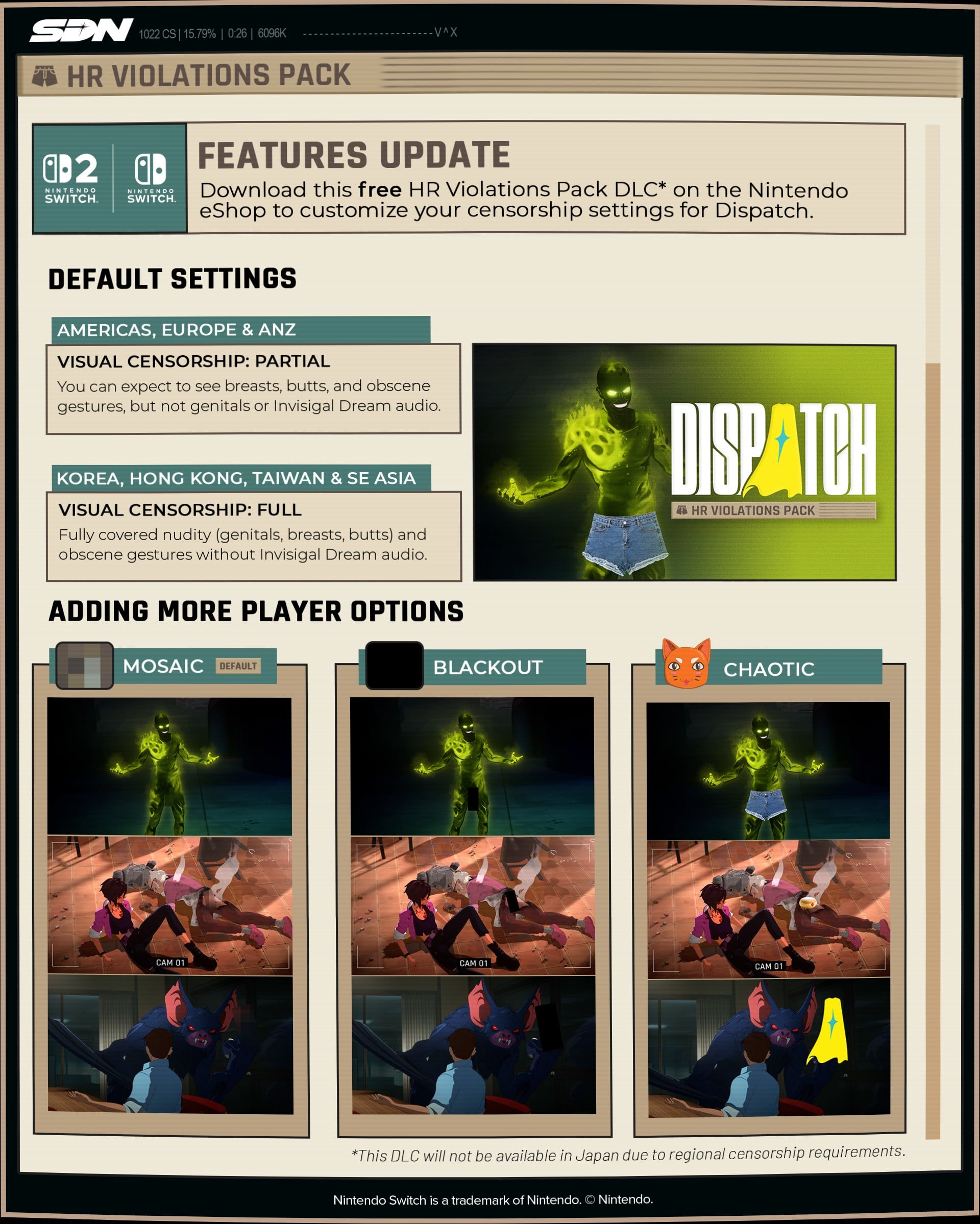
Five months later, enter the HR Violations Pack. This is free DLC for the game that adds a new ‘Partial Coverage’ option — revealing any nude breasts, butts, and middle fingers that were previously censored in the base game — alongside the old ‘Full Coverage.’
However, as those who have played Dispatch on other platforms will know, this means some content will still be censored on Switch, even with the DLC. “Genitals and explicit audio are still off limits,” the DLC patch notes read, “so those stay censored.”
These elements have remained covered up in the Switch versions due to “hard requirements from Nintendo,” AdHoc’s accompanying community post reads, while the entire DLC will not be available in Japan due to “regional censorship requirements.” We asked AdHoc about the specifics of said Nintendo requirements, and we will update this article if we get a response.
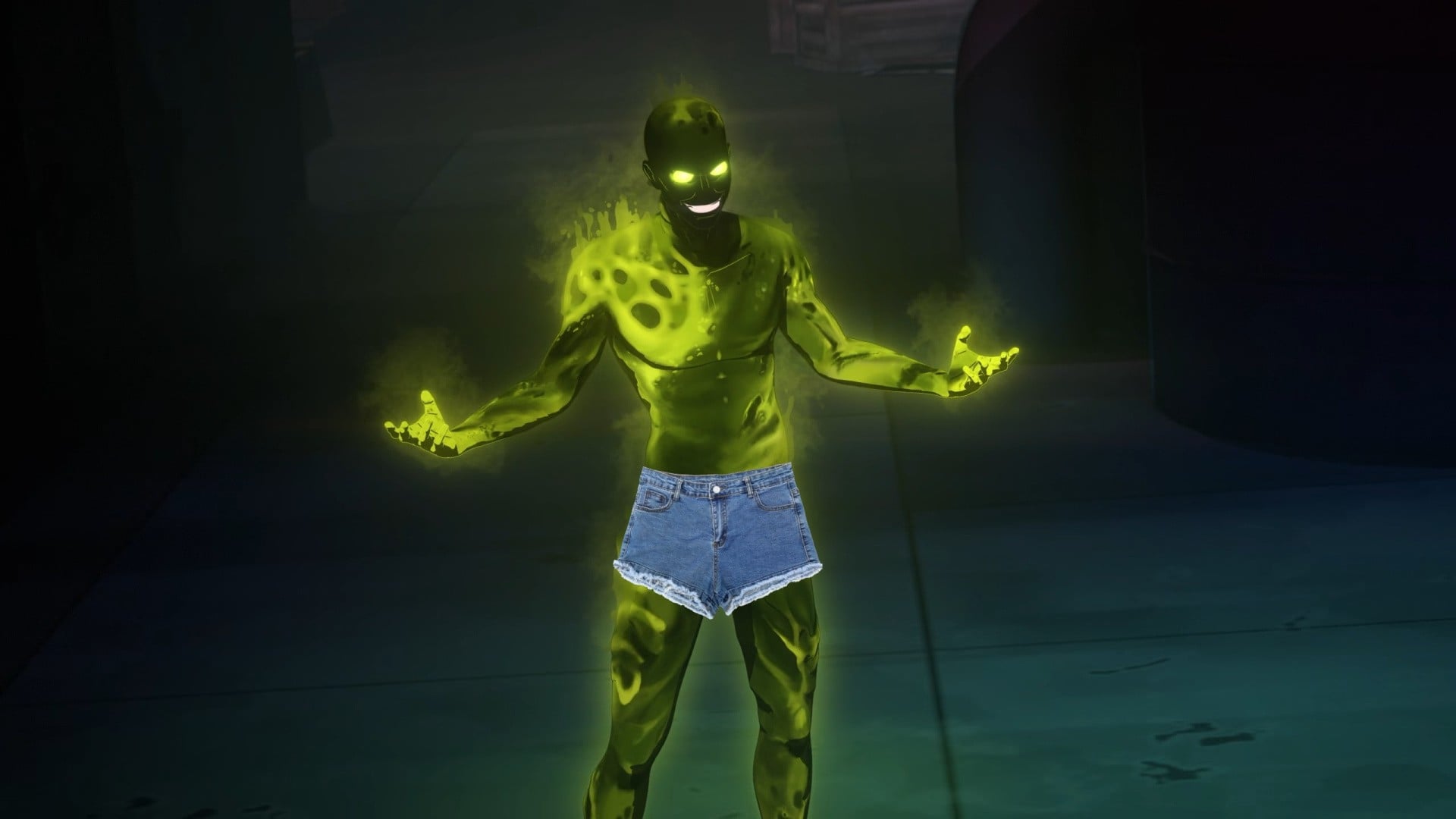
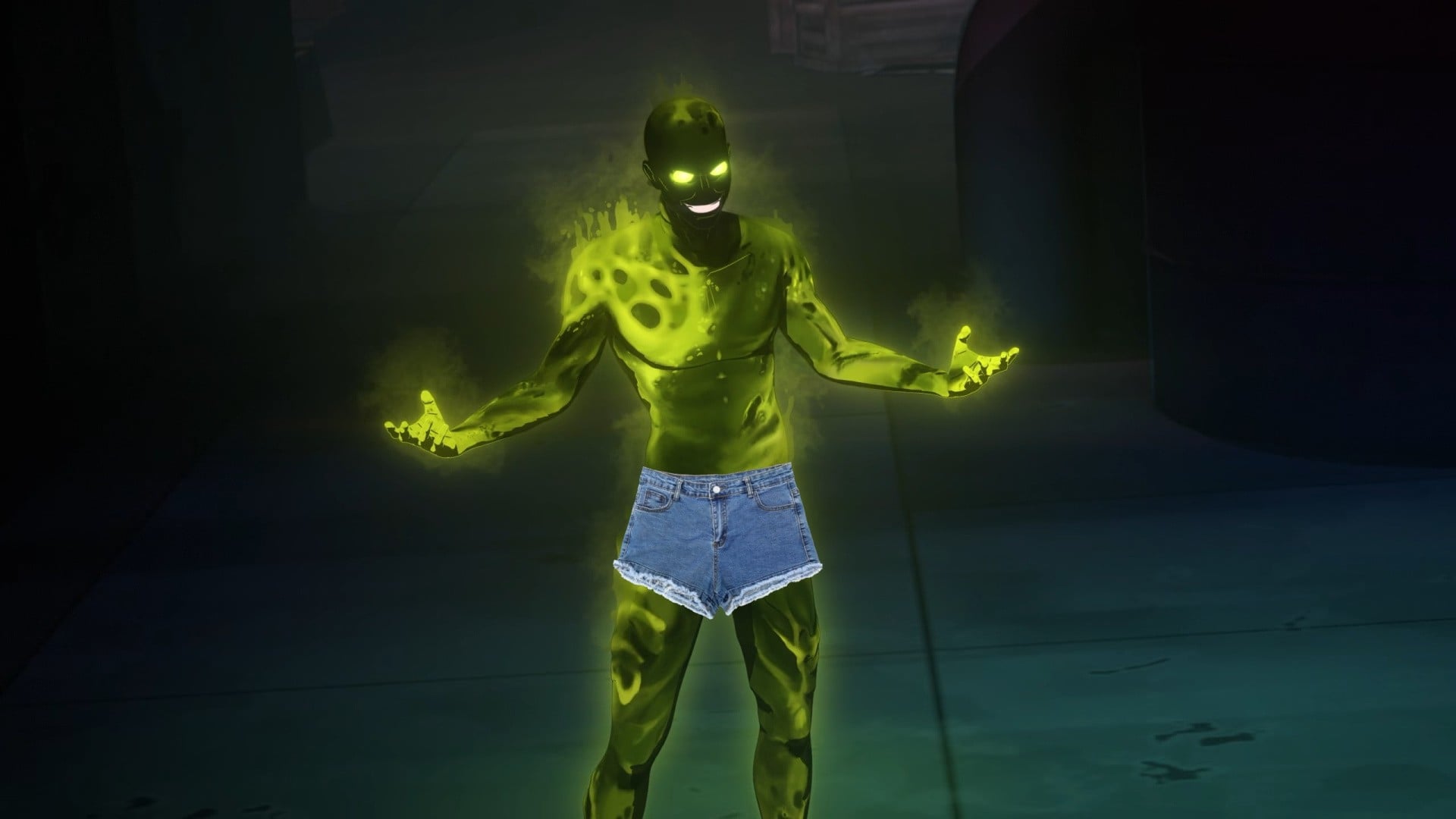
For those sections deemed too spicy for Switch (full frontal nudity and the audio in Invisigal’s dream sequence), the DLC introduces a handful of new ways the visuals can be obscured, including a pixelated ‘Mosaic’ option, the standard ‘Blackout’ bar, or a ‘Chaotic’ mode that covers up any naughty bits with a conveniently-shaped PNG — a filled doughnut, the game logo, a pair of jean shorts, etc.
Image: AdHoc Studio
In the community post, AdHoc re-explained the reason for Dispatch’s censored Switch launch, and apologised to all those who felt misled by it:
The short version: Approaching launch and running out of time and resources, we were surprised to learn that our game would require some level of censoring in all regions, not just the few we were already planning for. In a difficult spot, we decided to use a single Switch build that complied with Nintendo’s strictest regional rating. This led us to deliver a more censored version of Dispatch than Switch players were expecting.
The censorship itself wasn’t the only problem, though. Those of you who wishlisted, pre-ordered, or bought Dispatch on Switch did so based on what you’d seen in trailers, previews, and reviews from other platforms. The problem was we didn’t make it clear enough, before you spent your money, that the version you were buying was materially different from that game. And for that we’re truly sorry.
But you stuck with us. And the good news is that the success you all brought Dispatch gave us the opportunity to make this right, so we invested development time into creating the Switch version you all should have gotten in the first place.
The free HR Violations Pack DLC is available today on the eShop for both the Switch 1 and 2 versions of the game.
Removed censorship options aside, we had a wonderful time with Dispatch when it launched on Switch systems earlier this year. “Thanks to the sublime writing, fantastic voiceovers, and a level of animation you’d usually expect from a big-budget streaming series,” we said in our 9/10 review, “Dispatch is the kind of superhero drama that draws you in with the sexy characters and funny one-liners, and hooks you until the bitter end with the potential of its ever-changing arcs.”
What do you make of this free DLC add-on? Let us know in the comments.
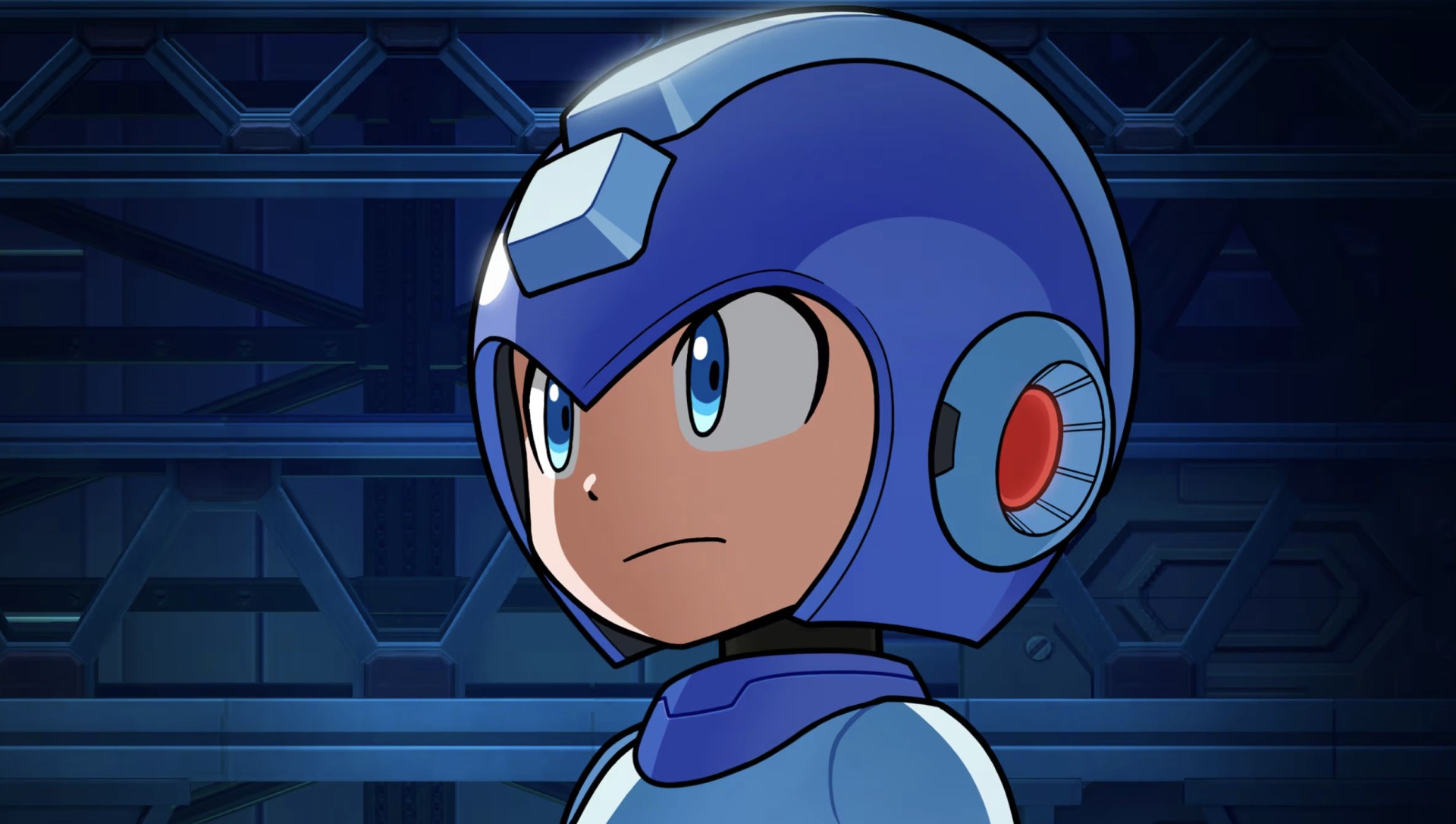
Capcom has announced that Mega Man: Dual Override, the latest (and long-overdue) entry in the action-platformer series, will be playable for the first time at Gamescom 2026 in Cologne from 26th – 30th August.
We’ve not seen much from the game so far, which isn’t a big surprise considering its vague 2027 release window, but being playable at Gamescom hopefully means we’re also due a new trailer pretty soon.
Dragon’s Dogma 2: Dark Arisen will also be playable at the event. As a reminder, the upcoming DLC expansion will come bundled with the main game when it launches on the Switch 2 on 9th October 2026. Finally, Onimusha: Way of the Sword will make an appearance ahead of its release on 25th September 2026. Those on PS5 can download a demo for this one right now, but if not, this might prove a good opportunity to test it out.
Around 60 playable demo stations will be set up at Gamescom in Hall 9, Booth A070. eSports activities will also be available for Street Fighter 6 if the mood strikes, but we suspect most folks will be keen to try out Capcom’s upcoming titles instead.
Although seemingly absent from Gamescom, Resident Evil Veronica has also been confirmed for the Switch 2 and is due to launch in 2027. A full remake of Code Veronica, it sees the return of Claire Redfield following the events of Resident Evil 2 as she searches for her brother, Chris.
Any interest in Mega Man: Dual Override? Will you be attending Gamescom this year? Let us know with a comment.
With the return of Team Star Fox imminently upon us, folks are feeling pretty torn about the series retreading old ground instead of forging a new chapter in Nintendo’s long-running rail shooter.
And while that may be disappointing to some, there are at least a few interesting additions to the original N64 title beyond its glossy new coat of paint – challenge mode, multiplayer dogfights, filtering our faces in real time to look as handsome as Pigma, and one that particularly caught our attention, multiplayer.
Or more specifically, multiplayer options for the campaign. Yes, you can now team up with a friend during the titular Lylat Wars, one piloting the Arwing while the other takes aim with the lasers – but this isn’t the first time the series has included this.
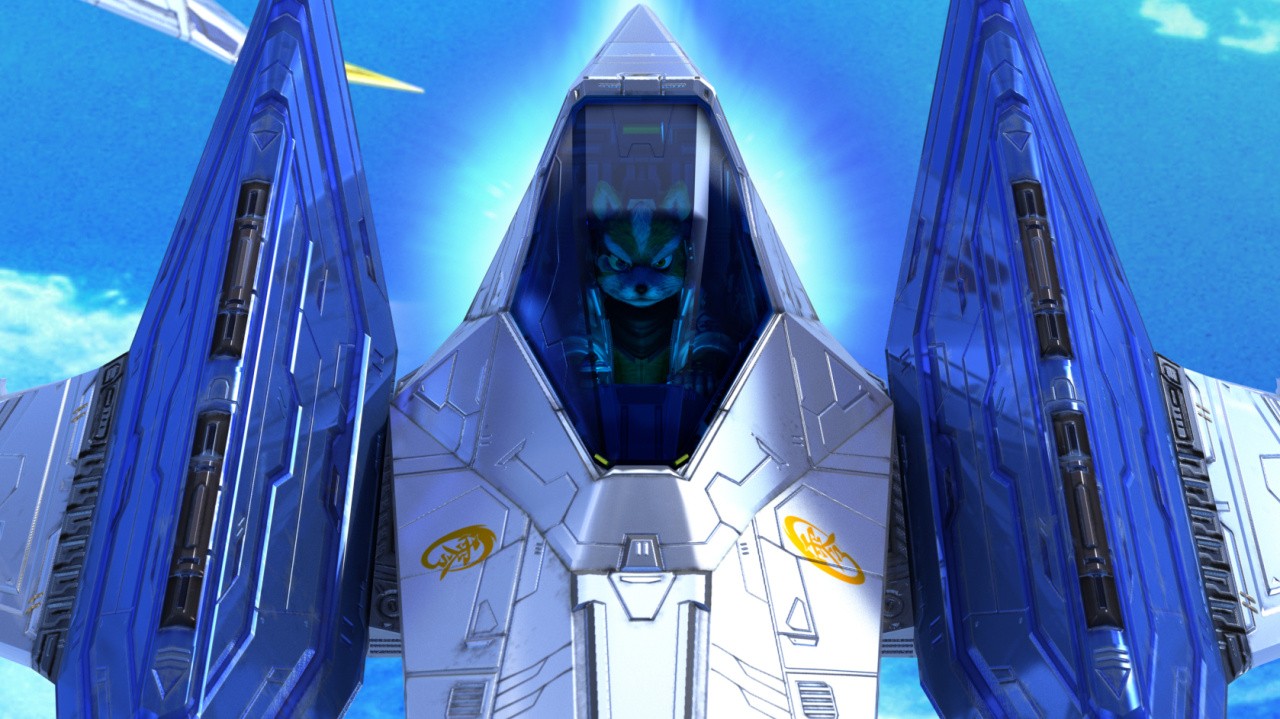
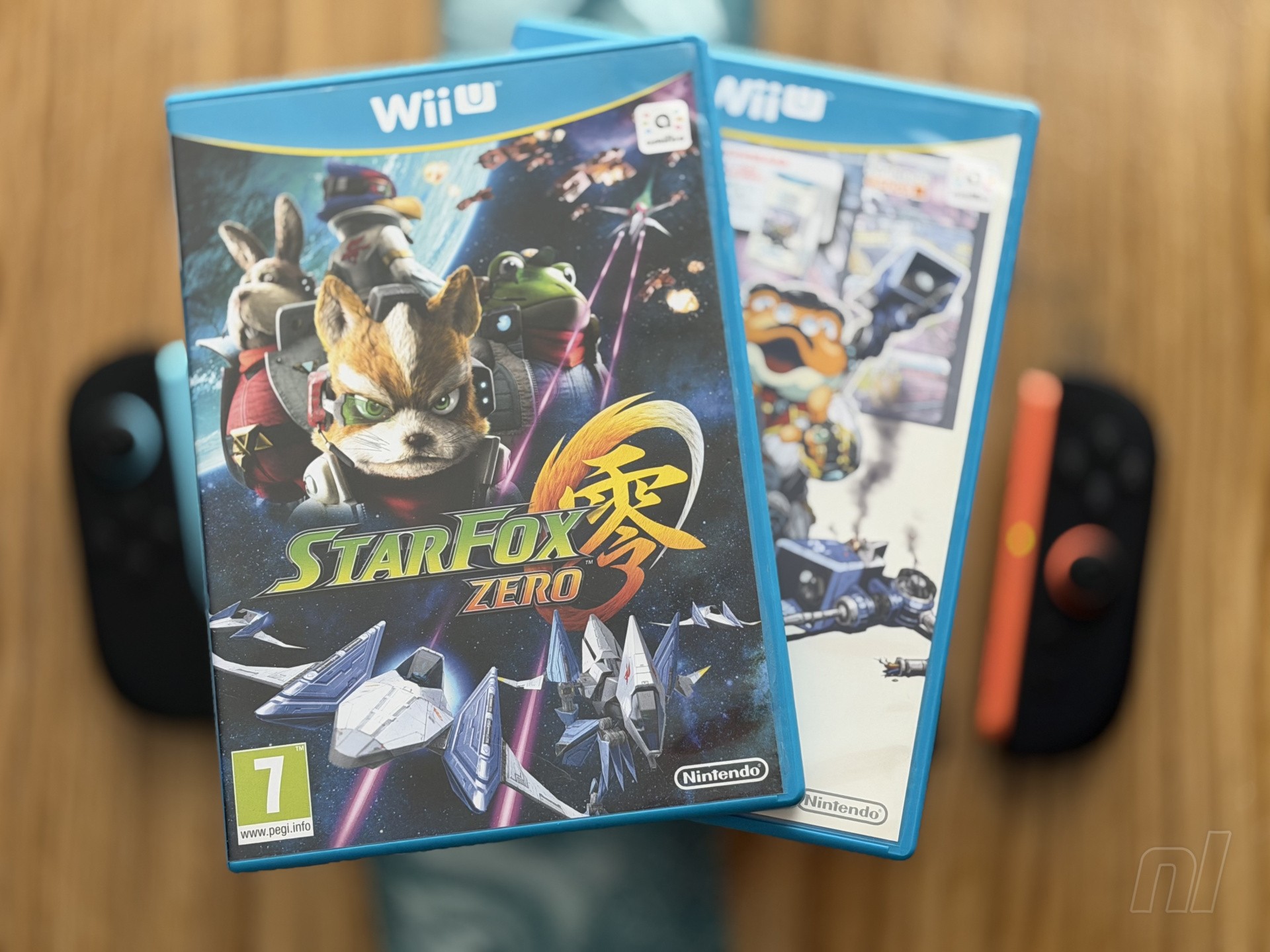
We saw a little more about it in Nintendo’s recent Treehouse, but to give us a hands-on idea of what may lie ahead, we gathered three ace pilots to soar through the skies of Corneria and beyond, take down Andross on his Venomian base, and save the day. No, not on the SNES. Or the N64. Or the 3DS. Or the upcoming Switch title. We are diving into Star Fox Zero on the Wii U.
R.O.B. – fire up the jets, it’s time to scramble.
Meet the crew
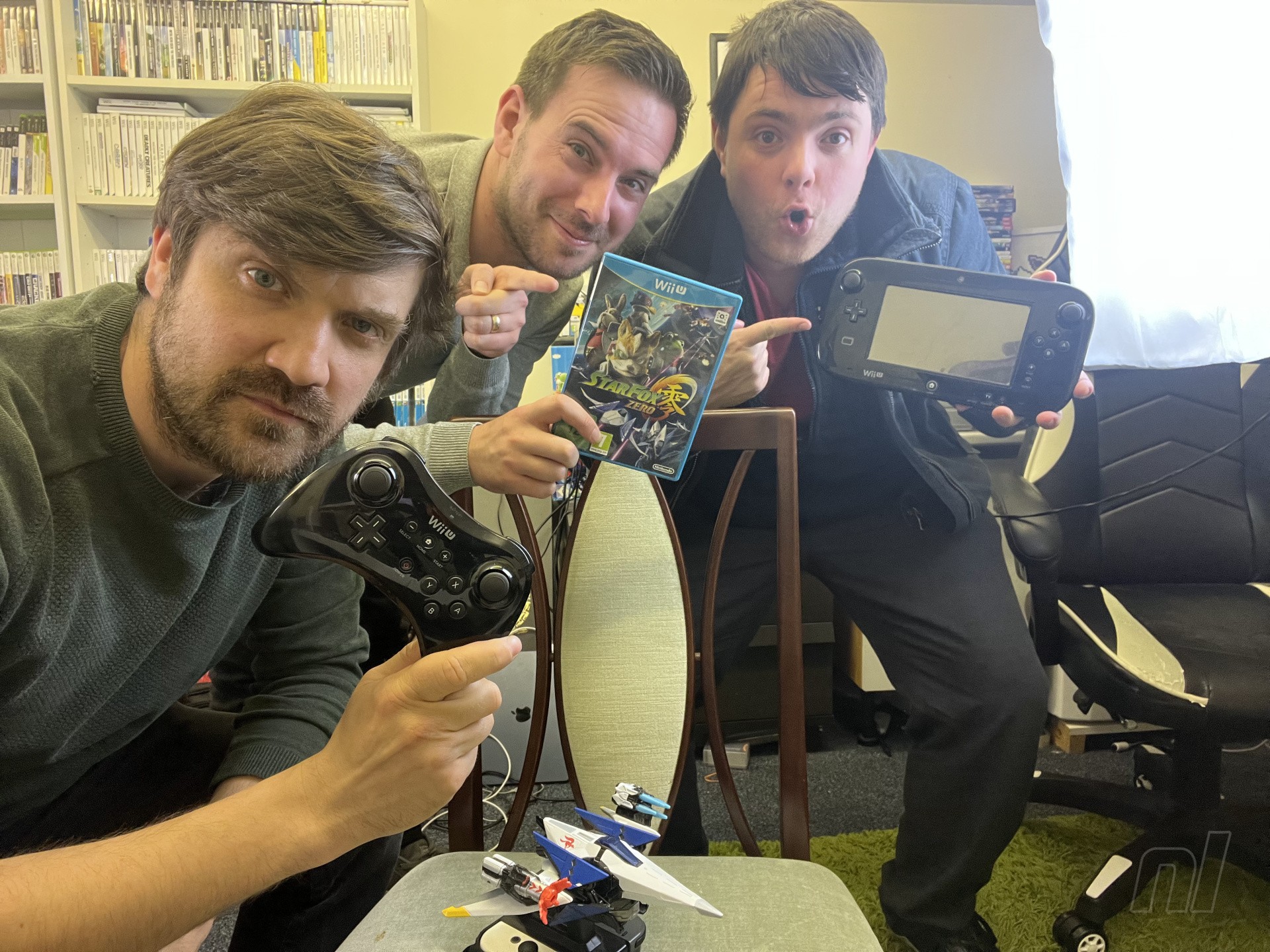
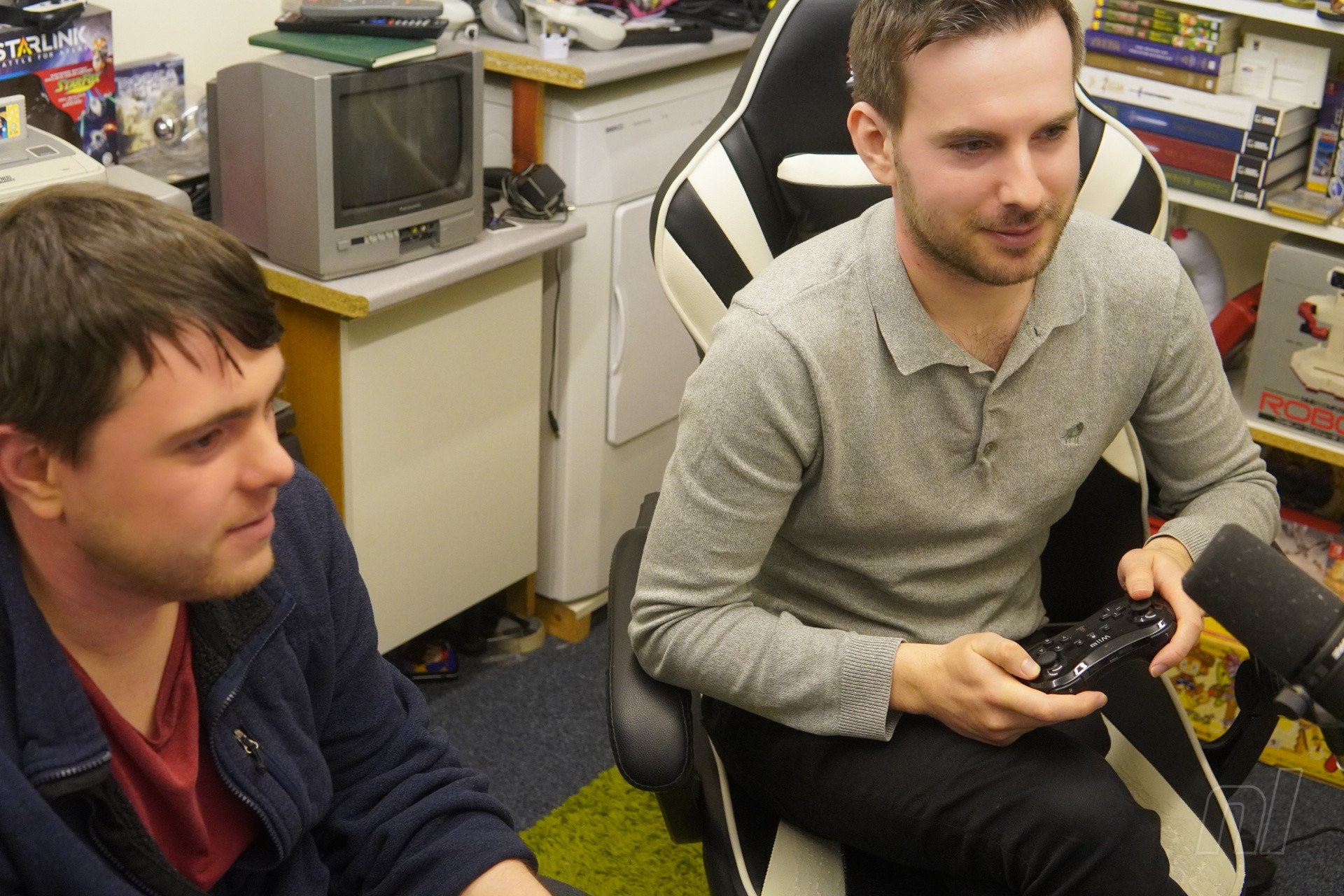
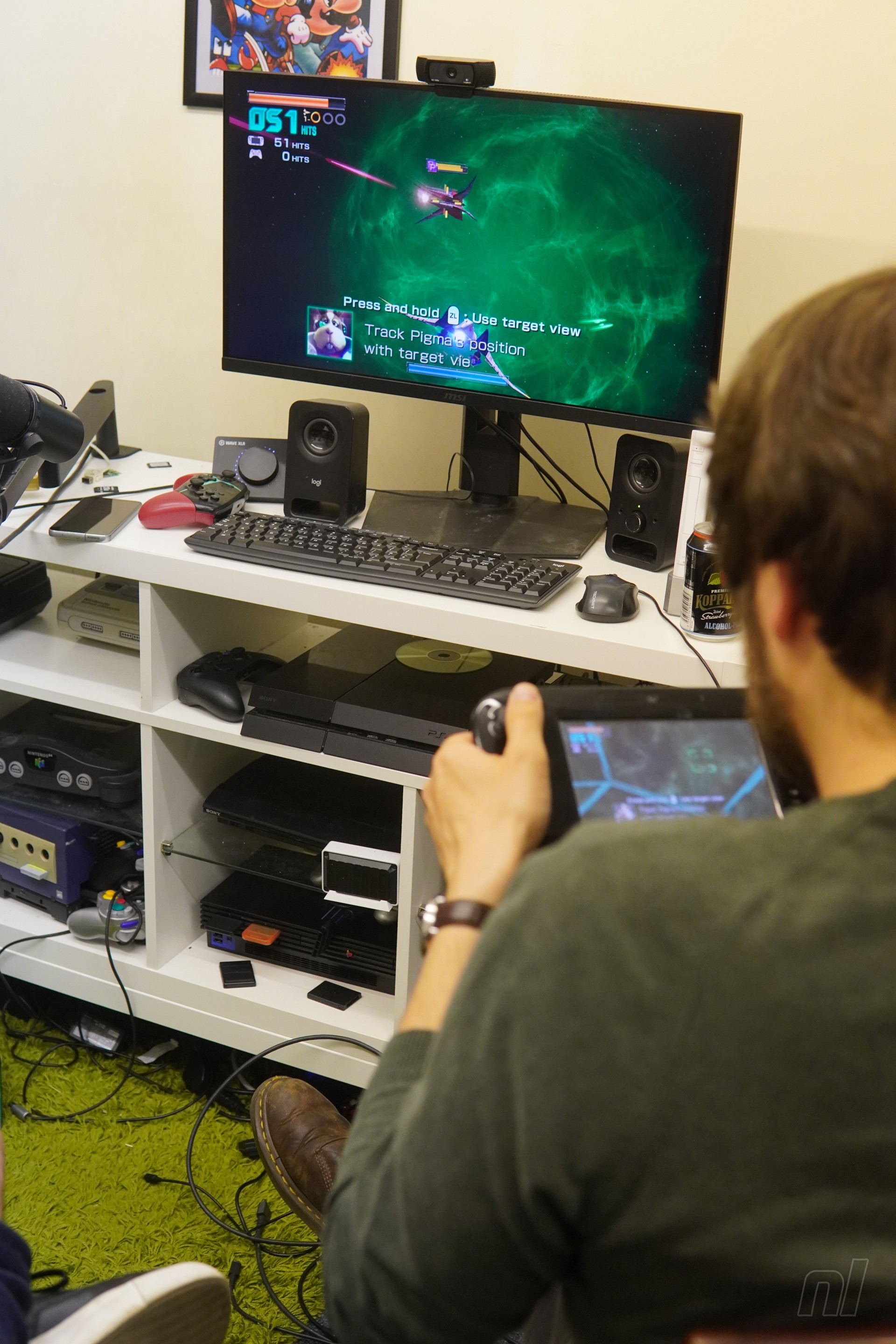
But who are the pilots brave enough to take on this most daring of feats? Alongside myself (George), we have drafted in former Nintendo Life ace and Good Vibes GamerJon Cartwright and, from Source Gaming, the cool-headed Josh Goldie.
Image: Gavin Lane / Nintendo Life
Teamwork and communication are going to be key for this journey, one feels, so we begin with a simple question to get the ball rolling while taking a little jaunt through the training stage:
George: Right, who is each member of the Starfox team out of the three of us? Jon: I would like to be Grippy Toad. George: Grippy is not a member of the Starfox team. But if you’re self-volunteering for Slippy, I’m not going to hold you back. Jon: I really want to be Grippy. George: I mean, doesn’t everybody want to be Falco? Josh: I’d rather be Fox than Falco. George: I’m not going to fight you on that if I can be Falco. So Jon, just to be clear, are you self-volunteering to be Slippy Toad? Jon: No, I said Grippy Toad. George: I don’t care. And you’ve been as annoying answering this question as Slippy is in general, so I think it’s warranted. Jon: Oh no, they wanted me to follow each pilot individually, but I’ve just been shooting at Falco the whole time. George: Incredible.
In terms of being on the same page, the conversation to simply select a character for ourselves took longer than five minutes. This does not bode well.
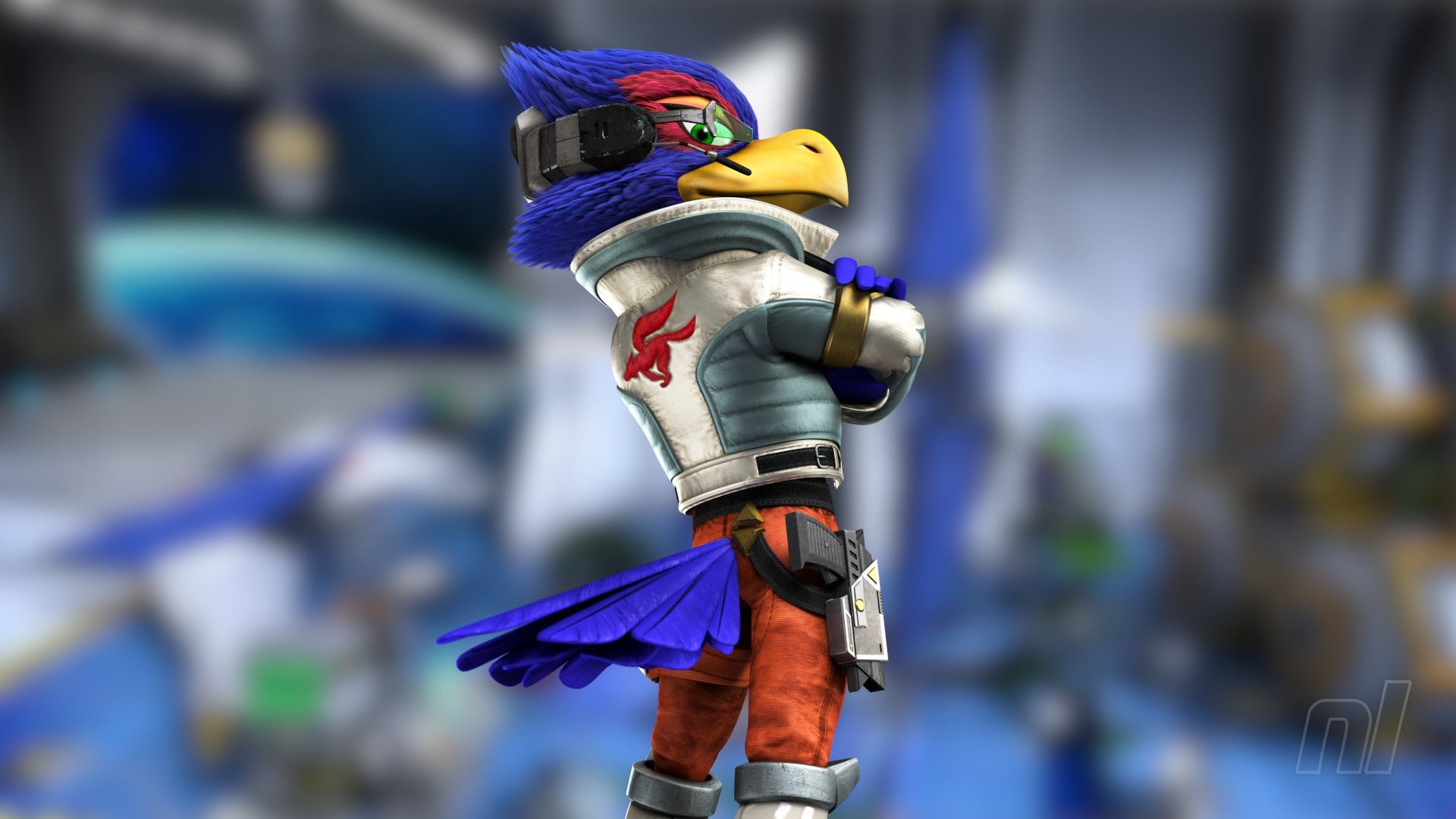
It’s Falco, Slippy and Fox! — Image: George Banks / Nintendo Life
Fuelled up on Chinese Takeaway, a few beers (non-alcoholic for me – don’t drink and fly, kids), and a rose-tinted thought or two spared for the criminally overlooked companion game Star Fox Guard, we gear up and head to the stars.
Corneria
Pilot: SLIPPY (Jon) Gunner: FOX (Josh)
Our first stop on our mission to win back Lylat, and the series’ most iconic location. The intro cutscene is pretty, too, with the Great Fox in orbit flanked by the team before they plunge through the atmosphere.
It feels a little early in the evening for this to come up, but admiring these visuals steers us into conversation about visuals of a different kind.
George: Love the Great Fox. That’s one thing I didn’t like about Command – the redesign is abysmal. Just one big landing platform. Josh: Yeah, because it got destroyed, didn’t it. Jon: Oh, that’s right – that’s continuity! Josh: I think that’s why some people are annoyed about it going back, with this and the new one. You’re missing out on that and some great characters. Krystal. Panther. George: Ooh – Panther Caroso. I mean, do we dare have the discussion this early? Who’s the sexiest Star Fox character? Jon: It’s either Panther or Krystal. George: It is either Panther or Krystal. They would make beautiful children. So, who is pilot and who is gunner?
Jon and Josh get to grips while Starlink watches over them — Image: George Banks / Nintendo Life
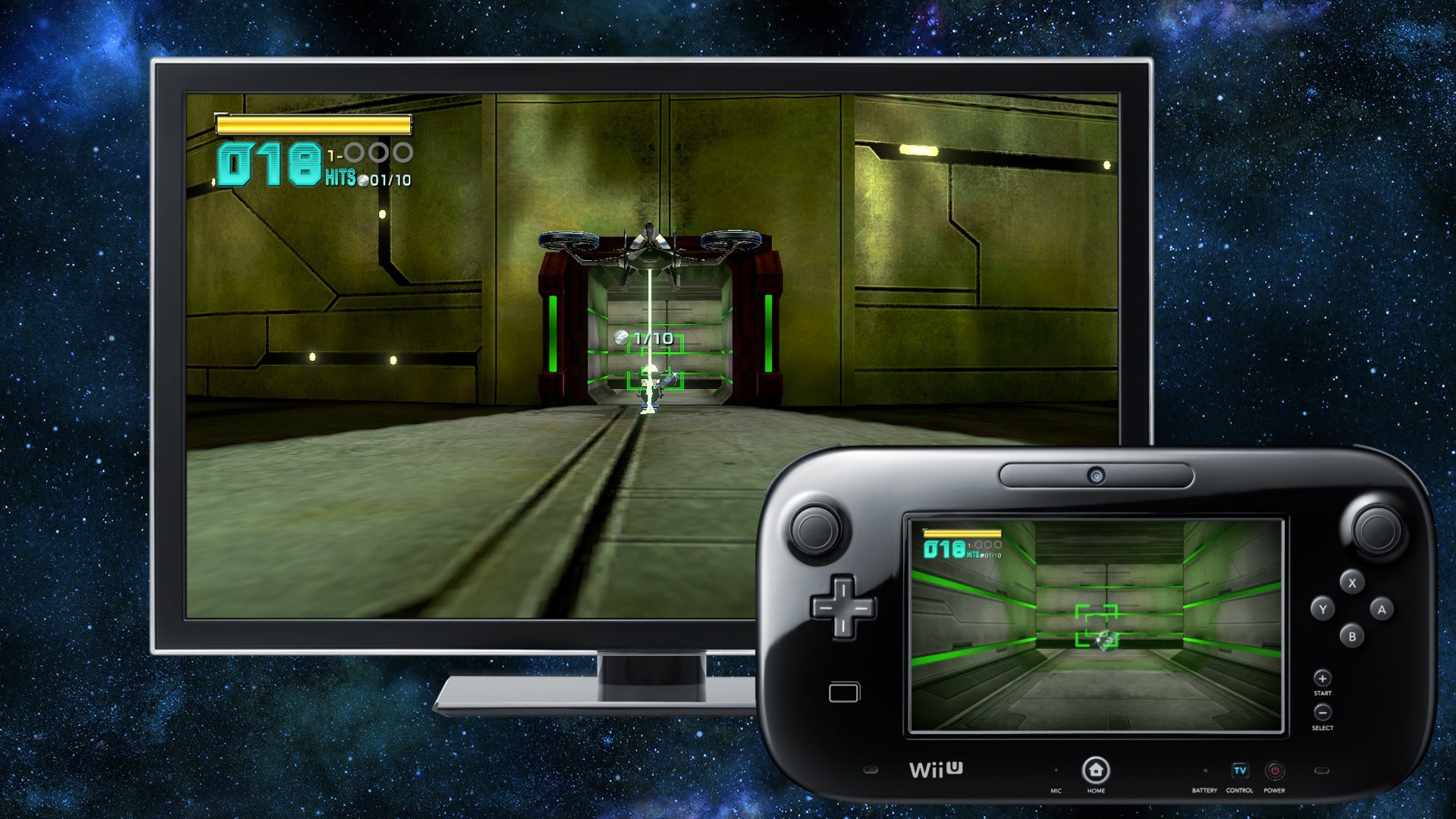
The game is solo by default, and setting up multiplayer is pretty opaque. Utter disbelief takes the form of laughter as we discover you need to start a level, then immediately exit to the stage select screen and select the level to trigger the co-op option. Classic Nintendo.
I’m so confused about Corneria. Is it a functioning city? Look at that massive door gate thing. Why is it there?
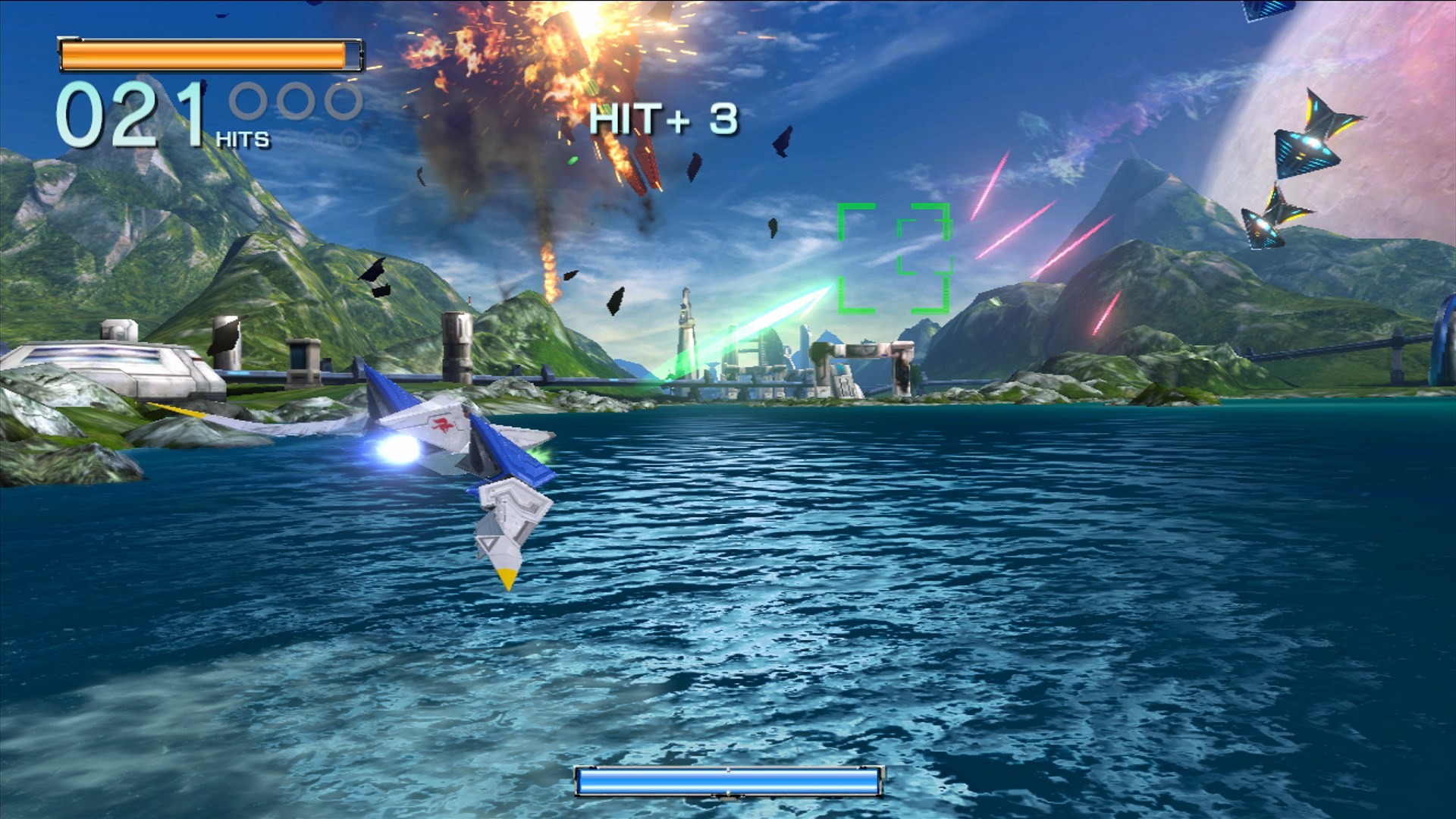
But we are finally ready, and for the first time a slightly concentrated hush descends among us as the music kicks in, punctuated by the thud of laser fire hitting target. We aren’t even beyond the water when the first wrinkle in this operation becomes apparent.
Jon: Huh. So whenever I move, it’s going to throw off your aim a little bit. Josh: It really is. Jon: I’ll try and stay still unless there’s incoming shots. George: What a thrilling first-player experience. Just staying as still as possible. Are you going to go through the arch? Josh: Yes. Jon: Nah. Josh: My Pilot says no. This is just terrifying. I never know if I’m about to smack into a wall. George: I’m so confused about Corneria. Is it a functioning city? Look at that massive door gate thing. Why is it there? I wonder if it’ll be more realistic in the new one, given everything else is?
Image: Nintendo
Despite the teething problems, things are going well. Jon scoops up a medal or two and Josh is a pretty accurate gunner, locking on and racking up multipliers.
Jon points out we can’t go through the waterfall on this run as we’d need the Arwing’s ‘Chicken Walker’ transformation, which can only be accessed after completing the level for the first time. There’s a lot of seemingly arbitrary retracing in this game to open up new routes and we’re looking forward to the slightly more direct approach that the 64 remake will bring. Hit a certain criteria, unlock a route. Simple.
George: Jon, how are you finding the thrill of just piloting? Jon: You know what, I like it? You’re putting your trust in someone else. Josh: Same here! George: Josh is definitely the most focused of the two of you. Jon: I’m still pretty much trying not to move when possible. Josh: When you barrel roll it doesn’t actually affect me. Jon: Oh, really? How about this?
The Arwing pulls into a somersault, with Josh chastising Jon while he cackles. But going into the all-range ending makes things tricky, as the camera on the television screen — the one the pilot is using — starts to shift to cinematic perspectives, leaving Jon to guess where he’s flying.
Jon: Oh no! It’s stuck the camera to a really bad perspective for me. It’s doing that cinematic thing. Josh: Why have you flipped around? Jon: Because I can’t see anything! Josh: Jon, we’re going to crash! Jon: I CAN’T SEE!
Image: Nintendo
Jon is truly at the whims of the game’s cinematic camera. It’s to the side, panning round, literally looking at the front of the Arwing. Jon nearly crashes out on level one due to this, drawing hoots of derision from us. Surely it can’t be that hard.
Sector Alpha
Pilot: FALCO (George) Gunner: SLIPPY (Jon)
Something peculiar happens as I take the controls for this cosmic dogfight. The Arwing is just floating along, totally ignoring me.
George: Oh my god, I’m not moving? ‘Do a barrel roll?’ – yeah, I’m trying to do a barrel roll! Jon: Everything okay? Oh, it’s one-player again! Oh NO! Josh: Oh, that’s so bad. George: Oh, for goodness’ sake! I thought I wasn’t doing anything. Jon: Amazing.
We hop out of the level, select multiplayer, then hop back in. We will need to do this for every level. Nintendo, we love you, but why are you like this?
Impersonations and quotes are flying around now, classics including “I can’t let you do that, Starfox,” and “Uncle Androooooos” – I hope these all return, and I also confess my desire for the return of Lylat speech. It’s missing from the demo and I want to watch those beautiful cutscenes in gibberish.
George: Oh, was that Bill Grey? Jon: I think it was. George: You know what, Bill Grey can get it. He’s pretty sexy, too. Jon: Has another human being ever said that, do you think? George: He’s one of my favourite auxiliary characters – great backstory. And yes.
Piloting without the GamePad certainly is harder to steer than it seems; even the basics like gathering items is proving problematic. I’ve not had to tangle with the dynamic camera yet, but everything just feels a bit slippery as I move across space.
Image: Nintendo Life / Nintendo
We’re just about getting the hang of it when we board the enemy ship and are graced with the first instance of the Chicken Walker. Jon and I both immediately recoil – this is not made for two. Its frantic pacing means we can barely hit a single enemy, but, more through luck than skill, we reach the ship’s core intact. Things go from bad to worse.
Jon: No! Every time you move, I can’t see what I’m meant to hit. George: This is absolutely horrendous. I’ll try and stay still. Jon: Please stay still! George: I’M TRYING! Oh, hang on, I can transform? Josh: Noooo!! Jon: I don’t know about this.
Arwing activated. Smash into the core. Smash into the walls. My bad. Our health bar has been decimated.
George: That’s even worse. Jon: If you hold ‘ZL’, can you strafe around without moving the camera? George: Ah! Oh, that’s better. Josh: It’s almost like it’s what the developers intended.
The little pivot and side hop of the Chicken Walker has us absolutely howling. It is possibly the least threatening version of the Arwing we have ever laid eyes on.
We muse briefly about how well the game still holds up visually, despite the incoming drastic shift in art direction, and the joys of asymmetric gameplay. Not just visually but through audio, too – with sounds emanating from the GamePad or Wiimote adding that extra layer of immersion. The HD Rumble in Joy-Con 2 can emit sounds, right?
Area 3 & Zoness
Pilot: FOX (Josh) Gunner: FALCO (George)
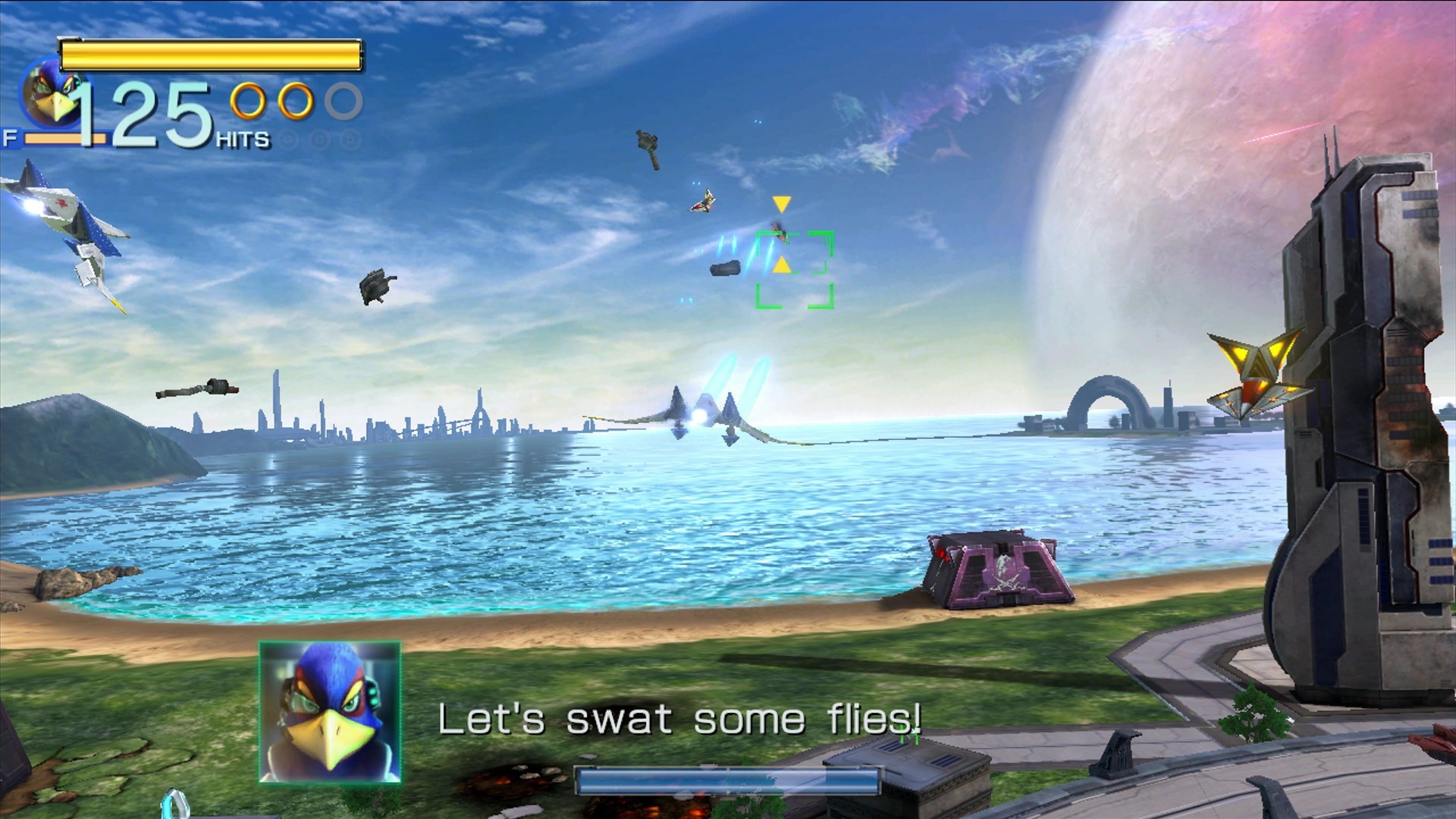
As General Pepper briefs us on our next skirmish, we are treated to our first view of the Gigarilla, who is giving off serious Robo DK vibes from Mario Kart World. We poke fun at him for this, unaware of the sheer pain this machine would later cause us.
We start with an all-range mode battle with more dynamic cameras. And Slippy in trouble, of course.
This level is longer than anything else I’ve ever experienced.
I am hollering instructions at Josh as I try to down at least 30 fighters — “Brake!” “Go left!” “FLIP!” — before Josh gently reminds me that he’s the pilot. Backseat flying, absolutely shameful.
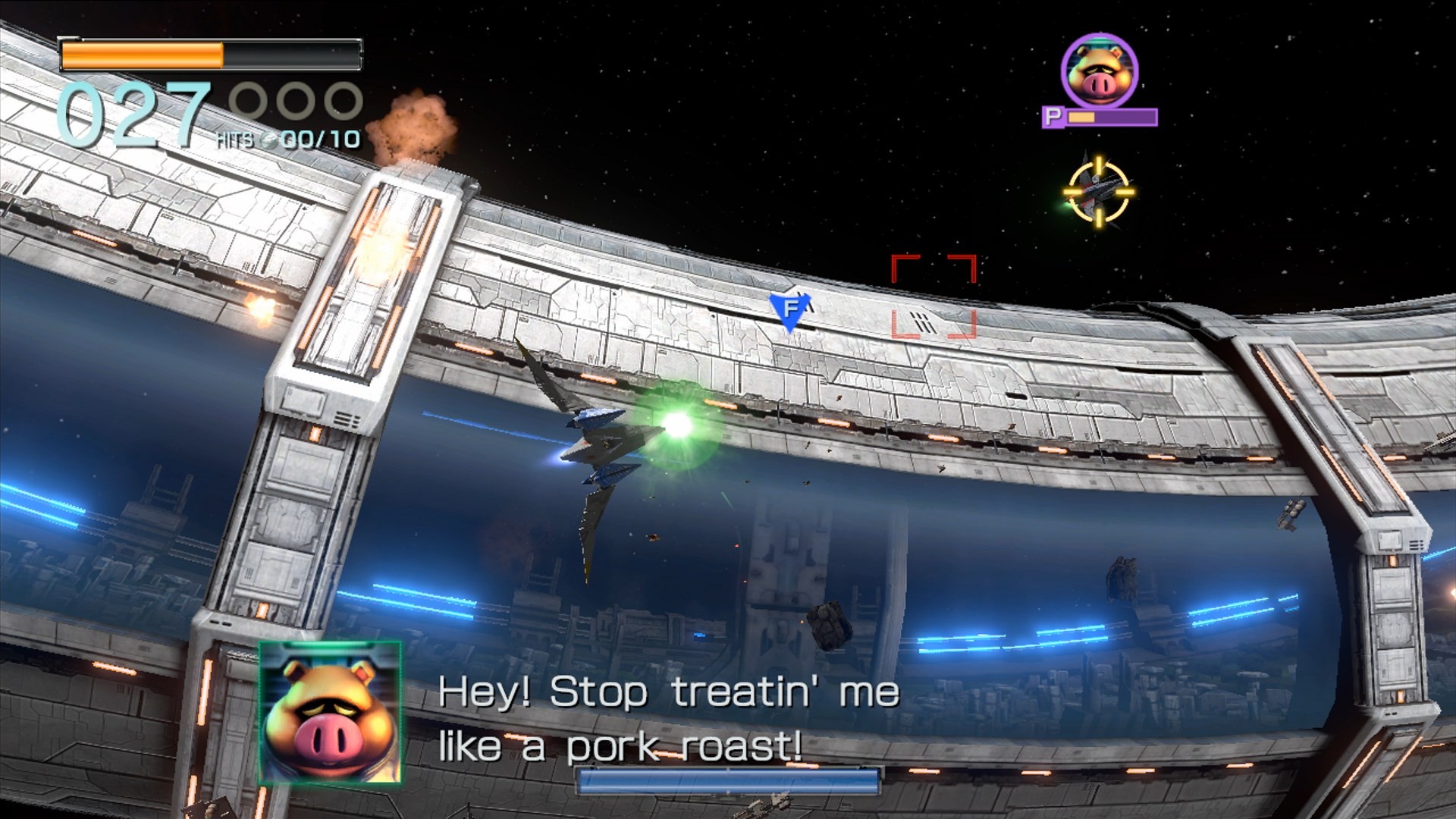
It only gets worse as Pigma then bursts onto the scene and Josh tries to hunt him down while pulling off evasive manoeuvres.
George: You know what, I forgot how hot Pigma is as well. Jon: I’m always saying this. Josh: You can just lock on, right? George: No, I can’t see him! Josh: Oh, he’s behind me. George: I literally can’t see anything. Josh: I’ll try and stay behind them as best as I can. George: Oh god, this constant flipping is making me feel a bit sick. Josh: Don’t shoot Peppy! George: I’m not trying to!
Image: Nintendo
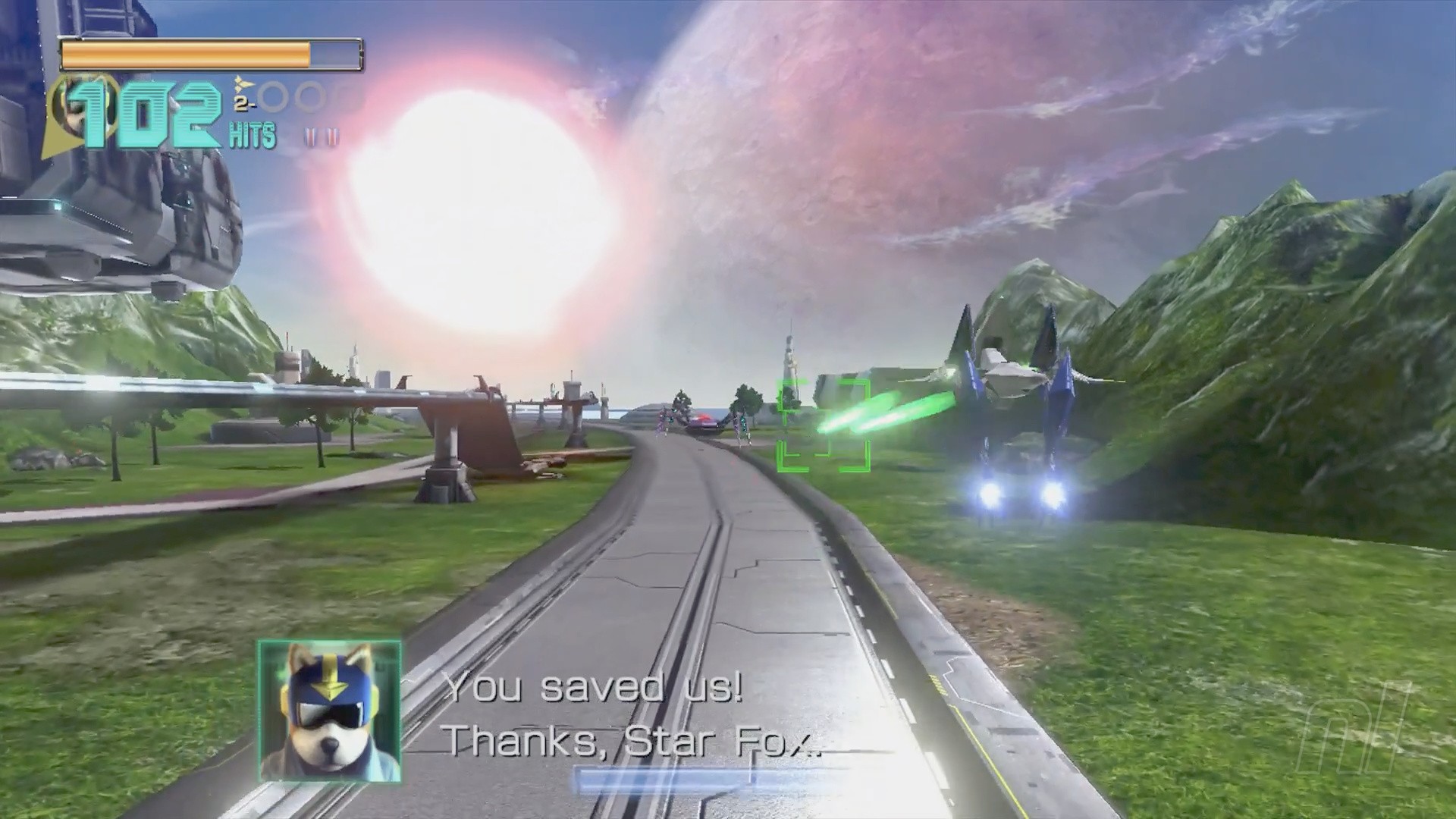
There’s a brief interlude in the Chicken Walker — and duo control feels like Josh and I are fighting each other as much as we are Andross’ forces at this point — before finally jumping into the Gyrowing. The game informs us that it’s “AI-equipped”. As if we didn’t hate it enough already.
Jon: The Gyrowing is the worst part. There’s plenty I will defend about this game, but the Gyrowing is not one of them.
This section is tedious, gently hovering around while deploying the miniature blue robot Direct-i to hack into some computers. It is the game’s first real misstep, flatlining the pacing and any tension. Silver lining: the multiplayer aspect is the easiest to navigate without perpetual movement. And I very much enjoyed shouting “Deploy me!” whenever the moment called.
Getting your gunner to the right place is harder than it looks — Image: George Banks / Nintendo Life
Direct-i is chiming in every so often as we get to work making sure we gain custody of the Gigarilla while painfully slow enemies trudge toward us.
Direct-i: Operating system activated!
George: Ooh, that’s a bad voice. Jon: How do you want him to sound? George: Like R.O.B., I guess? Jon: God, the stakes really could not be lower right now. Josh: But they’re trying to stop us getting the Gigarilla! Jon:Very slowly. George: I have not seen a slower heist in my life.
That was a slog – and there’s still more Gyrowing to come on Zoness.
Jon refuses to pilot the monstrosity, so it’s the same team and the slower pace allows us to posit what each character would sound like with British accents, firmly landing on Slippy as a high pitched Victorian upper class child, Falco as a scouser, while Peppy is from the West Country (try saying “You’re becoming more like your father” in a strong Bristolian accent. It is sublime.) We try out some more quotes in these voices until a fan favourite turns up.
George: Deploy me!
Direct-i: Lock deactivated!
George: I CANNOT STAND THIS VOICE. It’s like a mix of Martin and Milhouse from The Simpsons.
Katt: Oh, you’re music to my ears.
George: Katt Monroe! Jon & Josh: Hooray! George: How do we feel about Katt Monroe? Josh: She’s changed designs like three times. Jon: She is a top four. Josh: What, Katt, Krystal, Miya, and Fay? That’s your four? George: That’s Jon’s list. Jon: Panther’s in there, too. George: I like Katt. I like that she’s a badass that does her own thing, the new design is perfect for that. Oh, you need to dangle me! Deploy me. Josh: I’m just waiting for the lasers. Jon: This level is longer than anything else I’ve ever experienced. George: Jon has been off for a very long time.
Image: Nintendo
The gruelling slog is finally over. And though multiplayer was at its easiest here, we are thrilled that the Gyrocopter will not be returning in the next entry.
Sector Beta
Pilot: SLIPPY (Jon) Gunner: FALCO (George)
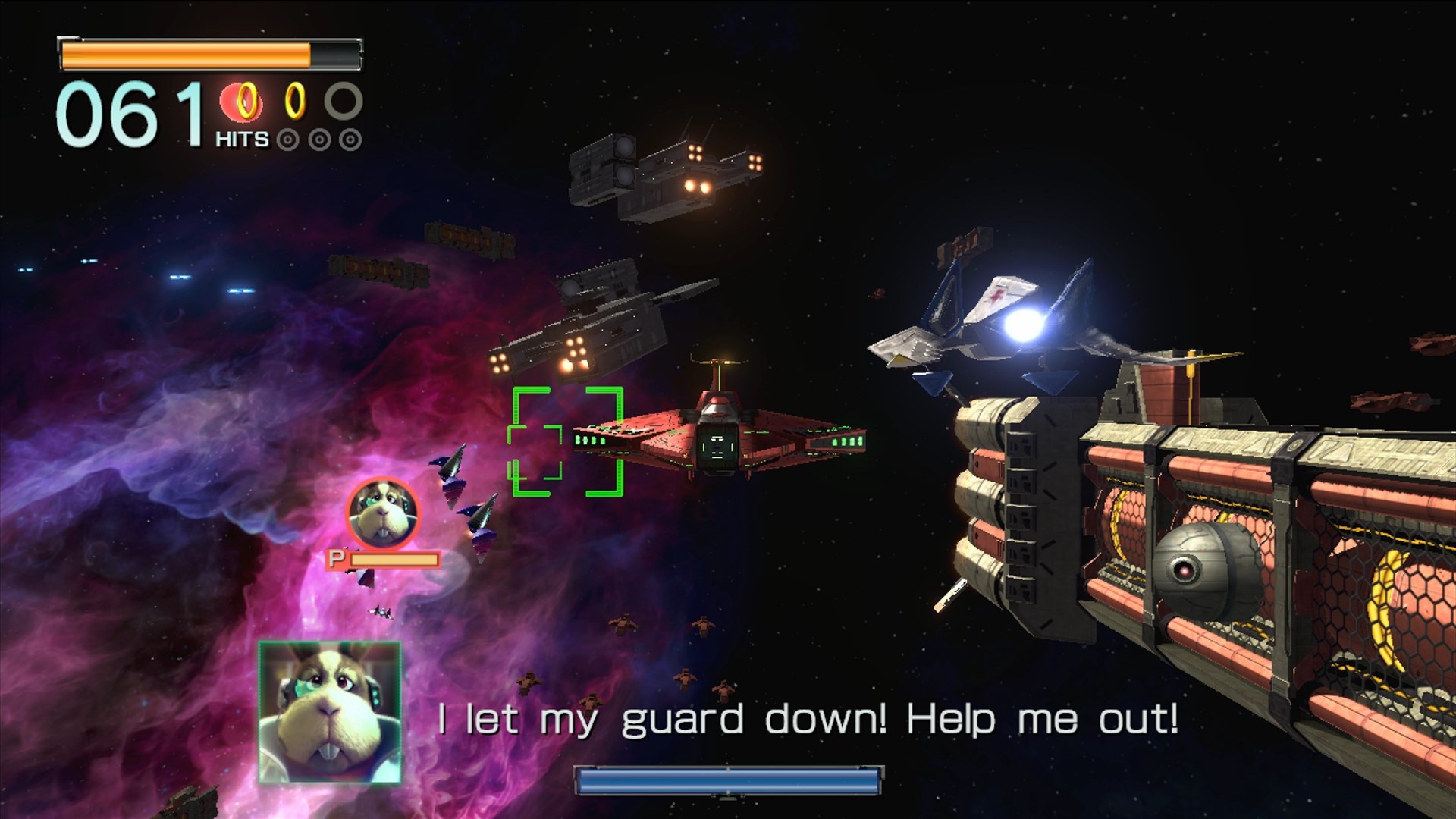
Tearing through dreadnoughts in space in an all-range dogfight. This is more like it. And Bill returns, too (we decide he’s Scottish).
We were surprised by some frame rate drops as the enemies bit the dust, but it doesn’t detract from my enjoyment of mowing down as many enemies as possible. I point out that we are pretty low on health and ‘politely’ remind Jon that I cannot avoid laser fire. This is met with a “meh”, a pretty casual attitude when faced with some humongous cannons that can cause insta-death. Pray for me.
A cheer goes up as we break through the enemy barriers and somehow set a new course record. We really feel like a team at this point, beautifully dysfunctional while getting the job done – but it’s time for a sterner test as Team Star Wolf arrives.
The game really excels in these moments and looks so stylish on the big screen, particularly the slow-motion exchanges when passing close by the enemy, although this cinematic style throws up the same multiplayer issues for us.
George: Tell me where to shoot. Just tell me left or right! Josh:(Looking at the GamePad I’m holding) Jon, there’s a medal right in front of you. Jon:(Trying to essentially pilot backwards) Where? Josh: Right. No, right right! Jon: I’m pressing right!
But he’s flying left. We are just all yelling all the time throughout this – laser fire, directions, it doesn’t matter. It’s a glorious cacophony.
But tragically, Peppy is downed as the battle winds up.
Image: Nintendo
Titania
Pilot: SLIPPY (Jon) Gunner: FALCO (George)
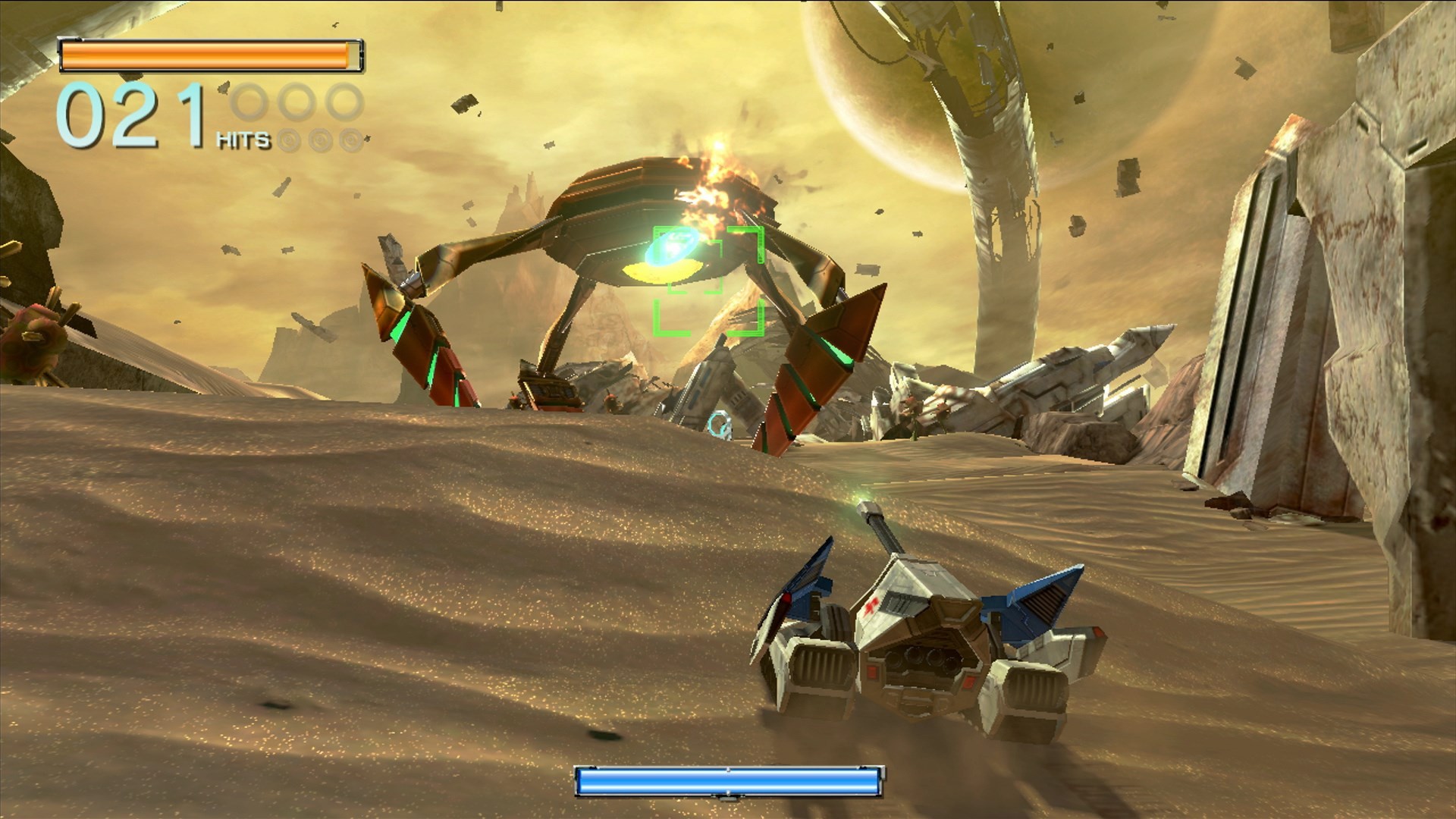
The Landmaster is here! And it’s quickly unanimously agreed upon as the best non-Arwing vehicle. As we roll and hover across the shifting sand, talk turns to what we would’ve liked to see had the upcoming entry not been a remake.
Jon: Panther. George: Panther, of course. No Andross for me. I liked the Anglar Empire and the Aparoids – they felt like a genuine threat. Give us something new. Josh: I liked the different ships in Command. I think individual ships with different abilities would’ve been great. Jon: People think of Fox as being on foot, Adventures-style because that’s what they see of him in Smash, but the game sort of half does that with the Chicken Walker sections and it lacks pacing. The Landmaster feels much better. I would’ve liked full co-op. Each person being one pilot as you go through each level. George: YES!
The Landmaster really does feel great – I’m having a blast absolutely bulldozing everything in its path. And the boss fight is relatively painless, too, battering the not-so-subtle, huge glowing balls of a massive mechanical snake. The bosses are a highlight of this title, even if the weak spots are as obvious as ever.
Image: Nintendo
Head to page two to see how Fox and Falco get on in Sector Y, and beyond…