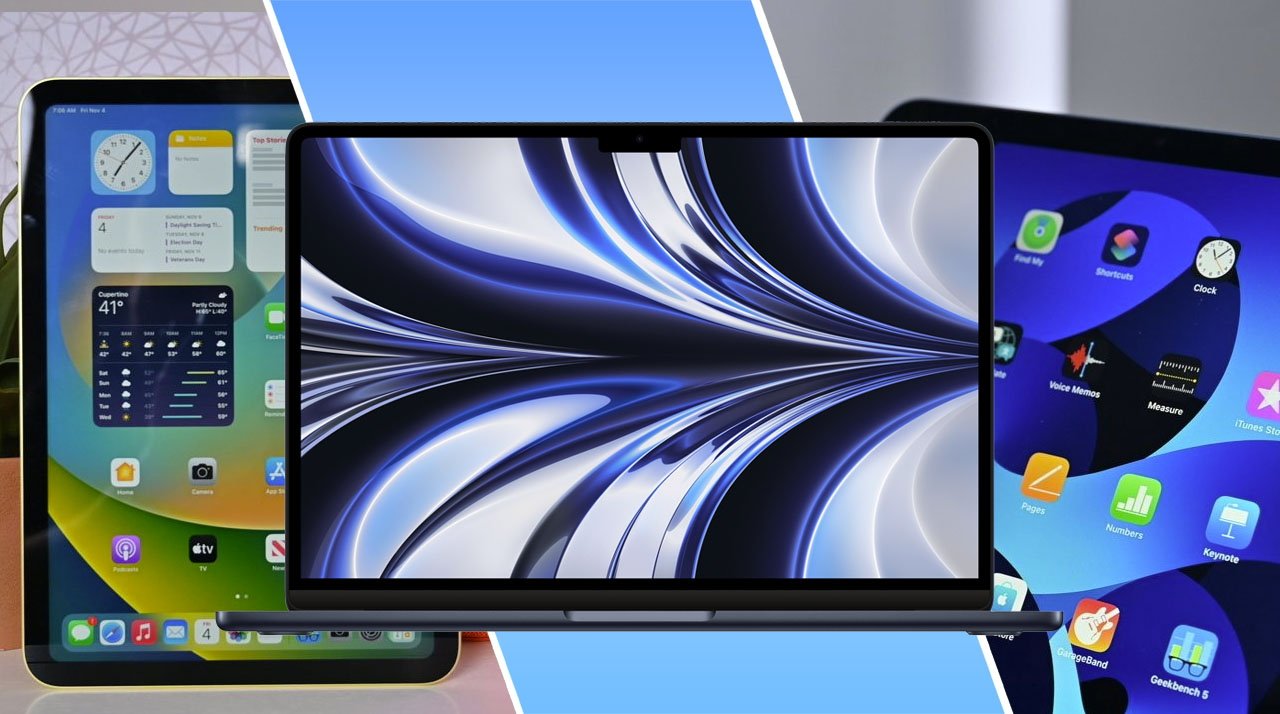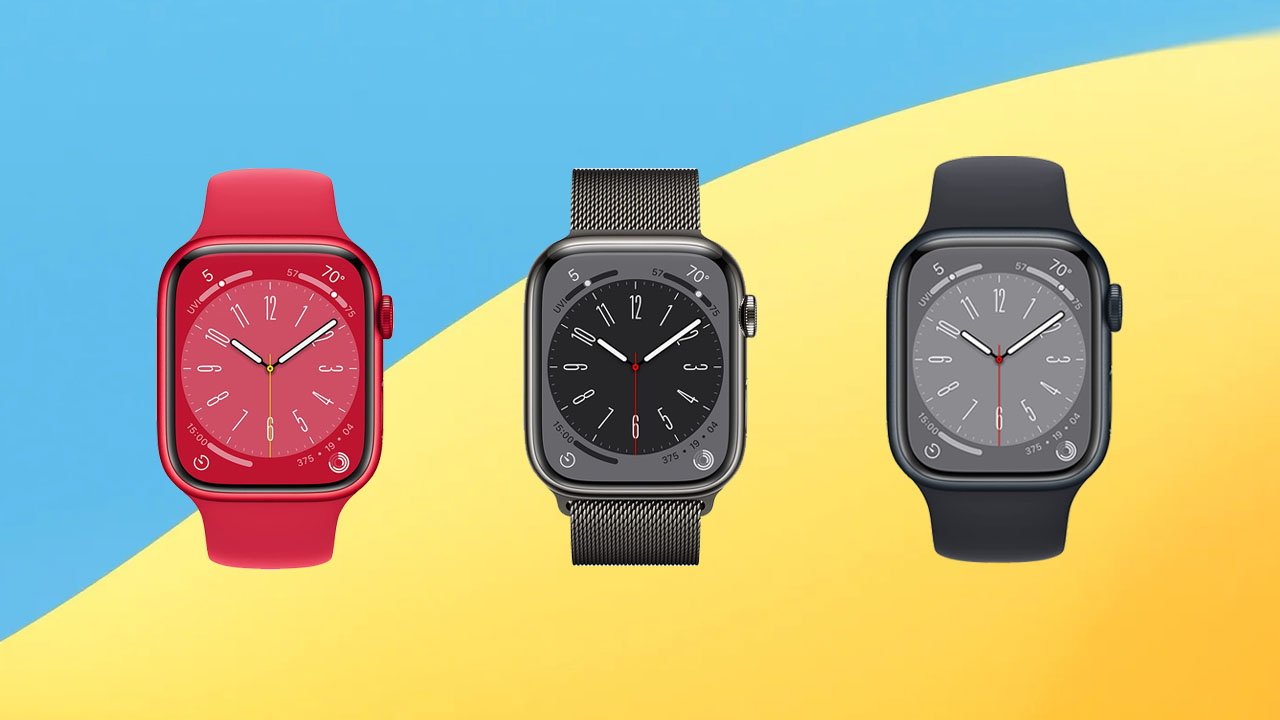
Apple’s upgraded 2022 MacBook Air with the M2 chip, 16GB of memory and 512GB of storage is on sale at B&H in a stellar year-end deal with free next day delivery.
The AppleInsider Deals Team has been tracking the best MacBook Air discounts and today, Apple’s M2 MacBook Air with upgrades to 16GB of memory and a 512GB SSD is on sale for $1,449 in the gorgeous Midnight finish. Plus, for a limited time, B&H is including free next day delivery within the contiguous U.S.
If you’re looking for an upgrade to 1TB of storage, the Space Gray model is available for $1,699 — a discount of $200 off MSRP. To activate the deal, you must shop through our special pricing link from a desktop or laptop computer.
Shoppers looking for Mac deals can find a year-end blowout bargain on Apple’s Mac Studio from Adorama, now $154 off. Plus, get $30 off AppleCare.
Apple released the Mac Studio in March 2022, and it’s a powerful, compact desktop that is an excellent choice for gamers, developers, photographers, and others. Apple Authorized Reseller Adorama is offering the standard model for $1,845 with promo code APINSIDER.
This particular Mac Studio has an M1 Max chip with a 10-core CPU and 24-core GPU. With 32GB of memory and 512GB of storage, it packs a punch for helping with nearly any task. AppleInsider readers can use the exclusive APINSIDER code to bring the price down to $1,845 — a savings of $154 from the original price of $1,999.
Pick up a loaded M1 MacBook Pro 13-inch with 16GB RAM and 1TB SSD for $1,369, a $530 discount during B&H’s Mega Deal Zone Event.
B&H Photo’s annual Mega Deal Zone event is back, delivering discounts of up to $600 off hundreds of products. And during the special sale, bargain hunters can pick up Apple’s loaded M1 MacBook Pro 13-inch with 16GB of RAM and a 1TB SSD for $1,369 — a discount of $530 off MSRP.
The MacBook Pro 13-inch model is the perfect entry point for video editors, musicians, and photographers. The beautiful 2560×1600 Retina display renders gorgeous images and videos, while the stereo speakers provide an excellent audio experience.
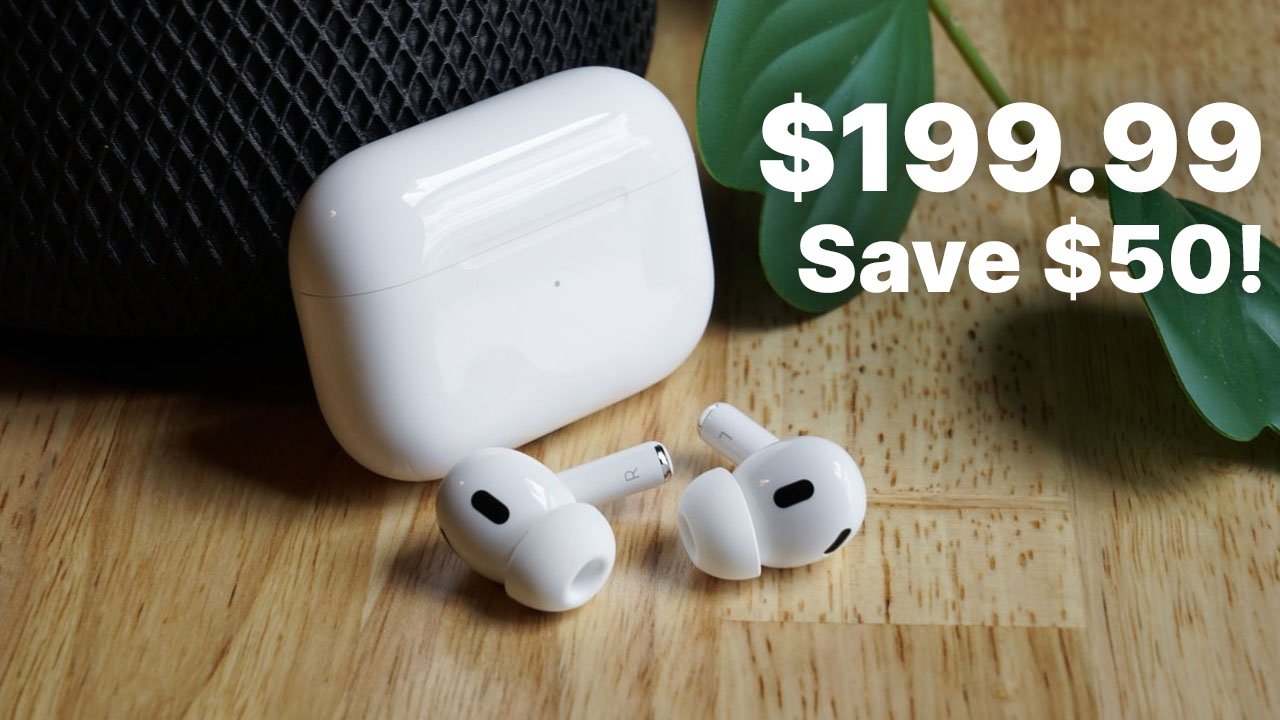
Verizon and Amazon have the 2nd generation AirPods Pro on sale for $199.99, which is the lowest price we’ve seen. Both discounts are well below Apple’s retail price of $249.
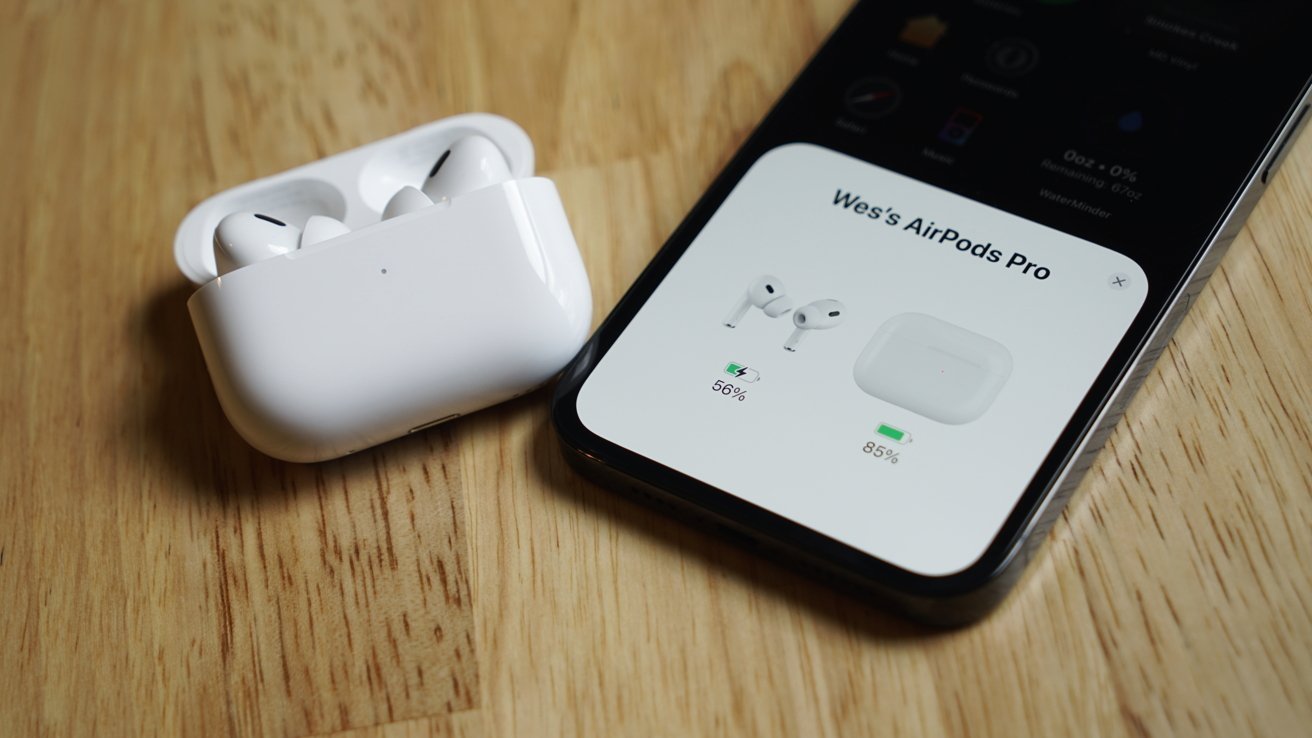
Apple puts the immersive experience of the AirPods Max into your pocket with the 2nd generation AirPods Pro. With twice the noise-cancellation ability, 6-hour earbud battery life, and 30 total hours of charge, Apple made massive improvements over the first generation.
The AirPods and MagSafe case is water and sweat-resistant sporting an IPX4 rating. Plus, the buds and case support the precision Find My settings, allowing you to find them if they get lost.
Apple also improved audio sharing, touch controls, and sound to boost the quality available from these completely wireless buds.
AppleInsider may earn an affiliate commission on purchases made through links on our site.
LastPass informs users that the August data breach gave hackers access to users’ names, addresses, and data vaults.
On November 30, LastPass notified users that it was investigating an August “security incident” leading to user data theft.
Now, the LastPass CEO Karim Toubba has posted a blog informing users of the extent of what was stolen.
“To date, we have determined that once the cloud storage access key and dual storage container decryption keys were obtained, the threat actor copied information from backup that contained basic customer account information and related metadata including company names, end-user names, billing addresses, email addresses, telephone numbers, and the IP addresses from which customers were accessing the LastPass service,” the blog post reads.
The hacker also created a copy of customer vault data, which the company maintains is “stored in a proprietary binary format.” Some vault data, like website URLs, is not encrypted. Other data, like usernames and passwords, are “secured with 256-bit AES encryption,” which the company maintains cannot be decrypted by hackers.
“[Encrypted data] can only be decrypted with a unique encryption key derived from each user’s master password using our Zero Knowledge architecture,” Toubba writes. “As a reminder, the master password is never known to LastPass and is not stored or maintained by LastPass.”
While the company claims that it would be highly unlikely that the hackers could decrypt the data, it warns users that they could be targeted by phishing or social engineering attacks.
LastPass has come under fire for questionable security practices in the past.
In December 2021, LastPass members reported multiple attempted logins using correct master passwords from various locations. The company assured customers that attacks were a result of passwords leaked in third-party breaches.
AppleInsider may earn an affiliate commission on purchases made through links on our site.
Music streaming service Spotify appears to be working on a new feature that would allow users to generate workout playlists based on health data via HealthKit.
Spotify subscribers may soon be able to “get the right music” for their workouts, thanks to a yet-unreleased feature spotted in Spotify’s iOS app code.
Chris Messina highlighted the relevant code in a tweet as noted by9to5Mac, which implies the feature may be released soon.
By utilizing a user’s health data, as well as the musical preferences obtained via Spotify, the app would be able to generate personalized workout playlists.
Spotify also recently updated its Apple Watch app experience. The new update features larger controls, swipe gestures, and a better library view.
AppleInsider may earn an affiliate commission on purchases made through links on our site.
Apple is allegedly considering its options regarding its budget-friendly iPhone SE 4, with Ming-Chi Kuo anticipating that the tech giant will, at least, postpone mass production of the device.
On Tuesday, Apple Analyst Ming-Chi Kuo took to Twitter to discuss Apple’s plans for the iPhone SE 4.
He noted that his latest survey showed signs that Apple is reconsidering the next iPhone SE. He believes that it is possible that Apple will either cancel or delay its current plans for a 2024 release date.
(1/5) My latest survey indicates that Apple will likely cancel or postpone the mass production plan for the 2024 iPhone SE 4. I think this is due to the consistently lower-than-expected shipments of mid-to-low-end iPhones (e.g., SE 3, 13 mini, and 14 Plus),
Previous rumors have suggested that the next iteration of the iPhone SE could look like an iPhone XR with a 6.1-inch LCD display, complete with notch.
However, another rumor suggests that Apple was not fully sold on the idea and had not nailed down the exact design by late October.
Apple has had a more difficult time moving lower-end models of the iPhone in recent months, forcing the company to cut back iPhone 14 and iPhone 14 Plus orders.
AppleInsider may earn an affiliate commission on purchases made through links on our site.
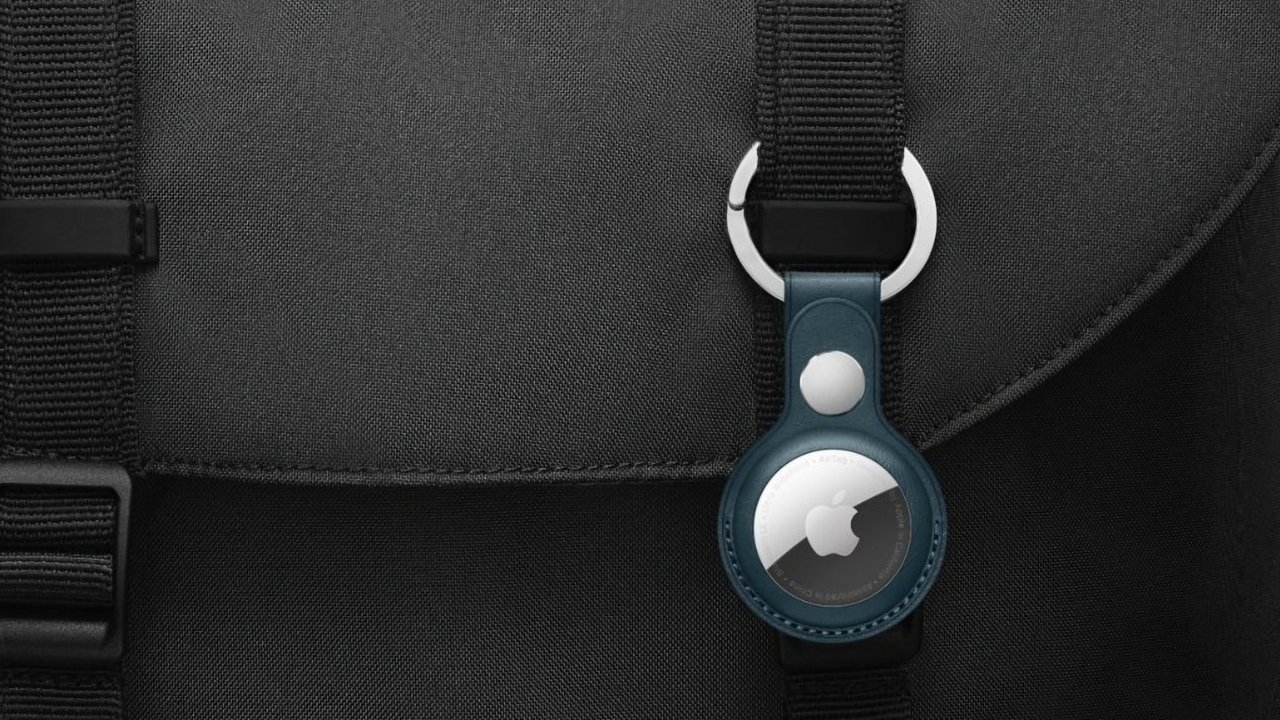
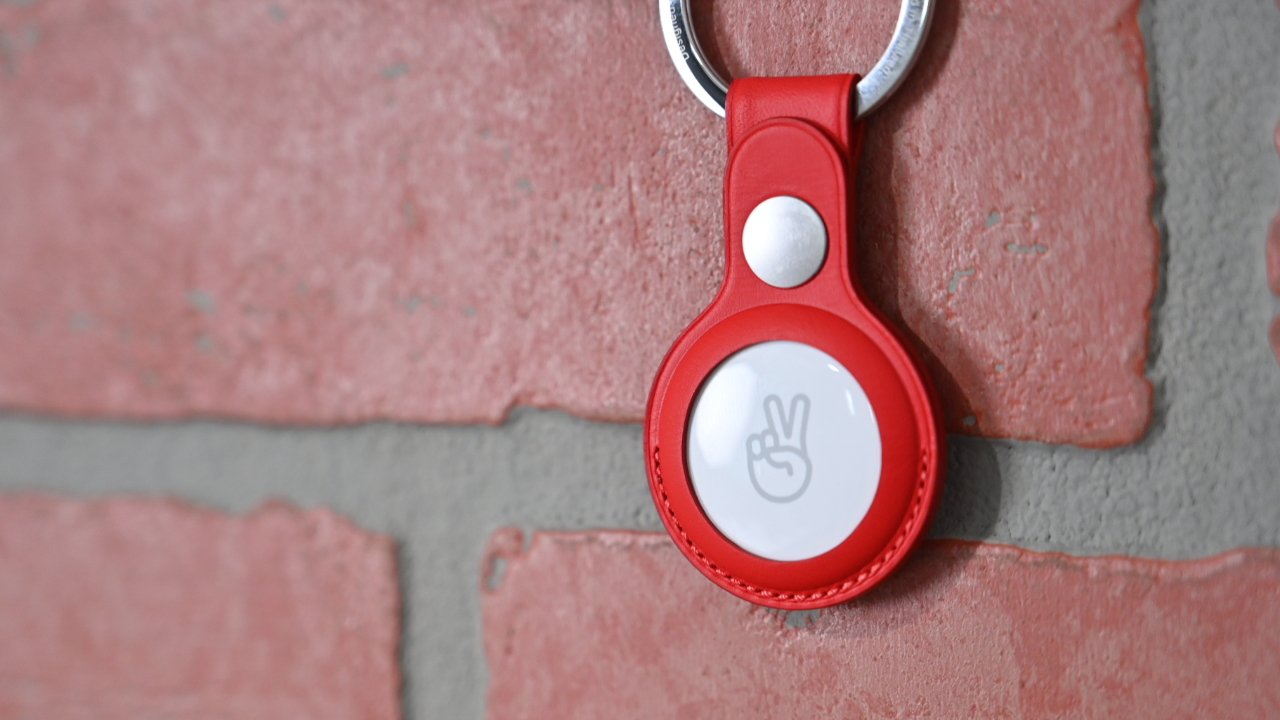
Apple has updated its item tracker’s firmware twice since November but didn’t disclose what the updates entailed. Now, a new AirTag support article lets users see what’s changed.
Apple updated the AirTag on November 10 to version 2.0.24. The update, detailed by Apple and spotted by9to5Mac, enables Precision Finding to help users locate an unknown AirTag following them. The AirTag also will emit a noise.
The feature is part of Apple’s commitment to prevent people from using an AirTag to stalk others.
Apple also updated AirTag on December 12 to version 2.0.36. This update fixed a bug where the accelerometer was not activating in certain scenarios.
While users typically have ways to update devices’ firmware manually, there is no such option for AirTag. Instead, users have to wait for it to occur on its own.
You can check the firmware version of your AirTag via the Find My app on your phone. Once in Find My, tap the relevant AirTag, then tap the battery icon for the AirTag — this will display the serial number and the firmware version.
AppleInsider may earn an affiliate commission on purchases made through links on our site.
Whatever the weather, we have got you covered on the best weather apps available to download from the App Store.
A recent article inThe Independent revealed British people spend over four months of their lives talking about the weather.
“Woo-ee, it’s really coming down out there.” We’ve all said it at one point or another, gesturing outside to tennis ball-sized hail pummeling the asphalt.
It’d no surprise that the weather is the unsung small talk topic of choice for quick exchanges with strangers and awkward situations, where we’re reaching for something to propel the conversation forward.
There’s no doubt that the weather dictates our lives, but with these impressive and intuitive weather apps for iPhone, we can stay in the know.
Weather Channel app: Free and functional
The Weather Channel app is for the storm chaser, outdoor runner, worried parent with kids out-of-state or abroad, allergy sufferer, and news devourer.
In essence, the Weather Channel app is the hub for everything weather For example, it details the current temperature with a feels like gage for days when the thirty-degree Fahrenheit reading will feel more like negative thirty due to wind chill.
It also includes hourly and daily projections, and for how long these big weather events (rain, snow, tornadoes, hurricanes, etc.) will be in effect.
Weather Channel App
Scroll down, and you’ll see metrics for wind, humidity, dew point, pressure, UV index, and sunrise/sunset. For the runner or allergy-sufferer, a health and activities subheader details whether the weather is good enough for a run right now, and if a potential allergy threat is in the area.
Weather Channel App
Scroll further, and you’ll find another subheader detailing outdoor conditions.
Chill index is particularly important for the dog walker or runner. If your hands and knuckles have been cracking and dry, check out the dry skin index to confirm if it is indeed a very high concern.
Weather Channel App
For those who live in polluted areas, this app serves as a helpful indicator of current air quality. If you live in Los Angeles and the pollution rating is severe, consider swapping your outdoor jog for an indoor workout next to your trusty air purifier.
For parents with children living out of state or abroad, keep tabs on all of your loved ones by adding their current city of residence to favorites.
Weather Channel App
Gone are the days when your love language was scraping your son’s windshield before he slid off to high school. Now, empty-nesters can take similar measures by opening The Weather Channel App and texting Jimmy – “Looks like that hurricane’s going to hit you guys in a few days. Got your hurricane shutters up?”
The app also includes a live radar and map. To see the projections for when exactly that storm will hit where you are, click the play button to watch the storm shift through by the hour.
Additionally, the app offers the capability for significant weather alerts to be pushed to your phone. You can choose which alerts you’d like to be notified about.
To switch on these alerts:
Open The Weather Channel app on your iPhone or iPad.
Tap the Alert Bell icon in the top right-hand corner
Select Manage
From here, you can choose for which events you’d like notifications:
Significant Weather
Change Ahead
Real-Time Rain
Lightning Strikes
Government Issued Alerts
Breaking News
Daily Rain/Snow Alerts
Pollen
Tap the simple “on/off” toggle to switch notifications on or off for any particular weather event.
For the pro weather tracker who wants the intel on all — and we mean all weather around the world, the Weather Channel App is the app to download. The app’s greatest strength, however, is also its weakness.
Being the hub that it is, even including short news clips and flu-tracking in your area, it has two problems. It takes at least three seconds to open — bad news for the wildly impatient, and the app quits often, especially during video playback.
Weather Channel App
However, because of the grandiose, all-encompassing nature of the app, these small bugs can easily be overlooked.
RadarScope: Meteorologist and FAA-approved
RadarScope is next level for weather aficionados, and for those who have a basic understanding of atmospheric science — or are eager to learn.
If you’ve graduated from The Weather Channel App with a thirst for more precision and detail, RadarScope is of the professional-grade weather tracking variety. In fact, it is advertised in the app store as a utility for weather enthusiasts and meteorologists.
The app reflects data from The Next Generation Weather (NEXRAD) and Terminal Doppler Weather (TDWR) radars in the USA and around the world.
NEXRAD belongs to a 160 string of networks of high-resolution S-band Doppler weather radars, operated by the National Weather Service.
TDWR is operated by the Federal Aviation Administration (FAA), and is used by air traffic controllers. Its interface looks government-issue, akin to radars used in the military.
These are the same radars that meteorologists and scientists use to track weather systems. Holding a ranking of #1 in weather in the App Store, this app has no choice but to be reliable.
RadarScope app
The user is able to track weather systems with maximum accuracy, even to a street-by-street level.
RadarScope offers real-time lightning data and up to 30 frames of radar data, including extended loops of super-resolution data.
Subscribers have access to a data interrogation tool that regulates data values for radar pixels, as well as a highly proficient multi-pane mode, giving the user the capability to evaluate two to four radar products, side-by-side.
Apple Watch users, be aware that the app can be unreliable without your iPhone nearby. This means that if you are on a run, the radar might not load before you are caught in that avoidable downpour.
RadarScope’s Pro Tier 1 has an annual 9.99 subscription fee, is compatible with iOS 14 or later, and is a 35.6 MB download.
Apple’s Weather app: No-frills
For those overwhelmed by RadarScope and The Weather Channel App’s many features, Apple’s more simplistic Weather app might be for you.
Firstly, it has a gorgeous, clean-cut interface.
Apple’s Weather App
If it is raining or snowing, rain and snow will travel across your screen. This is a particularly cool feature, reminiscent of the moving portraits in Harry Potter.
Like The Weather Channel App, there is an hourly weather projection and 10-day forecast.
Apple’s Weather App
There are also some bells and whistles, such as the feels like feature (and even cooler, why it might feel two degrees cooler).
It also includes UV index, sunrise and sunset, wind, precipitation, humidity, visibility, and pressure. Comparably, you can easily add your favorite locations to check up on your out-of-state or abroad loved ones.
Both apps give the weather aficionado the option to turn on weather alerts. To turn on alerts for Apple’s Weather app:
Go to Settings > Privacy & Security > Location Services > Weather, then tap Always. This way, you’ll be informed when certain weather events are heading your way.
Apple’s Weather app comes with your phone and is compatible with iOS 10 or later.
Carrot Weather: Wisecracker weather fun
In three words, Carrot Weather is wisecracker weather fun. Whether you are a comedian or just looking for a daily laugh, Carrot is for you.
Its design is similar to Apple’s Weather app, with bright colors and a simplistic user experience. Its in-app prose and style is raises eyebrows, and — it hopes — will get a chuckle or two during your daily commute.
It is advertised as much more than a weather app, where the user can “complete activities to strengthen [their] relationship with the homicidal A.I., follow clues to track down 100+ secret locations [and] film [their] own TV-news-style weather report videos.”
Its creative nature is unlike any weather app out there. For those seeking a laugh, its Age Rating is 17+ for mild sexual content, suggestive themes, profanity, and crude humor.
Upon downloading and opening the app, the user has the ability to cater to their own personality preferences, ranging from professional to overkill.
Carrot app
The user soon finds that Carrot, more an entity than a utility, is their new overlord. She provides important messages upon entry into the app, such as this one:
Carrot app
If Carrot has a little too much personality for you, feel free to switch off her sassiness.
To boost endorphins in the brain, the app also offers achievements, like experiencing one’s first snow — which serve as clever incentives to revisit the app.
Its whimsy, however, does not overshadow its professional-grade functionality.
Carrot provides features like radar, storm cells with direction tracking, weather fronts, and a cool feature called cards that lets you customize your weather notifications.
If you’re afraid of Zeus smiting you, for example, you can choose to be alerted if there are any lightning strikes within a certain number of miles of your location.
Carrot app
All in all, Carrot overflows with personality and is a privacy-conscious app.
Carrot Weather offers free and premium ($19.99) versions, is compatible with iOS 13, and is a 226 MB download.
MyRadar Weather Radar: Radar-centered app
Like the RadarScope app, there is a learning curve to using MyRadar Weather Radar due to its impressive, real-time home screen radar presentation.
Upon opening the app, instead of a daily or 10-day forecast, the user is confronted with a live radar.
This is exciting for some, but might be overwhelming for others who are looking for a simple, written rain/no rain prediction.
MyRadar App
Instead, the user must zoom in to see where the applicable weather systems are.
Click through each widget at the bottom of the screen to figure out what each selection does. Once these are committed to memory, operating the app is a breeze.
One particularly cool feature that mirrors The Weather Channel app is the videos function, showing all relevant and recent weather news in the country.
The app provides more than enough information for the weather aficionado. Centered on a large, zoomable radar of your current country, it includes graphs to see weather trends in real-time and beyond.
Like the other abovementioned apps, this app provides customizable alerts for noteworthy weather systems.
MyRadar offers free and premium versions ($9.99 annually), is compatible with iOS 14, and is a 173.6 MB download.
With the above apps, you’ll have all the weather intel necessary for those: “Phew, shows six feet of snow tonight!” conversations with strangers.