

Share your thoughts on this year’s conference.
Apple Developer News and Updates feed provided by Apple, Inc.

The Foundation Models framework is a native Swift API that gives you direct access to the same on-device model that powers Apple Intelligence. You can now work with any language model, including Apple Foundation Models, cloud models like Claude and Gemini, or any other provider that conforms to the Language Model protocol.
Multimodal prompts let you pass images alongside text so your app can reason about visual content, and Vision framework tools like OCR and barcode readers are available for your model to call directly, all on-device. Dynamic Profiles let you swap models, tools, and instructions on the fly, so your app’s behavior can adapt within a continuous session.
If you’re enrolled in the App Store Small Business Program and your app has fewer than 2 million total first-time App Store downloads, you can access the next generation of Apple Foundation Models running on Private Cloud Compute at no cloud API cost. And with the new Evaluations framework, you can verify that your AI features behave correctly across dynamic conditions, going beyond what unit tests alone can catch.
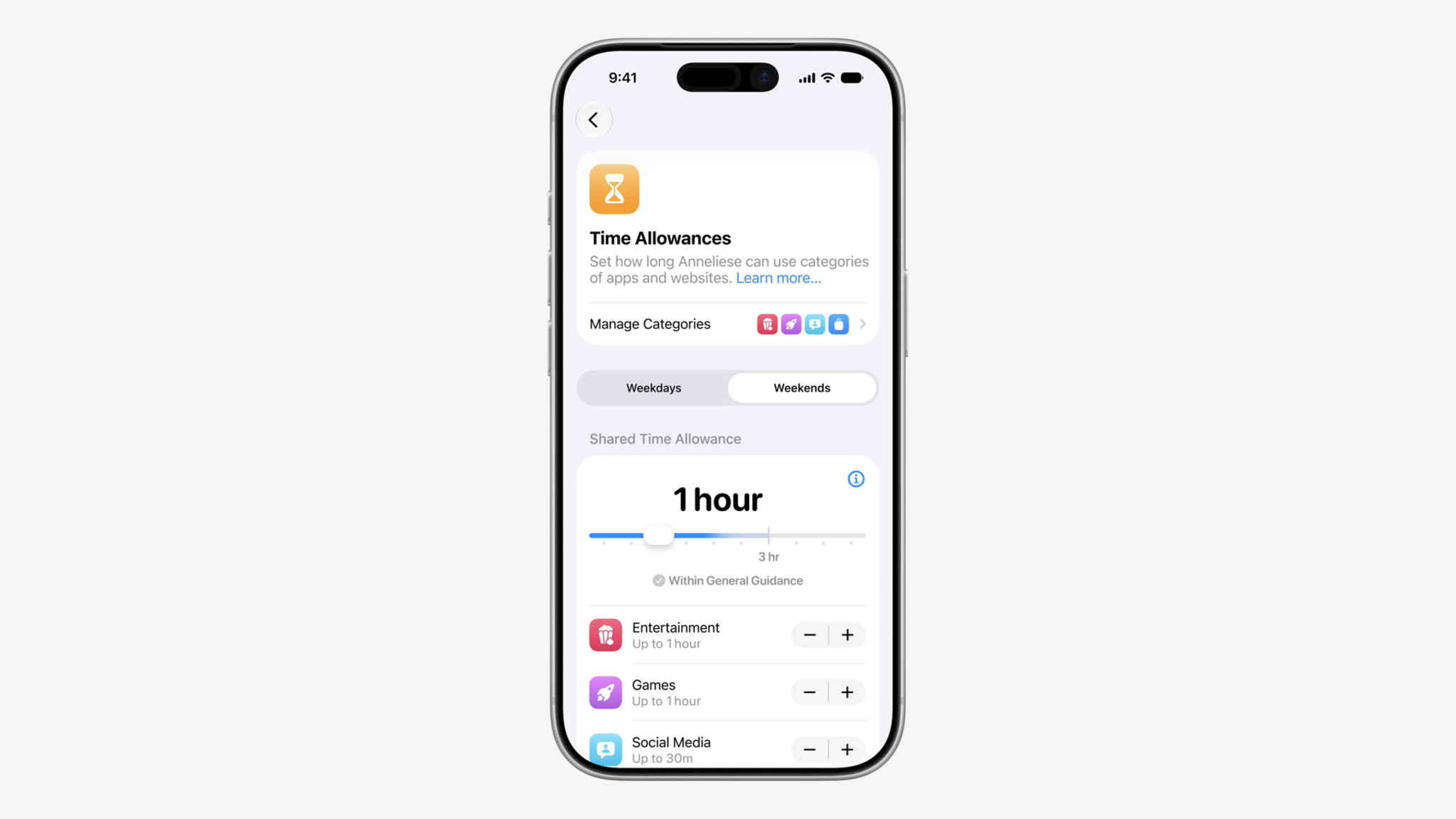
New Time Allowances in iOS 27, iPadOS 27, and macOS 27, or later, give parents more flexible ways to manage the time their kids spend in apps across categories, including Entertainment, Games, and Social Media. Time Allowances are developed based on expert research and tailored to a child’s age to give parents a helpful starting point. Parents can adjust these settings based on what they determine is best for their child. Time Allowance categories are different from categories for user discovery on the App Store.
Your app or game will appear in a Time Allowance category based on the information you provide in App Store Connect. Apps and games with Entertainment or Games selected as a primary or secondary category in App Store Connect will be sorted into the corresponding Time Allowance categories.
The Time Allowance category for Social Media will be based on whether your app or game offers social media capabilities, regardless of the category selected in App Store Connect. This includes the ability to redistribute, amplify, or interact with user-generated content through a social feed or similar discovery method that visibly spreads content to many users. Starting July 2026, the age rating questionnaire will be updated to let you indicate whether your app or game includes social media capabilities.
Starting September 2026, you’ll be required to indicate whether your app or game includes social media capabilities in order to submit new versions or updates to the App Store, or for notarization for distribution on alternative app marketplaces.
Design safe and age‑appropriate experiences for your apps and games

The Apple Developer Program License Agreement and App Review Guidelines have been revised to support new features, updated policies, and to provide clarification. Please review the changes below and sign in to your account to accept the updated terms.
Translations of the updated agreement will be available on the Apple Developer website within one month.
Due to a recent court ruling lifting an injunction on Texas law SB 2420, new Apple Accounts in Texas are now subject to the law, which introduced age assurance requirements for app marketplaces and developers. As previously announced, this includes age assurance and parent or guardian consent on behalf of minors under the age of 18 for downloads, Apple In-App Purchases, and significant changes associated with an app. Parents or guardians will also be able to revoke their consent for any app they previously approved for their child. These changes will go into effect starting June 4, 2026.
Developers can request age category data for these Apple Accounts through the Declared Age Range API. For significant changes, developers should use the Significant Change API under the PermissionKit framework. As a reminder, it’s the developer’s responsibility to determine when there’s a significant change to their app. To learn about a parent or guardian’s revocation of consent, the App Store is providing a server notification that developers can configure to receive notifications that consent has been withdrawn for their app on a child or teen’s device.
Next steps
For the most up-to-date requirements and API references, see:
Learn more about how you can provide age-appropriate experiences and safeguard privacy in your apps and games using robust features available across Apple platforms.

Apple Developer Centers are dedicated spaces designed for in-person developer sessions, labs, workshops, and appointments across a wide range of Apple technologies and platforms.
With locations in Cupertino, Shanghai, Bengaluru, and Singapore, these purpose-built facilities bring expert guidance and hands-on learning directly to the developer community. Later this year, Apple will open its fifth Developer Center in Berlin, offering developers throughout Europe even greater access to Apple experts and events.
Created for teams of all sizes and at every stage of app development, the Apple Developer Center Berlin will serve as a home base for in-person sessions, workshops, and one-on-one appointments. Additionally, consultation areas and dedicated labs will offer hands-on support from Apple experts in multiple languages.
Starting June 18, 2026, age ratings on the App Store will be updated in Australia and Vietnam.
Australia
The 15+ age rating will no longer be available on the App Store in Australia. Apps currently rated 15+ with the following content descriptors will be updated to 16+:
The new rating will appear on your app’s product page in Australia. Please ensure your responses to the age rating questionnaire in App Store Connect accurately reflect your app’s content.
Vietnam
To align with Article 38 of Vietnam Decree 147, apps available on the App Store in Vietnam will require a region-specific age rating. Based on your age rating questionnaire responses in App Store Connect, your app will receive one of four ratings (00+(all ages), 12+, 16+, or 18+) which will appear on its product page in Vietnam. Additional details, including age rating values, will be available in App Store Connect and App Store Connect Help on June 18.
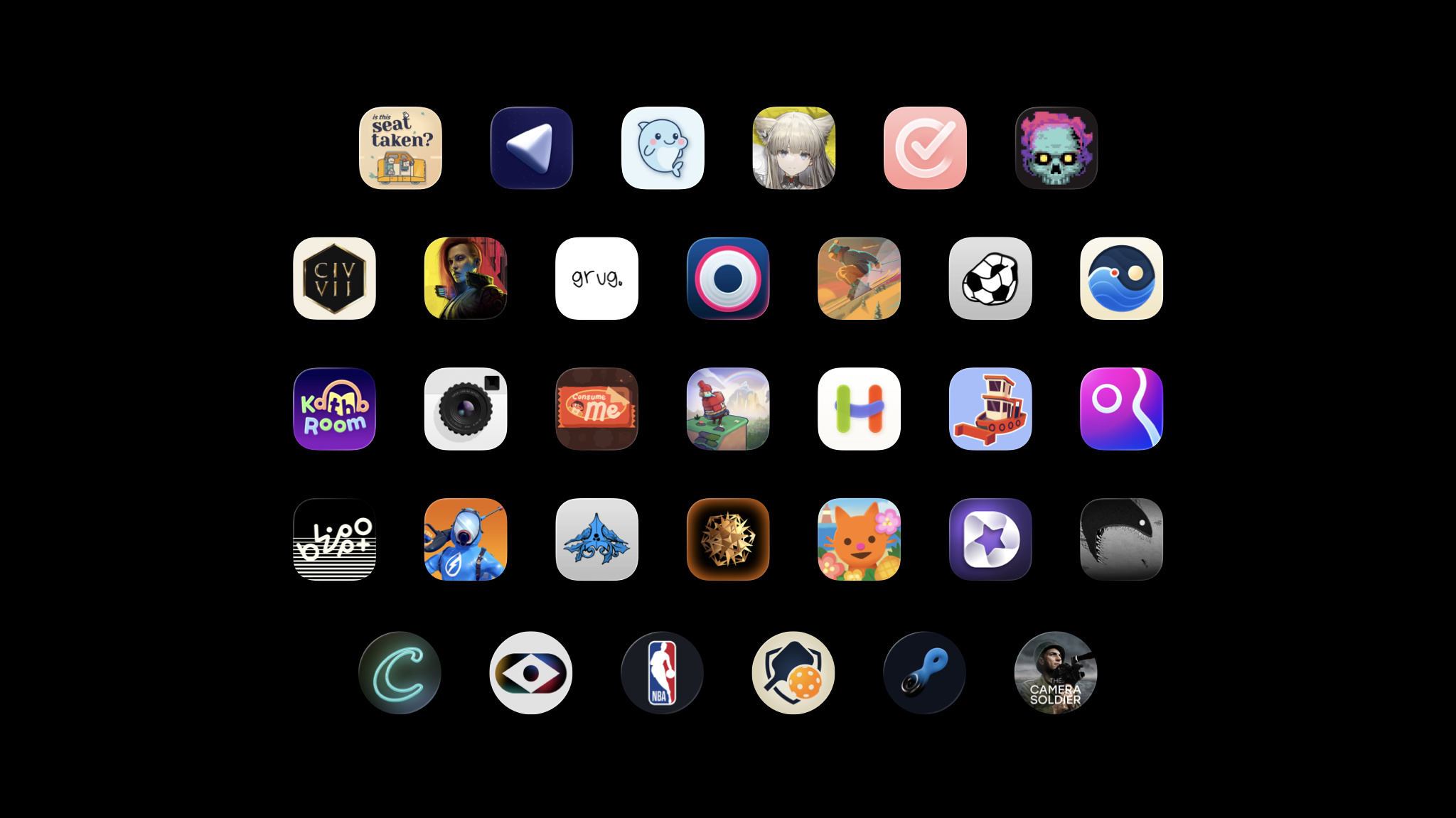
Every year, the Apple Design Awards recognize innovation, ingenuity, and technical achievement in app and game design. But they’ve also become something more: A moment to step back and celebrate the work of Apple developers across the community.

<!–
–>
May 12, 2026
In this edition:
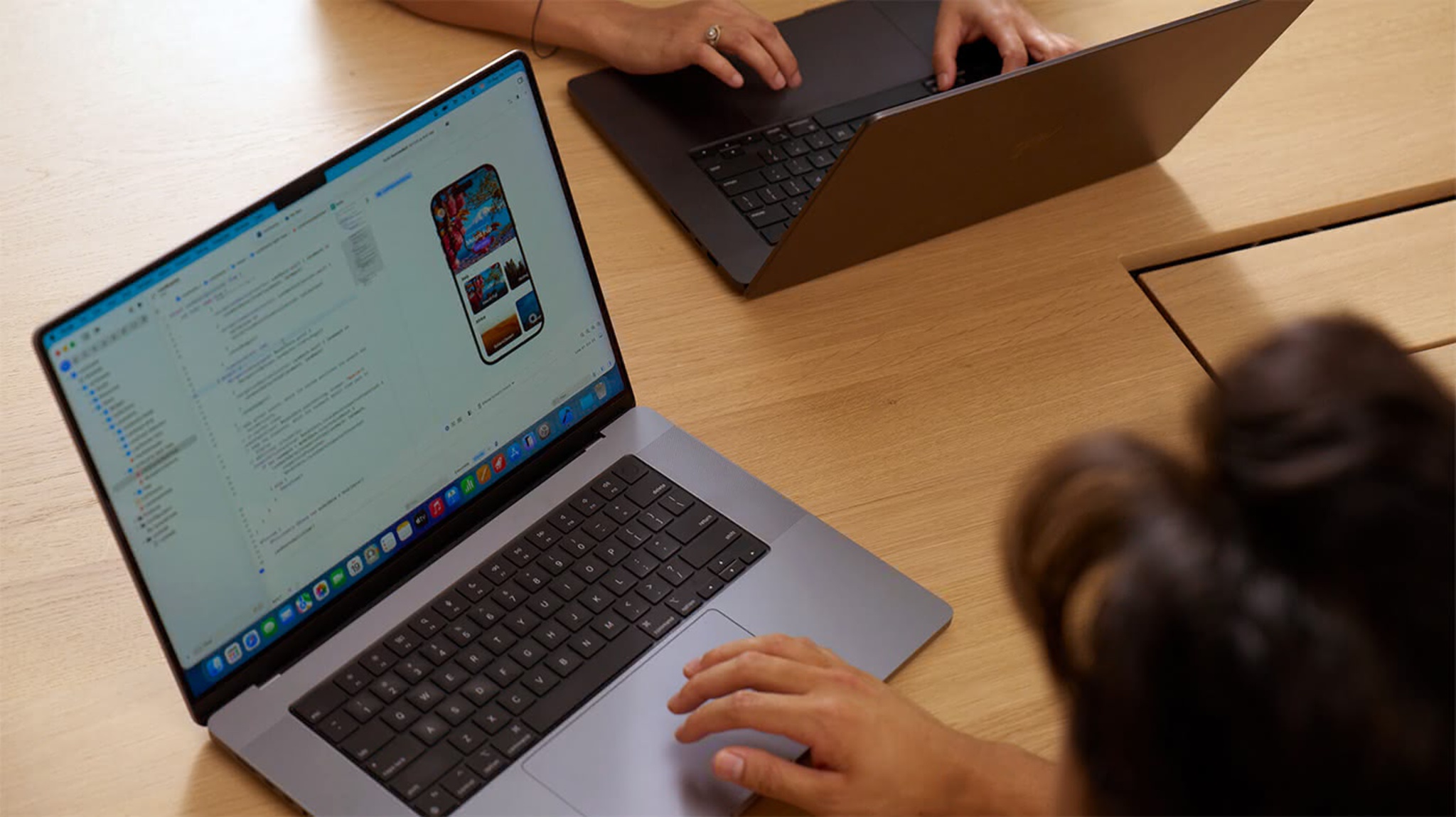
A free Apple Developer account provides access to the tools, resources, and support you need to build and test apps and games. A free developer account is separate from an Apple Developer Program membership. Even if your organization holds the paid membership, creating your own free account gives you direct access to downloads and support resources.
To create your Apple Developer account, sign in to your Apple Account. If you don’t have an Apple Account, you can create one during Apple Developer account registration.
Access beta versions of Xcode and Apple operating systems: Test your apps with upcoming features and API changes before release. Betas allow you to submit feedback and ensure your app works on day one of each new OS release. And you can test your apps directly on your own devices.
With Xcode beta versions, you have access to the complete toolchain to explore new SDKs, test enhanced APIs, and debug compatibility issues using the latest development tools and simulators.
Learn more about Apple beta testing software >
Meet with Apple: Attend developer events that take place in person and online all year long. Events range from design workshops on UI/UX best practices to technical deep dives on frameworks and business sessions about App Store optimization.
Sign up for developer activities >
Apple Developer Forums: Join the forums to ask questions and share knowledge with developers worldwide. The forums cover specific frameworks and technologies, serving as a space to troubleshoot issues and share code samples.
Help shape the platform: Report bugs and submit feature requests with Feedback Assistant. File detailed reports with sample code, crash logs, and reproduction steps. Request new APIs or suggest enhancements. Some of the tools you use today started as developer feedback.
An Apple Developer Program membership unlocks all the resources and support you need to build, test, share, and distribute apps and games.
As always, you can explore Apple Developer videos, documentation, tutorials, sample code, API references, and the Human Interface Guidelines without an Apple Developer account.