When designing soundscapes for apps and games, the right notes can make all the difference. And when those notes are built to support multichannel audio, they might even turn someone’s head. (Literally.)
Endel and Odio are just two of the many apps and games taking advantage of Spatial Audio. They use multichannel mixes, Core Audio, and AVFoundation to add texture and dimensionality, creating resonating surround-sound experiences that further immerse listeners into the world within their apps.
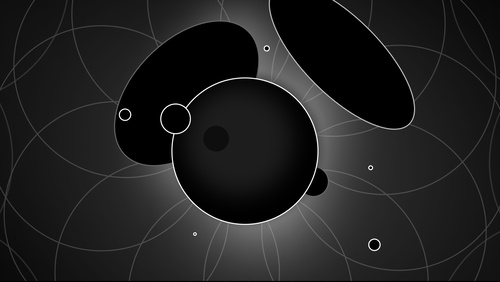
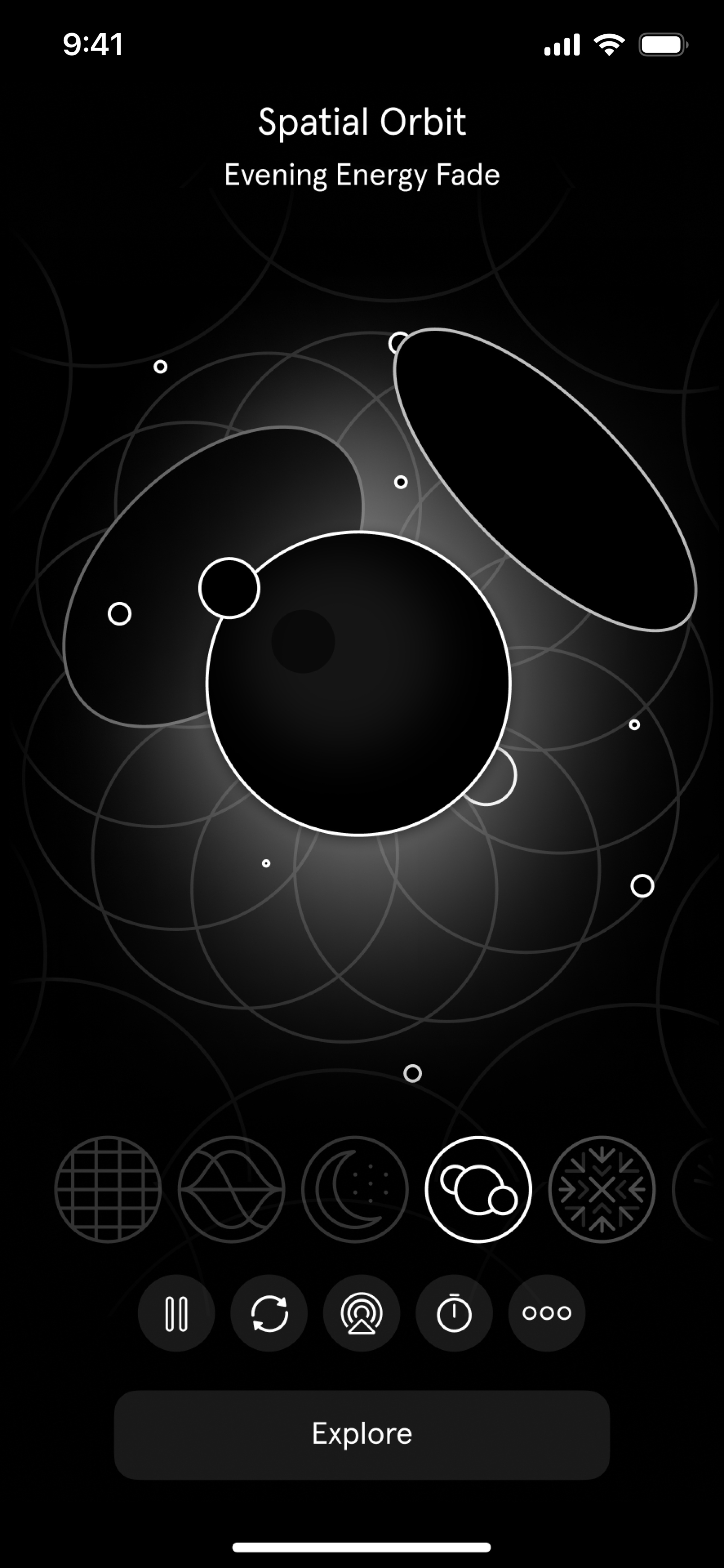
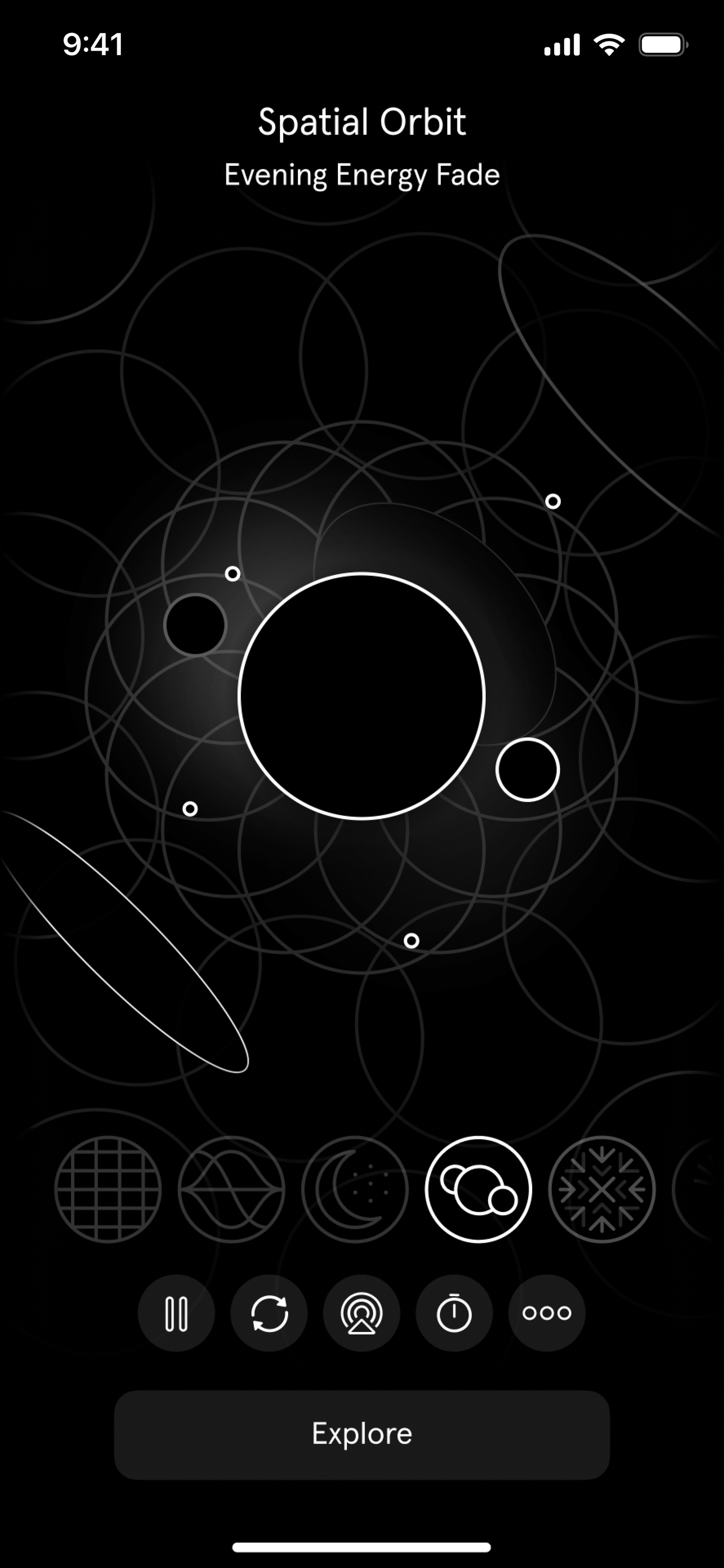
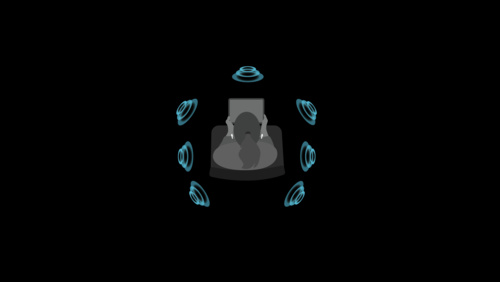
Endel (pictured above) conjures up personalized and adaptive soundscapes based on biometrics and environment to help people focus and get better sleep. Its inaugural Spatial Audio soundscape — one with the satisfyingly otherworldly name of Spatial Orbit — brings the app’s remarkable mix of art and AI to a new dimension.
“It feels like you’re inside a vast, glittery space,” says Dmitry Evgrafov, Endel cofounder and chief sound officer. “It’s almost like the sonic equivalent of pointillism, where the small dots create a structure themselves and you kind of drown in the thing. It’s a very beautiful state, and it’s not something you can reproduce in stereo.”
When bringing Spatial Audio into their ecosystem, the Endel team’s first task was determining if the technology was compatible with their ever-changing, generative soundscape. That job fell largely to Kyrylo Bulatsev, cofounder and chief technology officer. “[Spatial Audio] meant we had to add one more dimension to the non-static element,” he says. “Besides choosing what sound to play and when, we had to think about where the sound would be and how it would move around you.”
That soundscape also had to hit the “thin line between augmenting an experience and making it distracting,” Evgrafov says. That’s because while most apps (and games and movies and songs) are designed for active engagement, Endel aims to be a perfect background companion — enhancing your experience without pulling from your focus. “Our use case is different from other products that utilize the technology,” says Evgrafov (whom fellow cofounder Oleg Stavisky credits with “all the beautiful sounds in the app”).
It’s almost like the sonic equivalent of pointillism.
Dmitry Evgrafov, *Endel* cofounder and chief sound officer
A pianist and musician with 10 albums to his credit, Evgrafov certainly knows his way around stereo. “But randomization of the position of audio in the space? That’s a whole different beast,” he says.
The first serious prototype of Spatial Orbit was earthbound, set to a realistic jungle scene. “The idea was you’d walk around this magical Garden of Eden and exotic tropical animals would sing around you,” he says. “We had a harp playing by the water, a creek, birds that don’t exist in the real world, stuff like that.”
Similar ideas kept coming: a Gregorian choir that slowly shuffled past you while chanting, field recordings from inside a cave. Although the concepts were cool and the prototypes sounded great, the team kept running up against the same problem. “They weren’t Endel,” says Evgrafov. “They transported you to a place, but that meant people were using the app consciously. They didn’t match what we stood for.”
The final version of Spatial Orbit does match what Endel stands for — and achieves the synthesis of art and technology that Endel strives for. “The rain [in our soundscape] is almost metaphorical,” says Evgrafov. “It’s got this slightly augmented feel that allows you to just drown a little and be with your thoughts, focus on your book, or whatever you’re doing.”
Tweaking the soundscape was an adventure in itself. “Watching people test Endel is kind of a funny exercise,” laughs Stavitsky. That’s because there’s really not an established way to test an personalized auto-generated soundscape for a group of people all at once.
[The rain has] this slightly augmented feel that allows you to just drown a little and be with your thoughts, focus on your book, or whatever you’re doing.
Dmitry Evgrafov
“We invented the process and the toolset,” says Evgrafov. It involved a lot of people wandering Endel’s Berlin offices… and elsewhere. “It was also a lot of me in public spaces just staring at nothing, like a cat.”
In the end, Spatial Orbit captures that elusive mix of innovative technology and artistic resolve. “When we realized the science was there and that it still checked all the Endel boxes, it was a big relief,” says Evgrafov. “We thought, ‘OK, we can be non-intrusive and Spatial at the same time.’”
Download Endel from the App Store
Odio also focuses on creating great ambient soundscapes — but with a sci-fi twist. “I want our composers to imagine inventing planets and filling them up with sound,” says Joon Kwak, the app’s Seoul-based cofounder. “We want to walk people through these new planets.”
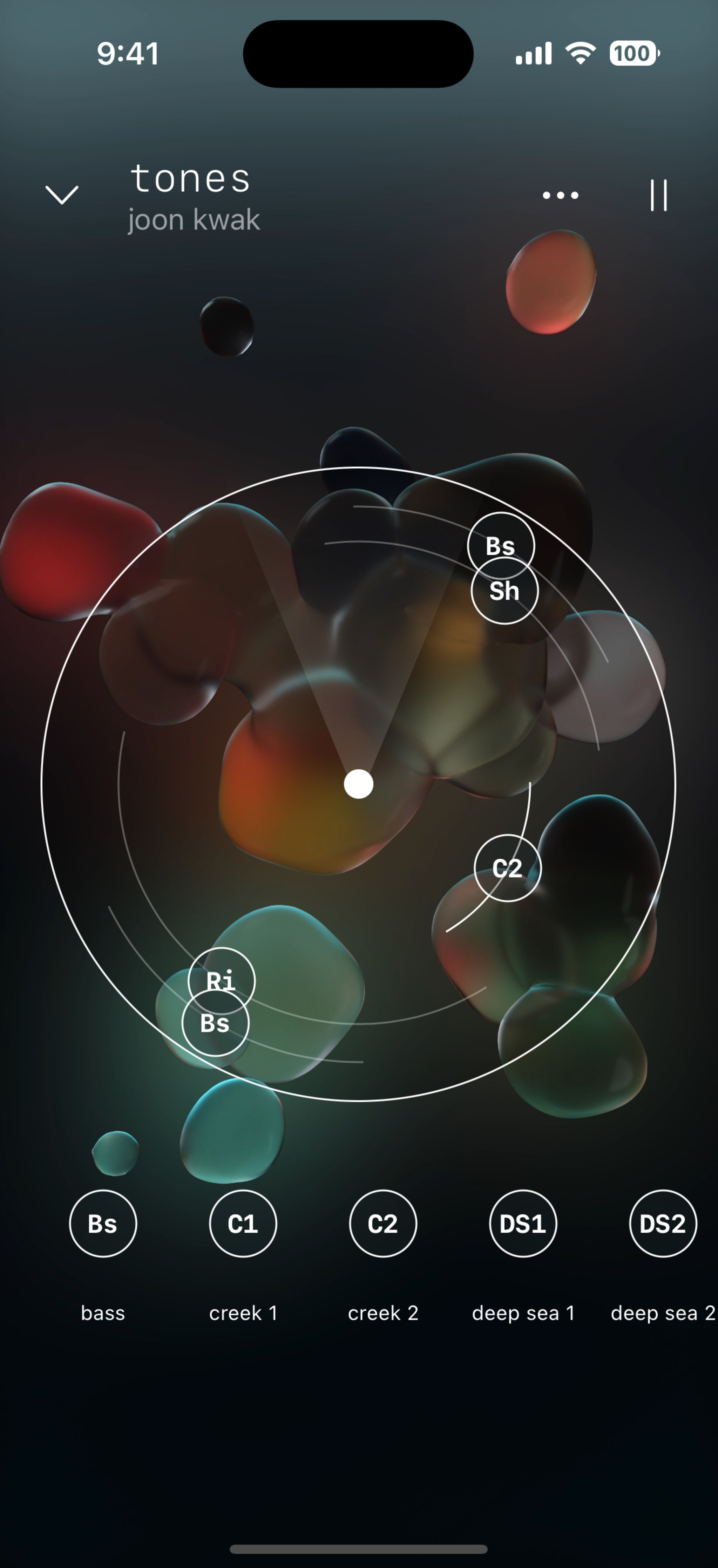
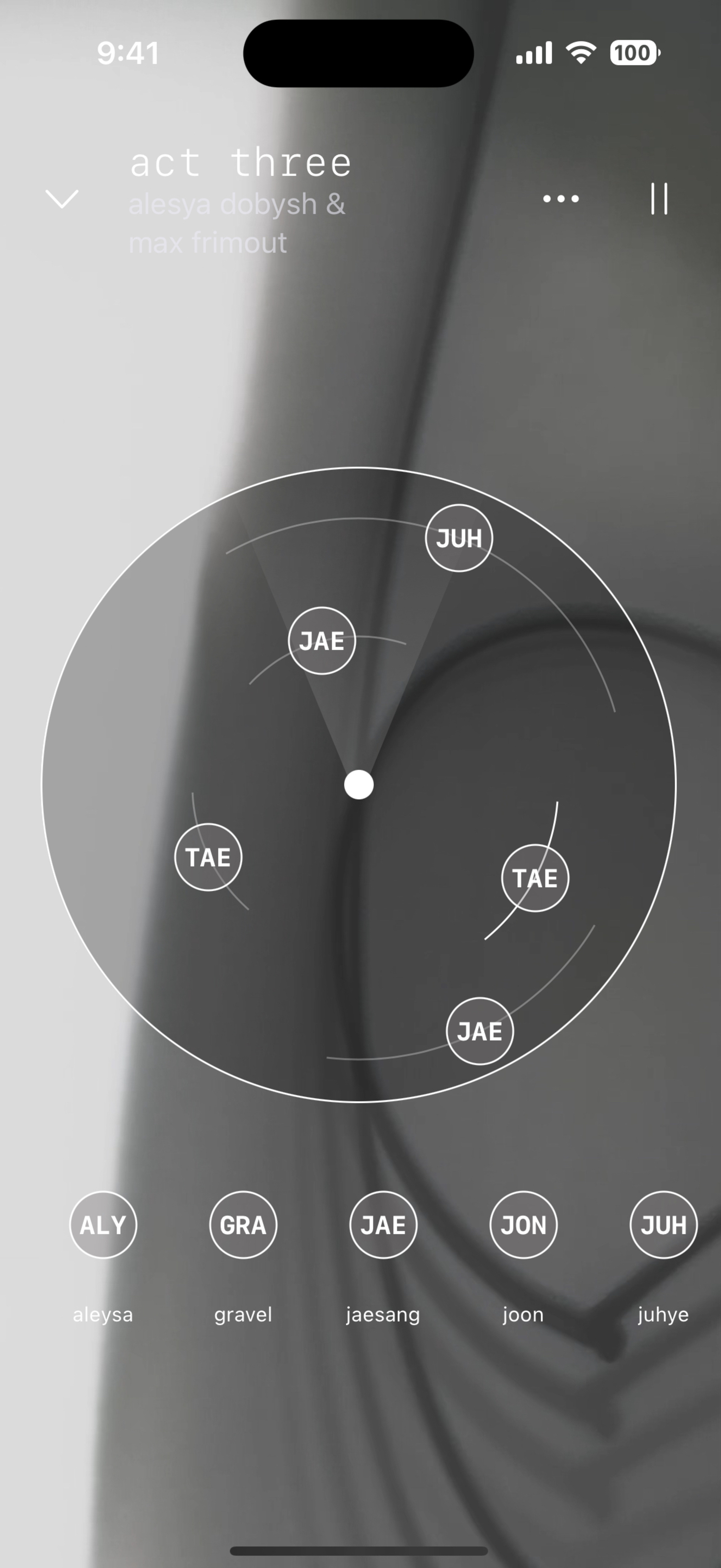
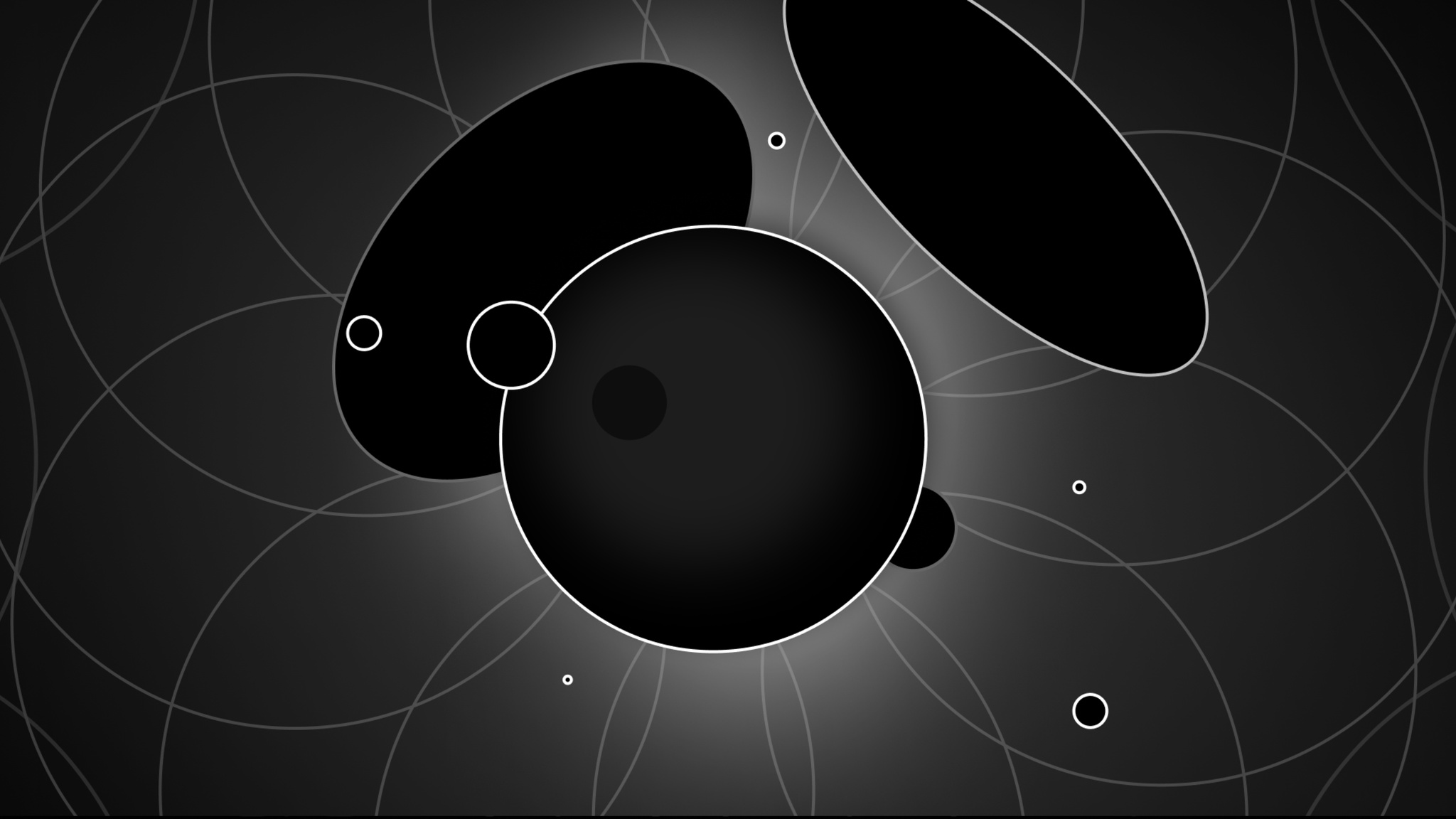
The app’s soundscapes, which can evoke anything from a crashing waterfall to a buzzy digital backdrop to the spooky calm of the deep sea, use head tracking and multichannel audio to create a truly mesmerizing mix. (The app is also a visual feast, with each soundscape accompanied by ever-shifting techno-tinged art.)
But you’re no passive listener in these audio realms. The individual elements that make up each soundscape can be manipulated through an imaginative, playful UI that lets you reposition each audio element (like that waterfall) anywhere you like.
Befitting its futuristic feel, Odio’s backstory is one of serendipitous meetings, well-timed hardware and software releases, and a stroke of good fortune. Kwak conceived the app’s initial version as a graduation project at the Design Academy Eindhoven. Originally known as Virtual Sky, the prototype contained the bones of what would become Odio, but was largely grounded in real-world sounds. It also required a mess of hardware and special equipment — all of which was rendered pretty much irrelevant once AirPods with Spatial Audio arrived.
“I was depressed for a while,” laughs Kwak. “I was like, ‘I’ve been working on this for months, and now it’s pointless!’ But then I thought about it more deeply and realized, ‘Oh, this just means I don’t need to provide hardware,’ and it was actually great.”
Kwak partnered with Volst, a company that was interested in a 3D soundscape app. With the building blocks in place, Odio’s UI developer and designer, Rutger Schimmel, took on the challenge of bringing Kwak’s project to life — a process that went much faster than expected.
I want our composers to image inventing planets and filling them up with sound.
Joon Kwak, *Odio* cofounder
“We knew the AirPods had [surround sound] support, but we were skeptical,” he says. “We thought, ‘OK, they have head tracking, but it’s probably just for first-party stuff.’ But we were still excited, so we quickly set up an Xcode project to get the data from the AirPods to the device.”
They had a prototype up and running on the headphones within minutes. “We were blown away by how easy it was,” Schimmel says. “And in about an hour we decided on excellent 3D audio frameworks from Apple that were the perfect foundation for what we were working on.” Coding began in January. By April, the team had a Swift-built demo ready to go.
To build an Odio soundscape, composers like Kwak, Odio sound designer Max Frimout, and a team of outside musicians collaborate — generally in Logic Pro — by blending ambient sounds, synthetic bells and whistles, and music.
After the soundscapes are completed and duly field-tested in coffee shops, parks, and subways, the artists hand their files over to Schimmel. For a role that involves cutting-edge design, immersive audio, and incredible degrees of customization, Schimmel’s toolbox is surprisingly uncluttered: AVAudioEnvironmentNode (AVKit) for creating the 3D audio environment, CMHeadphoneMotionManager (Core Motion) to access headphone motion data, and Sentry for error tracking and QA.
“Everything else in Odio is created from scratch in Swift — from data management to interacting with soundscapes to real-time buffering the interactive sound files,” Schimmel says.
The result is a remarkable example of the power and simplicity of designing for Spatial Audio. “Honestly,” Schimmel says, “most of the hard work is done by the composer.”
Download Odio from the App Store