Posted on Leave a comment

The Super Mario Galaxy Movie Is Already Breaking Box Office Records

The Super Mario Galaxy Movie
Image: Nintendo, Illumination

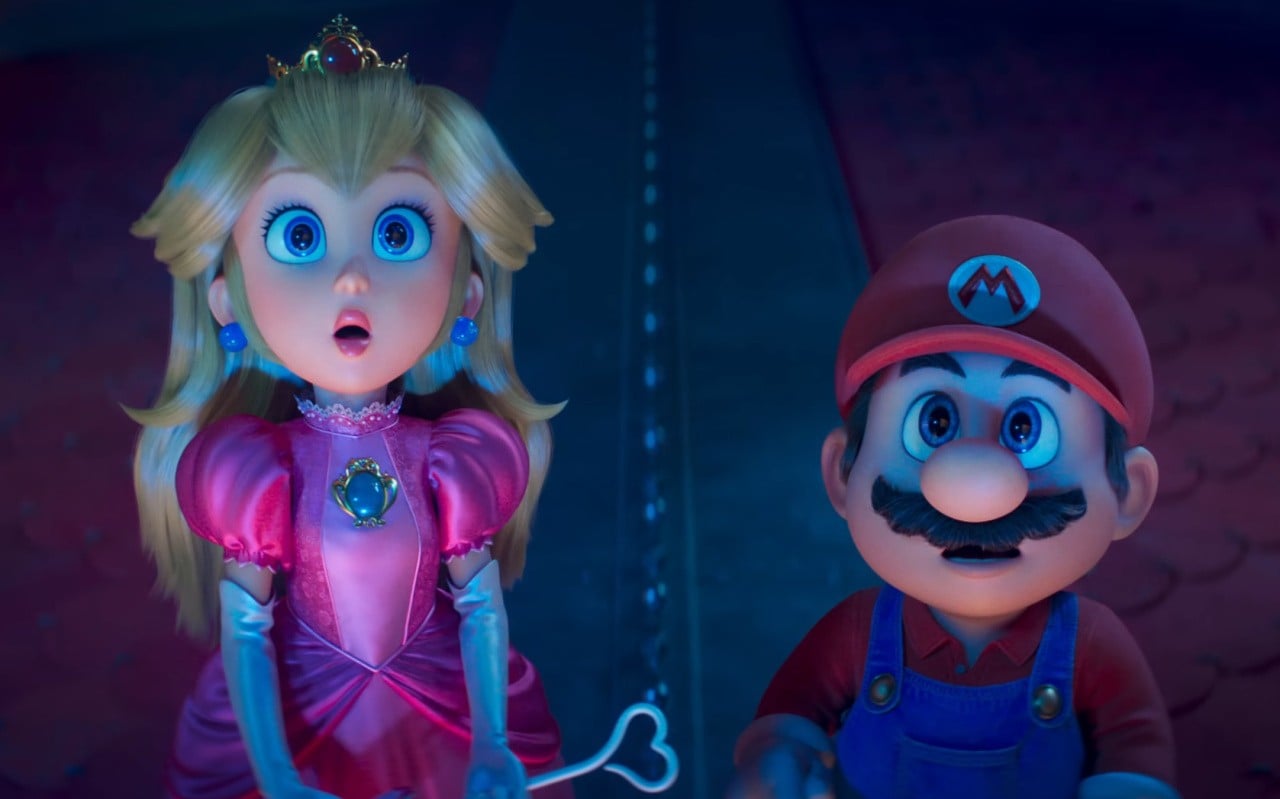
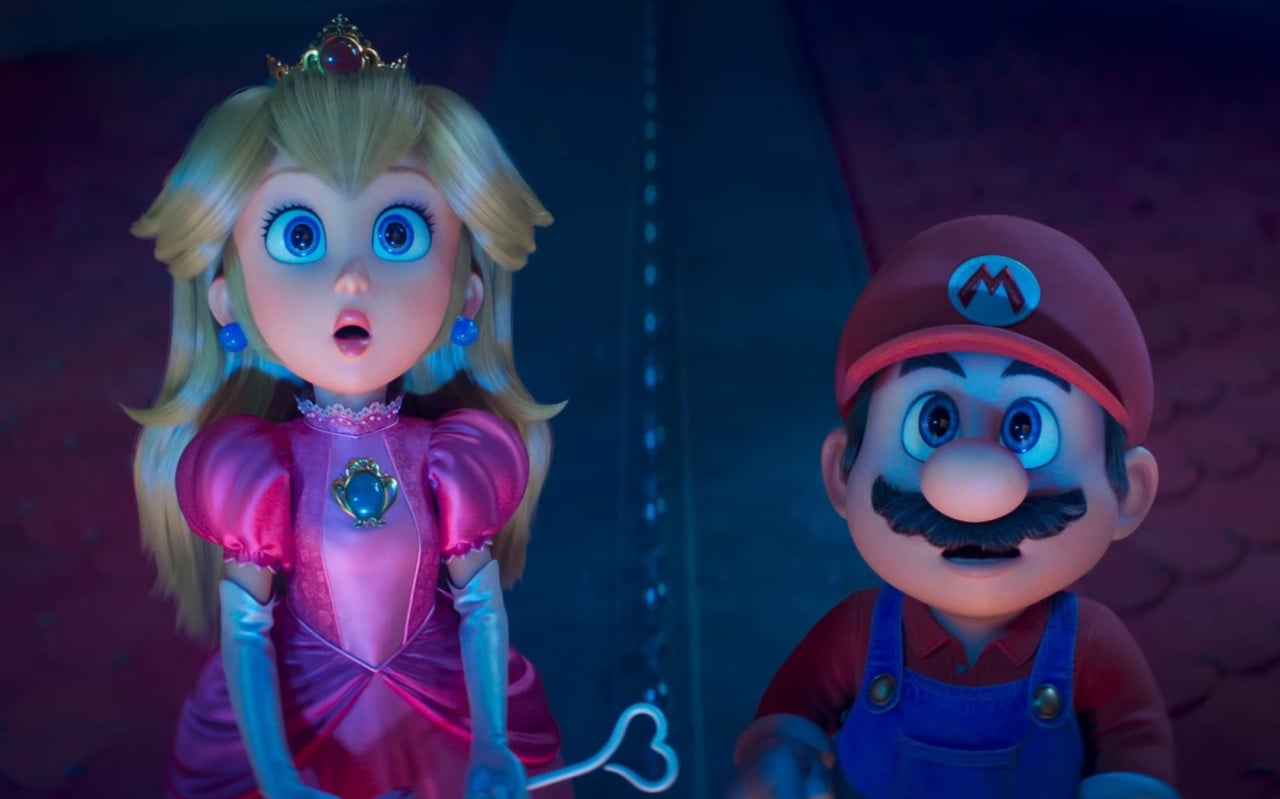
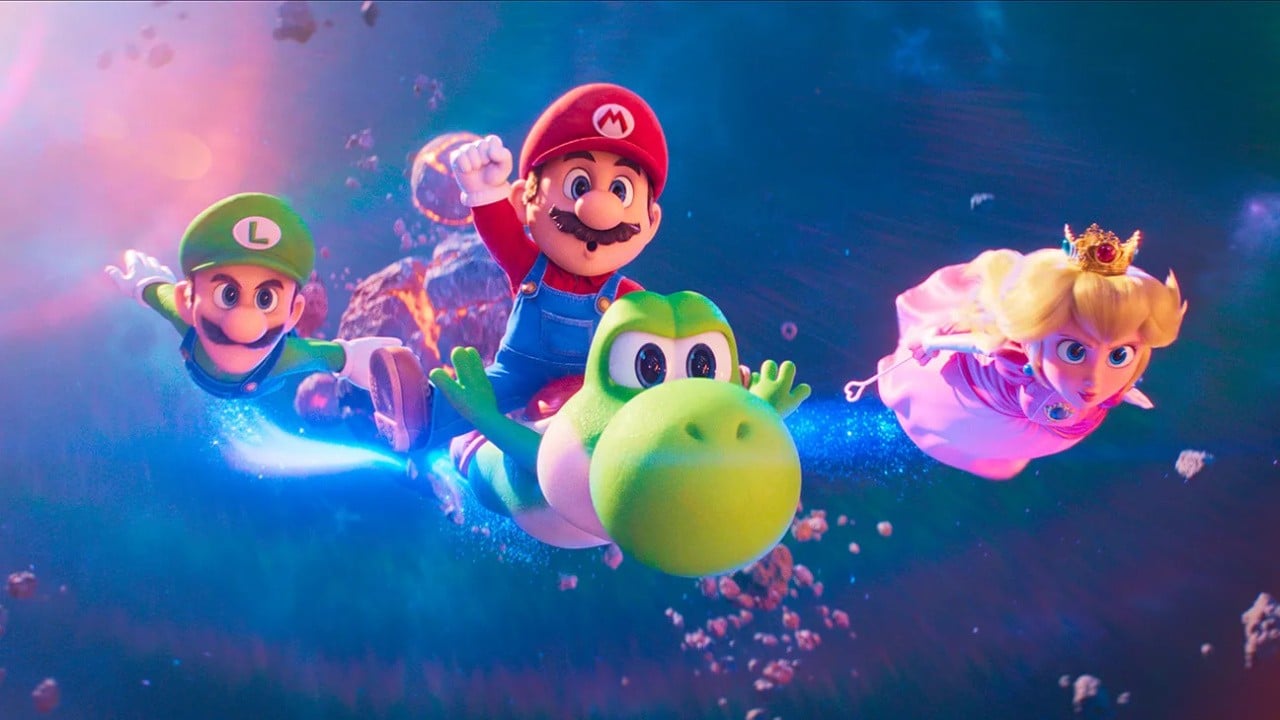
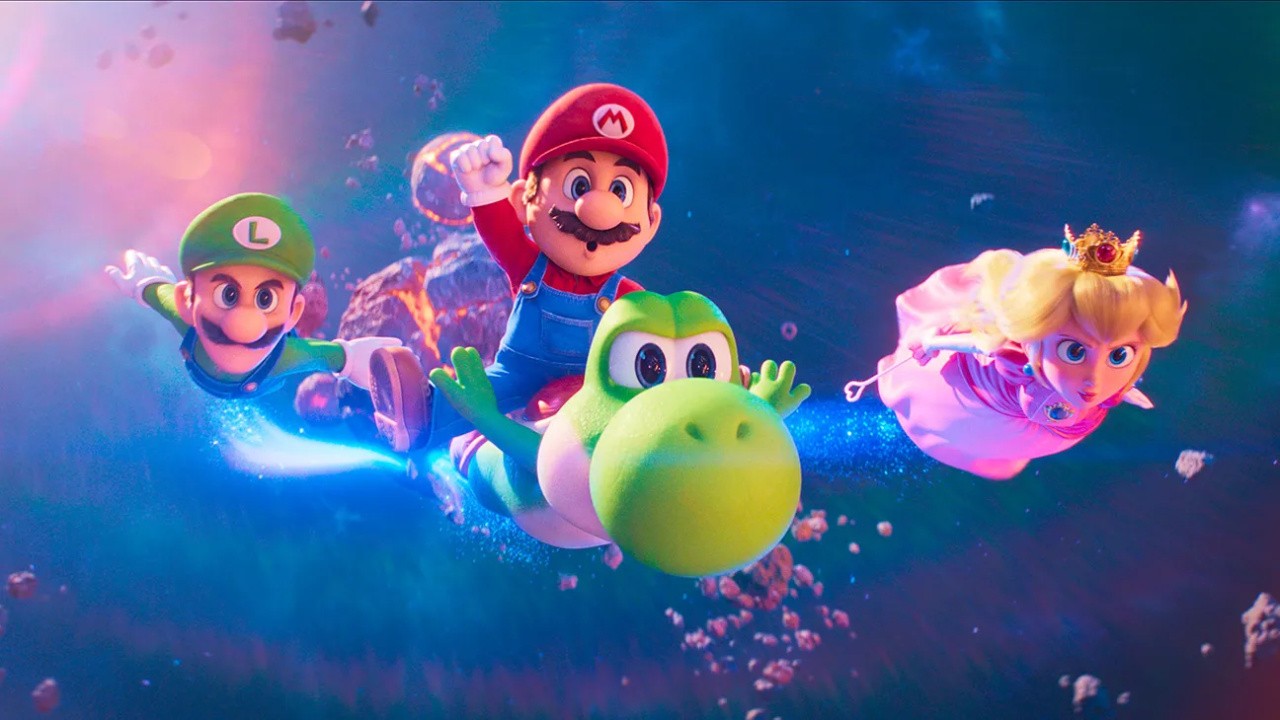
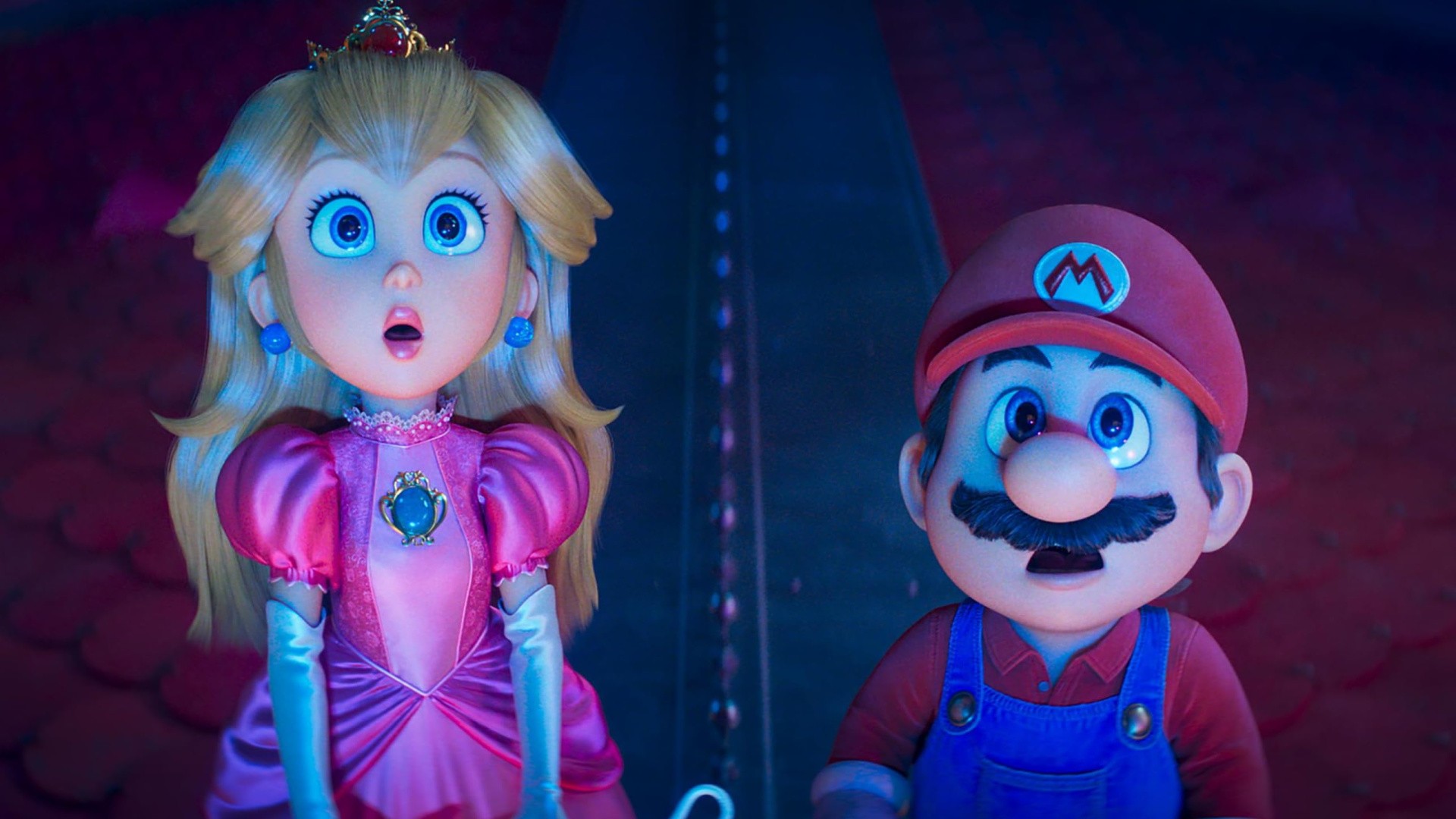
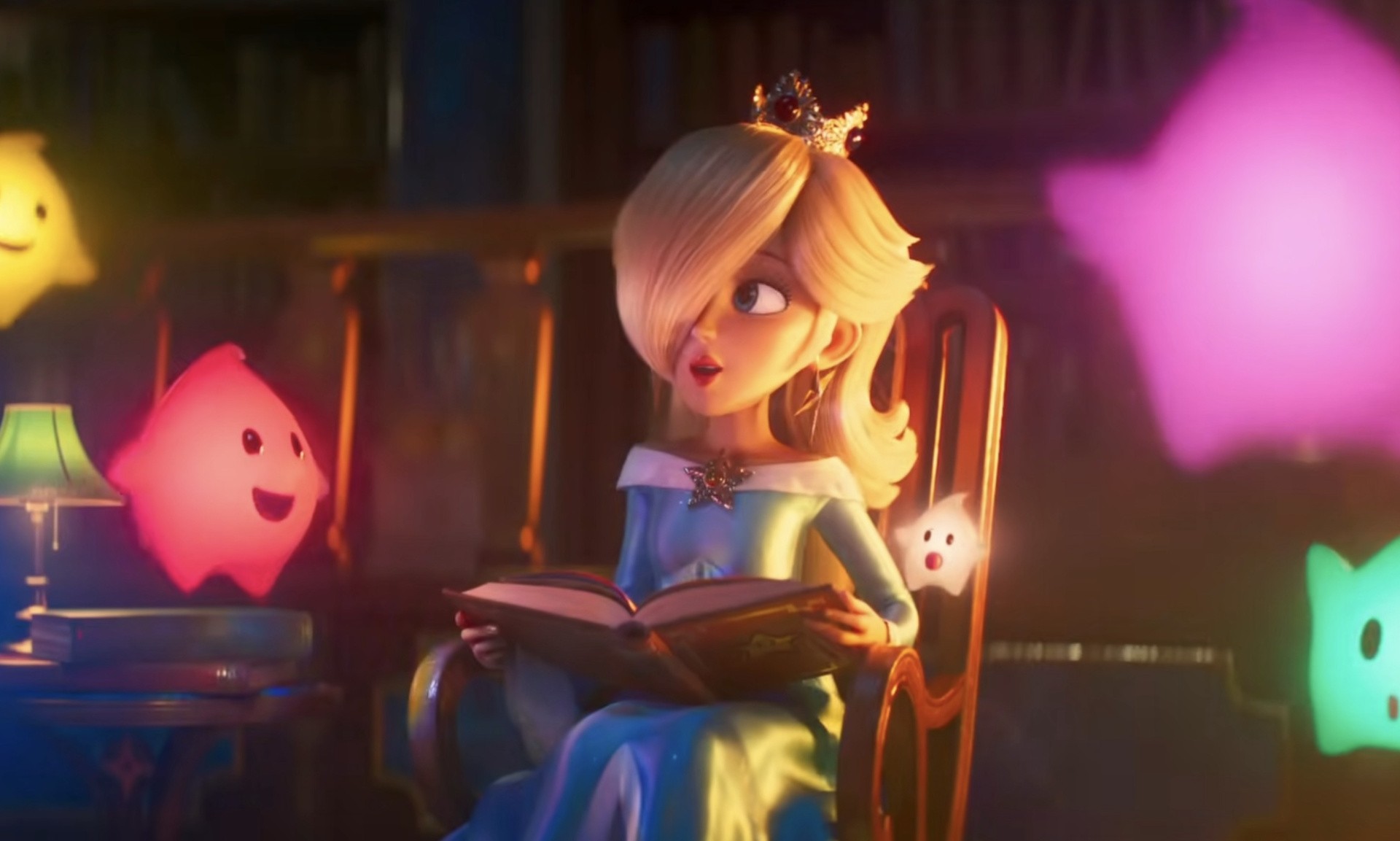
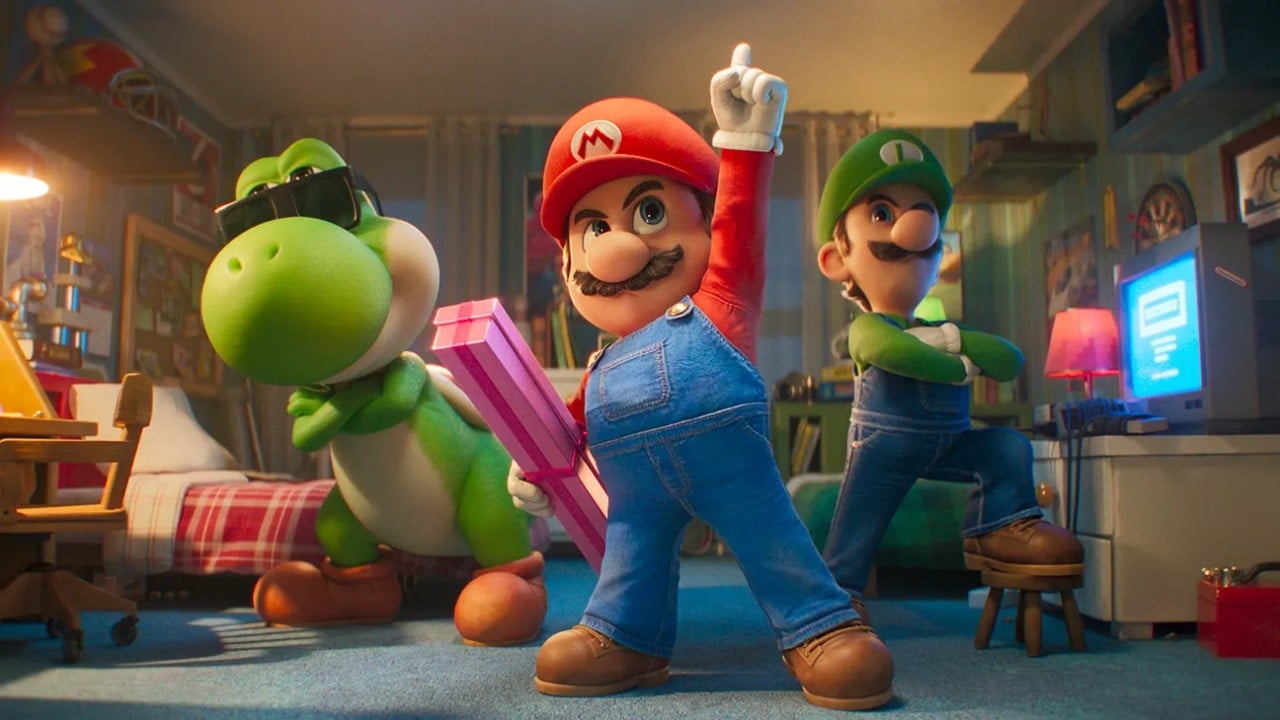
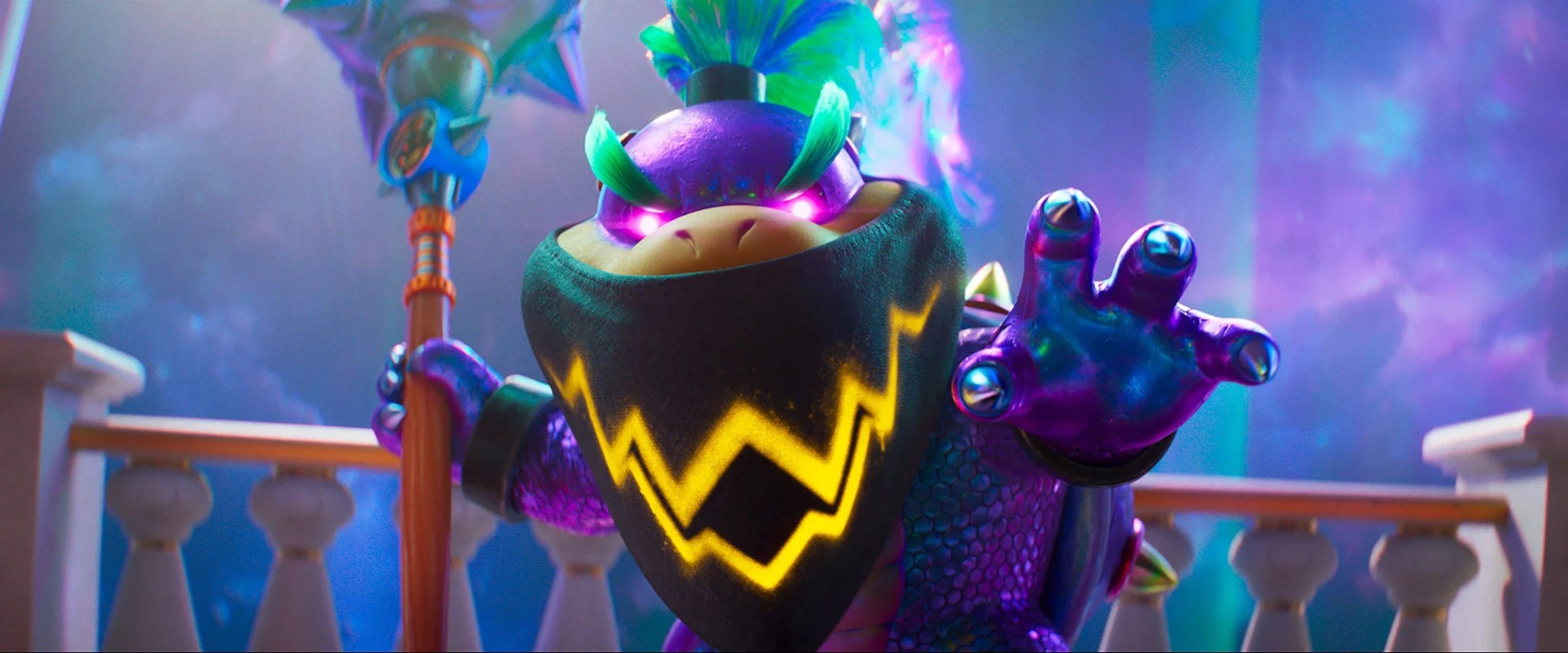
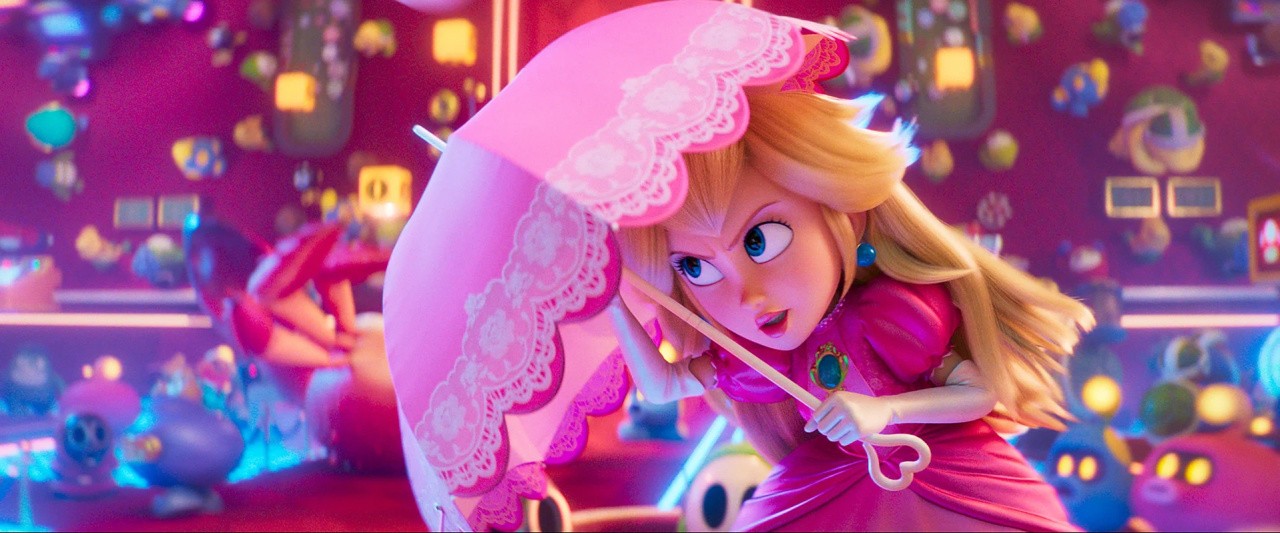
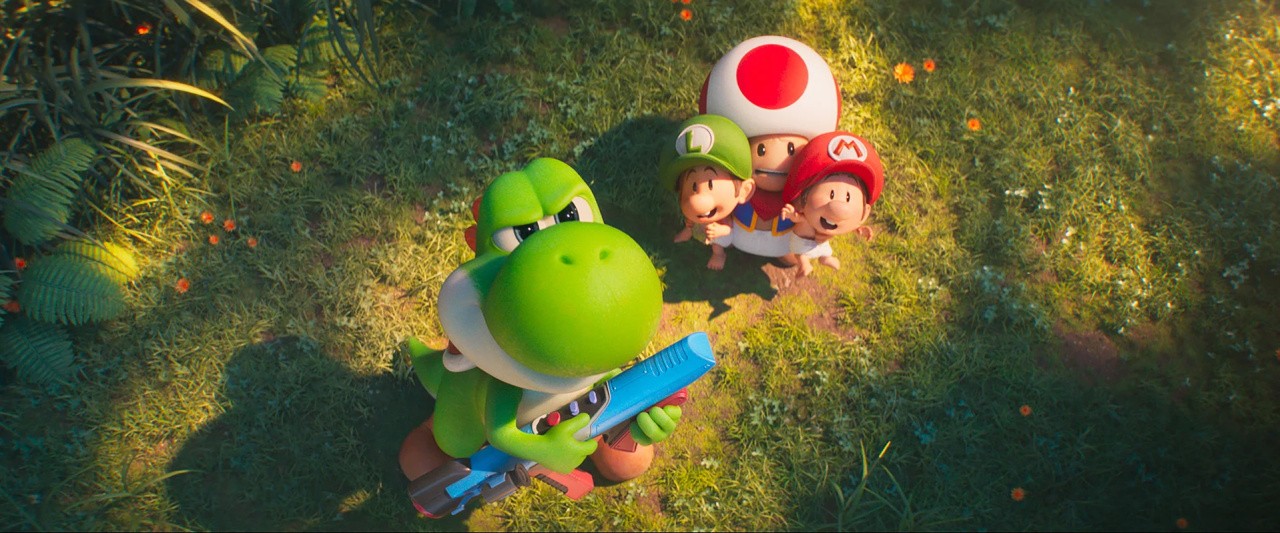
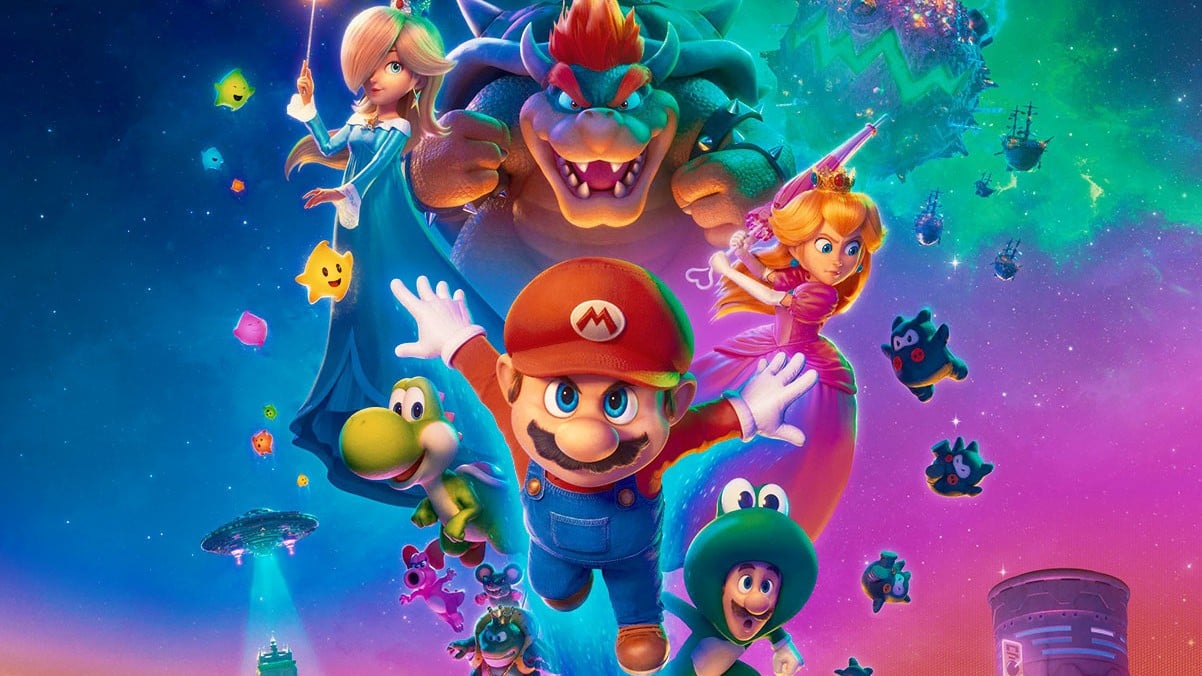
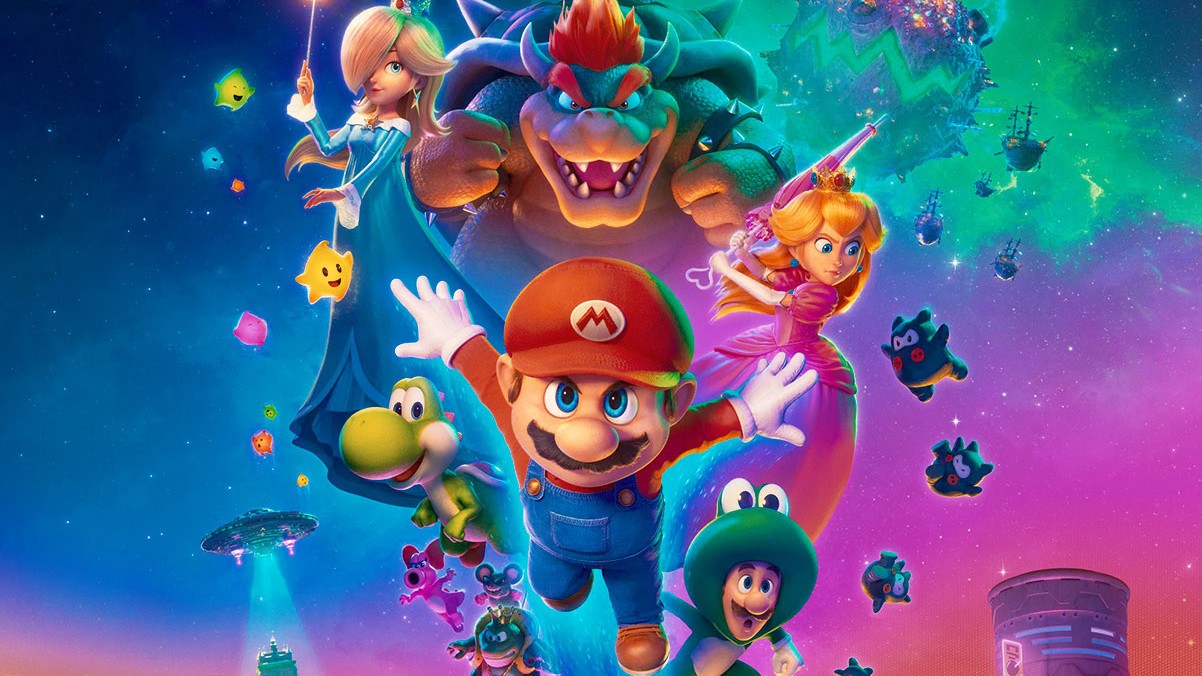
The Super Mario Galaxy Movie is out now in cinemas, and as expected, it’s already breaking box office records.

Deadline reports the film has experienced the “best opening day so far this year” in the US – reaching $34 million. This puts it ahead of Project Hail Mary on $33.1 million. Galaxy has also managed to claim the best “opening Wednesday” in April, taking the title from The Super Mario Bros. Movie, which made $31.7 million.

The same outlet previously reported that Mario’s movie sequel is projected to make $350 million worldwide across the five-day Easter weekend, which would be slightly lower than the $377 million achieved by The Super Mario Bros. Movie in 2023.

Based on the trajectory of the first movie, if the “3- and 5-day numbers hold”, Galaxy movie would bank “the biggest 5-day domestic opening” since Moana 2 ($225.4 million) and the “biggest 3-day opening” since Wicked: For Good ($147 million).

And although it’s early days, Mario’s new movie is already expected to “rep the biggest U.S./Canada opening” year-to-date.

The Super Mario Galaxy Movie has been labelled one “for the fans”. On Rotten Tomatoes it’s currently got an audience score of 92% and a critic score of 43% overall. In comparison, the audience score of the first movie was 95%, with the critic score for this one averaging out at 59%.

Here on Nintendo Life, we said Mario’s Galaxy outing was a “faithful but overstuffed sequel” awarding it six out of ten stars.

Stay tuned over the coming days, weeks and months as more is revealed about The Super Mario Galaxy Movie’s worldwide box office performance.

Have you seen the Super Mario Galaxy Movie yet? Let us know in the comments.

Posted on Leave a comment

‘The Hundred Line’ Update 1.2.0 Announced, Here’s What’s Included

The Hundred Line

Too Kyo Games and Marvelous are still showing support for The Hundred Line – Last Defense Academy in 2026 with regular updates, and the latest one has now been announced.

It’s a relatively small one compared to some of the previous updates, but it does include some notable improvements such as added language support and colorblind support via the options menu. As usual, there are also some bug fixes to enhance the overall experience.

Here’s what you can expect, according to the official Steam game page:

The Hundred Line – Last Defense Academy (Version 1.2.0)

[ver1.2.0] Update Notice 2026/4/1

Improvements

– Changed the ability to start a new game from “HUNDRED LINE 2”

– Changed the ability to skip enemy movement animations during battles using the cancel button

– Changed the ability to select from the beginning of Day 0 in Chapter Select

– Added “Colorblind Support” to the options

– Added Korean language support (text)

Bug Fixes

– Fixed a bug where some achievements were not unlocking

– Fixed other minor bugs and typos

Thank you for your continued support of ”The Hundred Line -Last Defense Academy-”.


This follows Too Kyo Games and Marvelous revealing earlier this year that this title is actually two games in one. You can read more about this in our previous coverage here on Nintendo Life:

Have you tried out this game on the Switch yet? How are you finding it so far? Let us know in the comments.

Posted on Leave a comment

A Lovely Little Pokémon-Themed Garden Has Opened Up In London, UK

Pokémon Pokopia Garden
Image: The Pokémon Company

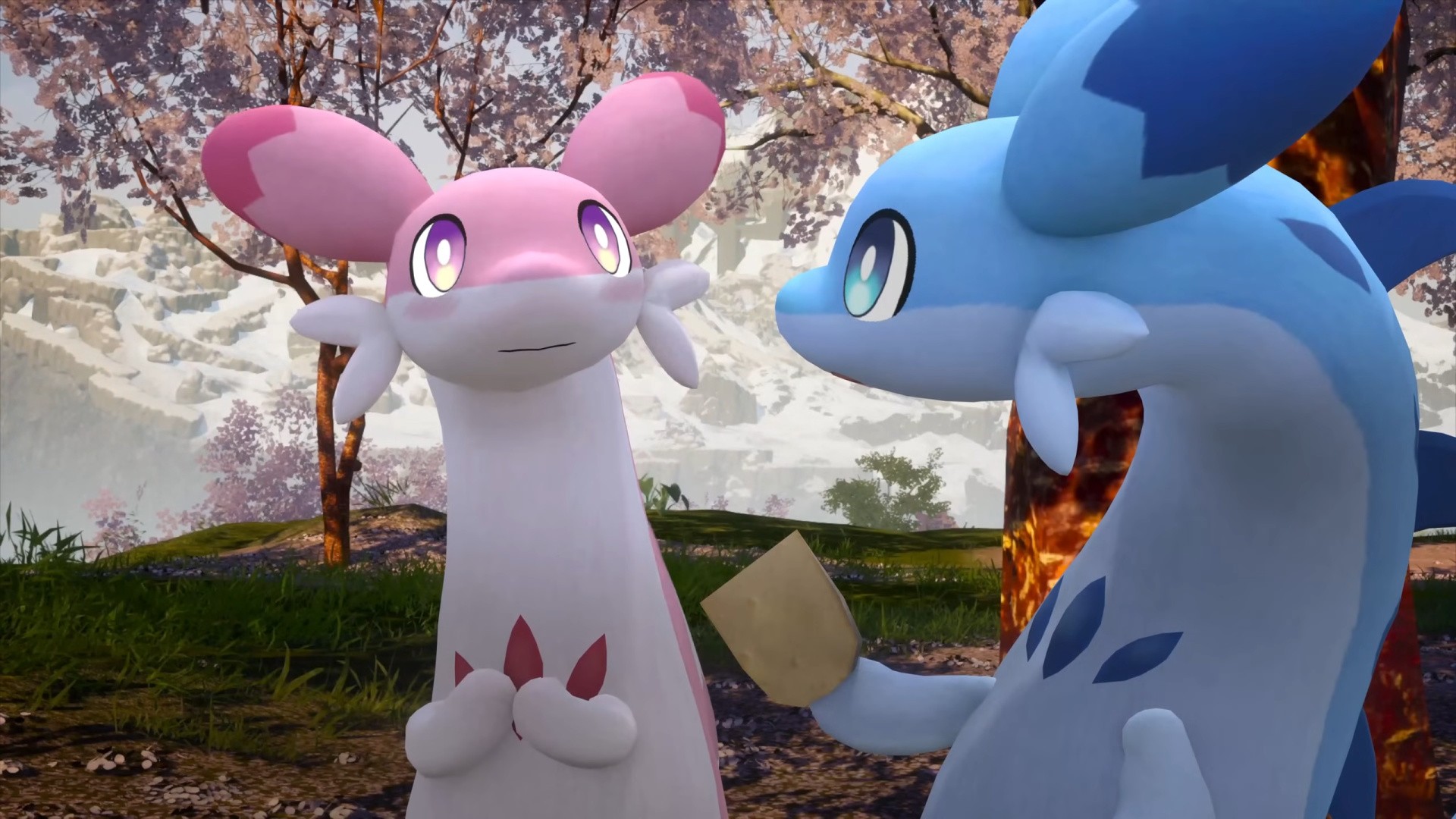
We all need a little bit of lightness in the world at the moment, right? Pokémon Pokopia has been providing a lot of people that on Switch 2, but if you’re out and about in London between now and 30th September, there’s another way you can get some adorable Pokémon goodness in your life right now.

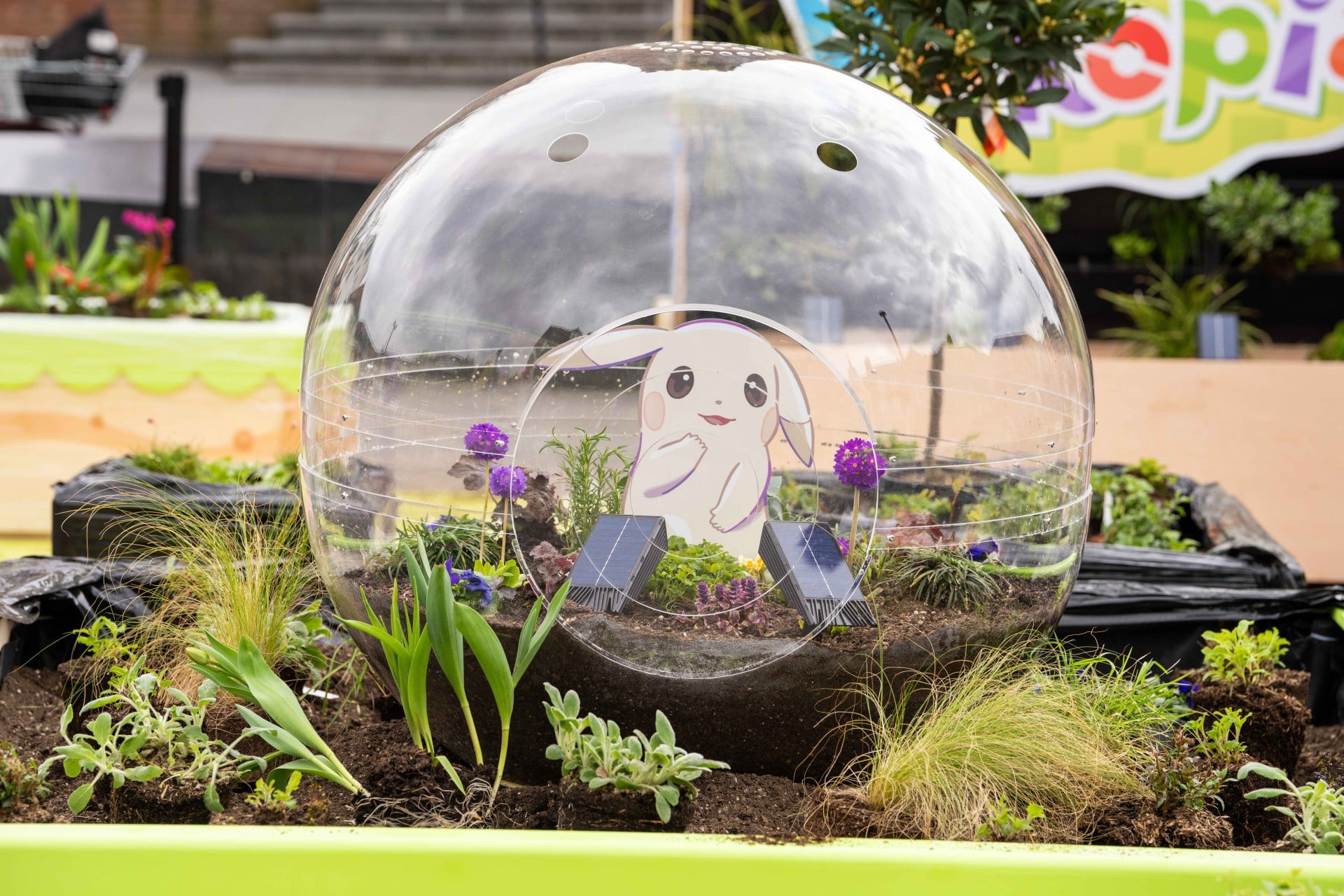
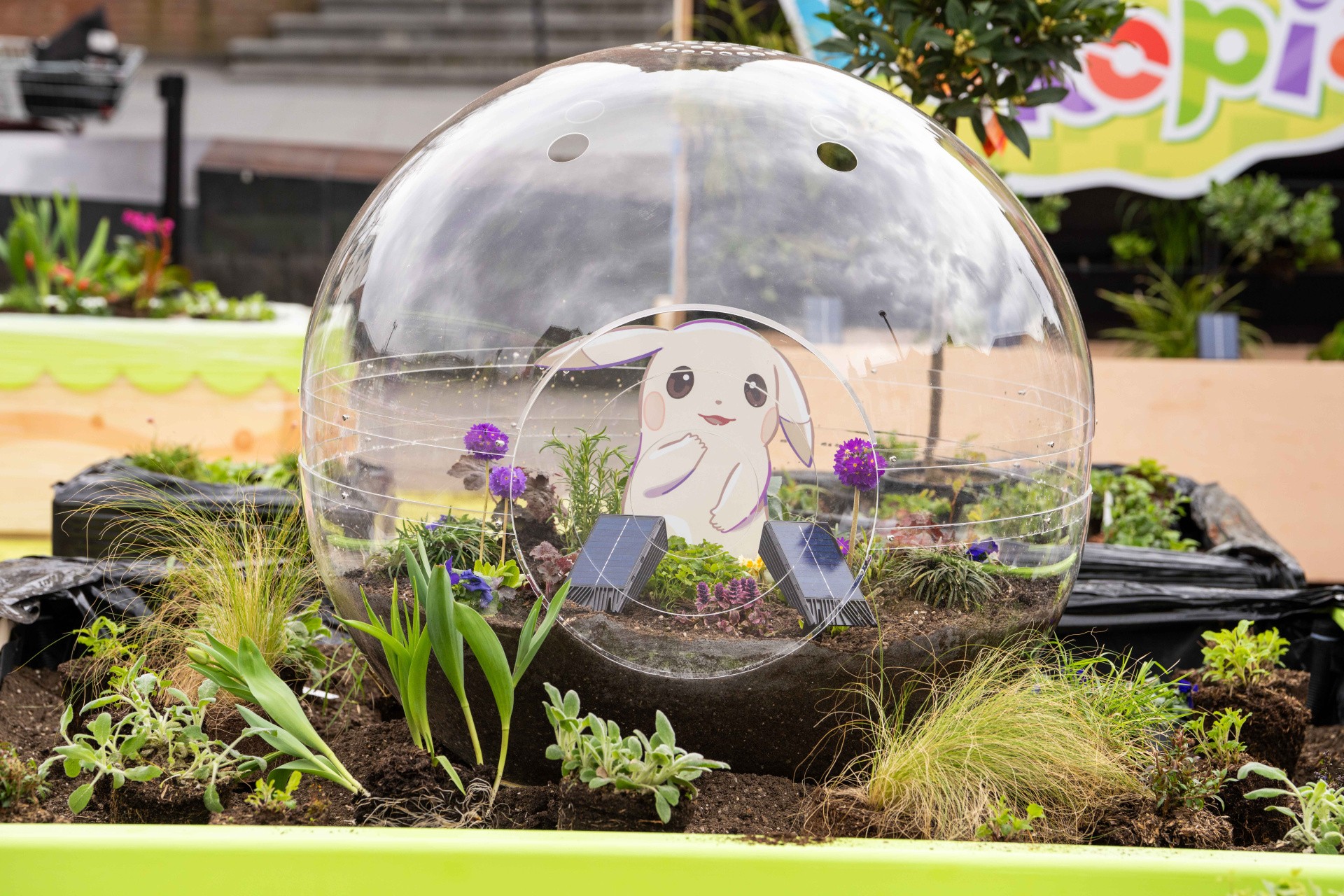
The Pokémon Company International has opened up a public garden in London’s Acton Mount in the UK. Themed around the recent cosy game release, the garden has been put together with local businesses and is designed to bring a moment of calm to your busy life.

Little details themed around Pokopia are dotted throughout the garden, and you’ll also be able to take in the calm while admiring the terrariums, flowers, and “living walls”.

And, hey, we actually got to check it out yesterday ahead of its opening to the public. It’s as cute as it looks! We got a few shots of it over on our Instagram, but there are some official snaps from TPC International too, just in case you can’t make the trip over to the big smoke yourself:

Pokémon Pokopia has taken the world by storm and it’s currently one of the best-reviewed video games of the year, with shortages of physical copies being the only thing slowing it down even slightly.

Perhaps you could take your Switch 2 to Acton Town and get cosy in the garden?


Will you be checking out the Pokémon Garden in Acton, London this year? Let us know in the comments.

Posted on Leave a comment

Nintendo’s ‘Summon Character To Fight’ Patent Rejected By US Patent Office

Pokémon Champions
Image: The Pokémon Company

Nintendo has been hit with another blow in its ongoing legal battle with Palworld, as the US Patent Office has rejected its controversial ‘summon character and let it fight’ Pokémon patent.

According to Games Fray‘s Florian Mueller (via VGC), the non-final rejection — meaning Nintendo has two months to respond (or more if it choses) — the USPTO has rejected all 26 claims made in the patent, which essentially revokes it, unless Nintendo chooses to respond.

This follows USPTO director John Squires order for the patent to be reexamined in November 2025, which is an extremely rare thing to happen.Of the 15,000 ex parte examinations requests since 1981, only 175 have been granted.

Mueller reports that the patent was “revoked” without the need to play or even look at a single game, as it’s based on prior art reference from previous US patent applications

Specifically, Squires highlighted four previous patents: Taura, a patent granted to Nintendo in 2020 that talks about sub-characters who battle alongside players; Yabe, which was granted to Konami in 2002 and looks at both automatic or manually-controlled sub-characters (and pairs nicely with Taura, as you might have guessed). These make up 18 of the 26 claims.

Motokura, granted to Nintendo in 2022, and Shimomoto, granted to Bandai Namco in 2020, are also named in the document. Combining these two with Taura, or combining Yabe and Shimomoto with Taura, invalidates all of Nintendo’s claims in the patent.

Palworld
Palworld is due to launch in 1.0 this year — Image: Pocketpair

It’s perhaps not a surprise given how widespread the use of summoning characters or sub-characters has been in gaming for years — say hello to Digimon, Persona, SMT, and even Elden Ring to some degree. We’re not even mentioning the countless indie titles that use monster-catching and battling in some fashion.

And it was for this reason that, after the USPTO granted the patent last year, it drew heavy criticism. Former TPC legal expert Don McGowan said he thought companies would “ignore it” because of how widespread it already is, while video game lP lawyer Kirk Sigmon said “I strongly disagree with this result: In my view, these claims were in no way allowable.”

Again, since this is non-final, Nintendo has a chance to respond and even appeal to the Federal Circuit. And, if even one claim in the patent is Valid, Nintendo can still use it to go after others who use this mechanic.

Of course, this is all tangential to the Palworld lawsuit in Japan, where three main patents are involved — two focusing on monster catching, and one related to animal mounts and characters. One of these patents, focusing on using objects to catch creatures, has already been rejected in Japan.


What do you think of this decision? Do you think Nintendo will respond? Let us know in the comments.

Posted on Leave a comment

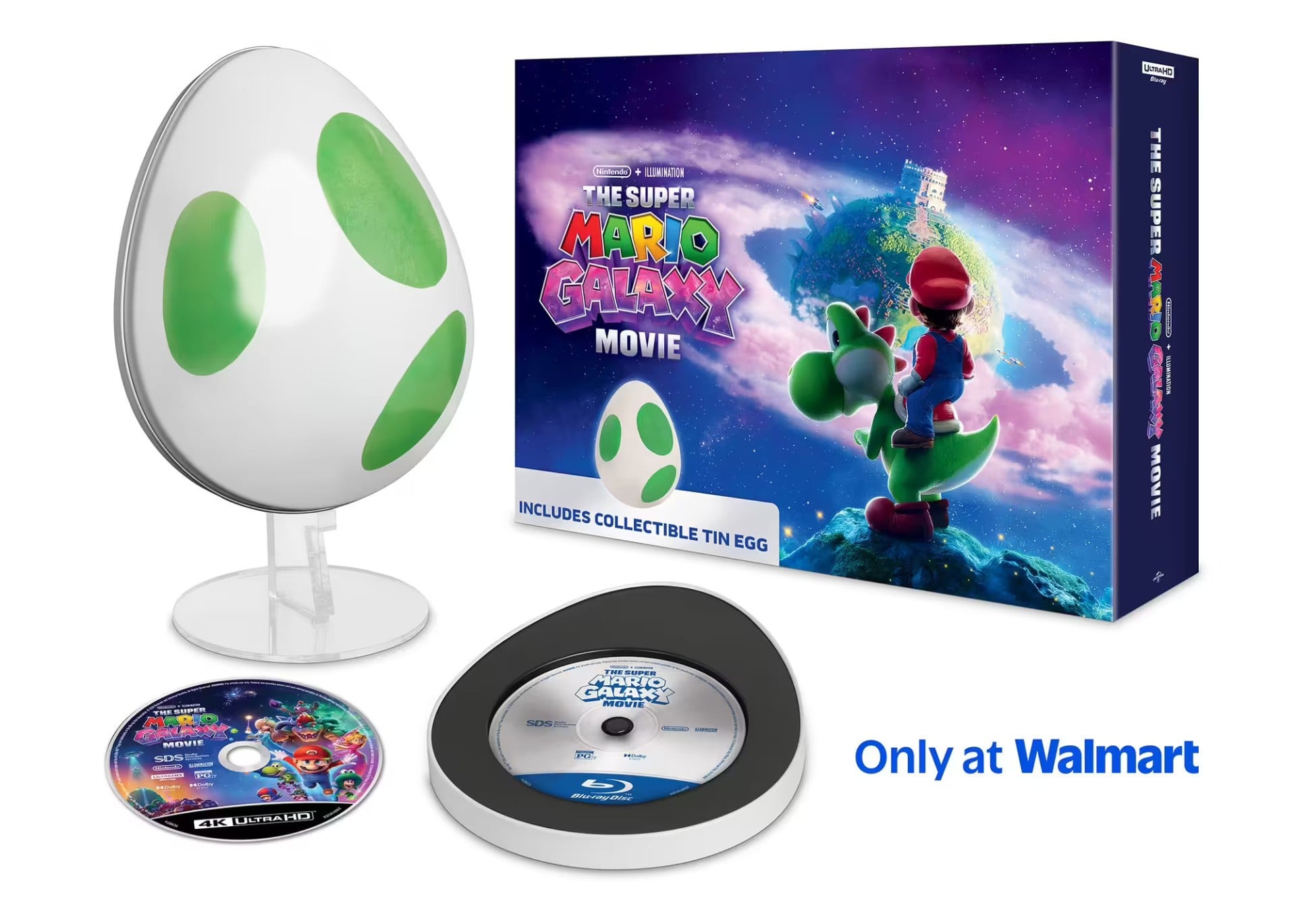
Mario Galaxy Movie Retail Pre-Orders Go Live, Including Steelbook & ‘Tin Egg’ Edition

Mario Galaxy Movie
Image: Nintendo / Illumination

Following the lead of The Super Mario Bros. Movie back in 2023 (we hear that did pretty good business), Nintendo and Universal aren’t wasting any time getting retail listings for the home release of The Super Mario Galaxy Movie live. They’re up now, in fact.

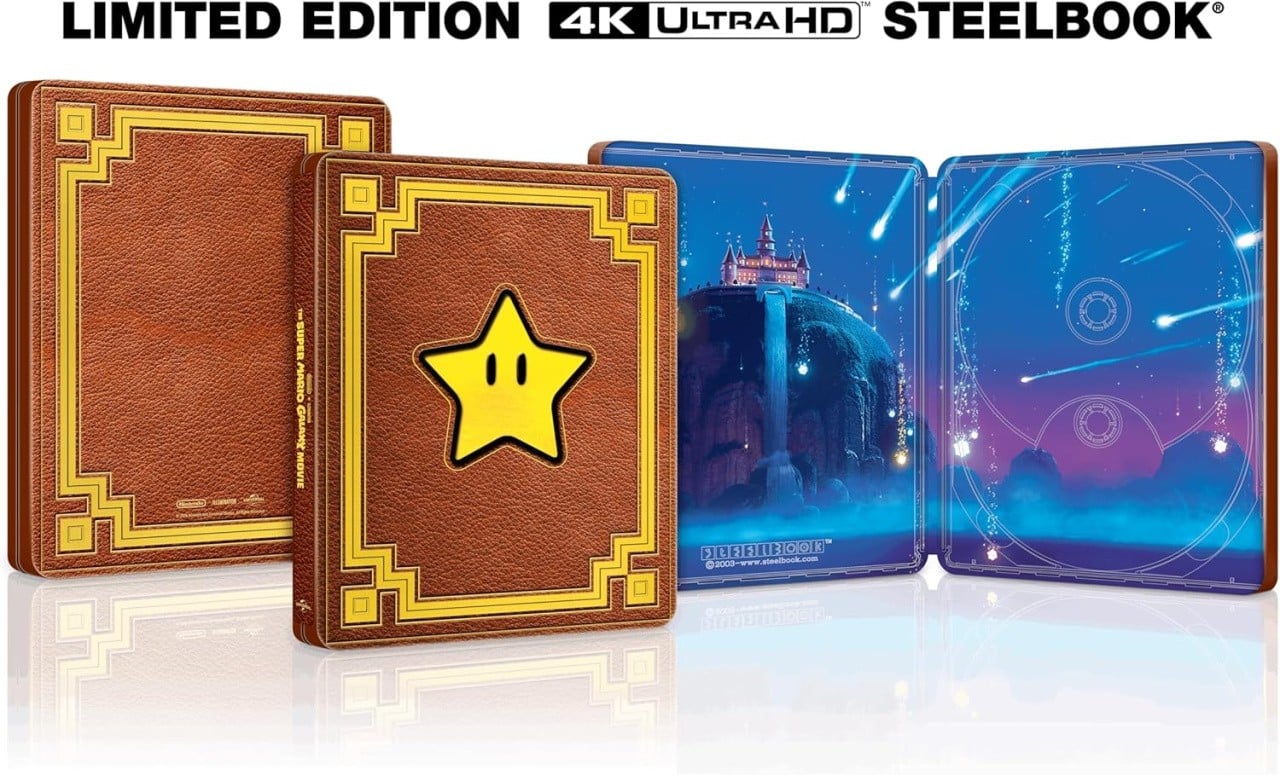
You’ve got your typical suite of DVD, Blu-Ray, and 4K Blu-ray releases ranging from around £10/$20 to £35/$40 for the snazzier Steelbook option if you go for the Ultra HD version (which also bundles in the regular Blu-ray, as per usual). The outside of the latter case has a printed leather-bound look aping Rosalina’s book from the game/film and a moody shot of Peach’s castle on the inside:

Mario Galaxy Movie 4K Blu-ray

There’s no word on an exact home release date for the movie just yet, with “31st December 2026” being a placeholder date.

However, if it follows suit with the original film, we’re likely to see it land in June sometime (the first one came out on 13th June following an April cinematic release), with a streaming release to follow later in the year.

In addition to the lineup above, Walmart also has an exclusive ‘Tin Egg’ version of the 4K release, though it’s sold out at the time of writing. Have a gander here, though:

Mario Galaxy Movie Tin Egg

If you’re wondering if the film’s any good or not, you can read our verdict now (spoilers: if you liked the first one, you’ll probably like this one, as well), and check out the wider critical reception in our review round up.

Please note that some external links on this page are affiliate links, which means if you click them and make a purchase we may receive a small percentage of the sale. Please read our FTC Disclosure for more information.

Posted on Leave a comment

PSA: If You Own Goat Simulator 3 On Switch 1, You Get A 70% Discount On Switch 2

Goat Simulator 3 is now available on the Switch 2, with all major DLC expansions available for purchase separately, including Multiverse of Nonsense, Baadlands Furry Road, Hocus Pocus Pack, Super Duper Pack, and the newly-announced Buck to the Future Pack.

If you happen to already own Goat Simulator 3 on the original Switch, however, keep in mind that you can bag 70% off the Switch 2 port. That brings it down from £26.99 to £8.09 in the UK, and from $29.99 to $8.99 in the US.

Gameshare is also available on the Switch 2 version as standard, so if you want to go frolicking with a buddy, then you can just link up via local connection with just one copy of the game.

The Buck to the Future Pack, meanwhile, contains 22 new items of gear along with the ‘Robocock’ (strewth) costume. You’ll also be able to mess around with gravity and ‘gigantify’ NPCs around the world. The pack costs £6.49 / $7.99.


Will you be picking up Goat Simulator 3 on the Switch 2? What do you make of the new content pack? Let us know with a comment in the usual place.

Posted on Leave a comment

Guide: The Super Mario Galaxy Movie: Is There A Post-Credits Scene?

Galaxy 1
Image: Nintendo / Illumination

If you’ve seen The Super Mario Bros. Movie, then you’re probably already aware that it contains not one, but two additional scenes after the credits roll. The question, however, is whether the sequel, The Super Mario Galaxy Movie, follows suit with its own post-credits scene.

The short answer is yes, so if that will suffice, then stop reading right now and go watch the thing. If you’d like more information, though, then feel free to stick with us. In this guide, we’ll go over just how many scenes you can expect along with how they play out.

With that in mind, we’ll make it clear right here that this article will contain heavy spoilers, so be warned!

Does The Super Mario Galaxy Movie have a post-credits scene?

Yep! Just like the first movie, there are two scenes to enjoy after the credits start rolling.

The first comes mid-credits, right after an animated credits sequence laying out the main cast members and creatives. The second comes right at the end of the credits, so stick with it for one final treat.

The Super Mario Galaxy Movie post-credits scenes explained

Okay, so you now know to expect two scenes after the credits start rolling, but what actually happens in them? We’ll go through each in detail right here, so this is your final spoiler warning.

Galaxy 2
Image: Nintendo / Illumination

Scene #1

The mid-credits scene takes place at a large prison facility in which Bowser and Bowser Jr. are being held following their defeat.

Toad and Fox McCloud leave through the front door, with Toad asking McCloud what his immediate plans are. McCloud confirms that he’s about to set off toward his home planet before hopping into his Arwing, which feels like an incredibly blatant nod toward a potential Star Fox movie.

After this, Bowser and Bowser Jr. plot their escape, but are interrupted by the terminally-nihilistic Lumalee from the original movie, now serving as a prison warden.

Scene #2

The final scene takes place in the Gateway Galaxy, during which the incredibly mischievous Ukiki commits a theft before sprinting off. He doesn’t get very far, however, as an unseen character whacks him in the face and sends him sprawling.

The camera pans around to reveal a new character for the movie series: Princess Daisy.

Boom, scene ends.

Will there be a third movie?

Nothing has been officially announced at the time of writing beyond the makers’ desires to make more films, but a third entry seems extremely likely given the early projections for this instalment. We’ll keep an eye out for that all-important Nintendo Today! announcement in the coming months.

As for what a second sequel might entail, we really have no idea at the moment. Honestly, some of us thought this sequel would be an adaptation of Super Mario World before its official reveal, so we were way off.

Wario was mistakenly hinted at by third-party sources prior to release, so we guess it’s possible he might finally show up in a future movie, but we’ll have to wait and see.

Galaxy 3
Image: Nintendo / Illumination

So there you have it! Have you caught the the Mario Galaxy Movie yet? Did you stick around for the post-credits scenes? Let us know with a comment.

Posted on Leave a comment

Movie Review: The Super Mario Galaxy Movie – A Faithful But Overstuffed Sequel

Mario Galaxy Movie 1
Image: Nintendo / Illumination

Editor’s note: This review is largely spoiler-free, so you won’t find any final act reveals or earth-shattering references. However, it does touch on a couple of easter eggs and briefly discusses how characters’ relationships have evolved since the first film. If you’re sensitive to that information, come back after you’ve seen it.


“There’s a huge universe out there, with a lot of galaxies.”

When this line was spoken by Peach in 2023’s The Super Mario Bros. Movie, two thoughts occurred to me.

The first was that it felt like an obvious tease for what would eventually be the direct sequel. The second was that Nintendo and Illumination were effectively giving themselves permission to cram as many easter eggs and cameos into the new film’s 98-minute runtime as humanly possible. And flippin’ ‘eck, do they follow through!

The Super Mario Galaxy Movie is a lot. Dialling up the action and spectacle significantly from the first adventure, we’re taken on an intergalactic jaunt that never pauses to take a breath. It constantly moves you from one set piece to the next as Mario, Luigi, Peach, Toad, and newcomer Yoshi set off to rescue Rosalina from the clutches of Bowser Jr.

Mario Galaxy Movie 2
Image: Nintendo / Illumination

In terms of story, that’s really all there is to it. There are brief flashes of inspiration peppered throughout, but Illumination unfortunately never commits to any of it. Take Bowser, for instance: having spent some time in the Mushroom Kingdom following his capture at the end of the first film, he begins to soften toward Mario and Luigi, the latter of whom takes Bowser to a weekly book club.

For a short while it makes for some interesting friction between him and Bowser Jr. – even if it did remind me of Eggman and Gerald Robotnik from Sonic 3. Sadly, this is cast aside far too quickly for my liking, and the same can be said for multiple plot threads that never seem to go anywhere.

But my goodness, what a good-looking film. Every scene is absolutely bursting with colour, from Star Bits raining down on Mushroom Kingdom to the heroes zooming through space alongside a beautifully-animated Fox McCloud, who enjoys a lot more screen time than I expected.

Mario Galaxy Movie 3
Image: Nintendo / Illumination

To complement this, Bryan Tyler’s soundtrack is a delight, pulling familiar hits from the entire Super Mario series, arguably highlighted by a stunning rendition of the Good Egg Galaxy theme. Mercifully, licensed tracks have also been stripped back considerably, and it’s a huge improvement over the original.

The same creators from the first movie return here, including directors Aaron Hovath and Michael Jelenic, with Matthew Fogel penning the script. The dialogue feels about as fleeting as the rest of the film, with little opportunity for anything even remotely profound, memorable, or even funny. The visuals do the majority of the heavy lifting here, mixing faithful spectacle with plenty of physical comedy.

Back to Fox McCloud, though. His appearance around the halfway point felt so blasé and sudden, I had to think back and doublecheck I hadn’t missed him earlier on. Within the space of about two minutes, we get his entire backstory before he’s roped into the mission and jets off into space with his new companions in tow. Again, there’s just no time to actually appreciate that McCloud, of all characters, is in a Mario movie – it’s just straight on to the next set piece.

I have to admit, I also found his overall presence a little jarring. There’s really no sufficient explanation as to why a character from a completely different series crops up, and as such, it feels like he doesn’t belong. Ultimately, the film would have played out in exactly the same way without him, and the cynic in me is absolutely certain that the only reason he shows up is to set up an eventual spin-off (and, if rumours are to be believed, hype up audiences for a new Star Fox game).

Mario Galaxy Movie 4
Image: Nintendo / Illumination

Actor Glen Powell does a good job at bringing McCloud to life, though, as do all of the main cast members. Enough time has passed that I can put aside the initial whiplash of hearing Chris Pratt as Mario, and although some of the brotherly bond from the first film is lost here, the dynamic between Mario and Luigi is still strong. Brie Larson is sadly kind of wasted as Rosalina, though.

In addition to the main characters, of course, there are a ton of easter eggs and cameos to keep an eye out for. Too many, in fact. The Gateway Galaxy is overstuffed with various species from the game series, including Piantas, Conkdors, Gearmos, and more.

Indeed, Nintendo and Illumination opted to include so much in the sequel that it makes me wonder how else it could dial up the spectacle in the inevitable third entry. At least the Sonic movies showed some restraint.

Mario Galaxy Movie 5
Image: Nintendo / Illumination

Conclusion

Ultimately, despite the film’s problems (one moment so brazenly copied Zootopia‘s famous sloth scene, I’m surprised it made the cut), I did still have a good time watching The Super Mario Galaxy Movie. The visuals, the music, and at least some of the easter eggs do enough to keep it afloat. It helps that I saw it with my four-year-old daughter who, utterly obsessed with Princess Peach, couldn’t keep her eyes off the screen, giggling with delight every two minutes.

I have to remind myself that she’s the target audience. Nintendo doesn’t need to rope me into its gaming ecosystem — it’s already firmly got me in its grasp — but my daughter is now eager to experience the likes of Mario Galaxy and Mario Odyssey on the Switch.

That’s really the whole point, isn’t it?

Posted on Leave a comment

The Mario Galaxy Movie End Reveal Came Out Of Years-Old Discussions At Nintendo

SPOILERS AHEAD, FOLKS!

If you’re reading this and haven’t watched The Super Mario Galaxy Movie yet, we’d recommend coming back once you have. You have been warned!

We’ll stick an image here so you don’t accidentally scroll down on one of those super long phones…

Mario Galaxy Movie
Image: Nintendo / Illumination

Still here?…

You sure?…

Okay then! As we covered earlier, Nintendo’s Shigeru Miyamoto and Illumination’s Chris Meledandri have been speaking to Forbes about the new movie. As well as discussing the process of Fox McCloud getting greenlit to appear and how actor Glen Powell landed the role, the pair have also brought up some spoiler-adajcent details.

Now, they don’t come flat out and totally give away the reveal at the end, but it doesn’t take a genius to work out what “Rosalina and Peach’s actual relationship” could possibly be.

More interesting, though, is the fact that the idea of the two being related was born from chats that went down in Nintendo HQ during the development of 2007’s Super Mario Galaxy nearly 20 years ago.

Here’s what Miyamoto had to say:

“When we were developing Super Mario Galaxy, the director for that game, Yoshiaki Koizumi, and I were discussing what Rosalina and Peach’s actual relationship was. We had this vague idea about what their actual relationship could be, and how it would play into the concept of space. We had a lot of discussion about this, but we never came to a conclusion. So we decided that let’s take this opportunity to give this idea some meat and get into the specificity of it, and we had a lot of fun having this discussion back and forth.”

Meledandri highlights that the sense of “discovery and surprises” were key elements they were hoping to capture. It’s probably worth remembering that while these sibling revelations might not be hugely surprising to hardcore Nintendo fans — the people who have had two decades to mull these things over and formulate fan theories — a reveal like this may well come as a genuine surprise to a younger audience.

Talking of surprise-not-surprises, Miyamoto highlights elsewhere in the interview that, yes, with all the characters at their disposal, you can look forward to the expansion of the so-called ‘NCU’ in the years to come:

“I will say that the team that’s working on the movie, including the actors, there are a lot of Mario fans. From them, there are a lot of ideas about wanting to use different characters, almost to the point that we couldn’t fit everything in. So we’re really looking forward to creating more films.”

So there we are. Official word once again that they’re going to make more films in the billion-dollar-hit series. Shocker!

Let us know below if the Peach/Rosalina reveal surprised and/or delighted you, and keep an eye out for our review of the film posthaste. [Update: It’s live now!]

Posted on Leave a comment

Make a private CA with step-ca

In this article you will learn how TLS (Transport Layer Security) and SSH (Secure SHell) use public/private key-pairs to authenticate web servers you visit and linux machines you log in to. You will also learn how the TLS framework installed by default in mainstream web browsers fails to prevent MITM (Man In The Middle) attacks in critical ways. Then we will walk through setting up a private .FEDORA TLD (Top Level Domain), setting up your own private CA with the smallstep package, and using the acme-tiny package to issue certificates for a website under that private TLD.

I will not cover setting up a simple “Hello World” website using your favorite web server packaged with Fedora. This needs to be up and running on HTTP to follow along. For this article, the website will be named hello.fedora.

Sadly, we will also explain how this does not completely solve the MITM problem – but this is already a big article. Click here to skip the background and motivation and go directly to the HowTo.

How Public Keys Prevent Man-In-The-Middle Attacks

While NSA director Admiral Bobby revealed that intel agencies were aware of two key, or public-key cryptography since the 1960s, the first unclassified paper was published by Whitfield Diffie and Martin E. Hellman in 1976. In college, I remember playing with cryptosystems based on the knapsack problem. These had various vulnerabilities. What revolutionized the field was publication of the RSA algorithm in 1977. I vividly remember where I sat in the college library when I read the paper. There was some controversy over “you can’t patent algorithms”. However RSA patented their implementation (which is already protected by copyright – but that is another discussion). Yes, you can whip up a 1 line Perl implementation in a few minutes (we all did) – but a secure implementation that does not leak the private key through various side channels is NOT trivial.

The original concept of public keys was to look up a recipient’s pubkey in a directory, and use it to encrypt a message that only the possessor of the corresponding private key can decrypt. This can also be used to authenticate a correspondent via a protocol that proves they hold the corresponding private key. The basic idea is to encrypt a random token with a pubkey, the recipient decrypts the token and sends it back encrypted by your pubkey. The details are not trivial. The primary concern is MITM attacks. SSH and TLS support several widely accepted algorithms for authentication and key exchange.

The Directory of Pubkeys is Critical

If you think about it, that “directory” is all important. Suppose you have a “secure” phone app (without naming names) that uses a public directory to map telephone number to pubkey. Whoever runs that directory can return their own pubkey (likely a different one for each telephone number), decrypt the data, and send it on, re-encrypted to the real pubkey of the intended recipient (and the same for the other direction). I.e. – the classic MITM attack. This is why such secure applications usually provide a way to verify you have the real pubkey via an in-person meeting or alternate medium.

So how do you know the real pubkey for a secure (https) website? Websites provide a “certificate” saying “this pubkey is for these domain names” (and other information we are not concerned with here). Well, anyone can create such a certificate – in fact we will do so in this article – so how do you know it is truthful? The certificate is “signed” by a Certificate Authority (CA). Pubkeys can be used to sign data. For RSA, the basic concept is to compute a secure “hash” (e.g. SHA256) of the certificate data, and “decrypt” it using the private key of the CA. The signature can be verified by using the pubkey of the CA to “encrypt” the result, – which should match the hash of the signed data. RSA is nice in that decryption and encryption are symmetrical – verifying a signature is the same operation as encrypting the signature to the owner of the privkey for the pubkey . So now, instead of every web user maintaining a private database of pubkeys for domain names, the browser has a list of trusted CAs which sign website certificates after verifying them in some way. In case a private key is compromised, CAs publish a Revocation List (which regular people rarely use) and TLS certificates always have an expiration date.

Note that CAs can certify data other than domain names, like the name of a company or individual. Commercial CAs generally charge a premium for this, but there are also non-profit CAs like cacert.org that certify personal details via in-person meetings.

How Mainstream Browsers Know Which CAs to Trust

Regular Joes (“normies”) do not keep track of all this, so where does that “list of trusted CAs” come from? Well, there is a CA and Browser forum with representatives from popular browser software makers and commercial CAs. They maintain a list of trusted CAs, and changes are voted on in public meetings with minutes published on their web page. Fedora installs this list in /usr/share/pki. Browsers may have their own copy. Users may add additional trusted CAs to /usr/share/pki or /etc/pki/ca-trust and browsers may have their own way of adding additional trusted CAs.

This all sounds well and good, BUT. The critical flaw could be called serial reliability. The trusted CAs are trusted for any domain. So any trusted CA (including any you add) can forge a certificate for any website. DNS vulnerabilities (cache poisoning and such) are beyond the scope of this article. But we will set up a private CA which you could use to forge any website cert and fool anyone you convince to trust your CA (and can hack their DNS and/or IP routing). The cabforum is very careful about their list. As part of hostilities, forum CAs stopped certifying .RU domains (ISO TLD for Russia). Russia promptly put up their own national CAs, which anyone can add to their browser trust store. Normies were warned NOT to do this, as the Russian CAs could then forge certs for any domain. But a moment’s thought reveals that ANY cabforum CA could go “rogue” and do the same thing. It only takes one.

There are solutions to this blanket trust problem, but that will require another article.

Create a private TLD with bind

For illustration, we will create the .FEDORA TLD. Everyone following along will create a different instance of that TLD, and hostnames under .FEDORA will resolve to different IPs (or NXDOMAIN) depending on whose DNS server you point that TLD at. This was the motivation for creating ICANN – a worldwide centralized DNS root (list of official TLDs). This provides a consistent namespace at the expense of absolute power (to cancel domains and TLDs) invested in ICANN. Before ICANN, admins all maintained their own DNS root, and periodically updated (manually or automatically) nameservers for well known TLDs like .COM etc. ISO defined an official list of TLDs, including country code TLDs (like .US). That worked well. The problem came with more obscure TLDs like .FREE. Companies trying to be “cool” were upset that not all customers got the same IPs for .FREE hostnames. Also admins liked having “someone else” maintain the DNS root. Hence, ICANN. There is also Opennic which likewise has “someone else” (volunteers) maintain a root zone, with fallback to ICANN, and has its own “forum” (existing TLDs vote) to approve new TLDs.

Here is a bind zonefile for .FEDORA:

$TTL 2H
; hello.fedora
@ IN SOA ns1 hostadmin.hello.fedora. (
2025122600 ; serial
1H ; refresh
15M ; retry
14D ; expire
6H ; default_ttl
)
@ IN NS ns1.fedora.
@ IN TXT "v=spf1 -all"
hello IN A 192.168.100.31
ns1 IN A 192.168.100.31
ca IN A 192.168.100.31

But that was a bait and switch. Setting up DNS for a private TLD is its own article. If you know how to add such a zone to your self hosted DNS – then do so. For the rest, we’ll use an even older hostname/IP map that predates DNS: as root, edit the file /etc/hosts on the system you will run step-ca on and append these lines:

# smallstep article
192.168.100.31 hello.fedora
192.168.100.31 ca.fedora

Replace 192.168.100.31 with the IP of the system you are trying all this out on. Step-ca must be able to lookup the hello.fedora hostname it is certifying to do the ACME protocol. We will use the /.well-known/acme-challenge method, which does not require real DNS. The system you run acme-tiny on also needs to lookup ca.fedora.

Run a private CA with step-ca

If the smallstep package is still under review when you read this, you’ll need to enable the copr repo (otherwise skip this step):

sudo dnf copr enable @fedora-review/fedora-review-2418762-smallstep

Create root CA

First, we need to create our root CA. In production, this should be on a separate offline machine. For small operations, the secondary CAs can be automated, and you sign the certificates for these secondaries manually with the root CA. I would keep the root CA password on paper – can’t be hacked (but watch out for cameras). Do NOT skip the password for the root CA. Some number of systems will trust that CA for any domain. If the private key leaks, you end up with a situation like Dell faced in 2015.

Let’s put the manual root CA in /etc/pki/CA and generate the root cert. Openssl will ask you for a key passwd, and what x509 calls “subject identifiers”. I left the state and email blank, and set city to Fedora City, organization to Fedora Project, organizational unit to ca, and common name to ca.example.org. The “-days 3650” sets the expiration to 10 years from now. The second command shows the “Issuer” information end-users will see when they ask for the issuer in an app like Firefox. The common name should normally be the hostname of the root CA, but it doesn’t really matter when the root CA is offline – and example.org is coincidentally offline by convention. 🙂

$ sudo mkdir /etc/pki/CA
$ cd /etc/pki/CA
$ sudo install --mode=644 /dev/stdin root_ca.fedora.ext <<EOF
subjectAltName=DNS:ca.example.org
subjectKeyIdentifier = hash
authorityKeyIdentifier = keyid:always,issuer
basicConstraints = critical, CA:true, pathlen:1
keyUsage = critical, digitalSignature, cRLSign, keyCertSign
EOF
$ sudo mkdir -m 0700 private
$ sudo openssl req -new -keyout private/root_ca.key -out root_ca.csr
...
$ sudo openssl x509 -req -in root_ca.csr -key private/root_ca.key -out root_ca.crt -days 3652 -sha256 -extfile root_ca.fedora.ext
Enter pass phrase for private/root_ca.key:
Certificate request self-signature ok
subject=C=US, L=Fedora City, O=Fedora Project, OU=ca, CN=ca.example.org

Create intermediate certificate and install smallstep

Then install the smallstep package with step-ca binary and supporting files:

$ sudo dnf install smallstep

The package installs a skeleton config for a step-ca service in /var/lib/step-ca. Let’s flesh out the config as step-ca and generate an intermediate cert request (“csr”).

$ cd /var/lib/step-ca
$ sudo -u step-ca bash -l
$ ls
certs config db secrets templates
$ cp /etc/pki/CA/root_ca.crt certs
$ openssl req -new -keyout secrets/intermediate_ca.key -out intermediate_ca.csr
...
$ nano config/ca.json
$ exit

Again, openssl will ask for subject identifiers. I used the same as for the root CA, but with the common name ca.fedora. Use your favorite text editor; “nano” is beginner friendly. Change MYCABAL to FEDORA and ca.mycabal.org to ca.fedora. If you provided a password for intermediate_ca.key, put it in the “password” field of ca.json. Do not set the password in ca.json to the empty string. This will make step-ca try to prompt for it at startup – which is not allowed under systemd, and fails with an error opening /dev/tty. For the intermediate cert, the common name is important. Smallstep will auto generate a host cert for “ca.fedora” (it is, after all, a certificate authority), and it must match the hostname ACME clients use to sign certs. Now we need to sign the intermediate cert with the root CA. 1825 days is 5 years. Intermediate certs should be shorter lived than the root CA. Not too short, if you are manually resigning the certs.

$ cd /etc/pki/CA
$ sudo install --mode=644 /dev/stdin ca.fedora.ext << EOF
subjectAltName=DNS:ca.fedora
subjectKeyIdentifier = hash
authorityKeyIdentifier = keyid:always,issuer
basicConstraints = critical, CA:true, pathlen:0
keyUsage = critical, digitalSignature, cRLSign, keyCertSign
EOF
$ sudo openssl x509 -req -in /var/lib/step-ca/intermediate_ca.csr -CA root_ca.crt -CAkey private/root_ca.key -CAcreateserial -out intermediate_ca.crt -days 1825 -sha256 -extfile ca.fedora.ext
$ sudo -u step-ca cp intermediate_ca.crt /var/lib/step-ca/certs
$ sudo systemctl start step-ca
$ sudo systemctl status step-ca
...
Mar 31 15:18:56 test.gathman.org step-ca[2814912]: 2026/03/31 15:18:56 Serving HTTPS on :9000 ...

Use httpd to serve hello.fedora web page

Running a web server was a prerequisite. I’ll use apache as an example, and hopefully users of nginx and others can translate. First, /etc/httpd/conf.d/hello.conf

<VirtualHost *:80>
ServerName hello.fedora
DocumentRoot "/var/www/html/hello"
#RedirectMatch ^((?!\/\.well-known\/).*)$ https://hello.fedora$1
<Location "/.well-known/acme-challenge/">
Options -Indexes
Order allow,deny
Allow from all
</Location>
<Location "/">
Options FollowSymLinks Indexes
Require all granted
</Location>
</VirtualHost>

The redirect is commented out until we have a signed cert. Assuming httpd is already running, use sudo apachectl graceful to load the changes. Then a simple document in /var/www/html/hello/index.html

<html>
<head>
<title> Hello Fedora </title>
</head>
<body>
<h1> Hello Fedora! </h1>
</body>
</html>

Use acme-tiny to sign a TLS cert with step-ca

Add private root CA

Acme-tiny needs to trust the root CA to use the ACME service. The step-ca service provides a handy API to fetch the root ca:

$ cd /etc/pki/ca-trust/source/anchors
$ sudo curl https://ca.fedora:9000/roots.pem -o fedora_ca.crt
curl: (60) SSL certificate problem: unable to get local issuer certificate

Ooops! Catch 22. You need the root CA to use the handy API that gets the root CA. So we’ll have to tell curl to accept the strange root cert. (Or use rsync, cp on the same machine, copy/paste between terminal windows, or other more secure method.)

$ sudo curl -k https://ca.fedora:9000/roots.pem -o fedora_ca.crt
$ sudo update-ca-trust extract

Now, we are ready to run acme-tiny. Once again, openssl req will prompt for subject identifiers. The only one browsers care about is Common Name, which should be “hello.fedora”. However, users may care about the other fields when they use browser features to inspect certs.

$ sudo dnf install acme-tiny
$ sudo apachectl graceful
$ cd /var/lib/acme
$ sudo -u acme bash -l
$ ls
certs csr private
$ /usr/libexec/acme-tiny/sign # NOTE: generates account.key if needed
$ ls private
account.key
$ openssl req -new -passout pass:'' -keyout private/hello.key -out csr/hello.csr
$ /usr/sbin/acme_tiny --account-key private/account.key --csr csr/hello.csr --acme-dir /var/www/challenges/ --ca https://ca.fedora:9000/acme/FEDORA >certs/hello.crt
$ exit
$ sudo nano /etc/httpd/conf.d/hello.conf

Now uncomment the Redirect Match and append the below SSL virtual host definition to hello.conf. Use apachectl graceful to load the changes.

<VirtualHost *:443>
ServerName hello.fedora:443
SSLEngine on
SSLProtocol all -SSLv2 -SSLv3
SSLCipherSuite HIGH:3DES:!aNULL:!MD5:!SEED:!IDEA
DocumentRoot "/var/www/html/hello"
SSLCertificateFile /var/lib/acme/certs/hello.crt
SSLCACertificateFile /var/lib/acme/certs/hello.crt
SSLCertificateKeyFile /var/lib/acme/private/hello.key
CustomLog logs/ssl_request_log \
"%t %h %{SSL_PROTOCOL}x %{SSL_CIPHER}x \"%r\" %b"
<Location "/">
Options FollowSymLinks Indexes
</Location>
</VirtualHost>

The current acme-tiny package auto-renews certs only for the letsencrypt.org CA. That should be extended soon. Meanwhile, feel free to add something hacky. (I’ll try to have it lookup tlds in /etc/sysconfig or something to get custom CA url.)

Use a browser to display the web page

On the machine with your web browser, you need 2 things: the new root CA and some way to lookup names in the .FEDORA TLD, either by pointing DNS to the server you set up with the private zone, or by appending the lines to /etc/hosts for ca.fedora and hello.fedora.

Now the curl should work without -k. And your browser should work to display https://hello.fedora, although you might have to restart it. If it doesn’t read Fedora ca-trust store on startup, you might need to find an option to import CA on the browser menu.

$ curl https://hello.fedora
<html>
<head>
<title> Hello Fedora </title>
</head>
<body>
<h1> Hello Fedora! </h1>
</body>
</html>

Now, that your root CA is up and running, don’t lose sight of what can be done by having it go rogue. Get lots of people to install it so they can access your cool new TLDS. Then start forging certs for arbitrary web sites, and conquer the world!! Bwa! ha! ha! (A future article can address PKCS#11 and restricting how you trust CAs in browsers and other software.)