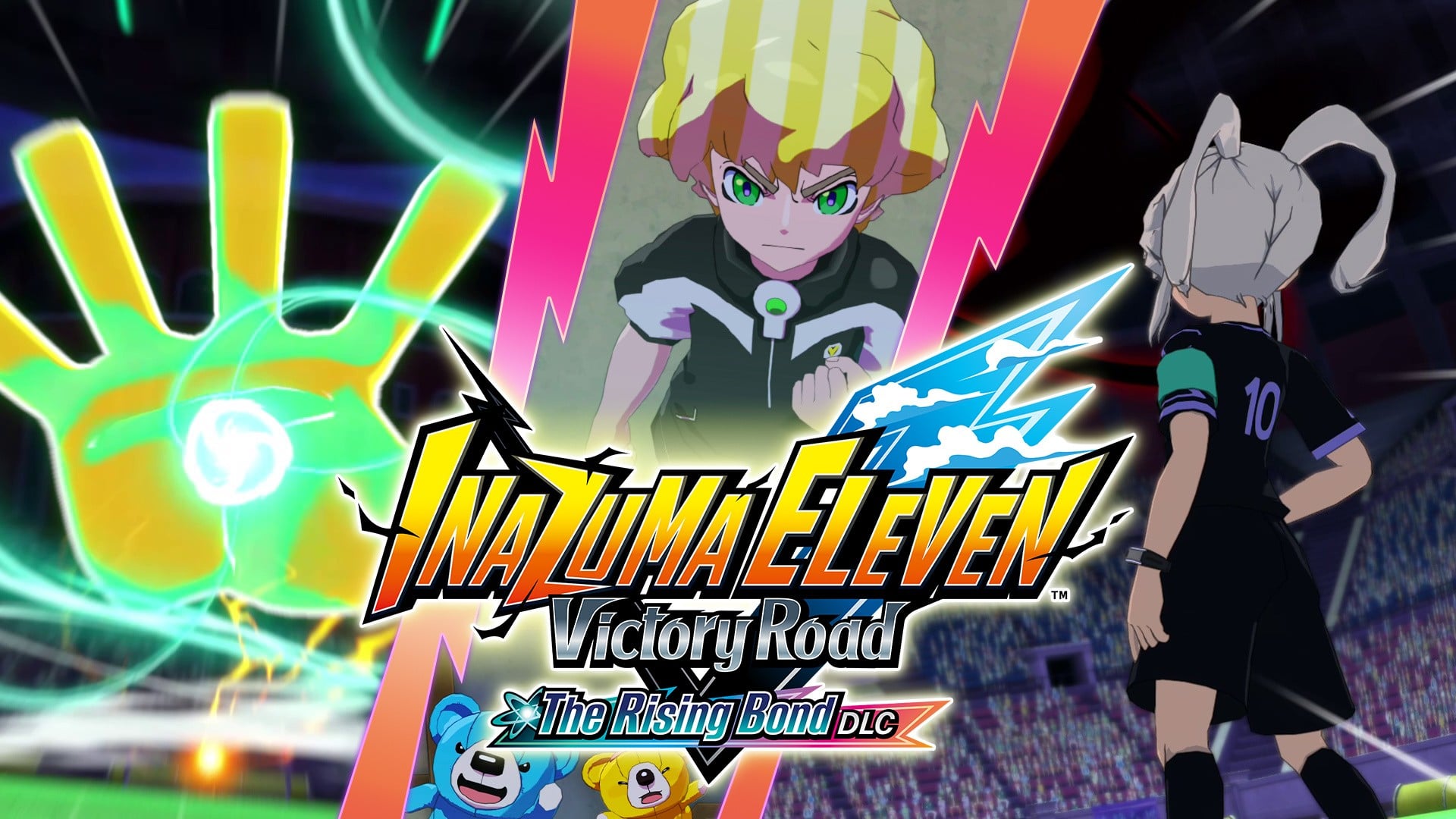
Level-5 has continued to roll out new content for Inazuma Eleven: Victory Road since its arrival on the Switch and Switch 2 last November, and the fourth free update has now been locked in.
The Rising Bond DLC will be arriving next week on 31st March 2026. Here’s the official description:
“As Sonny Wright (Asuto Inamori) and his friends battle their way through the Football Frontier International, powerful opponents from around the world stand before them one after another. And with the final showdown fast approaching, Vic takes on the Path of Trials…!”
This follows the game’s third major free update “Orion & Lumen DLC” last month. Level-5 has previously mentioned how it wants to support Inazuma Eleven: Victory Road with free content “over the long term”.
You can find out more about Inazuma Eleven in our review on Nintendo Life. We gave it eight out of ten stars, calling the RPG experience and action on the pitch “as fresh and stylish as ever”.
Have you been playing these free updates? Looking forward to the next one? Let us know in the comments.
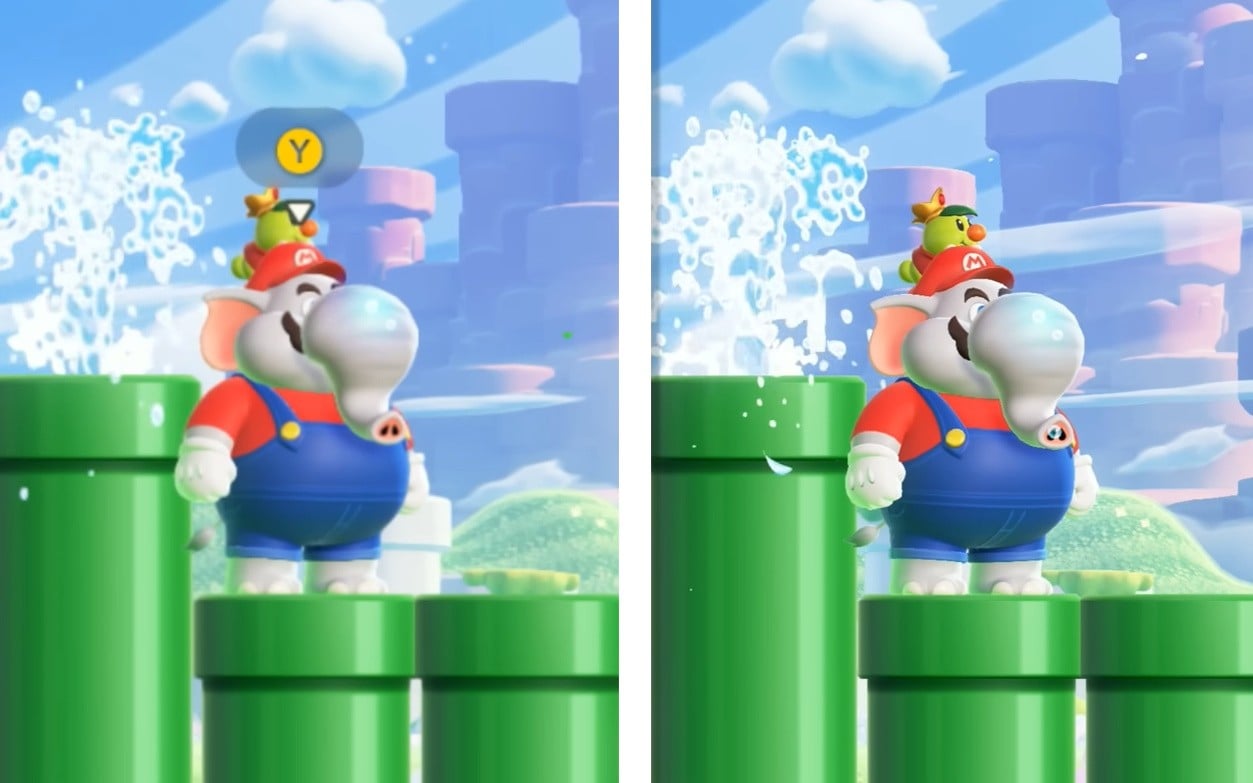
YouTube channel ‘ElAnalistaDeBits’ has released a side-by-side graphics comparison. This showcases the frame rate and resolutions of the Switch and Switch 2 Edition. The resolution jumps from 1080p to a native 4K in docked, and handheld also gets a bump.
As for the frame rate, it maintains a solid 60fps in both the docked and handheld modes. Here’s a closer look:
If you haven’t already got the Switch 2 Edition + Meetup In Bellabel Park, it’s a paid upgrade priced at $19.99 / £16.99. You can also purchase the entire package for $79.99 / £66.99.
To find out more about the Switch 2 Edition and this new content, check out our review here on Nintendo Life:
Have you got the Switch 2 version of Wonder? Will you be checking out Bellabel Park? Let us know in the comments.
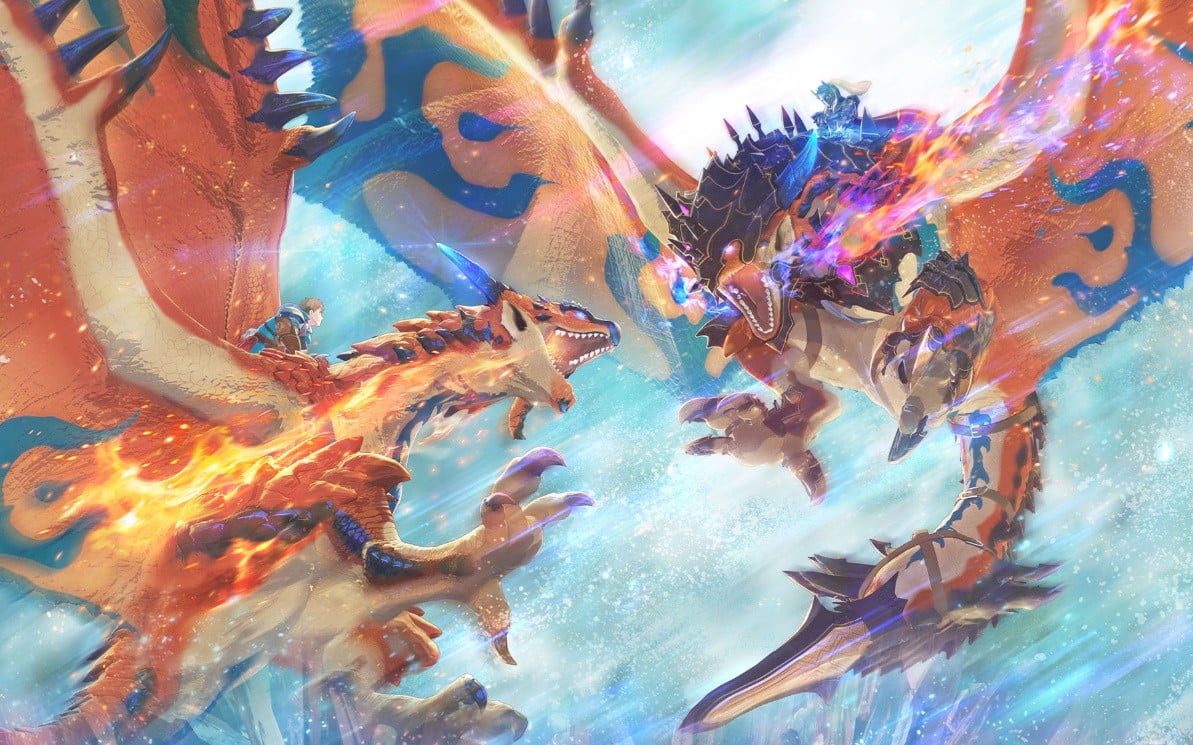
In a new video, the game’s producer Ryozo Tsujimoto has announced the team is currently preparing a free update which will arrive this Summer. It will include “extremely powerful versions of Monsters, known as Royal Monsters.
These monsters will appear in the field and will allow players to enjoy even more challenging battles:
Ryozo Tsujimoto: “Riders of level 90 or above will need to prepare carefully and use their strongest Monsties and strategies to defeat them. We hope this will push your skills to the limit.”
Tsujimoto has also provided an update the development of the paid DLC “Additional Side Story: Rudy”, mentioning how it’s “currently progressing well, and might even be released earlier this expected. More details on this will be shared in the future.
If you want to find out more about Monster Hunter Stories 3 check out our review. There’s also a trial version you can download from the eShop.
Have you tried out this new entry yet? Let us know in the comments.
Mortal Kombat: Legacy Kollection wasn’t in the best state when it arrived last October, but Digital Eclipse has been rolling out patches since then to improve the overall experience.
The latest one has now arrived, bumping the game up to Version 1.0.5 on the Switch and Switch 2. It a whole host of features, improvements and also makes some adjustments and fixes. Here’s the full rundown via the official Digital Eclipse website:
Mortal Kombat: Legacy Kollection – Version 1.0.5 (25th March 2026)
Added support for Room Codes in Online Arcade
Added the ability to restrict finding rooms based on a player’s connection strength
Added versus AI and Fixed AI difficulty for all Genesis, 32X and SNES versions
Performance improvements for MK: Special Forces
Additional improvements to MK Trilogy
Move and Combo lists are now more accurate, particularly as they apply to UMK3 and MK Trilogy
Mercy move input will now be displayed in the on-screen move list
Fatality fixes for MK4
Fixed detection of Friendship and Babalities for MKII on Genesis and 32X
Improvements to Brutalities for certain characters in both SNES UMK3 and MK Trilogy
Added MK attract mode bio videos to Kombatants section
Added MK4 character ending videos to Kombatants section
“Marble” screen bezels added
Added game settings in GBA MK Deadly Alliance to give maximum gold koins
Training and Fatality Training Modes now skip the Versus screen to allow faster access to the training modes
Implemented reset position in Training Mode by pressing the rewind button
Adjusted volume of some Training Modes
Implemented a game setting to improve stage rotation in UMK3 Arcade
SNES UMK3: When choosing The Rooftop, the 3rd round will now be the Lost Portal
PS1 games’ widescreen should now appear correctly when reloading the game
Fixed 2-on-2 rematch graphic glitches in PS1 MK Trilogy
Added Stretch Screen options on PC
Arcade MKII: Fixed music loop bug when performing The Dead Pool secret fatality with Unlimited Fatality Timer
You can find out more about this release and the games it includes in our previous coverage here on Nintendo Life:
Will you be giving this latest update a go? Let us know in the comments.
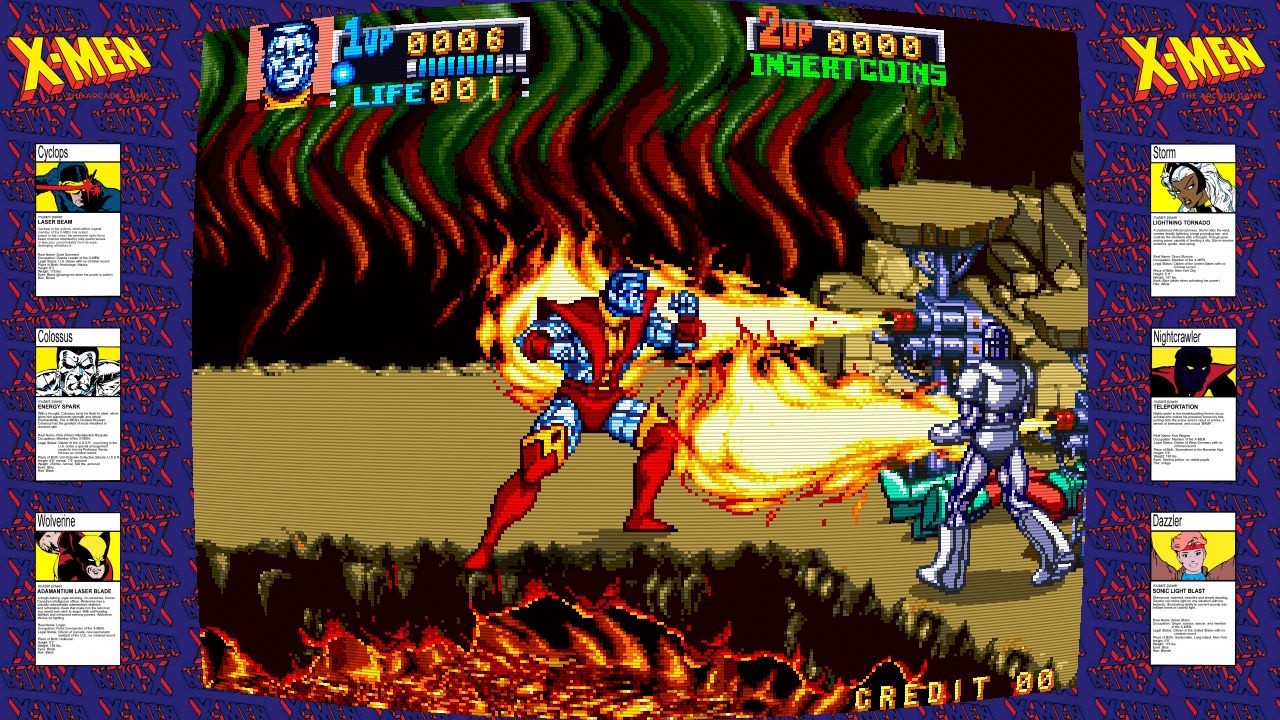
The prize in Limited Run’s Marvel Maximum Collection, unquestionably, is Konami’s 1992 X-Men: The Arcade Game. Famously, it holds a Guinness World Record for being the only arcade beat ‘em up to support six simultaneous players. This port allows you to switch between two, four and six player options — in line with its original cabinet variations — and take the game online with rollback net code.
Superb fun, and elevated considerably through multiplayer, while its character movesets are somewhat limited by modern standards, early ’90s Konami were such a tour de force that they could barely put a foot wrong. It offers a thrilling romp through the X-Men universe of yesteryear, featuring a cast of six favourites — Colossus, Cyclops, Wolverine, Storm, Nightcrawler, and Dazzler — fighting against Magneto’s hordes: Sentinels, Juggernaut, Wendigo, and more.
Captured on Nintendo Switch (Docked)
The backgrounds are lovingly detailed; the sprites and animation are excellent; the colour scheme is straight out of a ’90s comic book page; and the game is full of superb voice samples, grammatically incorrect or otherwise. It does work better in multiplayer, although with six on the screen, the action gets confusing.
While this is the collection’s high point, and the only title with online functionality, elsewhere there’s plenty to enjoy. The frontend and quality-of-life features are surprisingly well done, with archival materials for each game comprising flyers, manuals, and design documents. Save states are available, as is a rewind function; you can configure the difficulty level of every title; and the CRT screen filters are very granular, allowing fine adjustments that render really well.
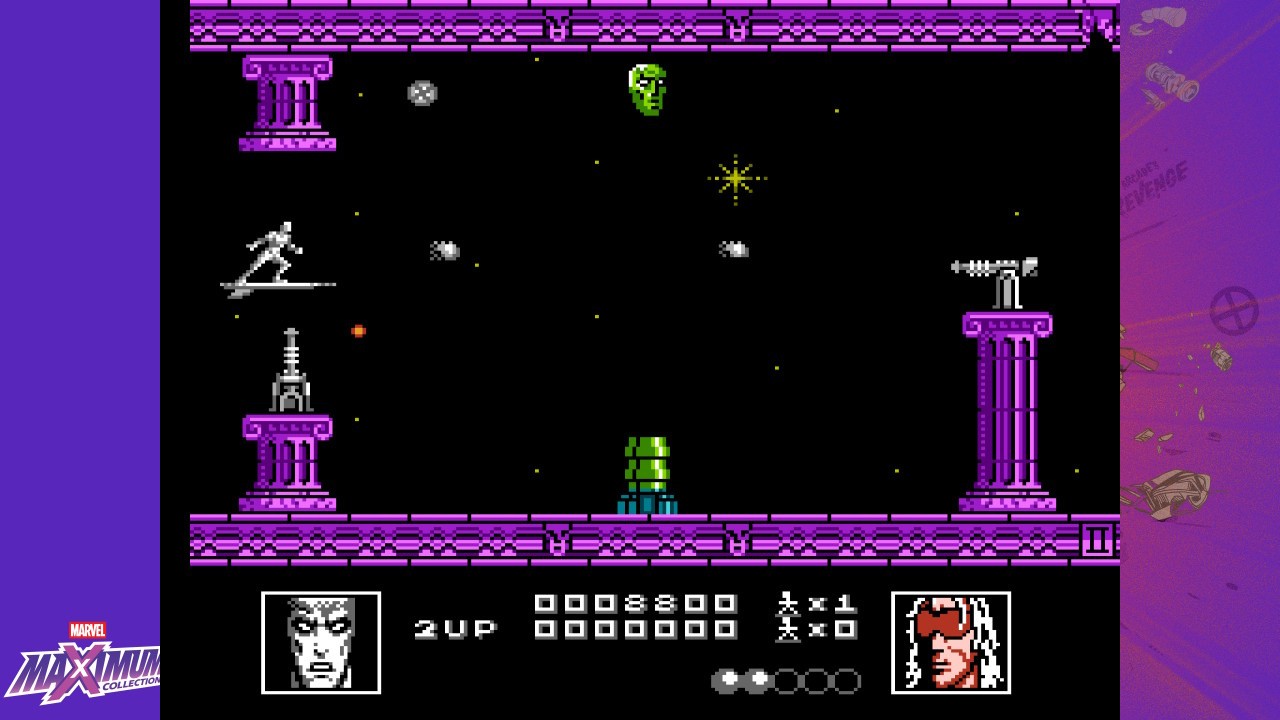
What’s interesting about the Marvel Maximum Collection is how far-flung the titles are, including arcade games from Data East, as well as Super Nintendo, Mega Drive, NES, and Game Boy titles from Software Creations. Many of these come under the LJN label, the best recognised of which is probably the NES’s Silver Surfer (1990), a shoot ’em up made infamous by The Angry Video Game Nerd.
Captured on Nintendo Switch (Handheld/Undocked)
And honestly, it’s a game that gets a bad rap. Yes, the hit-box is infuriating, and being unable to discern what constitutes impassable objects is a test, but play enough to learn layouts and win power-ups and orbs, and it’s certainly not the worst of its kind, nor the worst of this collection. It’s also carried by a great soundtrack from Tim Follin.
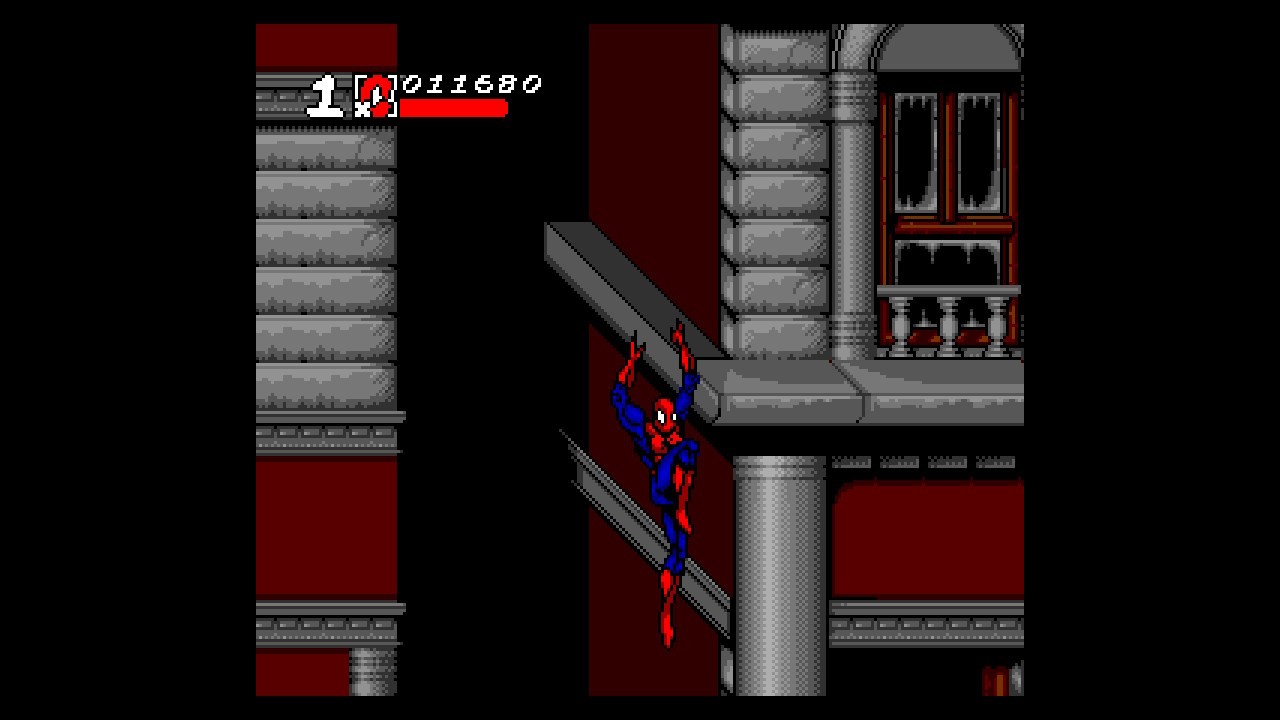
Spider-Man and the X-Men in Arcade’s Revenge (1992) is probably mid-tier in terms of the package offerings, although a lot will depend on your nostalgic mileage. Here you have SNES, Mega Drive, Game Gear, and Game Boy versions. The handheld ones are curious but poor, and the 16-bit versions remain tough, frustrating, and confusing to get through. The Mega Drive release is best, but generally its collision detection, sharing lives between characters, and a final boss with some painful RNG persist across all iterations. Still, if you exploit Gambit’s stage glitch to stockpile lives (or use the rewind function), there’s some enjoyment to be had getting through it.
Captured on Nintendo Switch (Docked)
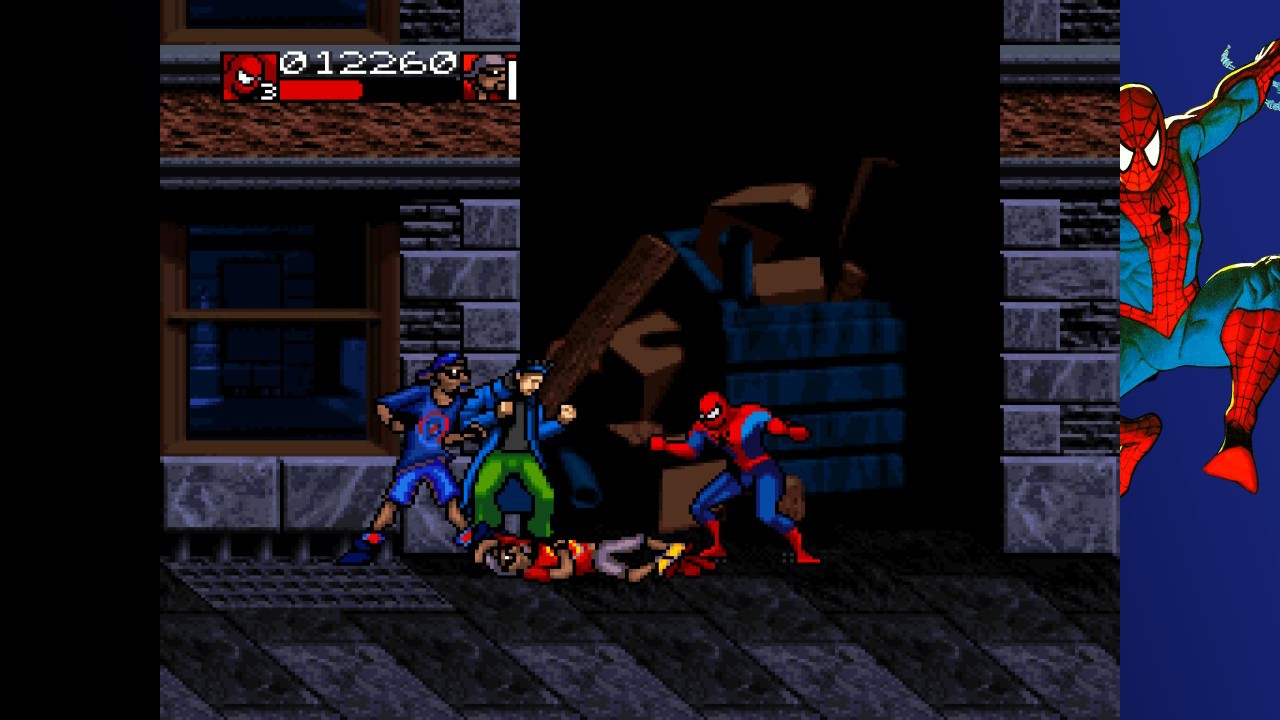
Spider-Man Maximum Carnage (1994) is a Final Fight-style scrolling beat ’em up for the Super Nintendo and Mega Drive, and it’s pretty mundane, all things considered. It’s notable for being based on an actual crossover comic miniseries, and having a soundtrack by ’90s punk band Green Jelly.
These aspects make it cool in a throwback kind of way, but the action is limited and repetitive. With little variation in its enemies or action, it quickly becomes a slog. The backgrounds are fairly uninspired, and it seems to go on for so long that your interest is likely to wane long before you reach the final boss. A little interesting trivia: Maximum Carnage, with its special red cartridge, was never released in Japan, and with an already fairly limited print run, the original US version of the game can fetch up to $5000 in stores there.
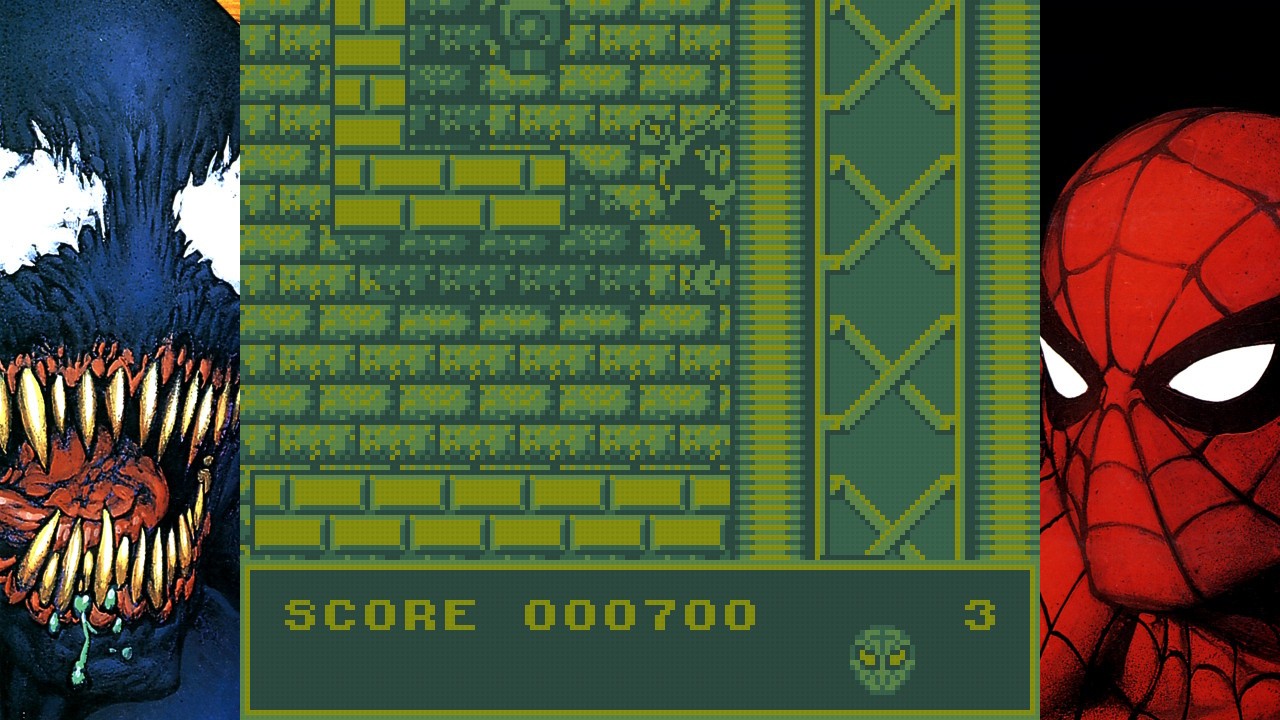
However lame Maximum Carnage is, though, Venom/Spider-Man: Separation Anxiety — its 1995 follow-up — is somehow slightly worse. It carries over most of the flaws of its predecessor, throws in some really ugly pre-rendered backdrops, and feels incredibly dull. Its monotony is alleviated slightly by allowing you to switch between Spidey and Venom, and it has a ton of great Marvel cameos — but the combat is imprecise and muddled, and too limited in scope to hold your attention. Both the Super Nintendo and Mega Drive versions are present, although the former wins out for better colour breadth.
Captured on Nintendo Switch (Docked)
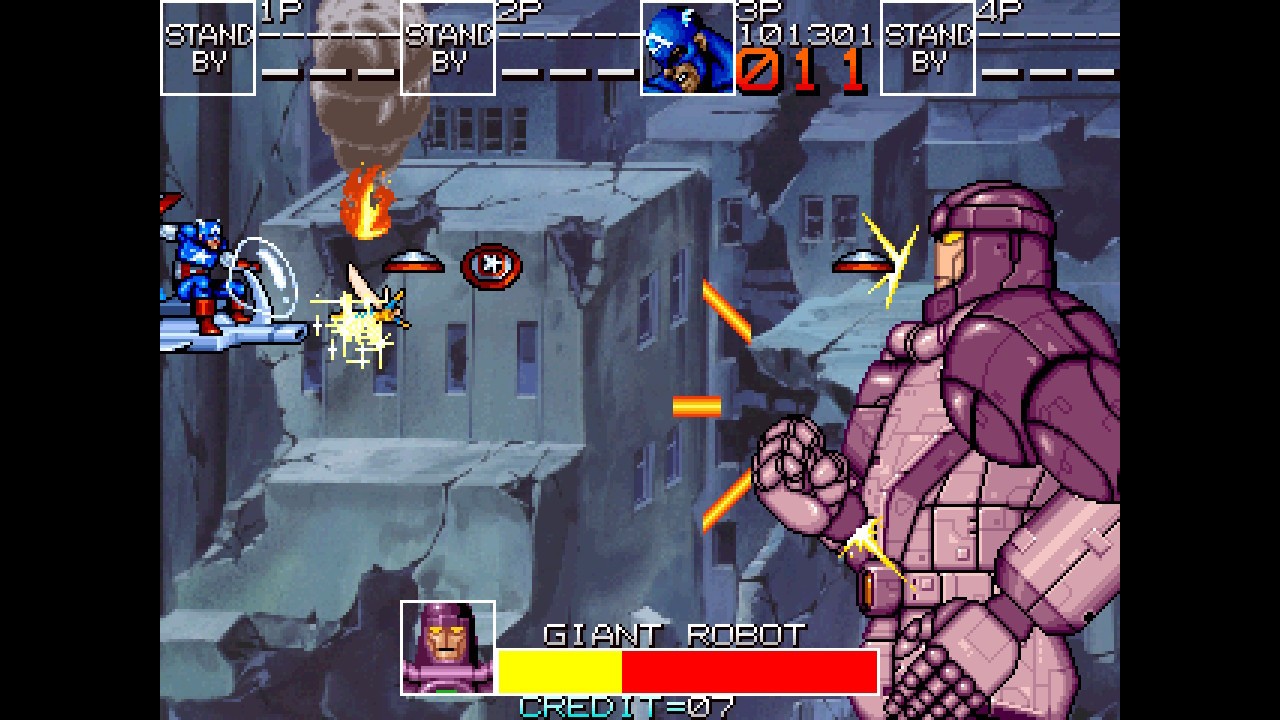
The more unlikely addition to the Maximum Collection is Data East’s 1991 beat ’em up Captain America and The Avengers. Predating Konami’s arcade attempt by a year, it’s far less visually impressive with much smaller sprites, but has an enormous amount of charm to it. The cutscenes look great, and there’s some nice variation between beat-’em-up stages and shooting style action, whether through the skies or underwater.
There are four characters to choose from, including the eponymous Captain America, Iron Man, Vision, and Hawkeye. On your crusade to defeat ultra-villain Red Skull, you also get to battle some enormous bosses, but sadly the combat is very limited, and as a result, it becomes naturally repetitive.
Nevertheless, it’s enjoyable to experience, and worth playing through with a credit feed. What’s puzzling most about this particular port, however, is where the multiplayer option is. Not only can you not realise the original’s four-player antics, but it seems like two-player isn’t available, either. Even odder is that you need to pick your character from a pre-boot screen — probably aping the original cabinet’s coin slot fixtures — but once inside the game there doesn’t seem to be any way to switch characters at the continue screen.
Captured on Nintendo Switch (Handheld/Undocked)
This heavily leans toward the fact that it — and probably everything else — is little more than a rom collection. While that’s to be expected, it would have been nice for the title to have enjoyed the same attention and augmentations given to Konami’s arcade game. The Mega Drive and NES versions of Captain America and The Avengers are also included, with the latter being a wholly different, pretty engrossing (but considerably tough) platform game, and the former a ropey, inferior arcade port.
Data East had one more Marvel arcade game — Avengers in Galactic Storm (1995) — that didn’t make the cut. Being a fighting game, it would have offered some much-needed variety to the package, and its absence is something of a missed opportunity.
Conclusion
The Marvel Maximum Collection does what it sets out to do well, and its bringing together of titles from various developers is what makes it so interesting. With all the console variations, the library on offer is large, and the emulation quality feels tactile and fairly accurate (although diehard enthusiasts will probably find something to gripe about).
It must be noted, though, that there are no truly ‘great’ games here, and the quality of offerings ranges from ‘good fun’ and ‘worth sticking with’ to ‘not much fun’, ‘frustrating’, and ‘rather poor’. It’s an admirable attempt to combine some of the more prominent retro Marvel titles into a nostalgia package, and Konami’s arcade game is the icing on the cake. Just keep in mind that nostalgia, and not an assembling of gaming’s finest, is what’s driving this thing.
Publisher Annapurna Interactive has released a new trailer for its heartfelt single-player adventure Forever Ago, due for release on the Switch 2 this autumn.
Revealed during the recent Xbox Partner Showcase, the new trailer displays some heavy Firewatch vibes, with lots of rural environments to explore and a narrative that looks set to tug on our heartstrings. Here’s a look at the official description from Annapurna:
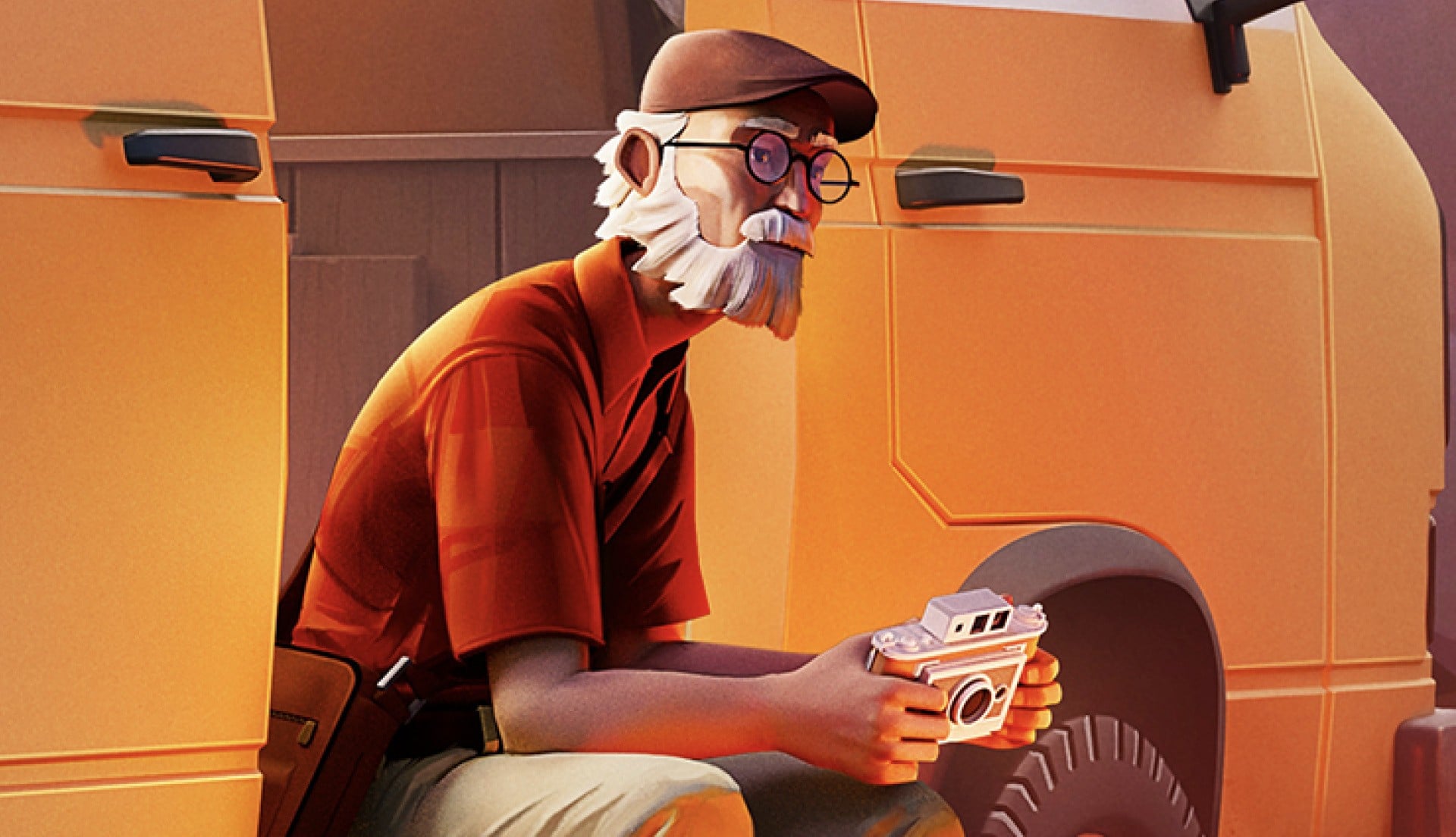
In Forever Ago, the player takes on the role of Alfred as he navigates the aftermath of a tragedy in his life. Propelled by his minivan and armed with an instant camera, he embarks on a journey north in search of redemption.
Along the way, Alfred will explore beautiful environments and meet fascinating new people while visiting beautiful and unique places, from serene forest trails to deserts to mountains, examining objects to help him understand his surroundings and the people who came before. He makes new memories and captures them with his instant camera, used to document his journey and solve small environmental puzzles.
We’re loving the look of this one. It’s not often you see older protagonists in, well, any kind of media, so it’s a lovely change of pace. We’re just hoping the gameplay can match up to the presentation.
We’ll update you on Forever Ago, including its eventual release date, as soon as we hear more.
What do you make of this one, folks? Will you be picking it up? Share your thoughts with a comment in the usual place.
Nintendo is having a pretty busy 2026, with at least one game (sometimes two) coming out every single month, right up until May’s Yoshi and the Mysterious Book. Beyond that, we don’t have much of an idea of what the Big N has up its sleeve.
However, NatetheHate reports that the company has a pretty big, if surprising, year planned, “in a good way”. In this week’s episode of his podcast, Nate discusses a number of key reveals that he’s heard about, including a brand new Star Fox game, a new 3D Mario in 2027, and a remake of one of the most-beloved Zelda games ever.
Obviously, everything we say here should be taken with a pinch of salt, and until we hear more, these are all rumours. But who doesn’t love a bit of Friday afternoon excitement, eh?
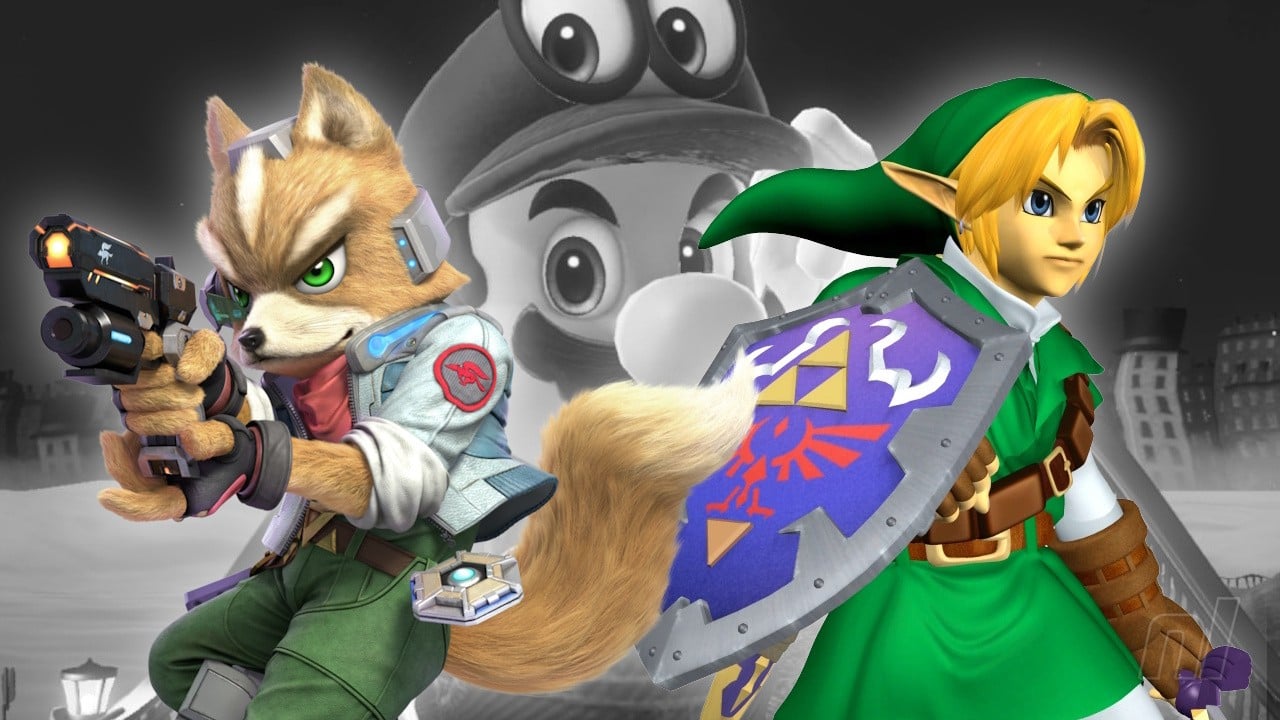
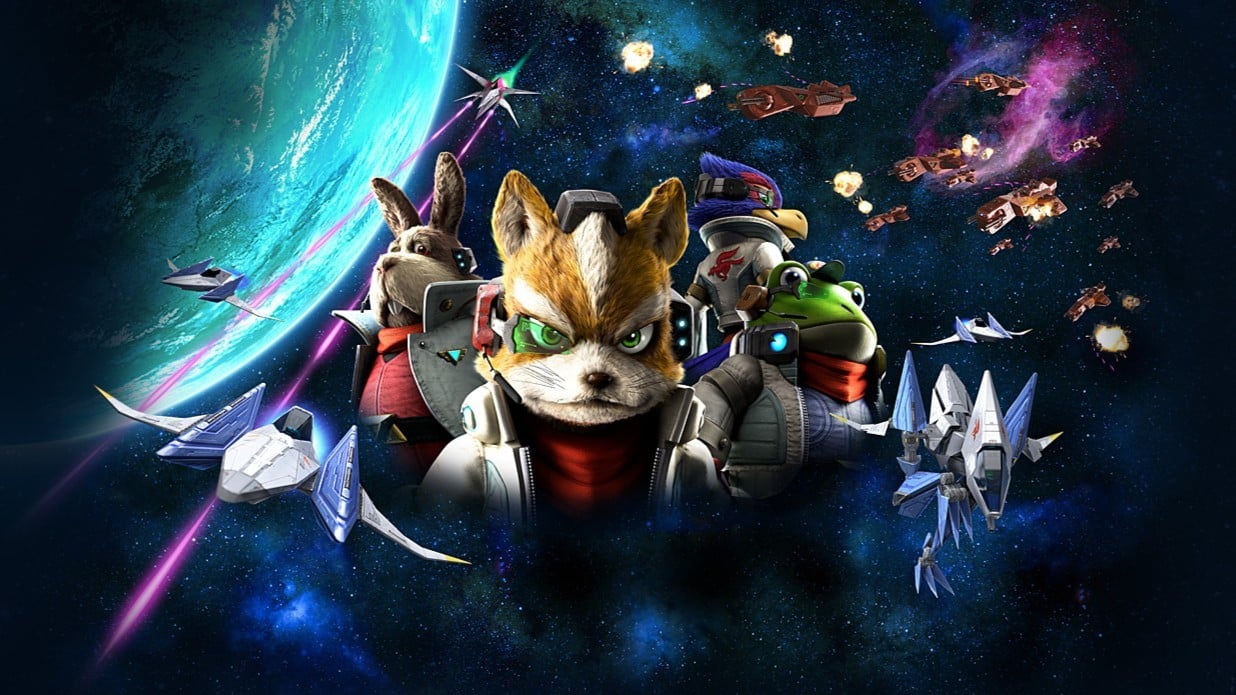
Let’s start off with the most surprising reveal, which is that Star Fox is making a comeback (VGC also corroborates this) with a “brand new” game this summer on Switch 2. “I’ve been told this is a classic-style Star Fox game,” Nate says; the visuals are “very good, very satisfying” and there’s apparently going to be online multiplayer.
Star Fox Zero was the last mainline game, while the four also appeared in Starlink: Battle for Atlas on Switch — Image: Nintendo
Given yesterday’s big Mario Galaxy movie news, this actually makes a lot of sense. The game will apparently be revealed before May, but not in a Direct, as Nate has heard there isn’t a general Nintendo Direct planned until June.
In more disappointing news, Nintendo is apparently holding onto a new 3D Mario game until 2027, according to Nate’s sources. That means it’ll have been almost a decade since the last new 3D Mario, with Super Mario Odyssey.
In its place, however, is a big ol’ celebration for The Legend of Zelda’s 40th anniversary in the form of an Ocarina of Time remake.
Shocking, no? — Image: Nintendo Life
“What I can share with you today is that in the second half of 2026, approaching the holidays, we are going to receive an Ocarina of Time remake for Switch 2.” Nate didn’t share any other details, but it is reportedly coming in the second half of the year. Now that’s pretty big news.
Ocarina of Time is still arguably one of the most-popular games in the series, and fans have been begging for a little more traditional 3D Zelda following Breath of the Wild and Tears of the Kingdom. Yes, OoT does have a remake on the 3DS, but a big ol’ console remake? That gets us very excited.
“A Switch Sports” game will be coming to the Switch 2 as well, though Nate is unsure if this is a new game or a Nintendo Switch 2 Edition of the original Switch game.
For Switch 2 Editions, both Pikmin 4 and Xenoblade Chronicles 2 are potentially getting NS2E releases sometime in 2026, too. And lastly, for a little third-party news, The Duskbloods is aiming to launch later in 2026.
Now that certainly fleshes out the rest of the year, doesn’t it? Of course, as we said up top, plans are not set in stone, and some of these might not even be true. But Nate has a pretty good track record, accurately dating multiple Nintendo Directs.
All we can do is carry on and get excited for the year ahead, whatever that may bring. You can listen to all of Nate’s thoughts, predictions, and gatherings from around the 18:30 mark.
What do you think of Nate’s claims? Would you like a new Star Fox or an Ocarina of Time remake? Let us know in the comments — or vote in our poll (thanks Lofoten for the suggestion!)
What Switch 2 rumour for 2026 are you most excited about? (949 votes)
A new Star Fox game29%
A Zelda: Ocarina of Time remake44%
New 3D Mario game in 202712%
Dates for existing games (Fire Emblem, Rhythm Heaven, Splatoon Raiders)4%
Switch Sports (either new game or NS2E)1%
Pikmin 4 NS2E1%
Xenoblade Chronicles 2 NS2E2%
None of these – I need something else to get excited about6%
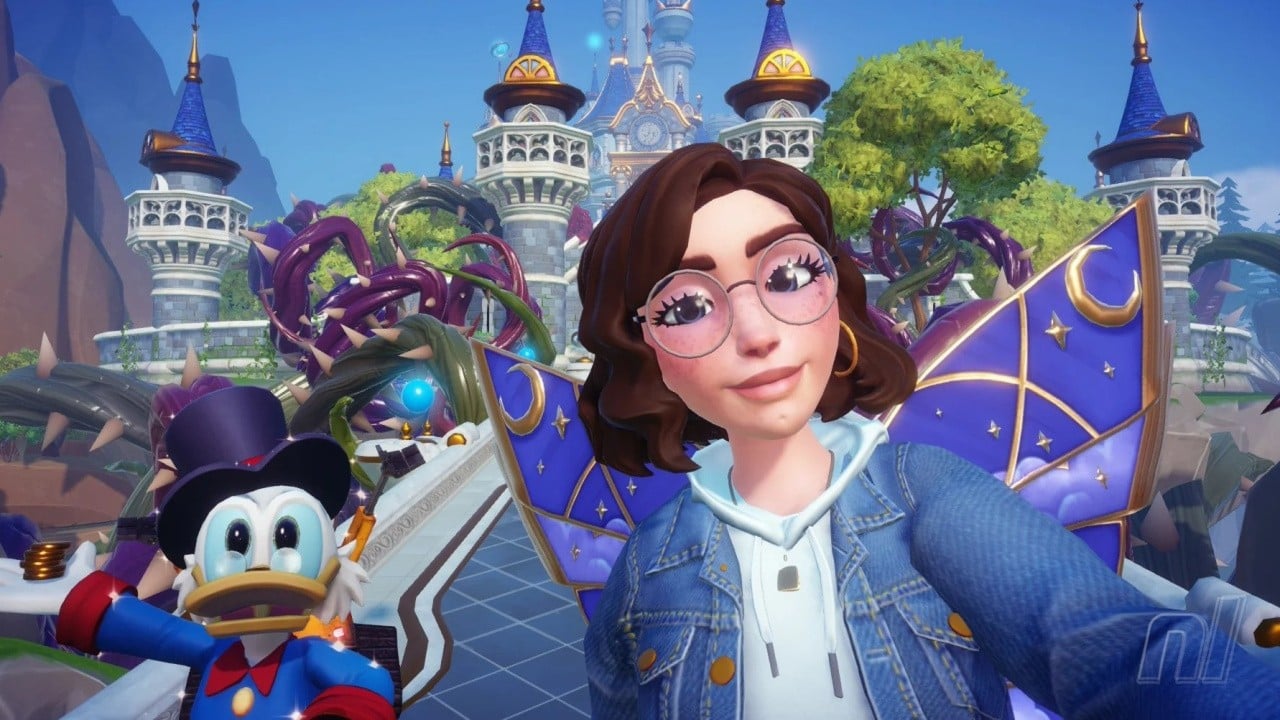
Since its somewhat rocky release on Switch back in 2022, Disney Dreamlight Valley has redeemed itself through several updates and a plethora of DLCs which can make any Disney fan happy. You see, I originally played the game on the Xbox One during early access, when the game used to be free-to-play but full of performance issues.
When Gameloft later announced that they’d be charging for the game (unsurprising in my opinion) and with the reports of poor optimisation even on the Switch, I knew it would be extremely unlikely I’d ever pick up the game again. However, after news on the Switch 2 upgrade and a momentary bout of sickness, I decided to give it another crack in hopes that it would change my mind.
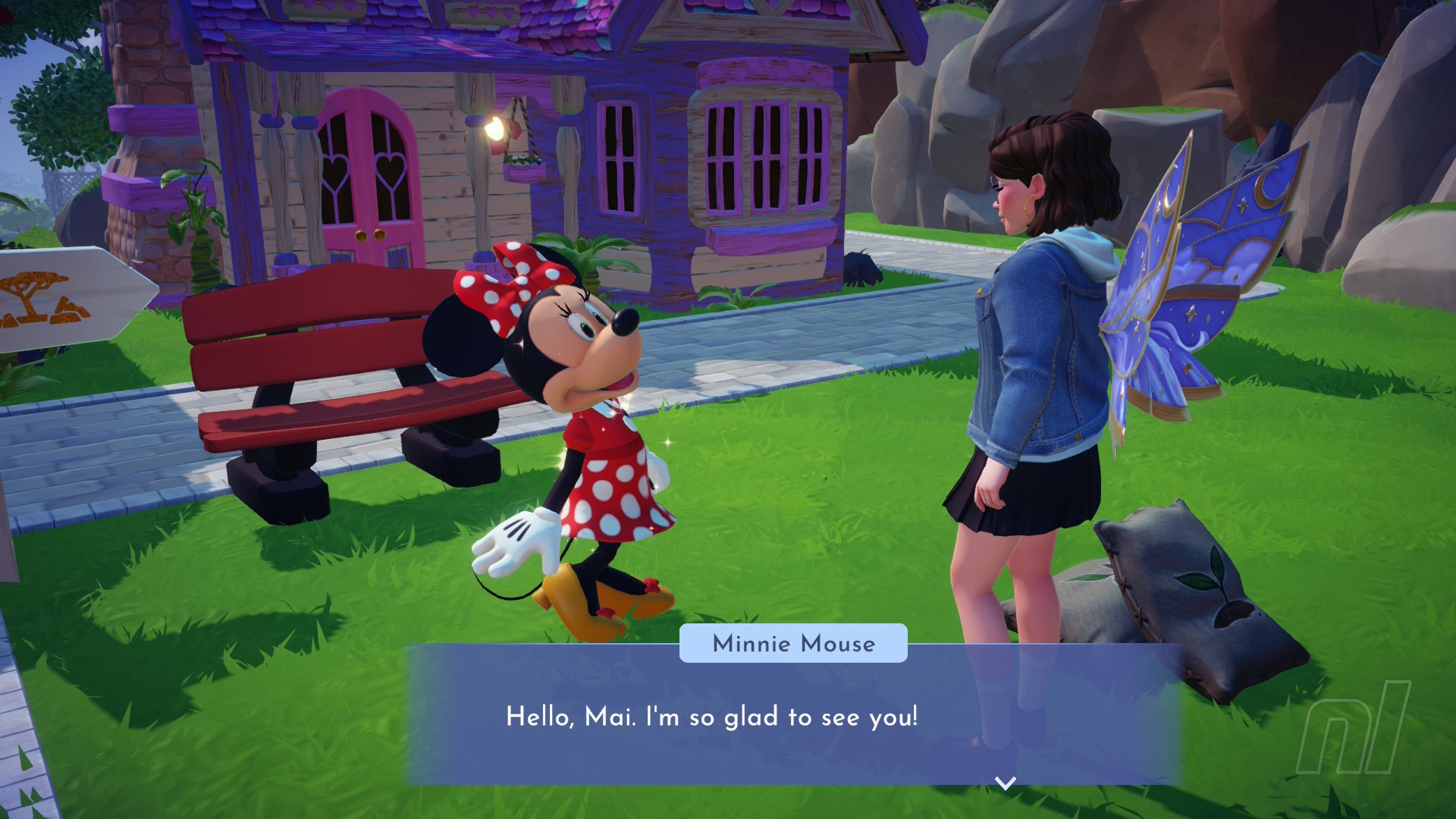
For those unfamiliar with Disney Dreamlight Valley, you play as The Ruler who seemingly just appears in Dreamlight Valley, a dark and dreary village and once a magical place filled with familiar Disney characters but now succumbed to The Forgetting, which, as the name suggests, caused everyone to forget and disappear. With some help from Merlin and other Disney friends, you must restore the valley and uncover the mystery of The Forgetting.
If you’re looking for a broader overview, you can check out our launch review, which covers the basics as they were in 2022. Otherwise, the gameplay is your bog-standard life sim with decorating, farming, and social elements which can easily be mistaken as a Disney-skinned Animal Crossing. However, I’ve always felt there’s something more magical about Dreamlight Valley sparkling beneath the surface.
It can be overwhelming at times, but much like any other cosy game, you’ll have duties or quests to fulfil and DLV is no different. You’ll have daily goals known as Dreamlight Duties which reward Dreamlight, a form of magical points allowing you to unlock more biomes to explore, character realms, items to craft and of course, storage upgrades.
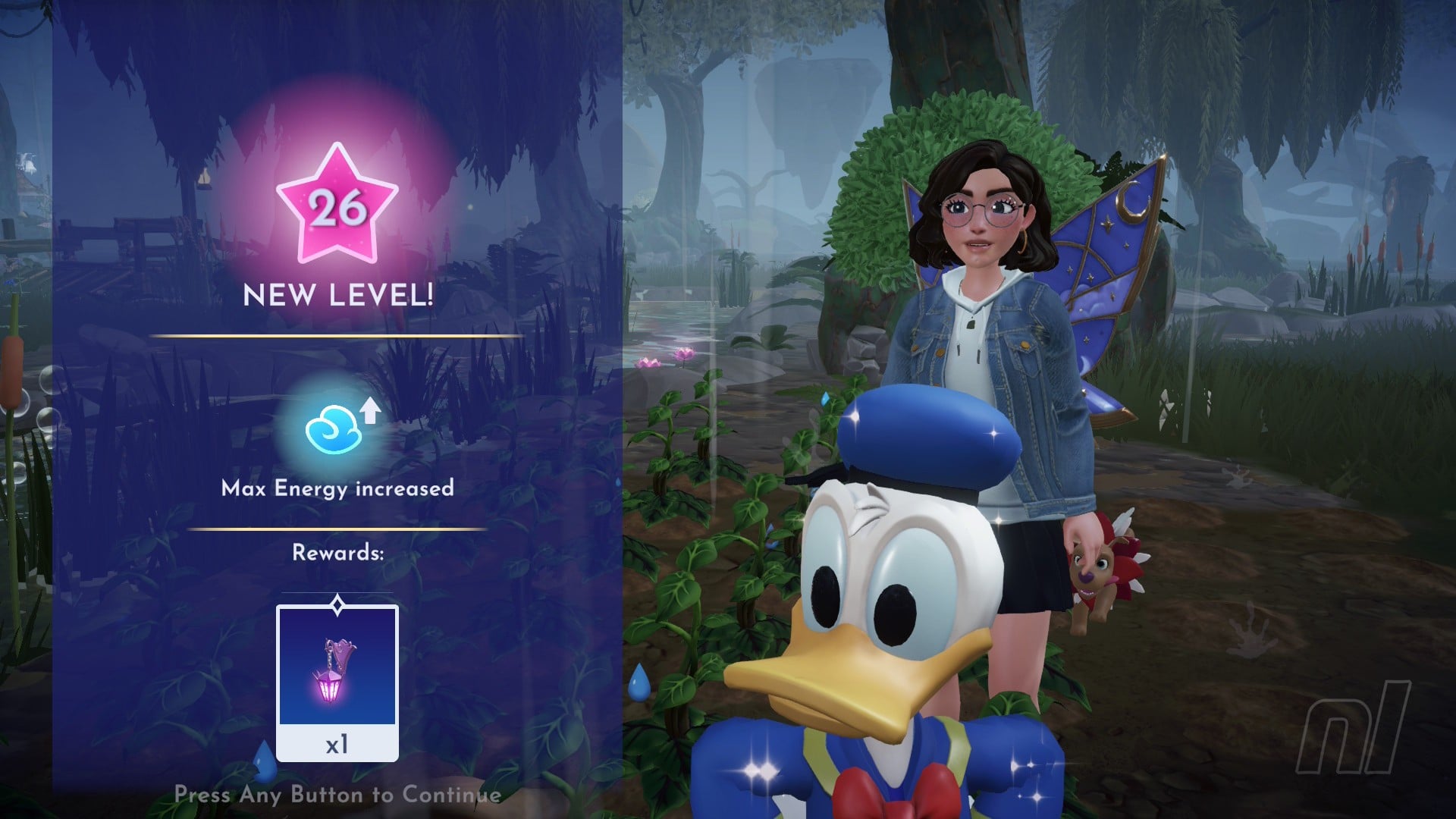
But it doesn’t stop there. You can gain more Dreamlight from just playing the game. Anything from foraging, cooking, and forming friendships with villagers gains you Dreamlight and level your character up in the process. Levelling up helps you unlock special items and increases your max energy level.
Yes, there’s an energy bar which in the early game is frustrating and tiresome, but can be quickly rectified through foraging, resting in your home, and cooking later on. Forming friendships is quite important, as each character can hang out with you and, depending on which skill you’ve assigned them, they can give you a hangout bonus. Whilst each character levels up during hangouts, you can unlock special items or clothing along with quests you wouldn’t be able to access otherwise.
Disney Dreamlight Valley also offers events in the form of Star Paths, limited-time promotions offering exclusive items through completing quests or purchasing tokens with Moonstones (the game’s form of microtransactions). I’ve never personally purchased any Moonstones, as I’m happy to grind away during quests and prefer not to spend real-world money, so these are obviously optional.
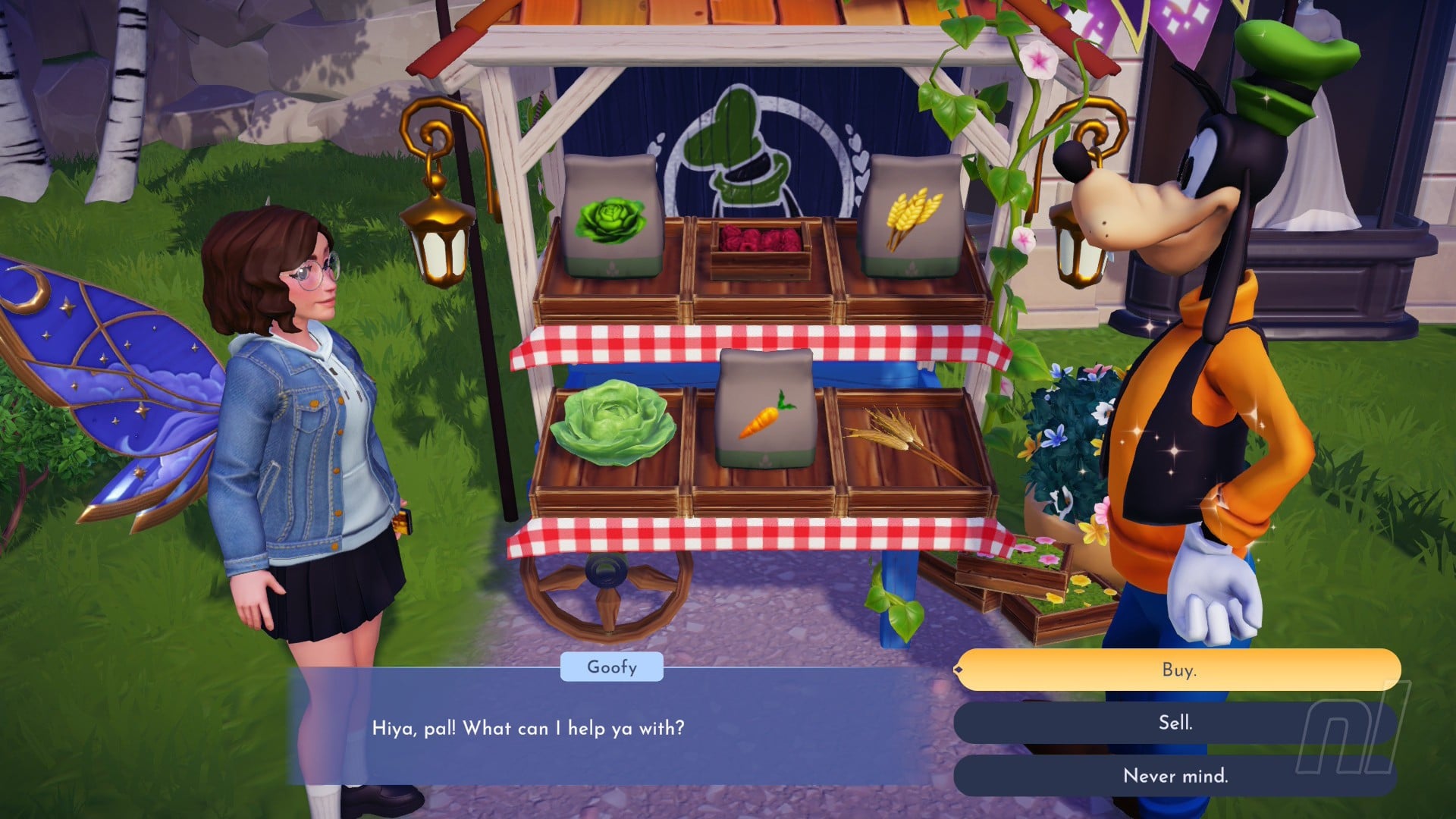
As the game has a real-time clock, there are often quests which require you to wait a couple of days before you can progress, so I’d keep myself busy with shorter quests or gardening to earn the extra coins and pass the time. As tempting as it would be to spend my real-life money on an imaginary currency for a pretty dress or to complete a quest, I get more gratification pulling carrots from the ground to sell at Goofy’s Stall and seeing those coins pile up. Perhaps I’m more like Scrooge McDuck than I thought?
Captured on Nintendo Switch 2 (Handheld/Undocked)
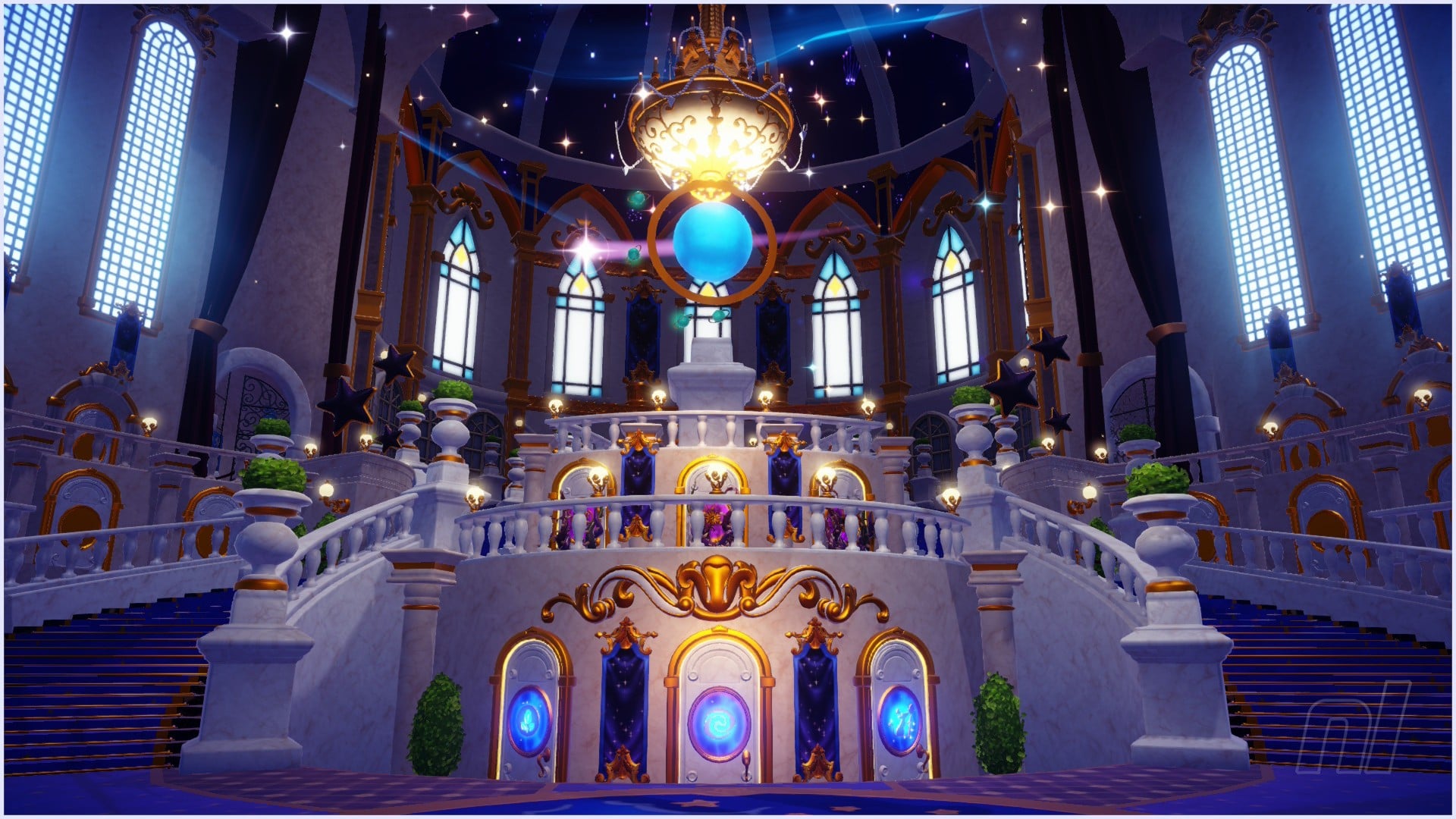
You can unlock more characters through the use of Realms found in the Dream Castle, a huge central hub housing 13 Realm doors with more available to unlock in future updates and DLCs, the latter already amassing many more hours of content as well as more Disney pals to join the Valley.
Compared to when the game was initially released, it has evolved into a very different experience. From focusing on merely designing, building the world, and exploring the story, it’s now expanded into a world of premium paid content and a ‘catch ‘em all’ mentality.
Like any game, there are bound to be tweaks and improvements along the way. Since 2022, Gameloft added Dream Teams, a multiplayer feature as a way of connecting with other players in private communities where you can help each other with resource requests, follow each other’s progress, and even contribute to a social feed within the team. You can also visit other team members’ valleys through Dream Teams.
Captured on Nintendo Switch 2 (Docked)
I’ve played a lot of Disney Dreamlight Valley, so I’m quite familiar with the state of the game before and after the free upgrade. Upon booting up on Switch 2, I wasn’t expecting much. Even with the promise of improved loading times, enhanced resolution, a smoother frame rate of up to 60fps, and double the amount of item storage (now up to 6,000), I still had my doubts.
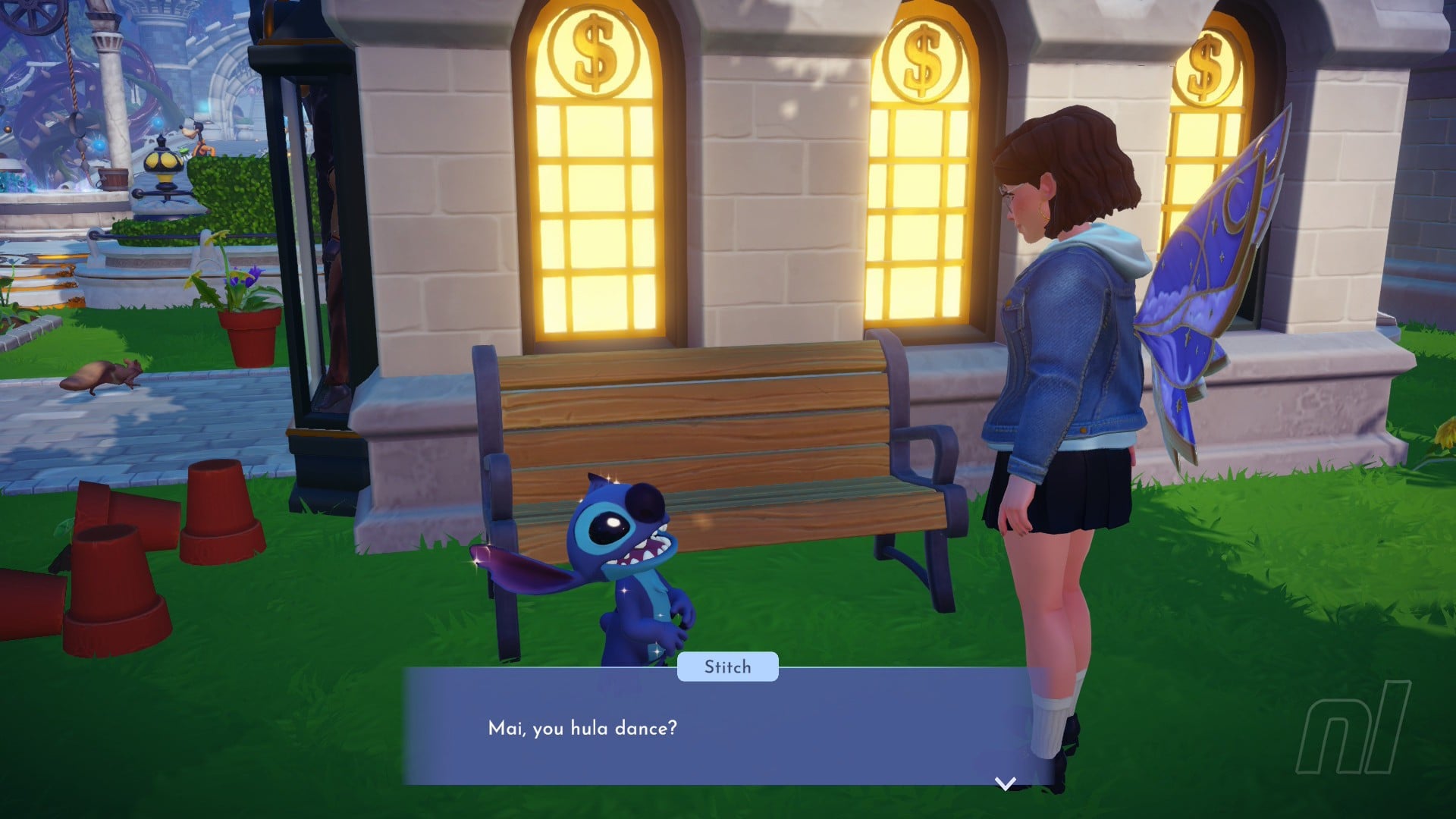
I was sorely mistaken, though! What used to feel like a bit of a crunchy mess became a crisp and, dare I say, gorgeous sight to see. I quickly noted the sharper character details, less erratic camera manoeuvering, and less stuttering in frames. Plus, the outside lighting, especially at sunset, is an obvious improvement compared to the Switch 1 version.
I wouldn’t say the technical improvements have been 100% successful, though, as the more I’ve played, I found minor frame drops in both docked and handheld, which were pretty obvious when it was raining and in busier areas like the Plaza or Forest of Valor. I also found the random pop-in of buildings or items from time to time, which isn’t a huge distraction considering the state the game was in at launch, but still somewhat disappointing. On the plus side, I can now move around the menus with ease and no longer need to make a cup of tea during the painfully long loading times.
Captured on Nintendo Switch 2 (Handheld/Undocked)
Unfortunately, some bugs were not fixed for me in the upgrade. This included a strange issue where the screen would continuously flash until loading up the main menu — something I hope wasn’t present for those with light sensitivity — and another where I’d be trapped whilst cooking, unable to complete the dish, remove the ingredients, or leave. This would mean having to fully close the game and hoping it had autosaved.
Conclusion
Whilst the Switch 2 Edition has fulfilled most of its promises and fixed some bugs, I can’t help but feel somewhat disappointed that it took this long to fix on Nintendo platforms. With no other new features such as Mouse Mode for building/decorating, it’s a little underwhelming.
Saying that, DDV looks stunning on Switch 2, and compared to when the game originally launched on Switch 1, this can be considered — finally — the ‘full-release’ version.
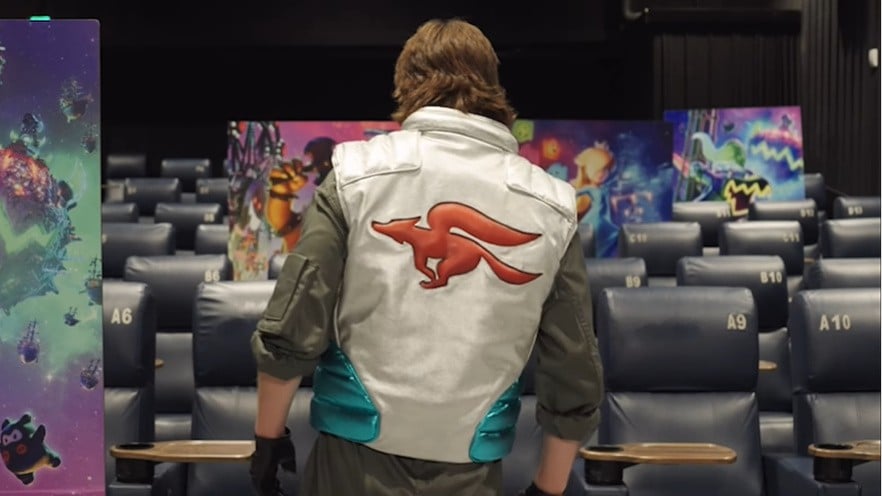
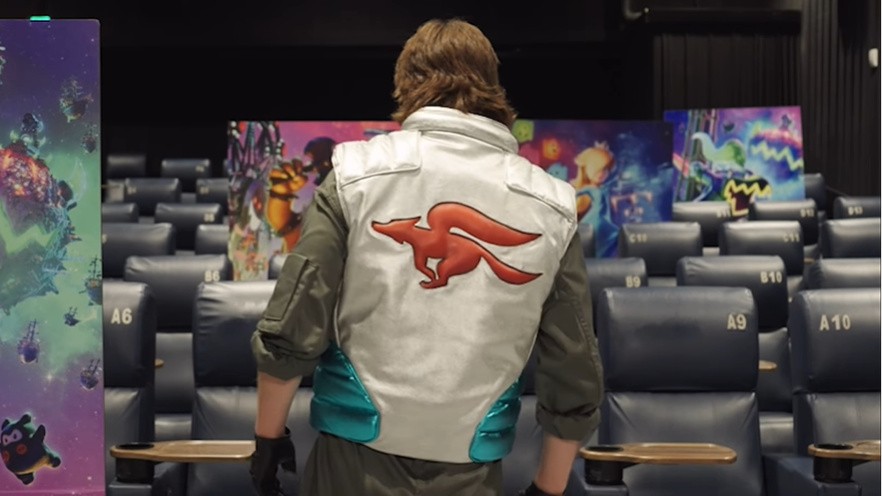
Ahead of the release of The Super Mario Galaxy Movie on 1st April 2026, the voice actor for the newly-confirmed Fox McCloud has been revealed.
The intrepid space pilot will be voiced by Glen Powell, who is perhaps best known for his work on Top Gun: Maverick in 2022. Rather fitting, wouldn’t you say? He’s also appeared in movies such as The Running Man, Twisters, and Hit Man.
Powell revealed the news himself via an Instagram reel below:
Fox McCloud was recently announced via a new official poster for the Mario Galaxy movie, and since he’s being voiced by a fairly well-known actor, we have our hopes up that it’s more than just a quick cameo.
It’s also been confirmed that Pikmin will show up in the movie after the little scamps showed up in a brief teaser video online.
Well well well, what do you make of this? Are you hopeful that Fox McCloud will have a significant role in the Mario Galaxy movie? Let us know.
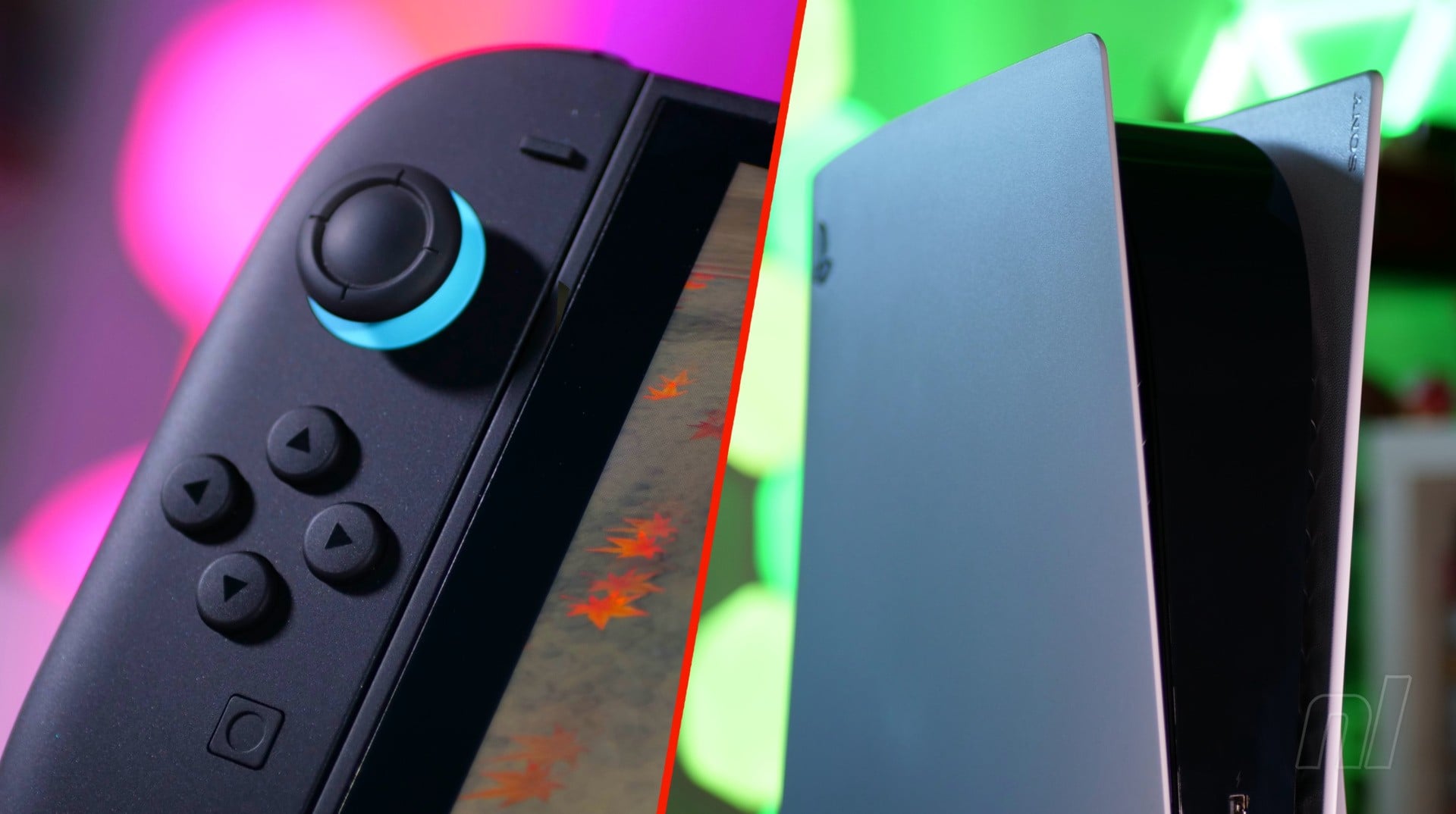
Recently, one of the key topics surrounding the Switch 2 is its price; specifically whether we can expect it to go up thanks to the insane demand and shortage of RAM.
Well, if you want a glimpse into the potential dark times ahead, then look no further than Sony. The company has announced that the PS5 will be receiving a staggering price increase that is being attributed to “continued pressures in the global economic landscape” (thanks, Push Square). The changes will be effective from 2nd April 2026.
So, the prices of the PS5 consoles and the PS Portal will be as follows:
Hold up, hold up… $900 for the PS5 Pro?! Oh wow, this is getting out of hand now. We can only imagine that PS5 sales are going to absolutely tank from April onwards, which is no doubt good news for Nintendo and the Switch 2 in the short term, but how long can it last?
At £395.99 / €469.99 / $449.99, the Switch 2 is arguably at the absolute limit of what most would deem to be ‘affordable’ in this day and age, and that’s pushing it. If it goes up in price in the near future, we reckon Nintendo will struggle to maintain its early sales momentum.
Oh boy, what are your thoughts on all of this? Let us know with a comment in the usual place.