Posted on Leave a comment

Power and simplicity: New Outlook mobile design helps you get things done faster

Today, we’re rolling out exciting updates to Outlook for iOS with recognizable avatars and optimized swipe and scroll usability that reflects the continuation of our design-driven journey and helps you connect, organize, and get things done. We’ve been meticulously tailoring both Outlook for iOS and Android, making it faster than ever to achieve your goals and maximize your time while on the go.

Design is becoming the heart and soul of Office, something reflected in the Office 365 user experience updates announced this summer and the new icons we revealed last week. Outlook mobile will be among the first app to adopt its new icon, and, much like the entire Office 365 suite, design thinking and craftsmanship have been driving Outlook mobile forward. It’s a key reason why we’ve exceeded more than 100 million iOS and Android devices and our app store ratings are consistently above 4.5.

Great mobile experiences don’t just shrink desktop designs, they rethink the process by understanding mobile’s unique design opportunities and constraints. Unlike a desktop, our phones live with us in our pockets and purses. This proximity and immediacy create the need for more personal, efficient, and even playful experiences that require a mobile-first approach.

Mobile productivity increasingly happens through a series of micro-tasks that take place in seconds, not minutes. This makes it vital to design experiences with less typing and taps, where your attention is brought to what matters most, and where key context is always available at a glance.

By creating resonant experiences that cater to these micro-moments, Outlook mobile offers delightful, simple, and powerful experiences that ensure you get in and out of the app quickly, gracefully, and with ease. We do this by following our core mobile-first design principles:

  • Deliver uncompromised craftsmanship and attention to detail.
  • Create fast and focused experiences.
  • Provide key context at a glance.

Let’s explore these principles in practice.

Quality and delightful craftsmanship

Great experiences are felt as much as they are seen. When we craft them, we pay attention to the details that make Outlook mobile feel faster.

With the new design in Outlook for iOS, we’re introducing new sensory feedback to create a resonant experience with the device cradled in your hand. When you swipe right or left on an email, subtle changes in color, shape, and iconography unfold. The corners of the message transform from hard-edged to soft and round, metaphorically pulling that item away from the message list and sending it where you want it to go—with haptic feedback.

Animated image of a mobile phone showing a user swiping to archive an email in Outlook mobile.

Delight is brought to you through moments that happen within milliseconds, like the new animated calendar icon that fans forward or backward as you scroll through your agenda, or the instant insight provided in your inbox by signaling a potential meeting conflict. This craftsmanship makes Outlook mobile a gratifying, powerful experience as you quickly move on with your day.

Fast and focused

The first thing most will notice as we roll out the Outlook for iOS changes over the next few weeks is the bold color that creates a more vibrant experience. We recognize that people use many apps on their devices and quickly switch between apps to complete tasks.

A strong app header with bold color and typography helps you easily find your way to Outlook while rapidly switching between monochromatic apps to quickly complete your task and get back to what matters. The experience is consistent across mobile email, search, and calendar; and for those who use Outlook on a large screen, the blue header connects you to your familiar inbox and calendar no matter which Outlook you use.

Animated image of a mobile phone, its user swiping between Focused and Other in the Focused Inbox in Outlook.

As a native app, we embrace the native font and use of typography, so Outlook feels perfectly at home on your device of choice. The bolder, larger iOS typography, however, shouldn’t compromise the experience, which is why as you scroll on your iPhone and iPad, the size of the header is dynamically reduced to maximize your message list to view and find what you’re looking for.

Contextually relevant

With the new iOS refresh, we improved the usability of more core experiences. The Focused Inbox toggle and message list filtering experience now orientate you to your content and accounts in a way that provides clarity and confidence.

If you’re a single account user, the app is personalized with your avatar. If you have multiple accounts and calendars added to the app, new account icon cues help you easily switch between them. Bright, bold avatars are also added to your contacts, so you’ll instantly recognize senders in the message, top contacts in search, and attendees in meeting invites.

In addition, did you know you can schedule an event when you know your team’s availability without typing a single letter? When designing the scheduling experience in Outlook mobile, we brought forward all people, dates, and place elements required into context so you could simply slide the options around the calendar to quickly find the time and place that works, no typing required. Through iterations on both iOS and Android, Outlook mobile delivers a powerful experience that helps you achieve your goals and save you time—so you can get back to what matters in your day.

Animated image of a mobile phone showing a user adding brunch to her calendar.

Send us your feedback

We’re humbled every day by the support and feedback we receive from our customers that help us improve the app. We’re excited about the new experiences in Outlook for iOS and hope you’ll love them too as we start rolling them out today. Download Outlook mobile so you can experience the updates that will help you get things done faster and save you time. We’re sincerely interested in your feedback as we strive to create the best products to help you achieve your goals. Please don’t hesitate to tell us what you think!

Posted on Leave a comment

Announcing Open Source of WPF, Windows Forms and WinUI at Microsoft Connect(); 2018

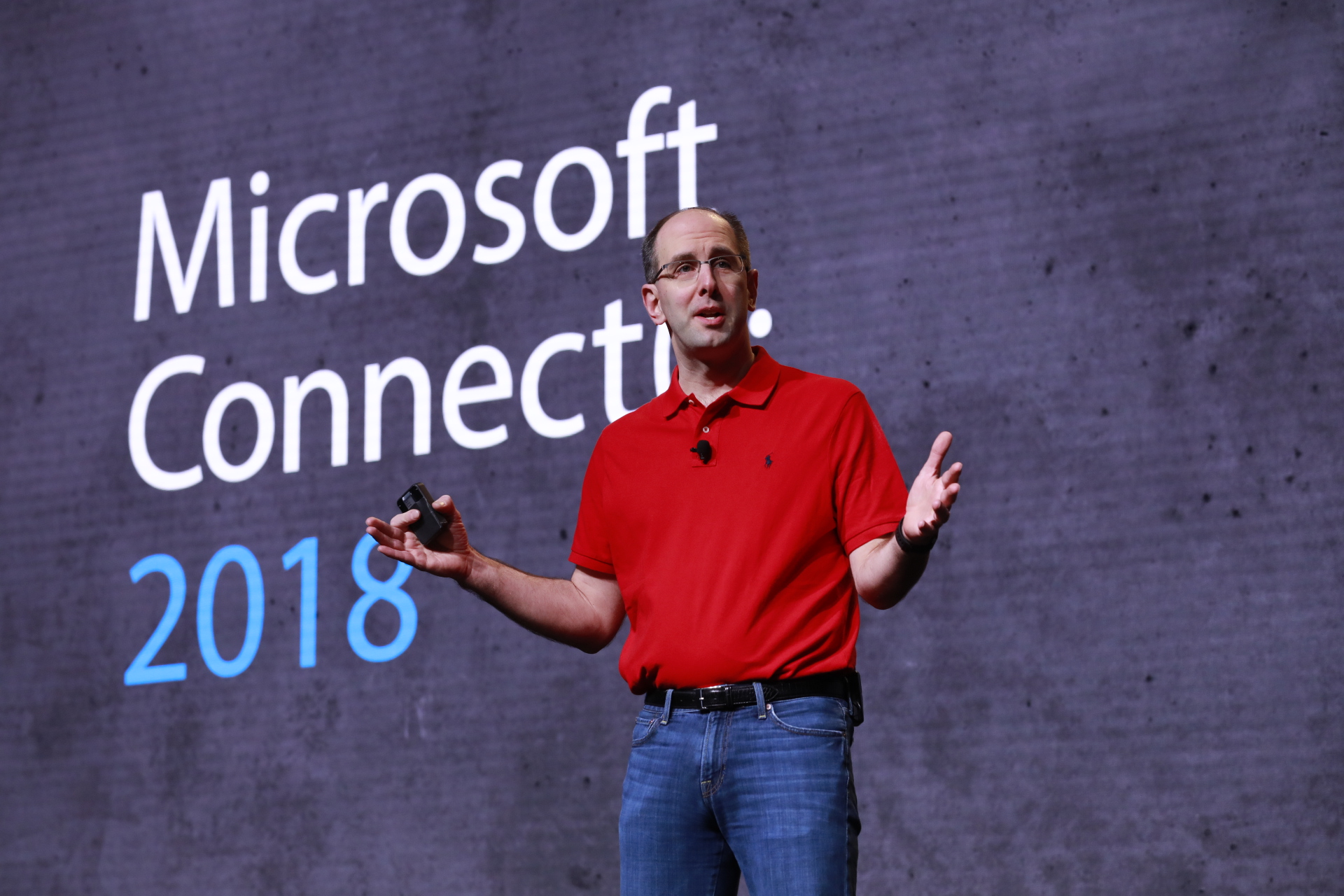
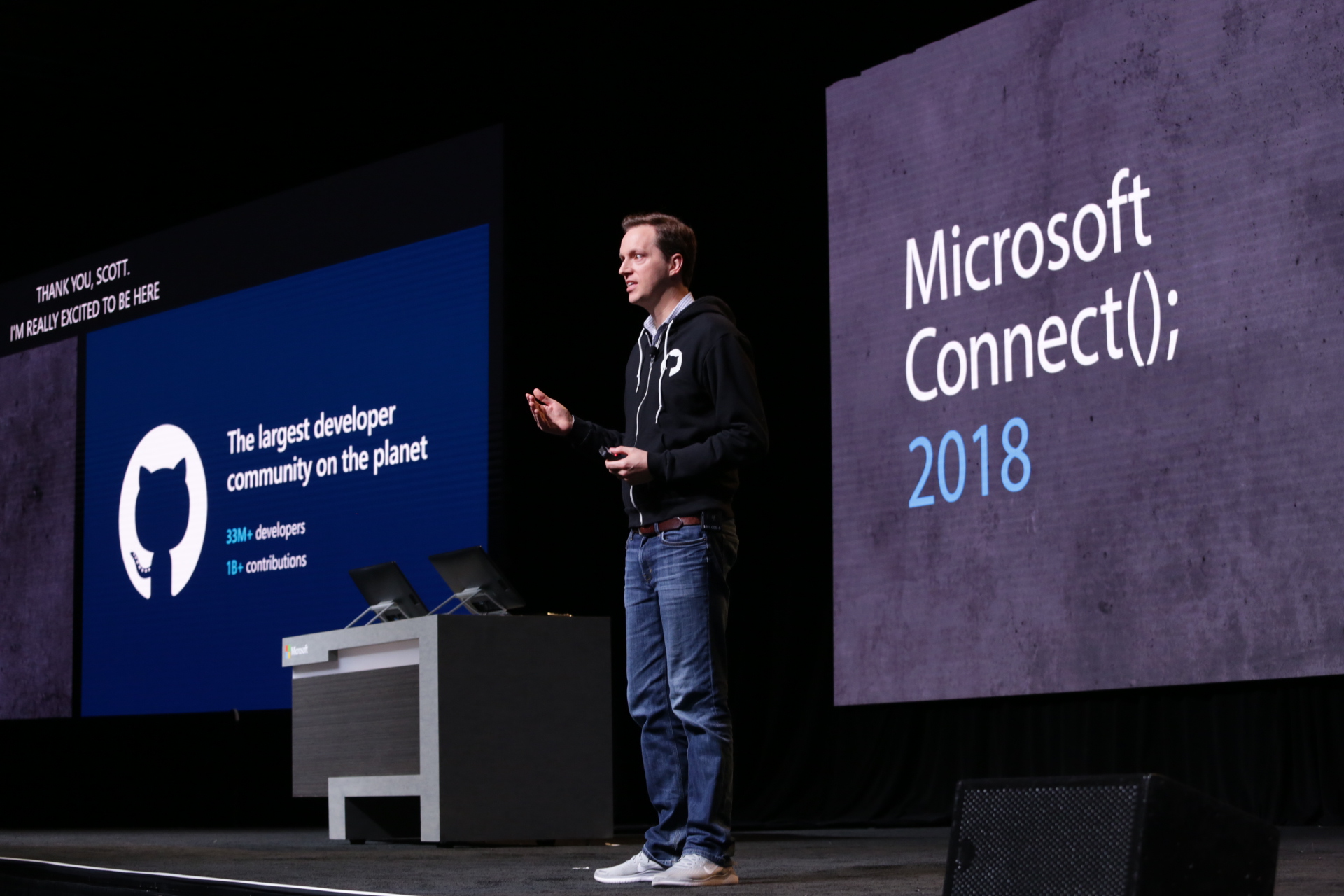
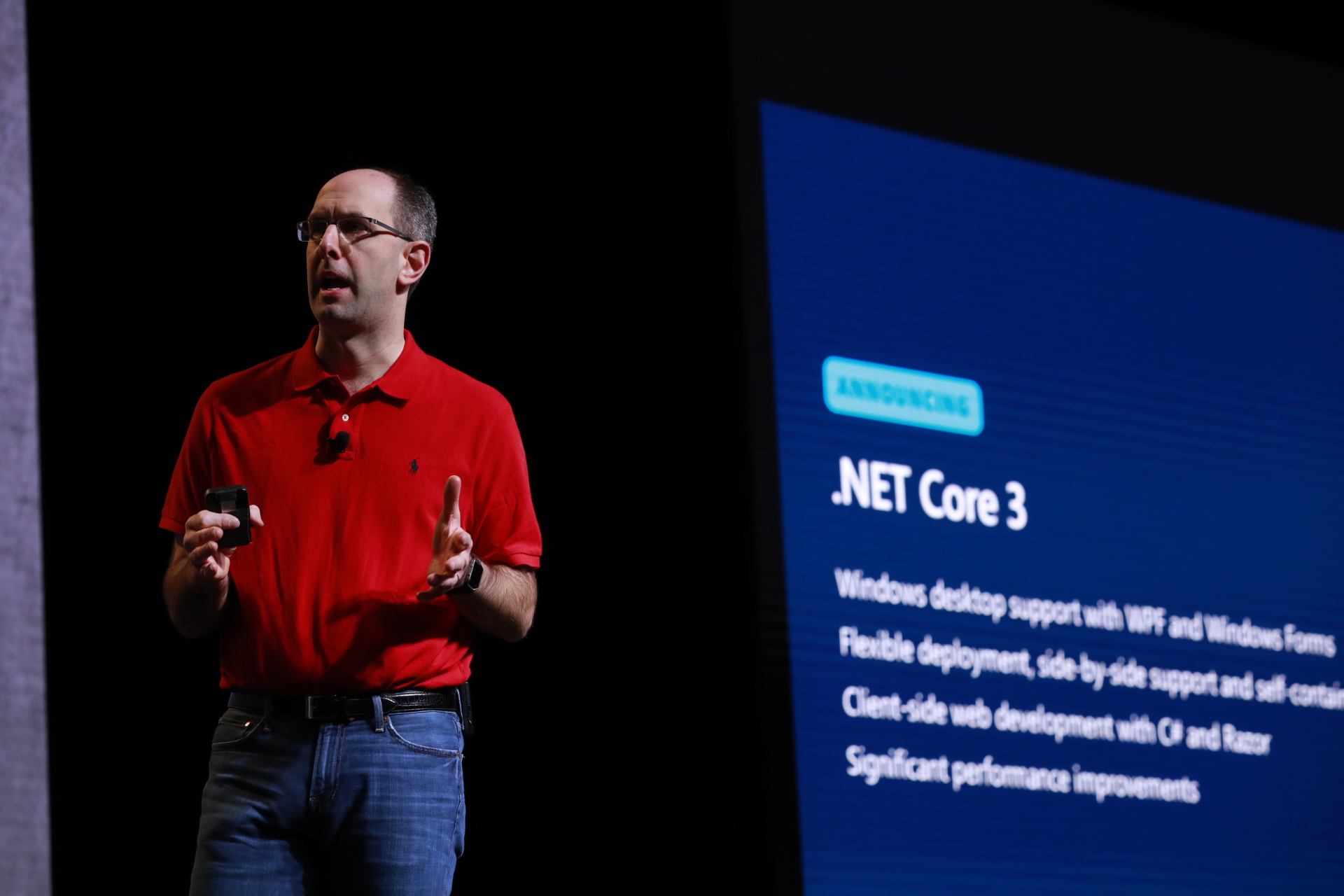
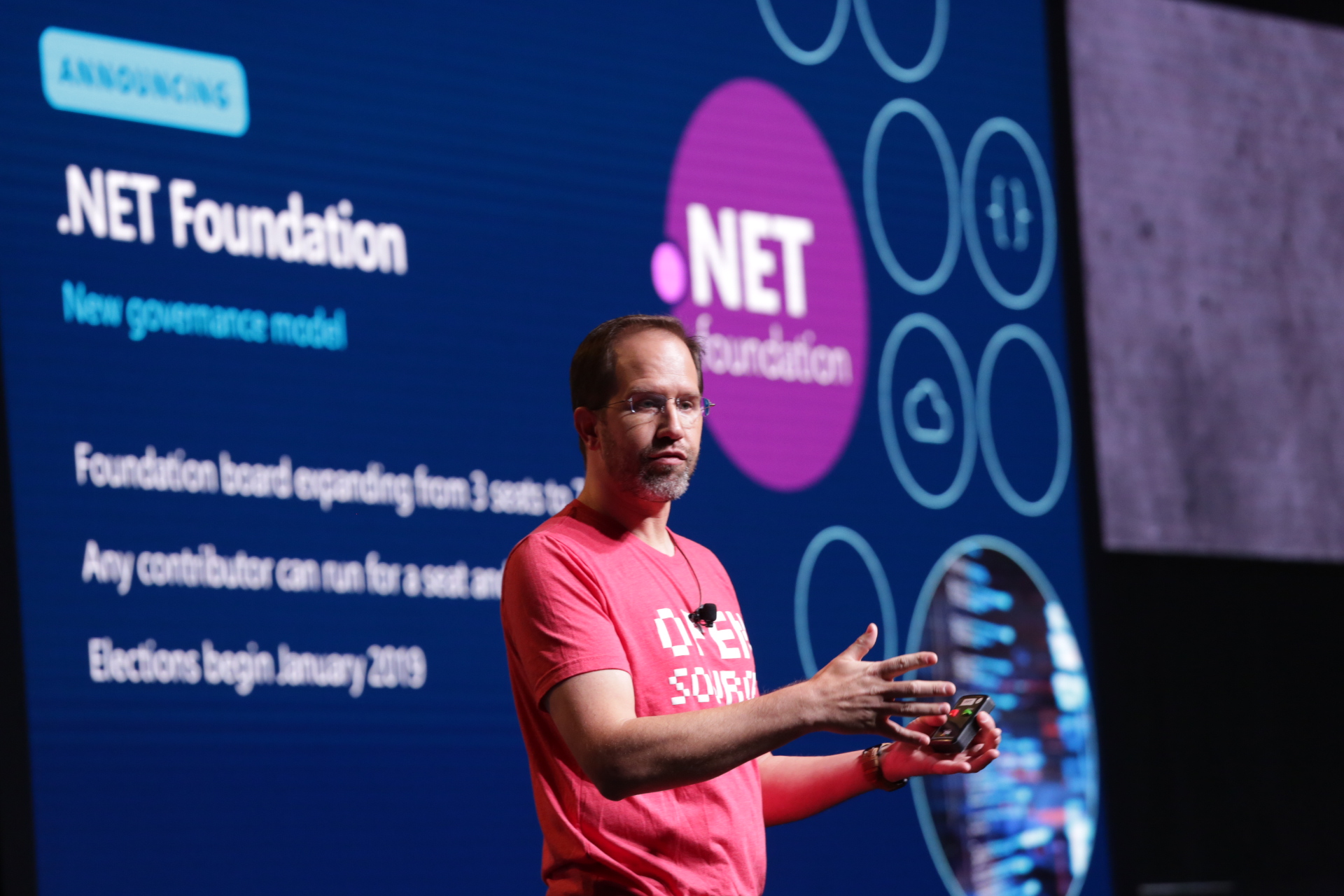
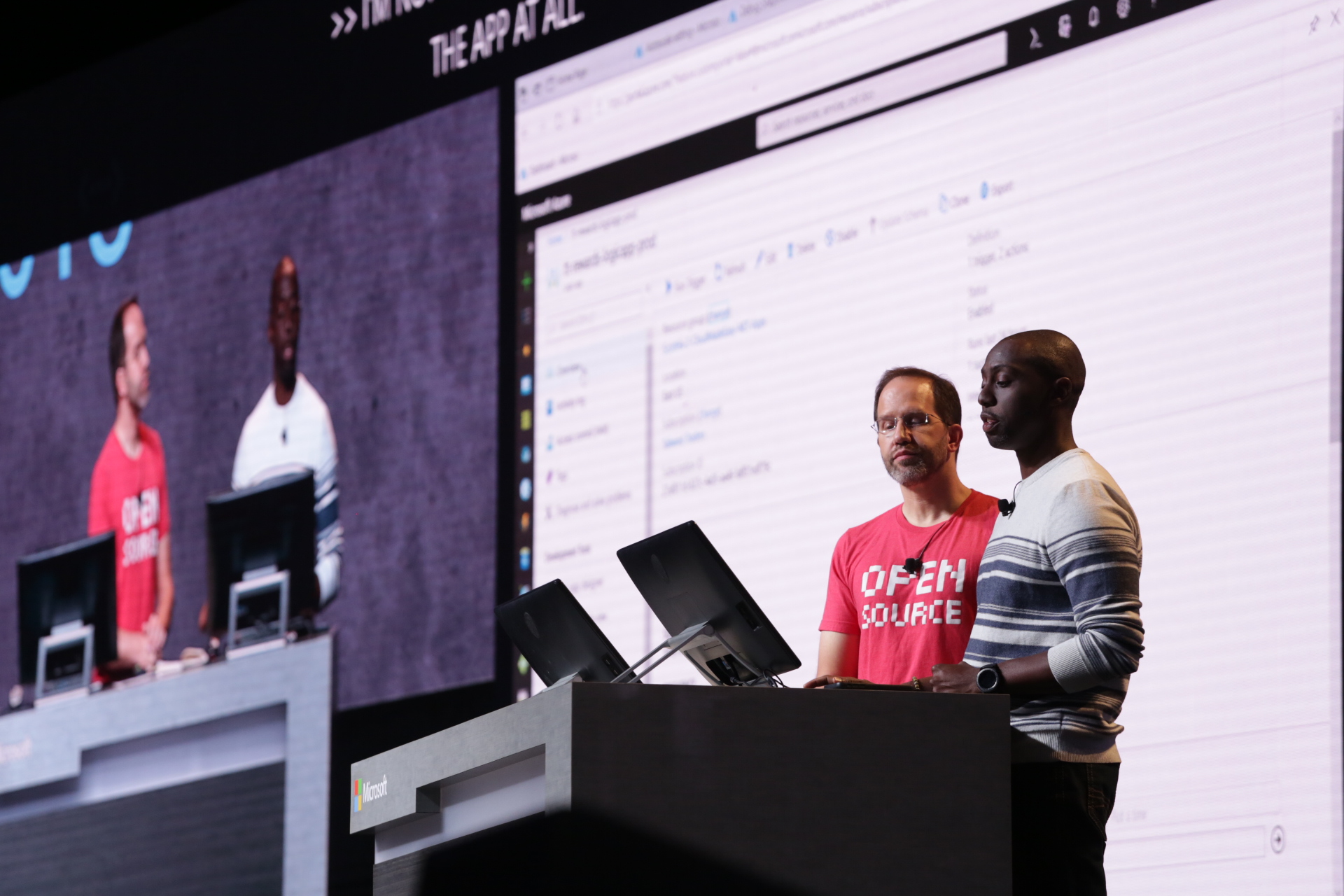
At Build 2018, I outlined our approach to helping you be more productive when developing apps, including the introduction of .NET Core 3.0. We also started decoupling many parts of the Windows development platform, so you can adopt technologies incrementally. Today at Microsoft Connect(); 2018 Conference we shared the next steps – specifically to support innovations in UI:

  1. .NET Core 3.0 Preview 1 adds support for building client apps using Windows Presentation Foundation (WPF), Windows Forms, and XAML Islands.
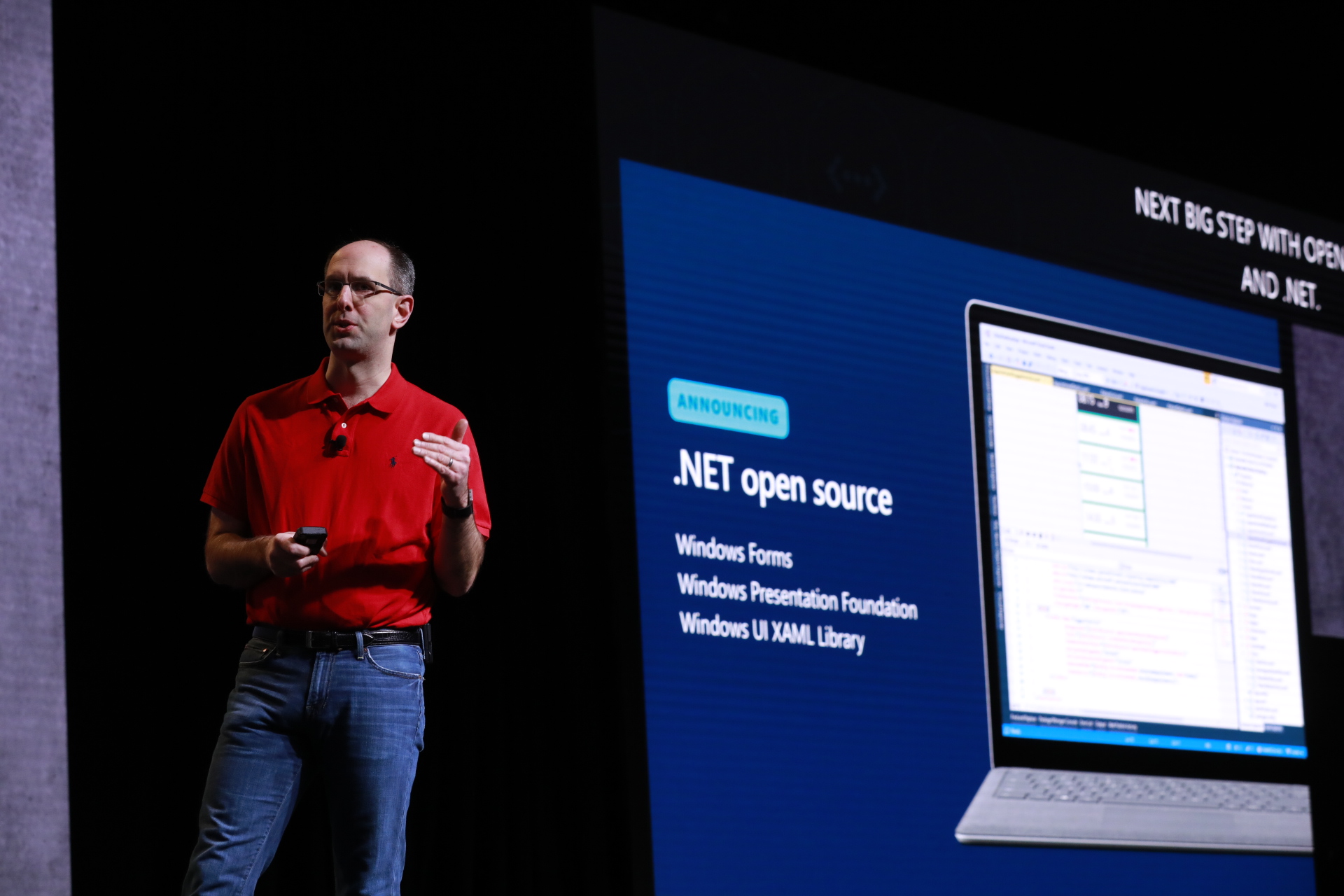
  2. WPF, Windows Forms, and Windows UI XAML Library (WinUI) are now open source, so you can create experiences with the freedom you want.

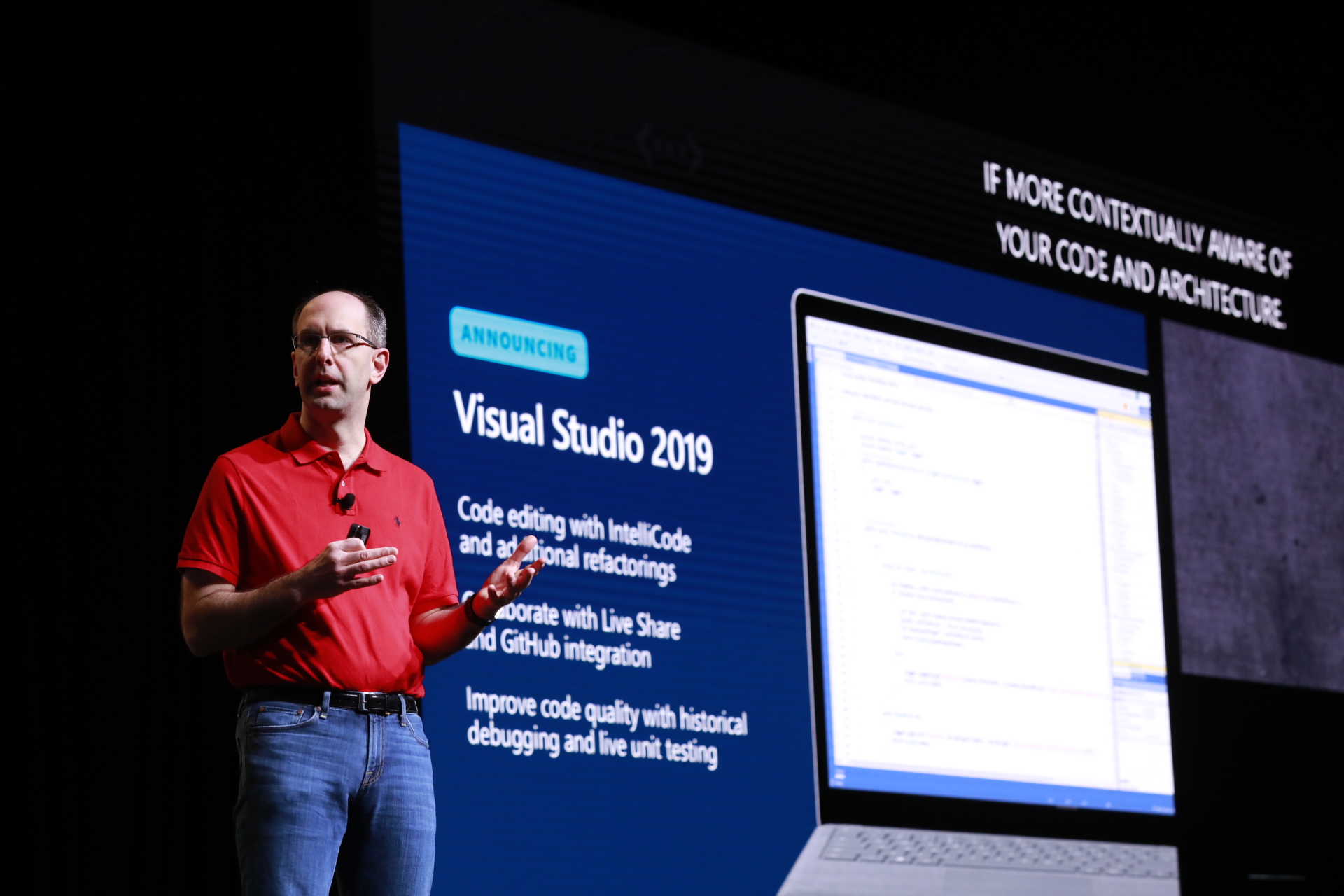
As Scott Guthrie announced today, the first preview of .NET Core 3.0 is available. This version of .NET adds support for building Windows desktop apps using WPF and Windows Forms. You will now be able to:

  • Run multiple instances of .NET Core 3.0 side-by-side on the same computer so you can update WPF and Windows Forms apps to a new version of .NET without updating the entire OS.
  • Use modern controls and Fluent styling from the WinUI XAML Library via XAML Islands from .NET Core 3.0 apps.

Read about .NET Core 3.0 Preview 1, try out the preview, and give us feedback. The next version of the .NET Framework, .NET Framework 4.8, will include new controls that use the latest browser and media players in Windows 10, support the latest standards, and WPF and Windows Forms apps will have access to WinUI via XAML Islands for modern look and touch support. The .NET Team blog details the differences and compatibility between .NET Core and .NET Framework moving forward.

This journey is our continued commitment to creating the development platform with you, through open source. Our three, popular Windows UX frameworks are ready for your contributions on GitHub: WPF, Windows Forms, and WinUI. Open sourcing these technologies provides transparency between the product team and the community, helps democratize Windows development, and enables the community to engage and contribute to these repos.

We look forward to your contributions. You can get started with Windows Forms and WinUI now. WPF is starting with System.Xaml, with more to come over the following months.

Updated December 4, 2018 8:34 am

Posted on Leave a comment

Getting into the groove: New approach encourages risk-taking in data-driven neural modeling

Microsoft Research’s Natural Language Processing group has set an ambitious goal for itself: to create a neural model that can engage in the full scope of conversational capabilities, providing answers to requests while also bringing the value of additional information relevant to the exchange and—in doing so—sustaining and encouraging further conversation.

Take the act of renting a car at the airport, for example. Across from you at the counter is the company representative, entering your information into the system, checking your driver’s license, and the like. If you’re lucky, the interaction isn’t merely a robotic back-and-forth; there is a social element that makes the mundane experience more enjoyable.

“They might ask you where you’re going, and, you say the Grand Canyon. As they’re typing, they’re saying, ‘The weather’s beautiful out there today; it looks gorgeous,’” explained Microsoft Principal Researcher and Research Manager Bill Dolan. “We’re aiming for that kind of interaction, where pleasantries that are linked to the context, even if it’s a very task-oriented context, are not just appropriate, but in many situations, making the conversation feel fluid and human.”

As is the case with many goals worth pursuing, there are obstacles. Existing end-to-end data-driven neural networks have proven highly effective in generating conversational responses that are coherent and relevant, and Microsoft has been at the forefront of the rapid progress that has been made, the first to publish in the space of data-driven approaches to modeling conversational responses back in 2010. But these neural models present two particularly large challenges: They tend to produce very bland, vague outputs—hallmarks of stale conversation and nonstarters if the goal is user engagement beyond the completion of singular tasks—and they take a top-level either-or approach, classifying inputs as either task-oriented or conversational and assigning to each a specific path in the code base that fails to account for the nuances of the other. The result? Responses to more sophisticated conversation that can often be uninformative if varied—for example, “I haven’t a clue” and “I couldn’t tell you”—or they may be informative but not specific enough—such as “I like music” versus “I like jazz”—a result of traditional generation strategies that try to maximize the likelihood of the response.

The paper the team is presenting at the 2018 Conference on Neural Information Processing Systems (NeurIPS)—“Generating Informative and Diverse Conversational Responses via Adversarial Information Maximization”—tackles the former challenge, introducing a new approach to producing more engaging responses that was inspired by the success of adversarial training techniques in such areas as image generation.

“Ideally, we would like to have the systems generate informative responses that are relevant and fully address the input query,” said leading author Yizhe Zhang. “By the same token, we also would like to promote responses that are more varied and less conventionally predictable, something that would help make conversations seem more natural and humanlike.”

“This work is focused on trying to force these modeling techniques to innovate more and not be so boring, to not be the person you’re desperately trying to avoid at the party,” added Dolan.

The force of two major algorithmic components

To accomplish this, the team determined it needed to generate responses that reduce the uncertainty of the query. In other words, the system needed to be better able to guess from the response what the original query might have been, reducing the chance that the system would produce bland outputs such as “I don’t know.”

In the paper, Zhang, Dolan, and their collaborators introduce adversarial information maximization (AIM). Designed to train end-to-end neural response generation models that produce conversational responses that are both informative and diverse, this new approach combines two major algorithmic components: generative adversarial networks (GANs) to encourage diversity and variational information maximization objective (VIMO) to produce informative responses.

“This adversarial training technique has received great success in generating very diverse and realistic-looking synthetic data when it comes to image creation,” said Zhang, who began this work as a Microsoft Research intern while at Duke University and is now a researcher with the company. “It’s been less explored in the text domain because of the discrete nature of text, and we were inspired to see how it could help with natural language processing, especially in dialogue generation.”

GANs themselves are increasingly deployed in neural response and commonly use synthetic data during training. Equilibrium for the GAN objective is achieved when the synthetic data distribution matches the real data distribution. This has the effect of discouraging the generation of responses that demonstrate less variation than human responses. While this may help reduce the level of blandness, however, the GAN technique was not developed for the purpose of explicitly improving either informativeness or diversity. That is where VIMO comes in.

Going backward to move forward

The team trained a backward model that generates the query, or source, from the response, or target. The backward model is then used to guide the forward model—from query to response—to generate relevant responses during training, providing a principled approach to mutual information maximization. This work is the first application of a variational mutual information objective in text generation.

The authors also employed a dual adversarial objective that composes both source-to-target and target-to-source objectives. The dual objective requires the forward and backward model to work synergistically, and each improves the other.

To mitigate the well-known instability in training GAN models, the authors—inspired by the deep structured similarity model—applied an embedding-based discriminator rather than the binary classifier that is conventionally used in GAN training. To reduce the variance of gradient estimation, they used a deterministic policy gradient algorithm with a discrete approximation strategy.

The paper advances the team’s focus on improving ranking candidate hypotheses to push the system to take more risks and produce more interesting outputs.

“In ranking the candidate hypotheses, you might have hundreds and thousands of hypotheses that it’s trying to weigh, and the very top-ranked ones might be these really bland-type ones,” explained Dolan. “If you look down at candidate No. 2,043, it might have a lot of content words, but be wrong and completely odd in context even though it’s aggressively contentful. Go down a little farther, and maybe you find a candidate that’s contentful and appropriate in context.”

Persona non grata

Solving the fundamental problem of uninteresting and potentially uninformative outputs in today’s modeling techniques is an important pursuit, as it’s a significant obstacle in creating conversational agents that individuals will want to engage with regularly in their everyday lives. Without interesting and useful outputs, conversations, task-oriented or not, will quickly spiral into the trivial unless the user is continuously voicing keywords. In that way, current neural models are very reactive, requiring a lot of work from the user, and that can be frustrating and exhausting.

“It’s not that tempting to engage with these agents even though they sound, superficially, fluent as if they understand you, because they tend not to innovate in the conversation,” said Dolan.

Conversation generation stands to gain a lot from this work, but so do other tasks involving language and neural models, such as video and photo captioning or text summarization, let’s say of a spreadsheet you’re working in.

“You don’t want a generated spreadsheet caption that is just, ‘Lines are going up. Numbers are all over the place,’” said Dolan. “You actually need it to be contentful and tie to the context in interesting ways, and that’s at odds with the tendency of current neural modeling techniques.”

The team can envision a future in which exchanges with conversational agents are comparable to those with friends, an exploratory process in which you’re asking for an opinion, unsure of where the conversation will lead.

“You can use our system to improve that, to produce more engaging and interesting dialogue; that’s what this is all about,” said Zhang.

Posted on Leave a comment

It’s Computer Science Education Week; here’s how Microsoft is helping you make it great

When students engage in computer science, they are not just learning to code to become future software engineers. They are also developing creativity, critical thinking and problem-solving skills that will prepare them to thrive in the future workforce, where 77 percent of jobs will require technology skills in the next decade.

Microsoft partnered with YouGov and surveyed K-12 teachers in the U.S. and found 83 percent of teachers believe coding can build students’ creativity. Computer Science Education Week is the perfect time to bring digital learning and creativity together, igniting your students’ passion to create and innovate with technology!

When asked, 80 percent of teachers said they believe big tech companies like Microsoft, Google and Apple should be helping build computer science skills and 75 percent of teachers said the government isn’t doing enough to equip schools to build these skills.

That’s why we’re excited by the progress that has been made in recent years, from the TEALS program which brings computer science to high schools across the U.S. and Canada, to Minecraft: Education Edition’s Code Builder and Hour of Code tutorials.Students in over 180 countries have learned the fundamentals of coding with free Minecraft Hour of Code tutorials and have logged more than 100 million sessions in the past 4 years!

Microsoft is also committing $10 million to help Code.org continue advocating for computer science education policy, so every state is taking steps to increase access to computer science to their students and ensure every school provides its teachers with professional development in computer science.

To continue this great momentum, we invite you to join the movement to bring computer science to everyone! Although our survey found 88 percent of teachers agree that computer science is critical to ensuring their students’ future success in the workplace, when asked, 30 percent of teachers said they feel underqualified when it comes to preparing their students for a more digital future. There’s no better time to introduce your students to computer science than during Computer Science Education Week. It is easy to get started and you can participate without any knowledge of computer science with free and easy-to-use online resources.

Let’s get started!

  • Totally new to Computer Science education? Check out our new, free Microsoft Educator Community Courses. Visit the Hour of Code Facilitator Training to get the training you need to bring hour of code with Minecraft to your students and earn a badge.
  • Introduce your students to real-world professionals using Computer Science. In partnership with Code.org, Skype in the Classroom is hosting free 30-minute classroom broadcasts and live Q&A all week with professionals who use code to create amazing things like building AI to help endangered species, designing Minecraft worlds and using code to create the latest Pixar movie! Join us to show your students how fun and exciting careers that involve computer science can be.
  • Attend a free Computer Science Workshop at your local Microsoft Store. Microsoft Stores offer free workshops to help develop the computer science skills your students need. Check the schedule to find a workshop near you.
  • Learn to code with Minecraft: Education Edition. Download the new update for Minecraft: Education Edition to use Code Builder, an in-game feature that allows students to run code commands with Microsoft MakeCode and Tynker. Standards-aligned curriculum, starter lessons and trainings are available for educators of all levels.
  • And, of course, you can always Host an Hour of Code! Learn how to run a Minecraft Hour of Code in your school with free online tutorials, educator trainings and discussion guides. The new Minecraft Hour of Code one-hour tutorial, Voyage Aquatic, takes students on an underwater adventure to find treasure and solve puzzles with code. Visit code.org/minecraft to get started.

For more information on the many programs Microsoft supports to help you build your students digital skills, check out our Computer Science Education Week page here.

Click here for free STEM resourcesClick here for free STEM resourcesClick here for free STEM resourcesClick here for free STEM resources

Posted on Leave a comment

‘Stream Collider’ series showcases the worlds of gaming and pop culture influencers on Mixer

Today we’re excited to introduce gaming fans to a new Xbox original content series we call Stream Collider. In Stream Collider, the worlds of gaming and pop culture influencers collide into a unique “show-within-a-stream,” that you can watch for the first time this Wednesday, Dec 5th @ 6PM PST.

Stream Collider will be an episodic series that streams live on the Xbox channel on Mixer. Within each episode, Mixer’s top streamers and pop culture’s top creators will combine their talents (and their audiences) to compete in thematic challenges related to one of the hottest new game titles releasing on Xbox One. Mixer’s livestreaming audience will be able to affect the show in real time using Mixer’s unique interactivity features, providing influencers and streamers challenges or aid throughout the stream. The series is hosted by comedian, podcaster, and passionate gamer, Jon Gabrus.

The first episode premieres this Wednesday, December 5, at 6 p.m. PST and features popular YouTube chefs from Feast of Fiction and highly skilled Fallout 76 gamer and Mixer streamer, Renee Reynosa. Episode 1, titled “Nuclear Kitchen,” will pit chefs vs. streamer in a race to cook Fallout 76’s nuclear, post-apocalyptic dishes both in the game and in real life.

Feast of Fiction is an innovative cooking show dedicated to creating your favorite fantastical and fictional recipes from books, movies, comics, video games and more. Jimmy Wong and Ashley Adams are well loved by the internet with over 1 million YouTube subscribers tuning in while they craft real-life equivalent of fictional dishes in a geeky and entertaining show. Jimmy brings his gaming skills to the table and Ashley provides the much-needed culinary wisdom to create these one-of-a-kind dishes.

Renee Reynosa is unofficially Fallout’s biggest fan. She is a full-time Mixer streamer and partner, with over 10 years of game video creation and streaming experience – with more than 750,000 followers across Mixer and social channels. On Mixer, Renee’s dedicated community tunes into her broadcasts every week to see which game she’s playing next, to enjoy her witty commentary and reactions to their favorite titles. She’s been counting down the days to Fallout 76 and now that it’s here, she can’t wait to team up with Feast of Fiction and make some in-game grub.

For the duration of the series, gaming fans can tune-in each to each episode, as we bring together popular streamers and creators from across the internet, featuring some of the best games available on Xbox One today.

Be sure to tune in for the first Stream Collider livestream on Wednesday, December 5 at 6 p.m. PST on the Xbox channel on Mixer.

Posted on Leave a comment

Catch up on news, video from today’s Microsoft Connect(); developer event

Posted on Leave a comment

Present more inclusively with new live captions & subtitles in PowerPoint

Live presentations can be thought-provoking, inspirational, and powerful. A great presentation can inspire us to think about something in an entirely different way or bring a group together around a common idea or project. But not everyone experiences presentations in the same way. We may speak a different language from the presenter, or be a native speaker in another language, and some of us are deaf and hard of hearing. So, what if speakers could make their presentations better understood by everyone in the room? Now they can with live captions & subtitles in PowerPoint.

In honor of the United Nations International Day of Persons with Disabilities, we’re announcing this new feature—powered by artificial intelligence (AI)—which provides captions and subtitles for presentations in real-time. Live captions & subtitles in PowerPoint supports the deaf and hard of hearing community by giving them the ability to read what is being spoken in real-time. In addition, captions and subtitles can be displayed in the same language or in a different one, allowing non-native speakers to get a translation of a presentation. At launch, live captions & subtitles will support 12 spoken languages and display on-screen captions or subtitles in one of 60+ languages.

Live captions & subtitles in PowerPoint brings:

  • The power of AI to presenters, so they can convey simple and complex information across subjects and topics.
  • Speech recognition that automatically adapts based on the presented content for more accurate recognition of names and specialized terminology.
  • The ability for presenters to easily customize the size, position, and appearance of subtitles. Customizations may vary by platform.
  • A peace of mind with security and compliance knowing that the feature meets many industry standards for compliance certifications.

The feature joins other accessible features in Office 365, like automatic suggestions for alt-text in Word and PowerPoint, expanded availability of automatic closed captions and searchable transcripts for videos in Microsoft Stream, enhancements to the Office 365 Accessibility Checker, and more.

Here’s what one of our customers had to say:

“We are constantly looking for new ways of ensuring that the Government of Canada sets the highest possible standards as an accessible and inclusive workplace. We welcome such positive advances in technology, like this feature, that allows everyone, and notably those with disabilities, to better communicate ideas. They help break down barriers and lead to greater inclusiveness to the benefit of individuals and society as a whole.”
—Yazmine Laroche, deputy minister responsible for Public Service Accessibility

Live captions & subtitles in PowerPoint will begin rolling out in late January 2019 and will be available for Office 365 subscribers worldwide for PowerPoint on Windows 10, PowerPoint for Mac, and PowerPoint Online.

Posted on Leave a comment

Microsoft Simple Encrypted Arithmetic Library goes open source

The Microsoft Simple Encrypted Arithmetic Library goes open source

Today we are extremely excited to announce that our Microsoft Simple Encrypted Arithmetic Library (Microsoft SEAL), an easy-to-use homomorphic encryption library developed by researchers in the Cryptography Research group at Microsoft, is open source on GitHub under an MIT License for free use. The library has already been adopted by Intel to implement the underlying cryptography functions in HE-Transformer, the homomorphic encryption back end to its neural network compiler nGraph.

As we increasingly move our data to the cloud, there is a clear concern that arises: How can we balance convenience and privacy? We all love to get practical guidance on how to, for example, maximize our investments, improve our workouts, or reach our destinations as efficiently as possible. In exchange, we share personal information with service providers because we have few other options. With traditional encryption schemes, it is impossible to run any computation on encrypted data. So either we store our data encrypted in the cloud and download it to perform any useful operations, which can be logistically inconvenient, or we provide the decryption key to service providers, risking our privacy. Until now. Homomorphic encryption, which allows processing of encrypted data, gives us the ability to use these services without exposing our private information.

In 2015, Microsoft Research released the first version of Microsoft SEAL with the specific goal of providing a well-engineered and documented homomorphic encryption library, free of external dependencies, that would be easy for both cryptography experts and novice practitioners to use. In 2016, we demonstrated CryptoNets, showing that deep learning on homomorphically encrypted data is indeed feasible, revolutionizing our approach to responsible AI.

Now, homomorphic encryption is ready to be standardized, and Microsoft, other industry leaders, academic institutions, and government agencies are actively working toward this goal. This is the right moment to put our library in the hands of every developer, so we can work together for more secure, private, and trustworthy computing.

In addition to having no external dependencies, Microsoft SEAL is written in standard C++, making it easy to compile in many different environments. We are looking forward to engaging with the open-source community in continuing to develop our library. If you are interested, we warmly invite you to join us on GitHub or to participate in discussions on StackOverflow tag-SEAL.

Posted on Leave a comment

‘Tis the season for giving with these deals from Xbox One

It is the holiday season, and to celebrate, we are sharing Xbox One deals on consoles and accessories to get you ready for some winter gaming.

Starting today, you can save $50 on any Xbox One bundle, including Xbox One X, the world’s most powerful console, and Xbox One S, the best value in gaming and entertainment this Holiday. And there’s no shortage of amazing bundles to choose from at a participating retailer near you.

Join the worldwide Fortnite phenomenon with $50 off the Xbox One S Fortnite Bundle and get ready to battle to be the last one standing. This bundle includes a full-game download of Fortnite Battle Royale plus the Eon cosmetic set download and 2,000 V-bucks. Fortnite Battle Royale is the 100-player PVP mode where you fight to the end. Build and destroy environments and join intense PVP combat on Xbox Live, the fastest, most reliable gaming network

Get $50 off the Xbox One S Battlefield V Bundle and enter mankind’s greatest conflict: World War II. Join the ranks with a full-game download of Battlefield V Deluxe Edition containing paratrooper apparel for your Company of soldiers, special assignments, and weekly Airlifts. Plus, enjoy an outstanding Battlefield experience with full-game downloads of Battlefield 1943, Battlefield 1 Revolution, and one-month of EA Access.

Looking for more power? Save $50 on the Xbox One X Fallout 76 Bundle and explore, quest, build, and triumph in a post-nuclear wasteland. Prepare for an epic adventure in the prequel to the award-winning Fallout RPG series from Bethesda Game Studios. Journey alone or with friends in a new and unique Fallout adventure, and for the first time ever, Vault Dwellers can team up online on Xbox Live!

With so many great bundles to choose from, you can’t go wrong while saving $50!

And if you need more accessories for your arsenal, starting on December 9, you can save $10 on select Xbox Wireless Controllers and gear up for the holidays.

December Console Promo 2018

December Console Promo 2018

Equip yourself with $10 off the Xbox Wireless Controller Phantom Black and sense victory within, or bring your ABXY game and save $10 on the Xbox Wireless Controller Sport White edition. There’s plenty of other controllers to choose from as well, so be sure to size them all up and choose wisely!

And top it all off with deals on Xbox Live Gold and Xbox Game Pass:

  • Get $50 off Xbox Game Pass and get instant access to over 100 games
  • Starting on 12/9 buy 3 months of Xbox Live Gold and get $10 towards the Microsoft Online Store

This Holiday is the best time to get into gaming or to give the thrills of gaming with Xbox One. Enjoy 100 games right out of the box with Xbox Game Pass, and access all your favorite entertainment through apps like YouTube, Netflix, and more. Watch 4K Blu-ray movies and stream 4K video on both Xbox One consoles and experience immersive true 4K gaming on Xbox One X—the world’s most powerful console. Whether you’re playing games, watching your favorite shows or streaming gameplay, Xbox One delivers brilliant graphics with HDR technology, premium audio, and the fastest, most reliable gaming network.  Visit Xbox.com to learn more.

Posted on Leave a comment

Continuing on the path toward digital peace at Global Citizen Festival: Mandela 100

Baroness Patricia Scotland with the president of Ghana and Jamal Edwards of Microsoft
From left, Baroness Patricia Scotland, Secretary General of the Commonwealth; Nana Akufo-Addo, President of Ghana; and Jamal Edwards of Microsoft’s Digital Diplomacy team.

Sunday marked a special moment in time on the path to digital peace. The Digital Peace Now campaign — a global policy effort urging world leaders to create a safer cyberspace — converged in Johannesburg, South Africa with nearly 100,000 changemakers to commemorate former South African President Nelson Mandela at the Global Citizen Festival: Mandela 100.

This defining international moment united artists, advocates and public and private sector leaders who are changing our world for the better. Microsoft was incredibly proud to join the stage with Ghana President Nana Akufo-Addo; Baroness Patricia Scotland, Secretary General of the Commonwealth and Trevor Noah to announce major steps forward to advance peace in cyberspace.

In front of more than 50 heads of states, global dignitaries and cultural icons, Akufo-Addo announced that Ghana will sign the Paris Call for Trust & Security in Cyberspace. Rwanda and Kenya are expected to sign as well. The Paris Call is an unprecedented multi-stakeholder declaration unveiled by French President Emmanuel Macron in early November. It establishes voluntary cybersecurity principles and commitments to advance cooperation on meaningful rules of the road in cyberspace. Baroness Scotland lauded the Commonwealth member states that support the Paris Call and underscored the need to drive further progress. Beyond government signatories, more than 420 stakeholders have signed on to the new declaration.

This is meaningful progress toward collective action to stop cyberwarfare. But this progress could not have been accomplished without the voices of digital citizens everywhere.

Excitedly, after kicking off at the Global Citizen Festival in New York earlier this fall, Digital Peace Now has amassed a surge of support from more than 100,000 people representing 140 countries. These 100,000-plus digital citizens took meaningful action by signing a petition to bring world leaders together in support of a more peaceful global internet — one not marred, marked and defined by digital attacks and cyberwarfare.

As a digital citizen, it’s well within your power to help make global online peace a reality. If you haven’t yet, we urge you to sign the Digital Peace Petition. Collectively, we can build a real community of ambassadors for digital peace. We welcome your input; please share your thoughts at ideas@digitalpeacenow.org Along with our growing advisory board— which now includes Access Now, ICT for Peace, CIVICUS, Observer Researcher Foundation and the United Nations Major Group for Children and Youth — we look forward to charting the path forward together.

This movement is just getting started. South Africa, like New York, is a launchpad — not a finish line —for Digital Peace Now.

Please join us on this journey. #DigitalPeaceNow

Tags: