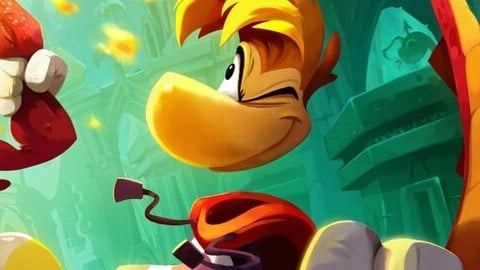
Rayman Legends will be getting a remake later this year, and if you’re wonder what Ubisoft’s plans are for the original release, it apparently won’t be going anywhere.
In a brief response to a Rayman fan on social media, the company said the “original” versions of these games would be “staying put”. In other words, they’re not going anywhere, and you shouldn’t have to worry about them being delisted (at least for now).
So if you haven’t already played Rayman Legends: Definitive Edition on the Switch or another version of the title, you should still be able to access the digital versions in the foreseeable future.
Rayman Legends Retold will transform the 2D platformer into a title with fresh 3D sequences, new levels and much more when it launches for the Switch 2 and other platforms on 1st October 2026. If you want to find out more about the original title, you can check out our review. We gave the Definitive Edition nine out of ten stars when it arrived on Switch in 2017.
Rayman Legends will be getting a remake later this year, and if you’re wonder what Ubisoft’s plans are for the original release, it apparently won’t be going anywhere.
In a brief response to a Rayman fan on social media, the company said the “original” versions of these games would be “staying put”. In other words, they’re not going anywhere, and you shouldn’t have to worry about them being delisted (at least for now).
So if you haven’t already played Rayman Legends: Definitive Edition on the Switch or another version of the title, you should still be able to access the digital versions in the foreseeable future.
Rayman Legends Retold will transform the 2D platformer into a title with fresh 3D sequences, new levels and much more when it launches for the Switch 2 and other platforms on 1st October 2026. If you want to find out more about the original title, you can check out our review. We gave the Definitive Edition nine out of ten stars when it arrived on Switch in 2017.
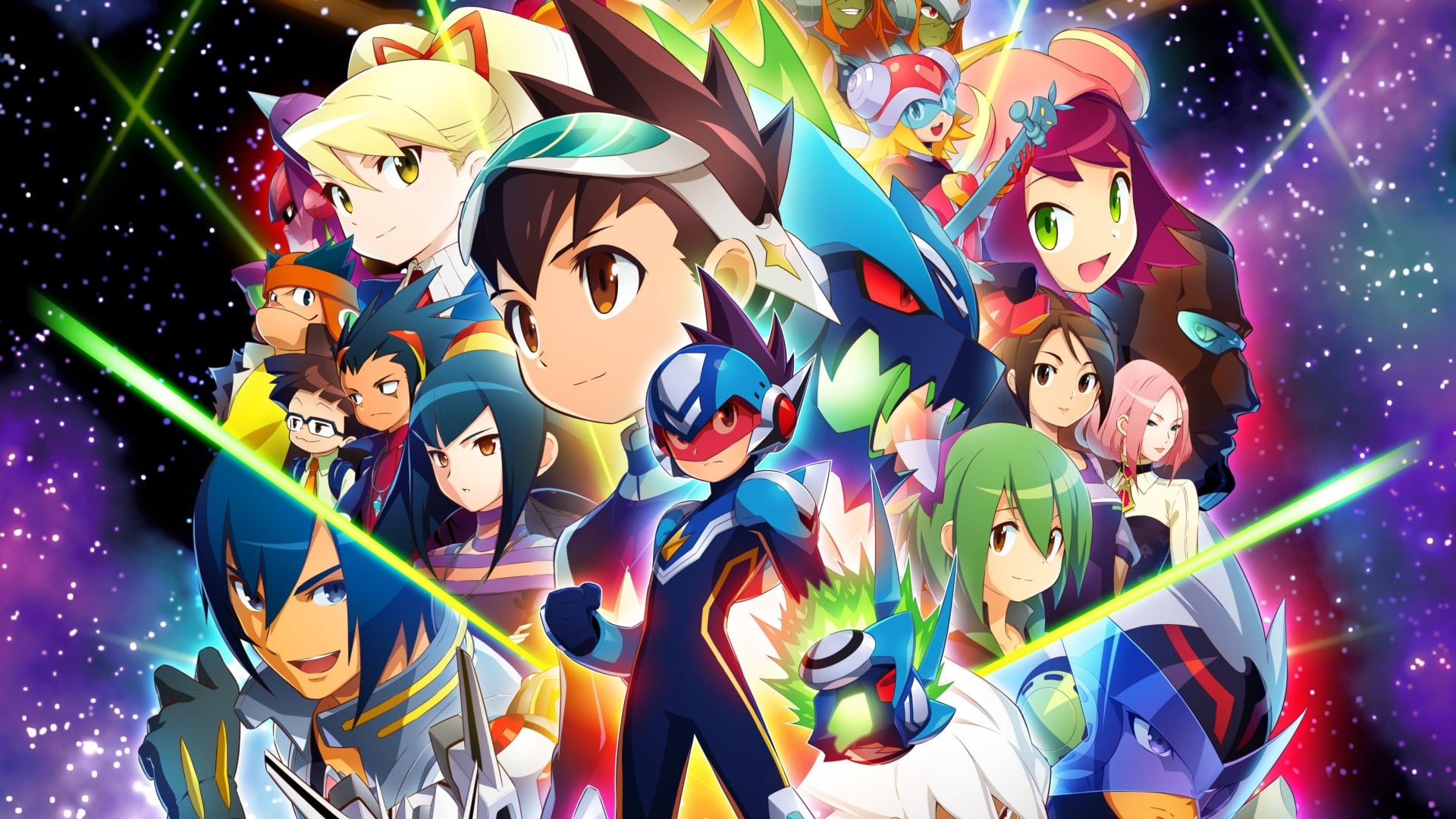
According to a post by the official Mega Man social media account, the Legacy Collection is getting an update on 15th June 2026, which will fix bugs and improve functionality.
It elaborates a little on this, explaining how the game will add the ability to swap the assignment of the ‘Confirm’ and ‘Cancel’ buttons on the controller. This update will also be required to continue using the game’s online features and modes. When we find out more, we’ll let you know.
If you haven’t already tried out this collection since its arrival on the Switch in March, it contains the following titles:
Mega Man Star Force Leo
Mega Man Star Force Dragon
Mega Man Star Force Pegasus
Mega Man Star Force 2 ZerkerxNinja
Mega Man Star Force 2 ZerkerxSamurai
Mega Man Star Force 3 Black Ace
Mega Man Star Force 3 Red Joker
You can find out more about this game in our review here on Nintendo Life. We gave it eight out of ten stars, calling it a “must-have experience for curious Rockman fans”:
“Mega Man Star Force Legacy Collection continues Capcom’s unbroken streak of excellent Mega Man remasters, presenting these DS classics in the best possible light and providing a compelling package. Not only do the included games each offer an enjoyable virus-busting RPG adventure, but new quality-of-life features, an addictive online battle mode, and smooth presentation all come together to make for a must-have experience for curious Rockman fans.”
Have you tried out this collection on the Switch 2 yet? Let us know in the comments.
According to a post by the official Mega Man social media account, the Legacy Collection is getting an update on 15th June 2026, which will fix bugs and improve functionality.
It elaborates a little on this, explaining how the game will add the ability to swap the assignment of the ‘Confirm’ and ‘Cancel’ buttons on the controller. This update will also be required to continue using the game’s online features and modes. When we find out more, we’ll let you know.
If you haven’t already tried out this collection since its arrival on the Switch in March, it contains the following titles:
Mega Man Star Force Leo
Mega Man Star Force Dragon
Mega Man Star Force Pegasus
Mega Man Star Force 2 ZerkerxNinja
Mega Man Star Force 2 ZerkerxSamurai
Mega Man Star Force 3 Black Ace
Mega Man Star Force 3 Red Joker
You can find out more about this game in our review here on Nintendo Life. We gave it eight out of ten stars, calling it a “must-have experience for curious Rockman fans”:
“Mega Man Star Force Legacy Collection continues Capcom’s unbroken streak of excellent Mega Man remasters, presenting these DS classics in the best possible light and providing a compelling package. Not only do the included games each offer an enjoyable virus-busting RPG adventure, but new quality-of-life features, an addictive online battle mode, and smooth presentation all come together to make for a must-have experience for curious Rockman fans.”
Have you tried out this collection on the Switch 2 yet? Let us know in the comments.
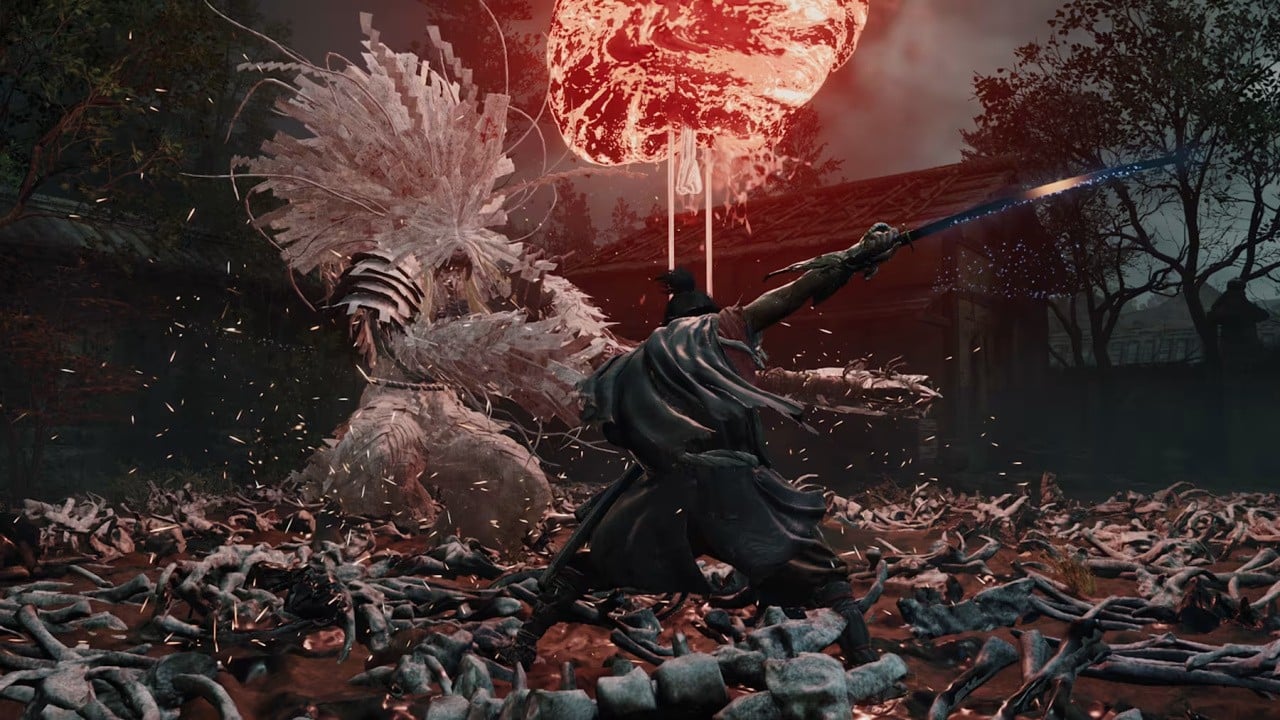
Capcom’s strong support of the Switch 2 continues, with the announcement earlier this week that it will be releasing Onimusha: Way of the Sword on the new system this September.
Now, following this reveal, it has shared some details about the game’s performance and resolution on each platform. In terms of resolution, the Switch 2 version will be 1920 x 1080p in TV mode and 1600 x 900p in handheld mode, with both modes utilising upscaling.
As for the frame rate, Onimusha: Way of the Sword will run at 30fps across both modes, but Capcom also notes how it’s possible to change settings to enable a variable frame rate “between 30 and 40 fps“. Other versions of the game will support up to 60fps and a resolution of 3840 x 2160.
Onimusha: Way of the Sword launches for the Switch 2 on 25th September 2026. Pre-orders are now available on the Nintendo eShop and include a bonus Lion Dog charm and a sword Sealed Curse appearance. According to the eShop listing, the estimated file size is 34.1GB.
Here’s a bit about the game’s story, along with another look:
Fight through bloodstained battlefields of intense swordplay action. Explore the historic Japanese capital of Edo-period Kyoto, twisted by malevolent clouds of Malice. With every stage cloaked in mystery, danger and intrigue. Battle against monstrosities from the underworld known as Genma in a tale of dark fantasy.
Follow the tale of a samurai who wields the Oni Gauntlet, a mystical artifact that grants its bearer the power to slay Genma. Through gritty, blood-soaked brawls, he searches for his reason to fight. What fate awaits at the end of his path?
Will you be getting the Switch 2 version of Onimusha: Way of the Sword when it launches this September? Let us know in the comments.
Capcom’s strong support of the Switch 2 continues, with the announcement earlier this week that it will be releasing Onimusha: Way of the Sword on the new system this September.
Now, following this reveal, it has shared some details about the game’s performance and resolution on each platform. In terms of resolution, the Switch 2 version will be 1920 x 1080p in TV mode and 1600 x 900p in handheld mode, with both modes utilising upscaling.
As for the frame rate, Onimusha: Way of the Sword will run at 30fps across both modes, but Capcom also notes how it’s possible to change settings to enable a variable frame rate “between 30 and 40 fps“. Other versions of the game will support up to 60fps and a resolution of 3840 x 2160.
Onimusha: Way of the Sword launches for the Switch 2 on 25th September 2026. Pre-orders are now available on the Nintendo eShop and include a bonus Lion Dog charm and a sword Sealed Curse appearance. According to the eShop listing, the estimated file size is 34.1GB.
Here’s a bit about the game’s story, along with another look:
Fight through bloodstained battlefields of intense swordplay action. Explore the historic Japanese capital of Edo-period Kyoto, twisted by malevolent clouds of Malice. With every stage cloaked in mystery, danger and intrigue. Battle against monstrosities from the underworld known as Genma in a tale of dark fantasy.
Follow the tale of a samurai who wields the Oni Gauntlet, a mystical artifact that grants its bearer the power to slay Genma. Through gritty, blood-soaked brawls, he searches for his reason to fight. What fate awaits at the end of his path?
Will you be getting the Switch 2 version of Onimusha: Way of the Sword when it launches this September? Let us know in the comments.
We also shared our reviews of Kabuto Park (7/10) and to a T (6/10), just in case you needed any more recommendations.
So, what are we all up to this weekend?
Jim Norman, Features Editor
Ever since the Direct, I have been itching to dive back into Ocarina of Time — can you guess why? I play through the opening few dungeons every year or so, but I feel like a full playthrough is in order before the new version comes our way in the coming months. We’ve still got a couple of weeks before Star Fox, so come on, let’s bring back the obsession.
Mai Ladyman, Video Producer
Since the Nintendo Direct, it’s been a busy, busy time here at NL HQ. Saying that, I’ve managed to get some gaming in this week and already pencilled some in for the weekend. I’m currently working through a secret undercover cover game (all shall be revealed!), but other than that, I’ve been doing my best to roll credits on Pokopia as I’m really excited for the underwater stuff! I tried out the Switch 2 demo for Kingdom Hearts III, which has only led me down a Kingdom Hearts-shaped rabbit hole, and I’ve now dug out my copies to play this weekend (not on Switch, sorry!). Nintendo aside, I’ll also find some time to deliver packages and avoid BTs in Death Stranding Director’s Cut. It’s looking somewhat cosy, right?
Gavin Lane, Editor
Having rolled the longest credits in the world on Indiana Jones this week, I’m looking to get back to Pragmata, as well as catch up on some recently-checked-off wishlist games: I’ve got both Akka Arrh and El Shaddai downloaded. Then again, I’ve found myself replaying Episode 1 Racer, and with Wimbledon approaching, I can see myself and the kids cracking out Wii Sports, too.
That is if I can resist going straight back into treasure-hunting with Indy. “No, kids, we’re not playing tennis or Kirby’s Epic Yarn! Punching Blackshirts in the face is a full-time job and the Vatican’s crawling with ’em – settle down with daddy and let’s learn about Italian Fascism.” Have a good one, folks.
Ollie Reynolds, Reviews Editor
Obviously, I’m playing Zelda: Ocarina of Time on NSO – with an N64 controller, of course. The remake announcement, though expected thanks to the leak, still floored me, and so I had to go back to the original yet again and experience it from the beginning.
I’m also getting back into Xenoblade Chronicles again now that it’s been given a bit of TLC for the Switch 2. I adore the first entry, and I still remember the Wii days when I was playing it on a 19” monitor underneath my highsleeper. Now I’m enjoying it in 4K on a 64” TV, and it’s glorious.
Gonçalo Lopes, Contributor
XGRA: Extreme-G Racing Association is a much different beast from the previous franchise entries, but I find myself enjoying it very much. I am already on the final fourth act missions of the Sky Crawlers: Innocent Aces campaign, and I think it is due time I buy and read the novels. Distractions aside, I am going to try to reach the Gold Saucer in Final Fantasy VII: Rebirth. I am still smiling due to Nintendo’s latest Direct, but the news that Warhammer 40,000 Space Marine 2 is on the way to the Switch 2 made me grin like a madman, the same grin I usually have while playing the game on PC with my Discord crew. Oh, is that Beholgar 2 I spy on the eshop? It would be barbaric not to grab it.
My game of the week is Virtua Striker 3 ver. 2002. There is this World Cup thingy going on again, and this time it is so big it is being held across three whole countries. That is the perfect excuse for me to boot up this timeless GameCube exclusive while at the same time hoping Portugal doesn’t get eliminated in the group stage.
Kate Gray, Contributor
It’s so sunny. I should be outside in the garden. But this weekend I will be inside playing the new James Bond game (badly) and Slay The Spire 2 (also badly).
Those are our plans, but what about yours? Let us know what you’ll be slapping in your Switch (2) in the poll below:
One of the major announcements during the Direct broadcast earlier this week was the news Square Enix is finally releasing proper versions of Kingdom Hearts on Nintendo’s platforms. The Switch cloud versions have already been discontinued from sale, with the digital release now scheduled for 8th October 2026.
If you are planning to purchase the digital versions, the estimated file sizes have now been shared on the Nintendo eShop and store pages. Here’s a rundown of the space you’ll need to install and play each of these titles:
Kingdom Hearts Switch 2 – Estimated File Sizes:
Once again, these are estimated file sizes and are subject to change between now and the October launch date.
If you previously purchased any of the Cloud versions of these games on the Switch (which will remain playable until 9th June 2027), you’re eligible for a discount on each of these digital versions. The collection will also be available as a Game-Key Card release on Switch 2.
Image: Disney, Square Enix
Square Enix has also announced it will be bringing Kingdom Hearts 4 to the Switch 2 in the future, and it will apparently arrive the same day as other versions of the game.
Will you be revisiting this collection when it returns this October? Let us know in the comments.
Now, in an update, the game’s Deluxe Edition has been rated by the ESRB. There’s also a rating for the standard version of the game. It’s got a mature rating and contains blood and gore, sexual themes and violence.
Image: ESRB
This title was originally announced for the Switch 2 in February. As noted in our previous story, Bethesda confirmed the game would be distributed physically as a code-in-box release at a later date.
Keep in mind, there’s no specific release date for Oblivion Remastered on the Switch 2 just yet, but hopefully, this is a sign that the title isn’t too far away. This same game was released for Xbox, PlayStation and PC in April 2025.
Admittedly, it wasn’t in the best state on arrival, but received multiple updates to improve the overall experience. Here’s what Push Square had to say about the PS5 version on release:
“Oblivion Remastered is a welcome reminder of just how special the 2006 RPG can be. Performance issues and tedious design elements aside, Virtuos and Bethesda deserve real credit for bringing Oblivion back in such a way that doesn’t detract from the original vision, and the meme-worthy identity that it’s fostered over the years. This is, arguably, the definitive Oblivion experience — or at least it will be, once the awkward wrinkles have been ironed out.”
Will you be trying out this game when it arrives on the Switch 2? Have you already played it on another platform? Let us know in the comments.
Update []: Here’s a reminder that this update has now gone live for Splatoon 3. Once it’s patched, your game should be running Version 11.2.0. You can see the patch notes in the original post below.
Original Story:[Wed 10th Jun, 2026 02:30 BST]: Nintendo has announced its team-based squid shooter Splatoon 3 will be getting an update this week, bumping the title up to Version 11.2.0.
Inklings and Octlings can expect fresh changes to the game’s multiplayer, including weapon adjustments and changes to X Battles.
The team has also revealed the next update is already in the works and will focus on changes to multiplayer balance. For now, here’s what you can expect from the latest update when it drops:
Splatoon 3: Ver. 11.2.0 (10th June 2026)
All changes apply to both Nintendo Switch 2 and Nintendo Switch.
Changes to Multiplayer
Reduced size of blasters’ explosion collision detection with opponents.
This change is intended to partially reverse the improvements introduced in Ver. 11.0.0, resulting in a size that falls somewhere between what it was before and after the improvements.
Specifications for some main weapons have changed.
Weapon
Change Details
N-ZAP ’85 N-ZAP ’89
Ink splatter will now fall around the player’s feet more easily.
L-3 Nozzlenose L-3 Nozzlenose D Glitterz L-3 Nozzlenose
Increased the speed of shots by approximately 5% and extended the flight distance.
Luna Blaster Luna Blaster Neo Order Blaster Replica
Reduced the scatter of shots while jumping by approximately 8%.
Clash Blaster Clash Blaster Neo
Reduced the scatter of shots while jumping by approximately 13%.
Reduced the amount of ink consumed by approximately 8%.
Blaster Custom Blaster Gleamz Blaster
Extended the time when movement is restricted after firing by approximately 1/60th of a second.
Rapid Blaster Pro Rapid Blaster Pro Deco Rapid Blaster Pro WNT-R
Extended the amount of time it takes for ink to begin recovering after firing by about 1/6th of a second.
Heavy Splatling Heavy Splatling Deco Order Splatling Replica
Decreased the radius inked by spray droplets from shots by approximately 8%.
Decreased the radius of the ink splatter at the point of impact by approximately 8%.
Specifications for some special weapons have changed.
Special Weapon
Change Details
Trizooka
Increased damage dealt to Big Bubblers by approximately 30%.
Zipcaster
Reduced the amount of ink consumed when zipping by approximately 33%.
Inkjet
Increased damage dealt to Big Bubblers by direct shots and explosions by approximately 30%.
Booyah Bomb
Decreased damage taken from splatanas when the player has armor by approximately 30%.
Splattercolor Screen
Increased the device’s range to enable it to be set up farther away than before.
Crab Tank
Decreased the effective radius of the cannon’s explosions by approximately 14%.
Points required for some special weapons have been changed.
Weapon
Before
After
New Squiffer
190
180
Snipewriter 5B
210
200
Slosher Deco
180
170
Heavy Edit Splatling Nouveau
210
200
Custom Wellstring V
200
190
.52 Gal
200
210
Luna Blaster Neo
190
200
Dynamo Roller
200
210
Gold Dynamo Roller
180
190
Slosher Order Slosher Replica
210
220
Dread Wringer
190
200
Regarding the process where a player disconnecting immediately after the start of a battle triggers a no-contest result, shortened the period considered to be “immediately after the start of a battle” for Splat Zones, Tower Control, Rainmaker, and Clam Blitz modes.
Changes to X Battles
Changed the systems for team division to reduce the likelihood of weapons with similar preferred ranges being concentrated on the same team.
This update focuses on making changes to multiplayer balance and matchmaking.
As for multiplayer balance, we made changes to soften some of the improvements we made in ver. 11.0.0 after analyzing the state of battles over a long period of time after the release of ver. 11.0.0.
We have also made changes to improve some weapons’ unique characteristics or make them easier to handle.
For matchmaking, we have adjusted team division to make it easier for the process introduced in ver. 11.1.0, which makes it so that players more frequently battle with weapons of similar preferred ranges, to be applied.
The next update will focus on changes to multiplayer balance.
In some other Splatoon news this week, Nintendo revealed the upcoming release Splatoon Raiders will be getting its own dedicated direct later this month on 30th June 2026. It’s also been revealed a new Joy-Con 2 set will release alongside this title on 23rd July 2026.
Will you be diving back into Splatoon 3 to try out this new update? Let us know in the comments.