
After spending several days at Apple’s campus for WWDC, developers seem to feel energized by everything Apple has announced. Here’s my early impression of what Apple has coming.
WWDC is one of my favorite times of the year. I appreciate seeing the features coming to existing hardware and connecting with the developers building the apps.
While most users and media alike had cautious expectations going in after two years of underwhelming AI advancements, I still felt excited. I knew this was going to be the year Apple was going to deliver on what it had previously previewed.
On the day of the keynote, I arrived with the rest of the media and checked in. I was handed my media badge and shuttled into a dedicated media area within Apple Park.
It was similar to years past, but it felt a little different. This time, there was this fresh confidence from the Apple team, and I felt they were ready to deliver.
Watching WWDC from Apple Park
After arriving, I had a few moments to check out this year’s swag. I got a tote, a water bottle, some randomized emoji stickers, and some pins.
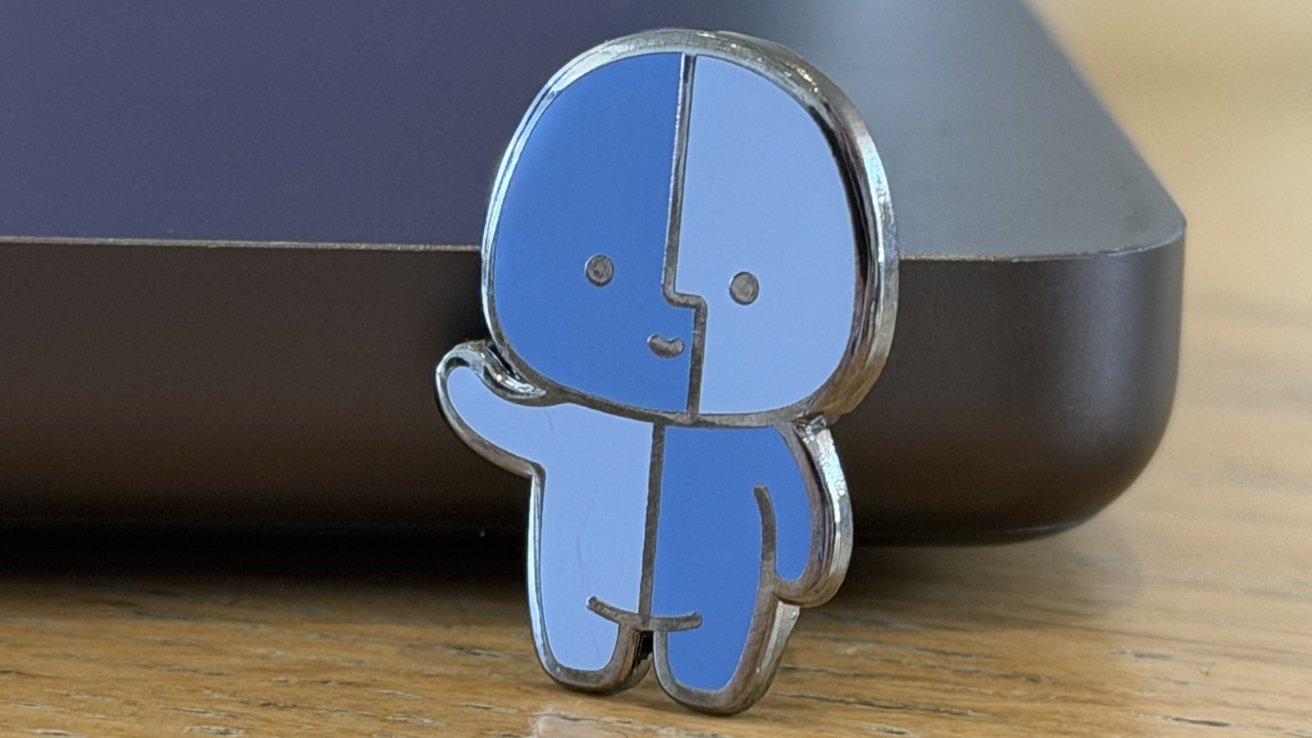
Fin, the Little Finder Guy
The pins were extra cool this year, with Apple giving throwback nods to both Clarus the dogcow and the Apple Jolly Roger flag. Not to mention, an official Little Finder Guy (Fin) pin.
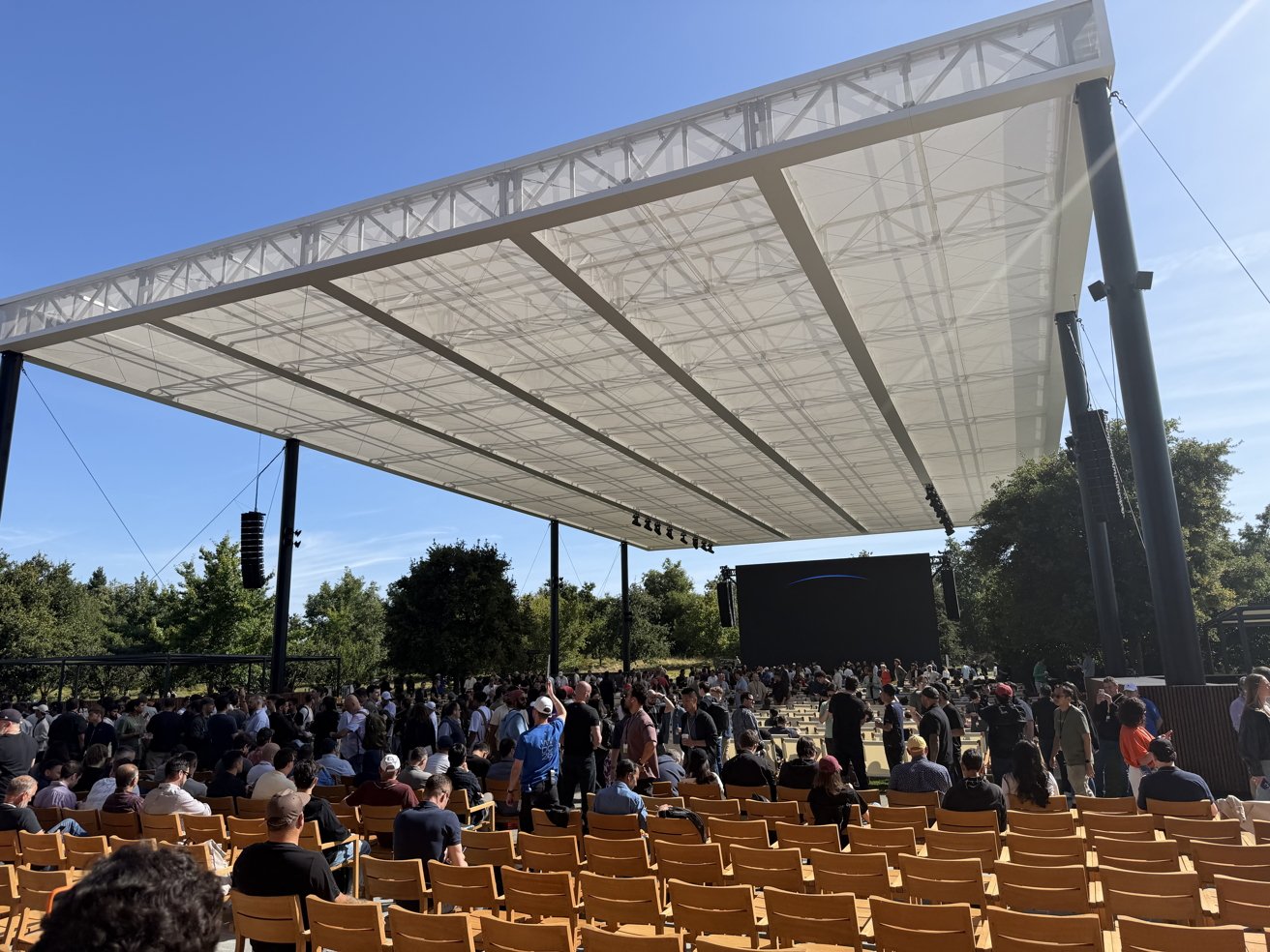
The screen to watch WWDC from Apple Park
Just ahead of the 10 a.m. PST kickoff, Craig Federighi took to the stage. This is common, but it was different this year as it was Tim Cook‘s final conference as CEO.
Federighi gave a heartfelt speech about Cook on his impressive tenure and how important WWDC always was to Tim, before inviting him onstage to a raucous standing ovation.
Cook spoke for a few minutes, thanking everyone for being there and expressing what the developer community meant to him and how honored he was to have helmed Apple for the last many years. As he teared up, the crowd once again burst into applause on his departure.
As Cook headed backstage, the pre-recorded dub dub video started playing. We in the audience were eager to see what Apple was set to announce. We all had a lot of questions that we wanted answered, like if Siri 2.0 would be in the beta, or even ship this year.
Lots of announcements from Cupertino
There’s no escaping it, the WWDC keynote was a bit odd. Not necessarily in a bad way, but it certainly didn’t have Apple’s typical structure.
In almost every other WWDC keynote, Apple would go through each update, platform by platform. This year, Apple focused heavily on safety, before talking through general improvements coming to all platforms, and then going deep on Apple Intelligence.
As we watched, it felt like there were fewer new features due to the heavy focus on AI. Many enhancements were hiding in a huge word wall that had over 260 individual features listed.
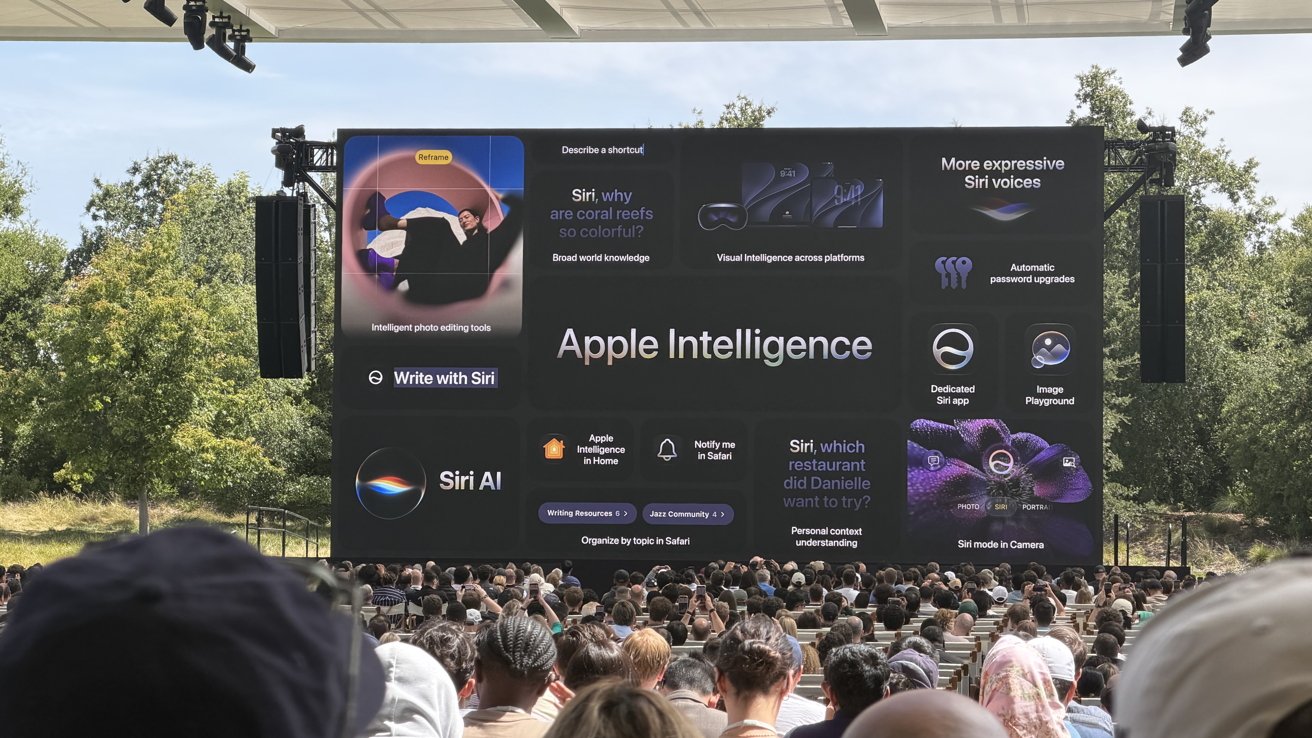
Summary of many of the Apple Intelligence features
The Apple Intelligence demos in the keynote also felt slow. This felt intentional, though, letting the audience realize they were “live” demos and not something fabricated for the keynote.
Ultimately, we finished the keynote with some excitement in the air. It was exciting that not only was Siri AI real, but it was shipping in the first beta.
Additionally, there were plenty of features we’d get to uncover for ourselves.
And uncovering those new features is just what we did. I came out of the Apple campus to sit at the Apple Park Visitor Center, temporarily converted into a media filing area. I tried to get the beta downloaded as quickly as possible, while also digging through release notes, screenshots, and more to find interesting tidbits.
Turns out, there was a lot.
The 27 updates aren’t small
Since the keynote, I had the opportunity to attend a tech talk, hosted by Craig Federighi and the team, where they went through the new third-generation Apple Foundation Models and their Google Gemini collaboration. I also got plenty of time in demo briefings and to test the beta for myself.
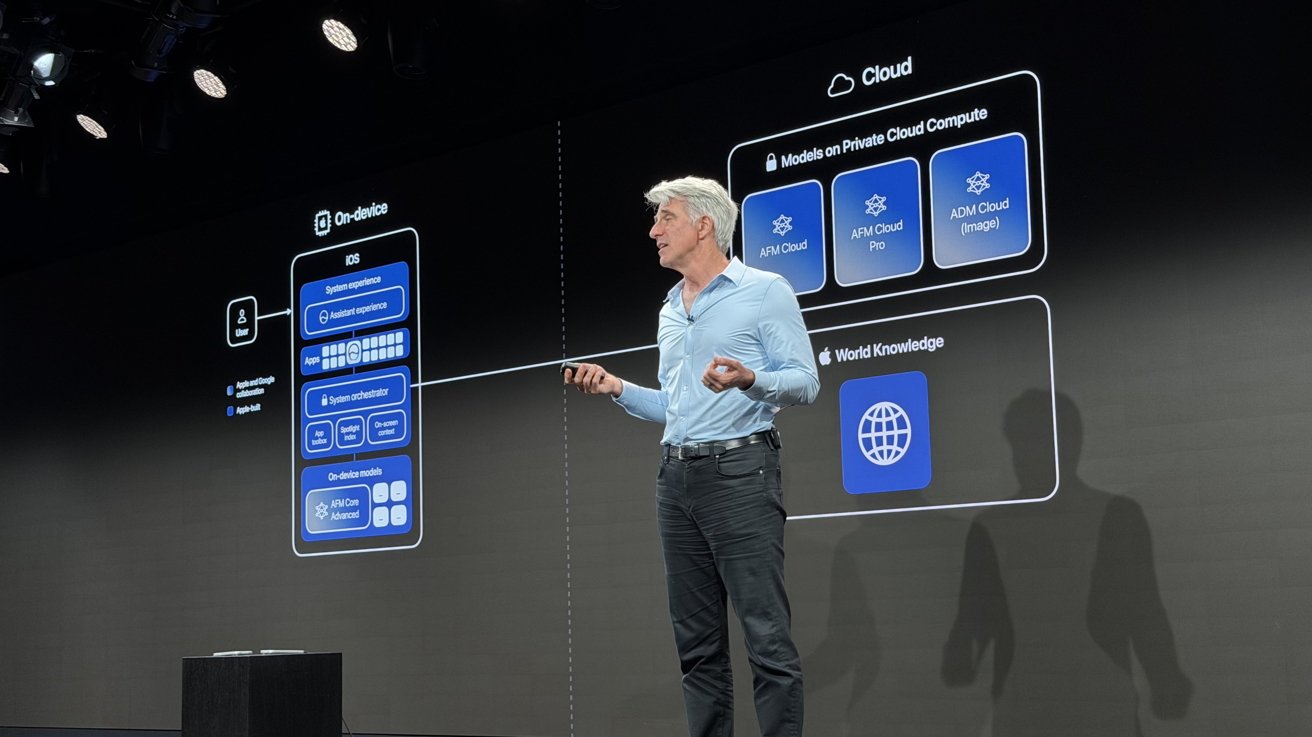
Craig Federighi giving a tech talk about the new Apple Foundation Models at WWDC 2026
My biggest takeaway so far, which I’m sure many others have also expressed at this point, is that Siri AI is the real deal. It’s shockingly good, and not just a simple skin on top of Gemini.
I had grown accustomed to avoiding Siri entirely, as I knew it was quite unreliable. I’ve slowly started using Siri more and more as I start to realize how much it can do.
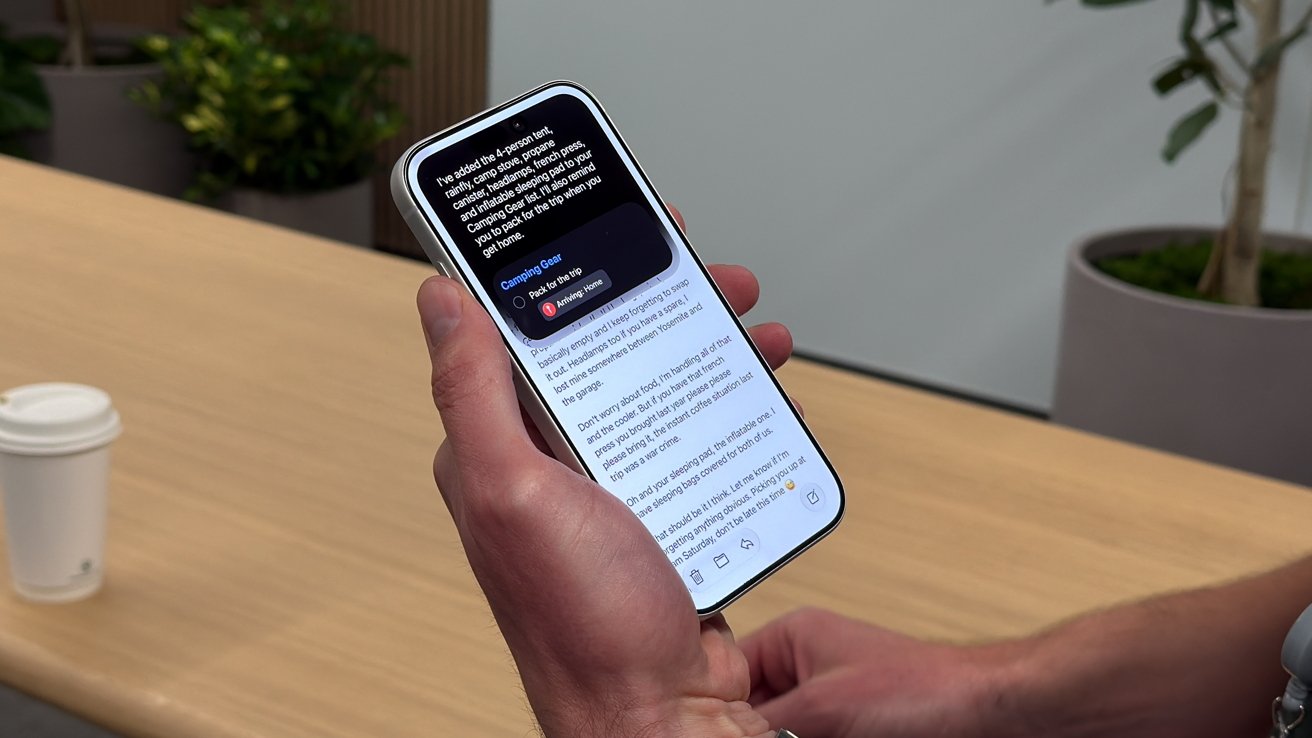
Siri AI creating a list to pack based on an email chain
At one point, I wanted to save someone’s current address from Find My as their work location on their contact card. I started trying to copy the address, but then realized Siri could do it instead.
I asked Siri to add this person’s current location as their work address to their contact. Siri did just that, only asking me to confirm the change to the contact card.
A local artist was doing a special new drop at 8 p.m. the next day that I didn’t want to miss, and I saw them tease it on X. I went to set a reminder, so I asked Siri: “Look up this artist’s website and remind me to check out their new drop when it’s released with a link to the store,” and it used the info from the tweet to correctly make that reminder.
It’s useful in so many ways, and I feel like I’ve only started using it.
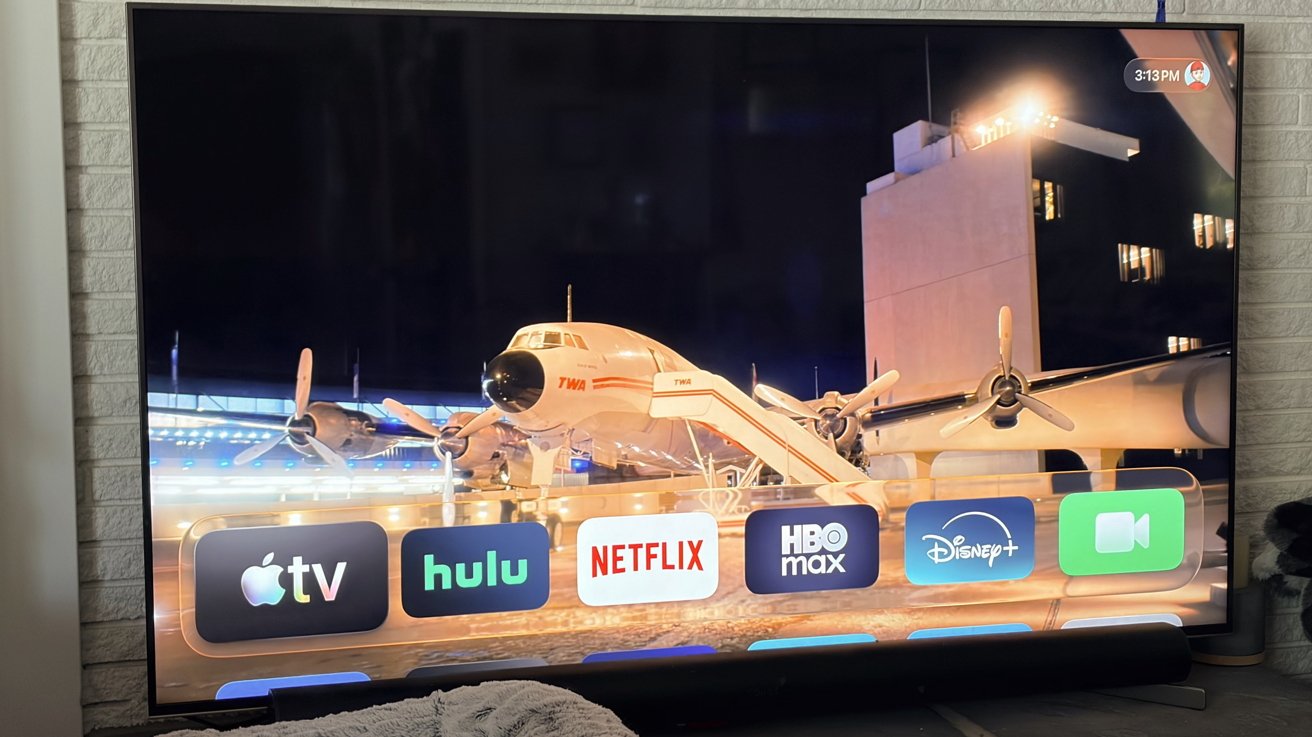
Apple TV updated to tvOS 27 is much faster
And, everything feels faster. Apple TV didn’t get a ton of new features, but Apple calls out specifically faster app launches, more responsive Control Center, quicker music playback, and faster AirPlay.
The performance gains are consistent across the board. The Vision Pro, for instance, boots much faster than it did in the initial release.
I already want to install it on my partner’s phone, who’s been complaining about the lag. I’m not about to do that, though. I’m not a rookie.
The more I use it, the more little features I start to find. The update adds several practical tools, from keyboard pasteboard suggestions and Apple Watch gestures to keyword support in Photos and 4K camera compatibility in Apple Home.
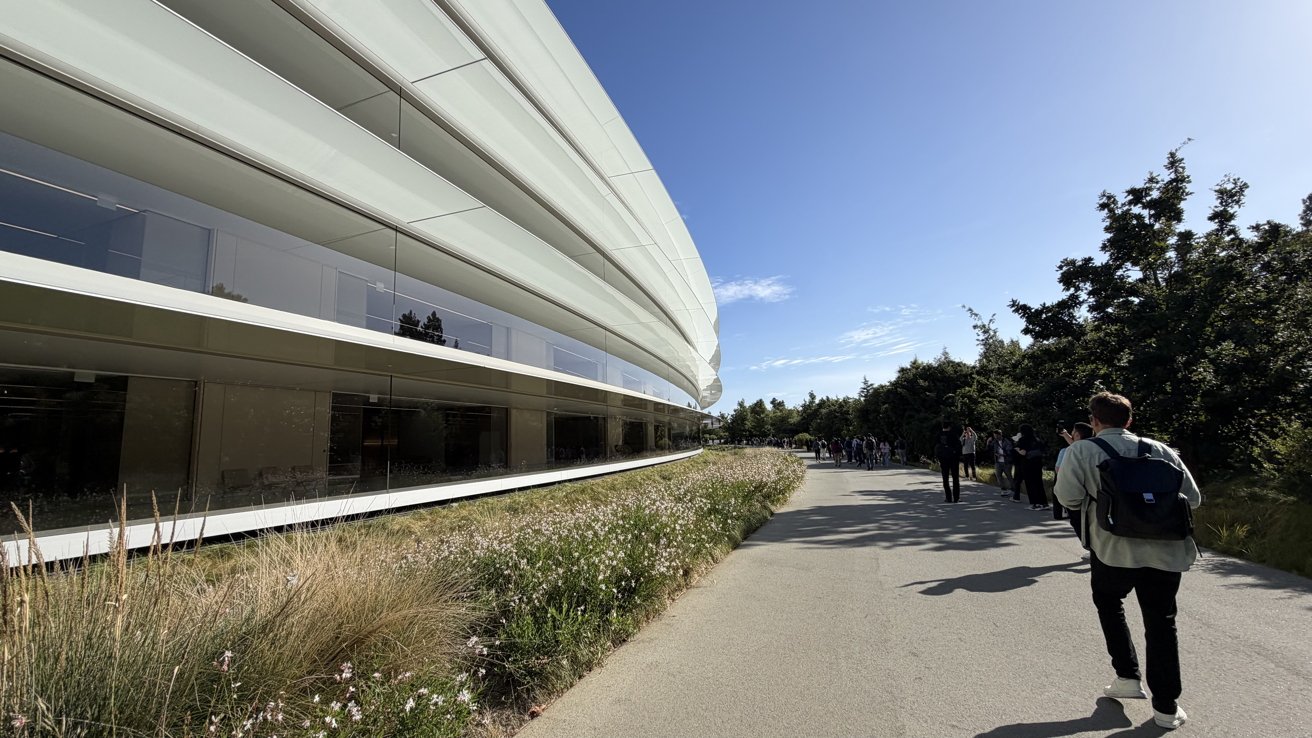
Apple Park
I loved getting to try out the extension creation in Safari. I just told Safari to create an extension to act as a recipe manager with a clean UI with blue accents, a rating system, comments, and a category for each recipe. After giving me a few App Store options, it went to work writing the code using Apple’s Safari extension APIs.
It came back from Private Cloud Compute (PCC) a few moments later and was ready to go. I created a custom extension that would automatically sync across my devices in less than a minute.
There was also a demo in Xcode that helped us create an entire pin trading app just via Vibe coding. This was complete with camera-based pin identification, animations, and AI tools, which were super impressive.
Not perfect, overdue, but very welcomed
I know a lot of people will be pessimistic about this round of updates. Speed, battery, and performance improvements aren’t exactly sexy features.
But using iOS 27 and the other updates feels different. It isn’t an update that all of a sudden feels bloated on your phone, where you have a few headline features you get to toy around with.
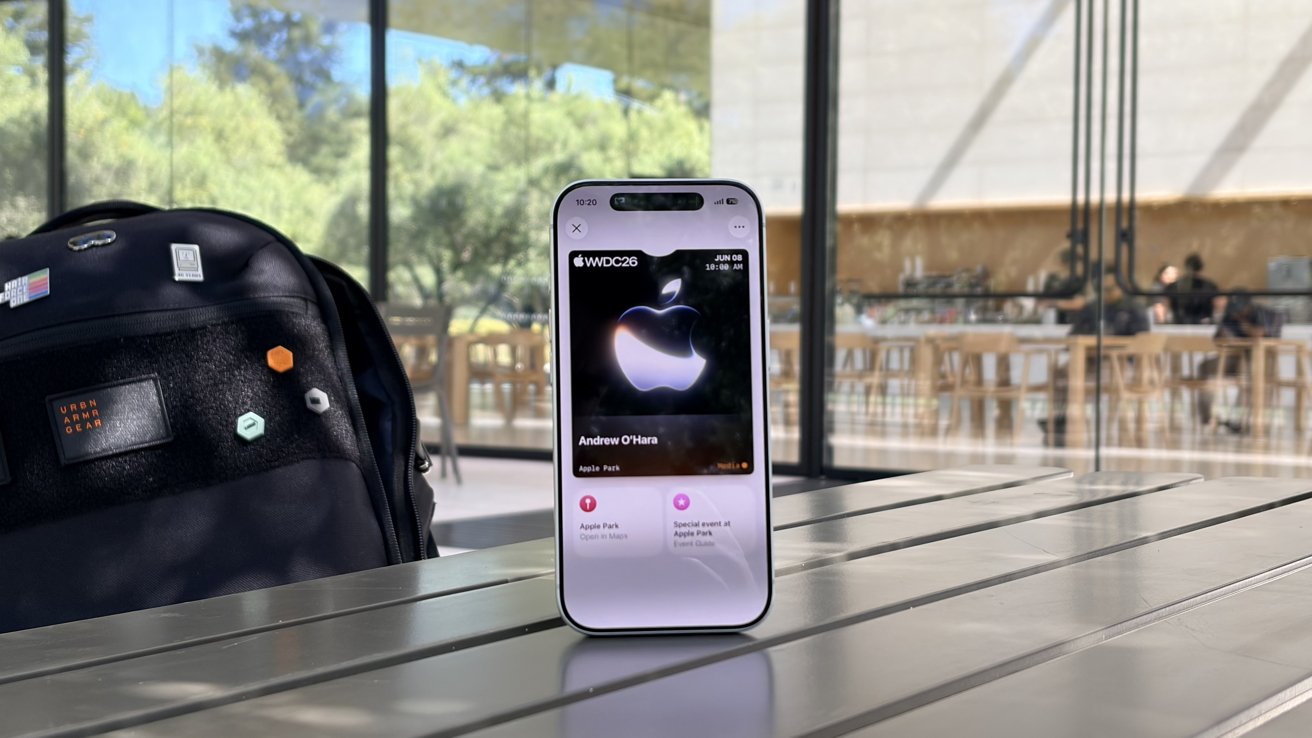
My pass to WWDC at Apple Park
It’s an update you download where your device instantly feels faster, smarter, and more personal. I think a lot of people will end up loving this when it arrives in the fall.
Several months remain to further improve and polish the experience. It is only going to get better over time.
The developers that I talked to at Apple Park were equally as excited. There’s a lot of potential and the ability for many of them to tap into these AI models on their own.
Until then, I’m going to head back to trying to find more new features to play around with.