Posted by: xSicKxBot - 04-19-2020, 11:27 AM - Forum: Lounge
- No Replies
Video: Less stressful game development via DevOps
In this GDC 2020 virtual talk Butterscotch Shenanigans’ Seth Coster walks through how his team learned to use DevOps to get more done while working less.
It was an entertaining look at how DevOps practices were used to reduce bottlenecks and waste at Butterscotch Shenanigans, and Coster packed his talk with lots of practical takeaways other game makers can use to improve things for themselves and their team.
Coster’s talk was great and deeply relevant to the realities faced by today’s game developers, so if you missed seeing it live take advantage of the fact you can watch it now via the official GDC YouTube channel!
In addition to this presentation, the GDC Vault and its accompanying YouTube channel offers numerous other free videos, audio recordings, and slides from many of the recent Game Developers Conference events, and the service offers even more members-only content for GDC Vault subscribers.
Those who purchased All Access passes to recent events like GDC or VRDC already have full access to GDC Vault, and interested parties can apply for the individual subscription via a GDC Vault subscription page. Group subscriptions are also available: game-related schools and development studios who sign up for GDC Vault Studio Subscriptions can receive access for their entire office or company by contacting staff via the GDC Vault group subscription page.
Posted by: xSicKxBot - 04-19-2020, 11:27 AM - Forum: Lounge
- No Replies
Don’t Miss: Doing an HD remake the right way: Chrono Trigger edition
The following blog post, unless otherwise noted, was written by a member of Gamasutras community. The thoughts and opinions expressed are those of the writer and not Gamasutra or its parent company.
This is not to say that I think my own games’ art styles are unimpeachable or that I’m so great, (far from it), just that no matter how small your budget or simple your approach, there are some well established best practices for presenting classic games in the best possible light, regardless of the player’s subjective personal taste.
These techniques are cheap, straightforward, and easy to implement, and I’m giving them away for free!
But somehow, Square Enix, despite their comparatively unlimited resources and rich collection of history’s most beloved RPG’s, isn’t getting the message.
Now available as a version upgrade! – Updated graphics and sound. – Improved controls and screen layout. – Compatible with Apple TV. – Compatible with gamepads. – New autosave function. – Compatible with cloud saves. – New achievement function. *Upgrade available free to customers who purchased the previous version
Which seems to be the same set of graphical “upgrades” that match the day-one Steam version.
Okay so, this is quick and dirty, and with the proviso that the original mobile version didn’t look fantastic itself. But here are a few comparisons of the iPhone CT and the new multi-platform CT.
In other words, at least as far as graphical presentation is concerned, the team that made the original mobile port may very well have had nothing to do with this. It’s entirely the fault of whoever directed these most recent changes, which follow a clear pattern set by the FFV and FFVI HD remakes also released on Steam.
Shall we begin?
IMPORTANT NOTE:
If you’re reading this on a phone, images might not be at the proper scale for you, making some of the points the article makes harder to grasp. Each image can be clicked for a full resolution version.
1. Thou Shalt Not Apply Filters Inconsistently
Those of you into the emulation scene might know about upscaling filters. I talked about them in the previous articles.
So on the original SNES, Chrono Trigger looked like this in terms of pixels sent to your TV:
Of course, that’s not exactly how you would have remembered seeing it. It’s a matter of subjective taste whether you prefer 1:1 upscaled blocky pixels or whether you prefer the “classic look” with simulated scanlines, CRT color bleed, and even screen curvature. But we can leave that aside because instead of opting for either of these techniques (or even better: letting the user choose), they’ve again opted for the worst of both worlds.
Here’s that detail shot again, from the Steam version’s opening cinematic. And even though this is a cropped detail shot, this is not shrunk or scaled, these are the exact pixels on your screen:
Some elements are fully pixelated (the boat, the seagulls), some have an upscale filter applied (the houses in the village), and some are pixelated with a bilinear filter slapped on top (the clouds, which are transparent to boot). To top it off, scaling is inconsistently applied at a non 1:1 ratio – at 1080p resolution, the boat features pixels variably scaled at 7×5, 6×5, and 5×5.
Absolutely none of this is consistent, and does nothing to make the art look better than the original, regardless of one’s taste.
Here’s the boat from the SNES version, sized up to match. It’s not a 1:1 comparison because the color model is slightly different, the birds and clouds are in a slightly different place, but you get the idea.
Option one is to just leave everything as-is. Granted, blown up on a huge monitor this doesn’t look exactly fantastic — pixels really weren’t designed to be viewed at this scale. Here’s a wider shot at 2:1 pixel scale, which depending on your device is probably a bit closer to how it appeared on an old 13″ TV from 10 feet away:
So. Let’s try some filters!
Here’s the XBR 4x filter:
Here’s the HQ 4x filter:
Mmmm, okay. Admittedly not great. But at least they’re consistent.
These filters top out at 4X scale, so to get to 1080p you’d have to scale again, or you could just leave the screen with black borders. (Options are always good)
The trouble with filters is that there’s only so much they can do. If you’re upscaling anything beyond 2X, you really start to tear at the fabric of the original pixels. Still, I personally think that picking one filter, and applying it to the entire screen, looks better than haphazardly applying different styles to different elements within the same scene:
Ideally, the game would provide a solid options menu full of choices for pixel filtering style, scaling, scanlines, etc, but instead this is all we’ve got:
But the real tragedy here is that until someone makes some mod tools to undo some of this stuff, users cannot fix this themselves. I can’t even run the game’s raw pixel output through a 3rd-party visual tool to do custom post processing, because the output is corrupted with these artifacts.
But this is about a lot more than just filters. Once again, it looks like Square has been applying upscalers to the tile sheets themselves rather than the final output.
2. Thou Shalt Not Exacerbate Tile Boundaries with Upscaled Assets!
I talked about this in the original article, concerning artifacts like this in Final Fantasy V:
This problem is caused by two things — 1) upscaling tilesheets before you compose them, and 2) the insecapable nature of pixel art itself.
Compose your tilesheets before you scale them
What do I mean by this?
Here’s a tilesheet dump from Chrono Trigger. Probably not exactly like the one Square used in this remake, but surely they had something similar:
Now let’s run it through some random upscaler. It looks like Square used something like the HQ 2x filter, which will be close enough for this example.
Okay, maybe not perfect (I’d have preferred HQ4x or XBR myself), but pretty good, right?
Well, not exactly. You see, upscalers look at neighboring pixels to decide how to draw things at a higher size. And when a tilesheet is all compacted like this, tiles inevitably get placed next to ones that they would never border in the actual game, yet those “false neighbors” will influence how the upscaled tile gets drawn. I’ve highlighted a few such locations below:
So in the game you have grass that looks like this:
And the seams stick out pretty clearly:
These seams don’t have to be there, even with upscaling. The key is you need to take your tiles and put them in a natural mockup image with their true neighbor tiles, scale that as a finished image, extract tiles from that finished image, and piece them back into the compacted format so that the edges line up properly. This may sound like a lot of tedious Photoshop work, but any competent programmer can automate it with a script that an artist can operate with one button.
Some seams are a bit trickier, however. Algorithms can’t do everything.
The nature of pixel art
Let’s look back at our detail image. Here we’ve got a pretty egregious tile boundary break:
A keen observer will point out that the original game had this issue as well:
FFV and FFVI had this problem too. The thing is, these tiles were originally designed for lower resolution, so these sort of little discontinuities were easier to fudge. Particularly because every single visual element was confined to the same pixel grid, the entire image was effectively a mosaic and it was much easier to “hide the grid.”
When you scale tiles up without adapting to them to the larger viewing size, and especially when you apply scaling filters, these kinds of problems just get worse. Before, you could count on the pixel grid to obscure the boundary grid between tiles, but the smoother (and smudgier) things get, the harder it is to hide those sharp lines.
As long as you’re just automatically upscaling source art 1:1 without adapting it for a larger resolution you’re always going to be vulnerable to issues like this, but you can at least mitigate the issues by composing your tilesets before upscaling.
3. Thou Shalt Not Pollute The Screen With Mixels!
Ideally, pick a single pixel scale and stick to it everywhere.
Of course, sometimes art choices or limitations might call for e.g. showing some things at double scale, and others at single scale. There’s good and bad ways to do this.
The original freeware PC version of Cave Story is a good example of properly handling so-called mixels:
Every pixel in the entire game is the exact same size, except for the pixels used to render text. This is acceptable because the text appears by itself and therefore clashes less with the larger pixel grid, and there’s a practical need for it — it’s easier to read high resolution text than pixelated text.
Celeste is similar:
Here, both the text and the portrait use the smaller pixel scale. In general, if you have to use mixed pixel scales, overlays and UI elements are the best candidates for it, and the more you can visually separate them into their own hierarchy, the better.
Absent that, at least make sure to align all elements to the same underlying grid, and pixelated images should ideally be scaled at whole-number ratios.
This is a good example of how not to do things (click through for fullscreen to get the full effect):
The backgrounds for the buttons are needlessly noisy and pixelated here — even if they’re styled after the original game’s UI elements this would have been better just being drawn at the same resolution as the text. It’s especially confusing contrasted with the high resolution icons, background image, and gamepad button overlays.
In game it’s worse. Going back to that boat scene again:
Because they upscaled some of the tile assets, but not all of them, now we’ve got mixels all over the place.
4. Thou Shalt Respect The Work Thou Art “Improving”
Now, I know what a lot of you are thinking. Square Enix should have just made a proper, high-budget remake, something like this, maybe:
That’s just not in the cards, from the looks of it.
This is the Gold Standard — delicious high-res visuals, properly executed, and the ability to swap back to the old audio/music at any time. And nearly a perfect reproduction of the original underlying gameplay, but with modern tweaks such as 16:9 resolution support.
Let’s not pretend this is easy. You need top tier talent, a good budget, and most importantly, a cohesive, committed vision. Wonder Boy is what happens when you hit all the high notes.
Now let’s be fair. I own the remake (thanks for the gift, Kjell!), it can’t be denied that a lot of effort went into it, and some people really, genuinely, like it. Sure, it had some questionable decisions, and even more clearly it didn’t get the proper resources and support from Square, but dangit, remaking a classic beloved game and living up to people’s standards is tough, hard, nigh-impossible work, even when you’re actually trying.
So sometimes, the best answer is not to try too hard.
The original game already exists. People love it. People would like to pay money to play it. The emulation scene has already come up with fifty thousand different ways to stretch, scale, and shade the visuals in any possible configuration you could dream up. ROMHackers by the plenty have dumped the game, documented its every nook and cranny, fixed bugs, and even created their own editing tools.
This is your game, Square! You can take all these efforts (provided you properly comply with all the open source licenses), repackage them and sell it all back to the community, and the fans will thank you for it! And you know, you could always just hire these emulation scene people directly.
(In a perfect world we’d have a more lenient copyright system where games wouldn’t be locked up forever and handed down between random horse-traders until they’re finally discarded and melted down for glue, but that’s another story…)
I mean, that’s what the MegaMan Legacy collections did, and they’re fabulous!
Make HD remakes if you like. But give us a legitimate way to experience the original version of games, too. This is why when I did my own HD remake of Defender’s Quest on Steam, I included a copy of the original low-res Flash prototype for free. It still exists, jank and all, and people who want that can still experience it.
5. Thou Shalt Not Poop All Over The Name “Emulation”
Let’s get this one out of the way. It’s pretty clear that you, Square Enix, care less about the legacy of your own products than the community does. The digital dark age is coming. We are losing our history.
It’s a good thing we have people in the emulation scene meticulously dumping and archiving ROM’s, because our fancy digital media is falling apart:
Also have a listen to this excellent rant by Jason Scott:
BUT! I’m about to go in a LOT more directions with this, so if you are in some way enraged, curious or weirdly concerned about this whole Chrono Trigger thing, please allow me to pull back the curtain right now on all the related items. No! Pay attention! CHRONO TRIGGER pic.twitter.com/enGZdISqJQ
Publishers need to embrace emulation, not demonize it.
First, emulation is not a codeword for “piracy,” and NO, EMULATION IS NOT ILLEGAL SO STOP PRETENDING LIKE IT IS.
Second, although I don’t condone piracy in any way, if you are at all concerned about it you have totally failed at your job as a competent business person and you are worried about all the wrong things. For more on that, read Piracy and the Four Currencies.
A few years from now, when studio closures, bitrot, failing hard drives, and the industry’s own advocates have taken their full toll, it’s going to be thanks to the efforts of the emulation community that companies like Square Enix have any digital legacy to preserve at all.
Posted by: xSicKxBot - 04-19-2020, 11:27 AM - Forum: Lounge
- No Replies
AGDQ's Corona Relief Done Quick Ends Today: Schedule And Biggest Games
In late March, the Summer Games Done Quick organizers were forced to postpone the event because of the ongoing COVID-19 pandemic. However, because the speedrunning event moved to August, the Corona Relief Done Quick charity stream is taking its place. It is live now, and all proceeds are going to the humanitarian aid organization Direct Relief.
Beginning with Donkey Kong Country at 9 AM PT / noon ET, Corona Relief Done Quick schedule features a series of difficult games played by experts. Several of the segments will focus on beating the games as quickly as possible, while others will include a variable such as a randomizer or a particular challenge.
Direct Relief features a donations tab on its website, and it aims to provide aid such as medical supplies and protective gear to health workers and patients. The organization says it has provided more than $1.5 billion in medical aid to date.
Scratchy Spring Sale Day 4: Paradox Spring Sale, up to -80%
[www.indiegala.com] Be on the look-out for some huge discounts on your favorite games + a Scratch Card with a FREE secret Steam game for every store purchase.
The list is really long, with such games as Age of Wonders: Planetfall Premium Edition (60%), BATTLETECH Mercenary Collection (75%), Cities: Skylines (80%), Prison Architect (80%), Shadowrun Returns Deluxe (75%), Imperator: Rome (50%) & many more, so here's a full spreadsheet.
We are welcoming everyone to join our discord[discord.gg]. We are more active there on finding giveaways, small or large, and there are daily raffles you can participate.
Thankfully, it’s now time to relax and chat about our weekend gaming plans. Members of Team Nintendo Life have done just that below, and we’d love for you to join in via our poll and comment sections. Enjoy!
Ryan Craddock, news editor
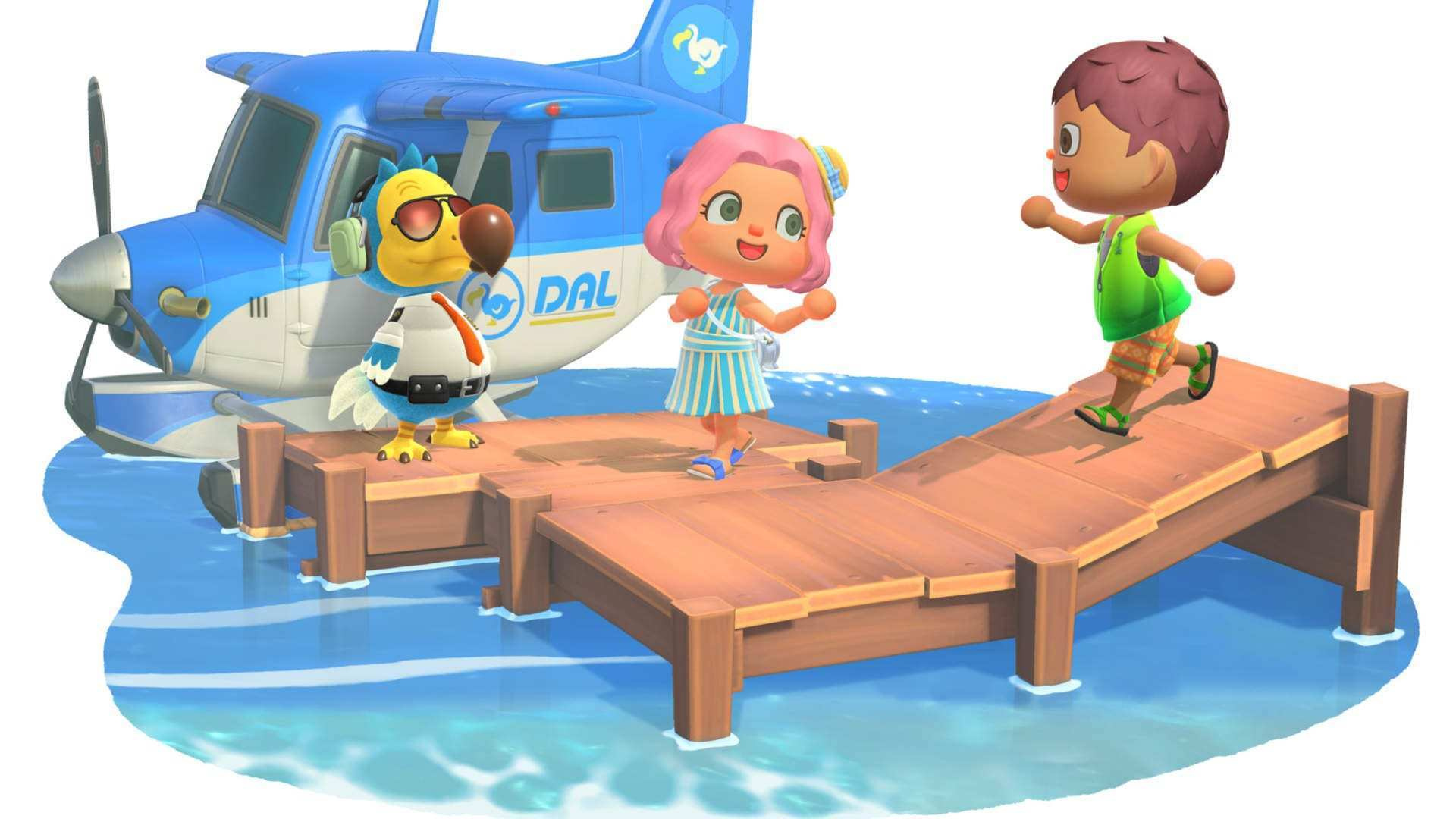
Once again, any free time I have this weekend will no doubt be taken up by Animal Crossing: New Horizons. I’m about 60 hours in at this point and still feel like I have so much left to do to my island – I’ve finally started tinkering with paths, fences, and the occasional outdoor ornament, but my house is a mess and I’ve only really scratched the surface of what I’d like to do outdoors.
I’ve also decided that my favourite villager is Cranston. He was one of my earlier residents and I love him to bits. Just thought I’d share that with you.
Gonçalo Lopes, contributing writer
The Animal Crossing: New Horizons live gig stage is growing out of proportions but I still require further light variations and I still have no floor lights. I might have to do some kick-off live streaming sessions from my brand new basement instead… before I turn that room into an arcade. SD Gundam G Generation Cross Rays and Saints Row IV: Re-Elected both continue to tick all the right boxes for some much welcome video game escapism.
My game of the week is Super Pixel Racers. New to the Switch despite its original 2018 original release date, it does exactly what the name suggests… and rather well I might add.
Gavin Lane, features editor
This week I’ll be ticking off my Animal Crossing to-do list and hopefully making a killing on the Stalk Market, but I’d really like to break the back of The Messenger. I’m thoroughly enjoying its retro charms and would love to get through it in a couple more sessions and tick it off the ol’ backlog. After getting the chance to chat with Sabotage about Sea of Stars, going back to The Messenger has only made me more excited for what the studio is cooking up. Have a good one everyone, and stay safe.
Liam Doolan, news reporter
Like many other Switch owners, this weekend I’ll be sinking most of my spare time into Animal Crossing: New Horizons. With Bunny Day out of the way, I can finally return my attention to island development and my home loan. I should probably make some more animal friends as well, as I’ve only got a handful on my island at the moment. Other than this, I might give Yooka-Laylee and the Impossible Lair another go now that there’s a new update available for the game. I’ve been wanting an excuse to revisit it for a while, so this is the perfect chance.
Ollie Reynolds, reviewer
With the rumours about a Resident Evil 4 remake circulating, I’ve gone back to the original for another round against the pesky Los Illuminados. I’ve just completed a run through the campaign on normal difficulty, so this weekend I’ll head straight back and start it on professional. I don’t think it’s too much of a stretch to say it’s my favourite game of all time!
I’m also still plugging away at Animal Crossing: New Horizons, although I must admit that I’m not spending that much time with it at the moment; I tend to jump in, see what The Able Sisters have in stock, then leave it for the day.
As always, thanks for reading! Make sure to leave a vote in the poll above and a comment below with your gaming choices over the next few days…
The Voice Actor Of Leon Kennedy In Resident Evil 2 Has Passed Away
The Resident Evil series has resurfaced in recent years – with Capcom remaking and re-releasing a number of classic entries. There have even been rumours about more remakes, and a completely new game, in recent weeks.
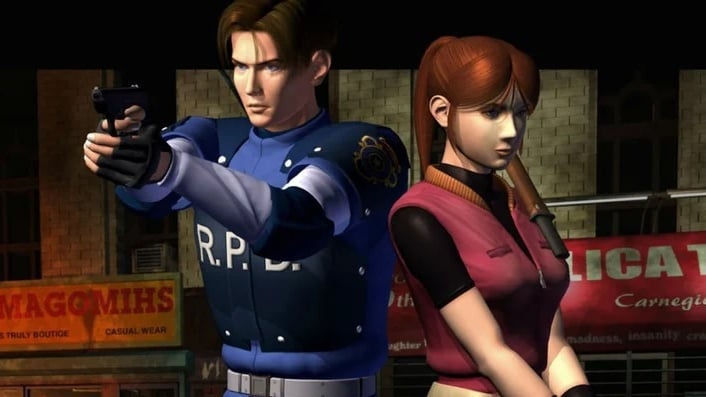
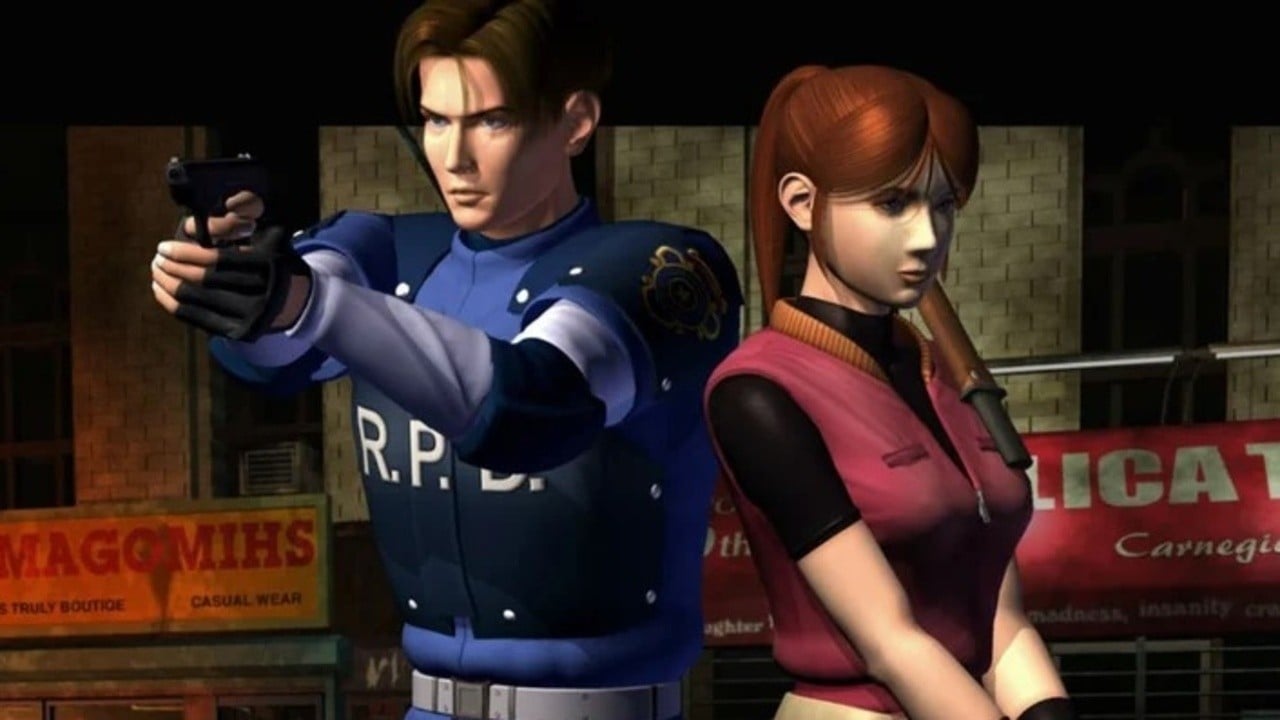
With this in mind, it’s incredibly sad to hear Paul Haddad – the voice of Leon Kennedy in Resident Evil 2 – has passed away at the age of 56. The cause of death has not been revealed. Invader Studios – an indie software house located in Italy – who had recently worked with Haddad on a survival horror homage to Resident Evil, paid tribute to him via Twitter:
Haddad may have been best known within the gaming community for playing one of the main characters in Resident Evil 2, but he also had an acting career in film, television and featured in cartoons like The Adventures of Super Mario Bros. 3.
The original Resident Evil 2 game was released on the first PlayStation in 1998, got ported across to Nintendo 64, Dreamcast and Windows the following year, and eventually arrived on GameCube in 2003.
On behalf of the Nintendo Life community, our condolences go out to Paul’s family and friends.
Posted by: xSicKxBot - 04-19-2020, 12:30 AM - Forum: Lounge
- No Replies
AGDQ's Corona Relief Done Quick Has Begun: Schedule And Biggest Games
In late March, the Summer Games Done Quick organizers were forced to postpone the event because of the ongoing COVID-19 pandemic. However, because the speedrunning event moved to August, the Corona Relief Done Quick charity stream is taking its place. It is live now, and all proceeds are going to the humanitarian aid organization Direct Relief.
Beginning with Donkey Kong Country at 9 AM PT / noon ET, Corona Relief Done Quick schedule features a series of difficult games played by experts. Several of the segments will focus on beating the games as quickly as possible, while others will include a variable such as a randomizer or a particular challenge.
Direct Relief features a donations tab on its website, and it aims to provide aid such as medical supplies and protective gear to health workers and patients. The organization says it has provided more than $1.5 billion in medical aid to date.
What Are Alternative Methods to Convert a List of Strings to a String?
Python is flexible—you can use multiple methods to achieve the same thing. So what are the different methods to convert a list to a string?
Method 1: Use the method ''.join(list) to concatenate all strings in a given list to a single list. The string on which you call the method is the delimiter between the list elements.
Method 2: Start with an empty string variable. Use a simple for loop to iterate over all elements in the list and add the current element to the string variable.
Method 3: Use list comprehension[str(x) for x in list] if the list contains elements of different types to convert all elements to the string data type. Combine them using the ''.join(newlist) method.
Method 4: Use the map functionmap(str, list] if the list contains elements of different types to convert all elements to the string data type. Combine them using the ''.join(newlist) method.
Here are all four variants in some code:
lst = ['learn' , 'python', 'fast'] # Method 1

print(''.join(lst))

# learnpythonfast # Method 2

s = ''

for st in lst: s += st

print(s)

# learnpythonfast # Method 3

lst = ['learn', 9, 'python', 9, 'fast']

s = ''.join([str(x) for x in lst])

print(s)

# learn9python9fast # Method 4

lst = ['learn', 9, 'python', 9, 'fast']

s = ''.join(map(str, lst))

print(s)

# learn9python9fast
Again, try to modify the delimiter string yourself using our interactive code shell:
So far so good. You’ve learned how to convert a list to a string. But that’s not all! Let’s dive into some more specifics of converting a list to a string.
Python List to String with Commas
Problem: Given a list of strings. How to convert the list to a string by concatenating all strings in the list—using a comma as the delimiter between the list elements?
Example: You want to convert list ['learn', 'python', 'fast'] to the string 'learn,python,fast'.
Solution: to convert a list of strings to a string, call the ','.join(list) method on the delimiter string ',' that glues together all strings in the list and returns a new string.
Problem: Given a list of strings. How to convert the list to a string by concatenating all strings in the list—using a space as the delimiter between the list elements?
Example: You want to convert list ['learn', 'python', 'fast'] to the string 'learn python fast'. (Note the empty spaces between the terms.)
Solution: to convert a list of strings to a string, call the ' '.join(list) method on the string ' ' (space character) that glues together all strings in the list and returns a new string.
Problem: Given a list of strings. How to convert the list to a string by concatenating all strings in the list—using a newline character as the delimiter between the list elements?
Example: You want to convert list ['learn', 'python', 'fast'] to the string 'learn\npython\nfast' or as a multiline string:
'''learn

python

fast'''
Solution: to convert a list of strings to a string, call the '\n'.join(list) method on the newline character '\n' that glues together all strings in the list and returns a new string.
Problem: Given a list of strings. How to convert the list to a string by concatenating all strings in the list—using a comma character followed by an empty space as the delimiter between the list elements? Additionally, you want to wrap each string in double quotes.
Example: You want to convert list ['learn', 'python', 'fast'] to the string '"learn", "python", "fast"' :
Solution: to convert a list of strings to a string, call the ', '.join('"' + x + '"' for x in lst) method on the delimiter string ', ' that glues together all strings in the list and returns a new string. You use a generator expression to modify each element of the original element so that it is enclosed by the double quote " chararacter.
Code: Let’s have a look at the code.
lst = ['learn', 'python', 'fast']

print(', '.join('"' + x + '"' for x in lst))
The output is:
"learn", "python", "fast"
Python List to String with Brackets
Problem: Given a list of strings. How to convert the list to a string by concatenating all strings in the list—using a comma character followed by an empty space as the delimiter between the list elements? Additionally, you want to wrap the whole string in a square bracket to indicate that’s a list.
Example: You want to convert list ['learn', 'python', 'fast'] to the string '[learn, python, fast]' :
Solution: to convert a list of strings to a string, call the '[' + ', '.join(lst) + ']' method on the delimiter string ', ' that glues together all strings in the list and returns a new string.
Although the output of both the converted list and the original list look the same, you can see that the data type is string for the former and list for the latter.
Convert List of Int to String
Problem: You want to convert a list into a string but the list contains integer values.
Example: Convert the list [1, 2, 3] to a string '123'.
Solution: Use the join method in combination with a generator expression to convert the list of integers to a single string value:
lst = [1, 2, 3]

print(''.join(str(x) for x in lst))

# 123
The generator expression converts each element in the list to a string. You can then combine the string elements using the join method of the string object.
If you miss the conversion from integer to string, you get the following TypeError:
lst = [1, 2, 3]

print(''.join(lst)) '''

Traceback (most recent call last): File "C:\Users\xcent\Desktop\code.py", line 2, in <module> print(''.join(lst))

TypeError: sequence item 0: expected str instance, int found '''
Python List to String One Line
To convert a list to a string in one line, use either of the three methods:
Use the ''.join(list) method to glue together all list elements to a single string.
Use the list comprehension method [str(x) for x in lst] to convert all list elements to type string.
Use str(list) to convert the list to a string representation.
Here are three examples:
lst = ['finxter', 'is', 'awesome']

print(' '.join(lst))

# finxter is awesome lst = [1, 2, 3]

print([str(x) for x in lst])

# ['1', '2', '3'] print(str(lst))

# [1, 2, 3]
Where to Go From Here
Want to increase your Python skill on a daily basis? Just by following a series of FREE Python course emails? Then join the #1 Python Email Academy in the world!
For my subscribers, I regularly publish educative emails about the most important Python topics. Register and join my community of thousands of ambitious coders. I guarantee, you will love it!
(Besides—it’s free and you can unsubscribe anytime so you’ve nothing to lose and everything to gain.)
Scratchy Spring Sale Day 3: Curve Digtial Spring Sale, up to -90%
[www.indiegala.com]The Massive Gameplay Giveaway has been reinvigorated with fresh new updates and even more chances to earn your own Steam keys. [www.indiegala.com]Be on the look-out for some huge discounts on your favorite games + a Scratch Card with a FREE secret Steam game for every store purchase.