Posted by: xSicKxBot - 11-10-2019, 11:16 AM - Forum: Lounge
- No Replies
Player spending in Grand Theft Auto Online jumped 23% following casino update
Recurrent consumer spending, the metric Take-Two Interactive uses to track in-game spending on things like premium currency as well as digital game goods and content, rose 23 percent to a new record for Grand Theft Auto Online in the months following the game’s Diamond Casino & Resort update.
Rockstar Games parent Take-Two Interactive mentioned the increase in spending in a recent conference call, though specific figures weren’t mentioned beyond just that percentage.
CEO Strauss Zelnick called Grand Theft Auto Online’s casino update, which dropped in July, the game’s biggest content launch ever “delivering record player engagement across daily, weekly, and monthly active users in July, and then again in August.”
Players aren’t able to directly spend real-world money on digital chips for betting in Grand Theft Auto Online’s casino, however they are able to purchase in-game currency that can then be converted into chips in the game itself. That extra step, and the fact that players can’t cash out in-game winnings back into real money, likely aims to distance the casino from legally dubious online gambling. However, that slight distinction hasn’t stopped the casino from being restricted in certain countries.
For the company as a whole, recurrent consumer spending increased 39 percent year over year and “significantly exceeded” Take-Two’s expectations. That growth was led by virtual currency sales from NBA 2K, Grand Theft Auto Online, and Red Dead Online, as well as by content sales from Borderlands 3.
Specific numbers for recurrent consumer spending weren’t provided, but given that 37 percent of Take-Two Interactive’s total GAAP net revenue came from that source, roughly $317.4 million in revenue was likely due to the sale of premium currency and digital game goods.
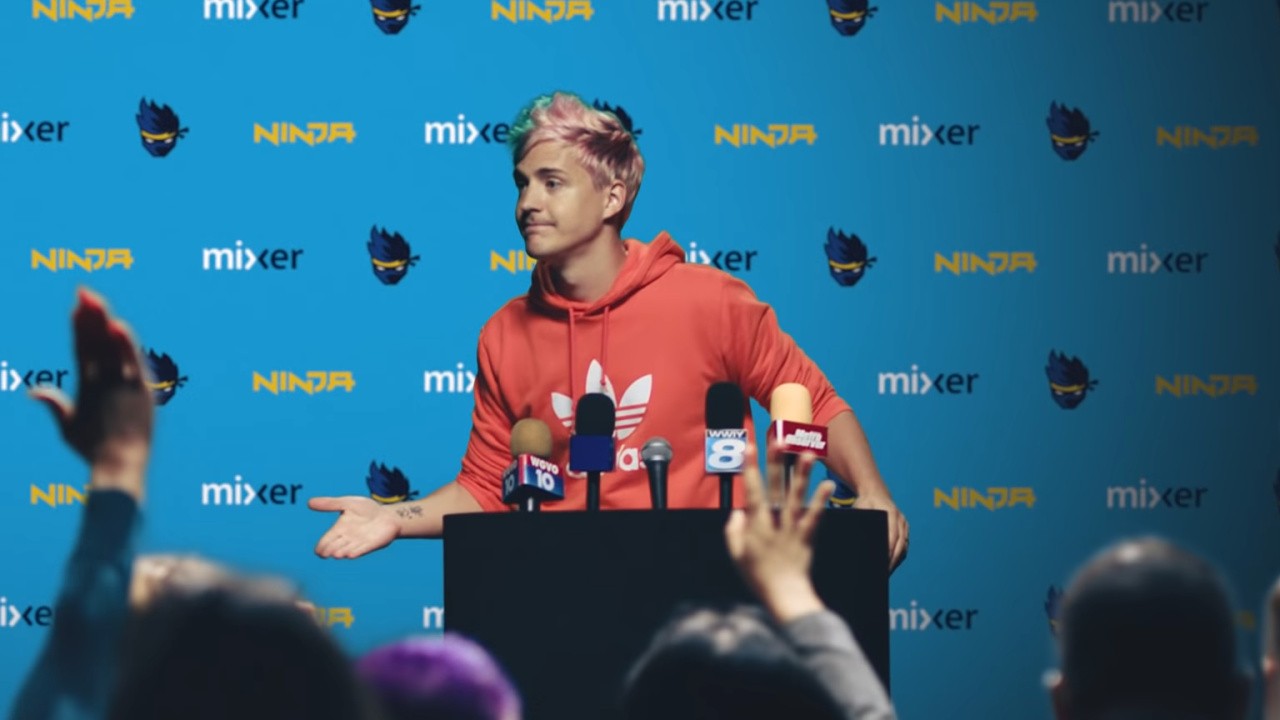
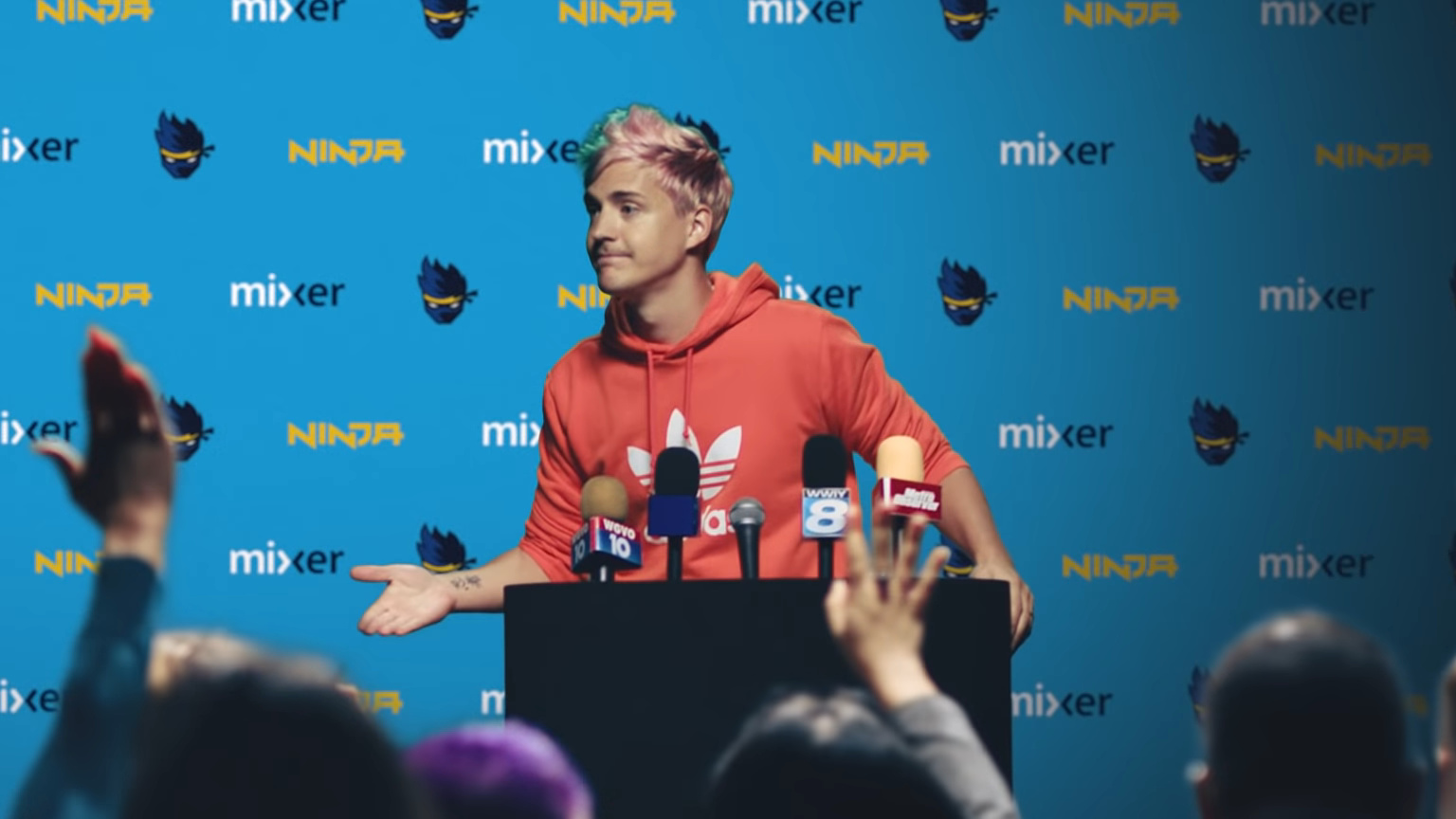
Ninja Thinks Pro Players And Streamers Who Cheat Should Be Treated Differently
Earlier this week, Fortnite developer and publisher Epic Games placed a lifetime ban on the professional eSports ‘FaZe Clan’ player Jarvis Kaye after he was caught cheating in a series of videos online. In a YouTube upload, Kaye said he didn’t consider Epic’s zero-tolerance policy when it came to the use of cheat software, and just wanted to create entertaining videos.
Tyler Blevins – famously known as Ninja, the world’s most popular Fortnite streamer – has now shared his own thoughts on the ban (during a stream), stating how he believes content creators who cheat should be handled “a little bit differently” to regular players because it’s how they earn a living.
There’s a difference between a content creator who has millions of subscribers, hundreds of thousands of followers, who gets banned from literally what makes him money and some kid…who has absolutely zero following, has zero money that comes from gaming, and hacks. You ban that kid, nothing happens to him. Nothing happens. ‘Oh no, he can’t cheat anymore.’ You ban Jarvis… It’s different. The stakes are different, it should be handled a little bit differently.
You ban one, you ruin his life. You ban the other, he makes another account and keeps cheating. It’s different. It has to be handled differently.
Later on in the stream, Ninja said he regretted his initial comments, and stated how the ban should “100 percent be there” but issued a warning about punishing creators at the same time:
Without your content creators as well, though, it has a negative impact on your game.
He also mentioned how punishment for juveniles who cheat should be different, just like it is in the legal system.
Should pros and streamers be treated differently? Share your thoughts below.
The Nintendo Life team have gathered to discuss our plans and we’d love for you to join in via our poll and comment sections below. Enjoy!
Gavin Lane, staff writer
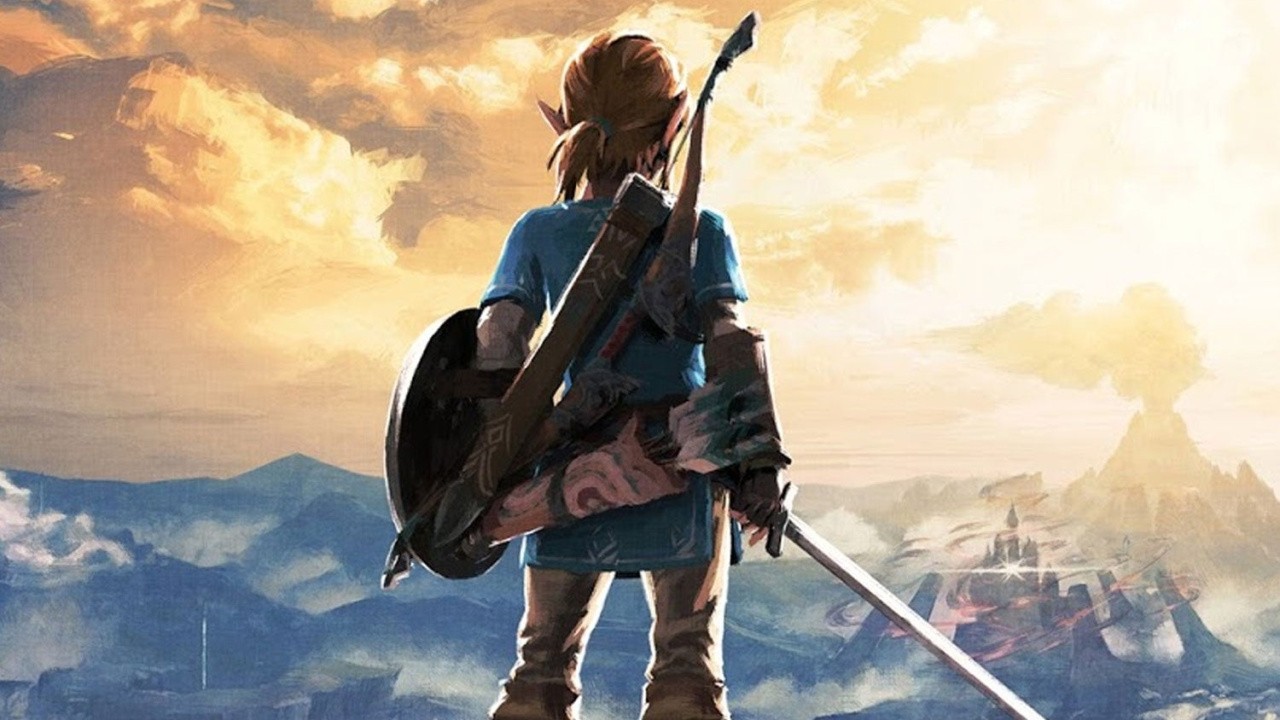
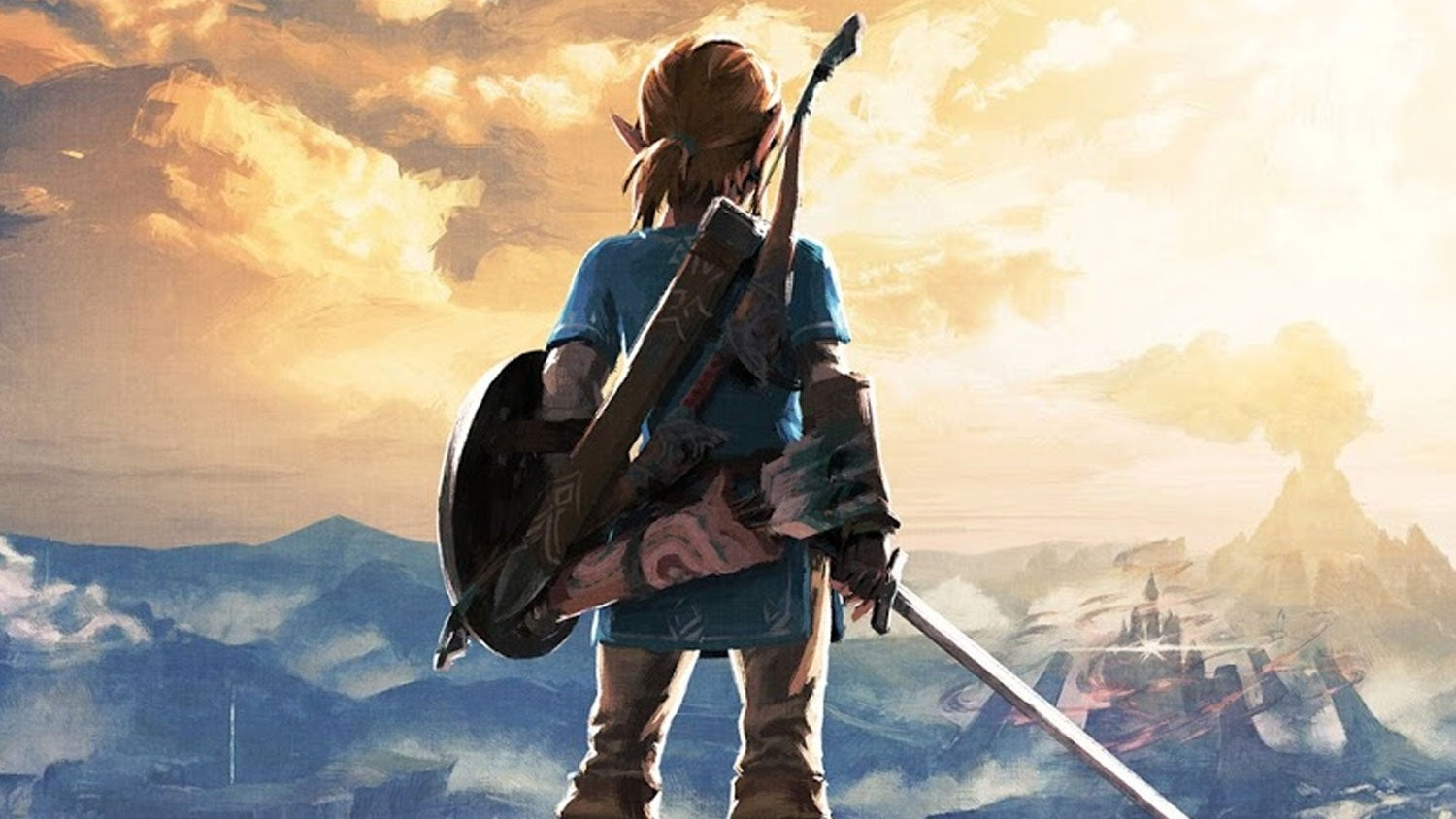
With Christmas approaching, it’s time to pull the belt in and resist purchasing every last video game I see. After last weekend, I’m still mopping up Korok seeds in The Legend of Zelda: Breath of the Wild. Nintendo seems unwilling to gift me a Korok ‘suit’ to help narrow down more precisely where the remaining seeds are hiding, so I’ve taken to combing the countryside systematically. Up and down. Up and down. Yes, I could use a map off the internet, but that would zap the fun and discovery out of it. Maybe I should buy one of those cloth ones I’ve read about – that would at least feel like less of a cheat.
Still, I’m very much enjoying galloping, gliding and generally gallivanting across the grassy glades. Good game, that.
Ollie Reynolds, reviewer
This weekend, I’ll be continuing my ascent up the Last Resort hotel in Luigi’s Mansion 3 – so far, I’ve been having an absolute blast with the game, and it’s quite easily the best entry in the series. I’d love to have my own version of Gooigi in real life… I guess it’d be called Goollie, which quite frankly is amazing.
I’ll also be jumping ship briefly to the PS4 to get cracking with Death Stranding – after reading the review the folks over at Push Square provided, I had to give it a go! Spending time traversing a wide expanse of land to simply deliver packages sounds oddly therapeutic, in a way… Minus the weird, invisible monsters, of course!
Gonçalo Lopes, contributing writer
By now you must have figured that DAEMON X MACHINA and Astral Chain have become a sort of inside joke, my very own video game ‘Moby Dick’, two games I desperately try to conclude with every passing weekend but repeatedly fail to do so either because of extra projects or newer releases. Adding to the pile-up is (at long last!) River City Girls along with yet another Kunio spin-off Stay Calm, Kobayashi-san!: A River City Ransom Story plus the already regular sessions of Xeno Crisis.
I’m cheating again with my game of the week this week because there are in fact sixteen of them. I don’t know if it was full-blown middle age crisis or pure nostalgia but I had to pick up Capcom’s Home Arcade. However, no one mentioned the thing weighs 8 kilos and according to my 3DS the distance between the retailer and home is roughly 20,000 steps. You have probably guessed how that went: some people are playing Death Stranding while I lived it. Very grateful for the results of 22 days at Ring Fit Adventure kicking in when they were most needed.
Ryan Craddock, staff writer
With less than a week to go until Pokémon Sword is finally in my hands, I’m making a conscious effort to avoid starting anything new (which means I’ve had to put Luigi’s Mansion 3 on hold despite being stupidly excited to play it).
As such, I’ll continue to shout at disobedient bouncy monkeys in Super Monkey Ball: Banana Blitz HD – which is surprisingly tricky at times – and also continue to shout at spikes, pits, bees, and myself as I fail to complete Yooka-Laylee and the Impossible Lair‘s Impossible Lair. Man, that thing’s hard. I’ve made it to 75% of the way through, but it’s incredibly challenging. Happy gaming!
Austin Voigt, contributing writer
This weekend, I’ll honestly just be continuing to play Luigi’s Mansion 3, because Halloween got too crazy, and I never got to finish it! Also I refuse to accept that Halloween season is over. That’s it, that‘s all I’ll be playing, everyone.
Which games are you playing this weekend? (374 votes)
Posted by: xSicKxBot - 11-10-2019, 08:25 AM - Forum: Lounge
- No Replies
Arise Is A Beautiful Collision Of Music And Emotion
Piccolo Studio in Barcelona, Spain was founded by three partners who've known each other for 20 years, and in 2019, they're releasing their first video game, ever, Arise: A Simple Story. For two decades, the partners ran successful interactive ad campaigns for global brands like Coca-Cola--but that corporate lifestyle grew stale.
As the team puts it on their website, "We were making money and winning awards, but it wasn't fulfilling. Making video games [has] always been a childhood dream, so we went for it. Starting from scratch in a risky industry was a leap of faith, but we were looking for that missing spark in our lives. If you fail, at least fail doing what you like."
Narrative designer Alexis Corominas says he wants to be able to look back, remember, and be proud of the work he's done. That mentality is reflected in Arise--the game begins with the death of an old man, who reawakens in limbo. From here, you'll explore 10 different memories from the man's past.
"Every level of the game is dedicated to a single feeling," Corominas explains. "If you connect all the feelings in the game, it's like a roller coaster of emotions. These are universal feelings. The goal of the game is to touch people."
Levels play out without any dialogue--music swells as you platform through various setpieces, but characters from the old man's past don't speak to one another. Arise focuses on emotions rather than story.
Of course, Arise is still a game you play. The old man can run, jump, and use his grappling hook to swing from various points. But Arise's central mechanic is the ability to scrub through time. Some levels let you move between morning and night, while others stretch out across full seasons. In all cases, moving forward or backward in time changes the level around you, as animals, objects, and platforms shift over the course of minutes, hours, and days.
One stage (seen in the gameplay above) had us leaping across giant sunflowers. The flowers follow the sun across the sky and tilt as the day progresses, allowing us to change the angle of the flowers as we leaped across gaps. The same stage had a handful of snails that would slowly move throughout the day, letting us hop aboard their shells to reach higher platforms.
The goal of the sunflower level is to chase down a kite that belonged to a friend from the old man's childhood, representing a happier time in his life. The following level (also seen in our gameplay video) is not so joyful: a mountain range slowly ripped apart from the center, forcing us to rewind and bring cliffs back together as we make our way to the summit. In the end, the reason for the schism was made clear: that same childhood friend was going away, leaving the old man on one side of the divide as his friend was pulled away, both literally and figuratively.
This reflexive level design is accompanied by an art style reminiscent of Tequila Works' Rime. That checks out, as Rime's art director Jose Luis Vaello is also the art director for Arise. Vaello's work is inspired by Disney's Fantasia and the "Disney of Japan," Studio Ghibli. It's a good match for the game, as it's levels are focused on emotional moments rather than plot points.
Arise: A Simple Story releases on December 3. It's headed to PS4, Xbox One, and PC via the Epic Games Store.
Sulis is an open source (GPLv3) licensed RPG written using the Rust programming language. It is a full implementation of a western style ( Baldur’s Gate, Divinity) RPG with Lua scripting, turn based combat, dialog and inventory systems and much more.
Sulis is available for download for both Windows and LInux on sulisgame.com. Features of Sulis include:
Cross platform native binaries, currently built for Windows and Linux
Multiple campaigns with over 8 hours of playtime, featuring both handcrafted and procedural content.
We are designing a detailed and fully realized world and story – check out the Lore page.
Designed with modding in mind – although more work still needs to be done in this area.
A powerful 2D graphics engine with zoom, scalable UI, HiDPI support, and a swappable graphics backend.
Runs on very modest hardware – even software renderers (although at a reduced frame rate).
Posted by: xSicKxBot - 11-10-2019, 02:54 AM - Forum: Windows
- No Replies
How tech inspired one man to transform businesses in Dubai
When Faisal Ali was a child, his schoolteacher would always encourage him to solve small problems while keeping an eye on the bigger picture. Fast-forward to the present, the now group CIO of the Garash Group in Dubai still follows that same philosophy.
Beginning from when he first played on an Atari 2600 console when he was just 11-years-old, Faisal knew that when he grew up, he had to do something which involved problem solving and technology.
Faisal now leads the Automotive, Financial Services and Real Estate sectors of the business enterprise, all with the main goal of enabling business growth through technology.
It is his passion for technology combined with this love of problem-solving which has and continued to inspire Faisal to be successful in his role today.
How has technology transformed how you work?
Faisal believes that technology has completely changed his approach to work. New innovations in the digital era allow him to connect and collaborate with co-workers at any time or from any place possible, which is hugely important for his job.
Summarizing how technology has developed over the course of his career, he said:
“Over the last 25 years of my professional life technology has changed my working lifestyle many times over. “
“I remember back in the 90s when dialing into work was almost impossible. The most I could do was send a few emails and upload a few excel files. “
“In the Noughties, broadband was in its early stages and mobility was becoming a reality, I could use a blackberry to stay connected to my mail and VPN to the office to do my work. “
“In the last 10 years’ workplace and systems are transforming from being on-premise to cloud and becoming more social. It’s a connected digital world and everyone is a citizen.”
Microsoft technologies have particularly benefited Faisal during his working life. He reflected on this, saying that Microsoft’s technology has inspired him to be as innovative as possible at work.
“You can’t make me switch back from my Microsoft Surface Pro”, he said. “It was truly love at first sight. The integration between desktop and mobile, wired and wireless, mouse and touch is seamless and natural.”
How do you use technology outside of work?
Outside of work, he recognizes that technology is just as useful and enjoyable in his everyday life.
“I am lucky in that way, as both my passion and my profession are technology”, he said.
“I love smart devices. I measure my physical activity, track my trips and can even message my 10-year-old son whenever I like. I guess you could say a good mobile phone is a man’s new best friend.”
He does admit that technology cannot be allowed to dictate our lives, however.
He believes connections between humans can never be replaced, and added:
“Technology is great but it simply does not replace the relationships and bonds you share with friends and family. Let technology augment those experience and not dictate them.”
What does the technology of the future look like to you?
Although believing that technology can never replace humans, he sees it as crucial for future developments in improving many aspects of our lives.
“This is a really interesting discussion point. I completed my Masters in IT Systems and am keen to learn how technology will continue to advance and benefit our lives.”
“I think that we’ll see a more natural integration of human technologies into our daily lives, meaning humans and AI will collaborate to improve society.”
“We’ll see devices that can help manage and monitor our health better, and systems which seamless keep us all connected online.”
“Technology isn’t just the present. It’s the future, and it’s going to help us act faster, think better and ultimately enhance the way we live.”
Pokémon Masters Dev Team Shares Its Update Plans For November And December
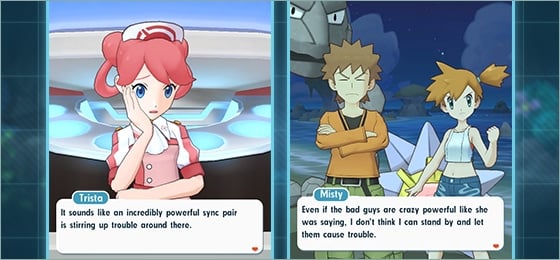
You’d be forgiven for thinking Pokémon GO was the only Pokémon mobile game in existence after banking $3 billion, but there are actually a number of others available. One of them is DeNA’s free-to-play title, Pokémon Masters. The game experienced a strong start, with players spending $26 million on the game – making it the best launch for any Pokémon mobile title since the release of GO. As fantastic as this was, not all of the player base was happy with the overall experience due to its bugs, lack of content and design choices.
It resulted in the game’s producer issuing an apology and since then, the exact plans for the game have been outlined. The latest website update reveals how November will focus on implementing adjustments for rewards. This includes revising rewards for story events and adjusting the log-in bonuses. From mid-November, a special rally event will take place – awarding trainers with additional items and gems.
Then, early on in December, a new event will debut – allowing trainers who use legendary creatures to join the fray. By the middle of this month, the level cap limit for all sync pairs will be unlocked, increasing the maximum potential to level 120. Alongside this, a new difficult category will be added to courses to help players obtain the necessary items to unlock the level cap. Rewards for other difficulties will also be revised.
Later on, in December, there’ll be some gameplay improvements to give trainers a “smoother” experience. In addition to co-op battle pacing and balance adjustments, there’ll be improvements to daily missions, the inclusion of daily vouchers, weekly bingo, and a sync pair viewing feature.
January and February will see gameplay updates and a training event revamp. Battle Stage updates are also incoming, adjusting the difficulty of EX Challenges. In February, a new mode titled Battle Villa will be released as well.
The next producer letter is scheduled for 26th November.
Posted by: xSicKxBot - 11-10-2019, 01:56 AM - Forum: Lounge
- No Replies
Here Is When Disney Plus Goes Live For You And How To Get A Reminder
We're just days away from the launch of the most-anticipated streaming service launch of the year. Disney+ is coming on November 12 to select countries, and we couldn't be more excited. We now know the exact time the service arrives, and luckily, we can all get a good night's sleep before watching The Mandalorian.
There are countdown clocks floating around. The official Disney+ site has one if you scroll all the way to the bottom of the page, and Marvel's site as one as well. Over at StarWars.com, there's a countdown clock right under the banner for The Mandalorian. And these clocks are all counting down to Tuesday, 9 AM ET.
Disney+ arrives in the US, Canada, and the Netherlands on November 12 and Australia and New Zealand on November 13--other European launch dates have been revealed, and it won't arrive until Spring 2020. Depending on where you live in the world, the launch time differs because time zones totally exist. Here is when the streaming service arrives for the previously mentioned launch countries.
If you want a reminder for the launch date, Disney+'s Twitter account has a tweet set up where if you like it, it will remind you when the streaming service launches. That's pretty handy if you're bad at remembering this.
Don’t be late for a very important date! ❤️ this tweet to be reminded of when you can start streaming #DisneyPlus on November 12. pic.twitter.com/sC6KiUE28h
Yes, Disney Twitter bot, I will give you some of that aforementioned tassel. Prepare yourself, as I prepare myself to have a "sick day" from work next Tuesday. Disney+ launches on November 12.
Amazon drops 2018 iPad with Cellular to $299, lowest price ever
By Christine McKee Saturday, November 09, 2019, 09:24 am PT (12:24 pm ET)
Shoppers looking for a budget-friendly iPad with Wi-Fi + Cellular support can snap up a sixth generation model for just $299, a discount of $160 off — and the lowest price we’ve seen on Amazon — while supplies last.
On the heels of the company’s iPad Pro markdowns, Amazon has issued another early Black Friday deal on Apple products by knocking $160 off the 32GB 2018 9.7-inch iPad with Wi-Fi + Cellular.
Now $299 for the sixth-generation iPad in Gold and $399 for the spacious 128GB model, these deals deliver the lowest prices we’ve seen for the LTE tablets.
With Apple’s latest 2019 iPad with Cellular selling for $130 more, this 2018 iPad discount offers significant savings while still supporting the first-generation Apple Pencil, making it a great holiday gift for students looking to take notes during the upcoming spring semester, as well as kids wanting a device in which to play educational games.
For deals on nearly every iPad model, be sure to check out the AppleInsideriPad Price Guide.
Alternative deals: 2019 10.2-inch iPads also on sale
Apple Pencil savings
Additional Apple Deals
AppleInsider and Apple authorized resellers are also running additional exclusive savings this month on Apple hardware that will not only deliver the lowest prices on many of the items, but also throw in cash discounts on AppleCare, software and more. These deals are as follows:
What Do You Get If You Mix Rocket League And Tony Hawk? REKT!, Apparently
Fresh off the production line from Little Chicken Game Company, REKT! High Octane Stunts is spinning to Switch eShop today. If the trailer above is anything to go by, it combines the floaty, spin-heavy physics of Rocket League with a neon skate park style and couch co-op gameplay that looks like it could be worth taking for a spin.
Advertised as running at a ‘smooth 60 frames per second’, it turns Tony Hawk’s Pro Skater into a RC racing game as you pull off stunts and kickflip your car while building up combos. With a whole bunch of modes, from old-school High Score to Capture the Crown and another where you have to infect other players with a virus (appropriately called ‘Virus’ mode), it seems the game has plenty to keep you and up to three other players occupied.
Here are a few of the standout features according to the game’s official blurb:
– Stunts, lots of ’em! – Three main arenas to do stunts in – Time-limited High Score mode with global leaderboard – Practice mode to test skills and learn new tricks – Over fifty customizable cars to unlock – An almost endless amount of challenges – Up to four players in different multiplayer modes: Score, Virus, Baja, Capture the Crown.
Available today, a 50%-off launch sale brings it down to $2.99 / £2.69 on the Switch eShop until December. For that sort of investment, it could be worth a look if you and three friends are in the mood for some couch co-op fun over the weekend. Only time will tell if it’s got what it takes to make it on to our best couch co-op Switch games list, but the trailer looks promising.
Planning on getting REKT tonight? Let us know in the comments below.