© 2022 Valve Corporation. All rights reserved. All trademarks are property of their respective owners in the US and other countries.
View mobile website
New game releases.


© 2022 Valve Corporation. All rights reserved. All trademarks are property of their respective owners in the US and other countries.
View mobile website


Marci
* Base mana regen reduced from 0.5 to 0
* Dispose: Damage reduced from 70/140/210/280 to 70/130/190/250
* Rebound: Cast/jump range reduced from 850 to 800
* Unleash: Duration reduced from 18 to 16
* Unleash: Pulse damage reduced from 80/150/220 to 60/130/200
* Level 15 Talent reduced from +250 Rebound Cast/Jump Range to +200
* Level 20 Talent reduced from 1.75s Sidekick Spell Immunity to 1.5s


JetBrains, maker of popular development software including the likes of IntelliJ IDEA, WebStorm, Project Rider, the Kotlin language and even the Mono font, are being investigated by the FBI as part of the SolarWinds hack probe according to the New York Times. The product in question targeted in this investigation is their build management solution TeamCity. Please keep in mind, this is just an investigation at this point, there is no guilt established and no indication JetBrains products have been compromised.
From the New York Times article, JetBrains deny any knowledge of a compromise in their software:
JetBrains said on Wednesday that it had not been contacted by government officials and was not aware of any compromise. The exact software that investigators are examining is a JetBrains product called TeamCity, which allows developers to test and exchange software code before its release. By compromising TeamCity, or exploiting gaps in how customers use the tool, cybersecurity experts say the Russian hackers could have invisibly planted back doors in an untold number of JetBrain’s clients.
Government officials are not certain how the compromise of the JetBrains software relates to the larger SolarWinds hacking. They are seeking to learn if it was a parallel way for Russia’s main intelligence agency to enter government and private systems, or whether it was the original pathway for Russian operatives to first infiltrate SolarWinds.
Information on the JetBrains investigation are limited, there is also an extremely short article on Reuters. The extent of the SolarWinds hack continue to grow daily. After the video was published, JetBrains have issued a response to the New York Times article, included in full:
The New York Times has published a story in which they point to JetBrains being under investigation and somehow related to the SolarWinds breach that recently took place.
First and foremost, JetBrains has not taken part or been involved in this attack in any way. SolarWinds is one of our customers and uses TeamCity, which is a Continuous Integration and Deployment System, used as part of building software. SolarWinds has not contacted us with any details regarding the breach and the only information we have is what has been made publicly available. It’s important to stress that TeamCity is a complex product that requires proper configuration. If TeamCity has somehow been used in this process, it could very well be due to misconfiguration, and not a specific vulnerability. Furthermore, security is our top concern and we notify and manage updates transparently in our Security Bulletin.
Secondly, we have not been contacted by any government or security agency regarding this matter, nor are we aware of being under any investigation. If such an investigation is undertaken, the authorities can count on our full cooperation.
We remain open to answering any and all questions regarding this matter and as always are committed to delivering the best possible products and services to our customers.
Thank you
Maxim Shafirov
Chief Executive Officer


Today we are going to look at two vastly different AI powered art generation tools, Luminar and NVIDIA GauGAN Beta. Luminar is a powerful art processing tool, a cross between Photoshop and Lightroom, but AI assisted. We recently covered Luminar hands-on including how to use it with Affinity Photo here and it is currently (2021-01-05) in the final 24 hours of a Humble Bundle sale.
NVIDIA GauGAN on the other-hand is a web based application that is part of the NVIDIA AI Playground. GauGAN is described as:
GauGAN, named after post-Impressionist painter Paul Gauguin, creates photorealistic images from segmentation maps, which are labeled sketches that depict the layout of a scene.
Artists can use paintbrush and paint bucket tools to design their own landscapes with labels like river, rock and cloud. A style transfer algorithm allows creators to apply filters — changing a daytime scene to sunset, or a photorealistic image to a painting. Users can even upload their own filters to layer onto their masterpieces, or upload custom segmentation maps and landscape images as a foundation for their artwork
You can learn more about GauGAN here, while technical details of the algorithm in the open source implementation hosted on GitHub. You can try an already trained version of the algorithm in action here in your browser.
These are not unique examples in terms of machine learning or AI enhanced art creation tools. In early 2020 Unity acquired Artomatix, the creator of ArtEngine, an AI driven material creation tool. Another project that was recently featured on this site is Cascadeur, a physics based animation tool that uses machine learning to help with animations. DeepMotion Animate 3D is another recently featured machine learning based application, that takes simple 2D footage and makes a 3D rig and animation from the results.
The key thing in all of these tools thus far is they don’t seek to replace the artist, but augment them using deep or machine learning algorithms. You can check out NVIDIA GauGAN and Luminar in action in the video below. For a VERY limited time you can get Luminar on Humble Bundle here. [Expires 01/06! — GFS can receive a commission on Humble purchases]. So what do you say, are AI powered art tools the future?

Minecraft Earth will shut down and be removed from stores on June 30. The augmented reality title tasks you with getting creative while exploring your surroundings in an entirely new way. That said, with it being a location-based experience, it was always going to struggle in a time such as this.
“Minecraft Earth was designed around free movement and collaborative play – two things that have become near impossible in the current global situation,” says a blog post released today. As a result, the team has decided to “re-allocate” its resources into other areas that “provide value to the Minecraft community” by shutting down Minecraft Earth.
The news comes as a surprise given the game’s passionate following and the fact that it launched just over a year ago. Still, the Minecraft Earth team is working to ensure that these final few months will be enjoyable for those remaining players.
With today’s Minecraft Earth update, the game has removed real-money transactions, reduced the price of in-game currency, reduced time requirements for crafting and smelting, and granted everyone who logs in prior to its closure a special set of character creator items.
All players with paid ruby balances will be granted Minecoins. These can be used on the Minecraft Marketplace to unlock texture packs, skins, maps, and more. Beyond that, anyone who’s ever spent a penny on Minecraft Earth will receive a free copy of Minecraft’s Bedrock version. More info on what the team is calling the game’s ‘sunset’ process can be seen here.


Today we are looking at Scatter for the Godot Game Engine. Scatter is a Godot add-on that makes it incredibly easy to instance mesh objects in your game level. This makes level design tasks like placing grass, paths, fences, etc incredibly simple. Additionally Scatter supports instancing multiple meshes (think different tree meshes to make a forest) in the same scatter, excluding splines or points from being scatter targets and more.
Scatter is an open source project with the source code hosted on GitHub under the MIT open source license. The project is implemented as a simple Godot add-on, so simply clone the repository into your projects Addons folder (or create one if you don’t have one already). Next load your project, go to Project Settings, then Plugins and make sure Scatter is enabled.
Once scattered is enabled, you create a Scatter object. This is a spline path that defines the boundaries of the scatter object. You need to add a ScatterItem child to your Scatter, then add a MeshInstance to the ScatterItem. This mesh instance is the 3D model that will be “scattered” around the boundary defined by the Scatter path.
The creator of the Scatter add-on also created Concept Graph for Godot, an excellent procedural generation extension we previously covered here. You can learn more about Scatter for Godot and see it in action in the video below.

January 3, 2020: Mr Beast has postponed Finger on the App 2 until February 19
What is Finger on the App? The game has quite a simple premise, really – touch your phone longer than anyone else. That becomes a lot harder when you factor in all the other competition. Finger on the App is interesting since it’s a one time game. So you get one shot to win the grand prize and walk away victorious. But popular philanthropist YouTuber Mr Beast has now announced Finger on the App 2, developed by Beast Interactive Games, with an even bigger prize pool.
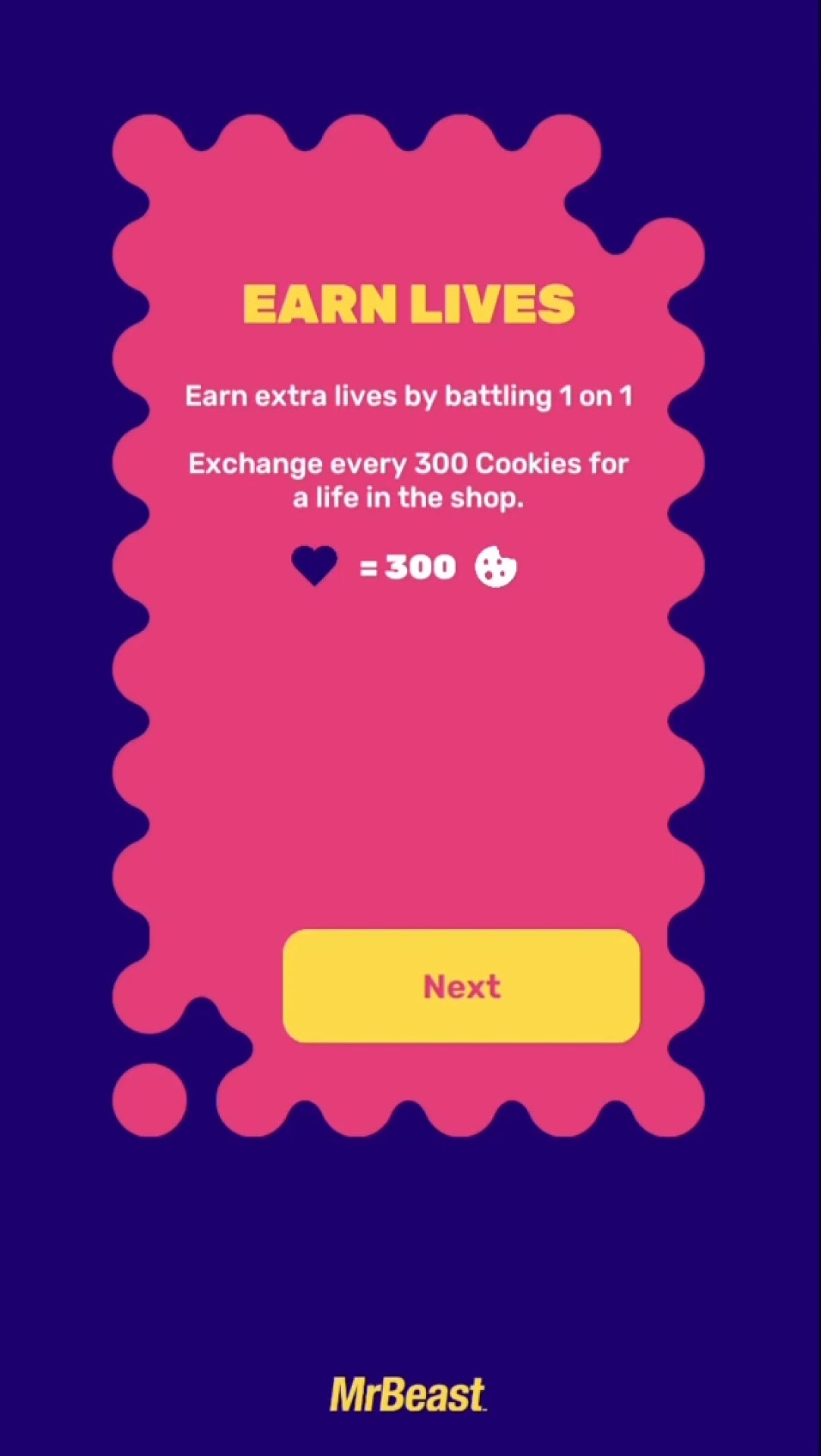
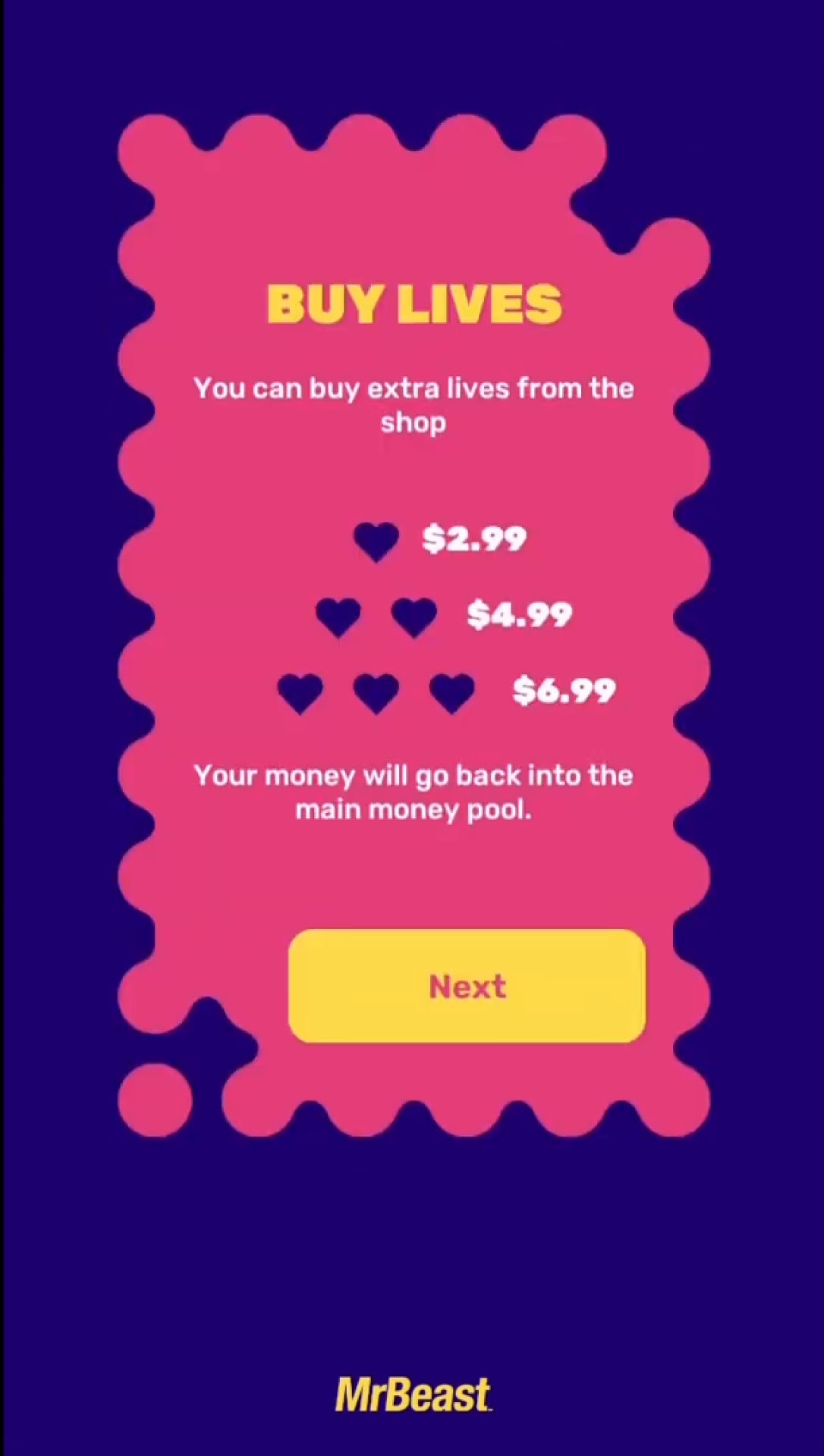
As opposed to last time, players can now buy lives, but also earn them in a new battle mode before the main game begins. So here we’re going to give you some tips to make the most of the competition – whether it’s staying healthy during, or in playing the game itself. Because after the first one lasted for 70 hours, it’s likely this could be pretty lengthy, too.
Though the prize is likely to go to someone who is buying lives, everyone still has a limit of three when it actually comes down to playing the game.
Finger on the App 2 isn’t your typical mobile game, but is instead a massive multiplayer experience available in the U.S, Canada, and Mexico. As opposed to last time, players can use both Android and iOS devices. The aim of the game is to stay touching the screen as long as possible, and the last one still touching it will win the grand prize.
The game starts on February 19, 2021. Just make sure to have the app open and that you’re ready to go by that time if you want to play.
As opposed to the $25,000 prize for the first game, Mr Beast has increased the amount to $100,000. The contest is also sponsored by the multiplayer game, Lords Mobile: Kingdom Wars. Last time the prize was supposed to be decided by a player poll – until Mr Beast just gave a prize to the final four players. But it seems like that poll has been removed this time around.
Finger on the App 2 can be downloaded on the App Store, or for Android on Mr Beast’s app website.
The aim of the game is simple – keep touching the screen – but there are some other aspects that are important to remember. Here’s what you need to know:
The amount of lives you have is important when playing, so here’s what you can do to get your hands on some extras:
Cheating was a concern in the original Finger on the App, but at numerous points in the 70 hour competition Mr Beast and MSCHF added in surprise changes to the touching pattern which threw off any bots that were playing. In the end, no bots won the competition.
With no time limit on the game, if you want to get far, and maybe even win, you’re going to have to take some real-life things into consideration. It’s important to stay healthy and hydrated during, though sleep might be somewhat impossible. Here are some tips to stay on your game:
After 70 hours of play, and over 1.3 million players, Finger on the App concluded. A number of people won different amounts of money, with Mr Beast bribing some to leave the game for $10,000, and in the end he stopped the game and gave all four remaining players $20,000.
The 70 hours were also filled with plenty of other hilarious happenings – whether it was MrBeast calling contestants to try and catch them out, or the evil yet hilarious people who tricked streamers into calling up Siri on their phones – be warned of swears in the video.
Here is a montage of people losing the finger on the app challenge because of Siri 😅 pic.twitter.com/LzEDdASs0D
— MrBeast (@MrBeastYT) July 1, 2020
If you want similar games to play while waiting for Finger on the App 2, check out our list of the best mobile puzzle games!



The Blender Foundation have just announced their “Big Projects” list for Blender in 2021. It is hard to argue that 2020 wasn’t a banner year for Blender development, with three major releases as well as the first ever LTS release. Through 2020 we saw improvements to the Blender UI/UX, sculpting tools, modeling, EEVEE, Cycles and so much more. We also saw a record number of massive companies coming on board the Blender development fund. With the release today of the projects list, we get insight into the Blender priorities in 2021, including priorities such as:
You can learn more about the Blender’s accomplishments in 2020, as well as the new projects in 2021 in the video below.

Blender have announced that Blender Network is being shutdown. The Blender Network shutdown is occurring in just a few months according to the post on the Blender press site:
On March 31st 2021, Blender Network will terminate its operations. All ongoing memberships will be cancelled and have their last payment refunded. The Blender Foundation Certified Trainer program (BFCT), which was already on hold, will also stop. The blendernetwork.org domain (and all URLs) will redirect to blender.org. No data will be preserved on the blendernetwork.org server, which will be discontinued.
Originally presented by Ton Roosendaal as a whitepaper in 2010, Blender Network’s mission was to facilitate the provisioning of services and support, connect users and promote professional Blender businesses. This mission has been carried out by the blendernetwork.org platform, providing visibility and business opportunities to several hundred individuals and organizations.
However, the incredible growth of the Blender community and the rise of social media have greatly reduced the need for a Blender-backed platform to provide legitimacy and visibility to professionals. For this reason, after almost a decade of operation, it is time to retire the platform.
Fortunately, out of the ashes rise a new phoenix, with Pablo Vazquez making the following announcement on Twitter.

Followed by the follow Tweet with more details:

Unfortunately there is no successor planned for the Blender Certification Program, that was already put on hold due to a lack of focus. You can learn more about the Blender Network sun-setting in the video below.


Today we look at PowerIK for Unreal Engine, a full body IK solver. PowerIK was recently released as part of the December monthly UE giveaways as part of the free forever category. On the Unreal Engine marketplace, PowerIK was described as:
Power IK is a full-body IK solver that lets animators push and pull any skeleton with any number of effectors.
Use Power IK to easily align creatures to uneven terrain, or dynamically modify their pose at run-time. Power IK is a robust and efficient solver that produces remarkably natural poses even under extreme circumstances.
PowerIK has the following features:
While it supports Unreal Engine 4.26, the current install will give you an error when you try to run PowerIK. If this occurs, on Windows the fix is fairly simple. Navigate to your install directory for UE 4.26, then navigate to:
\Engine\Plugins\Marketplace\PowerIK\Source\PowerIKRuntime\sdk\lib\Win64
Copy the file POWERIK.DLL. Next paste it to the directory
\Engine\Plugins\Marketplace\PowerIK\Binaries\Win64
Now it should work just fine. In the video below we go hands-on with PowerIK using the example project currently available for download here. If you run into some trouble, the documentation is available here.