
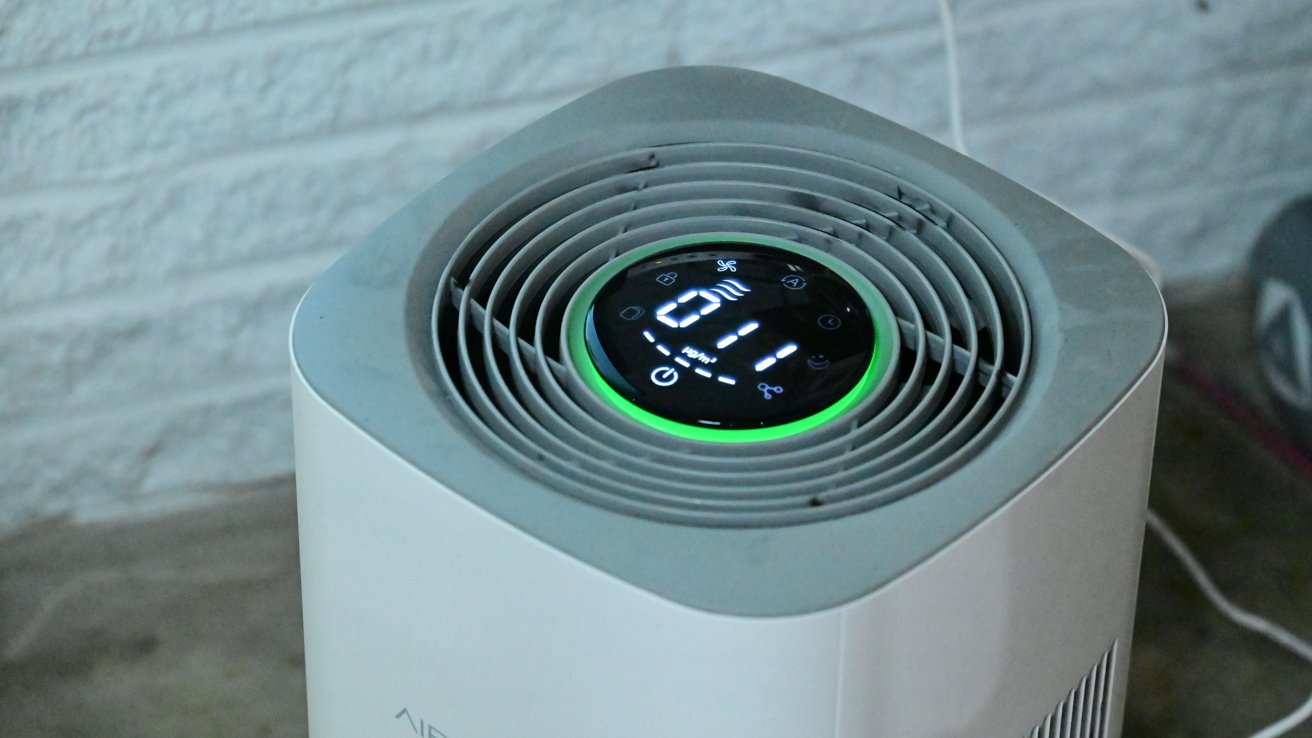
The AirVersa AP2 Air Purifier is the first model to support both Thread and Apple Home support and comes in a compact form factor that will fit easily into your life.
I really heavily rely on air purifiers in my life. They’re a bit hard to test outside of watching air quality monitors over time, but with more than a half-dozen animals in my home, they’re a necessity.
Pet dander, odors, and other allergens are rampant, and I have an air purifier in almost every room to keep the air clean and smelling good. The AirVesa AP2 Air Purifier appealed to me as it boasted both Thread and Apple Home support.
AirVersa AP2 Air Purifier review: Design
The design of the AP2 purifier is unremarkable. It’s boring and utilitarian with a light grey body, a darker grey top, and a round display on the top.
Air is pulled in via the left and right sides, through a pair of HEPA filters, and expelled out the top. The duo of filters catch 99.97% to 99.99% of particulates in the air, down to .1 micrometer.
To swap the filters, you must turn the purifier over and twist the lock. The bottom pulls free, revealing pull tabs on the filters to be replaced.
AirVersa AP2 Air Purifier review: The top display has a lot of information and colors
The display sits inside an LED ring that lights up based on air quality. If the air quality is excellent, it will be green, but it shifts closer to red the worse it is.
In my time with the AP2, the large colorful LED ring is more annoying than useful. It’s far too attention-grabbing, and I wish it was easier to disable the light altogether.
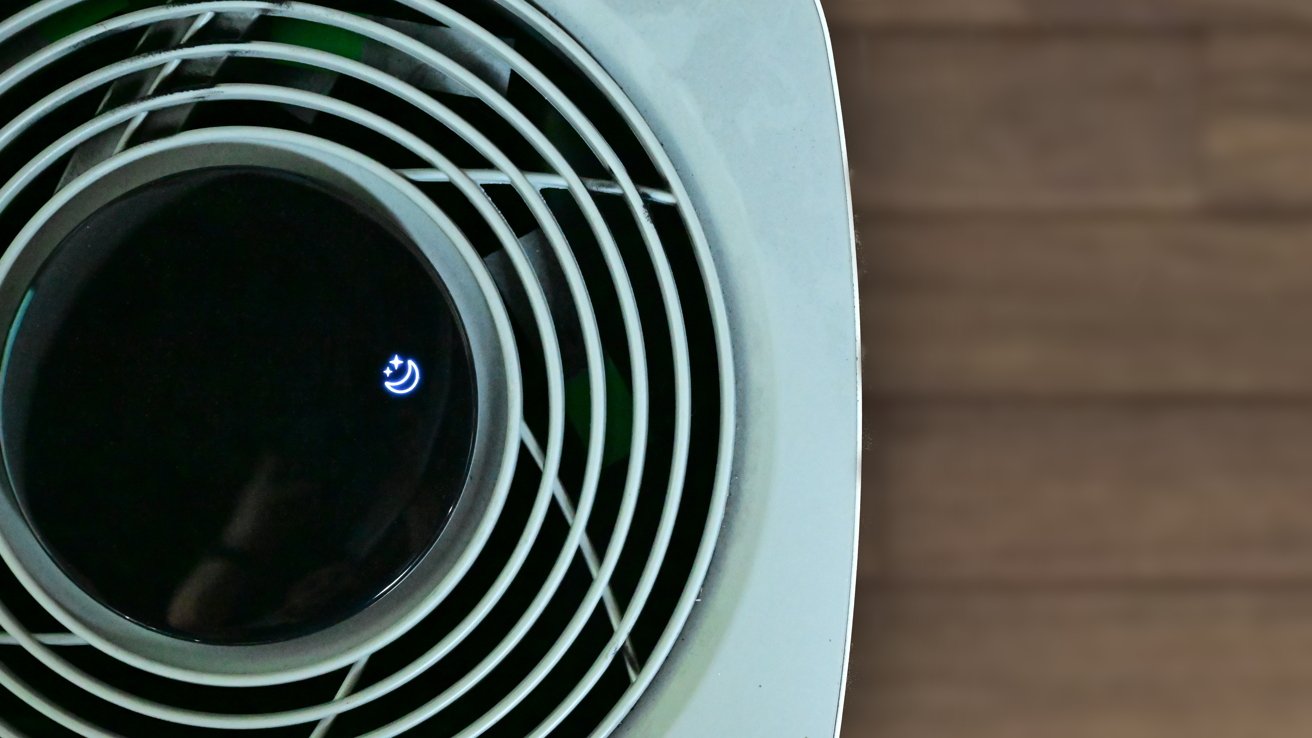
AirVersa AP2 Air Purifier review: Night mode turns off the LED and slows the fan
The display is also very information-dense. There are various buttons, status indicators, network status, fan speeds, and more.
While I understand the benefits of having all this information easily visible, it isn’t the most attractive. Once more, it feels utilitarian.
AirVersa AP2 Air Purifier review: Performance
Even if I wasn’t impressed with the design, I’m much more positive when it comes to the performance. Despite its small size, I found it to be quite effective for small to medium rooms.
Sleekpoint, the company behind AirVersa, says that this is designed for rooms up to around 1,000 square feet. That seems large, but I’d happily recommend this for places like bedrooms, offices, and other reasonably sized rooms.
When buying, you have the option of choosing the HEPA filter or HEPA Pro filter, with the latter filtering more out of the air. Each has a pre-filter, a HEPA filter, and an active carbon layer.
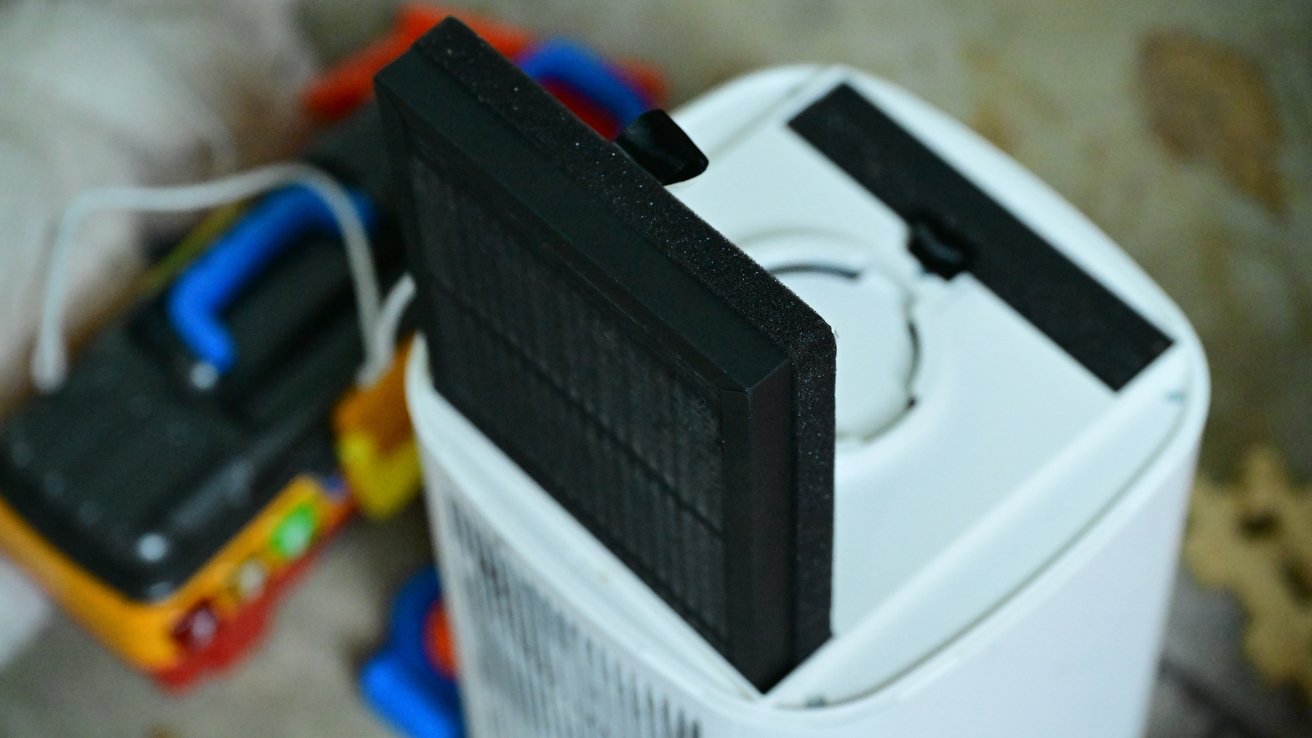
AirVersa AP2 Air Purifier review: The AP2 has a pair of HEPA filters
The filter life, which as I mentioned is shown right on the top of the device, is rated for 3000 hours. If you ran it for 24 hours a day, that would be a bit under half a year.
A new set of replacement filters is less than $30, which is very affordable as far as replacement air filters go. It may be the most affordable one that I’ve reviewed.
In my home, I tried the purifier in a couple of different scenarios. One was the kitchen, where it was able to aid in keeping smoke at bay while cooking chicken on the stove.
While in the basement, it was useful while painting and quickly eliminated much of the odor. I was impressed with how much airflow it could move in such a small size.
AirVersa AP2 Air Purifier review: Connectivity & Apple Home
The AP2 purifier works exclusively with Apple Home. You can view and control it in the Apple Home app as well as in the Sleekpoint app.
If the Sleekpoint name seems confusing, that’s because it is. Even though this is branded as AirVersa, the company is actually Sleekpoint Innovations.
Sleekpoint has multiple sub-brands, like Holomarq for security devices. Even though the Sleekpoint name is never mentioned in the branding, that’s the name of the manufacturer app.
It’s confusing, and your average consumer is not likely to remember it when trying to search the app on their device. Luckily, the Home app is more than enough.
Within the Home app, you can change modes (auto, manual, or off), view the air quality, and adjust the fan speed. Unfortunately, you can’t view the filter life in the Home app.
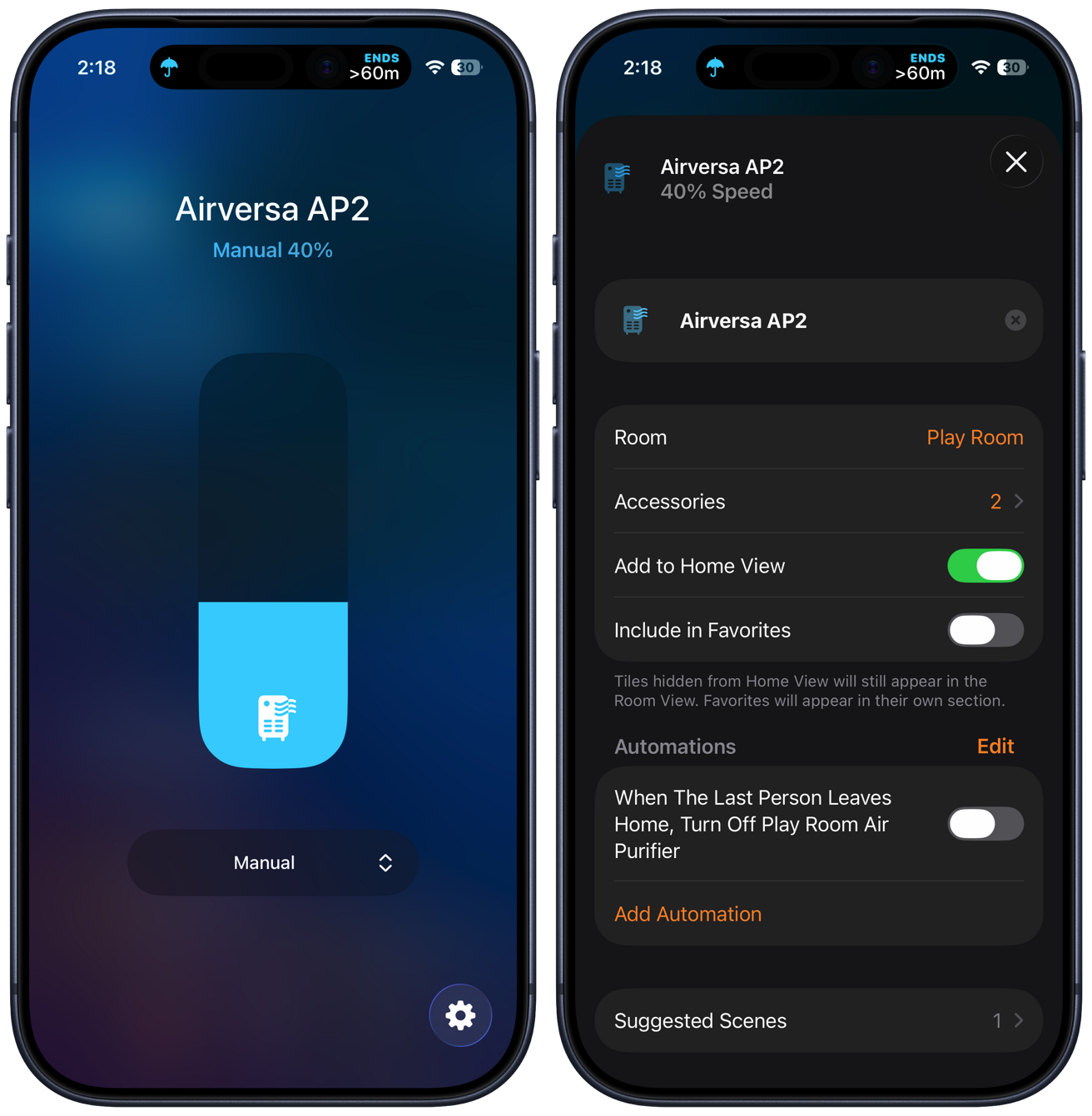
AirVersa AP2 Air Purifier review: Home app to control the air purifier and view settings
Thanks to Apple Home support, you can schedule it to go on and off or change speeds when you choose, you can have it stop when you leave the home, or control it with your voice.
It can be part of scenes, like a goodnight scene, which is useful for adjusting the speed when you go to bed. If you have additional air quality sensors, they can also be used to trigger the fan to ramp up.
Sleekpoint is known for its use of Thread, which is the case here. When using a Thread border router like a HomePod, HomePod mini, or an Apple TV, it was very quick to respond.
Thread is a new wireless protocol that creates a self-healing mesh network throughout your home. In my time using the air purifier, it was always responsive, available, and quick.
AirVersa AP2 Air Purifier review: Should you buy it?
There is no shortage of air purifiers on the market. From a high-level, they’re all very similar in that they pull air through some sort of filter to remove debris, allergens, and contaminants.
While I don’t get excited about the design, I think the performance and connectivity make up for it. Apple Home and Thread are both rock solid and make this an easy addition to any home for an Apple Home user.
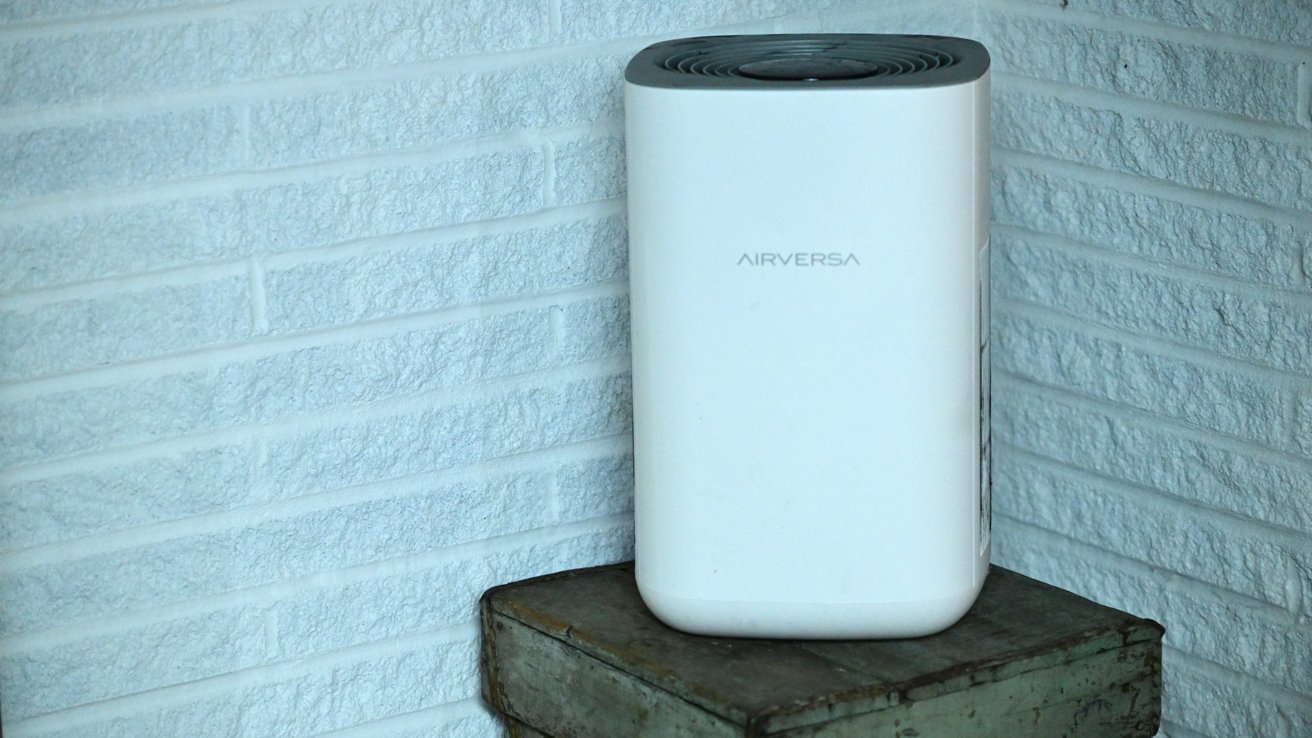
AirVersa AP2 Air Purifier review: Thread makes this a solid, compact air purifier
I appreciate that the filters are affordable and include carbon for neutralizing odors. I also like that it is compact enough that it can fit beside a bed or under a desk without taking up too much space.
As long as you prefer function over form, I think the AirVersa P2 air purifier is worth picking up. Besides, anything that looks fancier is likely to cost more anyways.
AirVersa AP2 Air Purifier review: Pros
- Rock-solid Thread connectivity
- Apple Home support
- Efficient and powerful
- Affordable replacement filters
- Night mode
- Visual air quality monitor
- On-device touch controls
AirVersa AP2 Air Purifier review: Cons
- Boring design
- Apple Home doesn’t support night mode yet
- Confusing manufacturer app name
AirVersa AP2 Air Purifier rating: 3.5 out of 5
Find the AirVersa AP2 Air Purifier on Amazon for $110.