Lots More PS4 Game Deals Added To PlayStation Store's EU Sale
Sony's big January PS4 game sale is still ongoing, and now the company has discounted even more titles. Big games like Assassin's Creed Origins, Far Cry 5, and Hitman 2 are going cheap in Europe in addition to the titles that were already discounted.
These deals are in addition to a plethora of discounts that went live in December. Those included such promotions as Battlefield V for £30, Call of Duty: Black Ops 4 for £36, and God of War's deluxe edition for £25. The whole sale runs until January 18; for the full list of games on offer, head over to the PlayStation Store.
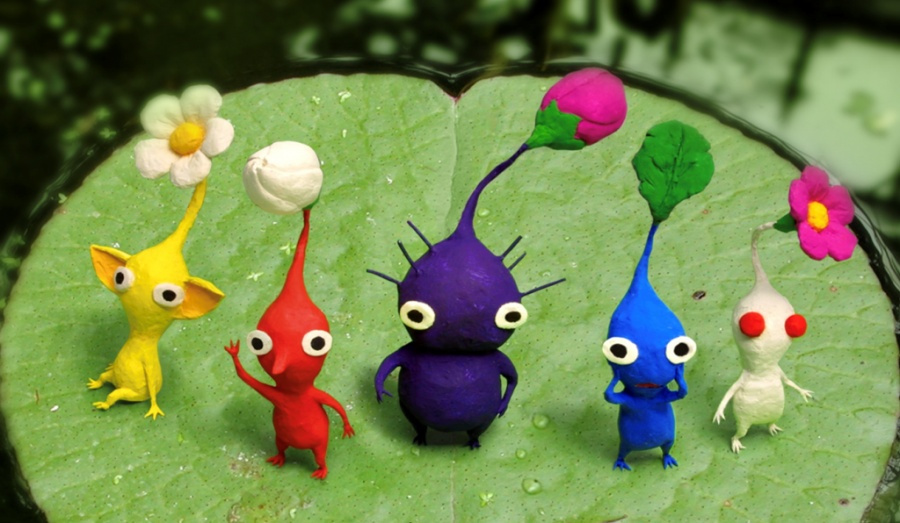
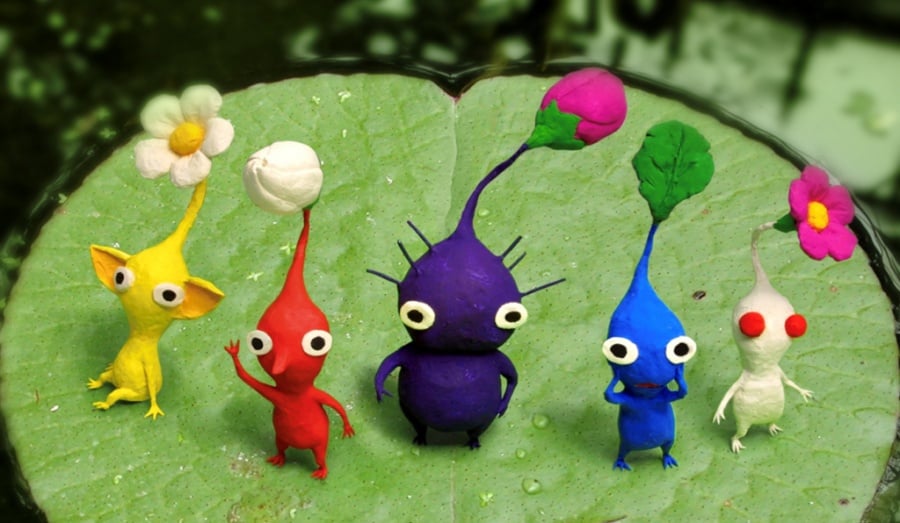
Random: Totaka’s Song Has Been Discovered In Pikmin 2, Again
A famous melody which has appeared in multiple Nintendo games over the years is Totaka’s Song. It was originally created by Nintendo composer and sound director Kazumi Totaka and first appeared in X – a 1992 shooter on the original Game Boy – as a secret. Since then, it’s become somewhat of an iconic track added into nearly every game Totaka has worked on.
While it’s already common knowledge this song is in Pikmin 2, nearly 15 years after the original GameCube title was released, a second version of the Totaka’s famous song has now been discovered by a YouTuber known as Quote Balrog. It can now not only be heard on the treasure salvage screen if you wait for a number of minutes, but can also be listened to if you enter any cave in Pikmin 2 and unplug the memory card at the same time. Doing this will bring up the memory card warning screen and if you wait for around four minutes, you’ll eventually hear the song play. Have a listen below:
Are you surprised it took this long to locate this song (again) in Pikmin 2? What other games do you remember this classic tune from? Tell us below.
Posted by: xSicKxBot - 01-06-2019, 11:10 AM - Forum: Lounge
- No Replies
Jumanji Sequel In Talks With Awkwafina
The upcoming sequel to 2017's popular Jumanji: Welcome to the Jungle may see its cast grow and include the rapper-turned-actress Awkwafina. According to Variety, Awkwafina, whose real name is Nora Lum, is in talks to appear in the sequel.
Awkwafina had a big year in 2018, having appeared in popular movies like Crazy Rich Asians and Ocean's 8.
All the major stars of the 2017 Jumanji movie--Dwayne "The Rock" Johnson, Jack Black, Kevin Hart, and Karen Gillan--are all expected to come back for the sequel. What's more, director Jake Kasdan, who is the son of legendary Star Wars writer Lawrence Kasdan, is returning as well.
Plot details are under wraps for the Jumanji sequel, but The Rock teased that Kasdan gave a "dynamite pitch" for the plot. The film hits theatres in December 2019.
The Rock and Kasdan are also working together on a new Netflix movie called John Henry and the Statesman.
Talking Point: What Are You Playing This Weekend? (January 5th)
Here we are once again, happily lounging around for another weekend of gaming bliss. As always, team Nintendo Life has gathered around our enormously large table of chatter to discuss our weekend plans, sharing the games we hope to get stuck into and even some stories of picking up great games on sale. Feel free to read through our entries, and then submit your own via our poll and comment sections below. Enjoy!
Dom Reseigh-Lincoln, reviewer
This weekend I’m going to be returning to a much-loved game from over ten years ago in the form of Tales of Vesperia: Definitive Edition. The JRPG is about to sail into port on Nintendo Switch, and I can’t wait to see how well this old sea dog holds up a decade on. I’ll also be swinging various weapons into increasingly large crowds of goons in Dynasty Warriors 8: Xtreme Legends Definitive Edition. Presumably, I’ll be using that ridiculously overblown title as a weapon as well.
Alex Olney, video producer
For Christmas this year I got my other half Skyrim, and as a happy accident I’ve managed to get sucked back into the game as well. Since it’s not my first time playing by any means I thought I’d mix things up by attempting to play entirely unarmed, which is especially challenging given the skill for it is basically absent, unlike in Oblivion.
So, yeah. I’ll be doing that pretty much non-stop.
Gavin Lane, contributing writer
I’m away for the weekend, so I’m considering giving the Switch a well-earned rest and digging out my dust-covered 3DS. Chrono Trigger has been sitting in the cartridge slot ever since tracking down a US copy a couple of years back. It’s high time I started – I hear it’s pretty good?
I have a problem, though: Pocket Card Jockey. Every time I open the 3DS, I end up hitting that icon and thinking ‘oh, just a race or two’ and three hours go by. On a console with an incredible and substantial library, it’s the horse-racing Solitaire game that keeps me coming back. Every. Single. Time. Game of the generation.
Ryan Craddock, staff writer
I appreciate that this is more predictable than a predictable thing having a predictably predictable time at a predictable party, but my game of choice for the weekend will absolutely be more of Super Smash Bros. Ultimate. I’ve already clocked in over 60 hours since it launched (which is a huge amount of time for me), instantly propelling into fourth place in my most-played Switch game list. (Others are Splatoon 2, Fortnite, and Zelda: Breath of the Wild in that order. Thanks for asking).
I’m having such a great time making my way through World of Light, playing multiplayer matches most nights with my partner (who’s starting to get scarily good now) and even doing pretty well online. More please!
Gonçalo Lopes, contributing writer
No better way to kick off 2019 than a triple dose of Nintendo online events! Expect me to sit at home in front of the TV fighting it out on the ongoing Super Smash Bros. Ultimate Spirit Board event, splat for Team Family in Splatoon 2’s Frosty Fest, and still have time to represent Byte & Bark in the fourth round of the ARMS Party Crash Bash. Hopefully I will manage to stay away from first-party offerings long enough to do a few more Everspace: Stellar Edition hard difficulty runs and some lovely, better-late-than-never Pang Adventures tour mode progress.
Austin Voigt, contributing writer
With the start of the new year, I’m currently in completionist mode. It’s one of my resolutions to stop letting my backlog of games stack up – especially because I know 2019 is going to be huge for Nintendo. So, not only am I trying to juggle unlocking characters in Smash Ultimate with beating the Elite Four in Pokémon Let’s Go, I’m also working on finishing up Super Mario Odyssey, completing the Champion’s Ballad in Zelda: Breath of the Wild, and making more progress in Splatoon 2… along with many other games, on the Switch and beyond. There just aren’t enough hours in the day, man.
Liam Doolan, news reporter
Over the past week, I’ve added two new games to my Switch library. The first is ARMS – a title I never really intended to purchase because of my concerns regarding the online population in my region. However, when I saw this game for less than half its normal price, I couldn’t resist. The second game I’ll be playing this weekend is Fire Emblem Warriors. It’s another game I never expected to see in my own collection. I contemplated it on release but decided against it at the time due to more anticipated titles. As it was also less than half its regular price as well, I didn’t hesitate. I think this is the first time I’ve ever walked out of a store with more than one Switch game. It felt like Christmas all over again.
Which games are you playing this weekend? (243 votes)
The organisers of the 19th Game Developers Choice Awards have announced this year’s nominees. The winners of each category will be announced on 20th March at the San Francisco Moscone Center during the 2019 Game Developers Conference (GDC) event hosted by Tim Schafer, founder of Double Fine Productions and LucasArts industry veteran.
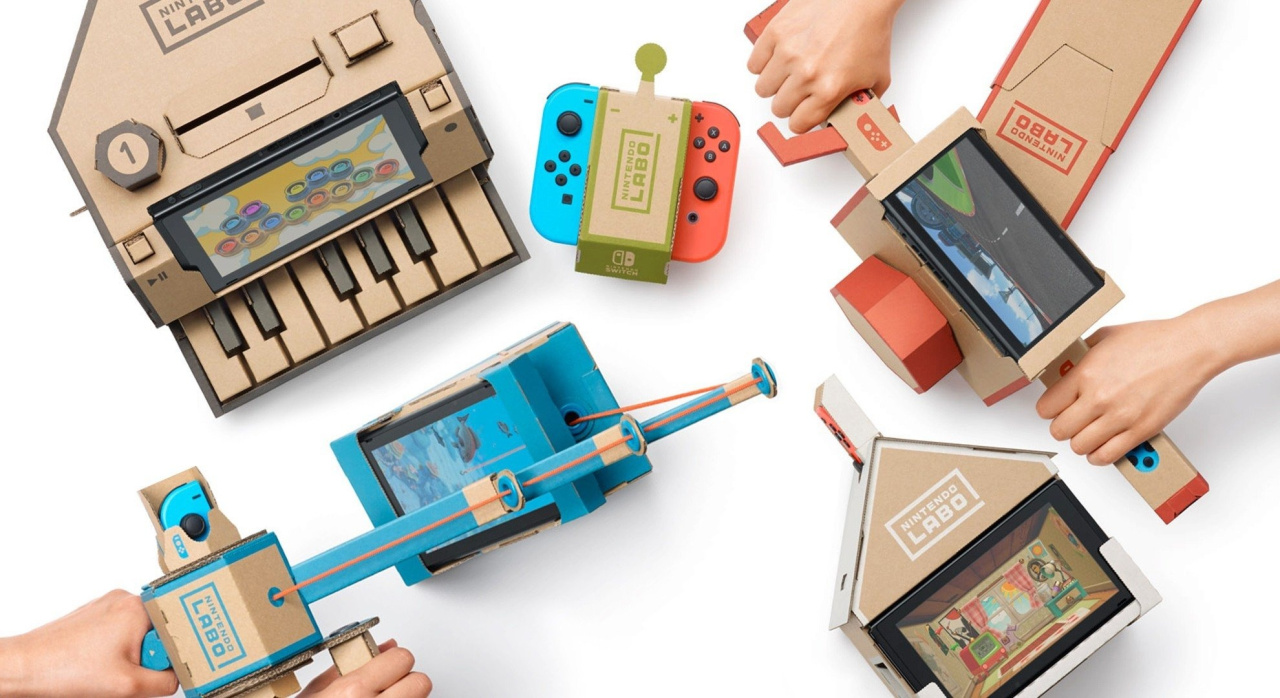
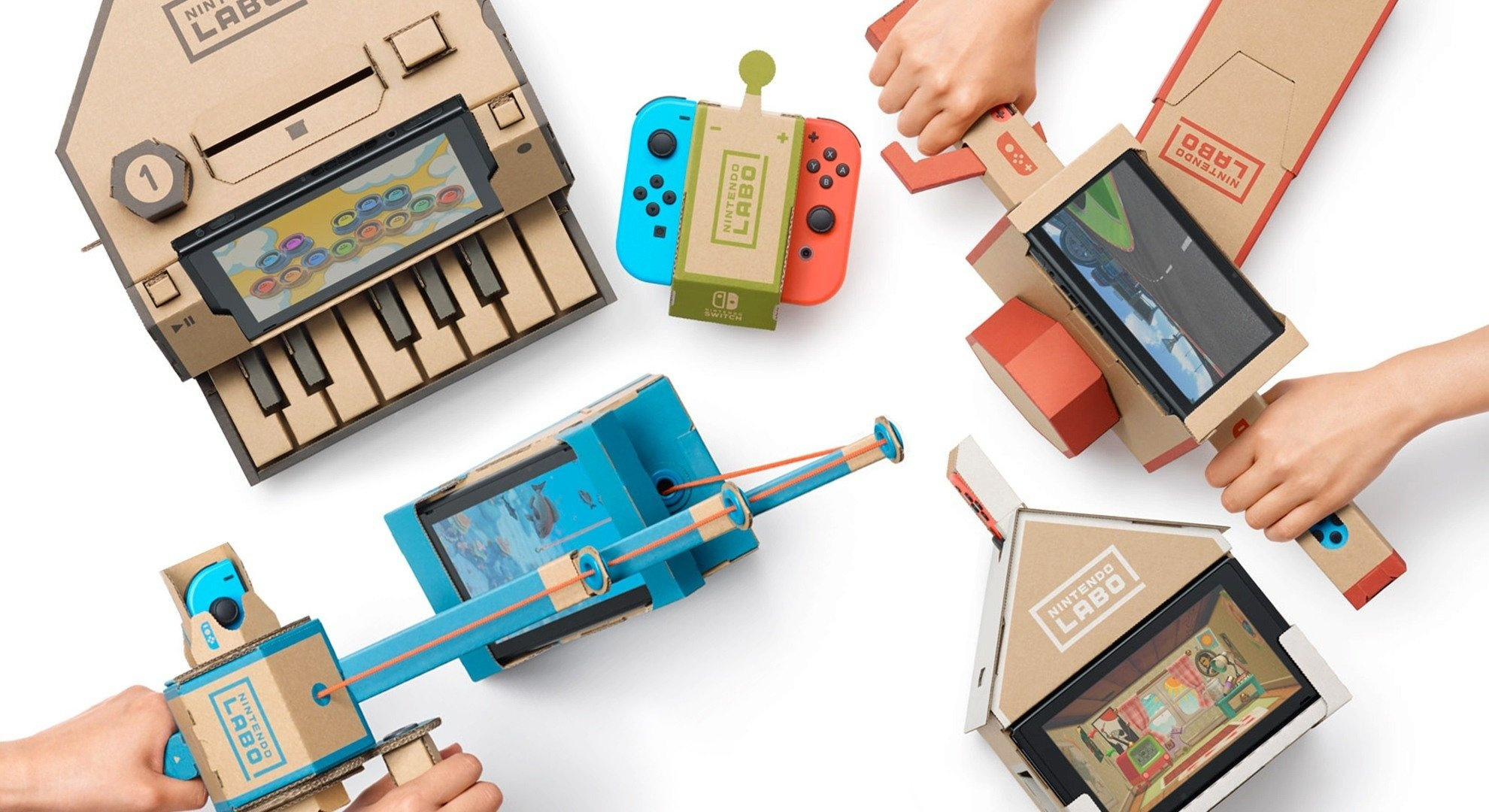
On the Switch front, Nintendo Labo has been nominated for the innovation award and is up against the likes of Rockstar’s Red Dead Redemption 2 and the tile-match puzzle game, Tetris Effect. Super Smash Bros. Ultimate has also received an honourable mention in the game of the year category and Dragon Ball FighterZ got an honourable mention in the best visuals category.
In terms of indie nominations, the challenging platformer Celeste has been nominated for the best audio, best design and for the game of the year award. It also received honourable mentions in the innovation and narrative categories. The developers Villa Gorilla (Yoku’s Island Express), Sabotage (The Messenger) and Nomada Studio (GRIS) are all up for the best debut nomination and Digital Sun (Moonlighter) received an honourable mention in this category. To top it off, Into the Breach has been nominated for best design and Wandersong has been nominated for the best audio award.
With 2018 coming to a close, we here at Xbox Wire decided that now would be the perfect time to start looking ahead to some of the big games coming out in 2019. There are already a lot of them on the books, many of which will be coming out during the first few months of the year. While there’s already a decent amount of info on these titles, we’ve found that it can be tough to figure out details with all of the information spread out across the web. So, with that in mind, we’ll be spending the rest of the year taking a closer look at some of 2019’s biggest games and pulling together as much info as we can into one place. Today, we look at Capcom’s Resident Evil 2.
What do we know about the story so far?
Ah, 1998… when receiving email was so much fun, they made a movie about it. Fortunately we had Resident Evil 2 to distract us, a definite high point in the long-running series. While the original Resident Evil has been revisited a number of times, it’s only now that Resident Evil 2 is getting a chance to spook us again (or for the first time).
Resident Evil 2, coming to Xbox One next month, will be a complete remake of the original game; bye bye fixed camera angles and tank controls! And thanks to the RE Engine that powered last year’s terrifying Resident Evil 7 biohazard, RE2 should simultaneously be more beautiful and horrifying than we could ever have imagined in the 90s. Including Savage Garden.
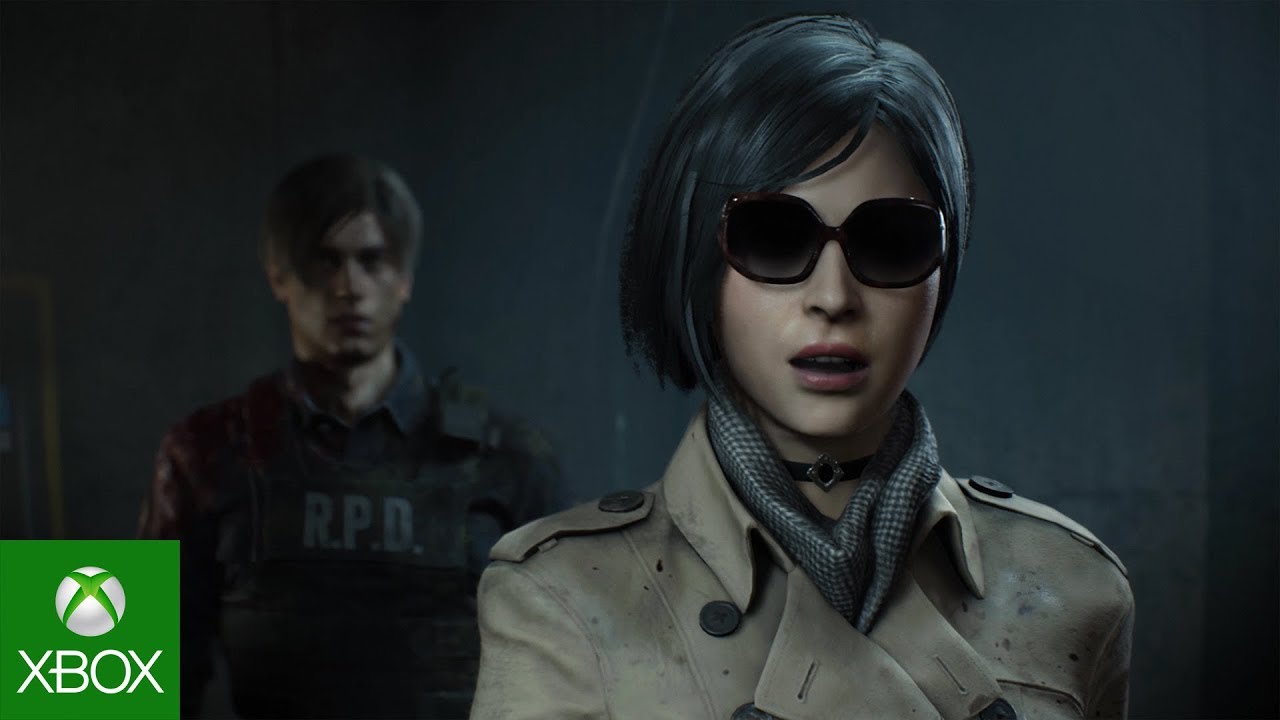
In case you forgot (or were too young to play the original), RE2 largely follows college student Claire Redfield (sister of series mainstay Chris) and rookie Racoon City cop Leon S. Kennedy, who’s having the worst first day of work ever. A big part of the value of Resident Evil 2 is the ability to play through the game’s events from both of their perspectives. As this Story Trailer shows, young Sherry Birkin and the fashionably mysterious Ada Wong will also play a role, but… I’ll leave you to discover that yourself.
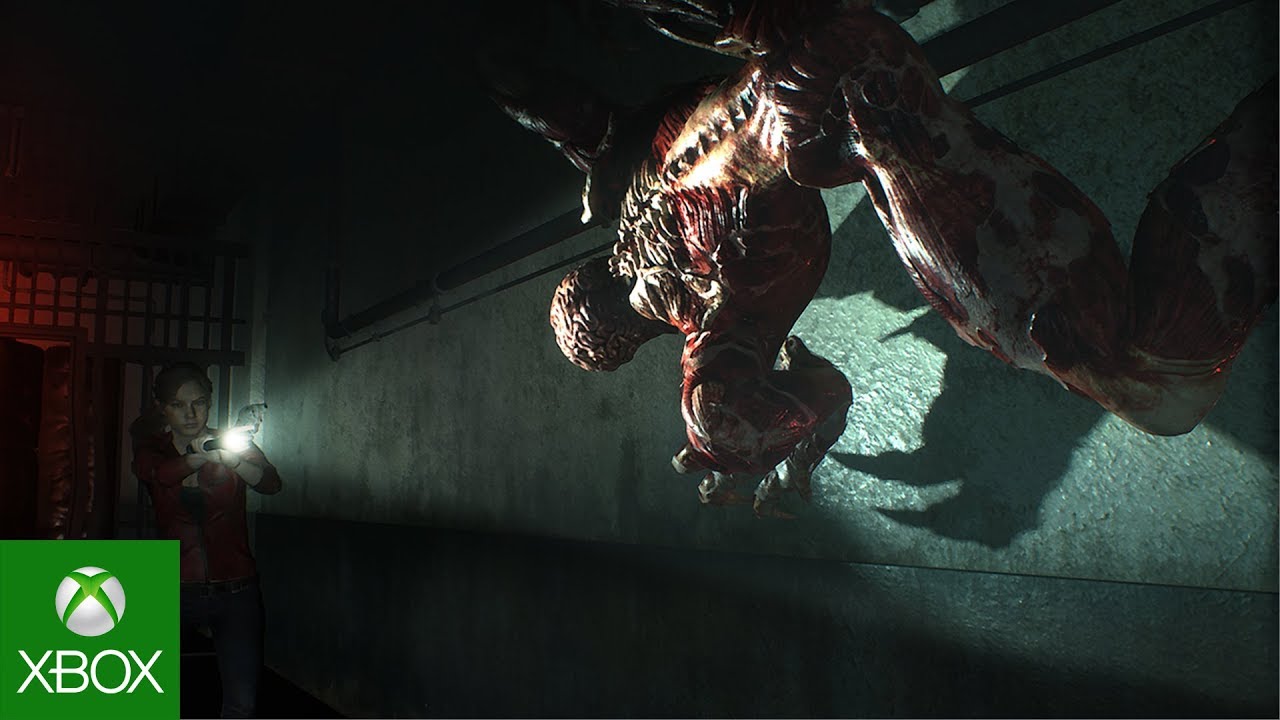
Watch this: Capcom has released a number of trailers and gameplay segments for Resident Evil 2, but if you want to have a good idea of how intense, frightening, and gross this game is going to be, I highly recommend this “Licker gameplay video.” Yep, I’ll be playing this with the lights on.
When do you get to play it?
Resident Evil 2 will be released on January 25, 2019.
Is Resident Evil 2 Xbox One X Enhanced?
You bet it is!
What versions of the game will be available?
Standard Edition (includes Jill Valentine and Chris Redfield Samurai Edge Deluxe Weapons), Deluxe Edition (everything in Standard Edition plus Extra DLC Pack which includes 5 additional costumes, a specially-designed handgun, and the classic in-game soundtrack. weapon, and the original soundtrack)
Today we’re unveiling lists of the top selling and top played games on Steam in 2018! Like last year, we’ve built five lists – Top Sellers, Top New Releases, Top Selling VR Titles, Top Early Access Grads, and Most Played Games.
Top Sellers
We started with the basics by looking at overall Top Sellers. This is a list of the games that earned the most revenue in 2018, which includes all different kinds of Steam revenue; game sales, in-game transactions, and DLC. The resulting list includes a mix of free-to-play and premium games.
This page highlights the 150 top-selling games released in 2018, split out by their month of release. To build this list, we looked at a combination of first-week revenue and overall revenue in 2018 to create a list of games that had achieved a sizable level of commercial success, regardless of when during the year each title released.
We find it pretty interesting how much variation there is from month to month. For example, December is a busy month and a lot of activity to compete with, so it’s understandable that it might be a less desirable month to release in. But April only had 5 releases that made our list and July only had 6, whereas February was the busiest month with 22 popular releases.
This year again saw over 1,000 new releases with Virtual Reality support, with almost all of those (over 900) being VR-only experiences. Top VR sellers included new releases such as Beat Saber, Blade & Sorcery, Budget Cuts, and The Elder Scrolls V: Skyrim VR, plus some of last-year’s top hits including Fallout 4 VR and Rick and Morty: Virtual Rick-ality. There were even some classics appearing in top for the third year in a row, such as RAW DATA and Arizona Sunshine.
Our list this year highlights the leading VR titles by sharing the 100 top selling VR titles of 2018, plus a new section on the page for the top 20 VR releases of 2018.
This year’s batch of notable titles launching through Steam Early Access includes the hugely popular games Raft and SCUM, and the VR-only experience Beat Saber. Meanwhile many popular titles such as DayZ, The Forest, and RimWorld made their transition from Early Access to full release in 2018.
We wanted to recognize the games that have worked hard to build happy communities and make the transition from Early Access to full release this year. So, we’ve put together a list of the top 50 games that transitioned out of Early Access to full release during 2018, as measured by revenue earned during 2018 (during Early Access and after full release).
The Most Played Games list contains games that had more than 15,000 simultaneous players at some point during the year. To fully recognize the games that have built a significant community and player base, we’ve excluded a number of games that only had short-term spikes in player count due to running giveaways.
We don’t disclose specific revenue for the lists, but top sellers are broken into four categories in order to give you an idea of how they placed:
Platinum: 1st – 12th Top Seller Gold: 13th – 24th Top Seller Silver: 25th – 40th Top Seller Bronze: 41st – 100th Top Seller
Thanks for reading, and for another great year on Steam! We’re constantly surprised by the amazing new games that seem to come out of nowhere, delight their audiences and end up on these lists (and in our Steam libraries) by year-end.
Also, don’t forget to check out the Steam Winter Sale, on now through January 3rd. Many of the titles in the lists above are on great discounts, and these lists are a great way to see which games were resonating the most with players this year.
Posted by: xSicKxBot - 01-06-2019, 08:57 AM - Forum: Lounge
- No Replies
Bethesda resolves copyright lawsuit against Westworld devs
Bethesda Softworks has resolved a lawsuit it brought against Behaviour Interactive and Warner Bros. last June for copyright infringement, breach of contract and unfair competition.
Bethesda released a statement earlier today claiming it had reached an agreement with Behaviour, although no further information was given.
“Bethesda Softworks and Behaviour Interactive jointly announced today that the parties have amicably resolved the lawsuit Bethesda brought against Behaviour and others related to the Fallout Shelter and Westworld mobile games,” the statement reads.
This comes after Bethesda accused Warner Bros. and Behaviour back in June 2018 for copyright infringement, misappropriation of trade secrets, deceptive business practices, and unfair competition with the release of a Westworld mobile game.
Bethesda took legal action after pointing out Westworld’s apparent similarities to Fallout Shelter, accusing the former of copying “the same or highly similar game design, art style, animations, features, and other gameplay elements” as Fallout Shelter.
Warner Bros. and Behaviour followed up with a statement shortly after the complaint was filed, saying that the accusations made against them were baseless.
Gamasutra has reached out to Bethesda for any additional comments, and this piece will be updated should one be received.
Posted by: xSicKxBot - 01-06-2019, 08:57 AM - Forum: Lounge
- No Replies
Video: How composers can evoke powerful emotions through user research
In this GDC 2012 session, Bungie composers Brandi House and Marty O’Donnell discuss insights uncovered through user research about how people feel in response to music in games.
The duo describe the methods they used, and share the data they gathered using a variety of audio and video examples.
In addition to this presentation, the GDC Vault and its accompanying YouTube channel offers numerous other free videos, audio recordings, and slides from many of the recent Game Developers Conference events, and the service offers even more members-only content for GDC Vault subscribers.
Those who purchased All Access passes to recent events like GDC or VRDC already have full access to GDC Vault, and interested parties can apply for the individual subscription via a GDC Vault subscription page. Group subscriptions are also available: game-related schools and development studios who sign up for GDC Vault Studio Subscriptions can receive access for their entire office or company by contacting staff via the GDC Vault group subscription page. Finally, current subscribers with access issues can contact GDC Vault technical support.
Gamasutra and GDC are sibling organizations under parent company Informa
Posted by: xSicKxBot - 01-06-2019, 05:00 AM - Forum: Lounge
- No Replies
Black Mirror Bandersnatch Actor Will Poulter Leaves Twitter
Actor Will Poulter, who played the star video game designer on the buzzy choose-your-own-adventure Black Mirror episode, Bandersnatch, has announced he's reconsidering how he uses social media in the wake of his "recent experiences." He said he's taking a "step back" from Twitter to focus on his mental health.
In a statement released on Twitter, Poulter said he thanked everyone for watching Bandersnatch, and added that he accepts "all criticisms." He's stepping away from social media due to his "recent experiences." Though Poulter didn't mention any specific experience, he may be referring to the reaction on social media to his character, a game designer named Colin Ritman who has some interesting ideas about the way the world works and conspiracy theories.
"In light of my recent experiences I am choosing to take a step back, of sorts, from Twitter. Before I do, I'd like to say a heartfelt thank you to everybody who has watched Bandersnatch and for their responses (whatever they may be) to the material we created. I accept all criticisms and it's been a delight to learn that so many of you enjoyed what many people worked very hard to produce," he said.
The statement continues: "As we all know there is a balance to be struck in our engagements with social media. There are positives to enjoy and inevitable negatives that are best avoided. It's a balance I have struggled with for a while now and in the interest of my mental health I feel the time has come to change my relationship with social media."
Poulter said he'll continue to use social media to advocate for the various charitable organisations he works with for things like anti-bullying, but apart from that, it appears the actor is done with social media for now.
"I don't want to appear unappreciative of all the amazing support I have received online for which I am genuinely so grateful, nor do I want my disengagement with social media to be at the expense of any of the organisations I am lucky to work with," he said. "I am privileged to have this platform. I hope that this shift to reduce my personal expression and increase the focus on issues that matter will result in a better outcome for everyone. This is not the end. Consider it an alternative path."
Poulter's first major role was in Chronicles of Narnia: Voyage of the Dawn Treader in 2010. He's since gone on to appear in the Oscar-winning movie The Revenant, along with The Maze Runner and Kathryn Bigelow's Detroit.
In other news about Bandersnatch, Netflix has released a pair of neat behind-the-scenes features in which writer Charlie Brooker, some of the actors, and other creatives talk about how they made the unique episode that lets you choose how events play out.
As you can clearly tell, Bandersnatch was no small endeavour. It required a lot of work, and the extended production time led to a delay for Black Mirror Season 5.