Posted by: xSicKxBot - 02-06-2019, 02:20 AM - Forum: Lounge
- No Replies
PS4's Free PS Plus Games For February Are Out Now
If you're looking for some more free games to play, six new titles are being offered through PS Plus right now. Most are available for PS4, but several can be played on PS3 or PS Vita as well.
This is the last month that players can expect PS3 and Vita titles in the PS Plus line-up, but all Plus subscribers are getting an extra 100 GB of cloud storage in exchange. For this month, all PS4 titles will be available through March 5, while the PS3 and Vita games will stick around until March 8.
If you enjoy Hitman 2, you may want to take advantage of this deal to download the first season of the 2016 game. After downloading 2016's Hitman, as well as its latest patch, go to its in-game store to redeem and download the Legacy Pack. Once that's installed, you can unlock Hitman's levels in Hitman 2, which keeps you from having to switch back and forth between the two titles when you're playing.
Although it's not one of the games that's a part of PS Plus' line-up, Apex Legends just launched and it's a free-to-play battle royale game. You don't need a PS Plus subscription to play Apex, but if you have one, you'll unlock some free rewards in the game. With a subscription, you'll get two PlayStation-themed skins for the firearms Flatline and RE45, as well as cosmetic skins and banners for Gibraltar and Bloodhound.
From the creators of Titanfall and Titanfall 2, Apex Legends offers a squad-focused, hero-based spin on the battle royale formula. Taking place in the Titanfall universe, Apex has you and two teammates pick from a roster of eight unique Legends--each with their own unique abilities--and face off against 19 other teams on a massive battleground. Despite the lack of the Titanfall series' staple wall-running mechanics and Titans, Apex is off to a strong start, having reached 1 million players within the first eight hours of its release. Our review of the game is on its way, but until then, check out our impressions if you're on the fence about picking up Apex.
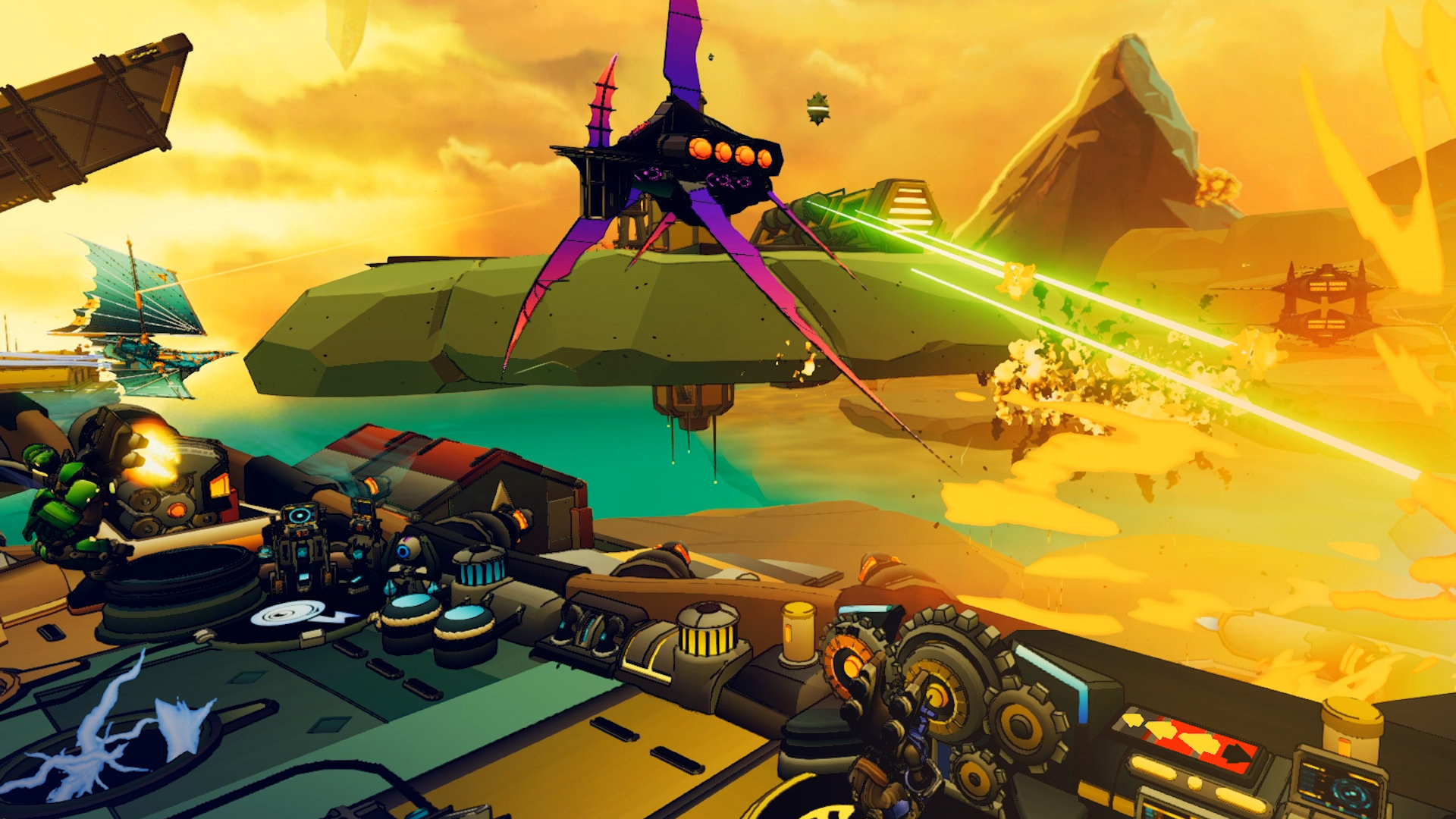
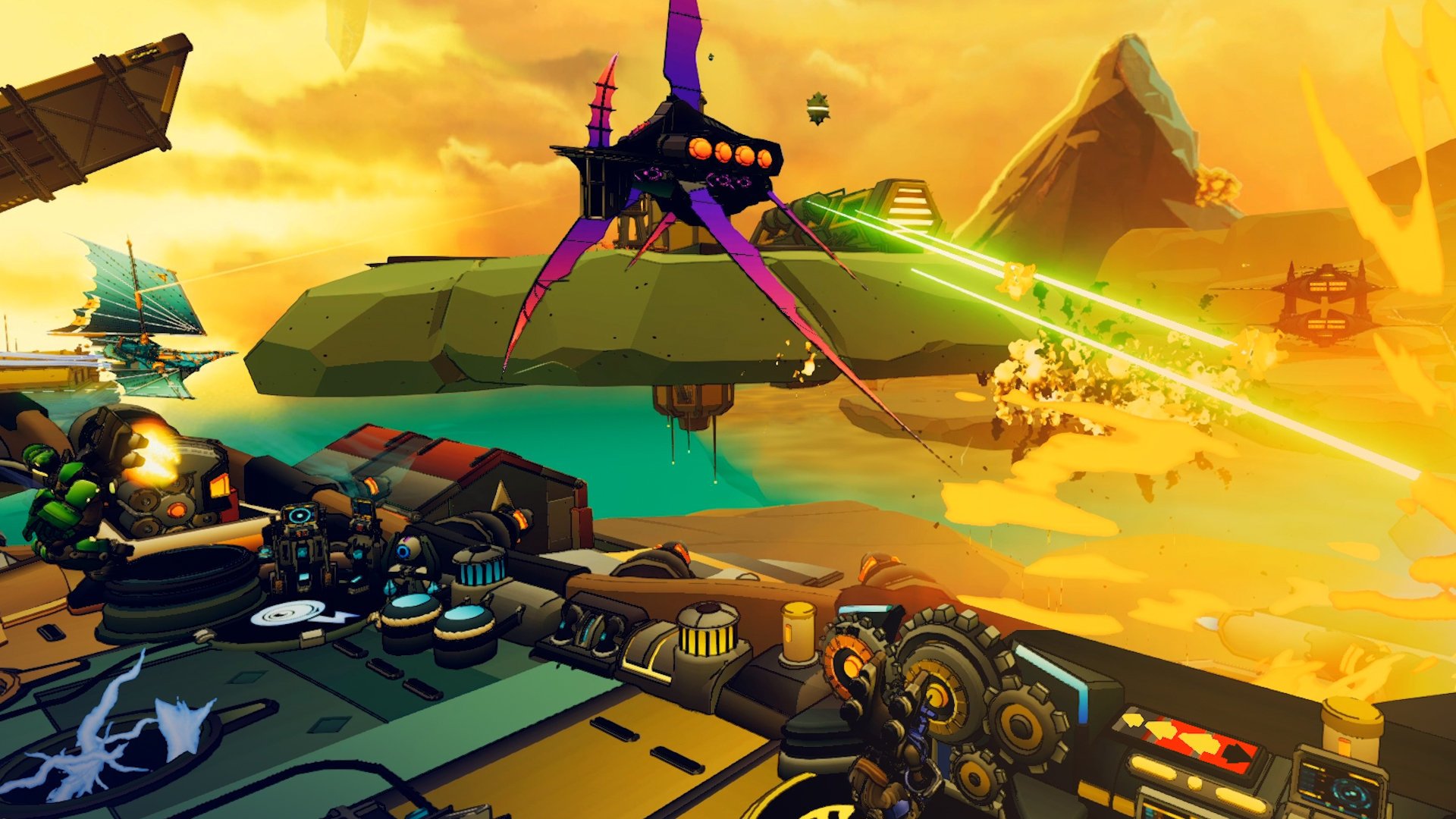
PSVR Air Combat Game Bow To Blood: Last Captain Standing Is Flying Onto Switch
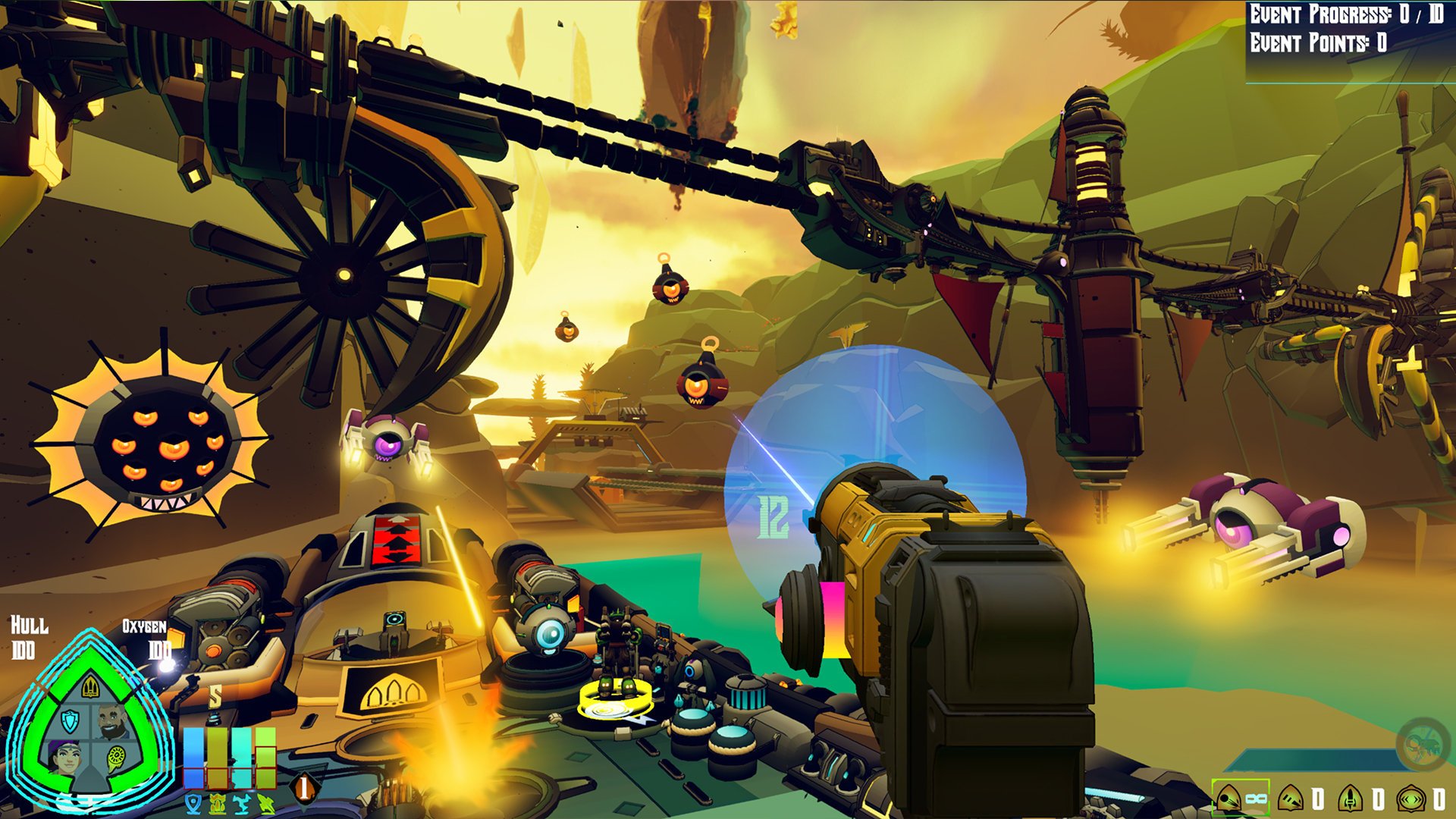
Tribetoy has revealed that its action-strategy airship adventure Bow to Blood: Last Captain Standing is heading to Nintendo Switch this April.
The game is a single-player action-strategy roguelike in which players must oversee a flying airship in a multi-stage competition being broadcast as a deadly reality TV show. You’ll have to manage your ragtag crew to keep your vessel afloat, fend off incoming attackers, gather resources, and search for treasure, and – in a TheHunger Games-style twist, you’ll even need to forge temporary alliances to work against the biggest threats in the game. Of course, only one captain can be victorious, so these friendships won’t last for long.
The original Bow to Blood launched as a PlayStation VR exclusive last August; our friends over at Push Square described it as “a solid experience that builds upon the foundations” of other VR titles. This newly-made multiplatform release is said to build upon that release with “a slew of new content”, enhancing the game with an all-new Hard Difficulty setting, more enemy ships, and improved art.
Tribetoy Co-Founder and Director of Design, Matthew Hoesterey, has said the following in a press release today:
“Bow to Blood is truly unlike anything out there, with its mix of naval combat, airship management, and diplomacy. We’re thrilled that a whole new audience will get to discover it in this multiplatform release this April.”
Have you played this one on PlayStation? Do you like the look of what you see? Let us know if you’ll be keeping an eye on this game in the comments below.
Posted by: xSicKxBot - 02-06-2019, 02:20 AM - Forum: Windows
- No Replies
Xbox continues commitment to safe, welcoming and inclusive gaming
In honor of Safer Internet Day 2019, I’ll be joining students and leaders from Google and Facebook on today’s Youth & Tech Industry Issues in Perspective panel starting at 1:30 p.m. PST. Together, we will share our thoughts on the tough questions around technology, online engagement and living in a connected world.
At Xbox, positive online experiences are a key ingredient of a safe, welcoming and inclusive community for gamers worldwide, and Safer Internet Day provides a valuable reminder of the importance of these issues and the continued work that still needs to be done. Gamers are at the center of everything we do, and we believe everyone has the right to create, play and enjoy the games they want to play, with the people they want to play with, on the devices they choose, without the fear of being a target of harassment or threats. That is why over the past 15 years, we have worked to develop industry-leading controls and tools to support safe and fun gaming.
For families, Xbox One and Windows 10 both come equipped with family settings, which includes more than 20 easy to use, customizable tools across four categories to support safe and fun gaming for children of all ages across their devices.
Privacy: Parents and caregivers can set what people see about their child’s online profile, status and gaming history and who they can communicate with online. In December, we announced a new feature that enables or blocks both cross-network play and cross-network communication on Fortnite.
Content filters: Filter games, apps and websites based on the age of each child to ensure they are interacting with age-appropriate content.
Purchase limits: Avoid unexpected online purchases by choosing to pre-approve each purchase, receive alerts after each purchase, or set up an allowance to limit what children can buy on their own.
Screen time management: Set time limits and view activity reports to keep on top of children’s activity. Limits can be set for each day of the week to limit gaming on school nights or allow more time over the weekend.
The first step is to set up a child account at account.microsoft.com or via the console. Xbox Assist features tips on how to set up a child account and install family settings that are right for your family.
Furthermore, Xbox customers can also visit their local Microsoft Store in the U.S., Canada, Australia and Puerto Rico for free workshops and demonstrations of family settings.
In support of our ongoing commitment to our customers and listening to their concerns, we have added recent changes to help make gaming safer and more inclusive. It’s now easier than ever to set up a child account on Xbox One; parents or caregivers just need to add their e-signature to provide consent for their child to have a Microsoft account, no credit cards required for verification or a second device. We’ve also begun testing features which provide more transparency and information in our enforcement area, so people understand how to play together better. One of these allows a suspended player to see the specific behavior which led to a suspension, with the goal of improving understanding of what is appropriate when gaming. Additionally, we’re evaluating new features to help make gaming a safer, more welcoming place, and are working to make our Code of Conduct rules easier for people to understand. We’ll have more to share in the future, including how we plan to provide new tools to improve safe online gaming and reinforce our 24/7 enforcement coverage currently in place.
Today, more than 100 countries will celebrate Safer Internet Day 2019, which aims to create a safer and better internet where everyone is empowered to use technology responsibly, respectfully, critically and creatively. I am proud to join forces with everyone supporting today’s effort and continue to make safe, welcoming and inclusive gaming on Xbox a priority. It’s important that we all work together – both gamers and the industry – to achieve this goal, which will lead to a stronger and more diverse community that everyone can enjoy no matter what you’re playing, who you’re playing with, or where you’re playing.
The Ted Bundy movie Extremely Wicked, Shockingly Evil and Vile is coming to Netflix. According to The Hollywood Reporter, Netflix paid $9 million to get the movie following its premiere at the Sundance Film Festival in late January.
The film stars Zac Efron as Ted Bundy, with its story told from the perspective of his girlfriend Elizabeth Kloepfer (Lily Collins). The film also stars John Malkovich, Kaya Scodelario, Haley Joel Osment, Jim Parsons, and Angela Sarafyan. It's directed by Joe Berlinger, who worked on the Oscar-nominated Paradise Lost series about the West Memphis Three murders.
According to The Hollywood Reporter, Netlix went up against Lionsgate and STX in bidding for Extremely Wicked, Shockingly Evil and Vile before winning out.
Netflix makes a lot of sense for the film, as it already has Conversations with a Killer: The Ted Bundy Tapes, which was created by Berlinger. You can check out the first full trailer for Extremely Wicked, Shockingly Evil and Vile in the embed above.
No release date has been set yet for Extremely Wicked, Shockingly Evil and Vile, but it's also expected to have a limited theatrical run along with its showing on Netflix.
Here’s Your First Look At Isabelle’s Super Smash Bros. Ultimate amiibo Boxart
Super Smash Bros. Ultimate‘s promise to bring back all characters as playable fighters will extend to its amiibo figure line, making collectors all around the world both incredibly excited and terrified for the future of their bank balance in equal measure. As well as old favourites, all new additions are getting their own amiibo, too, including none other than Animal Crossing‘s Isabelle.
Strangely, despite it being revealed alongside the likes of King K. Rool, Piranha Plant, and Ice Climbers, we were never treated to a quick glimpse of the Isabelle figure’s packaging. If you’re the sort who likes to keep your amiibo collection boxed for display purposes, you’ll be happy to know that we can now see exactly how it’ll look thanks to an updated product listing on Amazon Japan.
The boxes and designs for the other three fighters mentioned above, as well as Young Link, Daisy, Pichu, and Ken, were revealed back in November. King K. Rool, Ice Climbers and Piranha Plant are all being released in just over a week’s time (the first two of which can still be pre-ordered through Nintendo UK), although no specific date for Isabelle has been shared just yet.
Will you be adding any of these to your collection? Do you already have many Super Smash Bros. series amiibo? Tell us below.
Plenty of cultures are celebrating the Lunar New Year at the moment, and since we’re having a break between content drops why not mark the occasion ourselves with some excellent mobile sales! Happy New Year! (Again!)
Ironhide’s latest addition to their iconic Tower-Defence RTS series is on sale for the second time since it launched late last year. It’s dropped to the same price as last time, and the discount is on both iTunes and Google Play.
Acram Digital
The digital boardgames publisher is having a sale across their entire catalogue at the moment… the fact that catalogue is only three games is made up by the fact that they’re three pretty excellent games. This sale is live on both iTunes and Google Play
Monster Energy Supercross: The Official Videogame 2
All the thrills of the Monster Energy AMA Supercross 2018 Championship. Live the life of a pro, put yourself to the test in the Compound, tackle challenges, manage your events and attract new sponsors to earn fame and unlock new content.
Design and build ski lifts, jumps and bridges in this physics based sandbox. Carried Away flips the classic bridge building genre upside down to create hours of new challenges! Watch with amusement as the fearless skiers put your creations to the test.
Explore and reshape distant worlds. Astroneer is set during the 25th century?s Intergalactic Age of Discovery, where Astroneers explore the frontiers of outer space, risking their lives in harsh environments to unearth rare discoveries and unlock the mysteries of the universe. On this adventure, players can work together to build custom bases above or below ground, create vehicles to explore a vast solar system, and use terrain to create anything they can imagine. A player?s creativity and ingenuity are the key to seeking out and thriving while on exciting planetary adventures.
Upgrade an existing Ubuntu installation to 18.04 Bionic Beaver
Distributions
You need an existing Ubuntu 16.04 LTS or 17.10 install.
Requirements
An existing Ubuntu 16.04 LTS or 17.10 install with root privileges.
Difficulty
Easy
Conventions
# - requires given linux commands to be executed with root privileges either directly as a root user or by use of sudo command
$ - requires given linux commands to be executed as a regular non-privileged user
Introduction
The latest Ubuntu release, 18.04, marks an opportunity for both LTS users and people on the previous 17.10 release to update Ubuntu and take advantage of the latest features. Thanks to Debian's upgrade process, it should be relatively simple to either upgrade Ubuntu 16.04 to 18.04 (both LTS) or to upgrade Ubuntu 17.10 to 18.04 LTS Bionic Beaver.
Note also that you can check your Ubuntu version following our guide on this topic: How to check Ubuntu version
Run your Ubuntu Update
Before you do anything, make sure that your system is already up-to-date. Run a full Ubuntu update and upgrade with Apt.
This will help to ensure that the difference between packages is as small as possible. It also will be the way that Canonical has most likely tested the upgrade themselves, so it's least likely to encounter bugs. Lastly, before you begin to upgrade Ubuntu to 18.04 LTS you may also want to remove all no longer required packages using:
$ sudo apt autoremove
How to Upgrade Ubuntu The Ubuntu Way
Ubuntu have developed their own automatic way of upgrading between releases. It essentially scripts the traditional Debian approach. This way, you can set it up to upgrade and walk away. Ubuntu will handle the rest.
Upgrades from 17.10 will not be enabled until a few days after 18.04's release. Upgrades from 16.04 LTS will not be enabled until a few days after the 18.04.1 release expected in late July. There are no offline upgrade options for Ubuntu Desktop and Ubuntu Server.
SOURCE: wiki.ubuntu.com
If you want to take this route, you're going to need to install one package first. So, do that.
$ sudo apt install update-manager-core
When that finishes, run the Ubuntu upgrade utility.
$ sudo do-release-upgrade
If you're doing this too soon, it will tell you that there is No new release found. In that case, and at your own risk, add the -d flag at the end of the command to force the upgrade. For more information read the below "No new release found" section.
$ sudo do-release-upgrade -d
Ubuntu release upgrade tool
Ubuntu will ask you a couple of questions about how you want to handle the upgrade, and it'll start off upgrading your system.
No new release found
As already mentioned above, upgrades from 17.10 will not be enabled until a few days after 18.04's release and upgrades from 16.04 LTS will not be enabled until a few days after the 18.04.1 release which is expected in late July 2018.
As a result, your upgrade attempt may result in a message No new release found while trying to upgrade your Ubuntu system by using sudo do-release-upgrade command. In this case read the following sections.
Upgrading from Ubuntu 16.04 LTS
Start by executing the sudo do-release-upgrade command. In case you receive the No new release found message you have four options:
The first and recommended approach is to simply wait. Direct upgrades from Ubuntu 16.04 LTS to Ubuntu 18.04 LTS will most likely be unavailable until late July 2018.
Force direct upgrade by using the -d switch. In this case sudo do-release-upgrade -d will force upgrade from Ubuntu 16.04 LTS to Ubuntu 18.04 LTS. In case you receive an "Upgrades to the development release are only available from the latest supported release." message, make sure that release upgrader default behavior is set to ltswithin /etc/update-manager/release-upgrades.
Upgrade to 17.10 first by changing the default behavior of the release upgrader to normalwithin the /etc/update-manager/release-upgrades file. When ready, execute the sudo do-release-upgrade command again. Once your system is upgraded to Ubuntu 17.10 then follow the Ubuntu 17.10 to Ubuntu 18.04 upgrade procedure while keeping the release upgrader behavior set to normal.
Use the Debian way described below to upgrade your Ubuntu 16.04 system.
Upgrading from Ubuntu 17.10
Start by executing the sudo do-release-upgrade command. In case you receive the No new release foundmessage, ensure that the default release upgrader is set to normal and re-execute the sudo do-release-upgrade command.
How to Upgrade Ubuntu The Debian Way
Change Your Sources
If you've selected the traditional Debian path, you're going to need to change the /etc/apt/sources.list file and replace the name of your previous release with bionic. So, if you're on 16.04, replace every instance of xenial with bionic. If you currently have 17.10, replace artful with bionic.
This process can be automated by using the following sed command:
$ sudo sed -i 's/xenial/bionic/g' /etc/apt/sources.list
Ubuntu Bionic Beaver Sources
Then, look in /etc/apt/sources.list.d/. Change any files in there the same way. If you end up getting an error when you try to update Ubuntu, use artful until those repositories are updated.
Ubuntu Update and Ubuntu Upgrade
Now, you can run the Ubuntu dist upgrade. First, update the Apt sources. Then, run the Ubuntu upgrade.
$ sudo apt update && sudo apt -y dist-upgrade
Upgraded Ubuntu 16.04 Xenial Xerus to Ubuntu 18.04 Bionic Beaver
Upgraded Ubuntu 16.04 system to Ubuntu 18.04
The upgrade should take a bit of time. Chances are, every package on the system will be upgraded. When the Ubuntu upgrade does finish, reboot the system. When the system comes back up, you'll be running Ubuntu 18.04 LTS Bionic Beaver!
Closing Thoughts
That's all there really is to it. You should notice that your login screen is different, especially if you were on 16.04. Depending on your choices during the Ubuntu dist upgrade, the system may automatically make the switch from Unity to GNOME for you. This procedure will also work on servers. It's exactly the same. Just be especially careful of any external repositories and version upgrades like PHP.