GameStop COO and CFO Rob Lloyd steps down amid executive shuffle
Newsbrief: GameStop chief operating officer and chief financial officer Rob Lloyd is departing the company, a move that comes amid a mild executive reshuffling at the retailer.
Lloyd spent nearly 23 years at GameStop and served as the company’s CFO since 2010. He picked up the responsibilities of COO on top of that in 2018, and will remain with the company until the end of June to help with the leadership transition.
Following his departure, GameStop is eliminating the COO role entirely and creating two others in its place: chief merchandising officer and chief customer officer.
Those two positions are set to be filled by previous chief marketing officer Frank Hamlin (now GameStop’s chief customer officer) and former Tile Shop board member Chirs Homeister (now GameStop’s chief merchandising officer). James Bell, former Wok Holdings CFO, meanwhile, steps into Lloyd’s former position as GameStop’s CFO.
In a press release, recently appointed CEO George Sherman said that the changes aim to “advance GameStop’s transformation as we work to position the company for the future and bring gaming culture and experiences to life in every community.”
Microsoft's E3 Press Conference To Showcase 14 Xbox One First-Party Games
Xbox boss Phil Spencer has announced his team's final E3 2019 rehearsal is finished and that Microsoft has "lots to show" this year. In fact, 14 of the games being shown at E3 this year are Xbox One first-party titles.
"Just finishing our final E3 rehearsal here with the team in Redmond," Spencer tweeted. "Feel really good about the briefing. Lots to show. We have 14 Xbox Game Studios games in the show this year, more first party games than we've ever had in the show. Fun times." All Microsoft first party titles now typically release as Xbox One console exclusives (so you can find them on PC as well). Microsoft also usually launches its first-party titles on Xbox Game Pass the day they release.
Microsoft's list of Xbox Game Studios includes 343 Industries (Halo series), inXile Entertainment (Wasteland series), Obsidian Entertainment (Fallout: New Vegas and The Outer Worlds), The Initiative, Turn 10 Studios (Forza Motorsport series), Undead Labs (State of Decay series), Compulsion Games (We Happy Few), The Coalition (Gears of War series), Mojang (Minecraft), Ninja Theory (DmC: Devil May Cry and Hellblade: Senua's Sacrifice), Playground Games (Forza Horizon series), and Rare (Sea of Thieves and Battletoads series).
Many of these studios are 2018 acquisitions. During E3 2018, during E3 2018, Microsoft announced it had acquired Undead, Playground, Compulsion, and Ninja Theory and had also established The Initiative. Microsoft acquired inXile in November 2018 and announced soon after that it had bought Obsidian as well.
Microsoft hasn't announced the full list of Xbox Game Studios that will be showcasing games at E3 2019, but a few have already been revealed. 343 Studios' Halo Infinite and The Coalition's Gears 5 have both been confirmed for E3 2019. InXile Entertainment's Wasteland 3 has been confirmed for E3 as well, although the game is not an Xbox One first-party title. Though they haven't been confirmed, there's a plausible chance Gears Pop and Rare's new Battletoads game make an appearance as well, as both were teased during E3 2018. There are also rumors that Ninja Theory will be announcing a new sci-fi game scheduled for 2020 called Bleeding Edge, a fourth Fable game will be announced to be released in 2021, Ori and the Will of the Wisps will get a final trailer and release date, The Outer Worlds will get a new gameplay trailer and launch window (which has seemingly been confirmed via an Obsidian tweet), and Gears Tactics will get a new trailer and 2019 release date.
But even if all of the rumors and speculation are true, that's still only 10 of the 14 first-party games, and Microsoft may have some third-party titles to showcase (such as Cyberpunk 2077). There are also rumors that Microsoft is unveiling at least one of its next-gen Xbox consoles during E3. It would certainly fit the announcement that Xbox is going to "go big" at E3 this year.
Guide: Upcoming Nintendo Switch Games And Accessories For June And July
Can you believe it’s June already? Where is the time going? It’s only gonna be flippin’ E3 soon! Anyway, another month means more lovely stuff to buy, which is presumably why you clicked this link.
May saw the release of the lovely Team Sonic Racing, the fiendish Resident Evil Origins Collection and the slightly underwhelming Assassin’s Creed III Remastered… but what’s next for Switch, you may be wondering as your hard-earned money burns a hole in your pocket. We’ve helpfully compiled a list of all the good stuff coming out at retail in June and July, so feast your eyes and get all those pennies together – you’re going to need them!
Please note that some of the links on this page are affiliate links. If you click them and make a purchase we may receive a small percentage of the sale which helps support the site. Please read our FTC Disclosure for more information.
Just like buses, you wait for one kart racer and then two come along at once, it seems! If you’re after a more retro-fueled experience than Team Sonic Racing offers, Crash Team Racing Nitro-Fueled just might be the answer when the Bandicoot once again comes to Switch after his debut in Crash Bandicoot N. Sane Trilogy last year. A remake of Naughty Dog’s PlayStation original, this looks set to fire up your nostalgia when it races onto Switch on Friday 21st June.
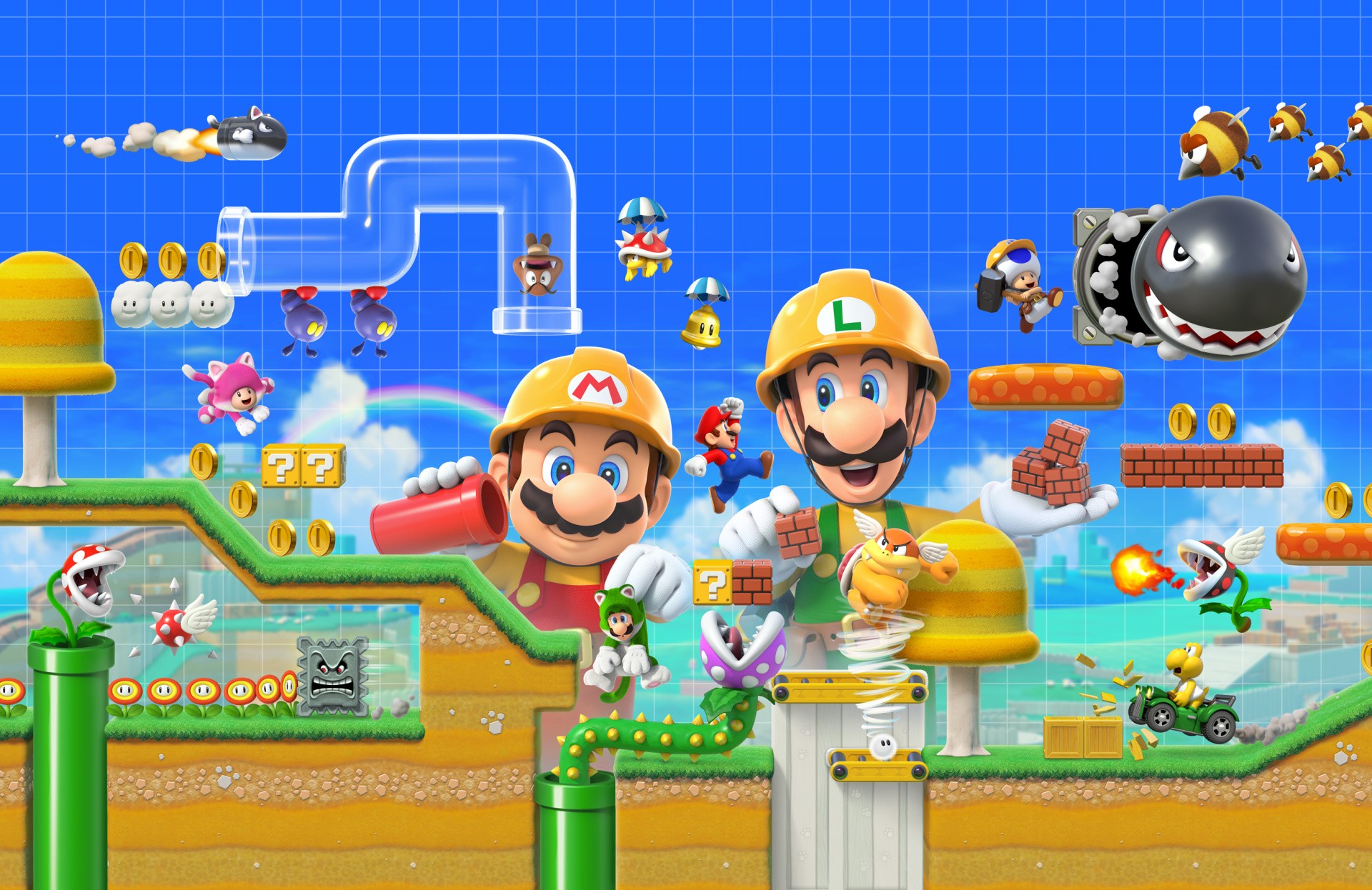
Not too much longer to wait now, the anticipation is killing us. Fans of the original Super Mario Maker on Wii U will be well-served here and there’s a plethora of additions to that brilliant foundation, including multiplayer and the Super Mario 3D World skin – gotta love that Cat Mario! From what we can tell Super Mario Maker 2 is shaping up to be an essential purchase for the Switch with oodles of new level creation possibilities, including SLOPES!
If you need a new Nintendo Switch Online subscription soon, we’d recommend picking up the bundle where you can get an extra 12 month subscription for only $10 extra with Super Mario Maker 2.
Avengers: Endgame may have come and gone, but Marvel Ultimate Alliance 3: The Black Order is something to keep Marvel fans occupied until the next MCU film comes along (although considering the frequency of the films, there’s probably a couple scheduled for release before 19th July anyway). The sequel to – you guessed it – Marvel Ultimate Alliance 2, this is a Nintendo-published exclusive and we’re jazzed to see the action roleplaying series come to Switch courtesy of Team Ninja.
Seeing Wolfenstein II: The New Colossus on Switch was a wonderful surprise, so we’re excited to see this spin-off/side-story coming to the console at the end of the month. You take on the role of one of B.J. Blazkowicz’s daughters in this new story that sees them heading to Paris, the City of Light, in search of their old man. It’s set in the 1980s and is shaping up to be one hell of a ride.
You can choose between the standard or deluxe versions, with the latter including a Buddy Pass and the Cyborg Skin Pack. Tinkety tonk old fruit, and down with the Nazis.
After the hack and slash antics of musou crossover Fire Emblem Warriors, it’s once again time to strap on your SRPG thinking cap and get ready for Fire Emblem: Three Houses. Channelling a little bit of Harry Potter and a little bit of Game of Thrones, Three Houses sees you join a school as a teacher to instruct students of one of three noble houses from the kingdom of Fódlan. With the turn-based tactics that the series is famous for, plus a peppering of new systems and surprises, this one is looking to be an essential purchase whether you’re a fan of permadeath or not.
More Awesome Nintendo Switch Games
Aside from the highlighted games above, there are lots more Switch retail games which might take your fancy in June and beyond.
Awesome Accessories For Your Switch
We saw a whole slew of interesting accessories released for the Switch in the past few months, but more are on the way. Here are some tantalising accessories coming up in June and beyond, which we found for your consideration.
So that’s it for June and July – did we miss anything? Let us know with a comment and also tell us if you’ve pre-ordered any of these goodies!
Feature: Here’s Why Perfect Dark Has Three Different Covers
Perfect Dark is perhaps one of the most accomplished games in the N64 library. It built on the solid work seen in the sublime GoldenEye 007, pushing the host hardware to its limits and making excellent use of the N64 Expansion Pak to deliver the kind of visuals that rival systems could only dream of. It remains one of Rare’s best Nintendo efforts, and is fondly remembered by fans even today.
However, there’s one mystery surrounding this game that has bugged us for years: why did such a high-profile release have three different cover designs for its regional releases?
Now, swapping cover artwork isn’t anything new; companies have been doing it for decades. Back in the 16-bit era, it was common to see perfectly good Japanese artwork get replaced by horrendous western efforts, the vast majority of which were almost always inferior to the original.
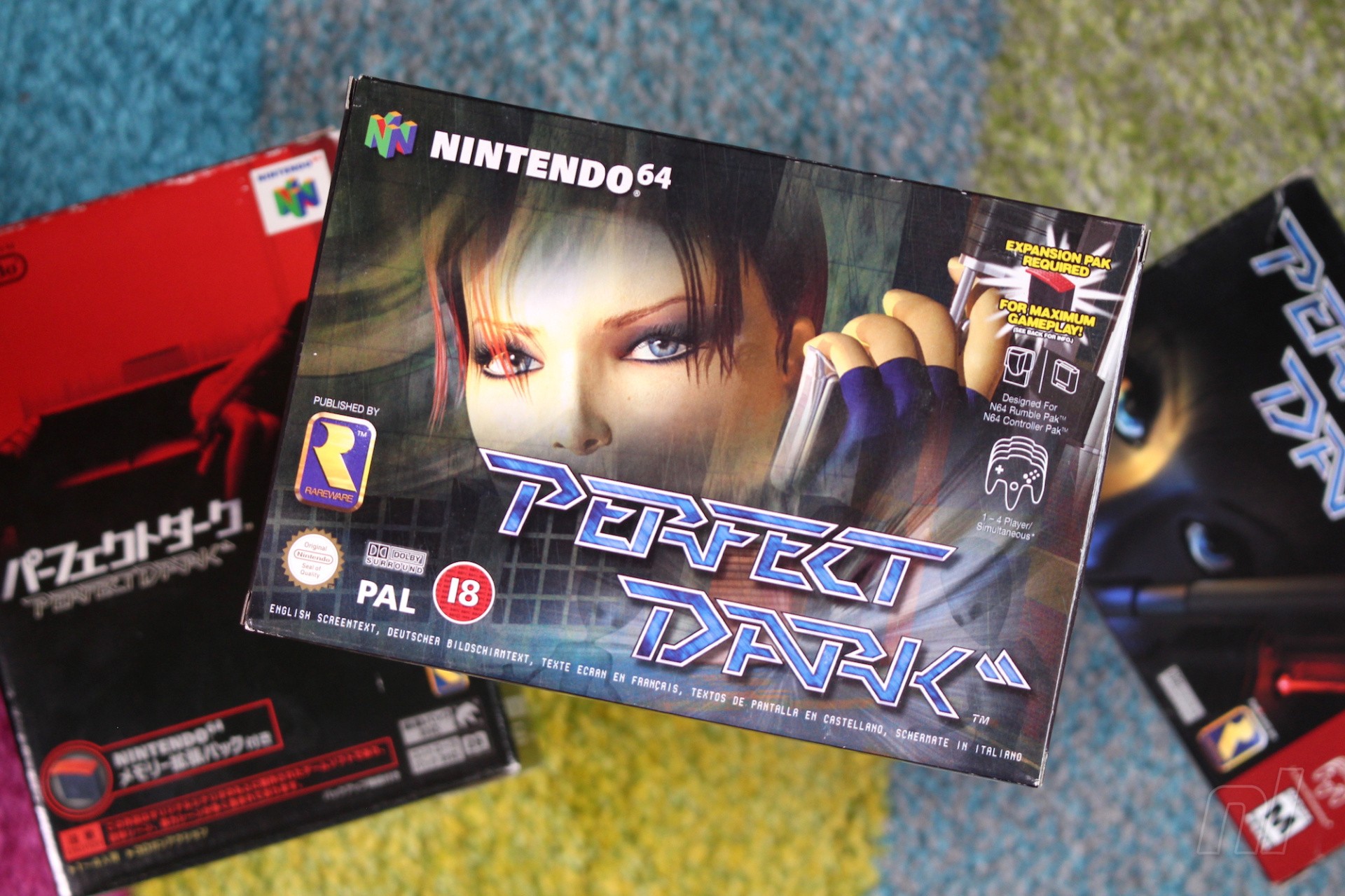
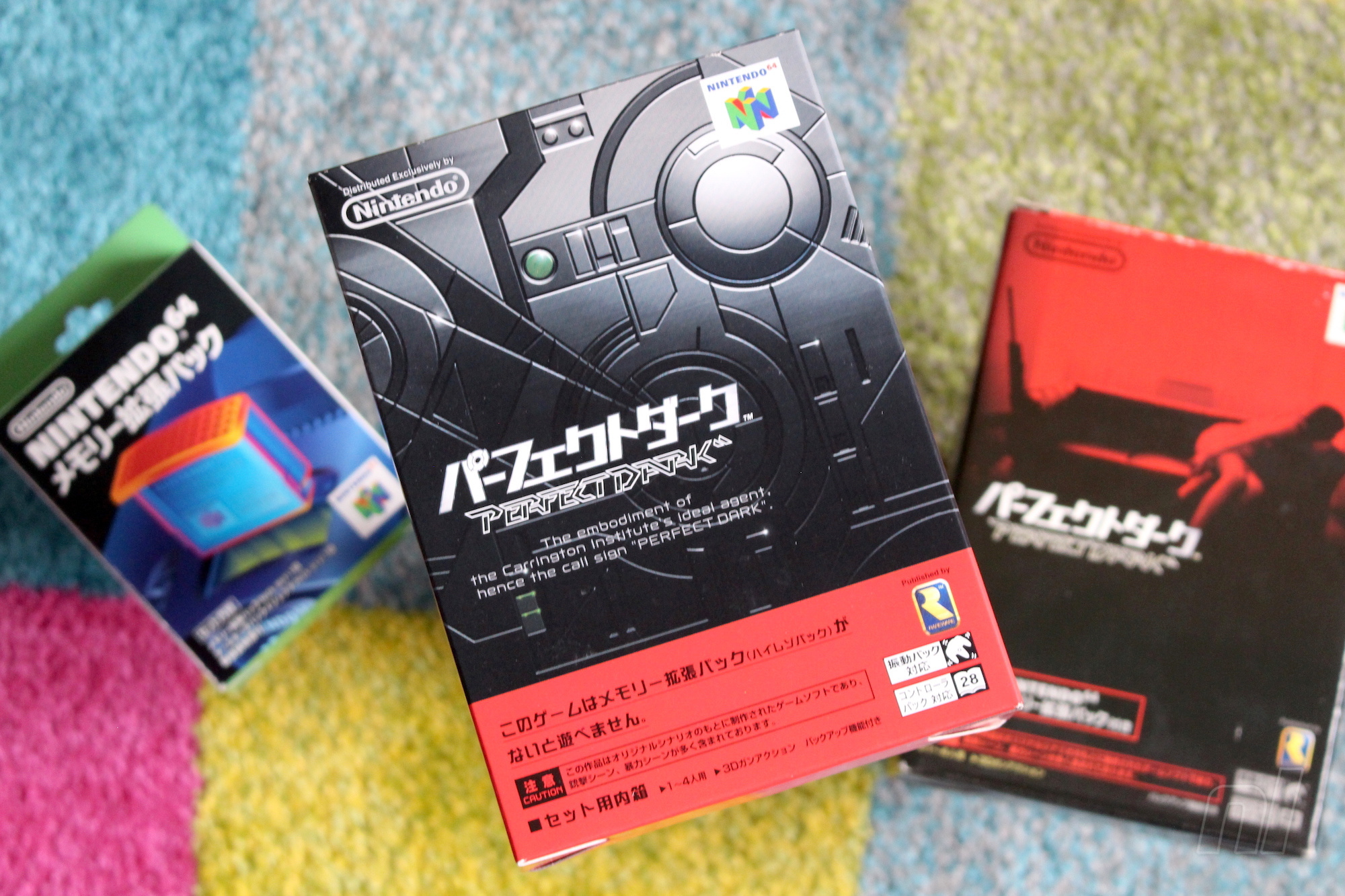
However, Perfect Dark is unusual in that the North American and European boxes have different (but thematically similar) designs, whereas the Japanese box opts for a totally unique red-and-black image which is perhaps the best of the lot; it shows Joanna Dark reclining on a sofa, gun in hand and sniper rifle nearby. It’s one of the most understated covers you’ll see for any home console AAA action title, and it works brilliantly – but why was it used for the Japanese version, and why did the western releases use two different takes on the same design?
We needed the US one ultra quick and there was no model at all to use for the artwork
Keen to get to the bottom of all of this (because we’re sad like that), we got in touch with former Rare Art Director Kev Bayliss. It turns out that Bayliss – who now works at Yooka-Laylee studio Playtonic Games, along with many other Rare alumni – was involved with the creation of the two western covers.
“We needed the US one ultra quick and there was no model at all to use for the artwork,” he explains. “So I had to quickly make some eyes and create a box art in about a day. That’s what we ended up with and as a consequence of that, I was given the task of creating a proper Joanna Dark model – so that’s when I got involved in the series. I made the model that was then used for the European box art and all promo material at the time.”
Open up the Japanese packaging – which includes the vital Expansion Pak – and you’ll find a somewhat less appealing cover design
Sadly, Bayliss is at a loss when it comes to explaining why the Japanese version of the game doesn’t use the same cover art. He asserts that the decision to use a completely different image was entirely Nintendo’s, not Rare’s. Still, Bayliss approves of the choice.
I love that there are three different pieces of artwork for the game
“I’d never seen the Japanese box art until I saw it on fellow Rare staffer Simon Farmer’s shelf one day, and I loved the artwork style,” he says. “In fact, I was really close to buying a mint condition boxed Japanese copy a few months ago for about £60 but I got wrapped up in moving house so I put it on hold. I love that there are three different pieces of artwork for the game, but I kind of like the European one I did. It was a bit more realistic than the Killer Instinct models I’d made Previously.”
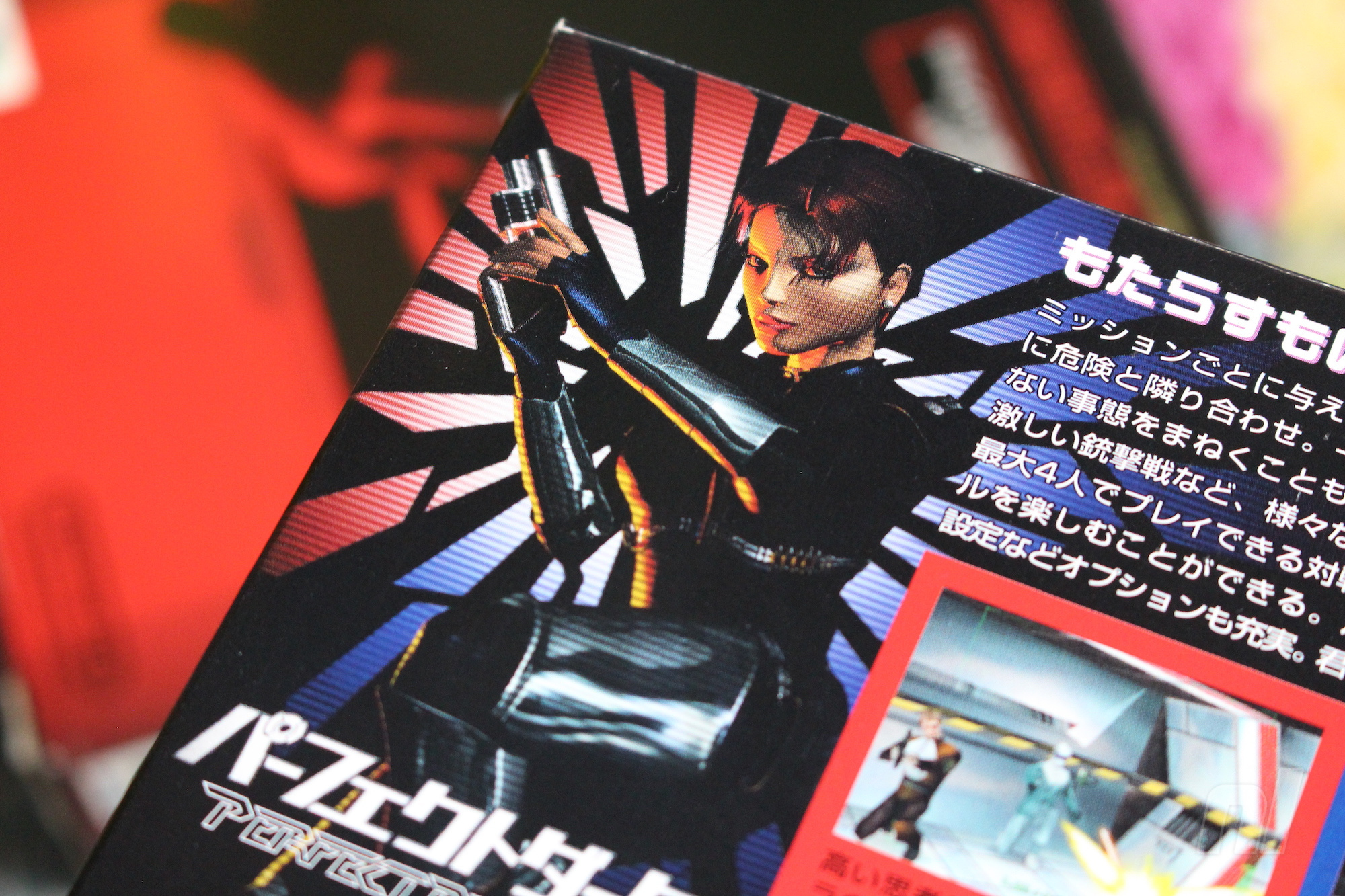
So there you have it; the North American box has a different main image because there wasn’t a ‘cover-worthy’ version of Joanna Dark available until Bayliss quickly put one together, and the reason the European cover has different eyes is because it’s based on Bayliss’ more detailed character model – which, ironically, appears on the back of the Japanese packaging. We still don’t know who at NCL is responsible for that amazing Japanese cover, but perhaps one day we’ll find out.
Bayliss’ Joanna Dark render does appear on the Japanese back, but it’s on the back
Posted by: xSicKxBot - 06-02-2019, 08:08 AM - Forum: Lounge
- No Replies
Call Of Duty: Modern Warfare DLC Comes To PS4 First
The newly revealed Call of Duty game for 2019, Modern Warfare, features some major changes to the usual formula: cross-play between Xbox One, PS4, and PC, and the end of the season pass format. But one important aspect is remaining the same. As has been the case for the past few years, post-release content for Modern Warfare will launch first on PS4 before coming to Xbox One and PC. This was confirmed in a trailer for the game posted on PlayStation's YouTube account.
The message states: "Play new content first on PlayStation 4." The fine print goes on to clarify that the exclusivity period is one week. "New playable content, when available, will launch on PS4 seven days prior to launch on other platforms." This matches the week-long duration in last year's Black Ops 4, which is less than the month-long window that Call of Duty games used to have.
What is different with Modern Warfare is that all post-release maps will be free, whereas in the past Activision charged for them. The publisher confirmed as part of the game's announcement that it will not sell the traditional season pass that locks new maps and content to only players who pay for it. There's no word on what might replace this, although battle passes have become increasingly popular thanks to Fortnite.
It remains to be seen how cross-play might be impacted when PS4 players have access to content that Xbox One and PC players do not. We've followed up with Activision in an attempt to get more details.
Modern Warfare--which is a reboot of sorts of the popular sub-brand that began in 2007--launches on October 25. GameSpot recently visited developer Infinity Ward's studio to learn more about the game; check out the story below for more.
This weekend, I’ll actually be digging into some old GameCube games, as I found an indigo system online for just $30 – and in fantastic condition, too. Insanity! So there will probably be some Animal Crossing, a little bit of Harvest Moon: A Wonderful Life, and also Pikmin, Ocarina of Time, Luigi’s Mansion and Metroid Prime (I really went all out with the reclamation of my GameCube years). Should be a nostalgically good time!
Gavin Lane, staff writer
Having caved to Reggie’s scare-mongering, I picked up a SNES Classic Mini earlier in the week. So this weekend I shall be diving into that mini console to see what pearls I can find within. I’d like to think I’ll find the time to try Super Mario RPG: Legend of the Seven Stars for the first time, but I’ll likely end up blasting around a few circuits in F-Zero and briefly testing Star Fox 2 before wishing my N64 could connect to my TV so I could play Star Fox 64.
Gonçalo Lopes, contributing writer
Video games? How can you even think about them these days? Don’t you know what’s coming? Can’t you feel it? Like an electrical current buzzing, zapping, flowing through the air around you, whispers, rumours, leaks, dates… oh no, I got myself some dreaded pre-E3 jitters! Press kits, trailers, live events, news to cover… Will it be this year that we finally get a new F-Zero? Best not to think about any of that while playing F-Zero GX on Gamecube this weekend just to keep ye old reflexes razor sharp, you never know when they may come in handy…
Well, still had time to find a game of the week: Gato Roboto is proof you can still make a lovely fresh Metroidvania with just two colours. Good Kiki!
Liam Doolan, news reporter
As we get closer to yet another E3, I intend to play as many games as I possibly can before the annual event. You see, I have a very bad habit of boarding the hype train around this time of year and completely dropping all of the titles I’ve been slowly chipping away at for weeks or months on end to instead play some unproven release.
Bandai Namco Might Be Releasing Existing Physical Games With Download Codes
If there is one thing a good amount of video game collectors don’t particularly appreciate, it’s finding a paper code instead of a cartridge inside a plastic case. Since Nintendo’s hybrid device has taken off, this has become an increasingly common practice. Now, six peculiar listings have popped up on Amazon Spain, suggesting the Japanese publisher Bandai Namco will be selling a number of its existing Switch titles in physical form, without a game card.
At this point in time, it’s unknown if this offer will remain limited to this location (assuming it is an accurate listing), or if Bamco will eventually roll out the same deal across Europe and perhaps even beyond this region. One of the main reasons publishers remove cards from cases is to reduce manufacturing costs. The cost of a Switch card also depends on the size of a game.
What are your thoughts about this? Have you ever bought a physical release with a paper code inside? Tell us below.
Unreal Engine Free Marketplace Assets For June 2019
Every month for the last several months, Epic Games have made several assets available free on the Unreal Engine marketplace, and June 1st, 2019 is no exception. You need to purchase the assets during the month to be able to keep them forever, but the purchase cost is zero. Additionally, a few assets are made available each month permanently free on the market place. Let’s take a look at the free marketplace assets for June…
June Free Assets:
Permanently Free Assets:
You can also find all of the above assets in the marketplace in the Epic Game Launcher. Learn more about the June giveaway on the Unreal Engine blog available here.
Square Enix Has Just Filed A Trademark For Collection Of Mana In Europe
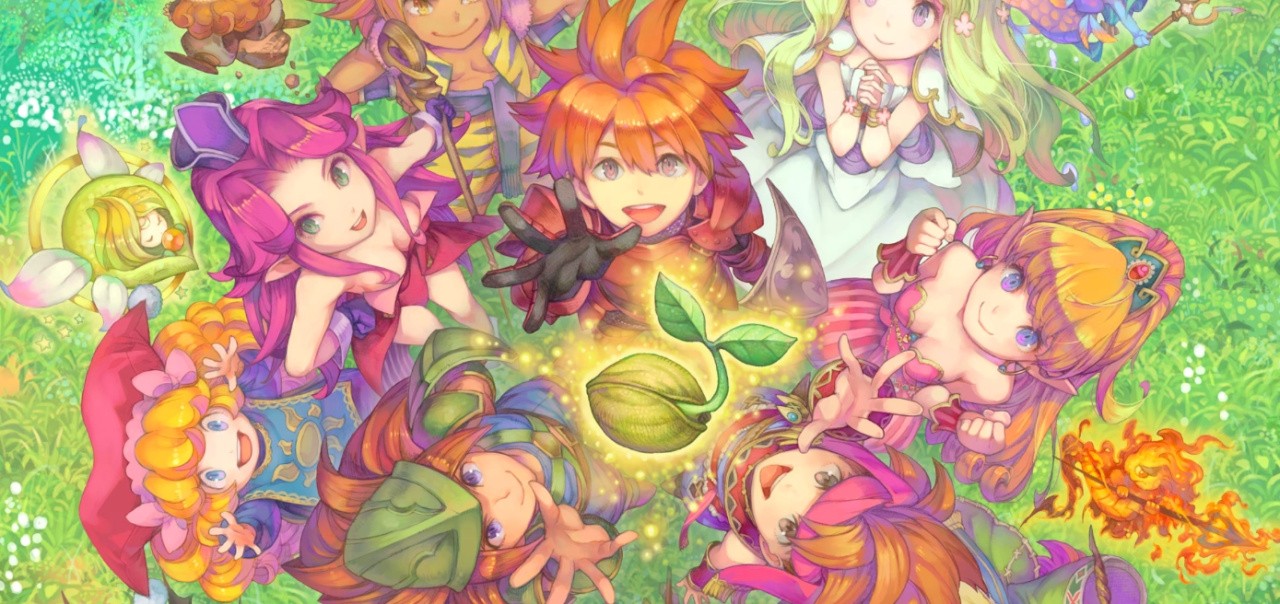
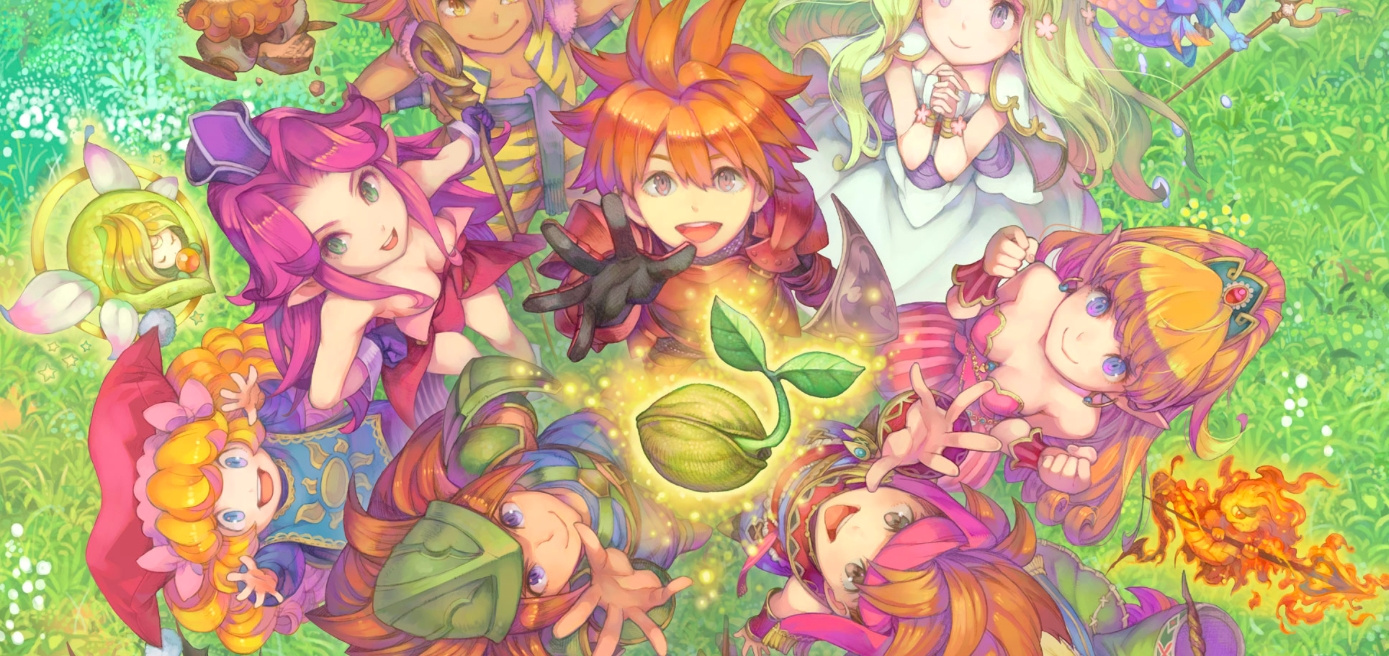
Square Enix has been busy filing Final Fantasy and Mana trademarks for almost half of the year now and this latest one seems to be yet another sign the collection will be released here in the west. Following on from the “Collection of Mana” trademark in Japan in February, the company has now trademarked the same title for Europe.
This trademark has been previously linked to the Japan-exclusive, Seiken Densetsu Collection. This Switch release includes Seiken Densetsu: Final Fantasy Gaiden (Final Fantasy Adventure / Mystic Quest), the sequel Seiken Densetsu 2 (Secret of Mana) and the third game Seiken Densetsu 3, which has never been localised. Perhaps we’ll hear more about this recently trademarked title at this year’s E3.
Video: See How The Digimon Games Have Evolved In This Developer Diary
Nintendo fans might be more familiar with pocket monsters, but digital monsters have also been quite popular in certain parts of the world for many years now. To be more precise, we’re talking about the Digimon series.
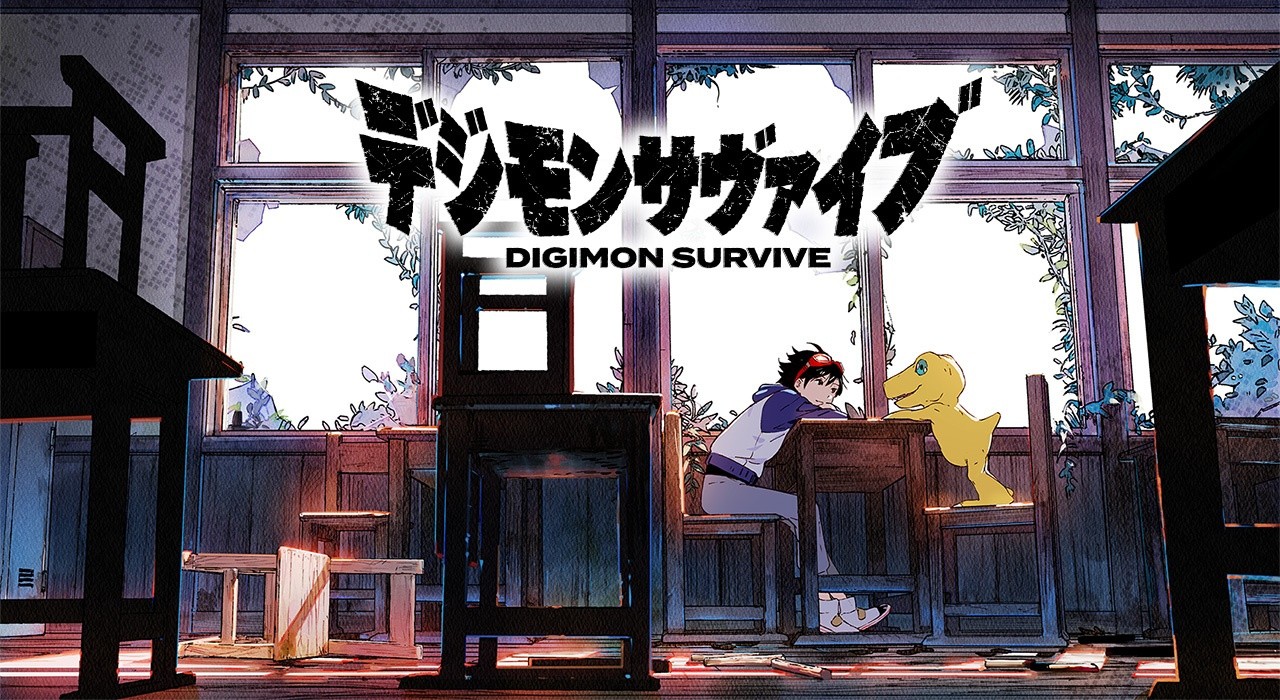
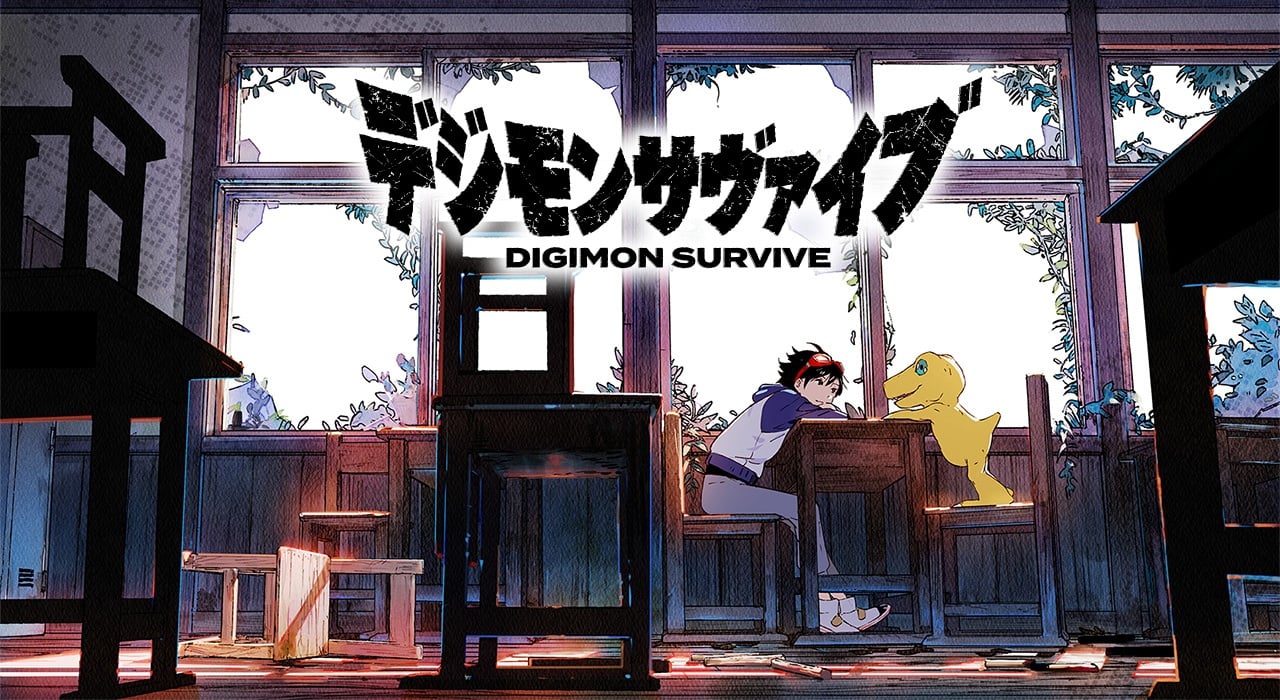
These video games started out life exclusively on the PlayStation in 1999 and eventually became accessible on more systems as time passed. The Nintendo DS, in particular, got a handful of Digimon titles and this year the Switch will receive the strategy RPG, Digimon Survive.
To help promote the upcoming release of this title and the 20th anniversary of the Digimon series, Bandai Namco has uploaded a 15-minute developer diary to its official YouTube channel. It features the producers, Habu Kazumasa and Tsuzuki Katsuaki of the new game, reflecting on series and talking about how they’re applying all of their previous knowledge to the latest entry.
Are you interested in playing a new Digimon game on the Switch? Tell us below.