If you’re on Windows using Visual Studio, install Visual Studio 2019 16.4. Installing Visual Studio 2019 16.4 will also install .NET Core 3.1, so you don’t need to separately install it.
To upgrade an existing ASP.NET Core 3.0 RC1 project to 3.0:
Update all Microsoft.AspNetCore.* and Microsoft.Extensions.* package references to 3.1.0
That’s it! You should now be all set to use .NET Core 3.1!
Blazor WebAssembly update
Alongside this .NET Core 3.1 release, we’ve also released a Blazor WebAssembly update. Blazor WebAssembly is still in preview and is not part of the .NET Core 3.1 release. Blazor WebAssembly will ship as a stable release at a future date.
To install the latest Blazor WebAssembly template run the following command:
dotnet new -i Microsoft.AspNetCore.Blazor.Templates::3.1.0-preview4.19579.2
This release of Blazor WebAssembly includes a number of new features and improvements:
.NET Standard 2.1 support
Support for static assets in when publishing
iOS 13 support
Better linker errors
Attach to process debugging from Visual Studio
.NET Standard 2.1 support
Blazor WebAssembly apps now target .NET Standard 2.1 by default. Using .NET Standard 2.1 libraries from a Blazor WebAssembly app is now supported within the limits of the browser security sandbox.
Support for static assets in libraries when publishing
Standalone Blazor WebAssembly apps now support static assets from Razor class libraries both during development and when publishing. This applies to both standalone Blazor WebAssembly apps and ASP.NET Core hosted apps. Static assets are consumed from referenced libraries using the path prefix: _content/{LIBRARY NAME}/.
iOS 13 support
Blazor WebAssembly apps now work from iOS 13 based devices. The .NET IL interpreter now uses a non-recursive implementation to prevent exceeding the size of the stack on these devices.
Better linker errors
The IL linker is now integrated with Blazor WebAssembly projects such that linker errors are surfaced as build errors.
Attach to process debugging from Visual Studio
You can now debug Blazor WebAssembly apps from Visual Studio by attaching to the browser process. Currently this experience is very manual. In a future update, we expect to enable Visual Studio to handle all of the necessary wire-up to debug a Blazor WebAssembly app when you hit F5. Also, various features of the debugging experience (like viewing locals) are not yet enabled. This is something we will be working on over the next few months.
To debug a running Blazor WebAssembly app from Visual Studio:
Run the app without debugging (Ctrl-F5 instead of F5)
Open the Debug properties of the app and copy the HTTP app URL
Browse to the HTTP address (not the HTTPS address) of the app using a Chromium based browser (Edge Beta or Chrome).
With the browser in focus, press Shift-Alt-D and then follow the instructions to open a browser with remote debugging enabled
Close all other browser instances
In Visual Studio, select Debug > Attach to Process.
For the Connection type, select Chrome devtools protocol websocket (no authentication).
For the Connection target, paste in the HTTP address (not the HTTPS address) of the app and press Enter (don’t click “Find” – that does something else).
Select the browser process you want to debug and select Attach
In the Select Code Type dialog, select the code type for the specific browser you are attaching to (Edge or Chrome) and then select OK
Set a break point in your app (for example, in the IncrementCount method in the Counter component) and then use that part of the app to hit the breakpoint.
In a later release, this process will become automated inside Visual Studio and Visual Studio Code so you can launch and attach the debugger with a single click or keystroke. Then you will no longer need to go through this detailed attachment process manually.
Give feedback
We hope you enjoy this release of ASP.NET Core in .NET Core 3.1! We are eager to hear about your experiences with this latest .NET Core release. Let us know what you think by filing issues on GitHub.
Review: Farming Simulator 20 – Fine Farming With Some Serious Simulation
While reviews of any sort can only ever be subjective, sometimes writers have to don a different ‘hat’, so to speak. Games often have particular tempos or ways of doing things that may not marry with your mindset at the time, with other work and deadlines looming. Farming Simulator 20 requires a very particular hat – a farmer’s flat cap, to be precise. It’s an unhurried beast that absolutely insists on its own slow-and-steady pace. Give it time, though, and its monotonous rhythms become pleasurable and the intense chatter and mindless speed of the real world melt away at the wheel of a combine harvester.
Essentially, Farming Simulator 20 is a ‘numbers-go-up’ game. Yes, most video gamesare, but this one puts the dollar total at the top centre of the screen at all times – you want that ever-depleting figure to be as big as possible. A short tutorial gets you acquainted with the very basics of attaching equipment to your tractor, cultivating a field, sowing seeds and then harvesting the produce before dumping it in a silo or a trailer. It can then be transported to one of the various outlets surrounding your acreage and deposited in their silos in exchange for hard cash.
This cash is then used to buy sexier farming gear with which to cultivate, fertilise, sow and harvest more efficiently. While we started out with precious little knowledge concerning heavy-duty farm machinery, let alone the process of growing crops and keeping livestock, well, living, we soon started to learn the ins-and-outs. The tutorial quickly leaves you to your own devices, so be prepared to hit ‘+’ and delve into the Help menu for explanations of the game’s various systems unless you’re a Farming Simulator veteran.
The shop is always accessible on the ‘-‘ button and lists a load of real-world branded equipment. It wasn’t long before we started eyeing the stats of more expensive hardware with envy. Clicking the right analogue stick over a certain bit of kit explains what it actually does and why you need it in your arsenal, and each item has its vital stats listed. Ooo, check out the 12-metre width on that harvester! Why, I could work the same land in half the time! What’s that? A seeder that can be used without first cultivating the field? Another 50% time saving!
It’s these rather mundane benefits which you’ll need to appreciate and work towards if you’re going to harvest (ahem) enjoyment from Farming Simulator 20; that ‘Simulator’ in the name isn’t for show. While developer Giants Software does add some video game abstraction to the farm work (you won’t be waiting for weeks as your crops grow, for example), most of the time you’ll be grafting; slowly and surely working those fields methodically up and down, although without the mud and other substances sticking to your boots.
As you steadily make money and expand your empire through the purchase of neighbouring plots and better equipment, you have the option of hiring AI helpers to do the donkey work. They’re not intelligent enough to navigate the vehicles around the farm but get a harvester or tractor in position at a corner of a field and you can push ‘Y’ to have a farmhand take over the dreary work striping the land. You’ll have to pay their wages, of course, but we never found ourselves in a position where we couldn’t afford to hire AI workers.
Hitting ‘R’ and ‘L’ cycles through all of your vehicles, active or otherwise (and we enjoyed how the engines start up if the vehicles were idle). There’s a large array available, although earning the big dollars to purchase the quicker, more efficient machines will take a while. Early on we stupidly blew $45,000 on a pick-up truck which we should have put towards a sexier harvester or another tractor, but we couldn’t resist the opportunity to burn around the terrain a bit faster.
Roads and trails are latticed over the landscape, although we found great joy in pushing our tractor and trailer over hills and perilous terrain as we barrelled to the highest-paying outlet to flog our grain. A vehicle reset option in the menu helped us out the couple of times we got into trouble and overturned our vehicle, although it wasn’t the easiest thing to find.
In general, the UI is big and bold. The whole game can be played on the touchscreen alone, and works well enough in this regard. Optional gyro controls are available for the steering (we thought the dreaded Joy-Con drift had returned or that our cheap tractor was pulling to the left until we realised we had gyro enabled in the settings). The bar at the top of the screen is ever-present – something to be aware of if burn-in is an issue on your TV – and it can sometimes obscure your vision of the road/field ahead when you’re zoomed in. Thankfully, there are none of the typical Switch port complaints when it comes to text size in Farming Simulator 20; it’s all large enough to read in whatever mode you’re playing.
Livestock adds another layer of resource management, and you can even ride horses around your land this time which lends a real home-on-the-range quality to the whole thing. It’s a lot to juggle, but as you purchase more fields and work them in different ways you’ll steadily feel more confident conducting the whole farming operation; skipping between vehicles, checking fuel levels and prices, selling accordingly and planning future endeavours as you eye which produce is on the up-and-up, offloading your spuds for a tidy profit before prices plummet.
Getting the balance takes time, though, so don’t expect to reap rewards without dedicating serious effort in the sowing of them. It’s one of those games where you really have to sit back, throw on a podcast and ‘relax’ for a couple of hours at a time. You might be able to leave things for 5 minutes if all your vehicles are operating, but monitoring and orchestrating farmhands still requires input, just not the intensive type you might expect. You can’t rush this – good things come, and all that.
Graphically, the game does a good job of providing some spectacle, in a last-gen sort of way. The machines all look great, and there’s some lovely lighting as day cycles into night while your tractors work through the darkness and then the sun rises over the distant hills. That said, other elements are pretty rudimentary-looking. Hitting the right stick shifts to cockpit view, which isn’t the most attractive way to play and the foliage, crops and grass in the fields clip through the vehicles.
The disappointing draw distance is also an issue, and this can affect gameplay. Has the other end of this field been harvested or not? It’s often difficult to tell the state of things beyond your small draw distance radius. Hitting the left stick brings up your map with all the crops (although colourblind players might find it tough to follow the colour key) and the state of any given field in realtime, and soon you’ll know what’s where without even checking, but it’s still irritating to be unable to see what’s at the other end of the field you’re in.
It’s hardly a graphical powerhouse, then, but it gets the job done and occasionally surprises you with a lovely vista as you get along with the old routine. Anybody who’s after glitz and glamour should look elsewhere – Farming Simulator 20 is built for people who relish the details of the mundane and find beauty therein. Taken on those terms, it puts in an admirable, more-than-workmanlike performance that should satisfy series fans and is worth a look for anybody looking to slow things down a bit – to stop and smell the roses (and manure). Turns out those farmer’s flat caps can be mighty comfortable, given a chance.
Conclusion
Farming Simulator 20 won’t be for everyone, but if you’re after high-octane, instant gratification, why are you sniffing around something called ‘Farming Simulator 20’? It requires time and devotion – if you’re not one to enjoy the long, languorous journey you’d be better off sticking to more abstract farming sims. Once you get into its low-key repetitive groove, though, there’s a wealth of wholesome, calming work to get lost in and a satisfying flow to cultivating a field, sowing seeds, harvesting, repeating and watching those numbers go up.
Cocos2d-x, the long running cross platform framework for developer 2D games, just released version 4.0 today. The biggest new feature is Metal support for iOS and MacOS platforms, pretty much a requirement with Apple deprecating support for OpenGL.
fix bug that system font can not work correctly on macOS 15
fix lua crash on 64-bit devices
fix bugs for iOS 13
UIWebView uses WKWebView instead
VideoPlayer uses AVPlayerController instead
Cocos2d-x 4.0 is currently only available for download using the link above, as the main site has not yet been updated. The above link also contains some documentation on migrating your project to 4.0.
If you are interested in learning more about Cocos2d-x be sure to check out our tutorial series available here. Cocos2d-x is a completely open source project hosted on GitHub. To learn more about the 4.0 release and Cocos2d-x in general, be sure to check out the video below.
When Space Grunts released at the start of 2016, we loved it. Tof said in their review that the highest praise they could give was that it was probably going to be a permanent fixture on their phone. While Tof no longer writes for us, I like to think Space Grunts is still being played every so often.
It’s hard then not to be excited by the prospect of Space Grunts 2, the sequel Orangepixel has been working on for the past few years. It’s been in Steam Early Access since September (Pascal Bestebroer has always been vocal about Steam being better for Indies versus mobile), but now that it’s finally released into 1.0, it’s also come to iOS! With any luck, an Android version will turn up at some point too.
Space Grunts 2 is still the turn-based sci-fi roguelite you remember from the first game, only this time there are cards! Every item and weapon you pick up becomes a card for your ‘deck’, and playing them to do actions is fairly quick and seamless, as highlighted by this handy gif:
As for what the rest of the game is like, you’ll have to wait until we’ve done our full review. I’ll be getting someone on this today, so our final verdict should drop early next week. In the meantime, here’s a headline feature list from the press release:
Mixing a top down roguelike with card-battling
Unique deck-building system (collecting items on the map)
Daily challenges (with leaderboards)
Unlockable modifier cards – changing the flow and rules of the game
How to set up and use HomeKit and AirPlay 2 on Sony Smart TVs
Just in time for the end of the year, Sony has delivered its long-promised HomeKit and AirPlay 2 update to some of its popular smart TVs. Let’s go hands-on to see how to perform the update, set it up, and what you can do with the newfound features.
HomeKit and AirPlay 2 support comes to select Sony Smart TVs
We will dig much further into what these features can do, but on a high level, AirPlay 2 support allows you to cast audio and video the display without an Apple TV and HomeKit allows control of the TV through the Home app and Siri. It’s easy to see why this feature is so requested.
Setup
Updating your Sony TV to support HomeKit and AirPlay is easy. First, you need to ensure your TV is compatible. Sony originally announced support for the 2019 A9G, Z9G, X950G, and X850G but they’ve since added the 2019 A9F and Z9F models to the list. The update will be available for all those models, regardless of size.
To update the TV, users can head to Settings > Device Preferences > About > then System Software Update. The TV will search for the available update, and when found, let you install it. The update screen will also inlcude the release notes specifiying HomeKit and AirPlay 2 support.
The update will download, then when you turn the TV off, it will perform the necessary process to finalize the update. Be sure you don’t need to use the TV for a bit as the update can take up to 10 minutes.
Sony X950G settings
Post-update, the TV when next turned on will let you know your TV now supports HomeKit and AirPlay 2. You still have to head to Settings to enable the features, however. For this, venture to Settings > Device Preferences > Apple AirPlay & HomeKit.
AirPlay and HomeKit Settings on the Sony X950G smart TV
This will bring up the AirPlay settings such as turning it on/off, requiring a code, and enabling/disabling subtitles and captions. Familiar options for anyone who has used AirPlay on an Apple TV.
There is also the option to enable HomeKit. A QR code will be displayed on the screen where it can be scanned when adding an accessory from the Home app. Once scanned, it will connect and allow you to configure your TV’s HomeKit preferences. That includes its name, the room, and all of the possible inputs. Home will then suggest various scenes that may be applicable.
You must allow mobile control for HomeKit to function
As an important last step, you must confirm you want to allow mobile devices to control the TV on the television itself. Otherwise, HomeKit won’t function.
What can you do?
Once you have your television set up with AirPlay 2 and HomeKit there are several new features available to you.
AirPlay 2 is Apple’s method of casting audio and video to speakers, Apple TVs, and TVs. With this update, you can send a photo, video, or song from your iPhone right to your TV. Similarly from your Mac or iPad. You can even mirror those devices to the TV.
AirPlay 2 also enables multi-room audio, so you could send music from your iPhone to your HomePod, your AirPlay 2 speaker, and your Sony TV at the same time.
HomeKit is all about remote control and home automation. You can use Siri on your iPhone, Mac, Apple Watch, or HomePod to turn the TV on or off, change the volume, or switch inputs. You can do the same things from the Home app. Apple’s Remote in Control Center can also control your TV.
If you want to take things to the next level, that is where clever scenes and automation rules come into play. Maybe when you say “goodnight” to Siri, your door locks, the thermostat adjusts, the blinds close, lights turn off, and your TV powers down.
Your “movie time” scene may dim the lights to five percent, lower the blinds 75 percent, turn on the TV, and set the input to your Bluray player. You could also set the TV to turn on to the cable box with your good morning scene so you can get started with the local news, or set the TV to turn off when you leave so that the TV isn’t left on.
HomeKit setup and controls for the Sony smart TVs including using the Home app, Siri, and the Control Center Remote
Whatever your preference, there is much you can do with Siri, AirPlay 2, and HomeKit.
To explore more what you can and can’t do with HomeKit on TVs, check out our in-depth guide.
HomeKit and AirPlay on more than just Sony
Sony, alongside LG, Vizio, and Samsung all pledged to support AirPlay 2 natively on their TVs with all but Samsung also promising full HomeKit support. Samsung owns SmartThings and therefore doesn’t want to support a competing smart home platform.
The joint announcement with Apple came earlier in 2019 at the Consumer Electronics Show. Thus far, Samsung, LG, and Vizio have all already added support to their TVs. Sony was the last of the bunch to finalize support.
Posted by: xSicKxBot - 12-04-2019, 05:50 AM - Forum: Windows
- No Replies
Microsoft Security—a Leader in 5 Gartner Magic Quadrants
Gartner has named Microsoft Security a Leader in five Magic Quadrants. This is exciting news that we believe speaks to the breadth and depth of our security offerings. Gartner places vendors as Leaders who demonstrate balanced progress and effort in all execution and vision categories. This means that Leaders not only have the people and capabilities to deliver strong solutions today, they also understand the market and have a strategy for meeting customer needs in the future. Microsoft was identified as a Leader in the following five security areas:
Cloud Access Security Broker (CASB) solutions1
Access Management2
Enterprise Information Archiving3
Unified Endpoint Management (UEM) tools4
Endpoint Protection Platforms5
Given this, Microsoft Security doesn’t just deliver strong security products in five crucial security areas only. We provide a comprehensive set of security solutions that are built to work together, from identity and access management to threat protection to information protection and cloud security.
Our products integrate easily and share intelligence from the trillions of signals generated daily on the Microsoft Intelligent Security Graph. And they work with non-Microsoft solutions too. You can monitor and safeguard your assets across clouds—whether you use Microsoft Azure, Amazon Web Services, Slack, Salesforce, or all the above.
By unifying security tools, you get visibility into your entire environment across on-premises and the cloud, to better protect all your users, data, devices, and applications. Today, we’ll review the five areas where Microsoft is recognized as a Leader in security.
A Leader in CASB
Our cloud security solutions provide cross-cloud protection, whether you use Amazon Web Services, Azure, Google Cloud Platform—or all three. We also help you safeguard your data in third-party apps like Salesforce and Slack.
Gartner named Microsoft a Leader in CASB based on the ability to execute and completeness of vision. Cloud App Security provides rich visibility into your shadow IT, enables you to identify and remediate cloud native attacks, and allows you to control how your data travels across all your cloud apps—whether they’re from Microsoft or third-party applications.
As Gartner says in the CASB Magic Quadrant, “platforms from leading CASB vendors were born in the cloud and designed for the cloud. They have a deeper understanding of users, devices, applications, transactions, and sensitive data than CASB functions designed to be extensions of traditional network security and SWG security technologies.”
We work closely with customer to improve our products, which is one of the reasons our customer base for Cloud App Security continues to grow.
A Leader in Access Management
Azure Active Directory (Azure AD) is a universal identity and access management platform that provides the right people the right access to the right resources. It safeguards identities and simplifies access for users. Users sign in once with a single identity to access all the apps they need—whether they’re on-premises apps, Microsoft apps, or third-party cloud apps. Microsoft was recognized for high scores in market understanding and customer experience.
Gartner says, “Vendors that have developed Access Management as a service have risen in popularity. Gartner estimates that 90 percent or more of clients based in North America and approximately 65 percent in Europe and the Asia/Pacific region countries are also seeking SaaS-delivered models for new Access Management purchases. This demonstrates a preference for agility, quicker time to new features, elimination of continual software upgrades, reduction of supported infrastructure and other SaaS versus software benefits demonstrated in the market.”
A Leader in Enterprise Information Archiving
Enterprise information archiving solutions help organizations archive emails, instant messages, SMS, and social media content. Gartner recognized us as a Leader in this Magic Quadrant based on ability to execute and completeness of vision.
Gartner estimates, “By 2023, 45 percent of enterprise customers will adopt an enterprise information archiving (EIA) solution to meet new requirements driven by data privacy regulations; this is a major increase from five percent in 2019.”
A Leader in Unified Endpoint Management (UEM)
Unified Endpoint Management (UEM) solutions provide a comprehensive solution to manage mobile devices and traditional endpoints, like PCs and Macs. Microsoft’s solution, Microsoft Intune, lets you securely support company-provided devices and bring your own device policies. You can even protect company apps and data on unmanaged devices. We have seen rapid growth in Intune deployments and expect that growth to continue.
Gartner noted that, “Leaders are identified as those vendors with strong execution and vision scores with products that exemplify the suite of functions that assist organizations in managing a diverse field of mobile and traditional endpoints. Leaders provide tools that catalyze the migration of PCs from legacy CMT management tools to modern, UEM-based management.”
Intune is built to work with other Microsoft 365 security solutions, such as Cloud App Security and Azure AD to unify your security approach across all your clouds and devices. As Gartner writes, “Achieving a truly simplified, single-console approach to endpoint management promises many operational benefits.”
A Leader in Endpoint Protection Platforms
Our threat protection solutions provide tools to identify, investigate, and respond to threats across all your endpoints. Gartner named Microsoft a Leader for Endpoint Protection Platforms, recognizing our products and our strengths and ability to execute and completeness of vision. Azure Advanced Threat Protection (ATP) detects and investigates advanced attacks on-premises and in the cloud. Windows Defender Antivirus protects PCs against software threats like viruses, malware, and spyware across email, apps, the cloud, and the web.
Gartner says, “A Leader in this category will have broad capabilities in advanced malware protection, and proven management capabilities for large-enterprise accounts.”
Learn more
Microsoft is committed to helping our customers digitally transform while providing the security solutions that enable them to focus on what they do best. Learn more about our comprehensive security solutions across identity and access management, cloud security, information protection, threat protection, and universal endpoint management by visiting our website.
1Gartner “Magic Quadrant for Cloud Access Security Brokers,” by Steve Riley, Craig Lawson, October 2019
2Gartner “Magic Quadrant for Access Management,” by Michael Kelley, Abhyuday Data, Henrique, Teixeira, August 2019
3Gartner “Magic Quadrant for Enterprise Information Archiving,” by Julian Tirsu, Michael Hoech, November 2019
4Gartner “Magic Quadrant for Unified Endpoint Management Tools,” by Chris Silva, Manjunath Bhat, Rich Doheny, Rob Smith, August 2019
5Gartner “Magic Quadrant for Endpoint Protection Platforms,” by Peter Firstbrook, Dionisio Zumerle, Prateek Bhajanka, Lawrence Pingree, Paul Webber, August 2019
These graphics were published by Gartner, Inc. as part of larger research documents and should be evaluated in the context of the entire document. The Gartner documents are available upon request from Microsoft. Gartner does not endorse any vendor, product, or service depicted in its research publications, and does not advise technology users to select only those vendors with the highest ratings or other designation. Gartner research publications consist of the opinions of Gartner’s research organization and should not be construed as statements of fact. Gartner disclaims all warranties, express or implied, with respect to this research, including any warranties of merchantability or fitness for a particular purpose. GARTNER is a registered trademark and service mark of Gartner, Inc. and/or its affiliates in the U.S. and internationally, and is used herein with permission. All rights reserved.
If you’ve worked with instances in Amazon Web Services (AWS) for a long time, you may run into this common issue. It’s not technical, but more to do with the human nature of getting too comfortable. When you launch a new instance in a region you haven’t used recently, you may end up creating a new SSH key pair. This leads to having too many keys, which can become complicated and disordered.
This article shows you a way to have your public key in all regions. A recent Fedora Magazine article includes one solution. But the solution in this article is automated even further, and in a more concise and scalable way.
Say you have a Fedora 30 or 31 desktop system where your key is stored, and Ansible is installed as well. These two things together provide the solution to this problem and many more.
With Ansible’s ec2_key module, you can create a simple playbook that will maintain your SSH key pair in all regions. If you need to add or remove keys, it’s as simple as adding and removing lines from a file.
Setting up and running the playbook
To use the playbook, first install necessary dependencies for the ec2_key module:
$ sudo dnf install python3-boto python3-boto3
The playbook is simple: you need only to change your key and its name as in the example below. After that, run the playbook and it iterates over all the public AWS regions listed. The example also includes the restricted regions in case you have access. To include them, uncomment each line as needed, save the file, and then run the playbook again.
---

- name: Maintain an ssh key pair in ec2 hosts: localhost connection: local gather_facts: no vars: ansible_python_interpreter: python tasks: - name: Make available your ssh public key in ec2 for new instances ec2_key: name: "YOUR KEY NAME GOES HERE" key_material: 'YOUR KEY GOES HERE' state: present region: "{{ item }}" with_items: - us-east-2 #US East (Ohio) - us-east-1 #US East (N. Virginia) - us-west-1 #US West (N. California) - us-west-2 #US West (Oregon) - ap-east-1 #Asia Pacific (Hong Kong) - ap-south-1 #Asia Pacific (Mumbai) - ap-northeast-2 #Asia Pacific (Seoul) - ap-southeast-1 #Asia Pacific (Singapore) - ap-southeast-2 #Asia Pacific (Sydney) - ap-northeast-1 #Asia Pacific (Tokyo) - ca-central-1 #Canada (Central) - eu-central-1 #EU (Frankfurt) - eu-west-1 #EU (Ireland) - eu-west-2 #EU (London) - eu-west-3 #EU (Paris) - eu-north-1 #EU (Stockholm) - me-south-1 #Middle East (Bahrain) - sa-east-1 #South America (Sao Paulo) # - us-gov-east-1 #AWS GovCloud (US-East) # - us-gov-west-1 #AWS GovCloud (US-West) # - ap-northeast-3 #Asia Pacific (Osaka-Local) # - cn-north-1 #China (Beijing) # - cn-northwest-1 #China (Ningxia)
This playbook requires AWS access via API, as well. To do this, use environment variables as follows:
Another option is to install the aws cli tools and add the credentials as explained in a previous Fedora Magazine article. It is not recommended to insert these values in the playbook if you store it anywhere online! You can find this playbook code on GitHub.
After the playbook finishes, confirm that your key is available on the AWS console. To do that:
Log into your AWS console
Go to EC2 > Key Pairs
You should see your key listed. The only limitation is that you have to check region-by-region with this method.
Another way is to use a quick command in a shell to do this check for you.
First create a variable with all regions on the playbook:
Contra: Rogue Corps Returns To The Original Game With Its Latest DLC
You might have forgotten it even existed by now, but Contra: Rogue Corps has just been updated with new content.
Access to Hardcore Missions – super-tough stages intended for skilled players – is now available, and Konami has also thrown in a pair of new Carnage League stages, as well as other content.
However, the most exciting element of this new update for fans of the series is a recreation of the first Contra game.
History repeats itself. Now it’s Rogue Corps’ turn to blast its way across the battlefield where Bill, Lance, and other members of the first Contra engaged in a deadly struggle against the alien scourge. Take the ultimate equipment and weaponry in hand, and become a legend!
Also of note is that Konami has made the weapon cool-down period much shorter in this new update. You can watch a comparison video below to check out the difference.
Will this update convince you to purchase the game, or boot it up again if you already own it? Or maybe our rather scathing Contra: Rogue Corps review put you off for good? Let us know with a comment.
Void Spirit * Dissimilate damage reduced from 140/220/300/380 to 120/200/280/360 * Resonant Pulse cooldown increased from 14 to 16 * Resonant Pulse mana cost increased from 90/100/110/120 to 100/110/120/130 * Level 15 Talent reduced from +150 Resonant Pulse Damage to +100 Resonant Pulse Damage
Snapfire * Fixed Lil’ Shredder charges not being consumed when Snapfire’s passives were disabled
We know you’re busy and might miss out on all the
exciting things we’re talking about on Xbox Wire every week. If you’ve got a
few minutes, we can help remedy that. We’ve pared down the past week’s news
into one easy-to-digest article for all things Xbox! Or, if you’d rather watch
than read, you can feast your eyes on our weekly video show above. Be sure to
come back every Friday to find out what’s happening This Week on Xbox!
State of Decay 2 Coming to Steam in 2020 At Undead Labs, we are dedicated to serving a passionate community of fans and are continuously listening to feedback, and our goal is to always be a fan-first studio. One of the top requests we get is to bring State of Decay 2 to Steam. After our successful release…
Rainbow Six Siege and “Money Heist” Team Up in Free Weekend Event Rainbow Six Siege crosses over with Netflix’s “Money Heist” (aka “La Casa de Papel”) for a special in-game event that begins today, adding a new, show-inspired mode and cosmetic items until November 24. What’s more, Xbox Live Gold members can try the new content…
Play Borderlands 3 for Free This Weekend with Xbox Live Gold Still haven’t tried the latest shooter-looter from Gearbox Software? Well hey, now’s your chance! Borderlands 3 is available for free during this weekend’s Free Play Days on Xbox One for all Xbox Live Gold and Xbox Game Pass Ultimate members. The Free Play Days event begins…
Tactical Action Game Narcos: Rise of the Cartels Available Now on Xbox One Re-telling the true story of the Colombian drug wars of the 1980s, “Narcos” has quickly become one of Netflix’s most celebrated shows. Narcos: Rise of the Cartels re-visits the first season of the acclaimed drama, allowing players to fight alongside Colombia’s local drug cartels…
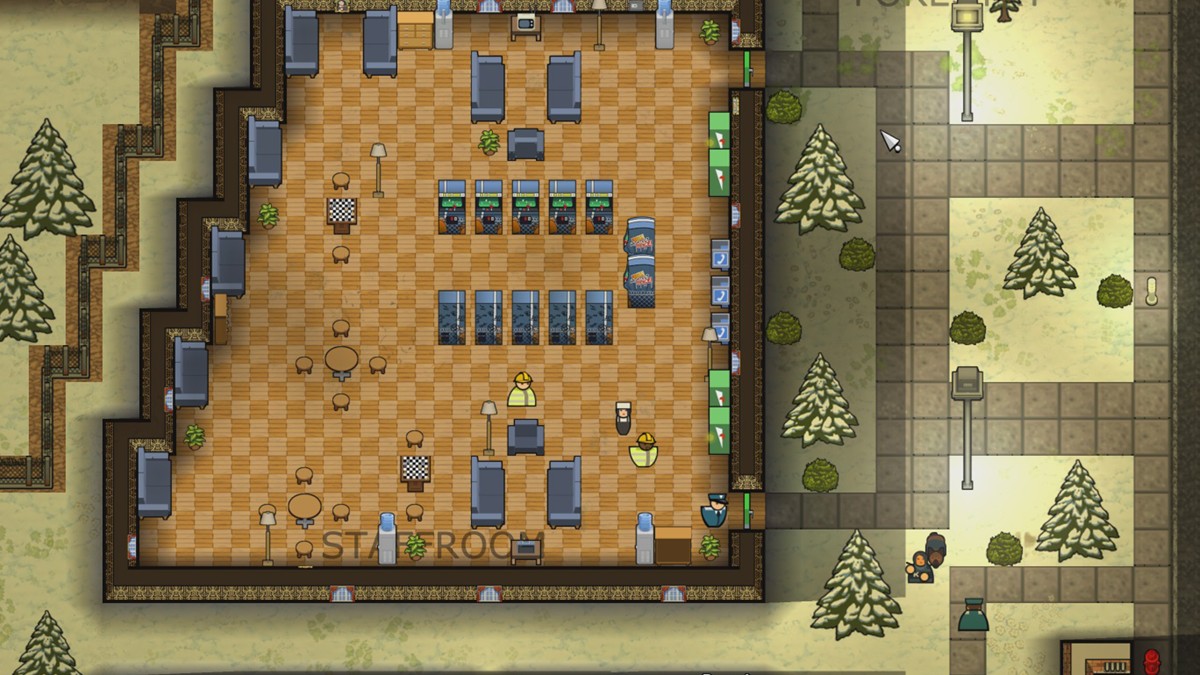
The Shovel: Prison Architect’s Free Content Update Available Today on Xbox One Since the Escape Mode DLC launch last year, things have been a little quiet for Prison Architect on Xbox One. That’s changing today, as Double Eleven launch The Shovel, their first free update since Paradox Interactive took over the Prison Architect brand in January…
Discover the Life of Slavic Peasants in Yaga, Available Now on Xbox One Now that Yaga is finally available on Xbox One, I thought it would be interesting to share a bit about our main character and the inspiration for our game’s world. Yaga is an action RPG where you play as a one-handed blacksmith named Ivan, cursed with a great deal of bad luck…
Minecraft Earth Early Access Off to an Exciting Start Following Mobs in the Park Kickoff Last week in celebration of Minecraft Earth’s early access rollout, we unveiled the Mobs in the Park pop-up experience in three locations around the world – Hudson Yards in New York City, Campbell’s Cove in Sydney and the Queen’s Walk in London – granting players…
Leap into Adventure and Nature with Tamarin, Coming Soon to Xbox One Introducing Tamarin, a new third-person action-adventure that mixes two styles of play. This cute monkey seems harmless, jumping around beautiful Nordic environments, swimming in the fjords, climbing mountains, catching birds. But things go wrong very quickly…
Turkeytopia: Come Dine with Us in Trove We’d love to invite you for 14 days and nights of fine dining, mayhem and adventure as Trove is entering Turkeytopia! Qubesly’s family recipe has been stolen, and he needs your help to recover it. Slice your way through six unique quests on offer during this two-week event…
Embark on a Paranormal Adventure in Ghost Simulator on Roblox Ghost Simulator, the hit ghost hunting adventure game on Roblox, has just landed on Xbox One! Don your trusty ghost vacuums, Robloxians. We’ve got an entire world to exorcise. It’s easy to get sucked into the world of Ghost Simulator (no pun intended). From the vibrant…
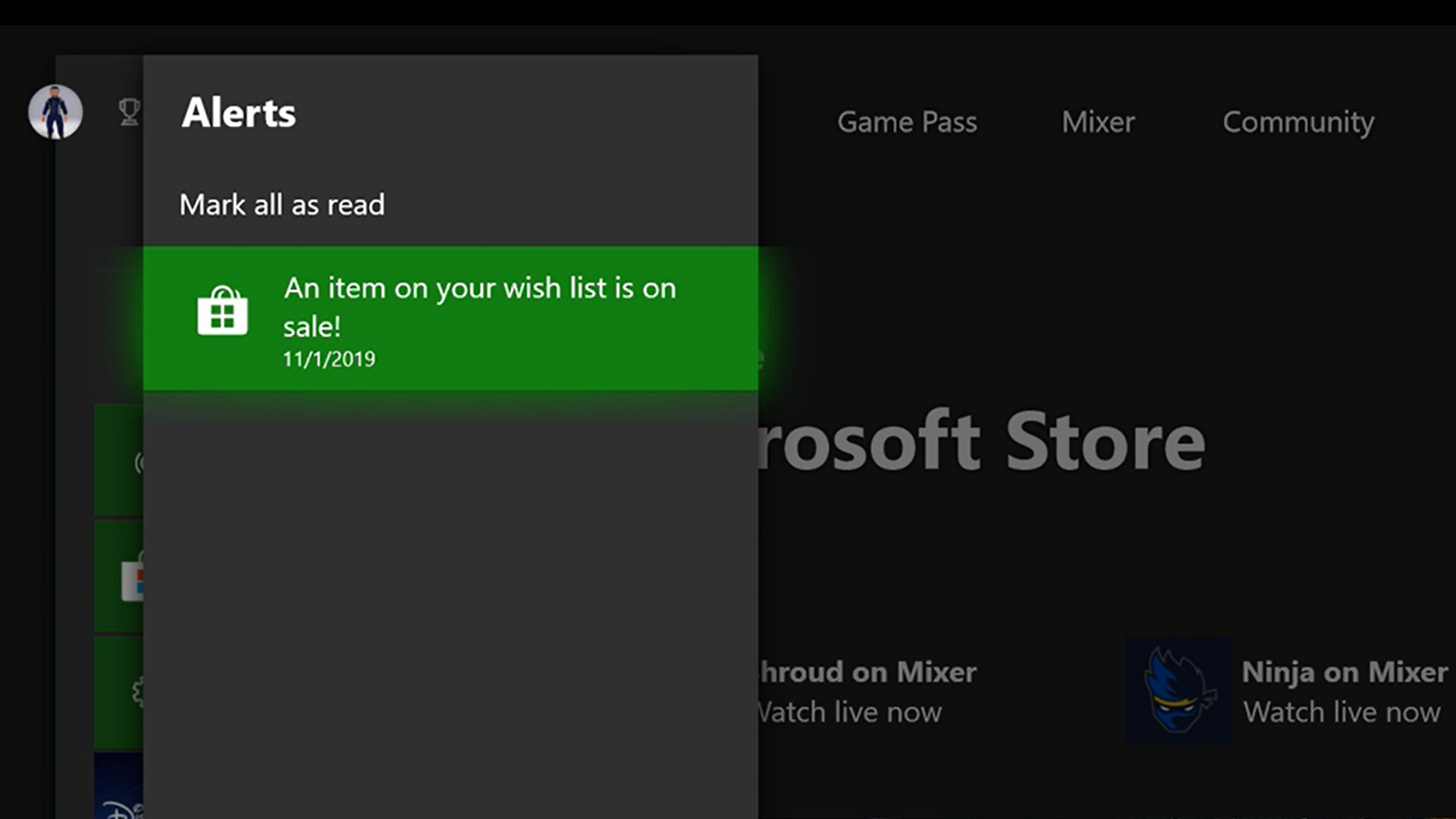
Get Ready for Black Friday with Wish List Notifications Black Friday is just around the corner and while we know you’re excited for all the deals on games, Xbox One bundles, controllers and subscriptions that we announced at X019 there’s never been a better time to update your Microsoft Store Wish List. Earlier this year, we rolled out…
Freshly Cooked Duck for Sale Now in Munchkin: Quacked Quest We’ve been cooking up Munchkin: Quacked Quest for a long while now and it’s fresh out the oven…this duck smells so good! Unfortunately, like that warning you get on your morning coffee, it was still far too hot for you to consume and has only now gotten cool enough to eat…
Valfaris: 5 Reasons It’s the Heaviest Metaliest Game of the Year If you like your gaming experiences loud and over-the-top (and excellent), then you’re in luck – Valfaris, the heavy metal action-platformer, is available to download today for Xbox One on the Microsoft Store. With its heady mix of relentless run-and-gun thrills and rowdy ear-blistering riffs…
Unraveling the Customization of Woven, Available Now on Xbox One Once upon a time, we at Alterego Games started work on Woven. We spun ideas of stuffed animals living in a world of wool, with soft knitted hills and neatly quilted rocks, a wondrous adventure land; all comfy and cozy. But not all is as it seems. Woven tells a tale like the bedtime…
X019: Planet Coaster Rolling to Xbox One in Summer 2020 Frontier, creators of the beloved Planet Coaster, debuted their console announce trailer at X019 in a world first exclusive. After a successful three years on PC, Planet Coaster is coming to Xbox One in Summer 2020, including all free content and features that have been added to the game…
X019: Welcome to Purgatory – Join the West of Dead Open Beta Now We were at X019 last week admiring all the wicked titles on display, but also feeling pretty ecstatic that people were playing our game, West of Dead, too. We’re even more excited to share that anyone can play it now, as we’ve got the West of Dead open beta running through November 25…
The Evolution of Ada, Sparklite’s Charming Hero The gorgeous spritework and animations of Ada, our hero, is one of the most recognizable features of Sparklite. But it hasn’t always been this pretty. We began our studio as three programmers with little pixel art skill so the story of our hero’s aesthetic journey in many ways mirrors the…
Next Week on Xbox: New Games for November 27 to 29 Welcome to Next Week on Xbox, where we cover all the new games coming soon to Xbox One! Every week the team at Xbox aims to deliver quality gaming content for you to enjoy on your favorite gaming console. To find out what’s coming soon to Xbox One, read on below and click…