The Linux Foundation welcomes the Linux Vendor Firmware Service (LVFS) as a new project. LVFS is a secure website that allows hardware vendors to upload firmware updates. It’s used by all major Linux distributions to provide metadata for clients, such as fwupdmgr, GNOME Software and KDE Discover.
To learn more about the project’s history and goals, we talked with Richard Hughes, upstream maintainer of LVFS and Principal Software Engineer at Red Hat.
Linux Foundation: Briefly, what is Linux Vendor Firmware Service (LVFS)? Can you give us a little background on the project?
Richard Hughes: A long time ago I wanted to design and build an OpenHardware colorimeter (a device used to measure the exact colors on screen) as a weekend hobby. To update the devices, I also built a command line tool and later a GUI tool to update just the ColorHug firmware, downloading a list of versions as an XML file from my personal homepage. I got lots of good design advice from Lapo Calamandrei for the GUI (a designer from GNOME), but we concluded it was bad having to reinvent the wheel and build a new UI for each open hardware device.
A few months prior, Microsoft made UEFI UpdateCapsule a requirement for the “Windows 10 sticker.” This meant vendors had to start supporting system firmware updates via a standardized format that could be used from any OS. Peter Jones (a colleague at Red Hat) did the hard work of working out how to deploy these capsules on Linux successfully. The capsules themselves are just binary executables, so what was needed was the same type of metadata that I was generating for ColorHug, but in a generic format.
Some vendors like Dell were already generating some kinds of metadata and trying to support Linux. A lot of the tools for applying the firmware updates were OEM-specific, usually only available for Windows, and sometimes made dubious security choices. By using the same container file format as proposed by Microsoft (the reason we use a cabinet archive, rather than .tar or .zip) vendors could build one deliverable that worked on Windows and Linux.
Dell has been a supporter ever since the early website prototypes. Mario Limonciello (Senior Principal Software Development Engineer from Dell) has worked with me on both the lvfs-website project and fwupd in equal measure, and I consider him a co-maintainer of both projects. Now the LVFS supports firmware updates on 72 different devices, from about 30 vendors, and has supplied over 5 million firmware updates to Linux clients.
The fwupd project is still growing, supporting more hardware with every release. The LVFS continues to grow, adding important features like 2 factor authentication, OAuth and various other tools designed to get high-quality metadata from the OEMs and integrate it into ODM pipelines. The LVFS is currently supported by donations, which funds the two server instances and some of the test hardware I use when helping vendors.
Hardware vendors upload redistributable firmware to the LVFS site packaged up in an industry-standard .cab archive along with a Linux-specific metadata file. The fwupd daemon allows session software to update device firmware on the local machine. Although fwupd and the LVFS were designed for desktops, both are also usable on phones, tablets, IoT devices and headless servers.
The LVFS and fwupd daemon are open source projects with contributions from dozens of people from many different companies. Plugins allow many different update protocols to be supported.
Linux Foundation: What are some of the goals of the LVFS project?
Richard Hughes: The short-term goal was to get 95% of updatable consumer hardware supported. With the recent addition of HP that’s now a realistic target, although you have to qualify the 95% with “new consumer non-enterprise hardware sold this year” as quite a few vendors will only support hardware no older than a few years at most, and most still charge for firmware updates for enterprise hardware. My long-term goal is for the LVFS to be seen like a boring, critical part of infrastructure in Linux, much like you’d consider an NTP server for accurate time, or a PGP keyserver for trust.
With the recent Spectre and Meltdown issues hitting the industry, firmware updates are no longer seen as something that just adds support for new hardware or fixes the occasional hardware issue. Now the EFI BIOS is a fully fledged operating system with networking capabilities, companies and government agencies are realizing that firmware updates are as important as kernel updates, and many are now writing in “must support LVFS” as part of any purchasing policy.
Linux Foundation: How can the community learn more and get involved?
Richard Hughes: The LVFS is actually just a Python Flask project, and it’s all free code. If there’s a requirement that you need supporting, either as an OEM, ODM, company, or end user we’re really pleased to talk about things either privately in email, or as an issue or pull request on GitHub. If a vendor wants a custom flashing protocol added to fwupd, the same rules apply, and we’re happy to help.
Quite a few vendors are testing the LVFS and fwupd in private, and we agree to only do the public announcement when everything is working and the legal and PR teams gives the thumbs up. From a user point of view, we certainly need to tell hardware vendors to support fwupd and the LVFS, before the devices are sitting on shelves.
We also have a low-volume LVFS announce mailing list, or a user fwupd mailing list for general questions. Quite a few people are helping to spread the word, by giving talks at local LUGs or conferences, or presenting information in meetings or elsewhere. I’m happy to help with that, too.
DayZ is an open world multiplayer game which found popularity on PC some years ago. The goal is for players to survive on a post-apocalyptic map for as long as they can. Many gamers consider DayZ a hardcore experience because there are no tips, waypoints, tutorials, or lives. If you make a mistake and get killed, you lose everything and have to start from the beginning.
Xbox One X Enhanced
The post-soviet country of Chernarus is struck by an unknown virus, turning the majority population into frenzied infected. Fighting over resources has bred a hostile mentality among survivors, driving what’s left of humanity to collapse. You are one of the few immune to the virus - how far will you go to survive?
A few years ago, Bohemia Interactive announced that DayZ would be coming to Xbox Game Preview "soon". Luckily, that day has arrived because it's now available on Xbox One. The game costs $39.99 (a trial is available) and features Xbox One X enhancements. The developer previously stated that the team was targeting 4K 30 FPS and 1080p 60 FPS modes on the console. However, it's unclear if that option is available in the current Xbox Game Preview build.
DayZ gets base building on Xbox One soon, promises mouse and keyboard support
DayZ is an open world multiplayer game which found popularity on PC some years ago. The goal is for players to survive on a post-apocalyptic map for as long as they can. Many gamers consider DayZ a hardcore experience because there are no tips, waypoints, tutorials, or lives. If you make a mistake and get killed, you lose everything and have to start from scratch with absolutely nothing. Just like other titles in the genre, scavenging resources is the focus.
DayZ launched in the Xbox Game Preview program a few months ago, and since then the title hasn't received a lot of substantial features. Luckily, that's about to change on November 22, 2018. Today, developer Bohemia Interactive stated that base building and new vehicles will be added to the game in the coming days. It's the "biggest game update" the team has done so far because it also brings a lot of quality-of-life improvements to experience.
However, the post also promised future updates to the interface to make it better on consoles, and an overhaul of the inventory. There are a lot of areas that need to be improved before the game is really to exit out of Xbox Game Preview.
Lastly, at X018, Microsoft announced that mouse and keyboard support was coming to Xbox One. DayZ is one of the games that will take advantage of this new feature. Unfortunately, support will most likely not be implemented before the game leave Xbox Game Preview.
Posted by: xSicKxBot - 03-27-2019, 10:45 AM - Forum: Lounge
- No Replies
New Five Nights At Freddy's Game Revealed, Bringing The Series To VR
Just when you thought the Five Nights at Freddy's horror series had reached its end, here comes a new installment that'll be out soon. Revealed during Sony's inaugural State of Play livestream, the Five Nights franchise will be making its debut on PS4 with Five Nights At Freddy's VR: Help Wanted, along with releases on Steam and the Oculus Store. In addition to being the series' debut on a console, it's also the first time the series will be playable in VR, which adds a whole new spin on the standard hide-and-seek gameplay that made it such a hit.
Developed by Steel Wool Games, Help Wanted remasters several past levels from the previous Five Nights games for the VR format. Playable with both the PlayStation move controllers and the standard DualShock, you'll be able to solve puzzles and evade the murderous animatronics--all within VR. Though the game is structurally the same and uses a lot of classic levels and returning monsters, it overhauls many encounters with the band of nightmarish animatronics from Freddy FazzBear's Pizzeria.
The VR game will also include a whole suite of collectibles to find hidden in each stage. These items include plush dolls, bobbleheads, and other knick-knacks referencing the main baddies in the series. Set for release this April, Five Nights at Freddy's VR: Help Wanted seems like it'll be an interesting change of pace for the series that can use the new format to great effect.
For more on what was revealed during the PS4's State of Play livestream, which includes the new trailers for Mortal Kombat 11, Days Gone, and No Man's Sky Beyond, be sure to check out our continuing coverage.
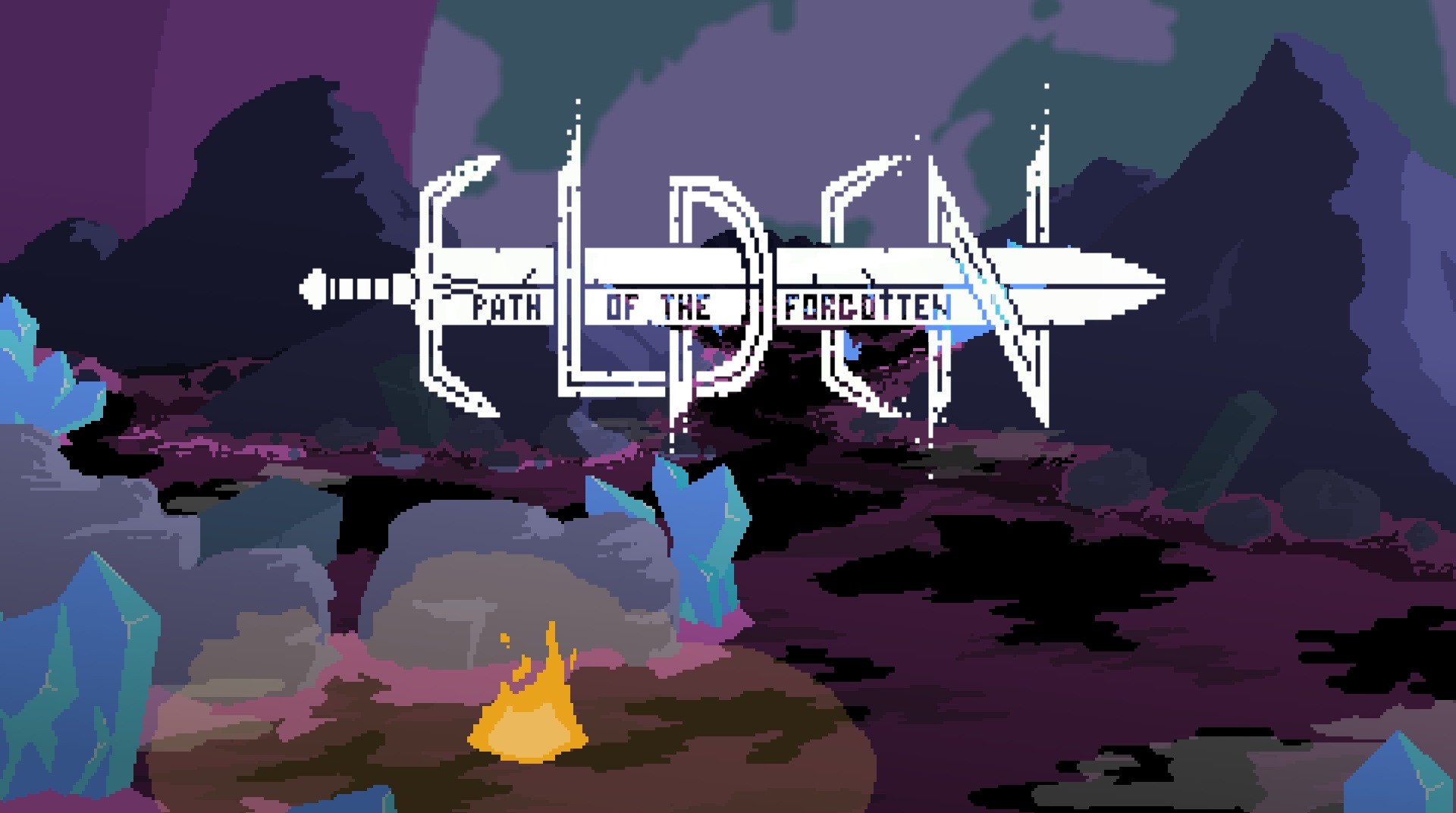
Elden: Path Of The Forgotten Brings Top-Down Horror To Switch This Year
Top-down pixel art action title Elden: Path of the Forgotten is scheduled to launch on Nintendo Switch in 2019, it has been confirmed.
Elden: Path of the Forgotten is a medieval cosmic horror game with a focus on “storytelling through nontraditional methods” and environmental storytelling. It has been in development since late 2015 by the one-man team at Onerat Games, being picked up by publisher Another Indie for the Switch release coming later this year.
This handy feature list should give you a little more info:
KEY FEATURES: – Explore a stunning and encapsulating dark world containing assorted, challenging, and narrative layered lands. – Immerse yourself in epic battles against abhorrent Lovecraftian enemies and bosses. – Play your style by experimenting with a wide variety of unique weapons and powerful spells. – Be haunted by a gorgeous and minimalistic soundtrack.
We don’t have a specific release date for this one just yet, but we’ll keep an eye out for more news as it comes.
What do you think? Are you looking forward to seeing the game launch on Switch? Tell us below.
Posted by: xSicKxBot - 03-27-2019, 04:40 AM - Forum: Lounge
- No Replies
Battlefield 5's Firestorm Battle Royal Mode Is Live, Game Is Half Off
The battle royale trend isn't slowing down anytime soon, and Battlefield is the latest series to get in on the action--Battlefield V's battle royale mode, Firestorm, went live today for all players on PS4, Xbox One, and PC. Firestorm is a free add-on for Battlefield V; you must own the base game in order to play.
Luckily, you can grab the base game for up to 50% today: the standard edition is selling for $30, and the deluxe edition is only $40. The deluxe edition includes five sets of paratrooper outfits, special assignments, and 20 weekly Airlifts with customization items. The deluxe edition for PC also includes the Firestorm ranger set, paratrooper gear, and instant access to Battlefield 1 weapons.
Like other battle royale games, Firestorm begins with players dropping from the sky onto a map called Halvøy, which is 10 times larger than Battlefield V's largest map, Hamada. The 64-player matches can be played solo or in squads up to four players. A ring of fire slowly shrinks around the battlefield, forcing you and other players to move inward. Once you hit the ground, you'll be searching for resources, weapons, and gear, with the most valuable stockpiles held at Re-supply Points and Vehicle Lockups. Vehicular combat plays a much bigger role in Firestorm than other existing battle royale titles--as of now, there are 17 different vehicles to control, such as choppers and tanks; however, they're susceptible to anti-vehicle weaponry.
Among Firestorm's rarest loot are Reinforcements, which you can use to spread destruction with artillery strikes or combat vehicles, or to call in supply drops for you and your squad. Just like any Battlefield game, buildings can be destroyed, so nowhere is truly safe to camp out and hide.
Battlefield V has been out since November, so players have been waiting over five months for the release of Firestorm. In that time, Apex Legends has swept onto the battle royale scene with rapidly growing player counts, and Fortnite continues to thrive, so it remains to be seen whether Firestorm can capitalize on the popular genre and build its own loyal player base.
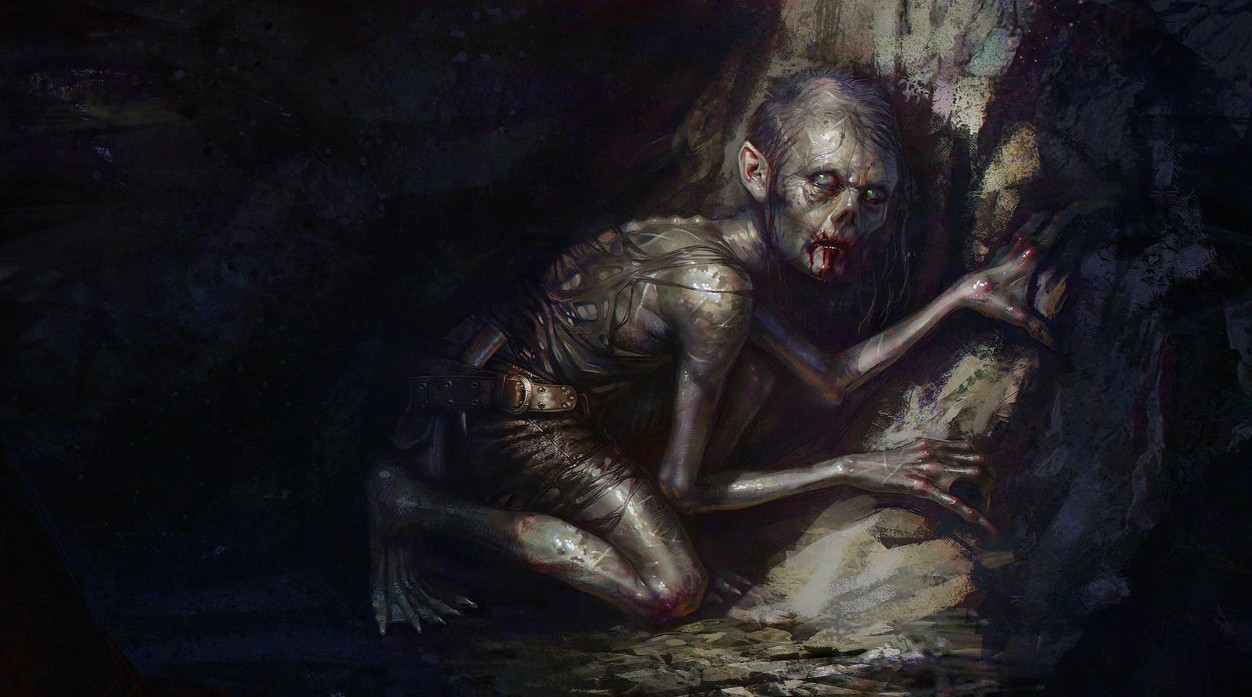
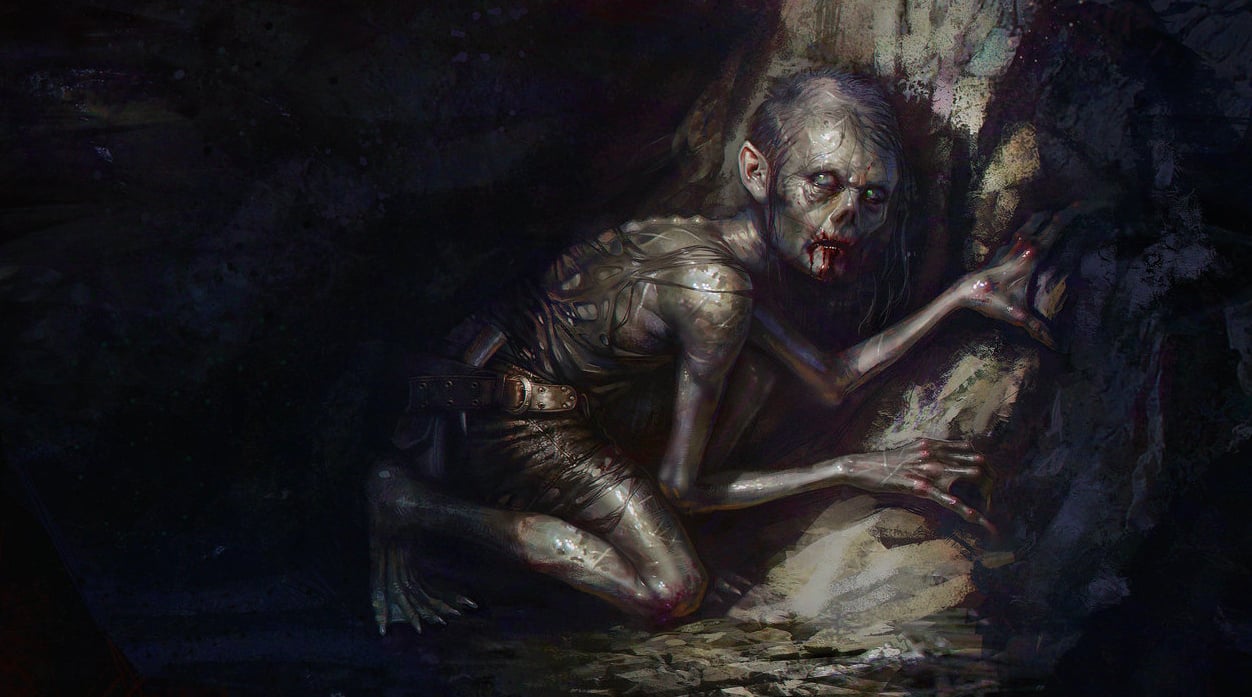
The Lord Of The Rings: Gollum Could Come To Switch, My Precious
We’re getting a new Lord of the Rings game, and it’s one that will focus on perhaps the most interesting character across all of Tolkien’s works: Gollum.
Twisted and tortured by his desire for The One Ring, Gollum is a key figure in both The Hobbit and its sequel, and would make a great central character for any game. That’s clearly what publisher Daedalic Entertainment thinks, as it is creating a point-and-click adventure with The Artist Formerly Known As Sméagol in the lead role.
Created with the assistance of Middle-earth Enterprises, The Lord of the Rings: Gollum will take place between the events of The Hobbit and The Lord of the Rings. After being tricked out of ownership of The One Ring to Bilbo Baggins in The Hobbit, Gollum is torn apart by rage and is eventually captured by a resurgent Sauron, who tortures Gollum to discover the powerful trinket’s latest whereabouts – setting in motion the events of The Lord of the Rings. Given the large space of time between both books, there’s plenty of ground to cover in the game, much of which was never fully fleshed-out by Tolkien himself.
Daedalic CEO Carsten Fichtelmann had this to say:
We tell Gollum’s story from a perspective never seen before, in any storytelling medium, all the while staying true to the legendary books of J.R.R. Tolkien. At a time when the games industry is undergoing structural changes and seeing new business models evolve, we are excited to realize a huge new production based on a story that has stayed fresh and relevant for more than 60 years.
The Lord of the Rings: Gollum is seen as the first in a new wave of officially-licenced games based on Tolkien’s epic high fantasy world, and will launch on 2021 on “all relevant console platforms at that time”. We’d imagine that includes Switch, but we obviously can’t be sure at this moment in time. There’s also little to report on the game itself, which is understandable given how far away it is.
What we do know is that this won’t be based on Peter Jackson’s acclaimed movie series, so don’t expect familiar faces (or indeed voices) to appear – we’ll have an all-new cast with different designs, and the world of Middle-earth will no doubt look a lot different, too.
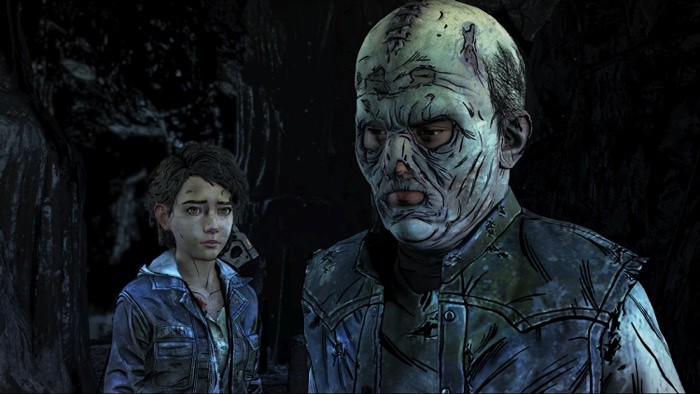
The Final Episode Of The Walking Dead’s Final Season Is Out Today On Switch
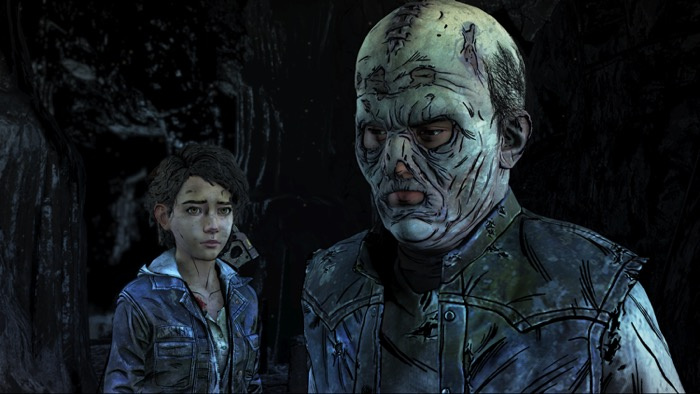
Telltale’s The Walking Dead: The Final Season has finally reached its end today, with its final episode ‘Take Us Back’ now available on Nintendo Switch and other platforms.
As you may well be aware, Skybound Games picked up development of the Walking Dead series after its original developer, Telltale, closed its doors last year. Some members of the original Telltale team joined forces with Skybound to complete the game and the final result of this collaboration can now be fully experienced by players.
Skybound Games CEO Ian Howe has shared the following in a press release today:
“It’s been an amazing experience working with the Still Not Bitten team to finish the final two episodes of TELLTALE’S THE WALKING DEAD for fans. I’d like to thank the team for their dedication to completing Clementine’s story, and the fans for embracing Skybound Games as we worked to help bring closure to a story near-and-dear to so many.”
If you’re yet to play any of the final season, here’s a quick overview:
After years on the road facing threats both living and dead, a secluded school might finally be Clementine’s chance for a home in THE WALKING DEAD: THE FINAL SEASON. Clementine has become a leader while watching over AJ, an orphaned boy and the closest thing to family she has left. In the aftermath of an explosive plan to save her friends, Clementine must now lead her flock of lost children back home. A herd of walkers, the vengeful raiders, and AJ’s troubled mind all stand in her way. Can she be the savior they need her to be?
As with past seasons, the final season is available from the Nintendo eShop in the form of a season pass which gives you access to all episodes as they are released. Those who have already purchased a pass can get their hands on the new episode today, and buying the pass from today onwards will automatically grant you access to all four episodes, including today’s release.
Have you been playing through Clementine’s story? Will you be checking out the series’ conclusion today? Let us know in the comments.
Posted by: xSicKxBot - 03-27-2019, 04:40 AM - Forum: Windows
- No Replies
Choose Your Own Apocalypse Update comes to ‘State of Decay 2’
Starting today, the ever-growing State of Decay 2 community can take the ultimate zombie survival game to its deadliest level with the launch of the Choose Your Own Apocalypse Update. This update introduces the Dread Zones and Nightmare Zones as two new difficulty modes that challenge players with deadlier zombies, more aggressive and resilient humans, a faster-acting blood plague and fewer resources to scavenge. Along with these two new modes are 16 new Achievements for 275 additional Gamerscore.
Available at no cost for all owners of State of Decay 2 and Xbox Game Pass members, the Choose Your Own Apocalypse Update presents more options for players to define what it means to survive. New players can start their community in Standard Zones (the game’s base difficulty level), and Dread Zones are great place for players who want a challenge with additions like armored zombies, more hordes and a faster acting blood plague infection (from about 3 hours to just about 30 minutes). Nightmare Zones are intended for hardcore players who are ready to test themselves against freak packs like screamer choirs and bloater pods along with NPCs who can headshot you right back.
Earlier this month we gave a sneak peek at what to expect with the Choose Your Own Apocalypse Update, and we’re excited to additionally share that based on community feedback, you can now choose your map when establishing a new community. The team has also continued to make other improvements to the core game based on feedback, which includes an all-new Character Manager, larger loot drops at plague hearts and more. The full list of patch notes is available at stateofdecay.com.
To celebrate the launch of the Choose Your Own Apocalypse Update, we’re also running a MixPot giveaway at mixer.com/undeadlabs from March 26 at 9:00 a.m. PDT until April 2 at 11:59 p.m. PDT. Viewers who are logged into Mixer and watching the official Undead Labs Mixer channel will be automatically entered to win all five of the pre-order content packs.
With today’s update, now is the perfect time for new and existing fans to jump into the apocalypse. For those new to State of Decay 2, get started with Xbox Game Pass (whether as a current member or by joining today and get your first month for $1), or by purchasing either the Standard Edition or the Ultimate Edition. We’re excited for players to enjoy today’s release and look forward to continuing supporting the State of Decay 2 community with content like the upcoming return to Trumbull Valley later this year.
Until then, you can Choose Your Own Apocalypse and answer the question: how will you survive?
Playdek are bring GMT’s Fort Sumter to iOS & Android
Pocket Tactics favourites Playdek seem to be recovering from whatever it was that was affecting them a year or so ago, when all was quiet and we were genuinely concerned for their future. Case in point: they’ve just announced another project as part of their long-standing strategic partnership with physical war game publisher GMT Games.
We already knew they were working on a port of Labyrinth: War on Terror 2001 – ?, but today they’ve announced they’re also working on a digital port of Fort Sumter for PC & mobile devices. Fort Sumter is a fast-paced card driven game based around the historical events that led to the start of the American Civil War. It’s not a war game – there are no troops to command and the game doesn’t even technically cover the ACW itself.
Instead, it attempts to model the political struggle in the days and weeks leading up to the initial siege of the fort by the Confederate force (which kicked off the Civil War). It’s a card driven strategy game with very limited actions, and a lot of tough choices to make. You can read what our very own Matt Thrower thought of the physical game in his article over at Wargamer.com:
Your goal is to have more cubes than your opponent in all three spaces of the same aspect, earning you a point. But there are catches to keep the game interesting. Most notably, it penalises players for adding too many cubes too fast. Historically this models the way that taking up extreme positions both attracts and repels aspects of public opinion. But it’s also a clever route to game balance, like Twilight Struggle’s “Defcon” track.
Shuffling cubes among board spaces doesn’t sound like a historical game. And the first time you play, it’s unlikely to feel like one. You’ll read the cards, match some symbols on the board, and ride out the half-hour play time like a fanciful abstract. But you’ll have a good time, because like any good abstract, Fort Sumter is full of fun decisions.
We don’t really know anything more at this point – Playdek have confirmed it’s coming to PC, iOS & Android, but no word on timings yet. We’ll keep you updated as we find out more.
In addition to KO_OP and ustwo games, Hironobu Sakaguchi’s (creator of the Final Fantasy series) studio Mistwalker is working on an Apple Arcade exclusive game called Fantasian.
A handful of developers are already working with Apple to bring their games to the service, including Konami, PlatinumGames, Sega, Annapurna Interactive, Gameloft, Devolver Digital and several others.
While Apple has yet to announce anything on pricing yet, the service is due out this fall in more than 150 countries and regions and the full list of games slated to be released on the platform can be viewed here.



![[Image: dayz-screenshot.jpg?itok=D4hUxt0j]](https://www.windowscentral.com/sites/wpcentral.com/files/styles/xlarge/public/field/image/2017/12/dayz-screenshot.jpg?itok=D4hUxt0j)
![[Image: apps.29273.69886306496288395.9772e69a-b6...=300&w=200]](https://store-images.s-microsoft.com/image/apps.29273.69886306496288395.9772e69a-b6b4-4e4e-b921-787e4783bd7d.596454ff-8c18-42f6-93ba-3c0dd66b5c6f?mode=scale&q=90&h=300&w=200)
![[Image: dayz-xbox.jpg?itok=EKAXjBhu]](https://www.windowscentral.com/sites/wpcentral.com/files/styles/large/public/field/image/2017/12/dayz-xbox.jpg?itok=EKAXjBhu)